
Soft Nonprofit Values Cards Layout for Divi 5: Three Icon Values
A clean, minimal Divi 5 cards section for nonprofits. Displays three icon-backed core values with soft lavender background, white cards, and readable typography.
Rate this element
Download this section, free
- Divi 5 JSON, imports in seconds
- Commercial license included
- No account needed
Click to view the full page
Overview
The layout opens with a centered header zone built inside a single full-width column: a 2px solid indigo (#4f46e5) Divider module acts as a typographic accent above a Plus Jakarta Sans heading set at 2.25rem, 800 weight, and deep navy #1e2140, followed by a one-line Figtree subheading in muted slate #596083. The whole section sits on a pale periwinkle field (#f5f6ff) with 100px top and bottom padding, giving the card row room to breathe without competing with whatever sections flank it. No imagery is used in the header — the color field and the thin rule do the work.
Below the header, three equal cards are arranged in a row with a 35px column gap. Each card is a white (#ffffff) divi/column with 16px rounded corners on all four sides, a 1px #e0e3f5 border, and 32px padding inside — a container that reads contained and trustworthy without looking clinical. The internal row gap of 20px keeps the icon badge, title, and description in a tight vertical rhythm that prevents the eye from losing the thread between them.
Every card opens with a left-aligned divi/icon module: a 12px-radius indigo square holding a 20px white Font Awesome glyph. The three icons chosen — a heart, a group of people, a document — each signal the value before the text registers. The card title follows at 18px/700 in Plus Jakarta Sans #1e2140, and the body copy uses 16px/400 Figtree #596083. The weight contrast between title and description makes each value feel declared rather than described, which is exactly the tone a donor or grant reviewer needs.
The responsive behavior is fully specified in the column sizing settings. At tablet widths, each card shifts to 12/24 (half-width), so two cards sit side-by-side with the third wrapping below. On phones, all three stack to full 24/24 width via flex-direction: column. No custom CSS is required — the breakpoints are wired directly into the column Decoration settings. Because the layout uses no images, there are zero Cumulative Layout Shift concerns and the section renders instantly regardless of connection speed.
What’s inside
- divi/section with soft periwinkle background (#f5f6ff) and 100px vertical padding, separated visually from adjacent sections without a hard line
- Full-width header row with a 2px solid divi/divider accent in indigo (#4f46e5) above a centered Plus Jakarta Sans 800 heading and a Figtree subheading
- Three-column card grid using native divi/row and divi/column modules at 1/3 width each with 35px column gap
- Per-card divi/icon module: left-aligned 20px white Font Awesome glyph on an indigo (#4f46e5) badge with 12px border radius
- White card columns with 16px rounded corners, 1px #e0e3f5 border, and 32px internal padding on all sides
- Two-typeface system: Plus Jakarta Sans (headings and card titles at 700-800 weight) paired with Figtree (body copy at 400), both set via Divi's native font controls
- Fully declarative responsive breakpoints: 2-up wrap at tablet, single-column stack on phones — configured in column Sizing settings, no custom CSS
Who it’s for
This layout is a natural fit for nonprofits, charities, community foundations, and social enterprises that need to communicate their guiding principles to donors, grant reviewers, or first-time visitors. The soft indigo palette reads principled and calm rather than corporate, making it appropriate for organizations working in social services, education, housing, community health, or faith communities. Mutual aid groups and neighborhood associations will find the three-card structure easy to adapt for any trio of commitments. Freelancers and agencies building sites for these clients can drop this section into any nonprofit homepage, About page, or campaign landing page without restyling the rest of the site.
Customization tips
The section background (#f5f6ff) and the icon badge color (#4f46e5) share the same indigo family — swapping both to a warm teal or forest green keeps the tonal relationship intact with minimal effort. Update the section's Decoration > Background first, then change each icon module's background color to match. The card border (#e0e3f5) is a desaturated tint of the same hue; adjusting it to a corresponding tint of your new accent color keeps the cards cohesive. Keep card titles to two to four words — the 18px/700 weight is designed for short, declarative labels and wraps awkwardly beyond five words. Body copy per card works best in the 12-25 word range; going longer breaks the visual balance across the three cards since Divi does not equalize column heights automatically on all themes. The Divider above the heading can be removed entirely or recolored — its line color is set in the Divider module's Line > Color field. No images are used anywhere in the layout, so there are no aspect ratio or file size constraints to manage.
How to install this layout
- Download the layout JSON file from this page.
- Open the target page in the Divi 5 builder.
- Open the portability panel (up/down arrows icon) and choose the Import tab.
- Upload the JSON. Tick “replace existing content” only for full-page imports.
- Check the page at desktop and mobile widths, then swap in your copy and images.
Full walkthrough with troubleshooting: How to Import a Divi 5 Layout.
Questions about Soft Nonprofit Values Cards Layout for Divi 5: Three Icon Values
How exactly do the three cards reflow on smaller screens?
At tablet-wide and tablet breakpoints, each column is set to 12/24 width and the row uses flexWrap: wrap, so two cards sit side-by-side and the third wraps to a new row. On phones, the row switches to flex-direction: column and each column expands to 24/24, giving a clean single-column stack. All of this is configured in each column's Decoration > Sizing and the row's Decoration > Layout settings — no additional CSS is needed.
Which Divi 5 modules does this section use?
Six core modules: divi/section, divi/row, divi/column, divi/divider, divi/icon, and divi/text. There are no third-party or premium-only modules. The layout was built and validated against Divi 5.2.1.
Can I change the icons inside the cards?
Yes. Each icon module stores its glyph as a Font Awesome unicode value in the icon's Inner Content settings. Open the icon module in the Divi builder, click the icon picker, select any Font Awesome icon, and save. The indigo badge background and the white icon color are separate settings in Decoration > Background and Icon > Color, so you can update them independently.
What happens if I need four values instead of three?
The second row uses a 1_3,1_3,1_3 column structure. To add a fourth card, duplicate one of the existing columns, then change the row's Column Structure setting to a four-column layout. You will also need to update each column's flex sizing at each breakpoint to keep the responsive behavior consistent.
The layout has no photos — is that a design choice or a limitation?
It is a deliberate choice. Nonprofit values sections work better when they communicate through type and iconography rather than stock photography, which can feel generic or misrepresent the communities served. The absence of images also means the section loads instantly and carries no dependency on sourcing photos that match your organization's tone. If you want photography in this section, adding a background image to the divi/section itself is the cleanest approach.
What should I edit first after importing the layout?
Start with the three card titles and their body copy — those are the only content a visitor reads, and the sample text is placeholder language. Next, verify the icon choices match your values. Finally, if your brand color is not indigo, update the Divider line color, the section background, and the three icon badge backgrounds in one pass so the palette changes stay consistent.
Which Divi version does this layout need?
Divi 5. The layout is generated natively for Divi 5 and validated against its real module structure before publication, so it imports clean into the current builder.
Can I use this layout on client websites?
Yes. Every download includes a commercial license covering unlimited sites you own or build for clients. Only reselling or redistributing the layout file itself is prohibited.
More cards
Browse all cards
Luxe Real Estate Agent Profile Cards Layout for Divi 5: Team Grid
cards · real_estate · elegant
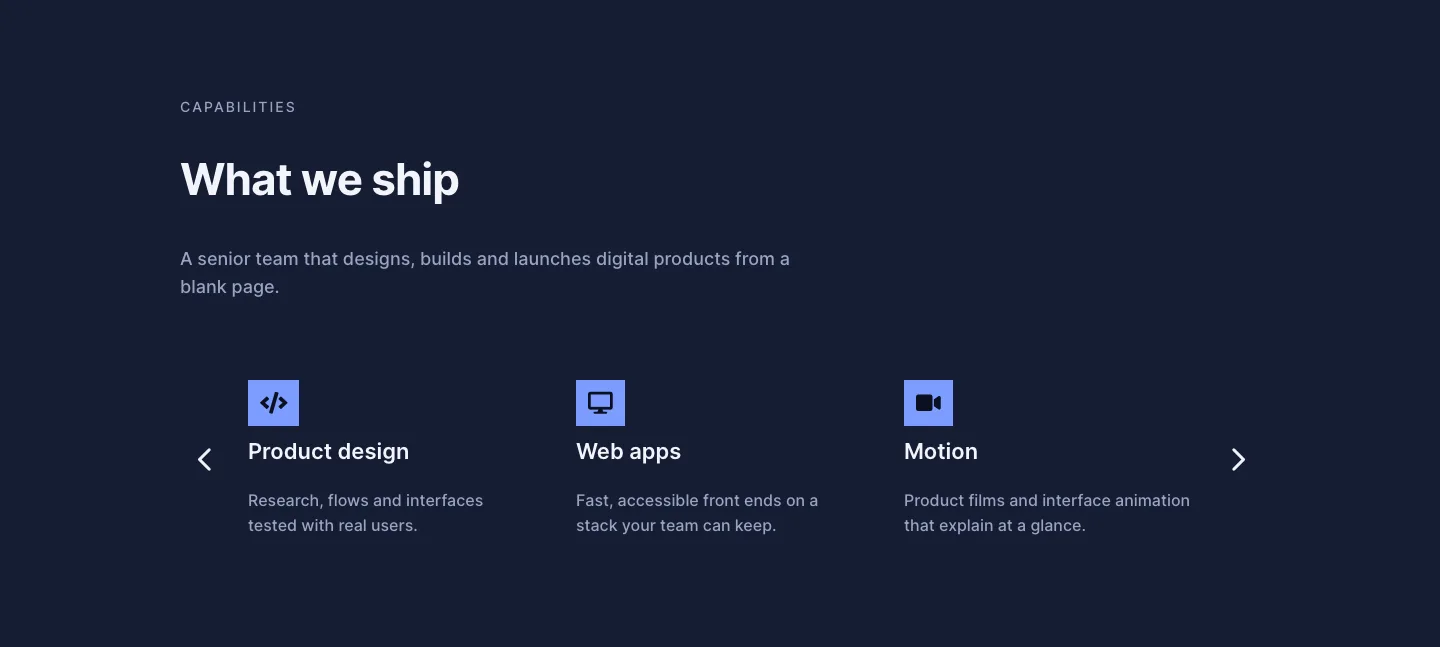
Dark Digital Agency Capabilities Cards Carousel Layout for Divi 5
cards · agency · dark
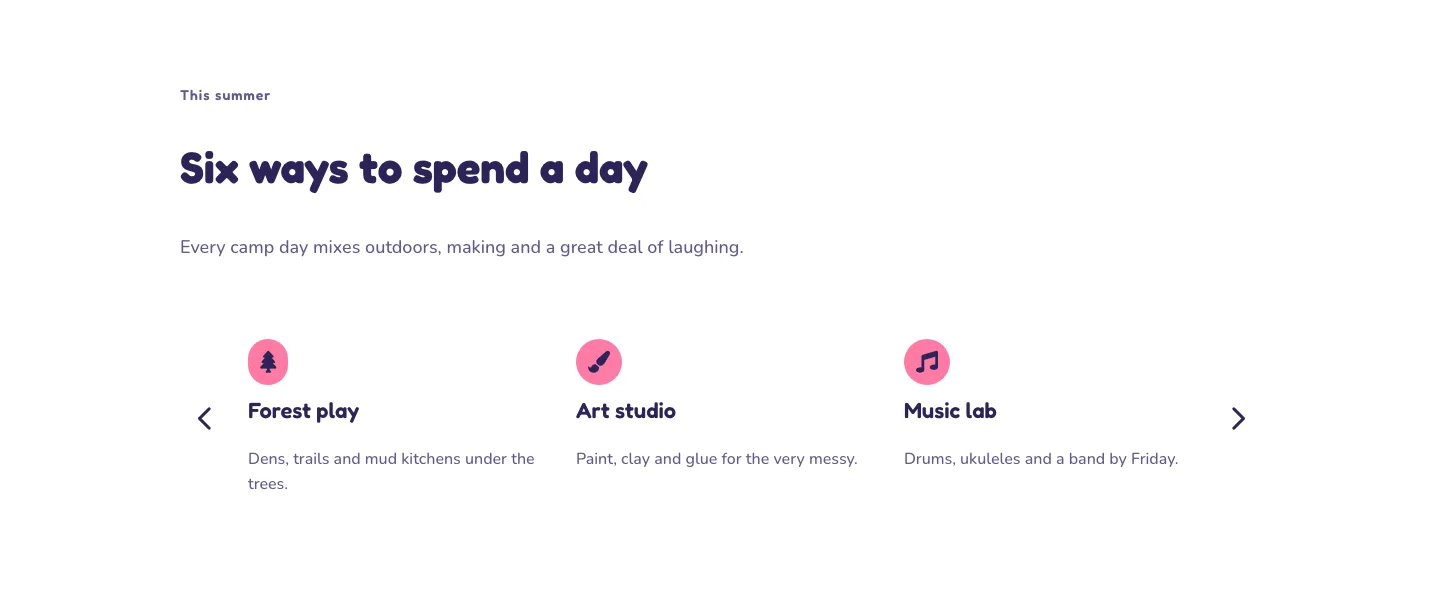
Playful Summer Camp Events Feature Cards Carousel Layout for Divi 5
cards · events · playful
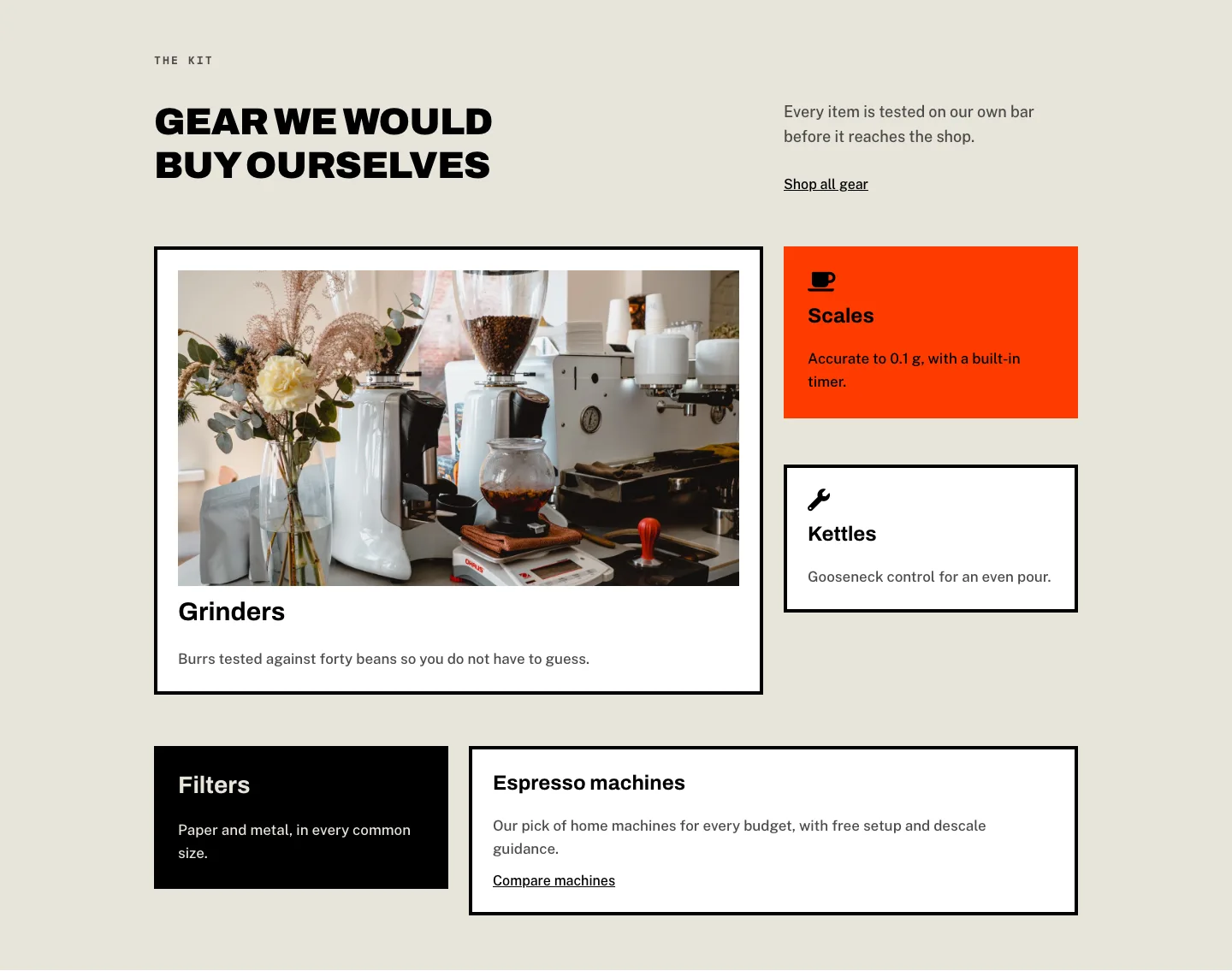
Brutalist Coffee Gear Ecommerce Feature Cards Bento Layout for Divi 5
cards · ecommerce · bold
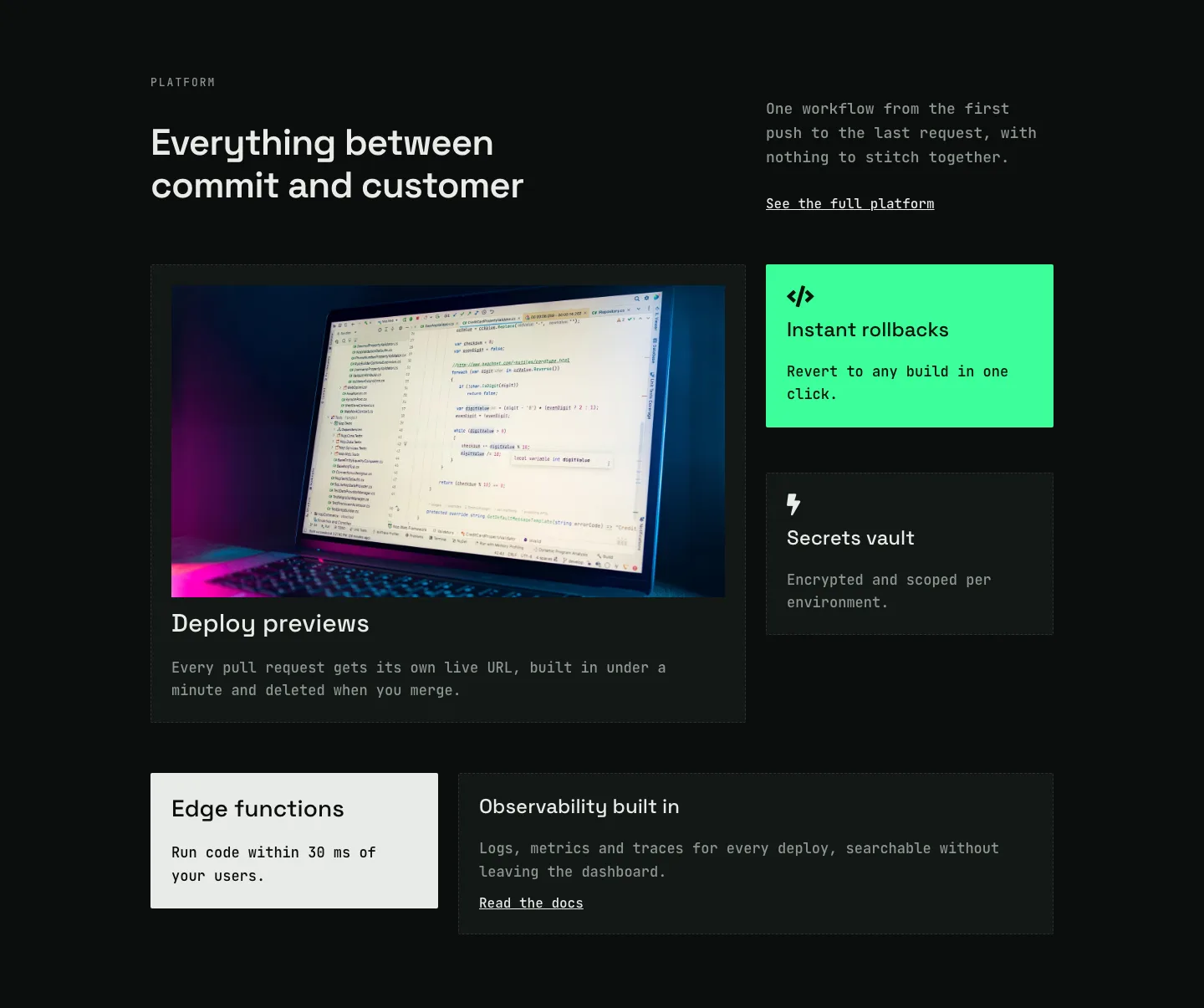
Dark Developer Platform Feature Cards Bento Layout for Divi 5
cards · saas · dark
Soft Case Study Cards Layout for Divi 5: Project Grid
cards · portfolio · minimal