
Luxe Real Estate Agent Profile Cards Layout for Divi 5: Team Grid
Showcase your property agents with this dark, editorial team grid section for Divi 5. Four portrait cards with Cormorant Garamond typography on a deep charcoal background — ready to drop into any luxury real estate site.
Rate this element
Download this section, free
- Divi 5 JSON, imports in seconds
- Commercial license included
- No account needed
Click to view the full page
Overview
This section opens with a two-column header row set against a deep espresso background (#16120e), with 160px of vertical padding on desktop tapering to 72px on mobile. The left column carries a Jost-set eyebrow label — "The team" — in 13px uppercase tracked at 3px, rendered in warm taupe (#b3a794), sitting beneath a 44px Cormorant Garamond h2 in light cream (#f3ece0) at weight 300. The header columns flex to flex-end alignment so the right-column description text sits flush with the baseline of the headline, creating a deliberate optical balance rather than a mechanical top-alignment. That right-column text block drops to a stacked column layout on mobile, so the intro copy reads as a natural continuation of the headline rather than a competing element.
The card grid below uses a strict four-column equal layout with 28px column gaps and 40px row gaps on desktop. Each card is a vertically stacked column: a square 1:1 image module fills the full column width with object-fit: cover and hard right-angle corners (no border radius), then a divi/group below it carries a 2px top border in cream — the only graphic accent in the whole section — followed by the agent name as an h3 in Cormorant Garamond at 20px weight 400, and a role label in Jost 13px uppercase tracking matching the eyebrow above. The group itself has a 16px top padding so the name breathes away from the rule, and a 4px row gap keeps name and title tightly coupled without merging into a single block.
At tablet breakpoint the four columns wrap to a two-across grid (each card takes 12_24 flex width), preserving the paired symmetry of the card design. On phone, each card expands to full width and stacks vertically, maintaining full legibility on narrow screens. The flexWrap: wrap and flexDirection: column values are explicitly set per breakpoint in the JSON, so the responsiveness is native to the layout structure rather than relying on CSS overrides.
The palette decision is precise: dark espresso field, cream text for names and borders, taupe for supporting text and eyebrows. There are exactly two type families in use — Cormorant Garamond for hierarchy anchors (headline and names) and Jost for descriptive labels — and they never swap roles. This restraint is what gives the section its luxury-agency feel rather than a generic real estate aesthetic.
What’s inside
- Two-row layout: a split header row (eyebrow + h2 headline left, description paragraph right, baseline-aligned) above a four-card agent grid
- Four native divi/image modules set to 1:1 aspect ratio with full-width `object-fit: cover` and square corners, one per agent card
- Each card uses a divi/group with a 2px solid cream top border as the only decorative rule, plus a divi/heading (h3) and divi/text for name and role
- Three-breakpoint responsive behavior: 4-across on desktop (28px gaps), 2-across wrap on tablet, single-column stack on phone
- Dual typeface pairing: Cormorant Garamond (300–400 weight) for headline hierarchy, Jost (400 weight) for all labels and body copy
- Deep espresso section background (`#16120e`) with 160px/112px/72px three-tier vertical padding scaling per breakpoint
- Eyebrow label and role titles share identical Jost 13px uppercase 3px tracked treatment, visually linking header and card metadata
Who it’s for
This layout suits boutique real estate agencies, luxury property brokerages, and high-end estate agents who want their website to project credibility through restraint rather than flash. It works equally well for relocation consultants, property developers with an in-house sales team, or real estate marketing agencies building client sites where the agents themselves are the trust signal. The dark, editorial palette skews toward the premium residential and waterfront markets. It also adapts cleanly to architecture firms, interior design studios, or any professional services practice where a four-person team grid is the right social-proof format.
Customization tips
Start by swapping the section background color and the cream/taupe text palette as a pair -- the two-tone text hierarchy (#f3ece0 for names and headlines, #b3a794 for supporting text) needs to maintain its contrast ratio against whatever background you choose. Agent photos should be square crops at a minimum of 800x800px; portrait-oriented headshots work best since object-fit: cover will center-crop anything taller. Keep names to 2–3 words and role labels to 3–5 words at the existing 13px size -- longer strings will wrap awkwardly inside the fixed-width columns. To add a fifth or sixth agent, duplicate a column inside the second row and update the columnStructure and flexColumnStructure values from 1_4,1_4,1_4,1_4 to your new count. The eyebrow text ("The team") and h2 ("Meet the agents") can be edited directly in the heading modules with no layout impact.
How to install this layout
- Download the layout JSON file from this page.
- Open the target page in the Divi 5 builder.
- Open the portability panel (up/down arrows icon) and choose the Import tab.
- Upload the JSON. Tick “replace existing content” only for full-page imports.
- Check the page at desktop and mobile widths, then swap in your copy and images.
Full walkthrough with troubleshooting: How to Import a Divi 5 Layout.
Questions about Luxe Real Estate Agent Profile Cards Layout for Divi 5: Team Grid
How does the four-card grid behave on tablet screens?
The second row switches to `flexWrap: wrap` at tablet, and each of the four card columns is set to `12_24` flex width, so they form a 2x2 grid. The header row above it stacks into a single column. No manual CSS is needed -- these breakpoint values are baked into the layout JSON.
What aspect ratio do the agent photos need to be?
The image modules enforce a strict 1:1 aspect ratio with `object-fit: cover`, so any square photo works perfectly. Portrait headshots (roughly 3:4 or 4:5) will also display well since the cover behavior center-crops the height. Avoid landscape photos wider than they are tall -- the face will likely get cropped out.
What should I edit first after importing?
Replace the four agent images first, then update each h3 name and the role text module below it. The section background and text colors come after -- the layout's proportions and spacing are set up to work with any dark background and a matching two-tone text palette.
Can I add a contact link or social icon to each card?
Yes. Each card is a divi/column containing an image and a divi/group. You can add a divi/button or divi/social-media module inside the group, below the existing heading and text modules. Keep any additions inside the group so they inherit the column's row gap spacing.
The layout uses Cormorant Garamond and Jost -- what if those fonts aren't in my Divi global fonts list?
Both are Google Fonts and are available directly inside the Divi 5 font picker. If they're not already loaded in your installation, selecting them in any font field will add them to your site. No external font service or plugin is required.
Which Divi version does this layout need?
Divi 5. The layout is generated natively for Divi 5 and validated against its real module structure before publication, so it imports clean into the current builder.
Can I use this layout on client websites?
Yes. Every download includes a commercial license covering unlimited sites you own or build for clients. Only reselling or redistributing the layout file itself is prohibited.
More cards
Browse all cards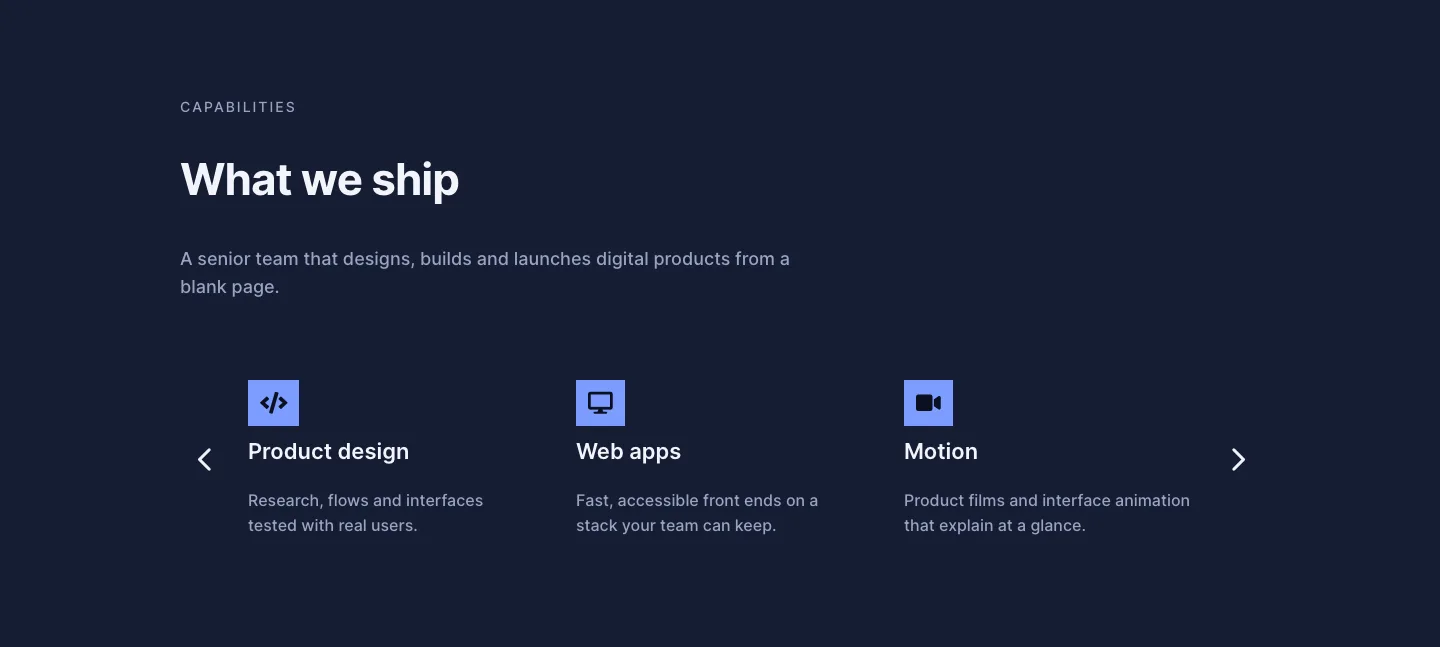
Dark Digital Agency Capabilities Cards Carousel Layout for Divi 5
cards · agency · dark
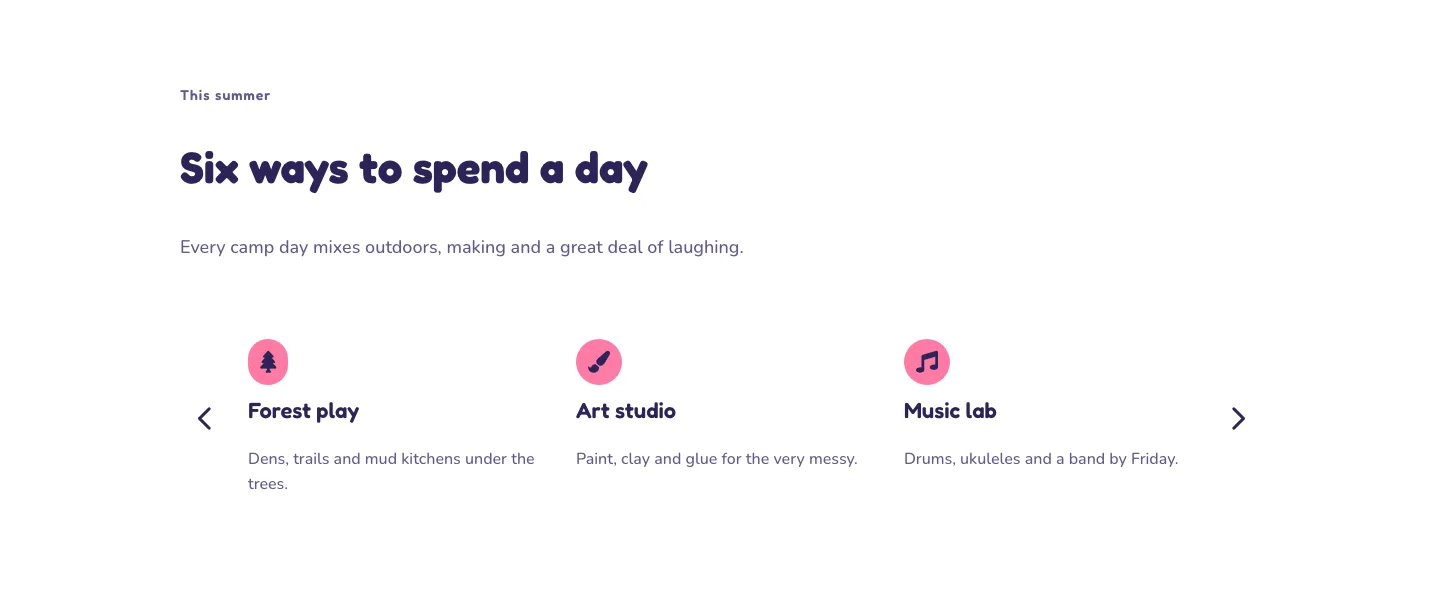
Playful Summer Camp Events Feature Cards Carousel Layout for Divi 5
cards · events · playful
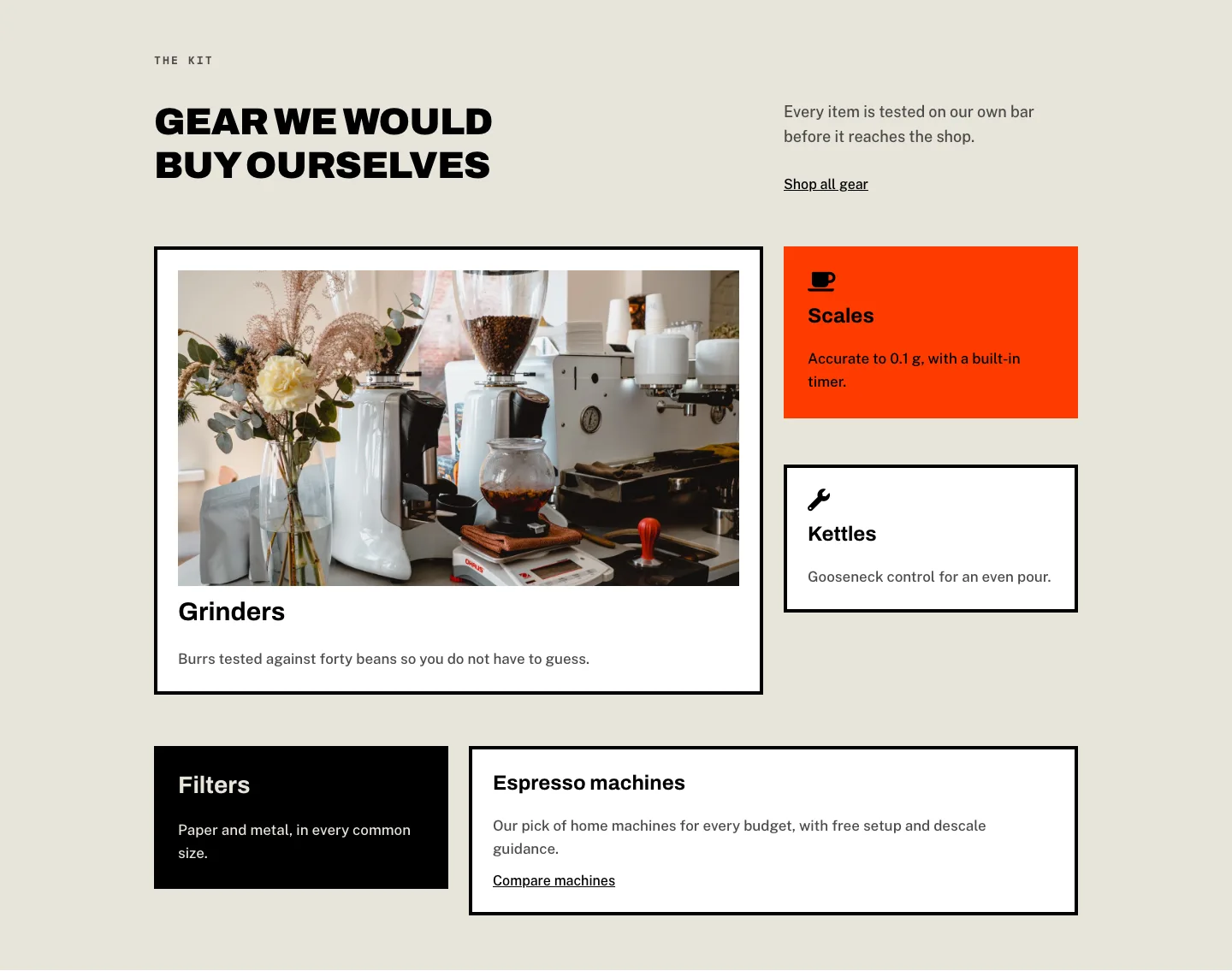
Brutalist Coffee Gear Ecommerce Feature Cards Bento Layout for Divi 5
cards · ecommerce · bold
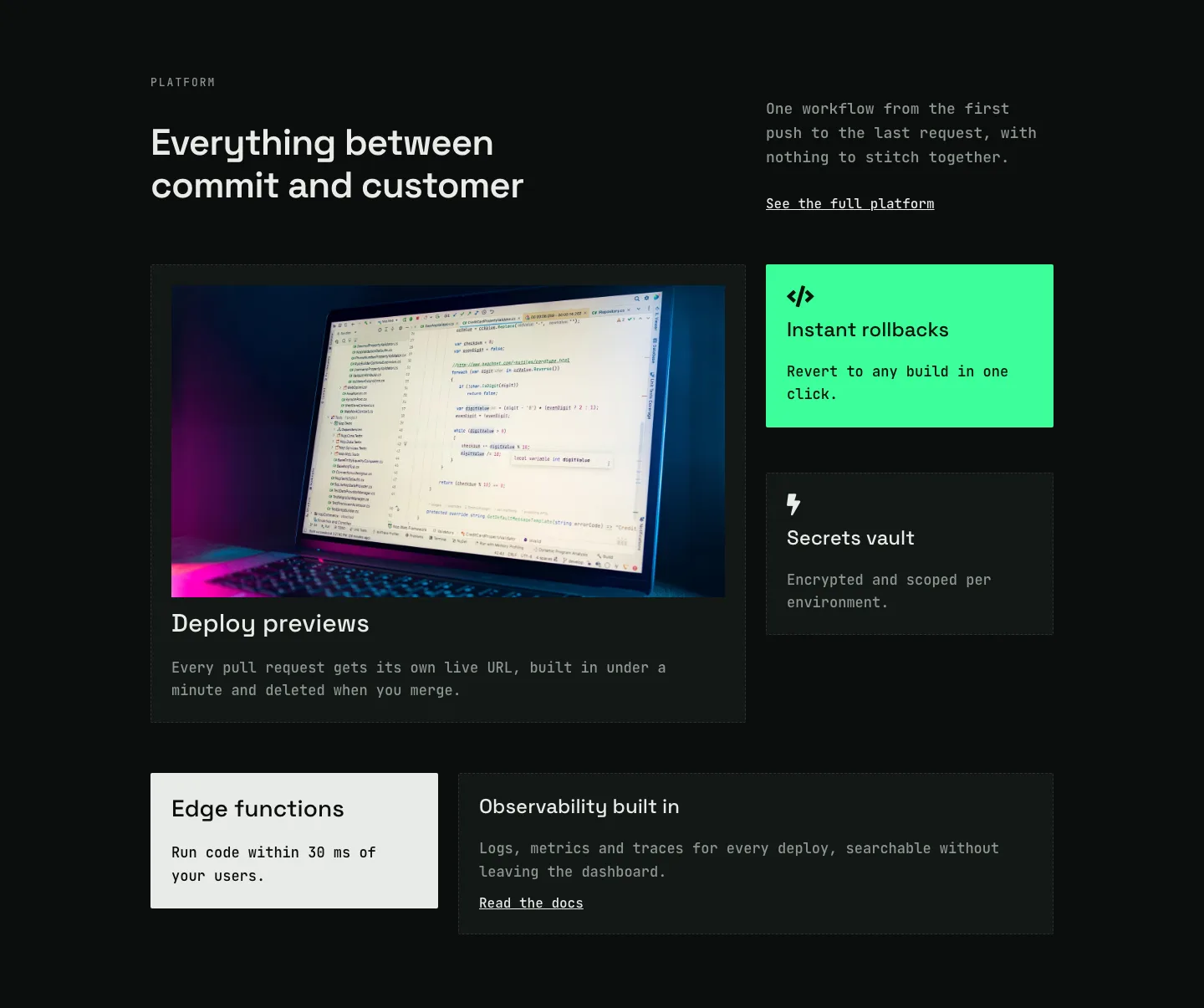
Dark Developer Platform Feature Cards Bento Layout for Divi 5
cards · saas · dark
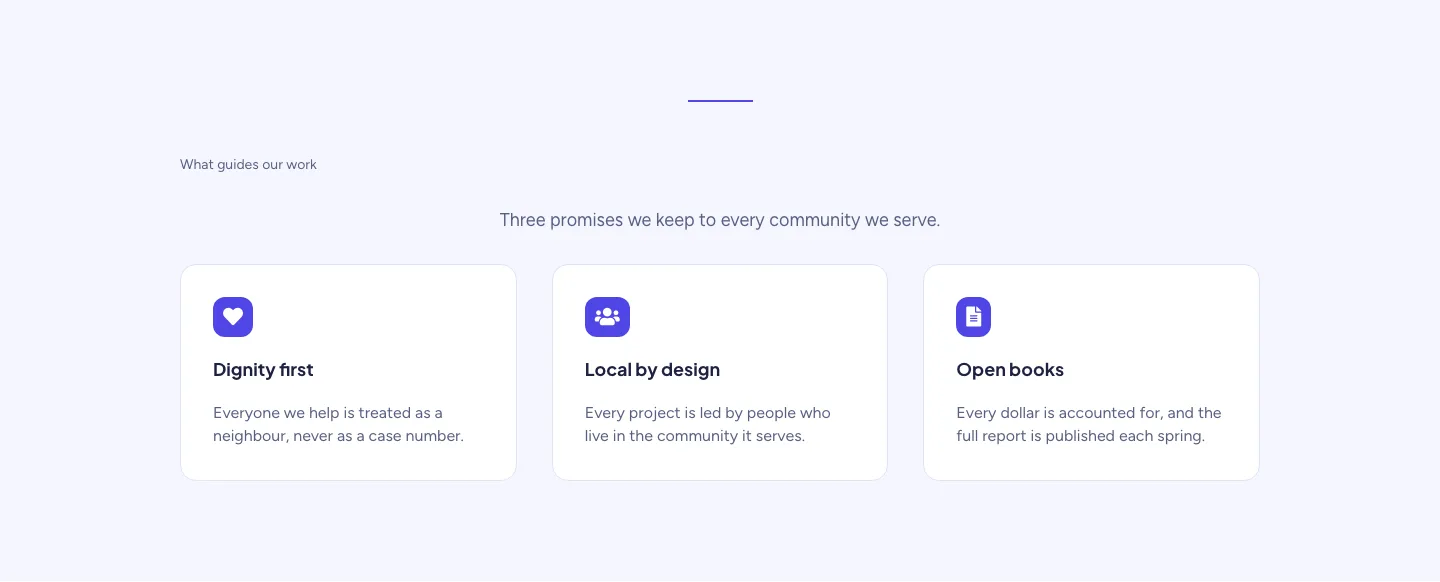
Soft Nonprofit Values Cards Layout for Divi 5: Three Icon Values
cards · nonprofit · minimal
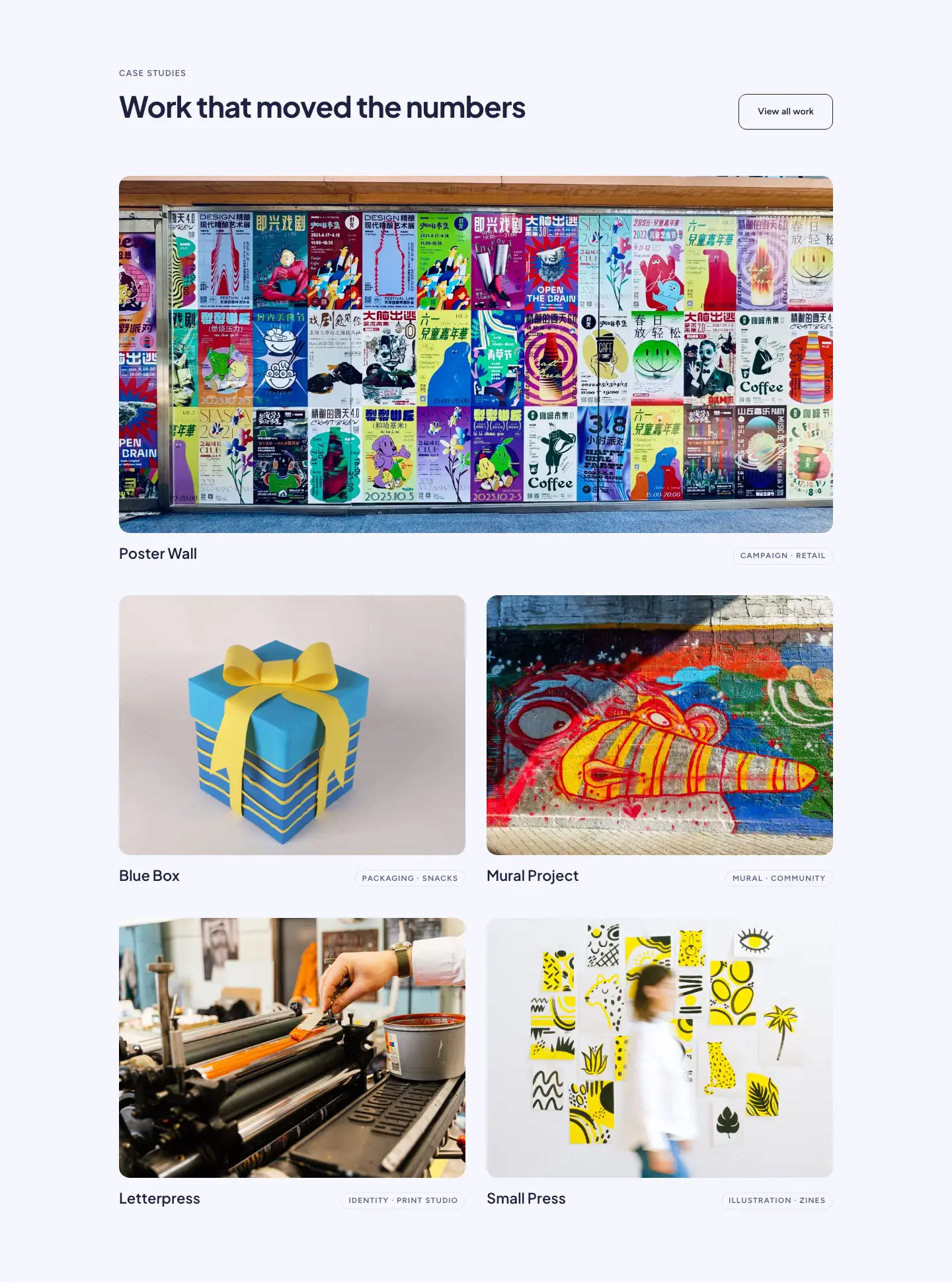
Soft Case Study Cards Layout for Divi 5: Project Grid
cards · portfolio · minimal