
Playful Summer Camp Events Feature Cards Carousel Layout for Divi 5
A bright, playful Divi 5 cards carousel showcasing summer camp activities. Six icon cards with Fredoka headings, pink accents, and a responsive 3-2-1 slide layout — perfect for kids' events and camp programs.
Rate this element
Download this section, free
- Divi 5 JSON, imports in seconds
- Commercial license included
- No account needed
Click to view the full page
Overview
This section is built around a single full-width column that stacks a labeled eyebrow, a large h2 headline, a one-line subtext paragraph, and then a divi/group-carousel — all left-aligned inside constrained max-width groups (720px for the headline, 640px for the body copy). The left alignment is deliberate: it gives the section a magazine-style entry point rather than the centered blob that most cards sections default to, which reads as more editorial and confident on a summer camp or children's activity site.
The carousel itself is configured to show 3 slides on desktop, 2 on tablet, and 1 on phone — responsive breakpoints that are baked into the group-carousel module's slidesToShow settings, not faked with CSS hacks. Arrow navigation is on (deep indigo #2b2457), dot navigation is off, and the carousel has 48px horizontal padding on desktop collapsing to 40px on phone so the arrows have breathing room without clipping the visible cards. Each card is a divi/group with a 12px column gap flex layout containing three elements in order: a pill-shaped icon badge, an h3 card title, and a short body text.
The palette is a tight three-value system: deep indigo #2b2457 for headlines and icon glyphs, soft lavender #625a8c for body copy and the eyebrow label, and hot pink #ff7aa5 as the icon badge fill. White section background keeps the cards uncluttered. Fredoka handles all display type (h4 eyebrow at 14px/600 weight with 1px letter-spacing, h2 at 44px/700, h3 cards at 22px/600), while Nunito carries the body copy at 16–18px with a 1.6em line-height — a pairing that is unmistakably playful without feeling childish.
Section padding scales from 88px top/bottom on desktop down to 60px on tablet and 40px on phone, and the headline groups shift from their constrained desktop widths to full-width on phone via the column's flex override. The result is a section that genuinely works at every viewport without any layout jank — the carousel does the heavy lifting of collapsing from a 3-up grid to a single swipeable card automatically.
What’s inside
- Native `divi/group-carousel` module with responsive slide counts: 3 on desktop, 2 on tablet, 1 on phone
- 6 pre-built activity cards, each containing a pill-shaped icon badge (Font Awesome, pink `#ff7aa5` background), an h3 title in Fredoka, and a short Nunito body line
- Left-aligned two-level header block: h4 eyebrow in lavender with 1px letter-spacing, h2 display headline capped at 720px max-width
- Arrow navigation in deep indigo (`#2b2457`) with dot nav disabled — clean, uncluttered carousel controls
- Responsive section padding that steps from 88px (desktop) to 60px (tablet) to 40px (phone) via per-breakpoint spacing values
- Fredoka + Nunito font pairing pre-loaded across all text modules with size and weight values set per breakpoint
- Full-width single-column row layout with phone-specific flex-direction column override to prevent any horizontal overflow
Who it’s for
Summer camps, holiday clubs, and after-school activity providers are the obvious fit, but the card-carousel pattern and palette translate cleanly to any children's enrichment brand: coding bootcamps for kids, sports academies, creative workshops, performing arts programs, or community recreation centers running seasonal programs. Event planners building a multi-activity showcase page will find the 3-up carousel format particularly useful, since it surfaces up to six activities without overwhelming the screen. The section also works inside a broader landing page for family-focused brands that need to list program tracks or themed days.
Customization tips
The three-color palette (#2b2457, #625a8c, #ff7aa5) can be swapped globally by updating those hex values in the section's module presets — change the indigo to a forest green and the pink to a warm orange and the section reads as a nature-camp brand immediately. Icon badges accept any Font Awesome glyph; swap the unicode value inside each divi/icon module to match your actual activities. Card titles work best at 1–3 words (the h3 is set at 22px with a 1.25em line-height, so longer titles wrap to a second line and shift the card height). Body copy per card is designed for a single short sentence — aim for under 10 words to keep all cards visually level. The headline group has a 720px max-width cap; if your h2 runs longer than about 40 characters, bump that to 840px or remove the cap entirely so the text doesn't break awkwardly on mid-size screens.
How to install this layout
- Download the layout JSON file from this page.
- Open the target page in the Divi 5 builder.
- Open the portability panel (up/down arrows icon) and choose the Import tab.
- Upload the JSON. Tick “replace existing content” only for full-page imports.
- Check the page at desktop and mobile widths, then swap in your copy and images.
Full walkthrough with troubleshooting: How to Import a Divi 5 Layout.
Questions about Playful Summer Camp Events Feature Cards Carousel Layout for Divi 5
How does the carousel behave on mobile?
The `group-carousel` module is set to show 1 slide at a time on phone breakpoints. The section padding drops to 40px top/bottom and the carousel padding tightens to 40px horizontal, so the single visible card has room to breathe and the arrow controls remain tappable on small screens.
Can I add more than 6 activity cards?
Yes — duplicate any of the existing `divi/group` items inside the carousel. The carousel handles any number of slides; the 3/2/1 responsive split stays intact regardless of how many cards you add. Practically, 6–9 cards is the sweet spot before the carousel feels like an endless scroll.
The layout uses Fredoka and Nunito — do I need to install those fonts?
Both are Google Fonts available natively inside Divi 5's font picker. They load automatically once the layout is imported; no manual installation is needed. If you prefer different fonts, update the family value inside each heading or text module's font settings.
What is the icon badge built with, and how do I change the icon?
Each badge is a `divi/icon` module with a 999px border-radius (making it a circle) and a pink background. To swap the glyph, open the icon module and choose a different Font Awesome icon from Divi's built-in picker — the unicode value updates automatically.
Is there an image in this layout? What if I want to add activity photos?
No images are included — the design deliberately uses icon badges instead of photos to keep load times low and the layout working without a photography budget. If you want photos, replace the icon module in each card with a `divi/image` module; a square or 4:3 crop works best given the card's column flex layout.
What should I edit first after importing?
Start with the h2 headline and the six card titles — those are the highest-visibility text in the section. Then update the icon glyphs to match your actual activities. Color and font changes are a second pass: they affect the whole section at once and are faster to do after the copy is finalized.
Which Divi version does this layout need?
Divi 5. The layout is generated natively for Divi 5 and validated against its real module structure before publication, so it imports clean into the current builder.
Can I use this layout on client websites?
Yes. Every download includes a commercial license covering unlimited sites you own or build for clients. Only reselling or redistributing the layout file itself is prohibited.
More cards
Browse all cards
Luxe Real Estate Agent Profile Cards Layout for Divi 5: Team Grid
cards · real_estate · elegant
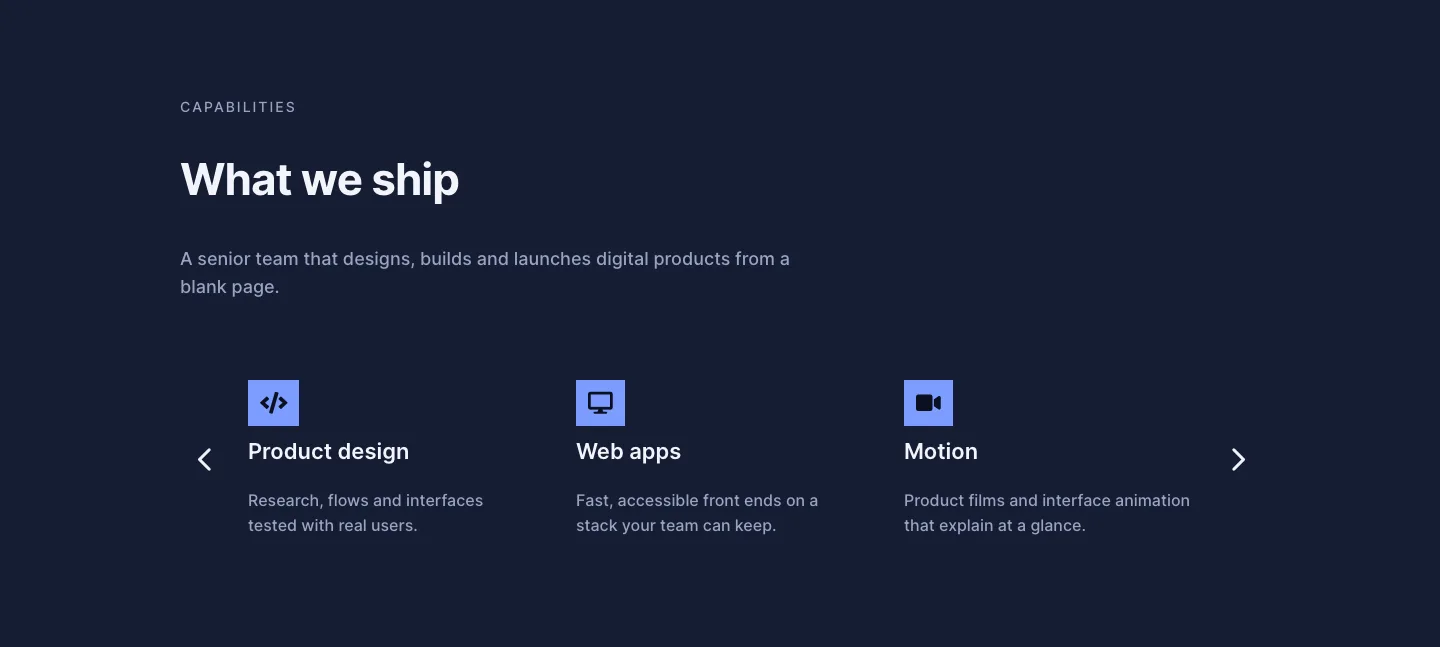
Dark Digital Agency Capabilities Cards Carousel Layout for Divi 5
cards · agency · dark
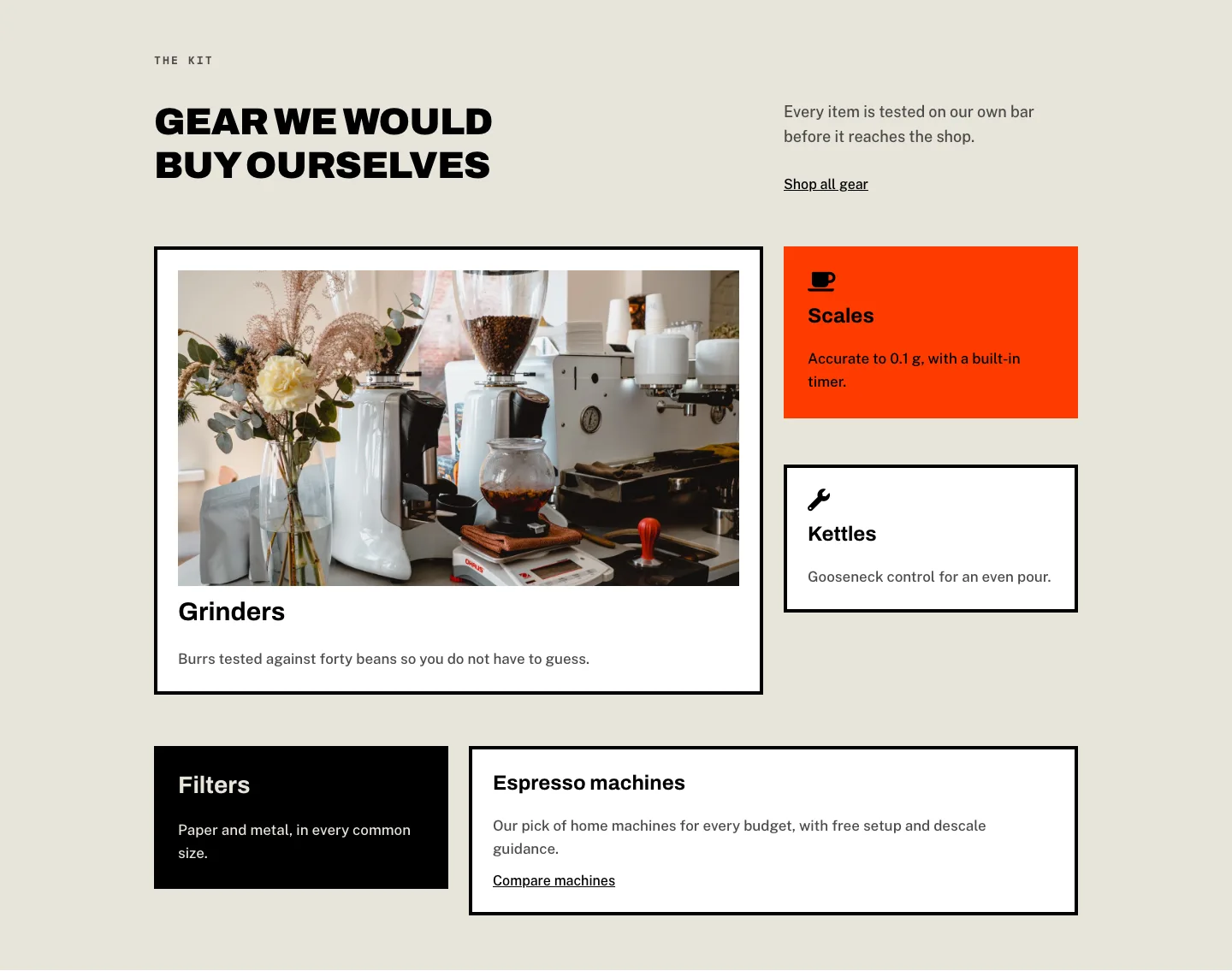
Brutalist Coffee Gear Ecommerce Feature Cards Bento Layout for Divi 5
cards · ecommerce · bold
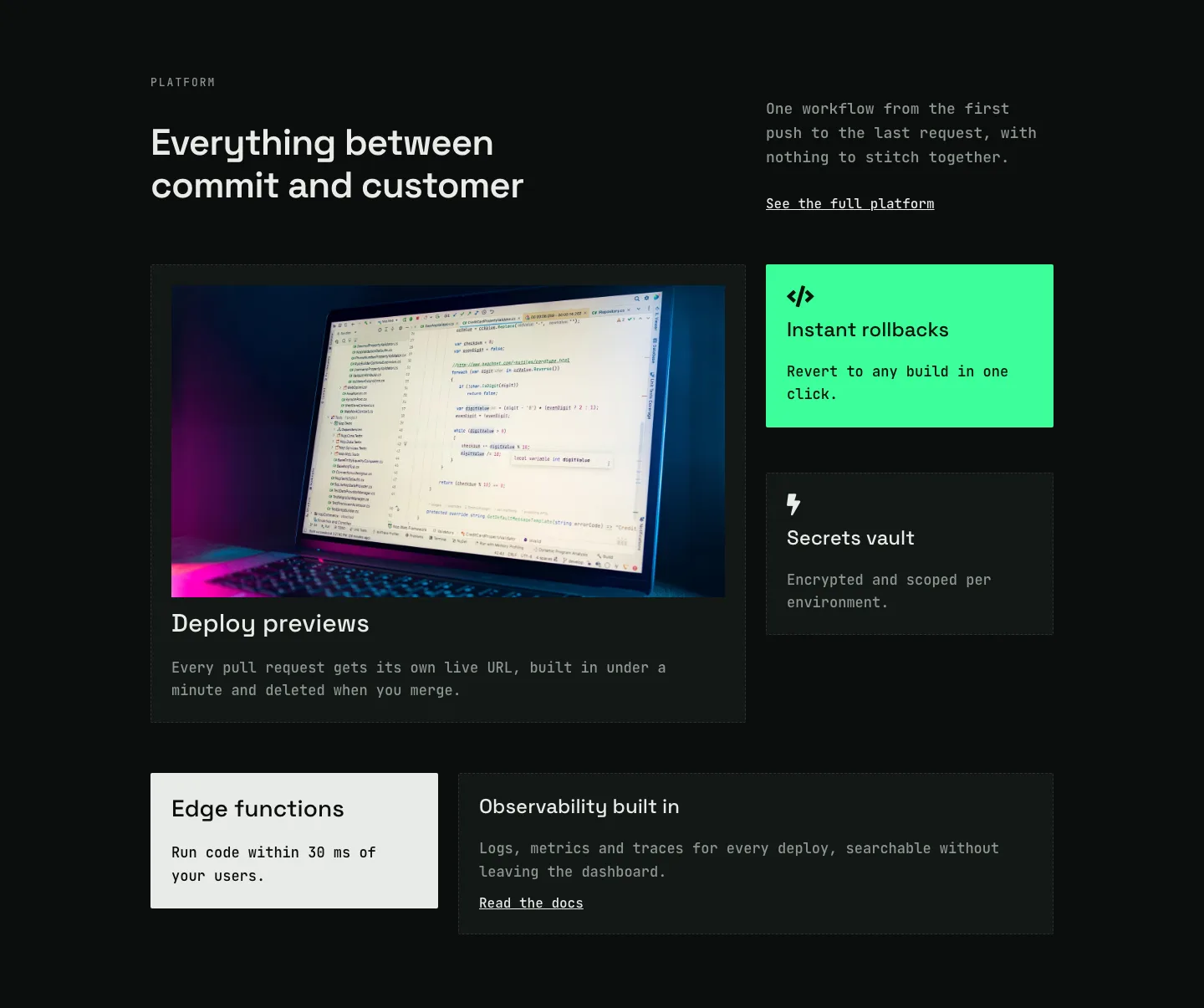
Dark Developer Platform Feature Cards Bento Layout for Divi 5
cards · saas · dark
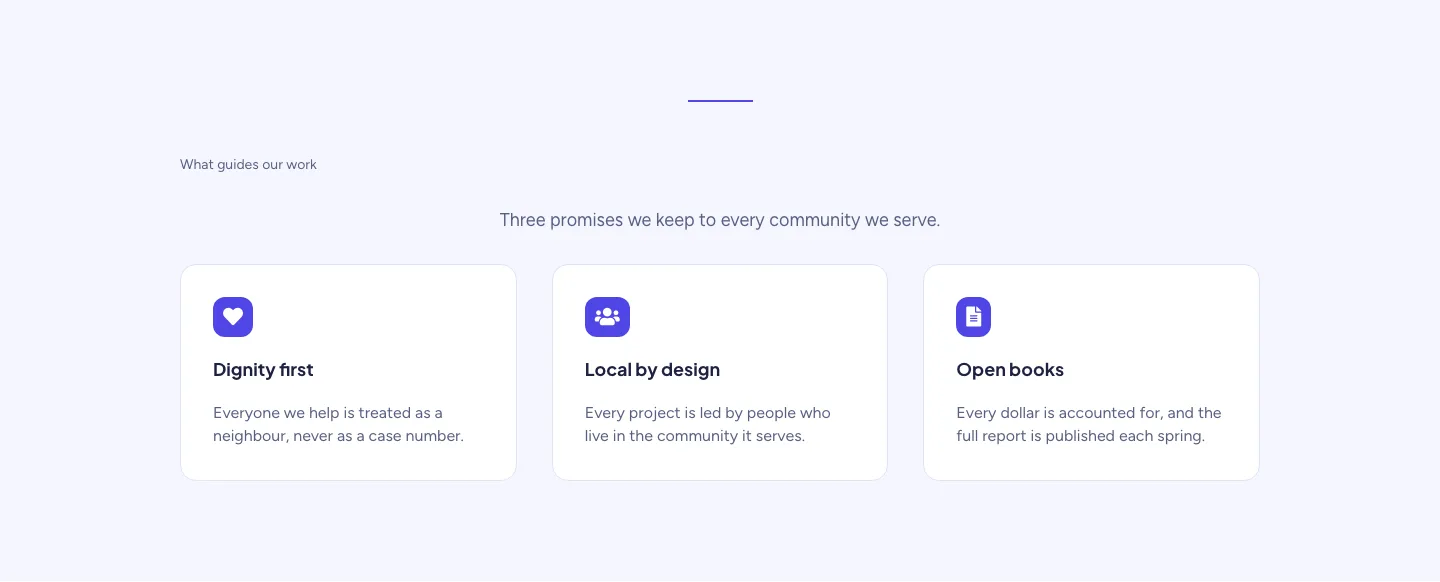
Soft Nonprofit Values Cards Layout for Divi 5: Three Icon Values
cards · nonprofit · minimal
Soft Case Study Cards Layout for Divi 5: Project Grid
cards · portfolio · minimal