
Brutalist Coffee Gear Ecommerce Feature Cards Bento Layout for Divi 5
A bold brutalist bento-grid cards section for Divi 5 ecommerce sites. Showcases product categories like grinders, scales, kettles and espresso machines with sharp borders and high-contrast type.
Rate this element
Download this section, free
- Divi 5 JSON, imports in seconds
- Commercial license included
- No account needed
Click to view the full page
Overview
This section opens with an asymmetric two-column header: the left column carries a Space Mono eyebrow label at 13 px with 2 px letter-spacing and a heavy Archivo h2 at 44 px set in all-caps with -1 px tracking, while the narrower right column holds a single line of body copy and an underlined text link that acts as the primary shop CTA. The columns align to flex-end on desktop so the link sits flush with the baseline of the heading, creating a tension that feels more editorial than templated. Vertical padding scales from 64 px on desktop down to 32 px on mobile, keeping the section breathable at every viewport.
Below the header, five product-category cards are arranged across two bento rows using Divi 5's flex-based column sizing. Row one gives a wider 16/24 slot to a large image card (Grinders) and a narrower 8/24 slot to two stacked cards (Scales and Kettles). Row two flips the proportions so the compact Filters card sits left and the wider Espresso Machines card, which carries a second in-layout link, anchors the right. Every card is a Divi Group module with 24 px internal padding and a hard 4 px solid border — no border-radius anywhere — which is the single brutalist signature repeated across all five cards.
The palette plays three distinct roles. The parchment section background (#e8e4da) reads as warm but neutral, letting the cards float. White cards with black borders carry the majority of content. One accent card (Scales) uses #ff3b00 — a high-contrast warm red — to break the grid and signal an editorial pick without resorting to a badge or ribbon. The fifth card (Filters) reverses the scheme entirely: black background with parchment body text, functioning as a visual period at the end of the bento sequence.
On mobile, every row sets flexWrap: wrap and flexDirection: column, so all five cards stack into a single column in reading order: Grinders first (full-width with its landscape image), then Scales, Kettles, Filters, and Espresso Machines last. The h2 scales from 44 px to 30 px across the three breakpoints; card headings step from 30/24 px down to 22/20 px. No grid logic needs to be rewritten for mobile — the layout degrades cleanly by design.
What’s inside
- Asymmetric header row using Divi 5 native flex column sizing (16/24 + 8/24 ratio) with `align-items: flex-end` to baseline-align the CTA link to the section heading
- Five Divi Group modules styled as bento cards — each with 4 px solid borders, zero border-radius, and 24 px internal padding
- Full 16:9 image card (Divi Image module with `objectFit: cover`) inside the Grinders card, ready to swap with any product or lifestyle shot
- Red accent card (#ff3b00) with a left-aligned Font Awesome coffee-cup icon, demonstrating the icon-plus-heading card pattern
- Inverted color-block card (black background, parchment text) using a Divi Group with reversed body font colors
- Two in-layout underlined text links (Divi Text module) styled as inline CTAs — one in the header, one inside the Espresso Machines card
- Responsive breakpoints baked in: rows wrap to a stacked single-column layout on phone with proportionally scaled heading sizes at each breakpoint
Who it’s for
This layout is built for specialty coffee and kitchen-gear retailers who want category-browsing sections that feel curated rather than catalogue-like. It works equally well for independent gear shops, roasters with a shop tab, kitchenware boutiques, or any direct-to-consumer brand that groups products by type rather than by SKU. Agencies building WooCommerce or affiliate-review sites for consumer electronics, barista equipment, or outdoor gear will find the bento structure adaptable to any category set that numbers three to five items.
Customization tips
The fastest swap is palette: replace the section background (#e8e4da) with your brand's neutral, update the accent card background (#ff3b00) to your primary brand color, and the whole layout shifts tone in minutes using Divi 5's Global Presets. Keep one card as the dark inversion — it anchors the grid visually.
For the image card, any 16:9 product or lifestyle photo works; avoid tall or square crops because the module is locked to that aspect ratio to prevent layout shifts. Card body copy is short by design — the Grinders card has 13 words, Scales has 7 — so keep descriptions under two lines (roughly 20 words per card) to avoid pushing the stacked-column layout on mobile. If you add a Font Awesome icon to the white cards, match the 26 px size and left alignment already used on the red and white cards for visual consistency. The section title h2 is set in uppercase Archivo 900 weight; if you switch typefaces, aim for a condensed or extra-bold cut to preserve the brutalist density.
How to install this layout
- Download the layout JSON file from this page.
- Open the target page in the Divi 5 builder.
- Open the portability panel (up/down arrows icon) and choose the Import tab.
- Upload the JSON. Tick “replace existing content” only for full-page imports.
- Check the page at desktop and mobile widths, then swap in your copy and images.
Full walkthrough with troubleshooting: How to Import a Divi 5 Layout.
Questions about Brutalist Coffee Gear Ecommerce Feature Cards Bento Layout for Divi 5
How does the bento grid behave on tablets and phones?
On desktop both rows use a two-column flex layout with a 16/24 and 8/24 proportional split. On phone every row switches to `flexWrap: wrap` and `flexDirection: column`, so all five cards stack vertically in reading order. There is no separate tablet grid override for the rows; tablets inherit the desktop two-column layout and the heading sizes step down to their tablet values (36 px for the h2, 26 px for the Grinders card h3).
Which Divi 5 modules does this layout use?
Section, Row, Column, Group, Heading, Text, Image, and Icon. No third-party modules or shortcodes are required. All styling — borders, flex direction, spacing, and typography — is set via native Divi 5 module options.
Can I replace the Pexels image in the Grinders card with a product photo?
Yes. The Image module is set to 16:9 aspect ratio with `objectFit: cover`, so swap in any landscape product or lifestyle photo and it will fill the frame correctly. Portrait or square images will be center-cropped; a ratio close to 16:9 gives the cleanest result.
What should I change first to match my brand?
Start with the three background colors: section background (#e8e4da), the accent card (#ff3b00), and the inverted card (#000000). Update those and the layout already reads as yours. Typography is the next lever — the Archivo + Space Mono + Public Sans stack is easy to swap via Divi 5's theme font settings.
The layout has five product categories. Can I add a sixth card?
You can add a third row following the same Row + Column + Group pattern. Mirror the proportions of either existing row (16/24 + 8/24 or 8/24 + 16/24) and copy the border and padding settings from an existing Group. Divi 5's flex layout handles the new row without any custom CSS.
Which Divi version does this layout need?
Divi 5. The layout is generated natively for Divi 5 and validated against its real module structure before publication, so it imports clean into the current builder.
Can I use this layout on client websites?
Yes. Every download includes a commercial license covering unlimited sites you own or build for clients. Only reselling or redistributing the layout file itself is prohibited.
More cards
Browse all cards
Luxe Real Estate Agent Profile Cards Layout for Divi 5: Team Grid
cards · real_estate · elegant
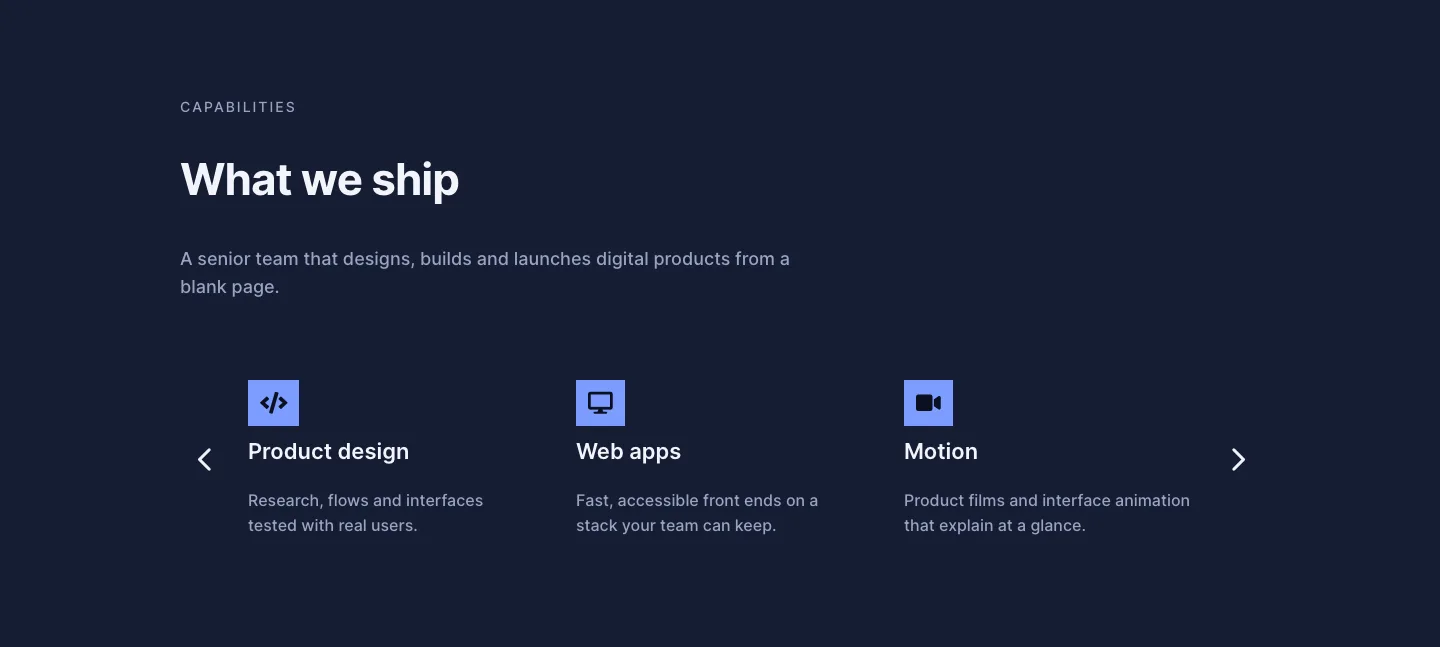
Dark Digital Agency Capabilities Cards Carousel Layout for Divi 5
cards · agency · dark
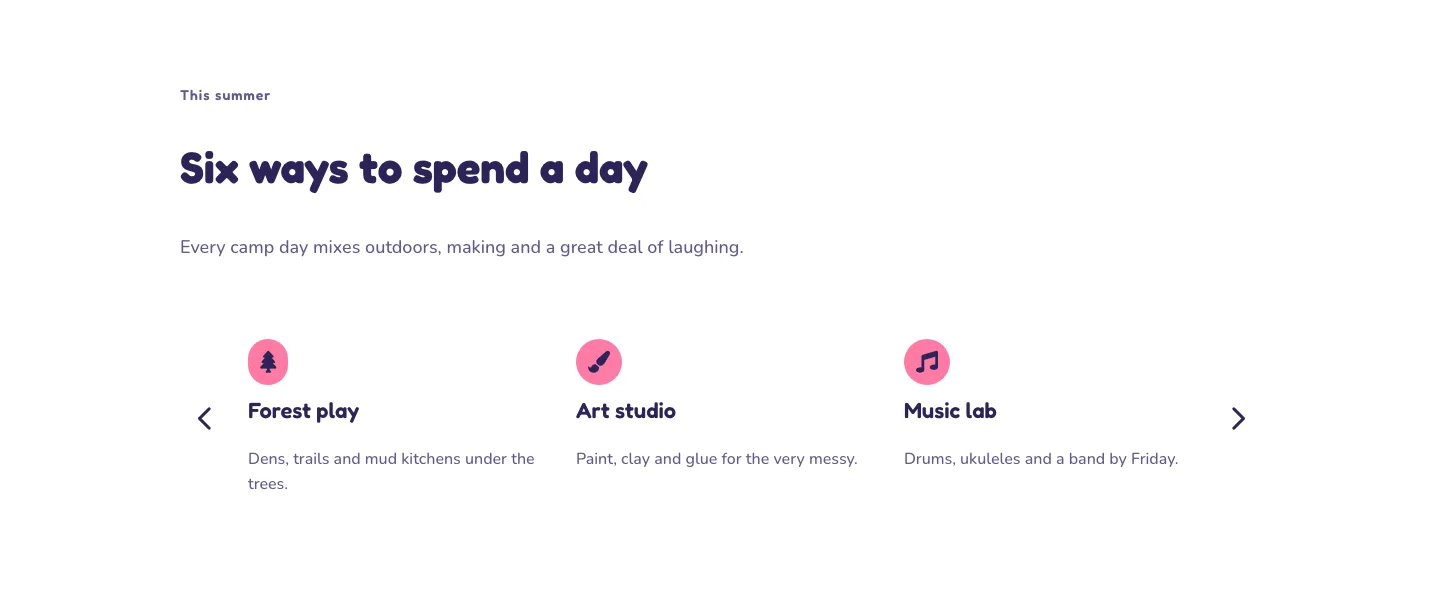
Playful Summer Camp Events Feature Cards Carousel Layout for Divi 5
cards · events · playful
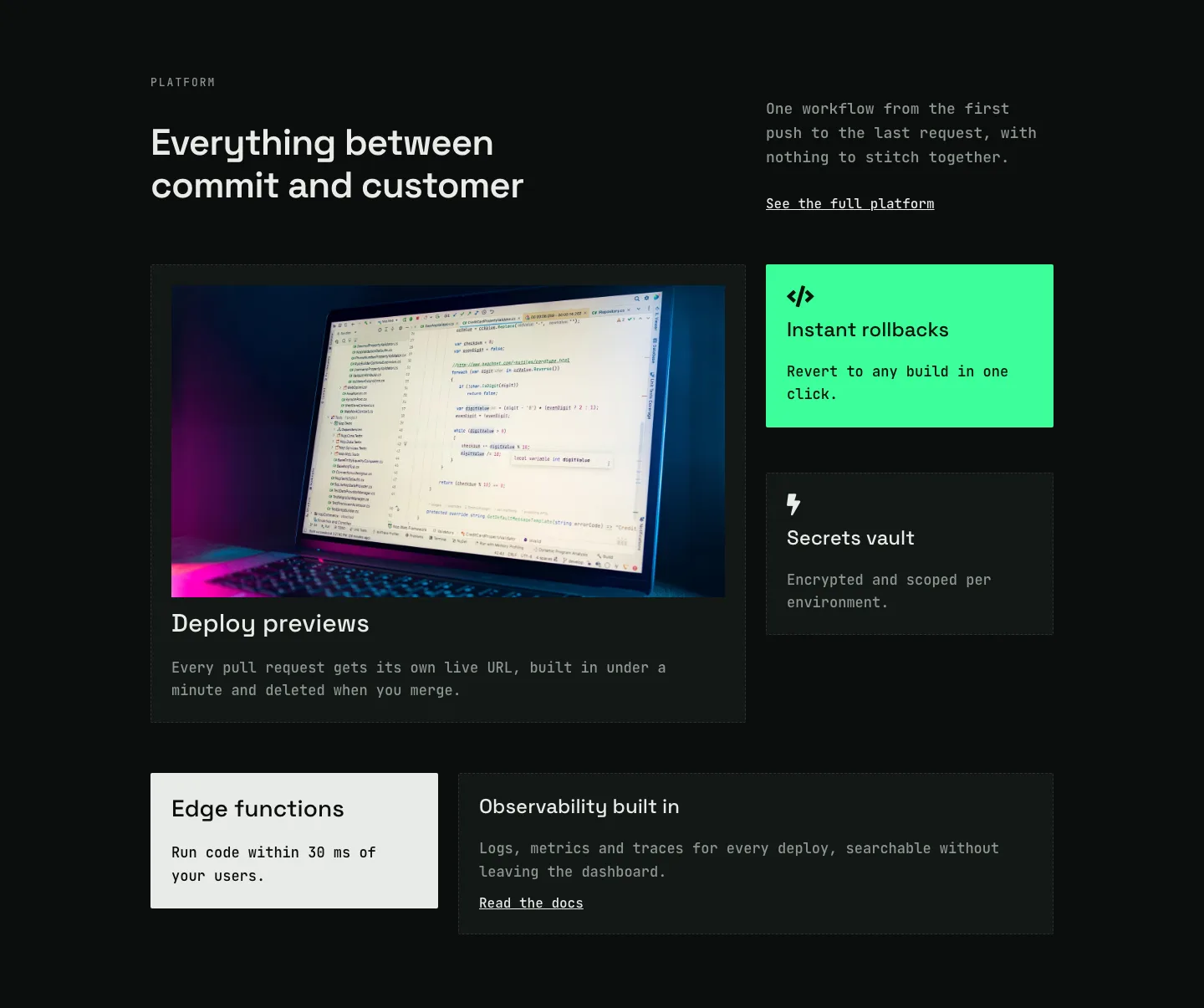
Dark Developer Platform Feature Cards Bento Layout for Divi 5
cards · saas · dark
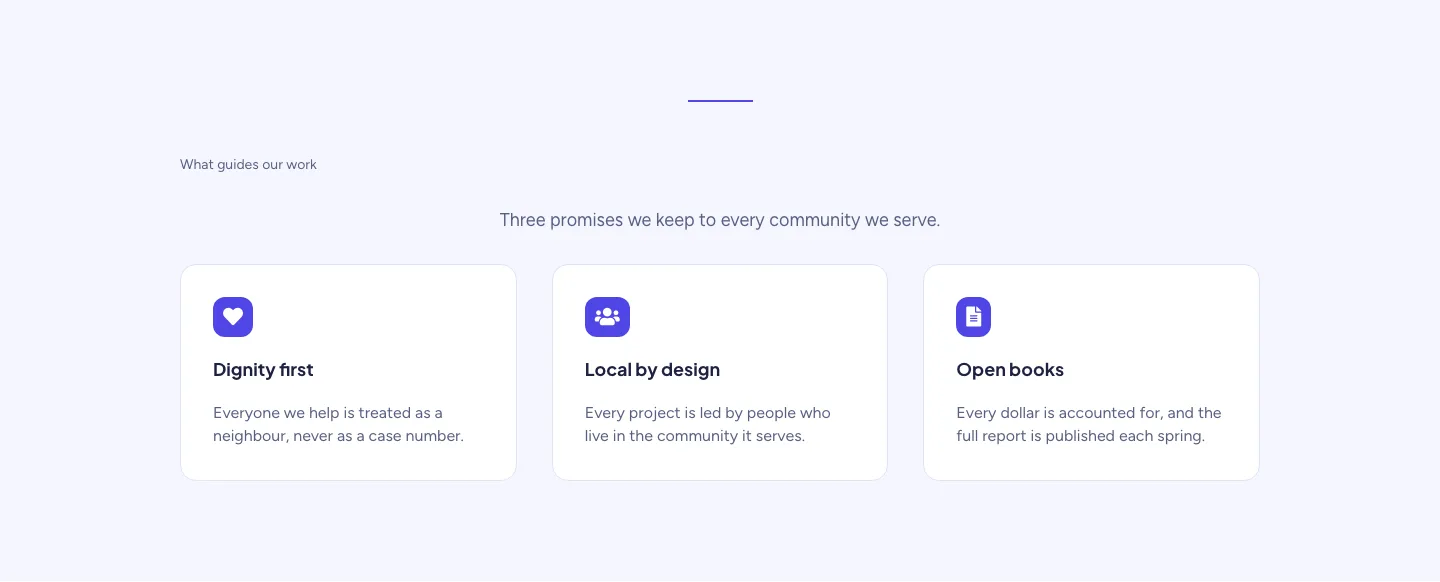
Soft Nonprofit Values Cards Layout for Divi 5: Three Icon Values
cards · nonprofit · minimal
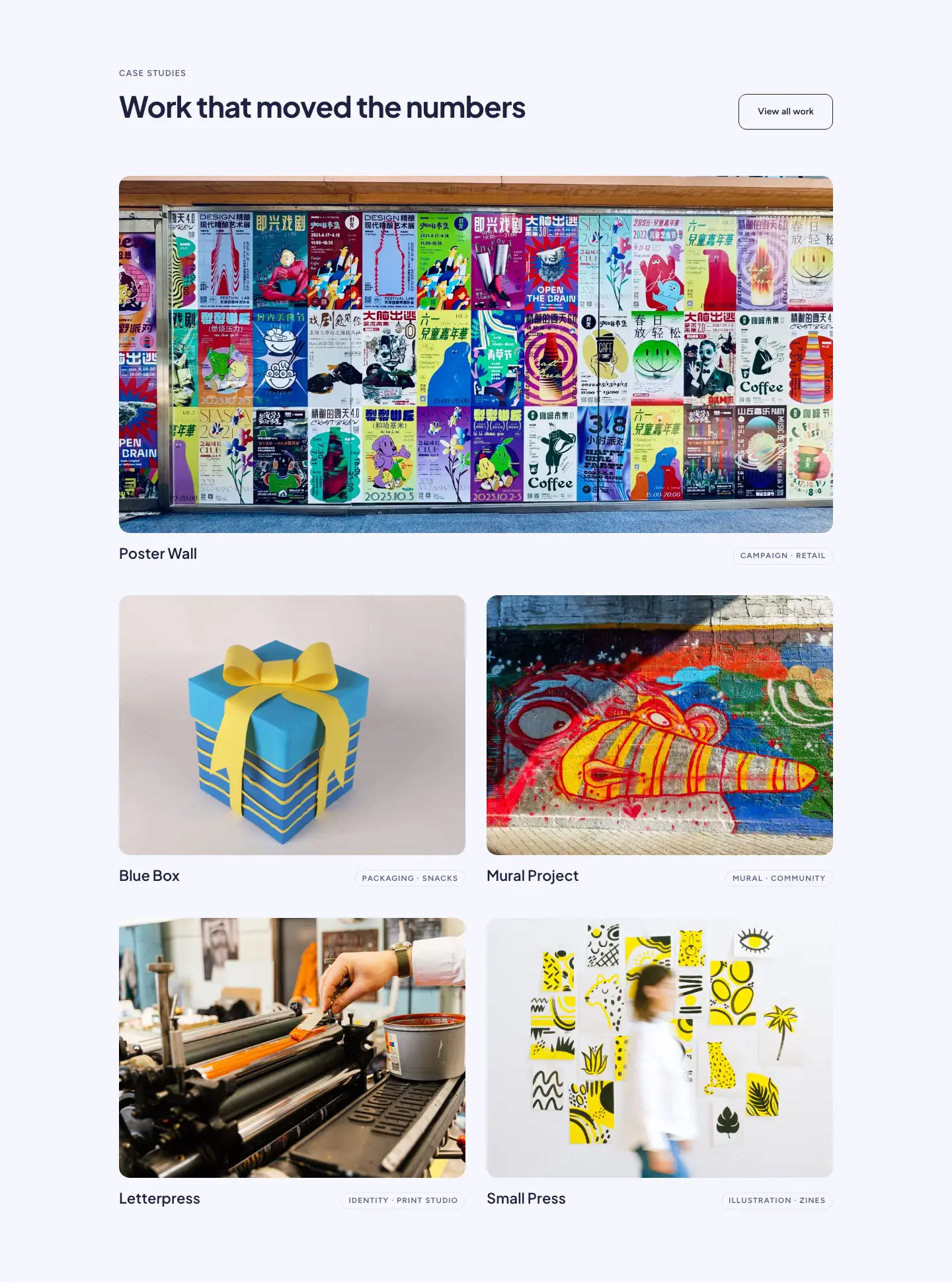
Soft Case Study Cards Layout for Divi 5: Project Grid
cards · portfolio · minimal