
Dark Developer Platform Feature Cards Bento Layout for Divi 5
A dark bento-grid cards layout for SaaS developer platforms. Showcases deploy previews, rollbacks, secrets vault, edge functions, and observability in a high-contrast Space Grotesk + JetBrains Mono design.
Rate this element
Download this section, free
- Divi 5 JSON, imports in seconds
- Commercial license included
- No account needed
Click to view the full page
Overview
The layout is organized as a three-row bento grid inside a single near-black section (#0b0d0c, 88px vertical padding on desktop). The first row introduces the section with an asymmetric two-column header: the wider 16/24 column holds a monospace eyebrow label in muted sage (#8d9892, JetBrains Mono, 13px uppercase), followed by a large Space Grotesk H2 at 44px with tight −1px tracking and text-wrap: balance; the narrower 8/24 column carries the supporting paragraph and a plain text CTA link. The two columns align to flex-end so the body copy sits at the heading's baseline, creating a natural reading anchor across the row.
The second and third rows distribute five feature cards across the grid using two intentional weight patterns: 16/24 left and 8/24 right in row 2, then 8/24 left and 16/24 right in row 3. This reversal creates zigzag visual balance without falling into symmetry. Three card surfaces establish the palette hierarchy. The primary dark variant (#131715 background, 1px dashed border in #2a312d) reads as the default surface. An accent card in electric green (#3dff9a, with content in #04130b) delivers the punchy contrast signal. An off-white card (#e8ece9 background, near-black text) provides a third level that prevents the grid from feeling monotone. Every card uses 24px padding and 2px border-radius, sharp enough to feel engineered rather than rounded.
Row 2's left card adds a 16:9 cover image (object-fit cover) above the "Deploy previews" heading, making it the dominant visual anchor. The right column stacks two narrower cards vertically with a 24px margin gap: "Instant rollbacks" in accent green with a Font Awesome code icon, and "Secrets vault" in the dark variant with a lightning bolt icon. Row 3 reverses the weights: a compact "Edge functions" card in off-white on the left, and a wider "Observability built in" dark card on the right that also carries a secondary CTA link. All icons are native Divi 5 Icon modules, left-aligned at 26px.
On mobile, every row's flexWrap switches to wrap and flexDirection to column, collapsing all columns to full width. Section padding steps down from 88px to 40px on phones. Heading sizes scale from 44px down to 30px for the H2, and each card's H3 reduces proportionally, so all text remains readable without horizontal scroll and the stacked order preserves the visual hierarchy.
What’s inside
- Three-row bento grid with 16/24 and 8/24 asymmetric column weights that reverse between rows 2 and 3 for visual balance
- Five Group module cards across three distinct surface styles: dark `#131715`, electric green `#3dff9a`, and off-white `#e8ece9`
- Full-bleed 16:9 cover image inside the hero card using a native Divi 5 Image module with object-fit cover
- Font Awesome icons in two cards (code `f121` and lightning bolt `f0e7`), left-aligned at 26px via native Divi 5 Icon modules
- Two-font typographic system: Space Grotesk for all headings (H2 at 44px, H3s at 24–30px), JetBrains Mono for every body and eyebrow text node
- Dashed 1px borders on all cards, giving the grid a terminal and engineering aesthetic without custom CSS
- Two inline text CTAs at section and card level, using underline-style links in `#e8ece9` built from native Divi 5 Text modules
- Fully responsive: all rows collapse to single-column stacks on mobile with stepped vertical padding (88px desktop, 64px tablet, 40px phone)
Who it’s for
This section is a direct fit for SaaS products, developer tools, cloud platforms, CI/CD services, and API companies that need to present several platform capabilities without defaulting to a plain bullet list. It also works well for tech agencies building sites for infrastructure startups, hosting providers, or DevOps brands whose audience reads code daily and expects the site to feel as considered as the product. The monospace body font and dashed borders signal engineering discipline, so this layout works poorly for lifestyle brands, consumer e-commerce, or any product where a dark, terminal-coded aesthetic would feel out of place.
Customization tips
The fastest swap is replacing the two accent card colors. Change #3dff9a (electric green) and #e8ece9 (off-white) to your brand's primary and secondary highlight colors inside each Group module's background and border settings. The dark surface (#131715) and section background (#0b0d0c) are a matched pair, so if you adjust one, adjust both together to preserve depth contrast.
For copy, the H2 headline uses text-wrap: balance at 44px, which handles two to three short lines comfortably. Beyond that, tighten the copy rather than the font size. Each card's body text is one to two sentences at 17px; pushing past three sentences will unbalance the card proportions relative to its neighbors in the grid.
The 16:9 cover image in the "Deploy previews" card expects a landscape photo or screenshot at least 1600px wide. Dark atmospheric images (code editors, terminal windows, server hardware) stay cohesive with the palette; brightly lit or high-key photos will conflict with the surrounding dark cards. Font Awesome icons in the two smaller cards update by changing the unicode value in each Icon module's settings. No icon library installation is required.
How to install this layout
- Download the layout JSON file from this page.
- Open the target page in the Divi 5 builder.
- Open the portability panel (up/down arrows icon) and choose the Import tab.
- Upload the JSON. Tick “replace existing content” only for full-page imports.
- Check the page at desktop and mobile widths, then swap in your copy and images.
Full walkthrough with troubleshooting: How to Import a Divi 5 Layout.
Questions about Dark Developer Platform Feature Cards Bento Layout for Divi 5
How does the grid behave on mobile?
On mobile, every row switches to `flex-direction: column` and all columns expand to full width. The header row collapses so the eyebrow and H2 sit above the body paragraph, and each feature card becomes a full-width block stacked in the source order of the JSON. Section padding reduces to 40px vertically.
What image dimensions work best in the large card?
The Image module inside the "Deploy previews" card is set to a 16:9 aspect ratio with object-fit cover, so it crops to fill the frame regardless of the original proportions. Supply a landscape image at least 1600px wide (JPG or WebP) for crisp display at all viewport sizes. Portrait or square images will be center-cropped.
What modules make up each card?
Each card is a Divi 5 Group module acting as a surface container, holding a mix of Heading and Text modules. The large hero card adds an Image module above the heading. Two of the smaller cards include an Icon module above their headings. No custom code, shortcodes, or third-party plugins are used anywhere in the layout.
Can I change the Font Awesome icons?
Yes. The green "Instant rollbacks" card uses FA icon `f121` (code brackets) and the "Secrets vault" card uses `f0e7` (lightning bolt). Both are native Divi 5 Icon modules. Update the unicode value in each module's settings to any Font Awesome 5 Solid icon. Font Awesome 5 ships with Divi 5 so no extra library is needed.
Can I add a sixth feature card to the grid?
The grid uses a three-row structure with explicit column weights that create the bento proportions. Adding a card means inserting a new row or adjusting an existing row's column structure. The cleanest approach is to duplicate row 3, place the new card there, and set column weights to reflect the new card's visual importance relative to the existing ones.
What should I edit first to adapt this to my product?
Start with the H2 headline and the five card headings, since they carry the section's entire information architecture. Then replace the cover image in the large card and update the two CTA link texts and destinations. Color changes to the accent card come last, once you have confirmed the copy and imagery read correctly against the dark background.
Which Divi version does this layout need?
Divi 5. The layout is generated natively for Divi 5 and validated against its real module structure before publication, so it imports clean into the current builder.
Can I use this layout on client websites?
Yes. Every download includes a commercial license covering unlimited sites you own or build for clients. Only reselling or redistributing the layout file itself is prohibited.
More cards
Browse all cards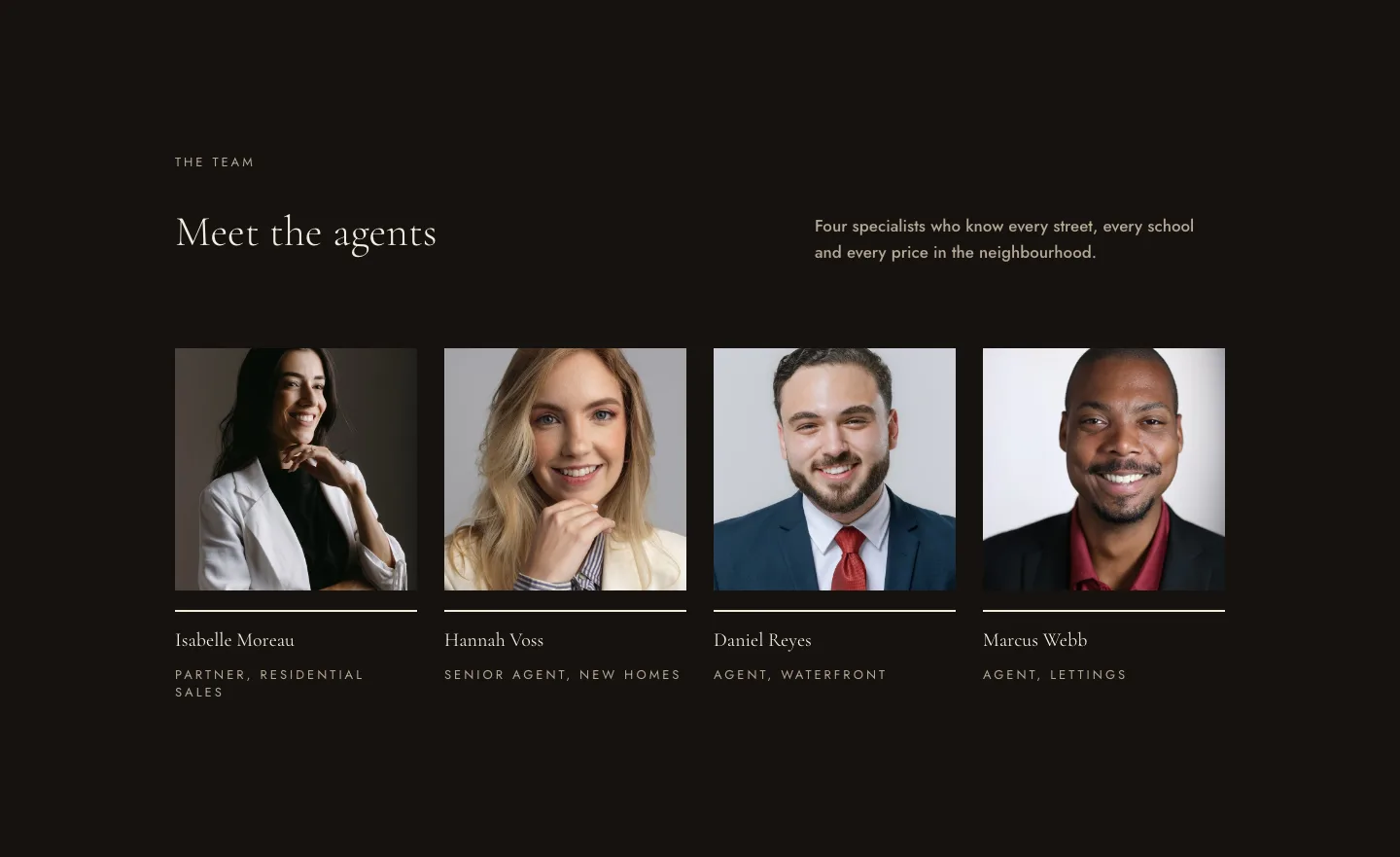
Luxe Real Estate Agent Profile Cards Layout for Divi 5: Team Grid
cards · real_estate · elegant
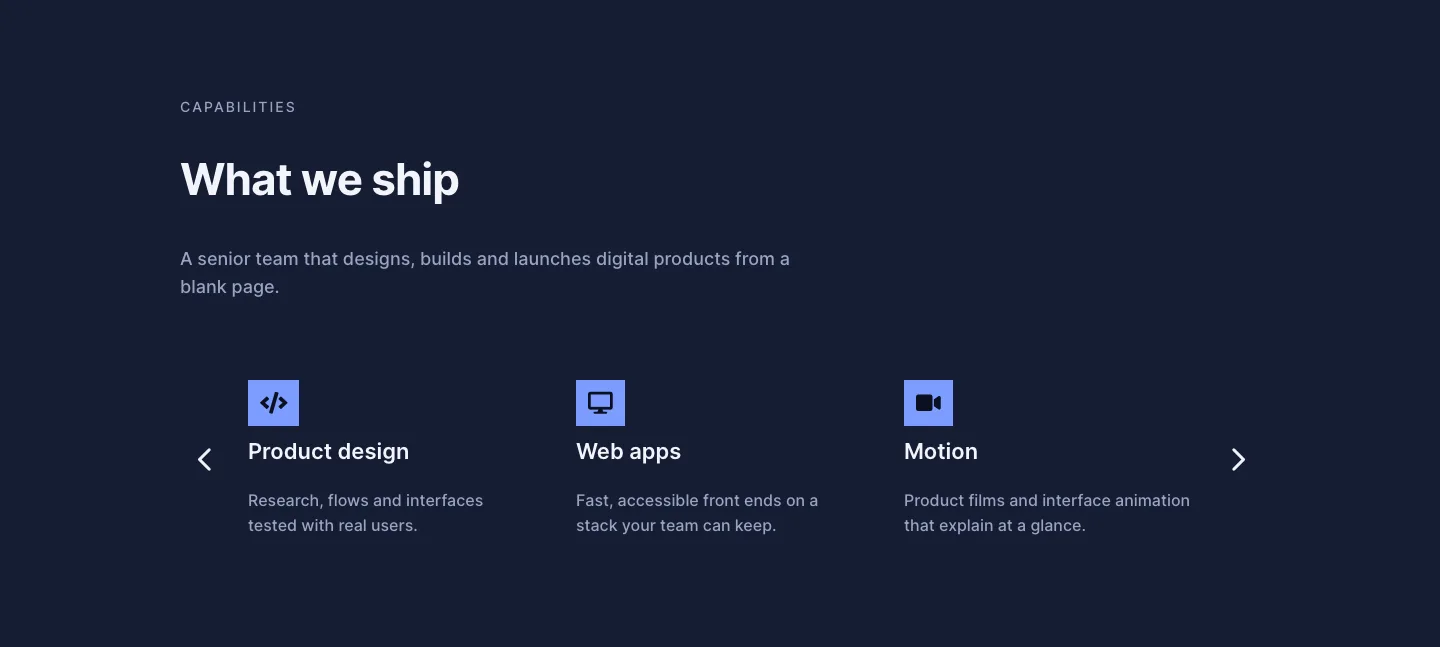
Dark Digital Agency Capabilities Cards Carousel Layout for Divi 5
cards · agency · dark
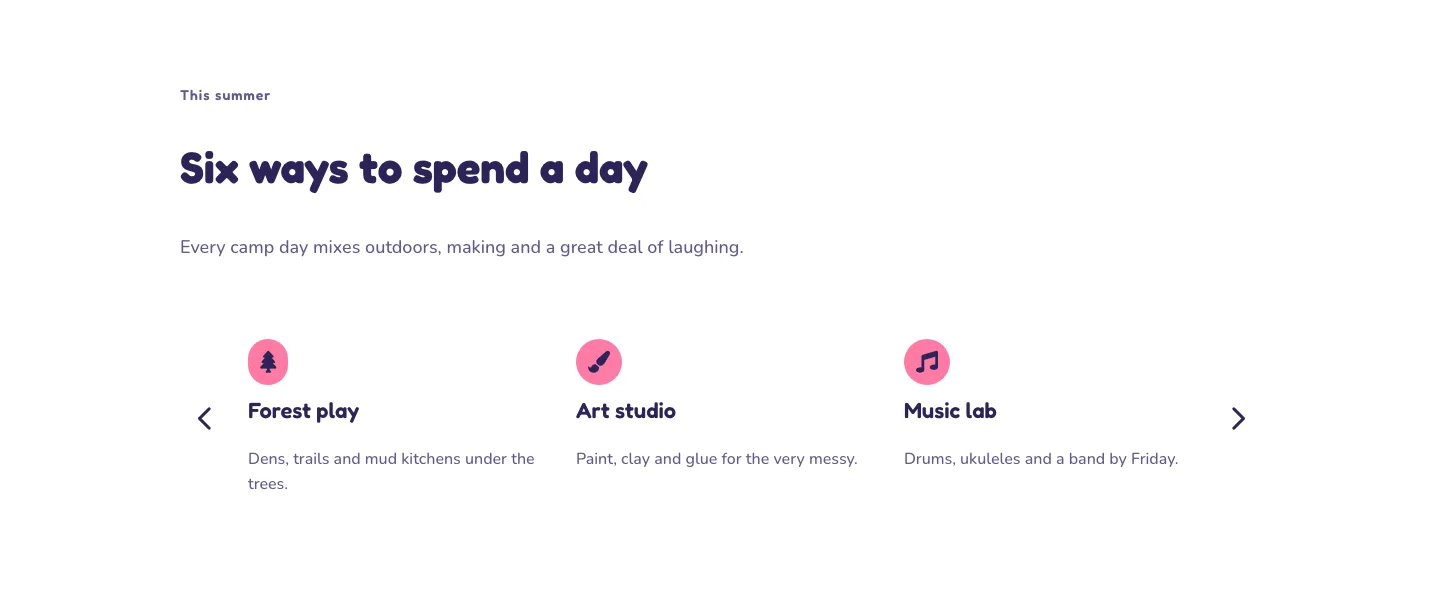
Playful Summer Camp Events Feature Cards Carousel Layout for Divi 5
cards · events · playful
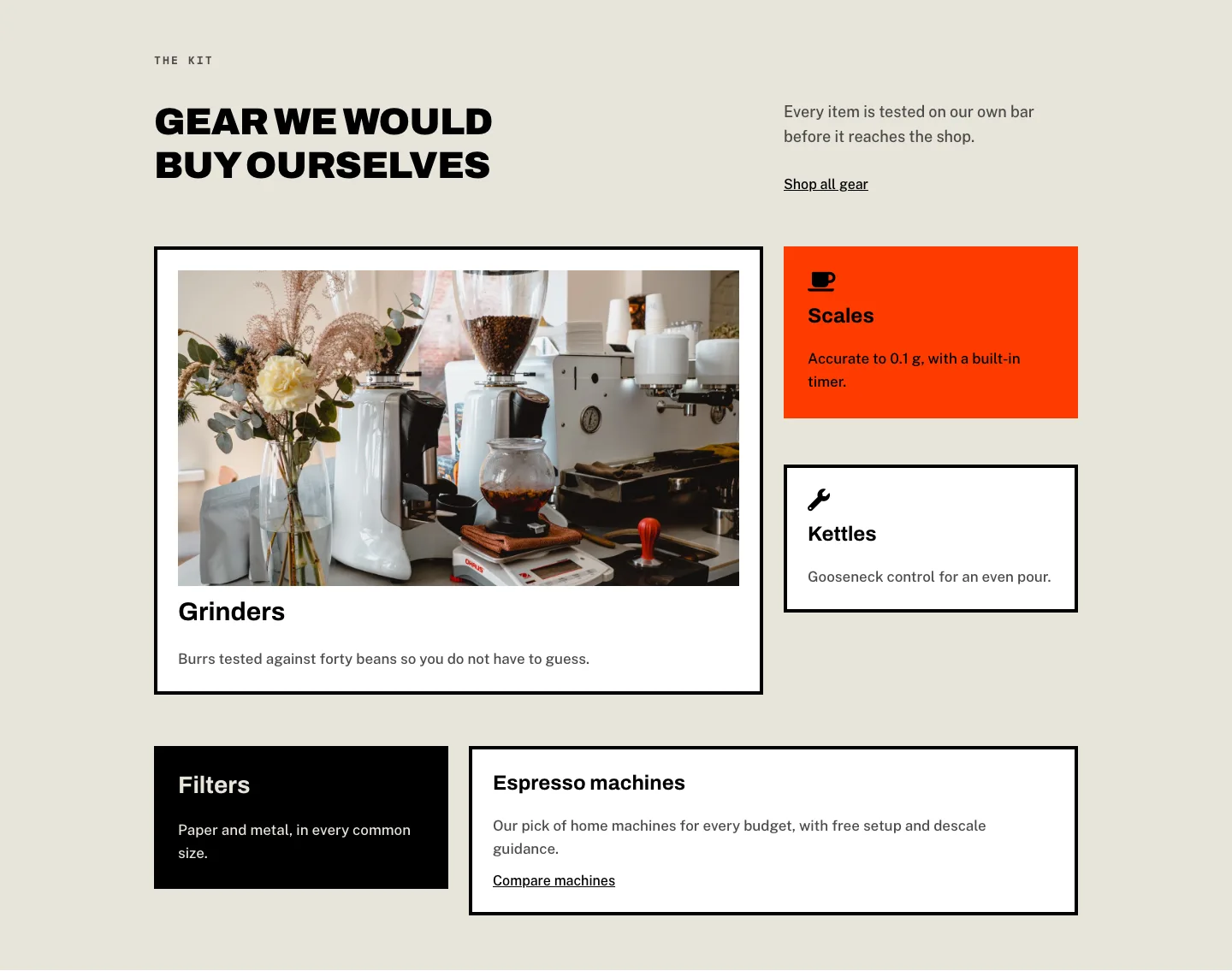
Brutalist Coffee Gear Ecommerce Feature Cards Bento Layout for Divi 5
cards · ecommerce · bold
Soft Nonprofit Values Cards Layout for Divi 5: Three Icon Values
cards · nonprofit · minimal
Soft Case Study Cards Layout for Divi 5: Project Grid
cards · portfolio · minimal