
Bold Kids Party Planner Features Layout for Divi 5: Accordion with Image
A bold, yellow-accented Divi 5 features layout for kids party planners. Two-column accordion lists your key services alongside a vibrant photo — perfect for events businesses.
Rate this element
Download this section, free
- Divi 5 JSON, imports in seconds
- Commercial license included
- No account needed
Click to view the full page
Overview
This section opens with a full-bleed #ffd60a background — a saturated, high-energy yellow that reads immediately as a kids' brand signal — padded at 80 px top and bottom on desktop, stepping to 56 px on tablet and 36 px on phone so the colour never feels suffocating at smaller viewports. The left column carries a two-level heading stack: a 13 px Work Sans eyebrow in uppercase with 2 px letter-spacing anchors the category before an Unbounded 800 h2 at 44 px and −1 px tracking drops the main promise in full display weight. That combination — a quiet serif-style label above a slab-wide display headline — establishes hierarchy without any decorative divider or icon row.
Below the headline, a Divi 5 Accordion module lists four services across four items. The accordion strips the default box border entirely and replaces it with a single 2 px solid #0c0c14 bottom border per item, so each row reads as a ruled list rather than a card stack. Toggle backgrounds on both open and closed states are set to the same #ffd60a as the section, making expand/collapse controls visually flush with the field rather than appearing as floating chips. The first item opens by default so a visitor reads body copy without interaction; body text is set in Work Sans 16 px at a generous 1.7 em line height in #3d3d52, which keeps it legible against the yellow without the harshness of pure black.
The right column holds a single Image module constrained to a 4:5 portrait ratio with object-fit: cover, a vertical crop that balances the height of the accordion stack and prevents the two-column row from feeling bottom-heavy on wide screens. The row itself uses align-items: center on desktop so the image and accordion block meet at their midpoints regardless of which side is taller.
On phone the row switches to flex-direction: column, stacking the text above the image. The text column picks up 32 px bottom padding on mobile to space it cleanly from the image below, and the h2 scales to 30 px — still set in Unbounded 800, so the brand personality carries through even at the smallest viewport.
What’s inside
- Full-bleed #ffd60a section with calibrated vertical padding at three breakpoints (80 / 56 / 36 px)
- Two-heading hierarchy: Work Sans uppercase eyebrow (h4, 13 px) + Unbounded 800 display headline (h2, 44 px, −1 px tracking)
- Divi 5 native Accordion module with four items, bottom-border-only styling (2 px #0c0c14), and first item open by default
- Accordion toggle backgrounds matched to the section colour for a borderless, flush UI treatment
- Portrait Image module (4:5 ratio, object-fit cover) in the right half-column, centre-aligned against the accordion stack
- Two-column row collapses to single-column on phone with text stacked above the image
- Responsive typography: h2 scales 44 → 36 → 30 px; accordion titles scale 20 → 18 px across breakpoints
Who it’s for
This layout is a natural fit for kids' party planners, event entertainment companies, and family-event agencies who need to list their services in a compact, scannable format without a long prose section. It also works well for children's activity studios, party hire businesses, and soft-play venues that want a bold brand presence without a custom theme. The service-list structure translates cleanly to any event vertical — wedding coordinators or corporate team-day organisers can swap the copy and palette and keep the visual logic intact.
Customization tips
The entire palette pivots from one value: the section's background.color (#ffd60a). Change it to a mint, coral, or navy in the Section settings and the accordion toggle backgrounds — already set to the same token — follow automatically, keeping the flush-toggle effect without any additional edits. The eyebrow and body copy use #3d3d52 (a soft near-black) and the headline uses #0c0c14 (full dark), so both stay readable on most mid-tone backgrounds; only switch them to white if you move to a dark section colour.
The accordion body copy sits at about 15–25 words per item in the default layout — keep each answer under 40 words to avoid pushing item height beyond the image crop. If you need a fifth accordion item, the 4:5 image will still hold; a sixth may cause the image to feel short on desktop, so consider switching to a 3:4 or taller crop. For the right-column image, any portrait photo with a clear centred subject at 800 × 1 000 px or larger will fill the crop cleanly.
How to install this layout
- Download the layout JSON file from this page.
- Open the target page in the Divi 5 builder.
- Open the portability panel (up/down arrows icon) and choose the Import tab.
- Upload the JSON. Tick “replace existing content” only for full-page imports.
- Check the page at desktop and mobile widths, then swap in your copy and images.
Full walkthrough with troubleshooting: How to Import a Divi 5 Layout.
Questions about Bold Kids Party Planner Features Layout for Divi 5: Accordion with Image
How does the layout behave on mobile?
The two-column row switches to a single stacked column on phone: text first, image below. The text column adds 32 px bottom padding to space the two blocks, and the headline scales down to 30 px in Unbounded so it stays legible without overflowing narrow screens.
Which Divi 5 modules does this section use?
It uses four native Divi 5 modules: two Heading modules (for the eyebrow and h2), one Accordion module with four Accordion Item children, and one Image module. No third-party plugins or custom modules are required.
The accordion border looks like a single rule under each item — how is that achieved?
The Accordion module's border settings remove the border on all sides except the bottom, which is set to 2 px solid #0c0c14. The border radius is set to 0 px on all corners. You can adjust the bottom border colour in the Accordion's Design > Border settings.
What aspect ratio should my image be, and does it crop automatically?
The Image module is locked to a 4:5 portrait ratio with object-fit set to cover, so it crops to fit automatically. Use any portrait photo at least 800 px wide for a sharp result; the module will centre the subject within the crop.
Can I add more accordion items without breaking the layout?
Yes — up to about five items will still balance visually against the image column on desktop. Beyond five, the left column becomes noticeably taller than the image, which can feel unbalanced; switching the image to a taller aspect ratio (3:4) compensates if you need more items.
The accordion toggle background matches the section — will that change if I update the section colour?
Not automatically. The toggle background colour on both open and closed states is set directly on the Accordion module (not inherited from the section), so if you change the section background you will need to update the Accordion's open and closed toggle background colours to match.
Which Divi version does this layout need?
Divi 5. The layout is generated natively for Divi 5 and validated against its real module structure before publication, so it imports clean into the current builder.
Can I use this layout on client websites?
Yes. Every download includes a commercial license covering unlimited sites you own or build for clients. Only reselling or redistributing the layout file itself is prohibited.
More feature grids
Browse all feature grids
Luxe Private Estates Principles Features Layout for Divi 5: Three Icon Values
features · real_estate · elegant
Soft Fitness Member Perks Features Layout for Divi 5: Four Icon Blurbs
features · fitness · minimal
Bold Nonprofit Impact Features Layout for Divi 5: Four Icon Features
features · nonprofit · bold
Playful Craft Workshop Features Layout for Divi 5: Two-Column Checklist
features · portfolio · playful
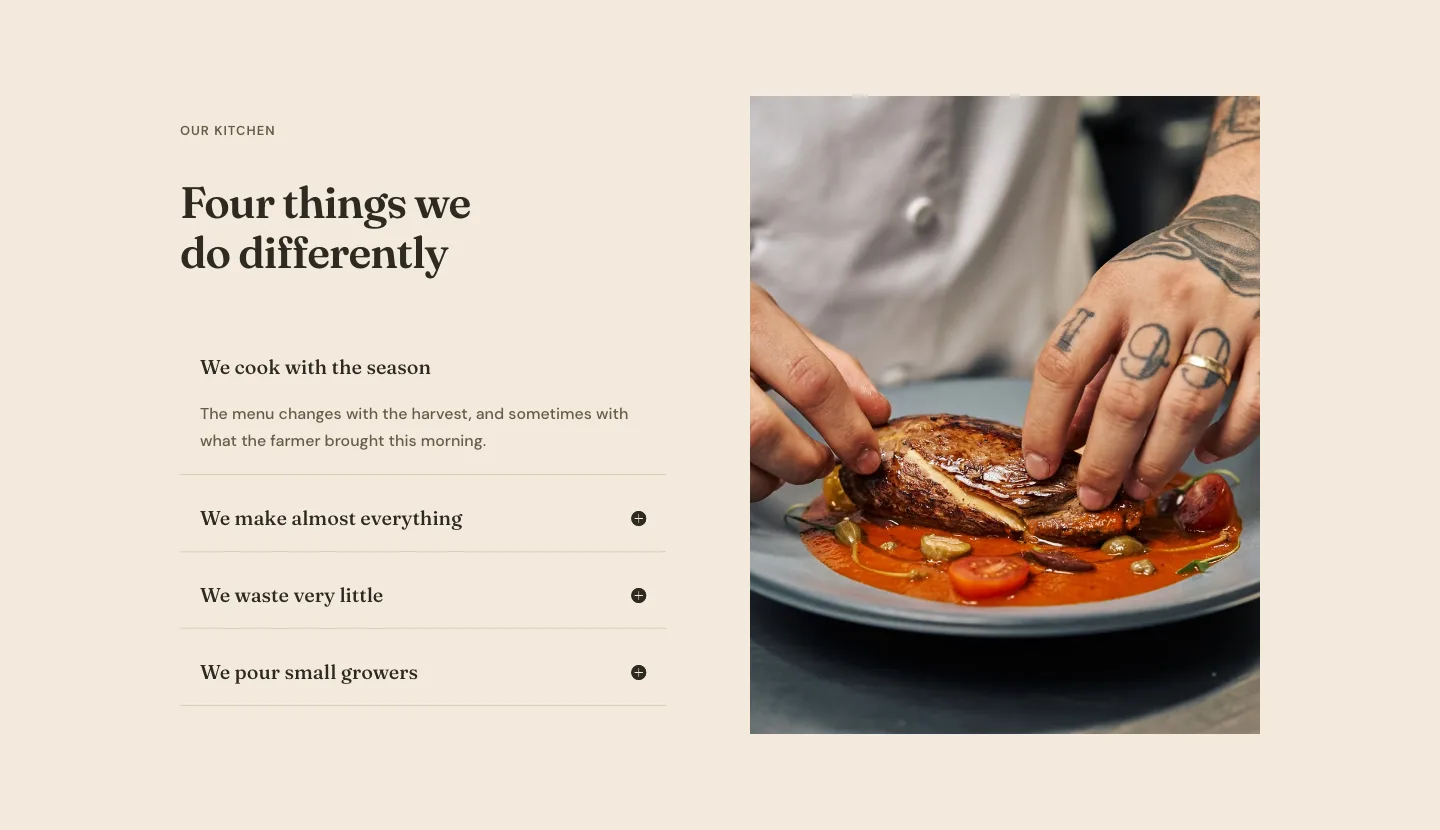
Organic Restaurant Kitchen Values Features Layout for Divi 5: Accordion with Image
features · restaurant · elegant
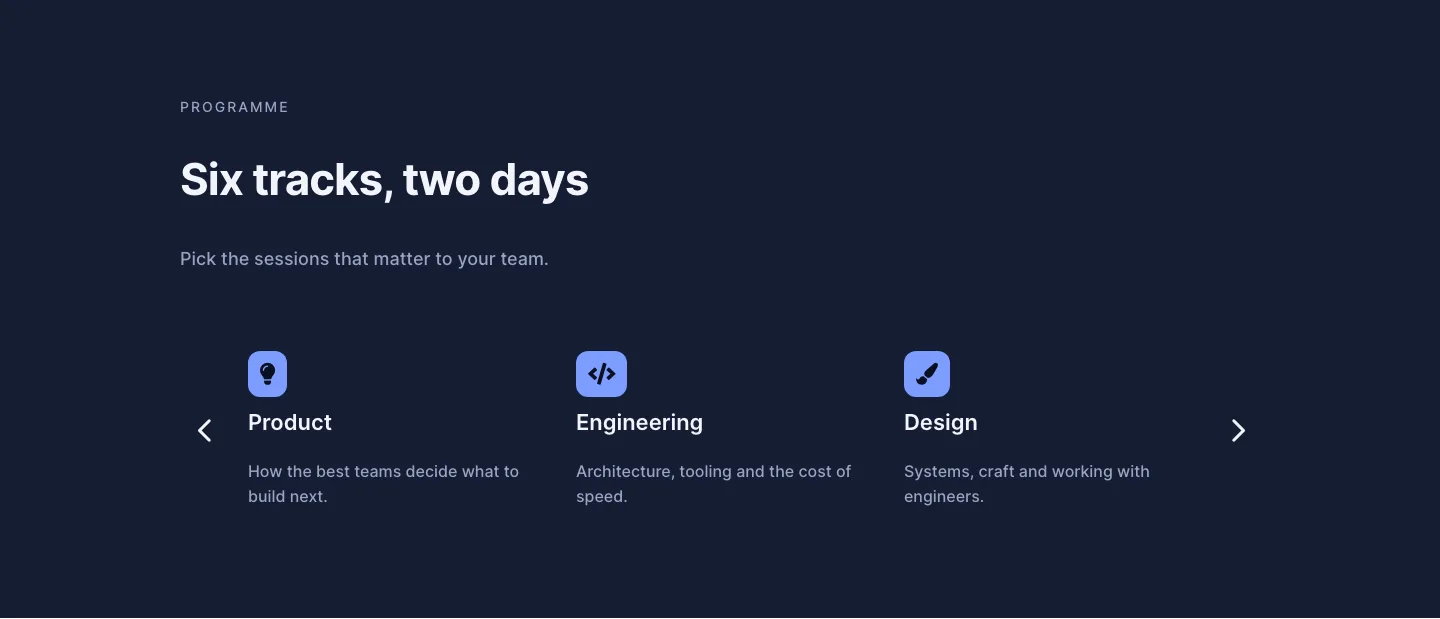
Dark Conference Tracks Features Layout for Divi 5: Carousel Cards
features · events · dark