
Dark Music Festival Hero Section for Divi 5: Night Events Layout
A striking dark-theme hero section for music festivals and night events. Features bold typography, deep navy backgrounds, and a glowing CTA — ready to import into Divi 5.
Rate this element
Download this section, free
- Divi 5 JSON, imports in seconds
- Commercial license included
- No account needed
Click to view the full page
Overview
The layout builds its atmosphere in two distinct layers. A #0b1020 section (near-black with a deep navy tint) holds a full-bleed Pexels festival crowd photograph behind it, establishing the mood without fighting for attention. In front of it sits a #151c33 content card elevated to z-index 10, pulling the eye forward and creating a physical sense of depth. This card-on-backdrop structure means the photo does atmospheric work while the text stack stays crisp and uncompromised by whatever image you place underneath.
The type hierarchy uses three levels to carry the weight. An h4 eyebrow in Inter 500, 16px, 2px letter-spacing, uppercase, and muted #9aa4c0 frames the event identity before the headline lands. The h1 follows at 56px Inter 700 with -1px tracking and 1.1em line-height in #f2f4fa, sized for punchy, emotion-led copy rather than long prose. That headline scales to 44px at tablet and 34px at phone, preserving the weight and impact across every device.
Spacing steps down predictably. The section runs 8% vertical padding, and the content column holds 60px on all four sides at desktop, 30px at tablet, and 20px at mobile. At the phone breakpoint the column also shifts to a full 24/24 flex width, so it sits edge-to-edge without the padding values conflicting with narrower viewports. Nothing collapses unexpectedly; the numbers were set with each breakpoint in mind rather than inherited from desktop defaults.
The CTA button completes the design in #7c9cff, an electric periwinkle that reads cleanly on both the dark card and the near-black section background. Text is set in #0b1020 at Inter 600 with 14px vertical and 28px horizontal padding. On hover the interaction inverts: background goes transparent, text and a 1px periwinkle border remain. The result is a night-mode toggle feel that fits the dark-event aesthetic without requiring any custom CSS.
What’s inside
- Full-width `#0b1020` dark section with a live Pexels festival crowd photo as background layer
- `#151c33` foreground content card at z-index 10 for clean photo/text depth separation
- h4 eyebrow Heading module: Inter 500, 16px, 2px letter-spacing, uppercase, muted `#9aa4c0`
- h1 hero Heading module: Inter 700 at 56px/44px/34px across desktop/tablet/phone with -1px tracking
- `#7c9cff` periwinkle Button module with hover-invert state (transparent background, periwinkle border and text)
- Three-breakpoint responsive column padding (60px desktop, 30px tablet, 20px mobile)
- Full-width mobile column (flexType 24/24) for clean phone presentation with no layout shift
Who it’s for
Music festivals, nightlife promoters, concert venues, DJ collectives, electronic music events, and underground party organizers will find an immediate fit here. The dark palette and tightly tracked headline type also suit film premieres, theater productions with an edgy visual identity, nightclub season announcements, and brand launches where atmosphere is central to the pitch. Less suited for daytime or family-oriented events where a bright, open aesthetic is expected.
Customization tips
The periwinkle accent (#7c9cff) appears in three places: the button fill, its hover border, and its hover text color. Change all three together for a consistent accent shift, whether you move toward amber, neon green, or deep magenta. The section photo works best at 1920px wide with a landscape or cinematic crop; darker source images keep the foreground card readable without adjusting opacity. If your photo is lighter, increase the section background color opacity or add a dark color overlay. The h4 eyebrow sits comfortably at 30-35 characters before wrapping, so keep your event name and year concise. The h1 at 56px and 1.1em line-height accommodates two to three lines cleanly; if your headline runs longer, reduce the font size to 48px. The column's #151c33 background can be switched to a semi-transparent rgba value if you want the background photo to bleed through the card itself.
How to install this layout
- Download the layout JSON file from this page.
- Open the target page in the Divi 5 builder.
- Open the portability panel (up/down arrows icon) and choose the Import tab.
- Upload the JSON. Tick “replace existing content” only for full-page imports.
- Check the page at desktop and mobile widths, then swap in your copy and images.
Full walkthrough with troubleshooting: How to Import a Divi 5 Layout.
Questions about Dark Music Festival Hero Section for Divi 5: Night Events Layout
Does the photo sit behind the entire section or just behind the content column?
Behind the entire section. The section has both the `#0b1020` color and the festival photo set as its background. The content column is a separate dark card (`#151c33`) placed on top at z-index 10, so the photo fills the space around and behind the card rather than sitting under just the text.
What Divi 5 modules does this layout use?
Three modules inside a single section/row/column stack: two Heading modules (an h4 eyebrow and an h1 headline) and one Button module. There are no third-party modules, custom HTML blocks, or code snippets.
How does the headline scale on smaller screens?
The h1 is set to 56px at desktop, 44px at tablet, and 34px at phone using the Heading module's native responsive font settings. Line-height stays at 1.1em across all sizes. Column padding also steps down (60px to 30px to 20px) so the text never feels cramped against the edge.
Can I replace the Pexels festival photo with my own photography?
Yes. Swap the URL in the section background settings for any hosted image. Landscape crops at 1920px wide work best; darker source images maintain the card/background contrast without extra work. If your photo is lighter, lower the column opacity or deepen the section background color to compensate.
What should I edit first after importing?
Start with the h4 eyebrow (your event name and year), then the h1 headline copy, then the button label and link target. The color palette and spacing are already tuned for a dark-event context, so those three copy edits get the section live-ready in minutes.
Which Divi version does this layout need?
Divi 5. The layout is generated natively for Divi 5 and validated against its real module structure before publication, so it imports clean into the current builder.
Can I use this layout on client websites?
Yes. Every download includes a commercial license covering unlimited sites you own or build for clients. Only reselling or redistributing the layout file itself is prohibited.
More hero sections
Browse all hero sections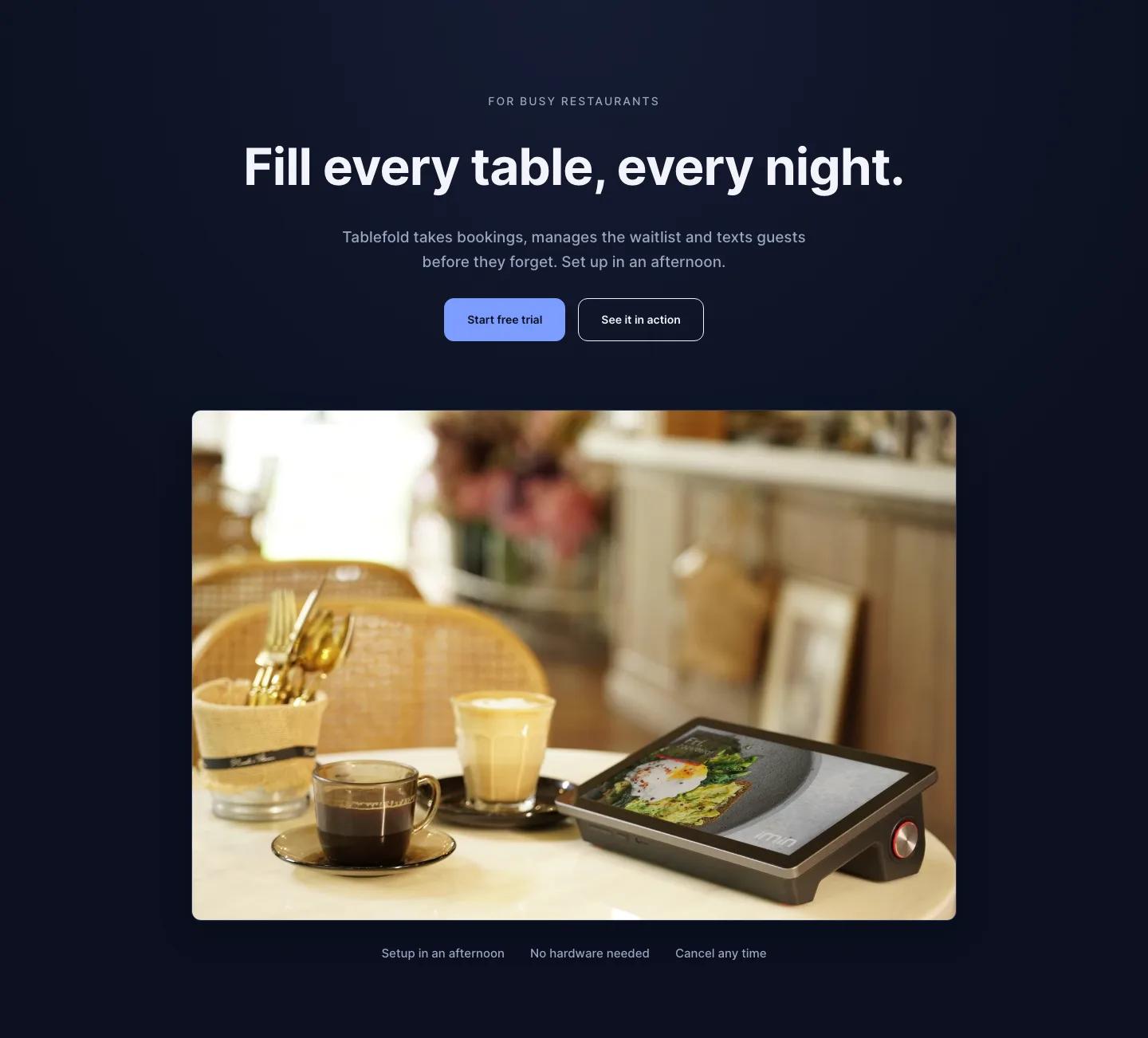
Dark Restaurant Booking Software Hero Section for Divi 5: Product Glow Layout
hero · restaurant · dark
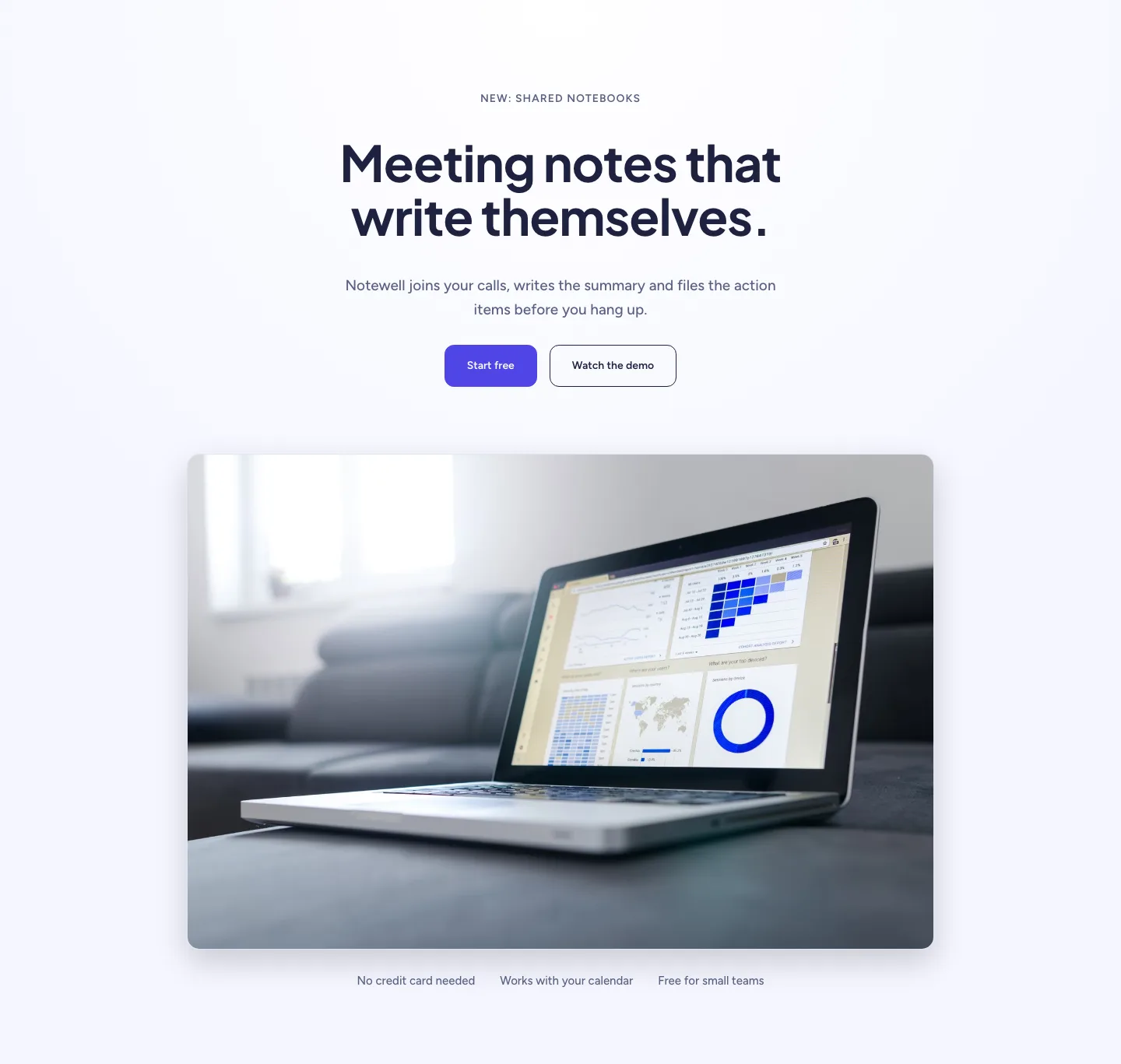
Soft SaaS Meeting Notes Hero Section for Divi 5: Product Glow Layout
hero · saas · minimal
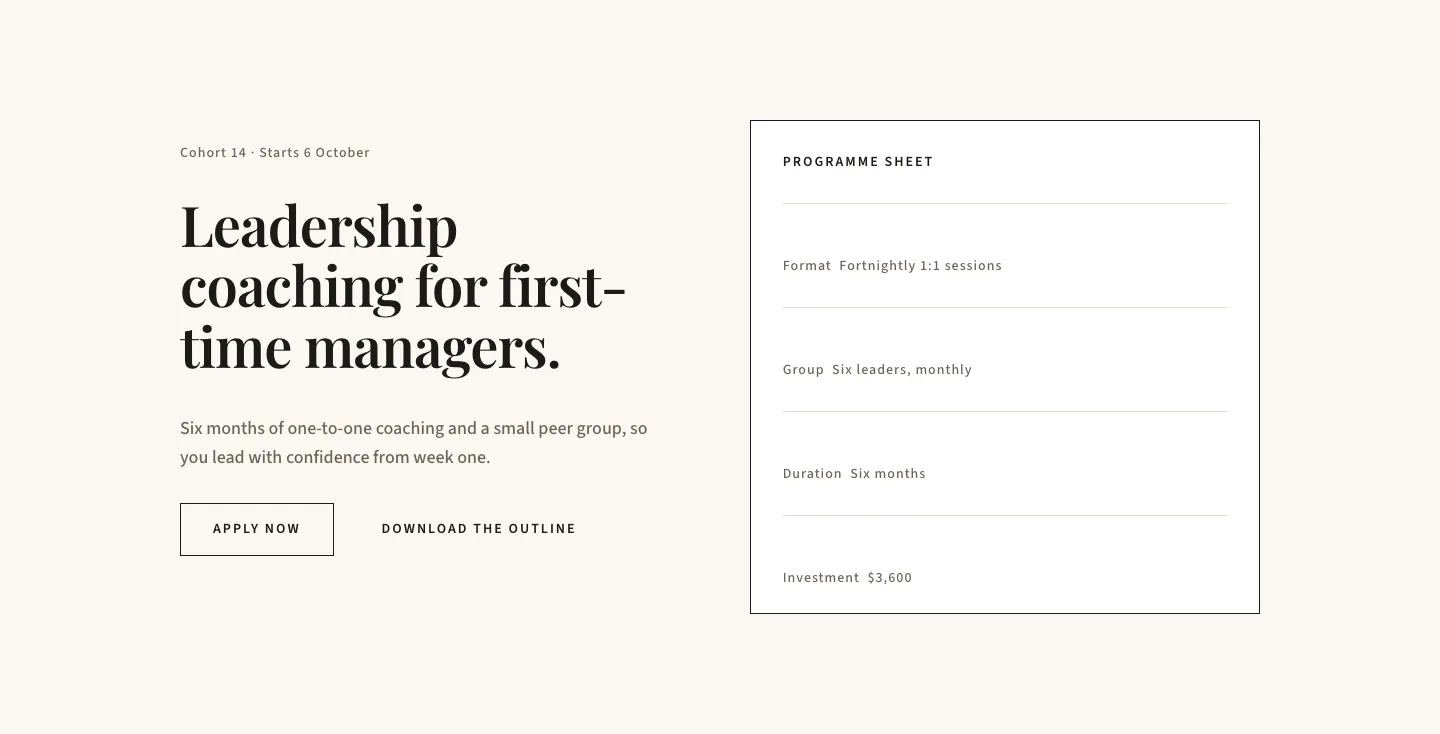
Editorial Executive Coaching Hero Section for Divi 5: Programme Sheet
hero · coaching · minimal
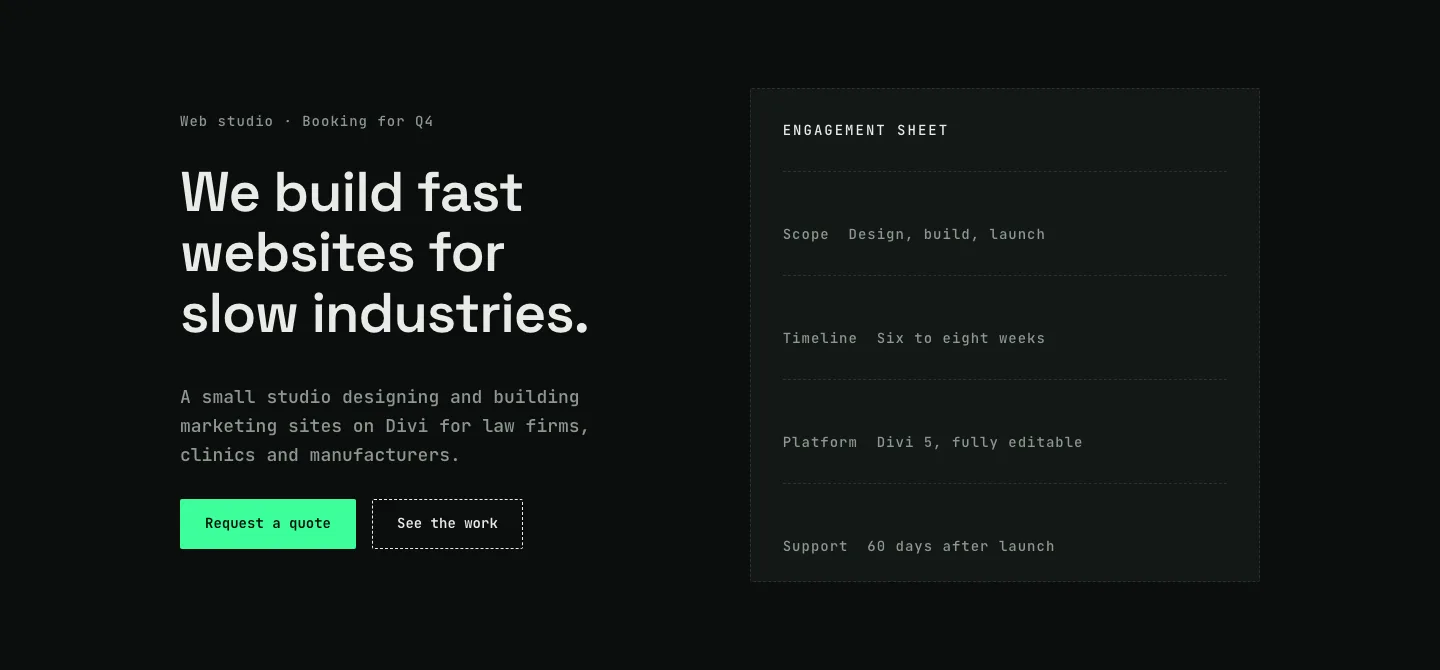
Dark Web Studio Agency Hero Section for Divi 5: Spec Card Layout
hero · agency · dark
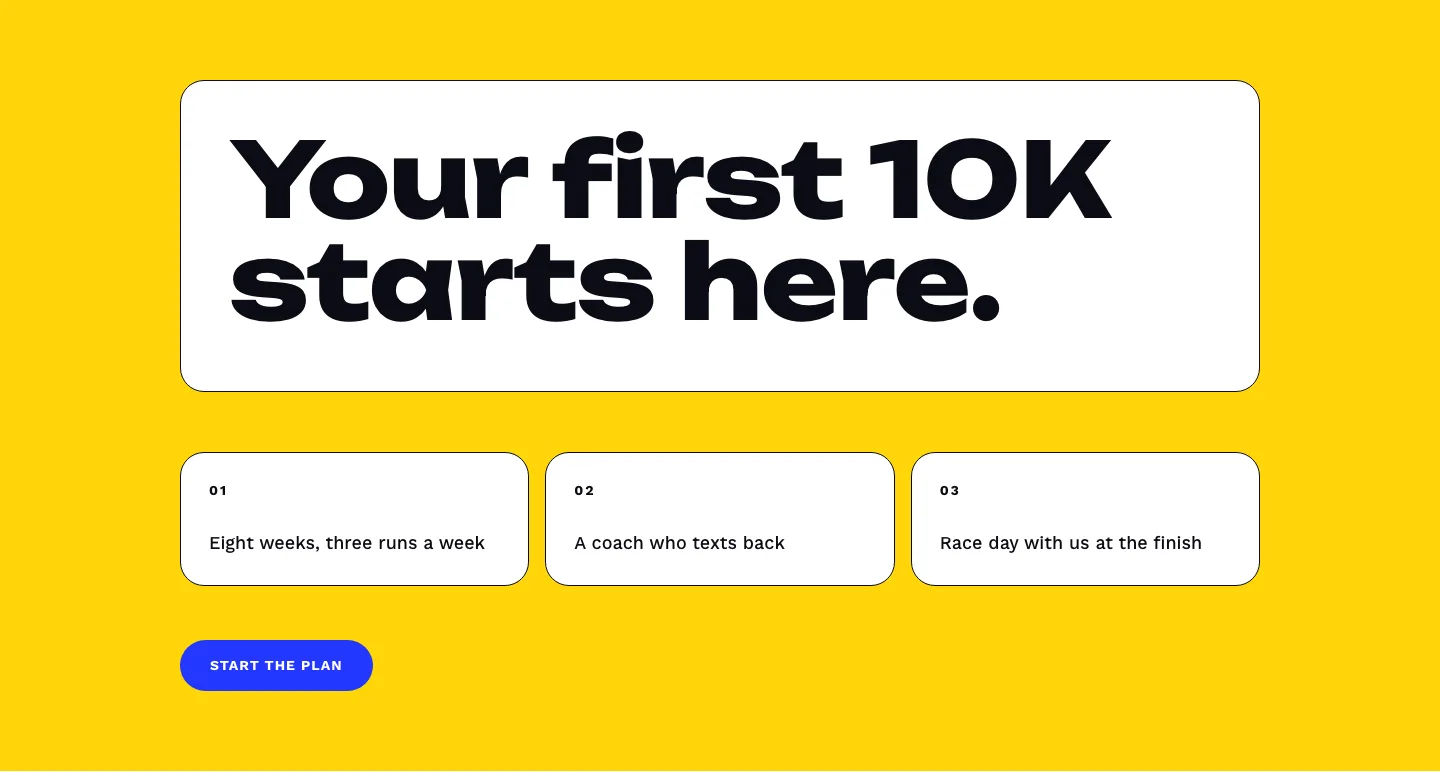
Bold First 10K Running Coach Hero Section for Divi 5: Fitness Bordered Cells
hero · fitness · bold
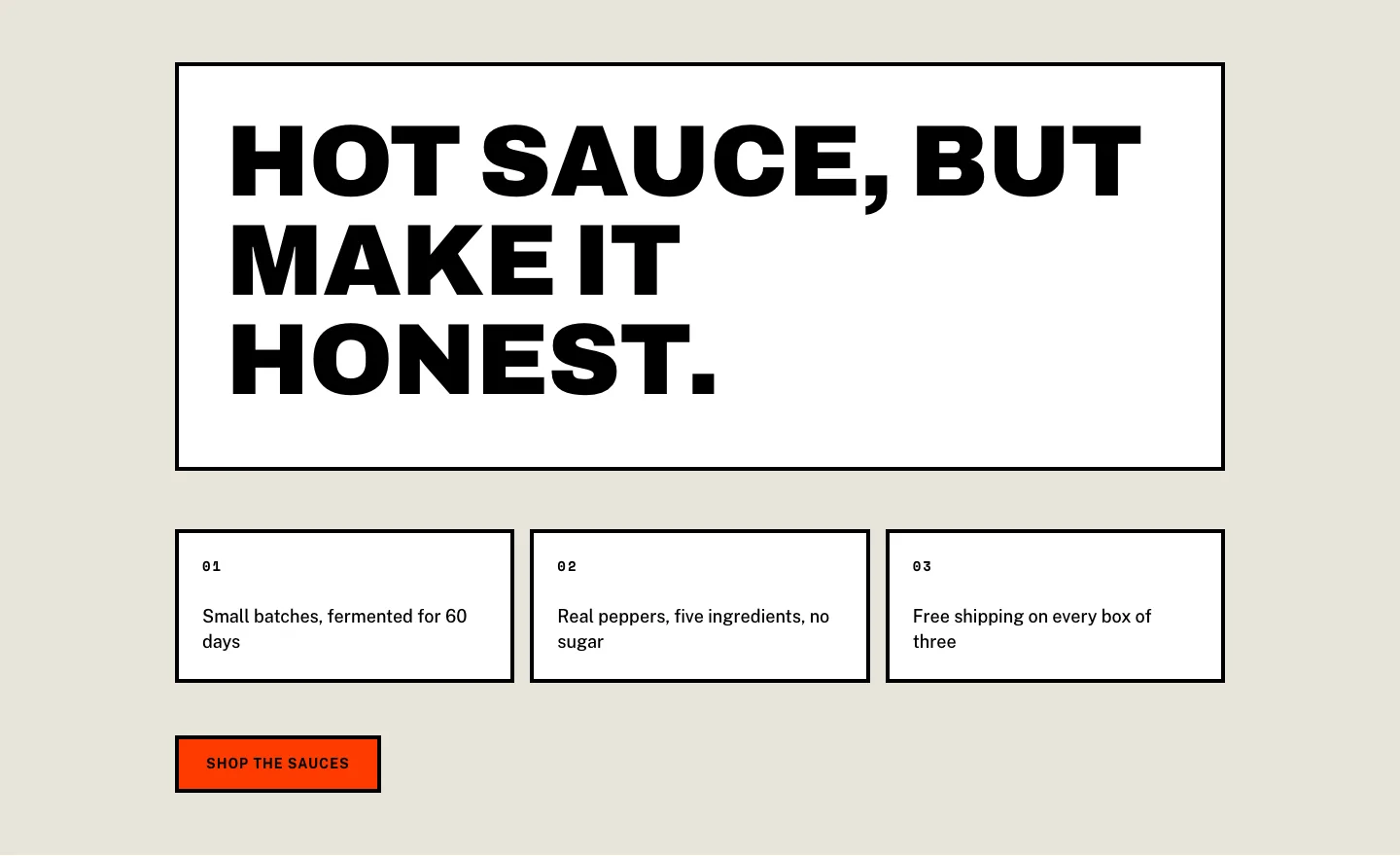
Brutalist Hot Sauce Ecommerce Hero Section for Divi 5: Bordered Cells
hero · ecommerce · bold