
Bold Festival Testimonial Layout for Divi 5: Quote Over Photo
A bold quote-over-photo testimonials section for event and festival websites. Dark overlay, oversized Unbounded typography, and a full-bleed photo background built for Divi 5.
Rate this element
Download this section, free
- Divi 5 JSON, imports in seconds
- Commercial license included
- No account needed
Click to view the full page
Overview
This section is built around a single dramatic decision: let the quote fill the frame. A full-bleed festival crowd photograph sits behind everything, tinted with a 70% dark overlay that runs at 90 degrees — dark on both ends, breathing room in the middle — so the image reads as atmosphere rather than wallpaper. The section background itself is keyed to #ffd60a, the yellow that bleeds through the gradient edges and anchors the brand color even when the photo is swapped. Vertical padding steps down intentionally: 104 px on desktop, 72 px on tablet, 48 px on mobile, giving the content air without wasting screen space on smaller devices.
The typographic hierarchy is built in three tiers. An opening quotation mark set in Unbounded 700 at 120 px (dropping to 80 px on phones) with a compressed line-height of 0.8 em acts as a graphic anchor rather than punctuation — it fills vertical space and signals the testimonial format before a single word is read. The quote body follows in the same Unbounded family at 42 px with textWrap: balance, which keeps multi-line quotes from ending on a single orphaned word at any viewport width. Both type treatments are white, maximizing contrast against the dark overlay.
A 64 px white divider rule — 4 px solid, sitting 32 px below the quote — draws a hard stop before the attribution. The name (Work Sans 700, 17 px) and role line (Work Sans regular, 15 px) sit in a flex column with only 4 px of gap, keeping them visually paired. The entire content block is constrained to a 760 px max-width and left-aligned, so the quote reads as a considered statement rather than a centered platitude.
On mobile, the row collapses to a single stacked column and every font size steps down a full notch, keeping the visual weight proportional rather than overwhelming a small screen. The photo background continues to cover the section at every breakpoint, so the layout never feels cropped or broken.
What’s inside
- Full-bleed photo background (Divi Section module) with `#ffd60a` base color and a two-stop dark gradient overlay at 90 degrees, giving depth without obscuring the image
- Oversized display quote mark via a dedicated Divi Text module in Unbounded 700 at 120 px desktop / 80 px phone, with 0.8 em line-height for tight graphic stacking
- Quote body Text module in Unbounded at 42 px with native `textWrap: balance` applied, preventing awkward line-break orphans across all viewport widths
- 64 px white Divider module at 4 px solid weight, grouped with a top margin Group module to create a precise visual separator between quote and attribution
- Two-line attribution block built with a flex-column Group module (4 px row gap): bold name in Work Sans 700 and a lighter role/context line in Work Sans regular
- Three-breakpoint responsive font scaling across all Text modules (desktop / tablet / phone values set independently in the builder)
- Content constrained to 760 px max-width inside a Group module, left-aligned — keeps long quotes readable on wide monitors without stretching to edge
Who it’s for
This layout fits any events brand that needs social proof to convert ticket browsers into buyers. Music festival promoters, concert venue marketers, nightlife event companies, and multi-day conference organizers will find it immediately usable. It also works for experiential marketing agencies building landing pages for client events, brand activation studios showcasing attendee reactions, and sports or esports tournament sites where crowd energy is part of the pitch. The bold typographic scale and dark-over-photo treatment read as premium regardless of genre.
Customization tips
Start by replacing the Pexels background photo in the Section module's background settings with your own crowd or venue shot — use a landscape image at least 1920 px wide and 900 px tall for clean cover behavior. The #ffd60a base color shows at the gradient edges, so changing that one hex value shifts the brand accent across the entire section without touching any other module.
The quote body is capped at roughly two to three sentences before the 42 px Unbounded type pushes the section uncomfortably tall on mobile; keep quotes under 180 characters for the best rhythm. If your brand uses a different typeface, swap Unbounded on both the quote mark and body Text modules at the same time so the weight relationship stays consistent. The divider width (64 px) suits short attribution names; widen it to 80–96 px if names run long to avoid visual imbalance.
How to install this layout
- Download the layout JSON file from this page.
- Open the target page in the Divi 5 builder.
- Open the portability panel (up/down arrows icon) and choose the Import tab.
- Upload the JSON. Tick “replace existing content” only for full-page imports.
- Check the page at desktop and mobile widths, then swap in your copy and images.
Full walkthrough with troubleshooting: How to Import a Divi 5 Layout.
Questions about Bold Festival Testimonial Layout for Divi 5: Quote Over Photo
What background image dimensions work best here?
The Section module uses cover sizing centered on `center center`, so anything 1920 × 900 px or larger will fill cleanly at all breakpoints. Landscape orientation is required — portrait crops will center vertically and likely cut off faces or key visual elements.
Which Divi modules does this layout actually use?
One Section, one Row, one Column, three Group modules (content wrapper, divider spacer, and attribution block), three Text modules (quote mark, quote body, name), one more Text module (role line), and one Divider module. No third-party modules or plugins are required.
How does the dark overlay work — is it a separate module?
No separate module is needed. The overlay is a two-stop gradient (`rgba(12,12,20,0.7)` at both 0% and 100%) set to overlay the image directly within the Section module's background options. Adjusting the alpha value (currently 0.7) controls how much of the photo shows through.
Can I replace the Unbounded font without breaking the layout?
Yes, but change it on both the quote-mark Text module and the quote-body Text module simultaneously. Unbounded is a wide display font; switching to a condensed typeface will reduce horizontal space usage and may let you run slightly longer quotes before mobile line-wrapping becomes a problem.
What is the first thing I should edit to make this section feel like mine?
Swap the background photo and the `#ffd60a` base color. Those two changes shift the entire mood. The overlay opacity and type stay white, so they adapt automatically to any photo as long as the image has mid-to-dark tones in the areas where the quote sits.
Does the section stack correctly on phones without any manual adjustments?
Yes. The Row module has `flexDirection: column` set at the phone breakpoint, and all three Text modules carry explicit phone font-size values. The section padding also steps down to 48 px on phones. No additional responsive tweaks are needed out of the box.
Which Divi version does this layout need?
Divi 5. The layout is generated natively for Divi 5 and validated against its real module structure before publication, so it imports clean into the current builder.
Can I use this layout on client websites?
Yes. Every download includes a commercial license covering unlimited sites you own or build for clients. Only reselling or redistributing the layout file itself is prohibited.
More testimonials
Browse all testimonials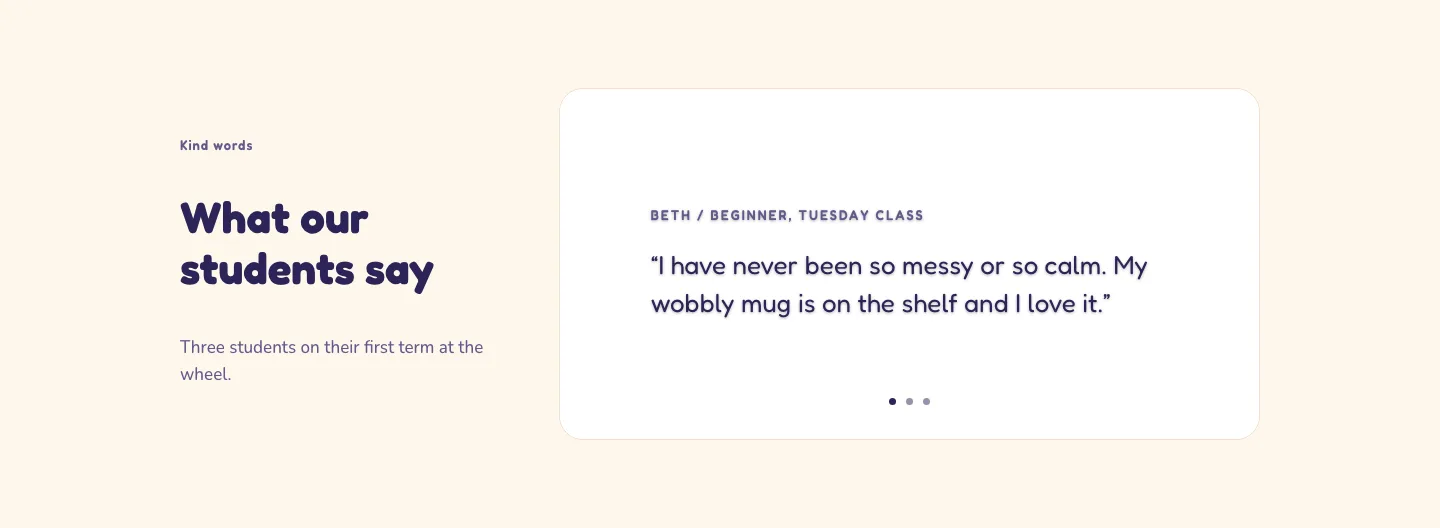
Playful Pottery Class Testimonial Slider Layout for Divi 5: Three Quotes
testimonials · coaching · playful
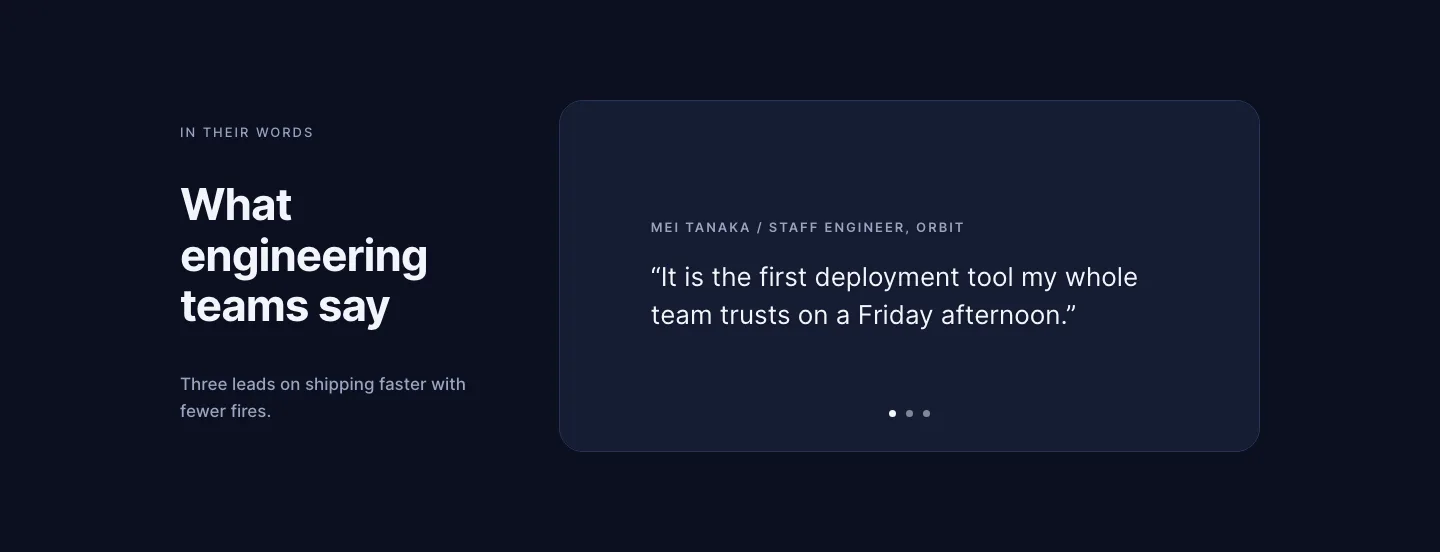
Dark Software Reviews Testimonial Slider Layout for Divi 5: Three Quotes
testimonials · saas · dark
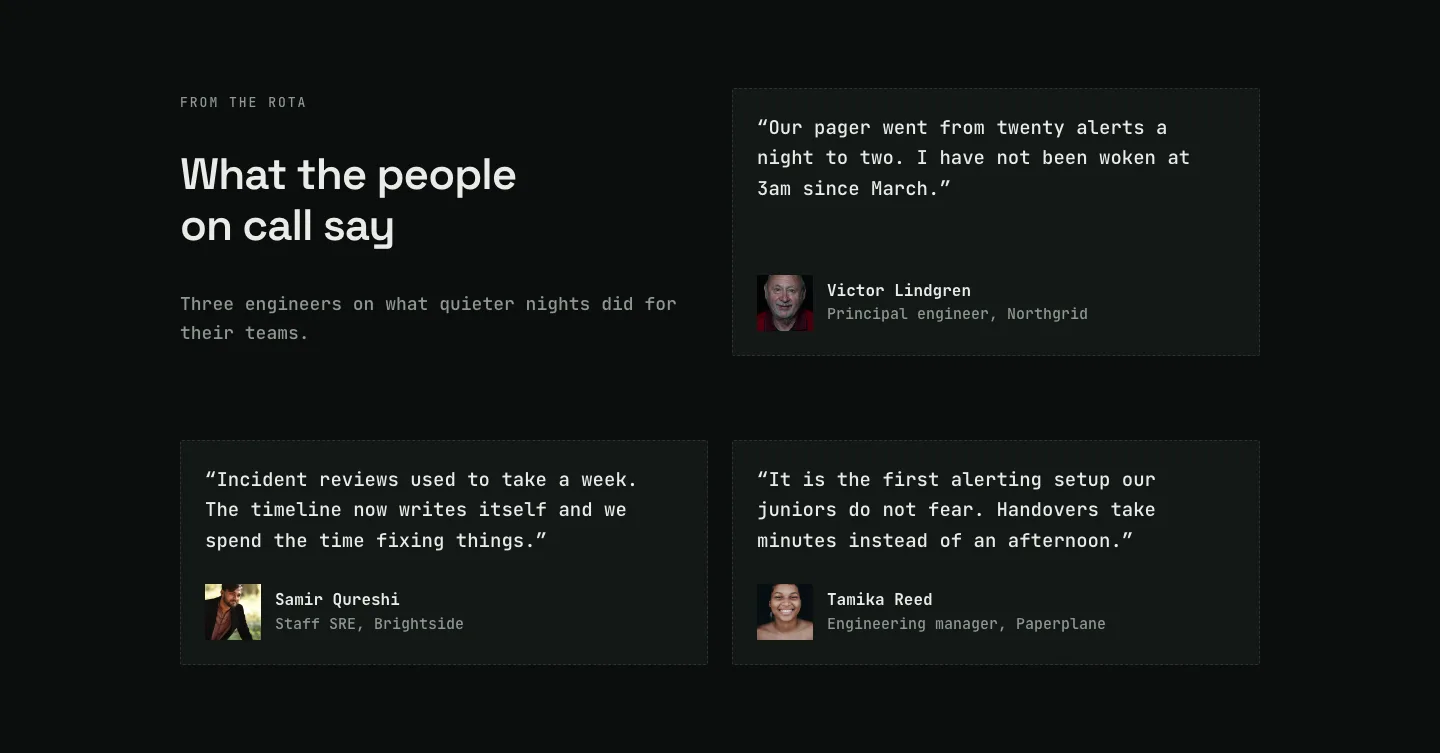
Dark On-Call Engineers Testimonials Layout for Divi 5: Three Avatar Cards
testimonials · saas · dark
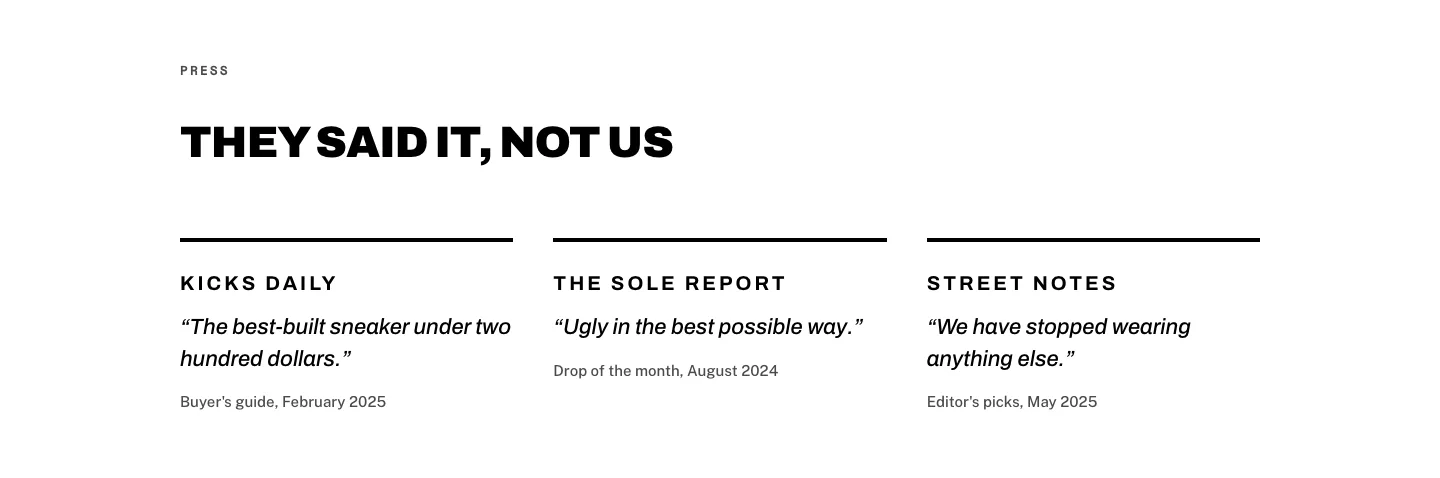
Brutalist Sneaker Brand Press Quotes Layout for Divi 5: Three Publications
testimonials · ecommerce · bold
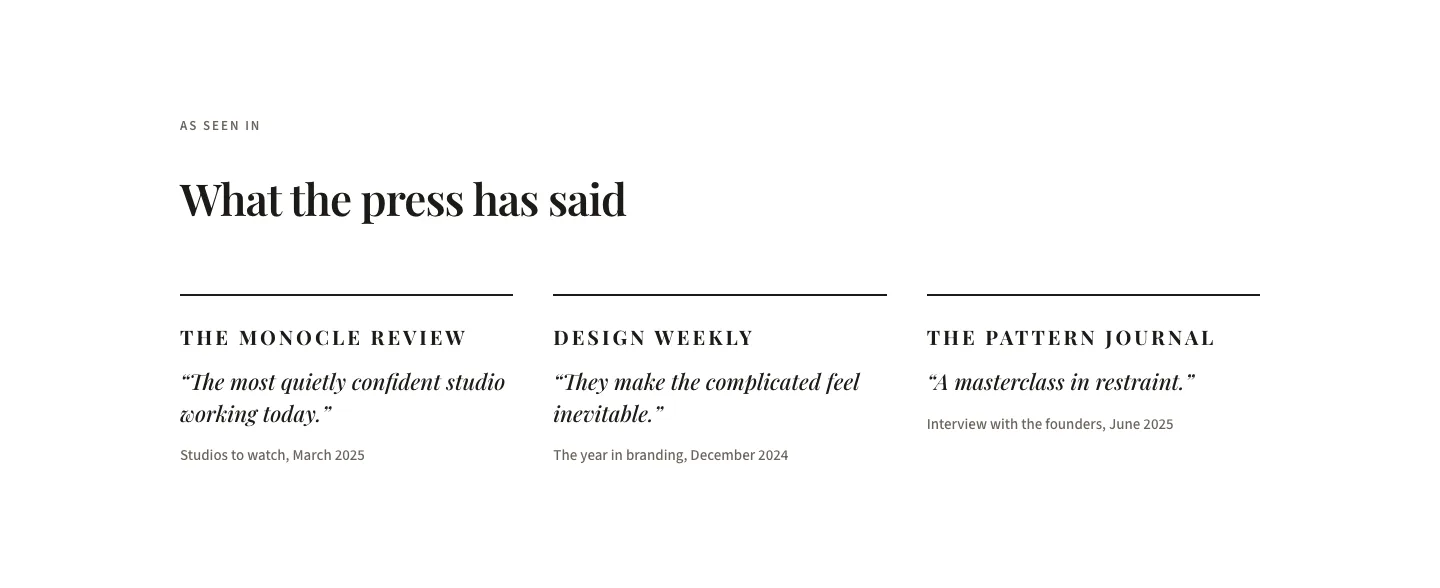
Editorial Studio Press Quotes Layout for Divi 5: Three Publications
testimonials · agency · minimal
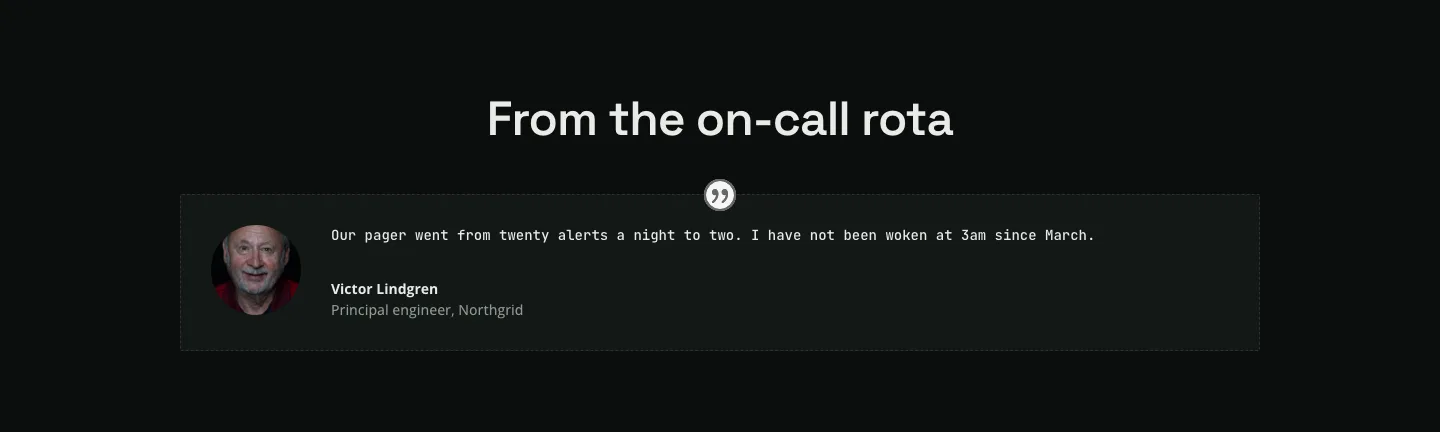
Dark Infrastructure Testimonial Layout for Divi 5: Single Card
testimonials · saas · dark