
Dark On-Call Engineers Testimonials Layout for Divi 5: Three Avatar Cards
A dark Divi 5 testimonials section featuring three on-call engineers sharing quotes about incident reduction and alerting. Monochrome cards with avatar photos, JetBrains Mono typography, and dashed borders on a near-black background.
Rate this element
Download this section, free
- Divi 5 JSON, imports in seconds
- Commercial license included
- No account needed
Click to view the full page
Overview
The layout opens with a left-column header block and three testimonial cards arranged in a two-column grid across two rows. The first row pairs the section header (left column) with the first card (right column); the second row places the remaining two cards side by side. This asymmetric opening row is a deliberate hierarchy move: the headline and subtext anchor your eye before any quote appears, so visitors read context first and voices second. Column gap is 24px throughout, and the two rows are connected by a 12px padding seam that keeps the grid tight without merging into a single visual mass.
Every card sits on #131715 — a near-black with a faint green cast — against the section's #0b0d0c canvas. The 1px dashed border in #2a312d traces the card edge without hard contrast, giving each unit a contained but breathable feel that reads as "terminal window" rather than "generic card." Internal padding is 24px on all sides, and a justifyContent: space-between flex column pushes the quote to the top and the avatar row to the bottom, so cards of different quote lengths still align their attribution lines visually.
Typography is entirely JetBrains Mono, chosen deliberately for an engineering audience. The eyebrow label uses 13px/500 weight/2px letter-spacing in muted #8d9892, the H2 headline switches to Space Grotesk at 44px with -1px tracking and text-wrap: balance for optical centering, and quote text runs at 19px/1.6em in near-white #e8ece9. Name lines are 16px bold, role lines are 15px in the muted tone. The consistent mono stack signals technical credibility without requiring any customization from the buyer.
On mobile, both rows collapse to a single flex column (flexWrap: wrap, flexDirection: column) and the section padding steps down from 88px to 40px. The header column loses its right padding offset and the cards go full width. Avatar images are fixed at 56px wide with a 1:1 aspect ratio and object-fit: cover, so portrait crops stay clean at any screen size without distortion.
What’s inside
- One section module with two native Divi 5 rows: an asymmetric header-plus-card row followed by a full two-card row, all sharing a 24px column gap and stretch-aligned columns
- Three testimonial cards built from Divi 5 column, text, group, and image modules — no blot/plugin dependency — each with a dashed 1px border, 24px internal padding, and flex-column layout that pins the attribution row to the card bottom
- JetBrains Mono typography stack for all body and quote text, with Space Grotesk reserved for the H2 headline at 44px desktop / 36px tablet / 30px mobile with automatic `text-wrap: balance`
- 56px square avatar images with 1:1 aspect ratio and `object-fit: cover` grouped in a flex row alongside a two-line name/role attribution block
- Three-tier responsive spacing: section padding 88px desktop → 64px tablet → 40px mobile; column padding and font sizes step down at each breakpoint
- Dark palette hard-coded in the JSON: canvas `#0b0d0c`, card surface `#131715`, border `#2a312d`, copy `#e8ece9`, muted text `#8d9892` — all overridable via Divi 5 global presets
Who it’s for
This section fits any SaaS product marketed to engineering, DevOps, or platform teams — on-call tooling, incident management, observability, CI/CD platforms, and developer productivity software. It also suits infrastructure startups, site reliability consultancies, and security-ops vendors who need social proof that speaks peer-to-peer rather than executive-to-buyer. The dark terminal aesthetic and mono typography signal technical seriousness, making it a poor fit for consumer apps or lifestyle brands but a strong fit wherever the buyer's customer reads changelogs for fun.
Customization tips
Swap the palette in one pass by updating #0b0d0c (section background), #131715 (card background), and #2a312d (border) to your brand's dark tokens in Divi 5 global presets — the near-white copy colors follow automatically if you also update #e8ece9 and #8d9892. Quote copy should stay under 180 characters to avoid cards growing to unequal heights on desktop; longer quotes push the avatar row out of alignment. Replace each avatar image with a 1:1 crop (square) at least 112px wide so Divi's object-fit: cover has enough pixels to work with at 2x density. To switch fonts, update the JetBrains Mono references on the text modules and the Space Grotesk reference on the H2 heading independently — they are set inline rather than via a shared font preset.
How to install this layout
- Download the layout JSON file from this page.
- Open the target page in the Divi 5 builder.
- Open the portability panel (up/down arrows icon) and choose the Import tab.
- Upload the JSON. Tick “replace existing content” only for full-page imports.
- Check the page at desktop and mobile widths, then swap in your copy and images.
Full walkthrough with troubleshooting: How to Import a Divi 5 Layout.
Questions about Dark On-Call Engineers Testimonials Layout for Divi 5: Three Avatar Cards
How do the three cards stack on mobile?
Both rows switch to `flexWrap: wrap` with `flexDirection: column` on phones, so all three cards render as a single vertical list. The header column loses its right-side offset padding and sits above the first card. Section padding also steps down to 40px top and bottom.
What modules make up each testimonial card?
Each card is a Divi 5 column containing a text module for the quote, then a group module that holds a fixed-width image group (56px, 1:1 aspect ratio) and a second group with two text modules for the name and role. No third-party or Divi Marketplace modules are required.
The cards are different heights on desktop if my quotes vary in length — is that by design?
Yes. The column modules use `alignItems: stretch` at the row level, so all cards in the same row grow to the tallest card's height. Inside each card, `justifyContent: space-between` keeps the attribution row pinned to the bottom. Quotes under roughly 180 characters stay visually close in height; longer quotes will grow the card and the flex layout compensates gracefully.
What aspect ratio should my avatar photos be?
Square (1:1). The image modules have the aspect ratio locked to 1:1 and `object-fit: cover`, so non-square originals will be center-cropped. Provide at least 112×112px source images for sharp rendering at 2x screen densities.
Can I add a fourth card without breaking the layout?
You can duplicate a column in the second row and add a third row for a fourth card, but the layout is structured as two-column rows. Adding a third column to an existing row would require changing the column structure from `1_2,1_2` to `1_3,1_3,1_3` and adjusting padding accordingly — it is a deliberate edit, not a simple drag-in.
What is the first thing I should edit after importing?
Replace the three quote texts and attribution names/roles first — that is the only content a visitor reads. Avatar images are next; swap each Pexels placeholder with a real photo cropped to 1:1. Palette changes (section background, card surface, border color) can come after the content is correct.
Which Divi version does this layout need?
Divi 5. The layout is generated natively for Divi 5 and validated against its real module structure before publication, so it imports clean into the current builder.
Can I use this layout on client websites?
Yes. Every download includes a commercial license covering unlimited sites you own or build for clients. Only reselling or redistributing the layout file itself is prohibited.
More testimonials
Browse all testimonials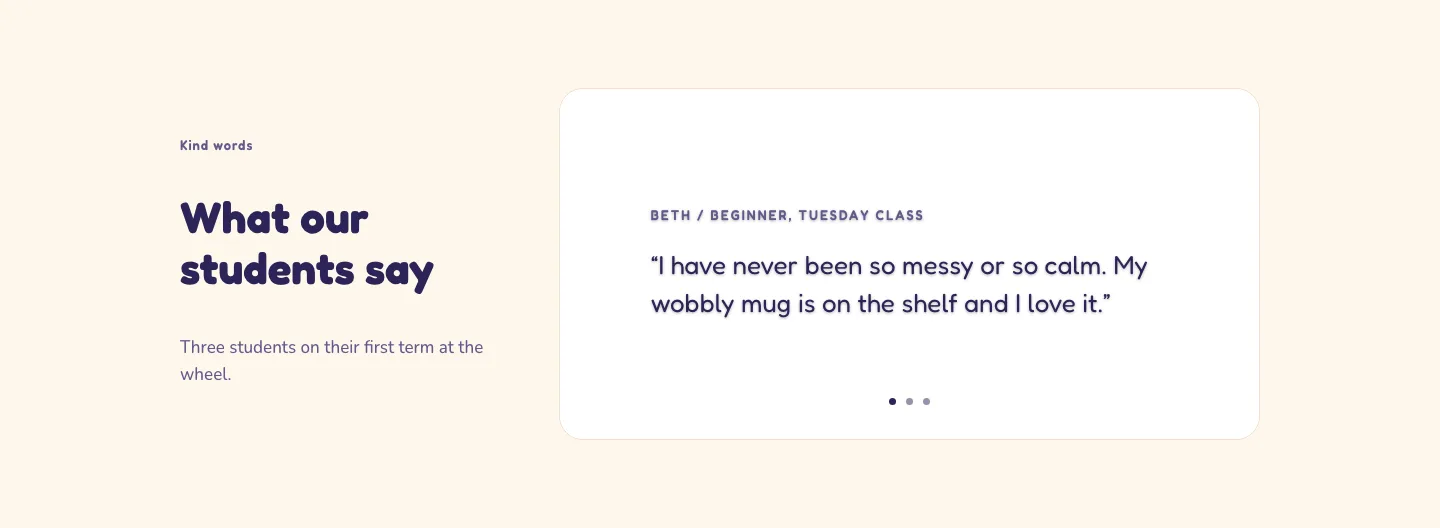
Playful Pottery Class Testimonial Slider Layout for Divi 5: Three Quotes
testimonials · coaching · playful
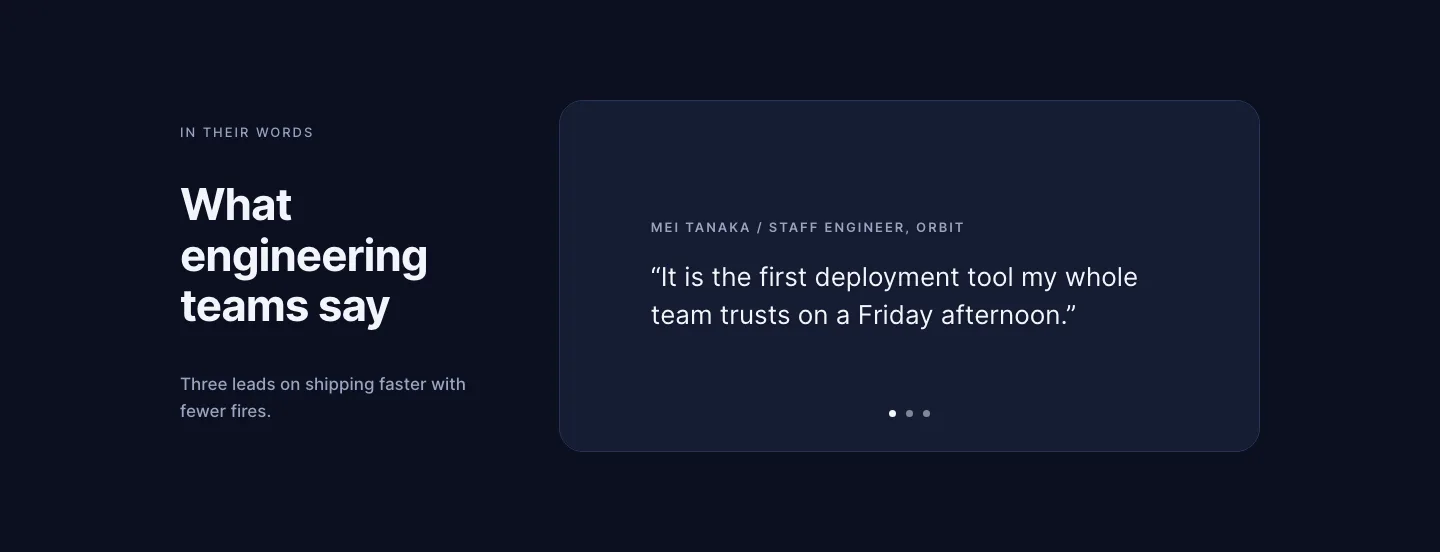
Dark Software Reviews Testimonial Slider Layout for Divi 5: Three Quotes
testimonials · saas · dark
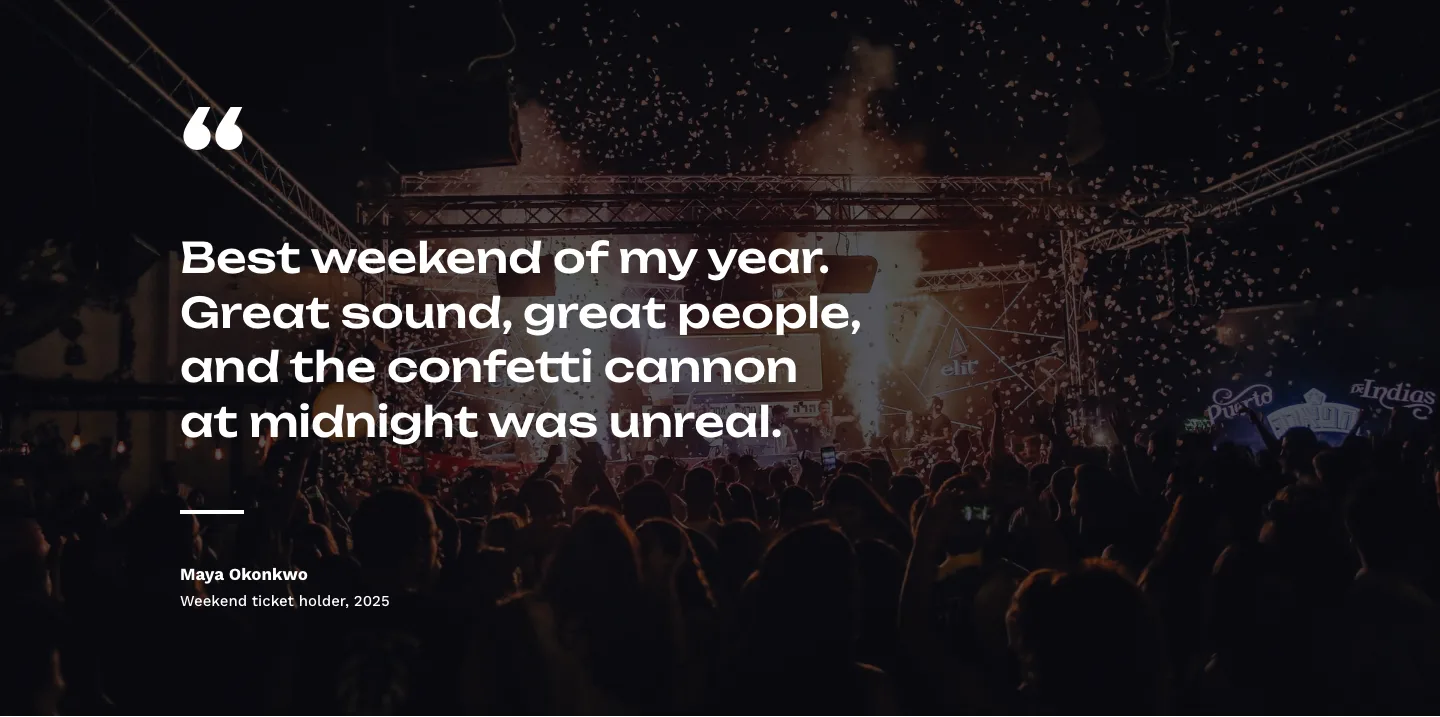
Bold Festival Testimonial Layout for Divi 5: Quote Over Photo
testimonials · events · bold
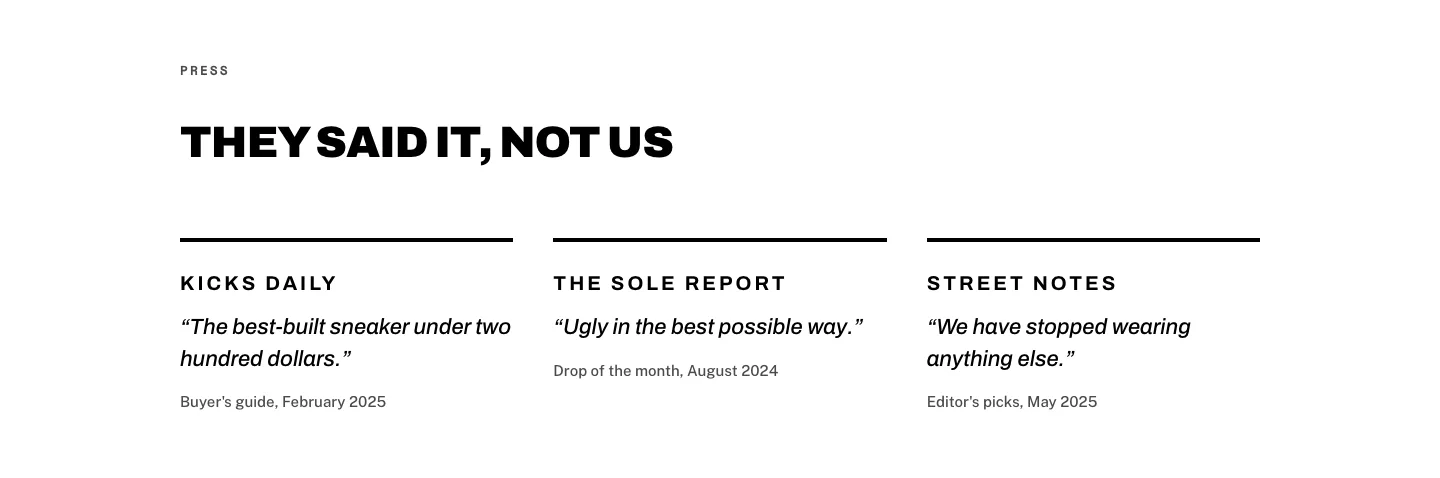
Brutalist Sneaker Brand Press Quotes Layout for Divi 5: Three Publications
testimonials · ecommerce · bold
Editorial Studio Press Quotes Layout for Divi 5: Three Publications
testimonials · agency · minimal
Dark Infrastructure Testimonial Layout for Divi 5: Single Card
testimonials · saas · dark