
Dark Software Reviews Testimonial Slider Layout for Divi 5: Three Quotes
A dark-mode Divi 5 testimonial slider layout for SaaS products. Two-column section with rotating engineer quotes on a deep navy background. Ready to import.
Rate this element
Download this section, free
- Divi 5 JSON, imports in seconds
- Commercial license included
- No account needed
Click to view the full page
Overview
This section opens on a deep navy canvas (#0b1020) with a deliberate asymmetric split: the left column carries the heading block (one-third of the row width on desktop), and the right column holds a wider slider card (two-thirds). The imbalance is intentional — it signals that the social proof is the primary object, not an afterthought. The section padding steps down from 100px on desktop to 72px on tablet and 48px on mobile, keeping the breathing room proportional rather than uniform.
The typography works on two registers. The eyebrow label — "In their words" — sits at 13px Inter, 500 weight, 2px letter-spacing in muted slate (#9aa4c0). Below it, the H2 headline renders at 44px / −1px tracking / weight 700 in near-white (#f2f4fa), with text-wrap: balance keeping line breaks clean at any column width. That contrast between whisper-quiet label and loud headline is the primary visual hierarchy before the slider even comes into focus.
The slider card itself sits on a slightly lighter dark surface (#151c33) with a 24px border-radius and a subtle 1px border in indigo-grey (#2a3558). Overflow is hidden, which keeps slide transitions inside the rounded container. Each slide quote renders at 26px / 1.45em line-height in #f2f4fa — large enough to read as a pull-quote — while the attribution line uses the same 13px/uppercase/2px-spacing treatment as the eyebrow, creating a visual echo between the label column and the slide metadata. Arrow controls are white; dot navigation fills with #f2f4fa to stay visible against the dark card.
On phone, the row switches to flex-direction: column, stacking the heading block above the slider. Both columns go full-width (24/24 flex), and the headline drops to 30px to prevent overflow. Slider quote text steps down to 19px. The result is a single-column reading flow that keeps all three testimonials accessible via swipe, with no content truncated or hidden.
What’s inside
- Native Divi 5 Slider module with three pre-loaded slides, white arrow controls, and dot navigation
- Asymmetric two-column row (8/24 + 16/24 flex split on desktop, full-width stack on mobile)
- H4 eyebrow heading + H2 headline block with responsive font sizes (44px → 36px → 30px)
- Slider card styled with 24px border-radius, `#2a3558` border, and hidden overflow for clean slide transitions
- Three attribution lines using uppercase/tracked Inter at 13px to match the eyebrow label rhythm
- Responsive section padding (100px desktop / 72px tablet / 48px phone) via Divi 5 spacing controls
- All colors set at the module decoration level — palette swaps propagate without touching individual slides
Who it’s for
This layout fits SaaS products whose buyers are technical: deployment tools, developer platforms, DevOps tooling, CI/CD services, cloud infrastructure, and internal-tooling companies. The attribution format (role + company) mirrors how engineering case studies are written, so it reads as credible rather than generic. It also works for B2B software products where peer validation from named professionals — rather than star ratings — carries the conversion weight. If your audience skims job titles before reading quotes, this section is built for them.
Customization tips
Start by replacing the three slide quotes and attribution lines — keep attributions under 50 characters to avoid wrapping inside the card. The section background (#0b1020) and card background (#151c33) are set as color values in the module decoration panel; swap both to any dark pair and the border (#2a3558) will still read as a subtle separator. To use a lighter brand palette, bring the eyebrow and attribution color (#9aa4c0) closer to your mid-tone and keep the quote text near white for contrast. The H2 headline sits at text-wrap: balance — quotes up to two lines stay stable, but beyond 60 characters you may want to drop to 36px manually on desktop. The slider has no background images per slide; if you add one, set a dark overlay in the slide background settings to preserve text legibility.
How to install this layout
- Download the layout JSON file from this page.
- Open the target page in the Divi 5 builder.
- Open the portability panel (up/down arrows icon) and choose the Import tab.
- Upload the JSON. Tick “replace existing content” only for full-page imports.
- Check the page at desktop and mobile widths, then swap in your copy and images.
Full walkthrough with troubleshooting: How to Import a Divi 5 Layout.
Questions about Dark Software Reviews Testimonial Slider Layout for Divi 5: Three Quotes
How does the layout behave on phones?
The two-column row switches to a vertical stack on phone breakpoint. The heading block fills full width above the slider card, and font sizes step down automatically (H2 to 30px, quote text to 19px). No content is hidden — all three slides remain swipeable.
Which Divi 5 modules does this section use?
It uses one Section, one Row, two Columns, two Heading modules, one Text module, one Slider module, and three Slide modules. No third-party or custom modules are required.
Can I add a fourth or fifth testimonial slide?
Yes. Duplicate any existing Slide module inside the Slider and replace the quote and attribution text. The dot navigation updates automatically to reflect the new slide count.
Is there a background image in the slider card?
No. Each slide uses a flat `#151c33` color background. If you add a background image to a slide, use the Divi 5 background overlay option to keep the white quote text legible.
What is the easiest way to adapt this to a lighter brand palette?
Change the section background and card background colors in their respective module decoration panels. Then update the eyebrow/attribution color and the border color to values that maintain contrast against your new background. The quote text is already near-white — for a light palette, switch it to a dark tone instead.
Which Divi version does this layout need?
Divi 5. The layout is generated natively for Divi 5 and validated against its real module structure before publication, so it imports clean into the current builder.
Can I use this layout on client websites?
Yes. Every download includes a commercial license covering unlimited sites you own or build for clients. Only reselling or redistributing the layout file itself is prohibited.
More testimonials
Browse all testimonials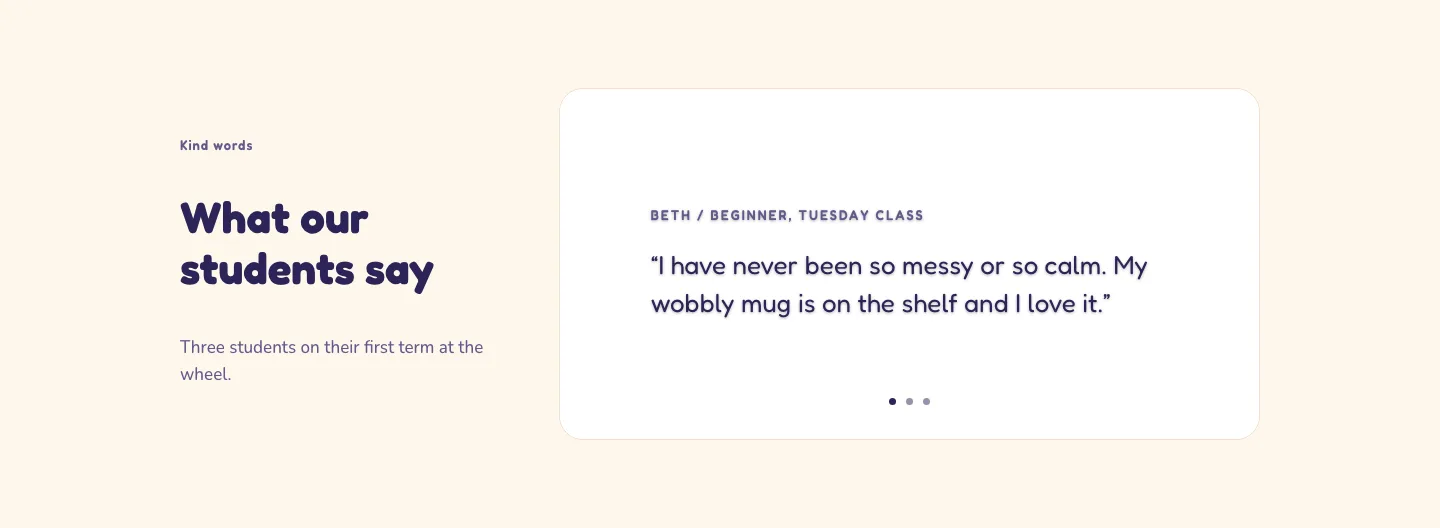
Playful Pottery Class Testimonial Slider Layout for Divi 5: Three Quotes
testimonials · coaching · playful
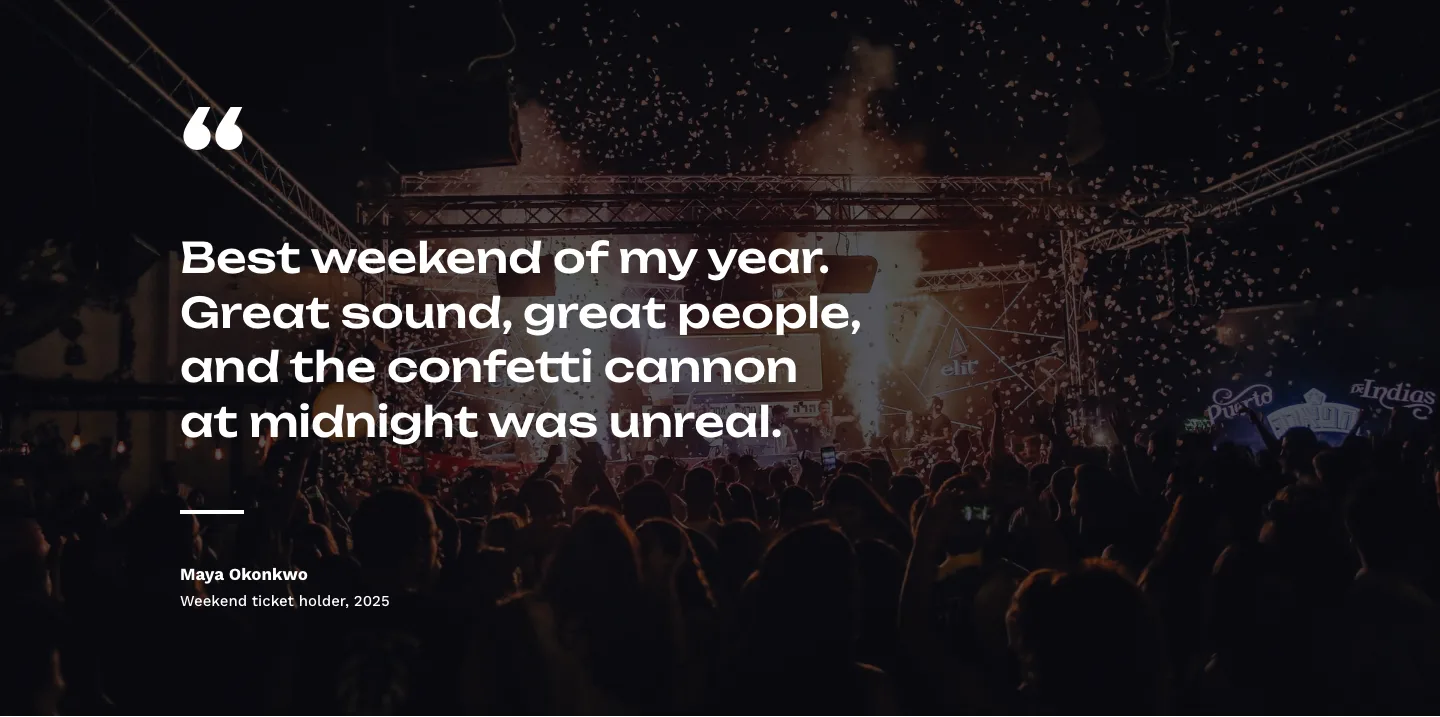
Bold Festival Testimonial Layout for Divi 5: Quote Over Photo
testimonials · events · bold
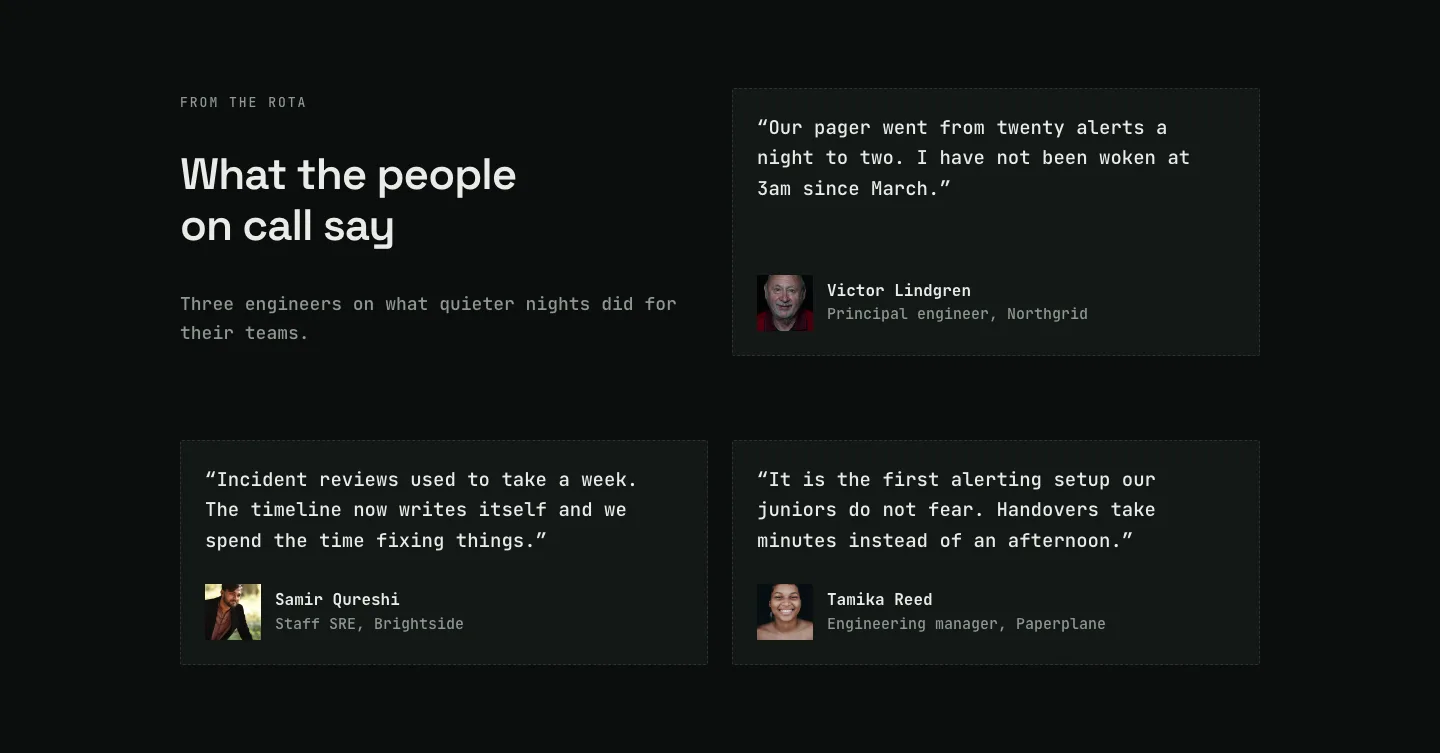
Dark On-Call Engineers Testimonials Layout for Divi 5: Three Avatar Cards
testimonials · saas · dark
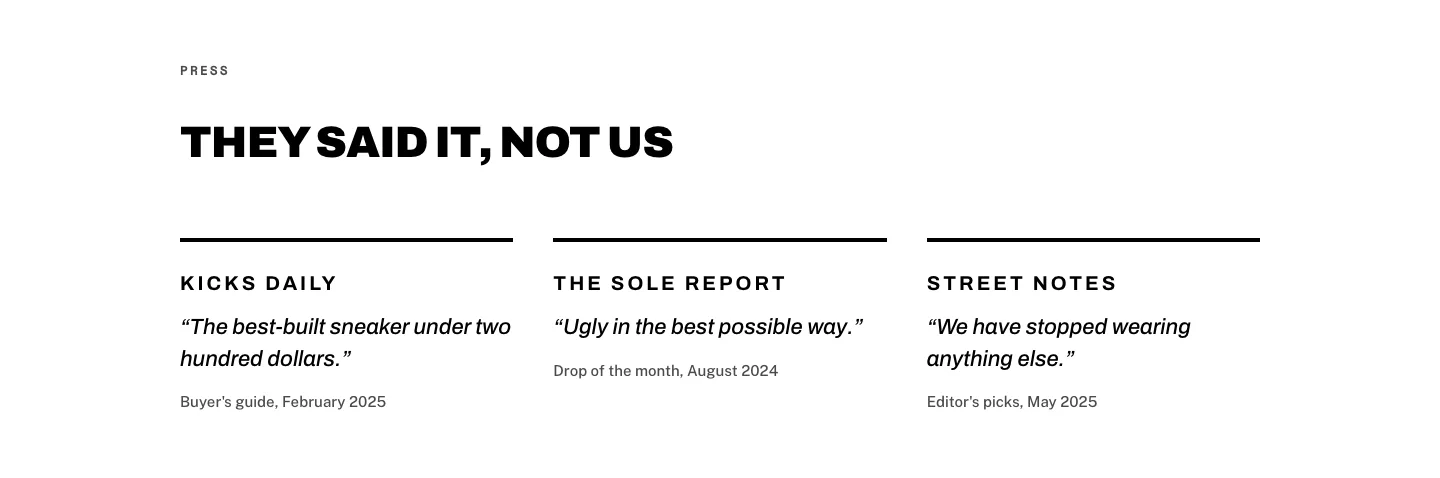
Brutalist Sneaker Brand Press Quotes Layout for Divi 5: Three Publications
testimonials · ecommerce · bold
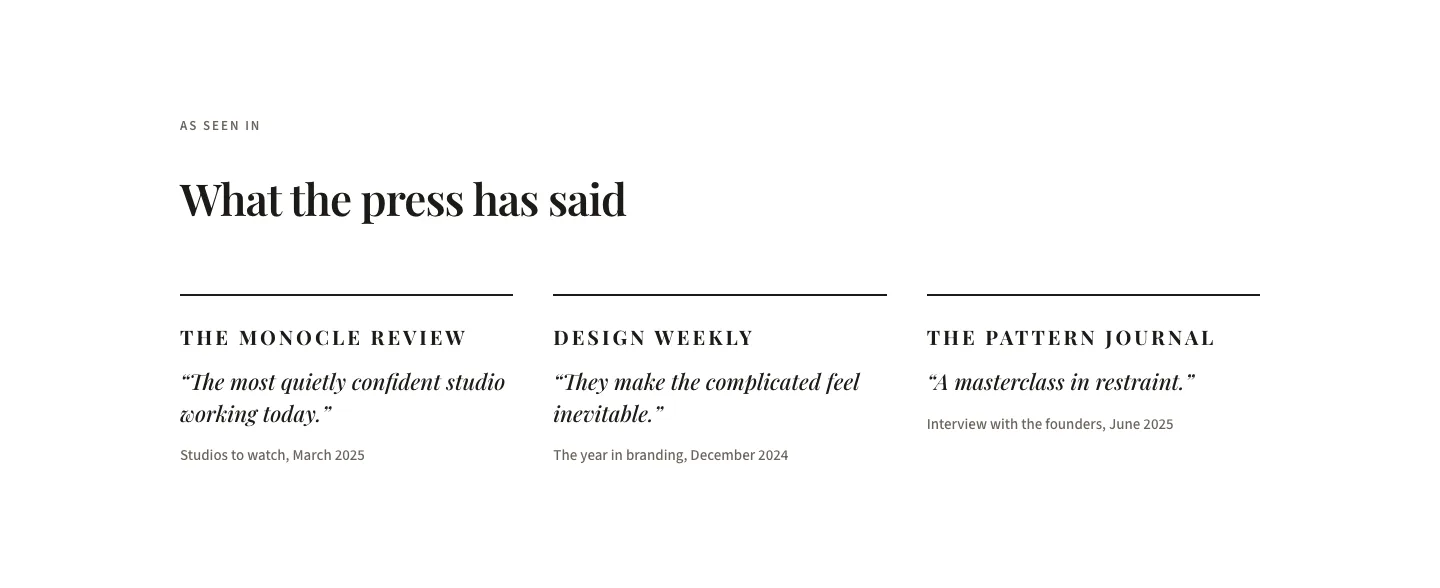
Editorial Studio Press Quotes Layout for Divi 5: Three Publications
testimonials · agency · minimal
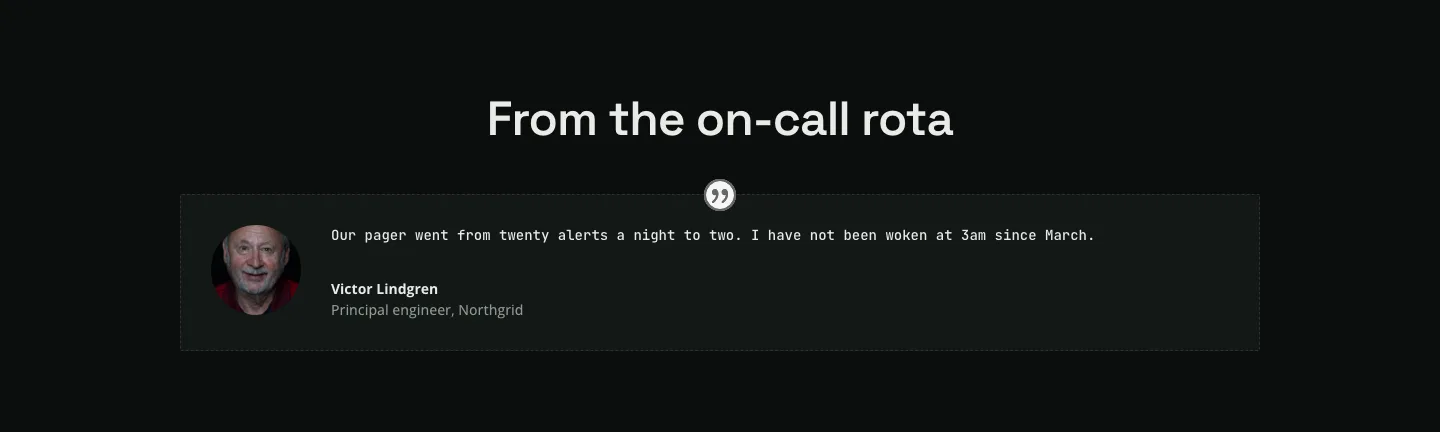
Dark Infrastructure Testimonial Layout for Divi 5: Single Card
testimonials · saas · dark