
Bold Restaurant Gallery Layout for Divi 5: Coastal Dining Showcase
Free Divi 5 restaurant gallery layout with bold navy styling, rounded photo grid, and reservation CTA. Perfect for coastal restaurants, bistros & raw bars.
Rate this element
Download this section, free
- Divi 5 JSON, imports in seconds
- Commercial license included
- No account needed
Click to view the full page
Overview
The section anchors on a deep navy canvas (#0a1f44) with generous 100px top and 110px bottom padding, giving each photograph room to breathe against a single, moody background. Row one opens with an editorial headline set in Outfit 800 at 56px (Plates, People, and the Atlantic Light) followed by a short intro paragraph in a soft pale-blue (#a9c2f0) at 18px with 1.6 line-height. The type block is left-aligned rather than centered, which reads like the top of a magazine feature and sets the tone before the imagery does the heavy lifting.
Below the intro sits a three-column, six-image grid using an equal 1/3–1/3–1/3 split with 24px column and row gaps. Each column stacks two photographs, so the eye reads down each vertical stripe before sweeping across. Every image is softened with a 14px corner radius, which keeps the composition editorial rather than clinical. A second, wider 1/2–1/2 row follows with two hero-scale images that break the pacing after the tighter grid. A rhythm change that mirrors how print galleries lay out a spread.
The section closes with a centered utility row: a small uppercase meta line in a dimmer blue (#6f8fc7) at 15px with 1px letter-spacing that carries hours and address, and a pill-shaped Button module in bright blue (#3b82f6) with white 700-weight text and a fully rounded 999px radius. On phones, every row sets flexDirection: column, so the headline, all eight photos, the meta line, and the CTA stack cleanly in reading order at full width, no cropped images, no side-scroll, no fragile CSS overrides to babysit.
What’s inside
- Editorial Heading module (Outfit 800, 56px, -1px letter-spacing) paired with a Text lead paragraph in the intro row
- Eight-image gallery split across two rows: a 1/3–1/3–1/3 stack of six photos followed by a 1/2–1/2 hero row with two wider images
- Uniform 14px corner radius on all eight images with matched 24px column and row gaps between them
- Built entirely from native Divi 5 Image, Heading, Text, and Button modules: no gallery plugin, no shortcode, no custom code
- Centered utility row combining an uppercase meta line (hours, address) and a pill-shaped 999px-radius CTA button
- Deep-navy section background with a coordinated four-tone blue palette (`#0a1f44`, `#a9c2f0`, `#6f8fc7`, `#3b82f6`) already wired into every module
- Phone breakpoint applies `flexDirection: column` at the row level so all three grids collapse to a single stacked column
Who it’s for
Restaurants and hospitality brands whose room, plating, and people are the real sales pitch: coastal seafood spots, chef-driven bistros, wine bars, oyster houses, wood-fired kitchens, and hotel dining rooms. It also drops cleanly into catering sites showing plating range, private-dining venues, tasting-menu concepts, and food-hall vendors that need one scroll-stopping section on a homepage or an About the Room page. If you're a personal chef, a supper club, or a photographer building a restaurant-photography portfolio, the same grid works as a case study. Anyone whose story is genuinely told by imagery (bakeries, coffee roasters, breweries, cocktail programs) can use it without rewriting the shape.
Customization tips
Swap the palette in three places: the section background (#0a1f44), the button color (#3b82f6), and the two body-text blues (#a9c2f0 and #6f8fc7). Warm terracotta, forest green, or matte black all work. Just keep the CTA color bright enough to separate from the section background. For the headline, aim for 5–8 words; Plates, People, and the Atlantic Light is near the ceiling of what the 56px setting wraps gracefully before spilling past two lines on desktop. The intro paragraph reads best at 25–45 words. Images in the 1/3 grid want landscape 3:2 or 4:3 crops around 940×650 (source dimensions used in the JSON); the 1/2 hero row displays that same crop wider, so avoid tight portraits there or you'll get letterboxing on desktop. Update all eight alt values, they currently describe specific dishes and a specific room and will otherwise read as someone else's menu on your site.
How to install this layout
- Download the layout JSON file from this page.
- Open the target page in the Divi 5 builder.
- Open the portability panel (up/down arrows icon) and choose the Import tab.
- Upload the JSON. Tick “replace existing content” only for full-page imports.
- Check the page at desktop and mobile widths, then swap in your copy and images.
Full walkthrough with troubleshooting: How to Import a Divi 5 Layout.
Questions about Bold Restaurant Gallery Layout for Divi 5: Coastal Dining Showcase
How many images does this section include, and what aspect ratio should I use?
Eight image slots: six in the 3-column grid and two in the wider 1/2–1/2 row. Every slot references source dimensions of 940×650 in the JSON, which is roughly 3:2 landscape. Shoot or crop your photos to that ratio: vertical images will letterbox, especially in the wider row.
Is this built with a gallery module, or individual images?
Individual native Divi 5 Image modules stacked inside columns. You can swap any single photo, change one alt text, or link a single image to a menu page without touching the others. No gallery shortcode or third-party plugin to fight with.
How does the six-image grid behave on mobile?
Every row has `flexDirection: column` set at the phone breakpoint, so the three columns collapse to one and all six images stack in top-to-bottom reading order. The 24px gaps stay in place, so nothing crowds and no photo gets cropped.
What should I edit first after importing?
Five things: the headline, the intro paragraph, the eight image `src` values (and their `alt` text), the uppercase meta line at the bottom (*Dinner Tuesday–Sunday · Raw bar opens at 4pm · 142 Harbor Walk, Portland*), and the button's link URL, which currently points at `/reservations`.
Can I use fewer than eight images?
Yes. Delete Image modules inside a column, or remove an entire column: the rows use flex with equal columns, so removing one column rebalances the rest automatically. Dropping the 1/2–1/2 row entirely also works if you only want the compact six-image grid.
Which Divi version does this layout need?
Divi 5. The layout is generated natively for Divi 5 and validated against its real module structure before publication, so it imports clean into the current builder.
Can I use this layout on client websites?
Yes. Every download includes a commercial license covering unlimited sites you own or build for clients. Only reselling or redistributing the layout file itself is prohibited.
More galleries
Browse all galleries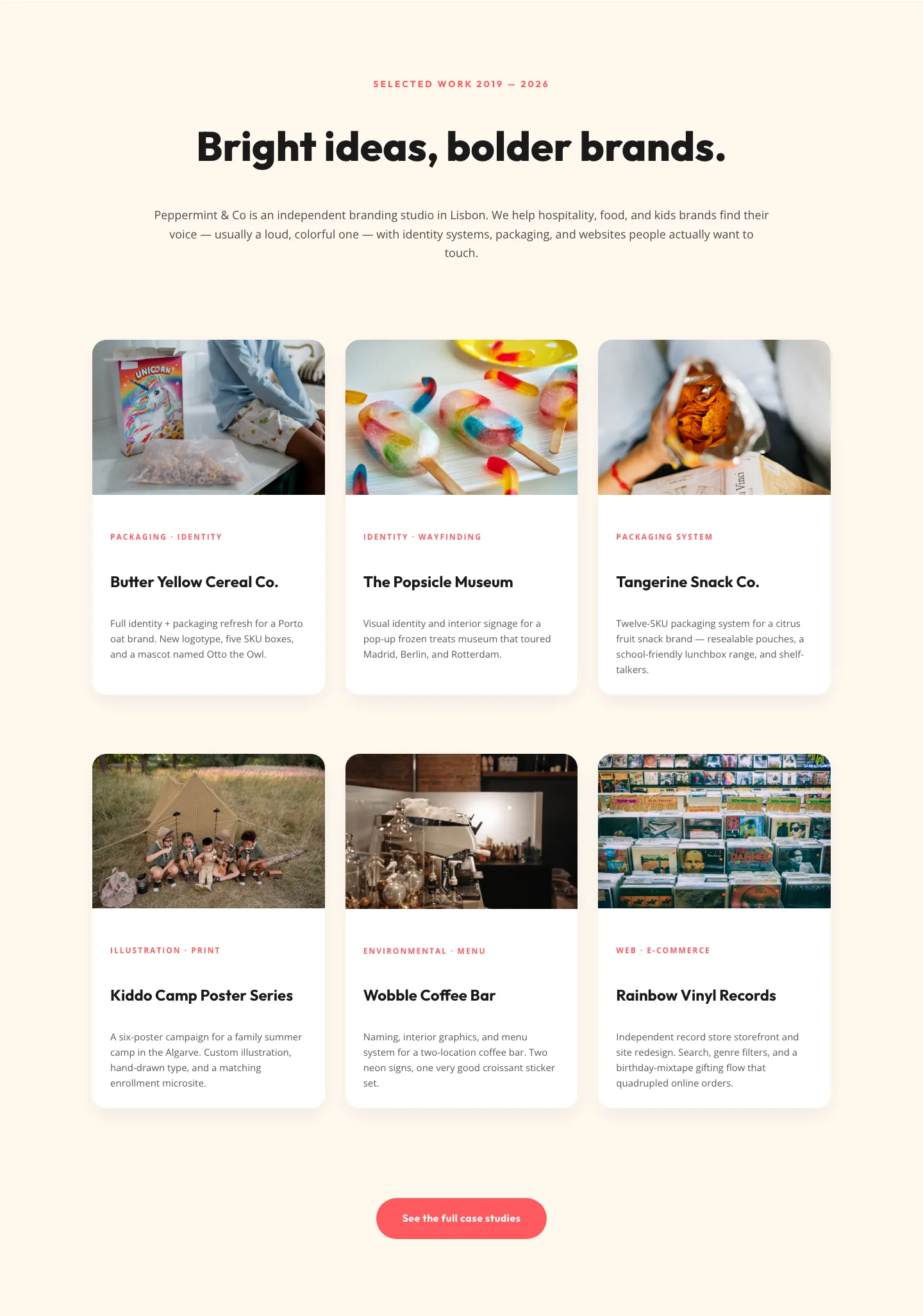
Playful Agency Portfolio Gallery: Divi 5 Case Study Grid
gallery · agency · playful
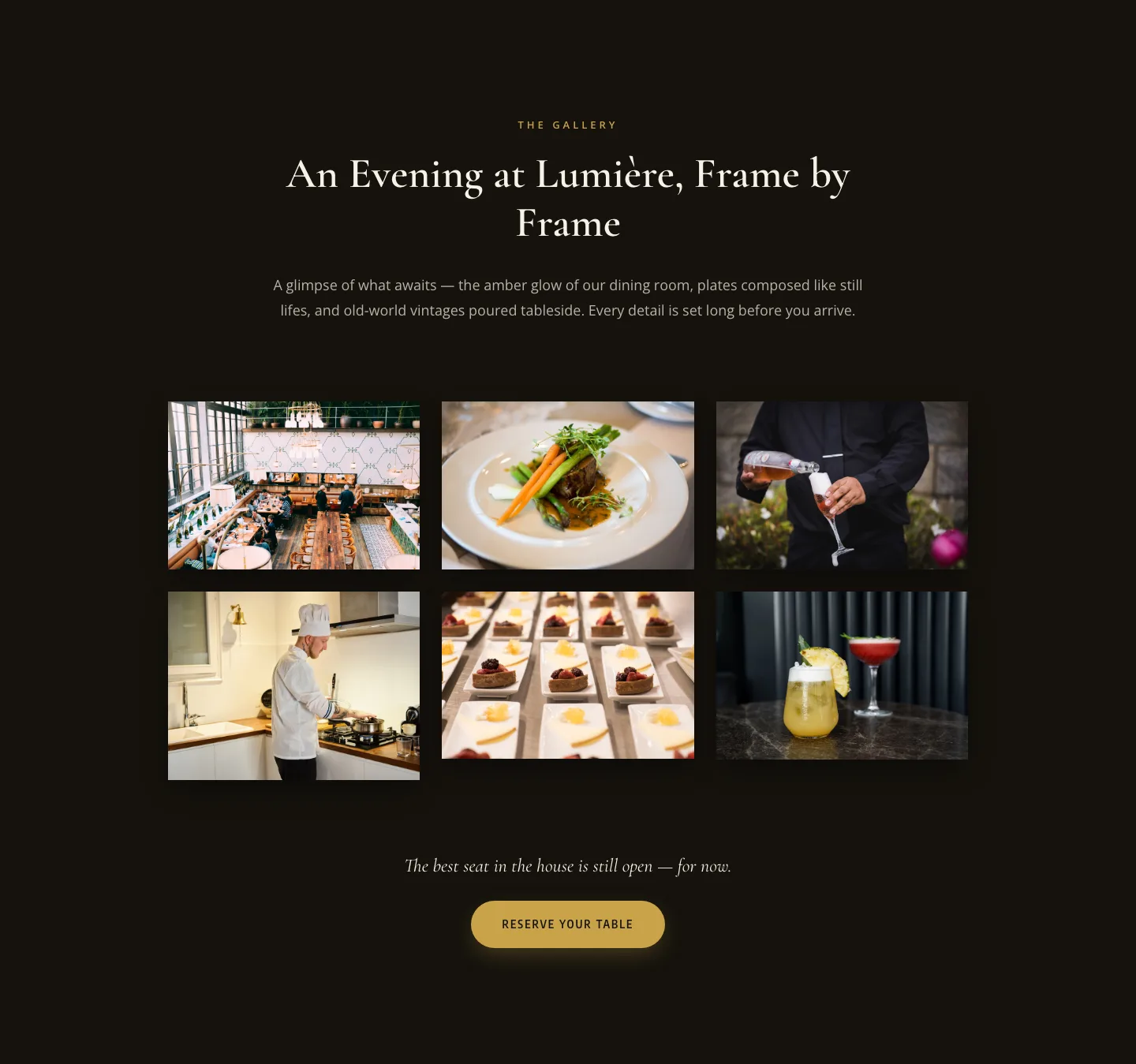
Elegant Restaurant Gallery Divi 5 Layout: Dark & Gold Photo Grid
gallery · restaurant · elegant
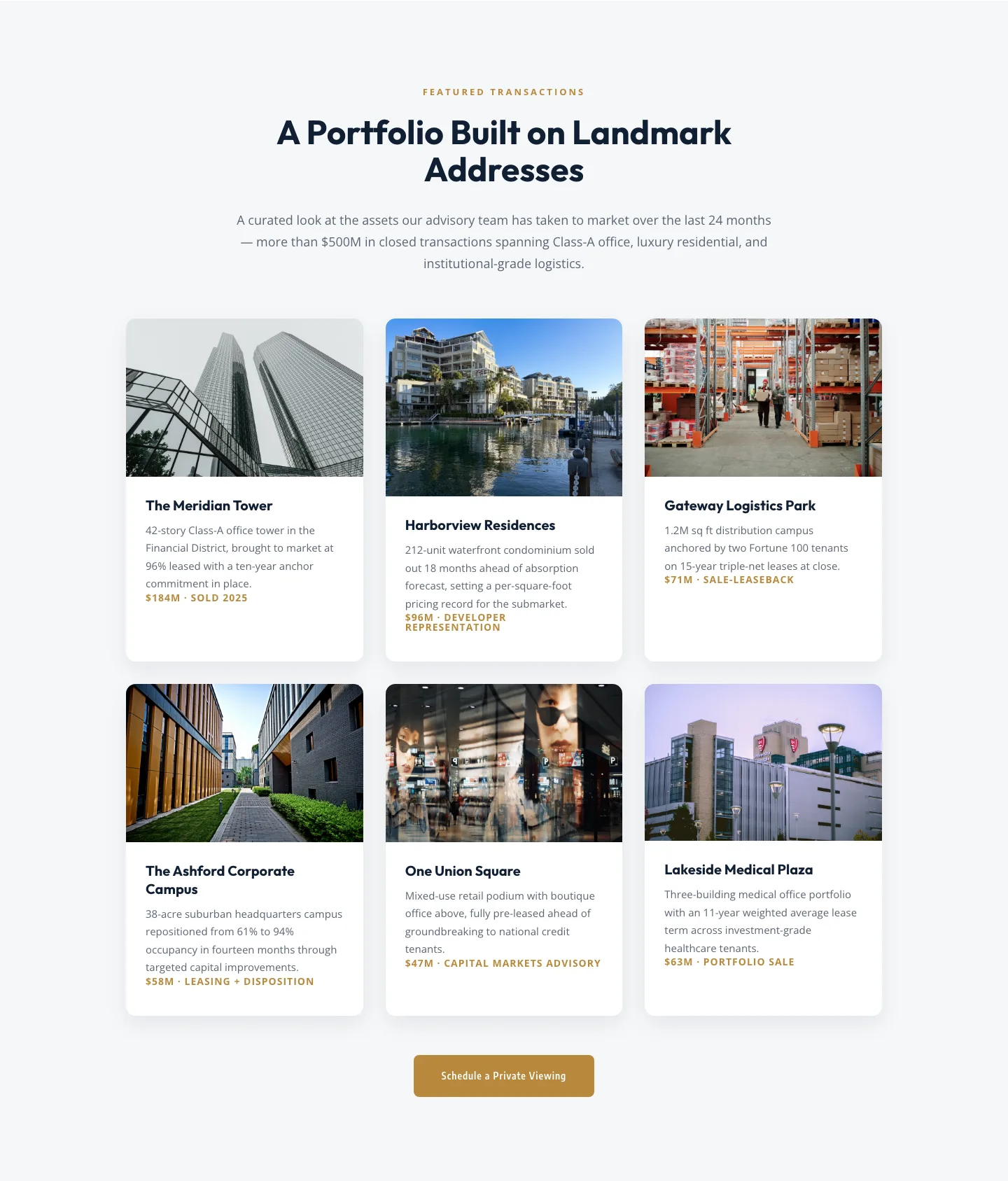
Corporate Real Estate Featured Listings Gallery: Divi 5 Layout
gallery · real_estate · corporate
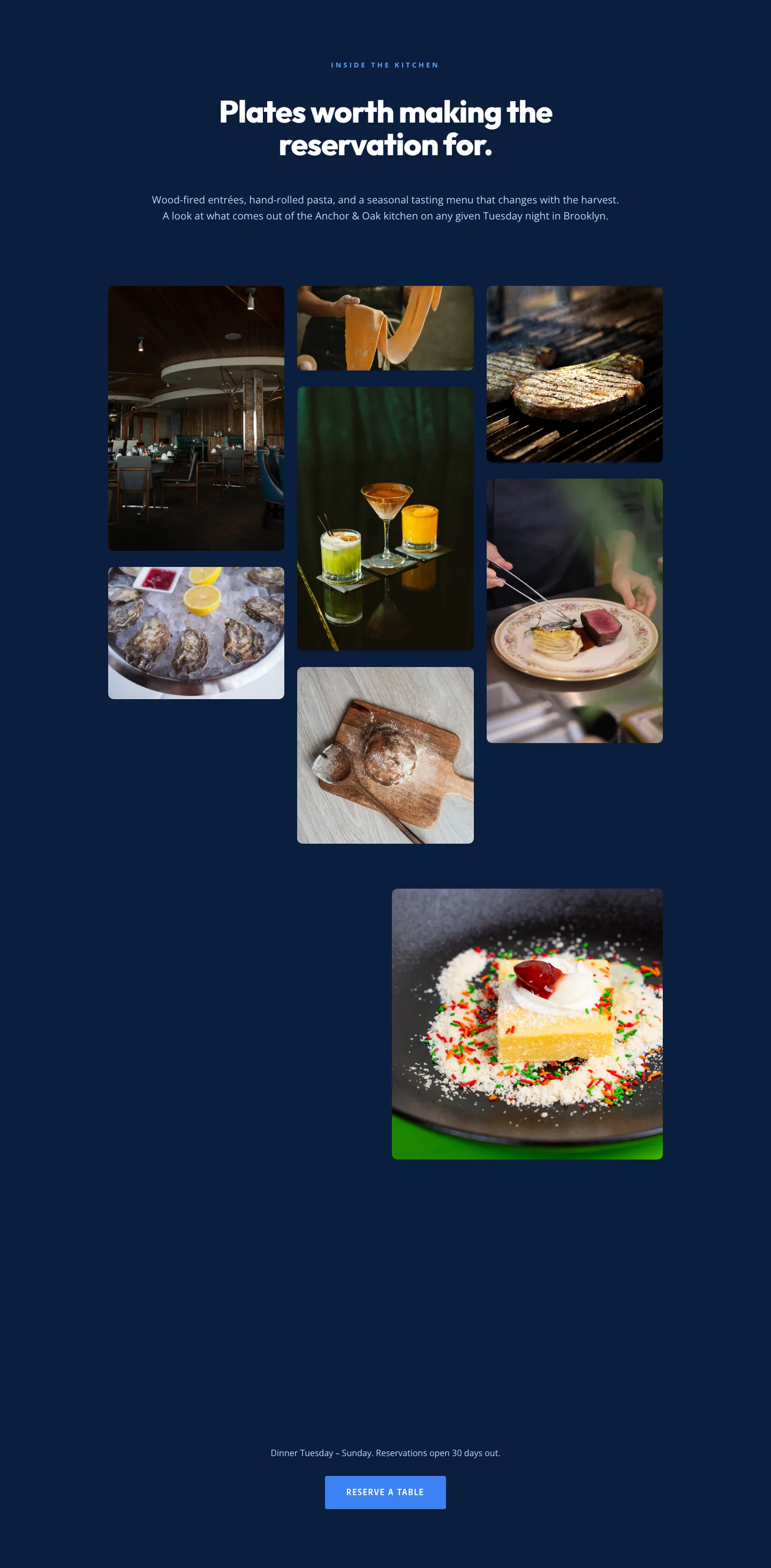
Restaurant Gallery: Bold Blue (Anchor & Oak) | Divi 5 Layout
gallery · restaurant · bold
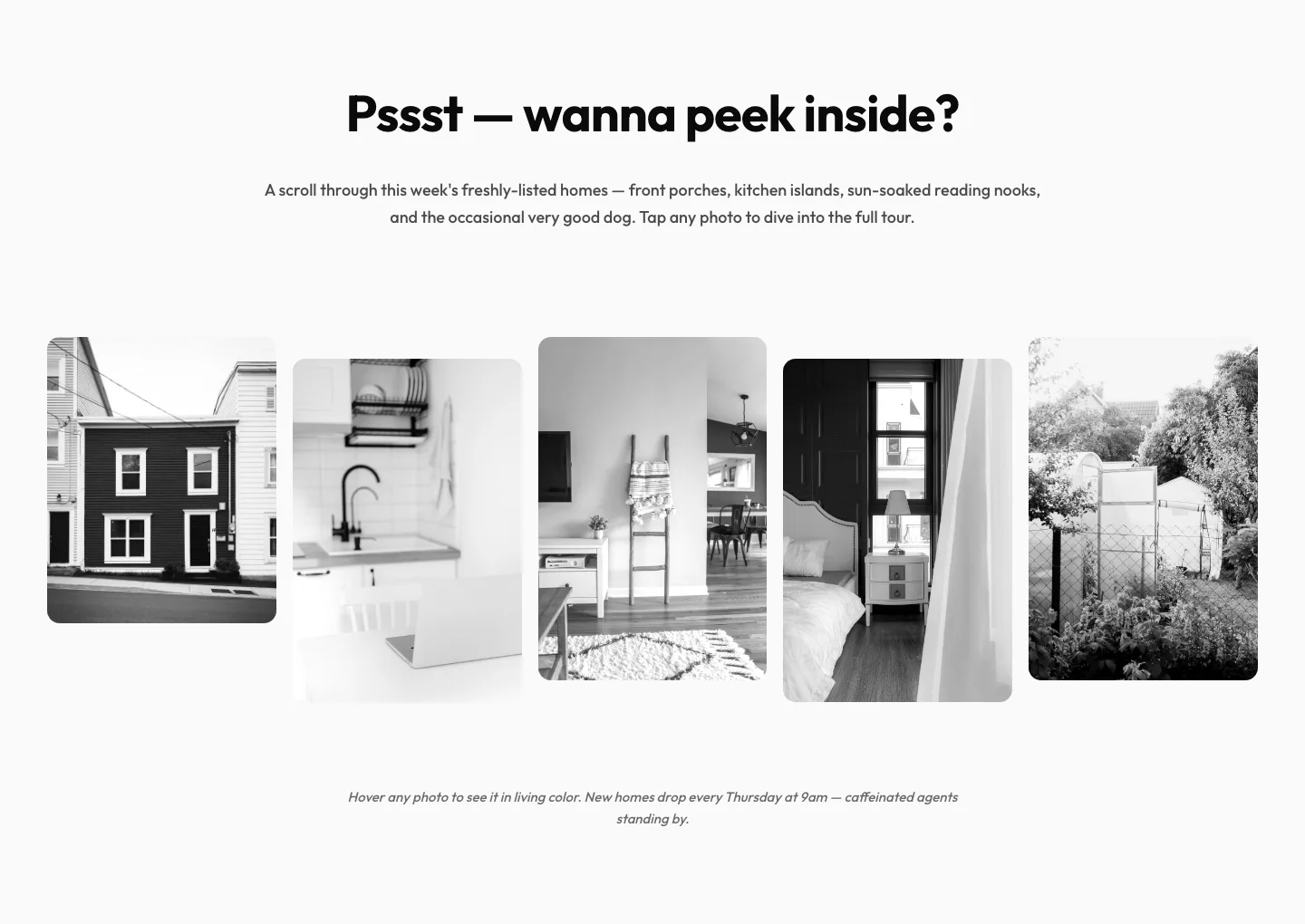
Playful Real Estate Listings Gallery: Divi 5 Layout
gallery · real_estate · playful
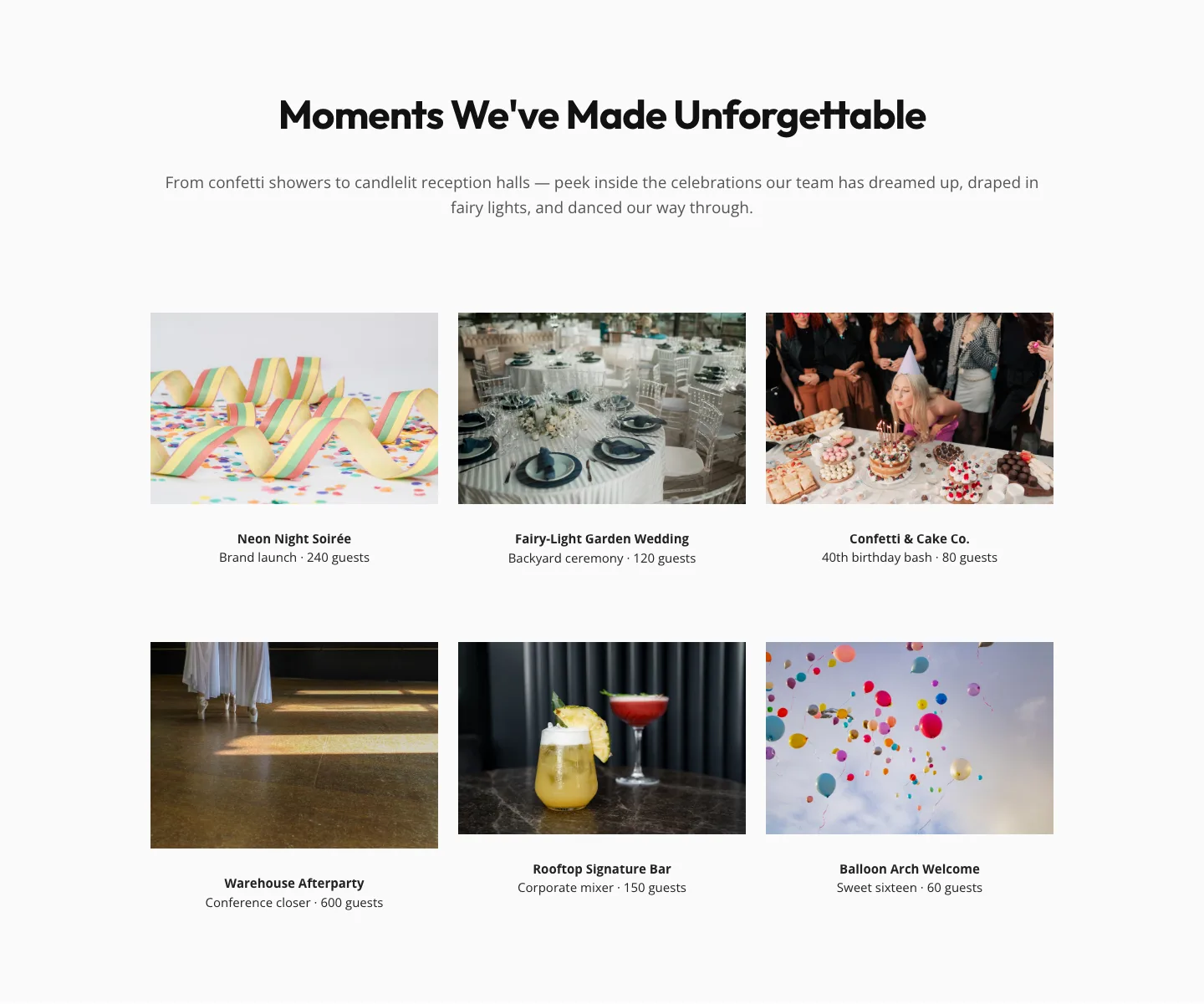
Playful Events Gallery Layout for Divi 5: Free Download
gallery · events · playful