
Minimal SaaS Testimonials Section: Three-Column Customer Quotes
Clean, minimal Divi 5 testimonials section for SaaS sites. Three-column grid with customer portraits, roles, and company names on a light background.
Rate this element
Download this section, free
- Divi 5 JSON, imports in seconds
- Commercial license included
- No account needed
Click to view the full page
Overview
This section opens with a centered eyebrow heading ("Loved by teams shipping faster") set in Outfit 600 at 44px with a tight -0.02em letter-spacing and a 1.15em line-height, capped at a 760px max-width so the title never sprawls across a wide desktop. A single supporting paragraph sits beneath it at 18px in a muted slate (#475569), constrained to 620px so the eye lands on the quotes below rather than getting lost in intro copy. The section itself sits on pure white with 96px of vertical padding on desktop, dropping to 64px on phone. Generous negative space that lets the three cards breathe without competing.
Below the intro, three equal 1_3 columns hold a native Divi Testimonial module each, laid out with display:flex, row direction, stretch alignment, and a 24px column and row gap. Every card gets the same treatment: a #f8fafc background, a 1px #e2e8f0 hairline border, a fully-synced 16px border-radius, and 32px of padding on all sides. The stretch alignment is the important detail: quotes of different lengths still produce cards of identical height, so the row reads as a clean grid rather than a ragged staircase.
Each testimonial carries a portrait, author name, job title, and company field, so the social proof reads as specific rather than anonymous. Copy length is deliberately uneven across the three (retention numbers, SDK velocity, SOC 2 enterprise close) to model how the layout absorbs realistic quote lengths without breaking. On phone, the row's flexDirection flips to column, so the three cards stack full-width in reading order and the heading scales down to 32px with a slightly looser 1.2em line-height for legibility on narrow screens.
What’s inside
- Centered heading + subhead row above a three-column testimonial grid, both native Divi 5 rows
- Three Divi 5 Testimonial modules pre-filled with author, job title, company, portrait, and quote
- Flex row with `stretch` alignment so all three cards match height regardless of quote length
- 24px column and row gap, 32px card padding, 16px synced border-radius, hairline 1px `#e2e8f0` border
- Light `#f8fafc` card surface on a pure white section: high-contrast, print-clean palette
- Outfit typography throughout (600 weight for h2, regular for body and quotes) with slate `#0f172a` / `#475569` text
- Phone breakpoint drops section padding to 64px, scales the h2 down to 32px, and stacks the cards vertically
- Heading and intro copy capped at 760px and 620px max-widths so the top of the section stays composed on wide screens
Who it’s for
Built for SaaS marketing sites, developer tools, API platforms, and B2B product pages that need to drop trusted customer proof between a feature block and a pricing or CTA section. The neutral white + slate palette and Outfit typography make it a natural fit for infrastructure, fintech, dev-tools, and enterprise-flavored startups, but the structure is generic enough to slot into an agency case-studies page, a coaching or consulting site's client-quotes block, or a productized-service homepage. It's specifically a section, not a full page: reach for it when you already have a landing page and need one clean, credible social-proof row that behaves predictably at every breakpoint.
Customization tips
Start with the three quotes: aim for roughly 25–45 words each so the stretch alignment doesn't force short cards to look padded. Author + job title + company are three separate fields on the Testimonial module, edit them in the module settings rather than the visual canvas. Portraits are square (the placeholder is 240×240); swap in real headshots at 1:1, 400×400 minimum, and use WebP for sharp Retina rendering. For a dark variant, change the section background to #0f172a, the card background to #111827, the border to #1f2937, and the heading + author colors to #f8fafc. Everything else can stay. To match a brand, change the Outfit family globally in the section's font settings and adjust the two text colors (#0f172a heading, #475569 body). If you only have two quotes, delete a column and switch the row structure to 1_2,1_2; if you have four, duplicate a column and use 1_4,1_4,1_4,1_4. The flex row will handle the rest.
How to install this layout
- Download the layout JSON file from this page.
- Open the target page in the Divi 5 builder.
- Open the portability panel (up/down arrows icon) and choose the Import tab.
- Upload the JSON. Tick “replace existing content” only for full-page imports.
- Check the page at desktop and mobile widths, then swap in your copy and images.
Full walkthrough with troubleshooting: How to Import a Divi 5 Layout.
Questions about Minimal SaaS Testimonials Section: Three-Column Customer Quotes
How does this section behave on mobile?
The row's `flexDirection` flips from `row` to `column` at the phone breakpoint, so the three cards stack full-width in source order. The heading also scales from 44px down to 32px, and the section's vertical padding drops from 96px to 64px so it doesn't feel cavernous on a small screen.
Which Divi 5 modules does it use?
Two rows inside one section. The first row is a single-column heading + text intro. The second row holds three `1_3` columns, each containing a native Divi 5 Testimonial module: that module owns the author name, job title, company, portrait image, and quote fields.
Do the cards stay the same height if my quotes are different lengths?
Yes. The row uses `display:flex` with `alignItems: stretch`, so every column expands to match the tallest card. You can drop a 20-word quote next to a 60-word quote and the grid still reads clean.
What image size should I use for the portraits?
The placeholders are 240×240 squares. Replace them with real 1:1 headshots at 400×400 or larger (WebP or JPG) so they render sharply on Retina displays. The Testimonial module crops to a circle automatically.
What should I edit first?
The three quotes, names, titles, and company fields. Those carry all the credibility. Swap the portraits next, then update the heading and intro paragraph to match the promise your page above is making. Visual styling is production-ready as-is.
Can I add a fourth testimonial or remove one?
Yes. Duplicate a column and change the row's column structure to `1_4,1_4,1_4,1_4` for four across, or delete a column and use `1_2,1_2` for two. The flex layout adjusts without any custom CSS.
Which Divi version does this layout need?
Divi 5. The layout is generated natively for Divi 5 and validated against its real module structure before publication, so it imports clean into the current builder.
Can I use this layout on client websites?
Yes. Every download includes a commercial license covering unlimited sites you own or build for clients. Only reselling or redistributing the layout file itself is prohibited.
More testimonials
Browse all testimonials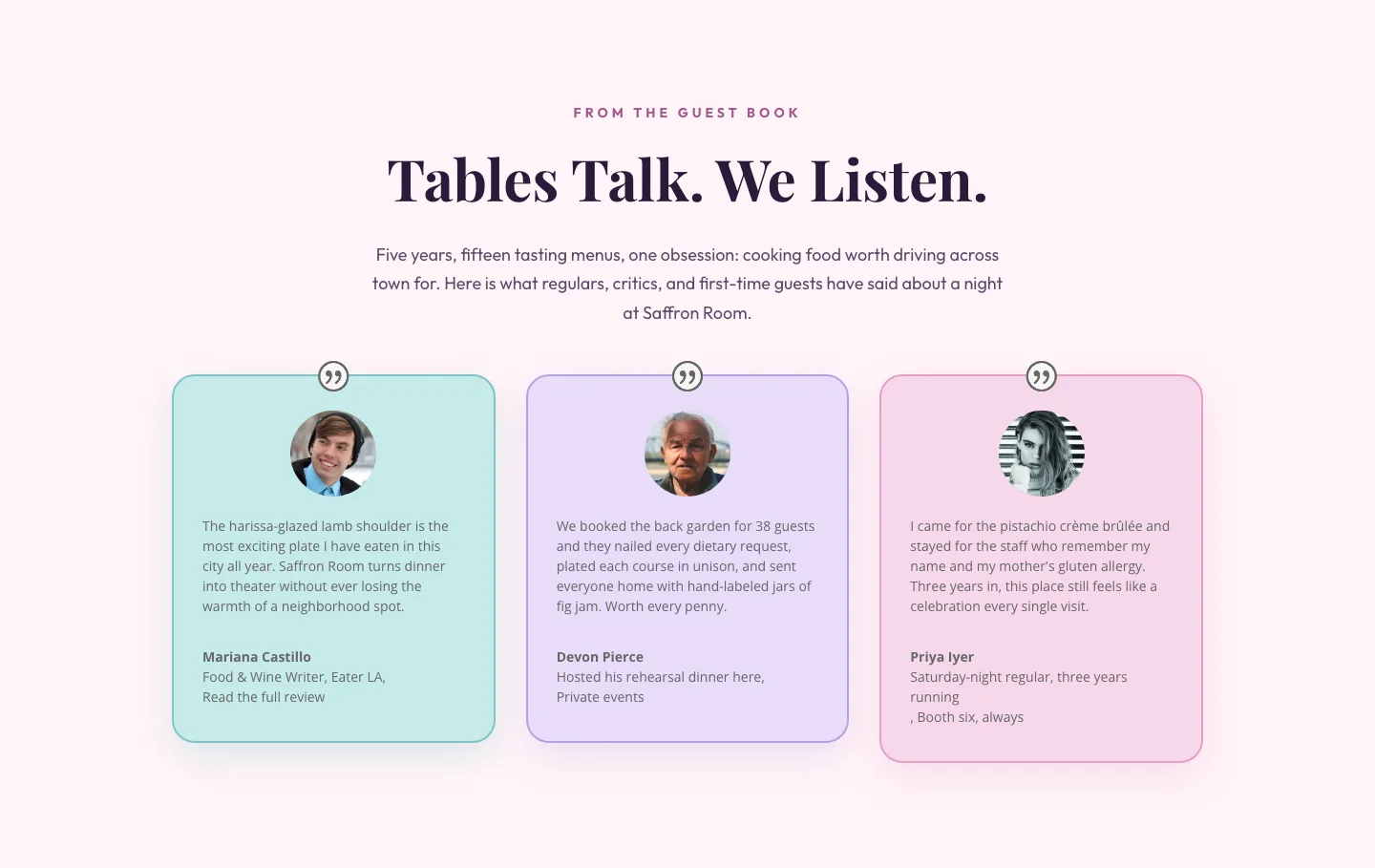
Tables Talk. We Listen.: Bold Restaurant Testimonials Layout for Divi 5
testimonials · restaurant · bold
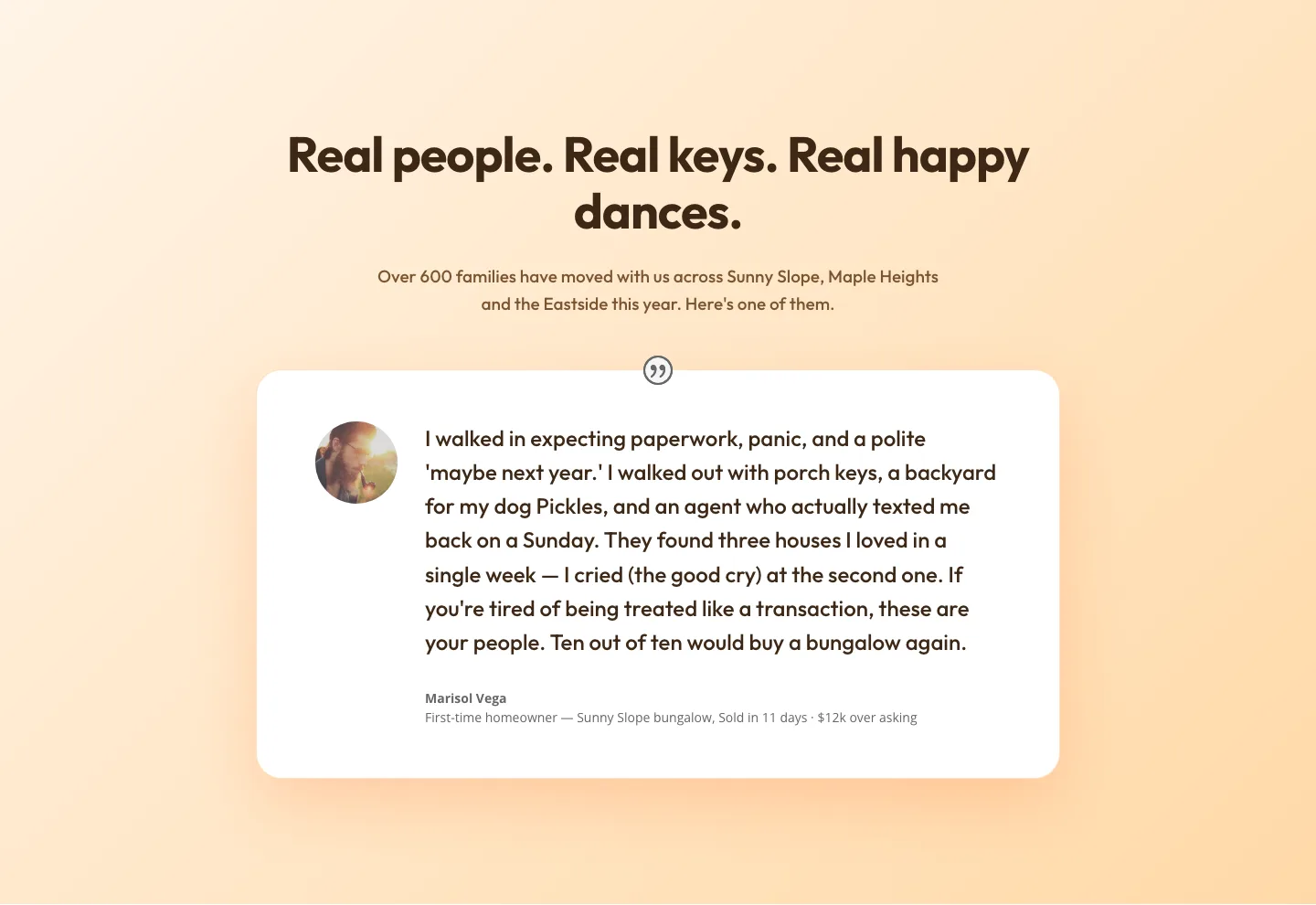
Playful Real Estate Testimonials Section: Warm Client Story Block | Divi 5 Layout
testimonials · real_estate · playful
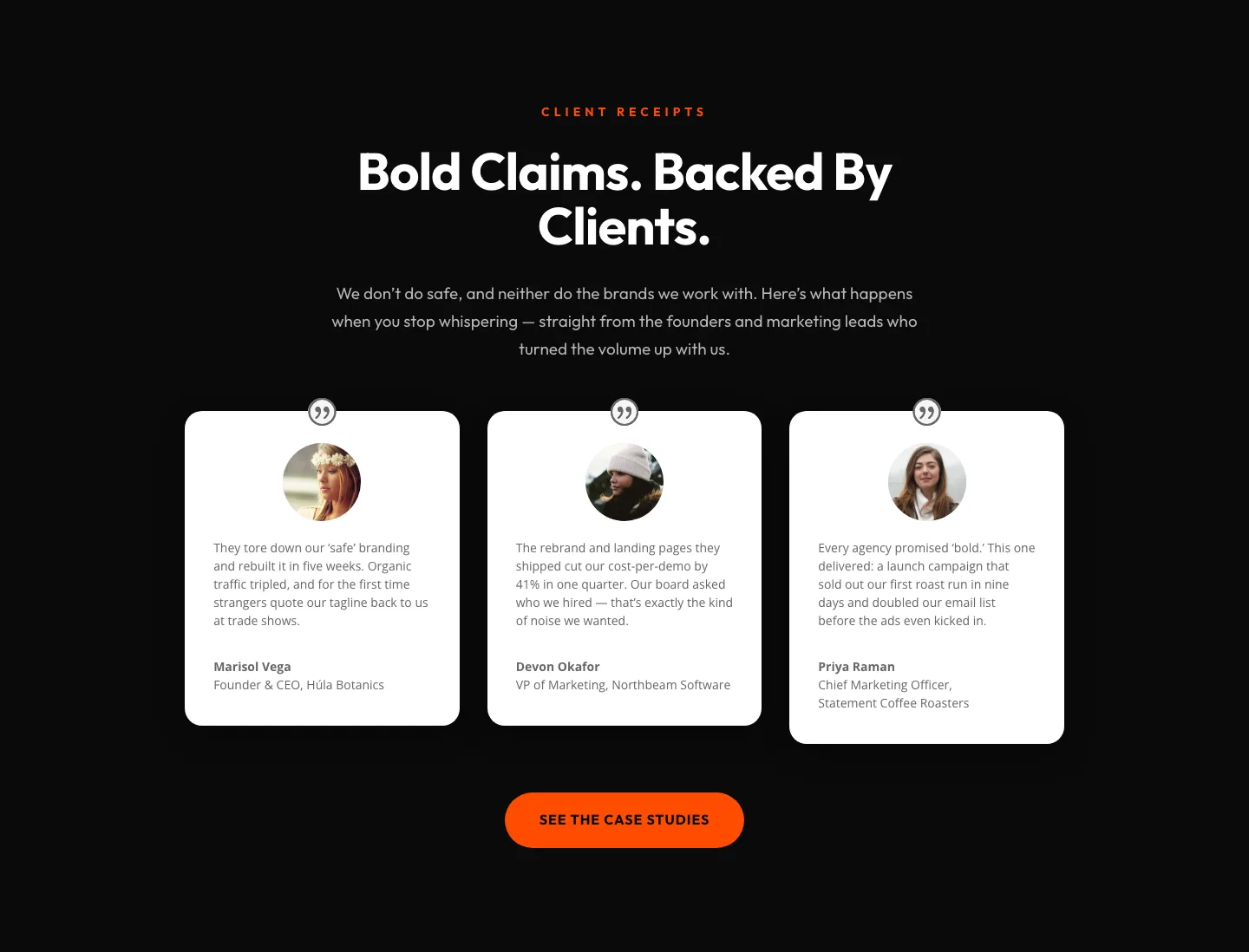
Bold Agency Testimonials Section: Dark Divi 5 Layout with Client Proof Cards
testimonials · agency · bold
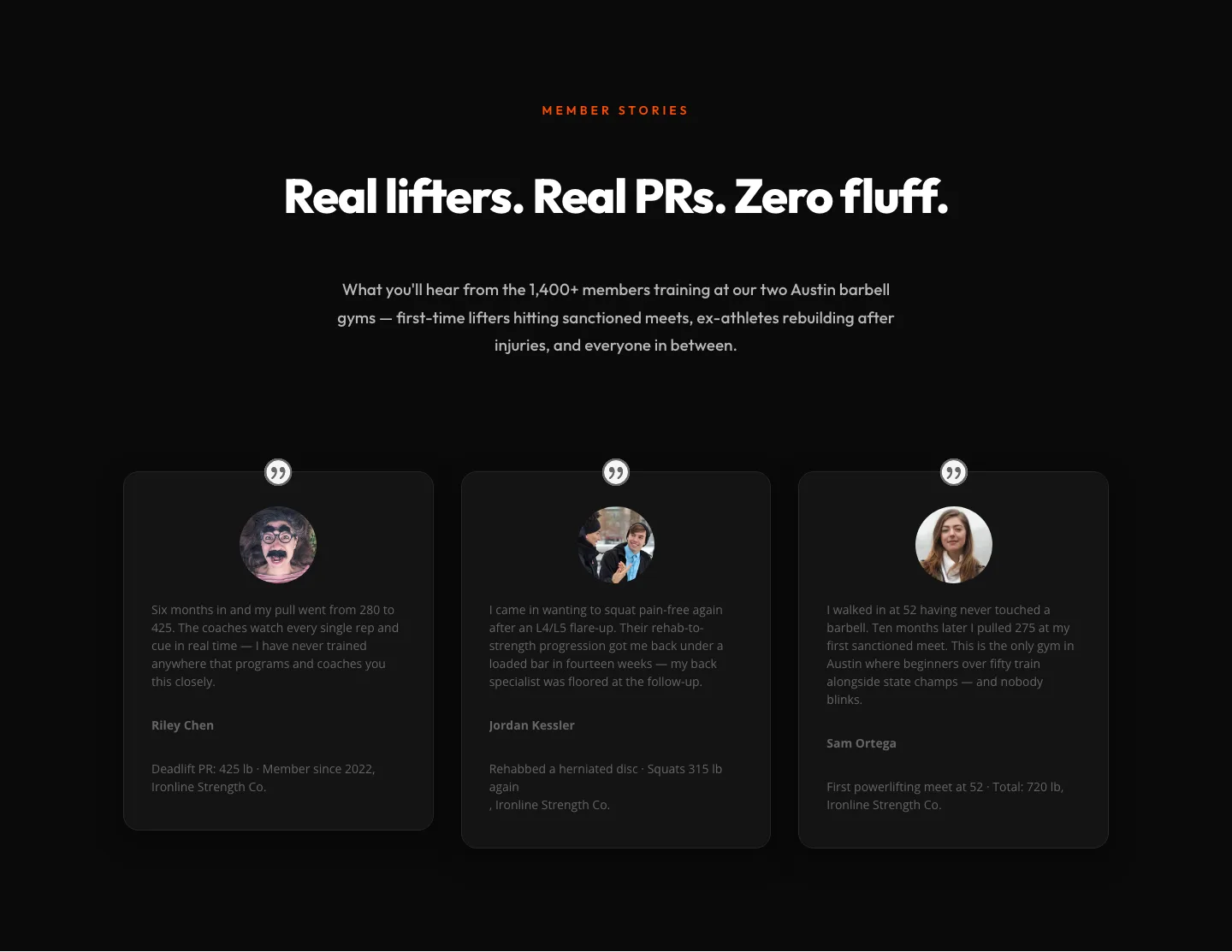
Bold Fitness Testimonials Section for Divi 5: Gym & Barbell Club
testimonials · fitness · bold
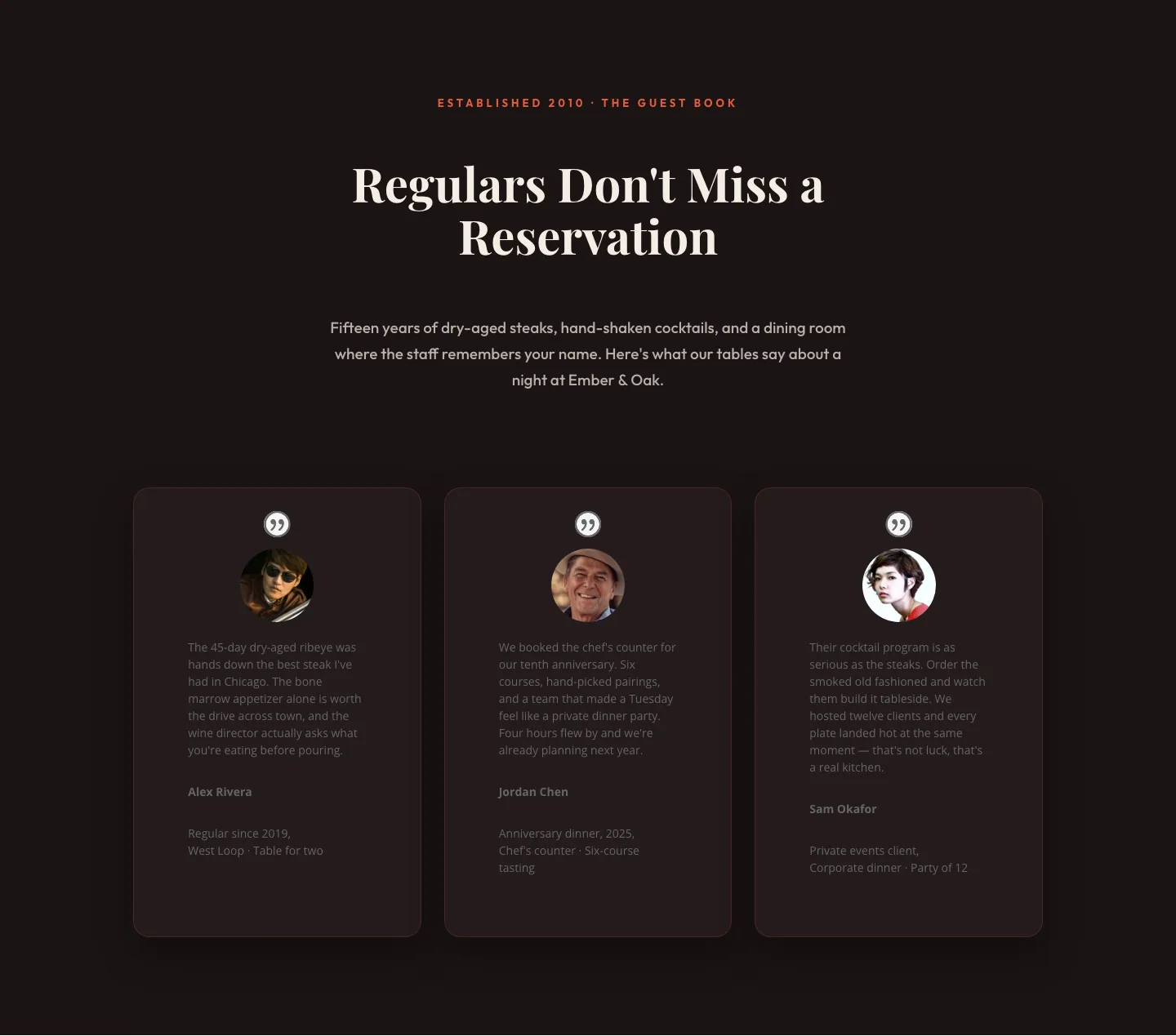
Bold Restaurant Testimonials Layout: Divi 5 Steakhouse Guest Book
testimonials · restaurant · bold
Bold Fitness Testimonials Section: Divi 5 Gym Member Stories Layout
testimonials · fitness · bold