
Organic Running Club Testimonial Layout for Divi 5: Large Single Quote
A warm, minimal Divi 5 testimonial section with an oversized pull quote, centered body text, and a circular avatar byline. Perfect for running clubs, gyms, and fitness communities.
Rate this element
Download this section, free
- Divi 5 JSON, imports in seconds
- Commercial license included
- No account needed
Click to view the full page
Overview
This section leads with a single typographic gesture: a 160px Fraunces Bold opening quotation mark rendered in warm brown (#675b49) at a line-height of 0.8em, so it sits dense and oversized above the quote body without consuming extra vertical space. That mark is its own Text module, not a CSS pseudo-element, which means it inherits responsive scaling the same way the rest of the text does — dropping to 128px on tablet and 96px on phone without any extra overrides needed from you.
The quote itself sits inside a Group capped at 960px max-width and centered within the column. Fraunces carries through here too, at 44px with text-wrap: balance active, which distributes line breaks evenly across the paragraph — a detail that matters most on mid-size viewports where a single orphaned word would otherwise land on the final line. The near-black #2e2a22 on the warm sand background (#f3eadc) produces a contrast ratio well above WCAG AA without feeling cold or clinical. On tablet the quote drops to 34px; on phone to 26px, keeping the text readable without crowding the section's generous responsive padding (120px desktop / 80px tablet / 56px phone).
Below the quote, a flex-row Group centers the attribution block horizontally. Inside that sits a 56px circular avatar (border-radius 999px, object-fit cover, 1:1 aspect ratio) paired with a two-line DM Sans attribution column: the name at 16px Bold and the membership context at 15px Regular in the same warm brown used for the quote mark. The two typefaces — Fraunces for the emotive quote, DM Sans for the functional label — create a clear voice hierarchy without a single extra module.
What’s inside
- Oversized decorative quote mark: Fraunces Bold Text module at 160px / 128px / 96px across breakpoints, line-height 0.8em
- Quote body in a max-width 960px centered Group with `text-wrap: balance` and fluid font scaling (44px → 34px → 26px)
- Warm sand section background (#f3eadc) with earthy near-black (#2e2a22) and warm brown (#675b49) — no images required for the background
- Circular 56px avatar via native Divi Image module with 1:1 aspect ratio and 999px border-radius, no CSS hacks
- Flex-row attribution block: avatar + two-line DM Sans name/role column, centered and column-wrapped on phone
- Responsive vertical padding staircase (120px / 80px / 56px) applied directly in module decoration — no custom CSS
- Seven native Divi 5 modules only (Section, Row, Column, 3× Text, Image, 4× Group) — zero third-party dependencies
Who it’s for
Running clubs, endurance coaching programs, and fitness studios looking to show a single standout member story rather than a grid of cards will get the most from this layout. It also works well for wellness retreat operators, yoga studios, and personal trainers who want a warm, unhurried feel rather than a high-energy sports aesthetic. The serif-forward typography and earth-tone palette suit organic food brands, slow-travel agencies, and community-focused nonprofits equally well — any brand where one authentic voice carries more weight than a carousel of five-star ratings.
Customization tips
Swap the background color by editing the Section decoration background — the warm sand #f3eadc swaps to any brand color in one click, and the two text colors (#2e2a22, #675b49) follow naturally once you update the Text module font color fields. Fraunces is a Google Font loaded automatically by Divi; replace it with any font already in your site's font list by updating both the quote-mark Text module and the quote-body Text module. Keep the quote under about 35 words so the text-wrap: balance behavior stays effective — longer quotes push the font size down more aggressively on phone. The avatar image should be square-cropped before upload (the module enforces 1:1, but uploading a pre-cropped image avoids unexpected focal-point shifts). Attribution line two is a good place for a membership tier, course cohort, or location — keep it under 55 characters to stay on one line at 15px.
How to install this layout
- Download the layout JSON file from this page.
- Open the target page in the Divi 5 builder.
- Open the portability panel (up/down arrows icon) and choose the Import tab.
- Upload the JSON. Tick “replace existing content” only for full-page imports.
- Check the page at desktop and mobile widths, then swap in your copy and images.
Full walkthrough with troubleshooting: How to Import a Divi 5 Layout.
Questions about Organic Running Club Testimonial Layout for Divi 5: Large Single Quote
How does the layout behave on mobile — does the attribution row stack?
The outer attribution Group uses a flex-row direction on desktop and tablet, but the Section's column module has `flexDirection: column` applied at the phone breakpoint, so everything stacks vertically and centers cleanly. The avatar sits above the name/role text without any overlap.
What font families does this layout use, and will they load automatically?
Fraunces (the quote mark and quote body) and DM Sans (the attribution name and role). Both are Google Fonts. Divi 5 handles Google Font loading for any family referenced in a module's font settings, so no manual enqueuing is needed.
The quote mark is a Text module — what exactly is the content?
It is a single left double quotation mark (`“`) as an HTML entity inside a paragraph tag. The visual size comes entirely from the 160px font-size and 0.8em line-height set in the module's body font decoration, not from a special character size or SVG.
What aspect ratio should I use for the avatar photo?
The Image module enforces a 1:1 aspect ratio and uses object-fit cover, so the display is always a perfect circle. Upload a square crop centered on the subject's face to avoid the top or sides being cropped off.
Can I add a second testimonial below this one without breaking the layout structure?
Yes. Duplicate the Section in the Divi builder and place it directly below. Because the background color, padding, and type hierarchy are all set at the module level, a second section will match automatically. Alternating the background to a white or very light neutral between sections helps visually separate the two quotes.
Which Divi version does this layout need?
Divi 5. The layout is generated natively for Divi 5 and validated against its real module structure before publication, so it imports clean into the current builder.
Can I use this layout on client websites?
Yes. Every download includes a commercial license covering unlimited sites you own or build for clients. Only reselling or redistributing the layout file itself is prohibited.
More testimonials
Browse all testimonials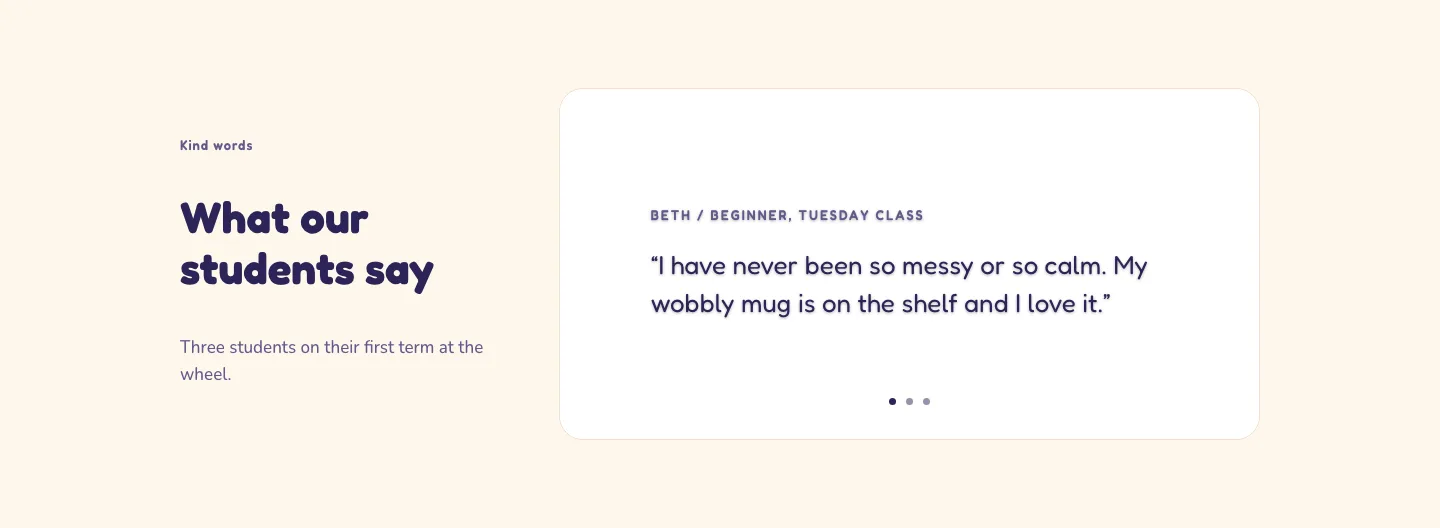
Playful Pottery Class Testimonial Slider Layout for Divi 5: Three Quotes
testimonials · coaching · playful
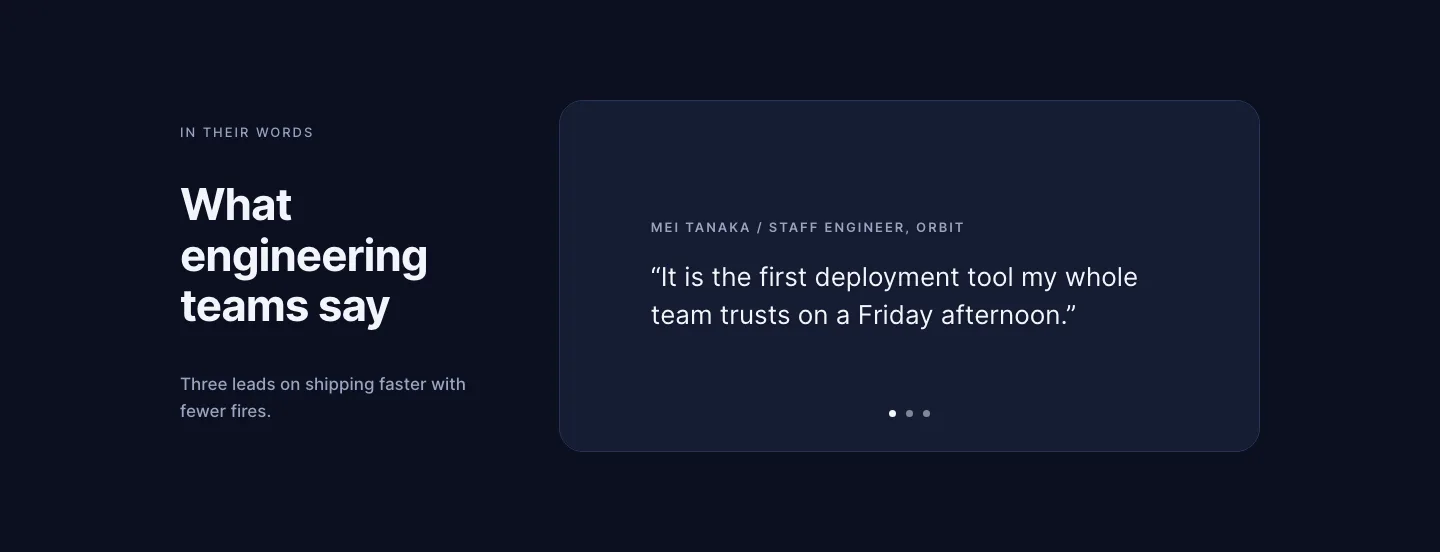
Dark Software Reviews Testimonial Slider Layout for Divi 5: Three Quotes
testimonials · saas · dark
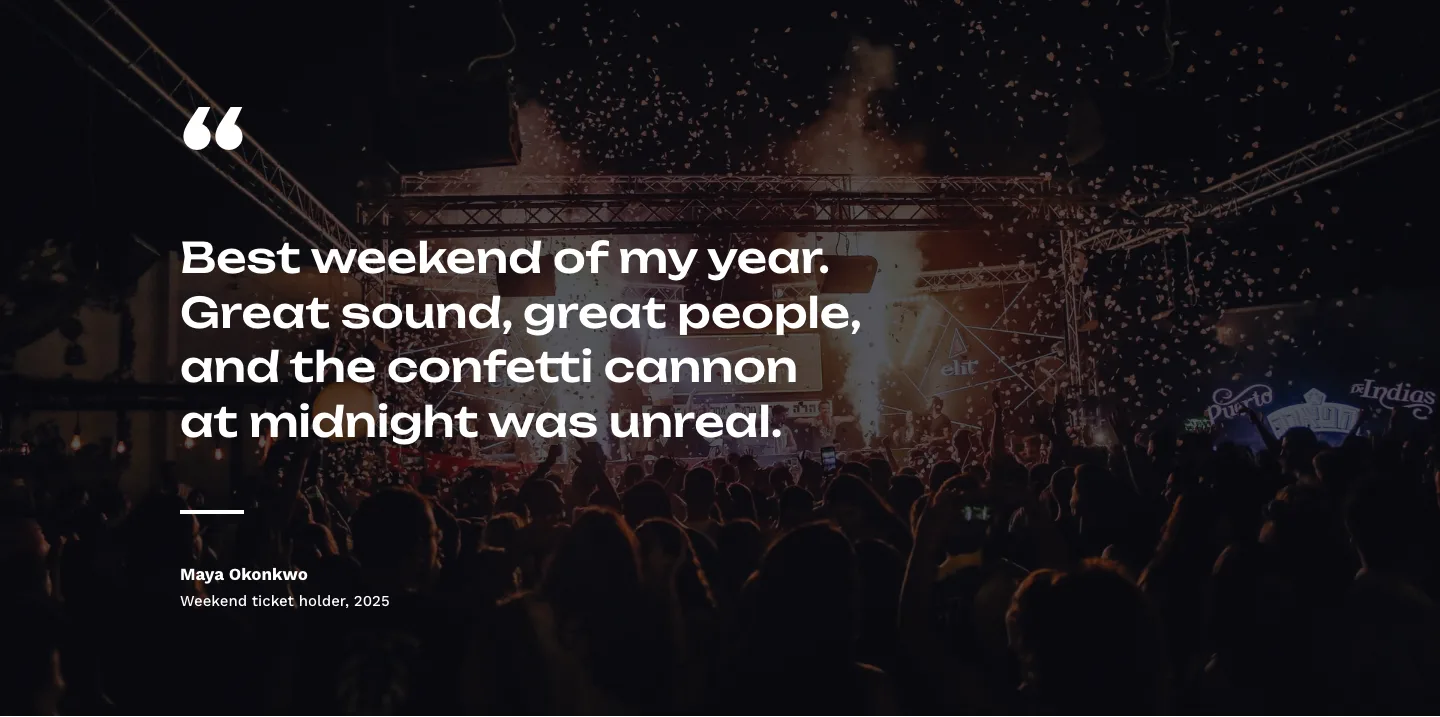
Bold Festival Testimonial Layout for Divi 5: Quote Over Photo
testimonials · events · bold
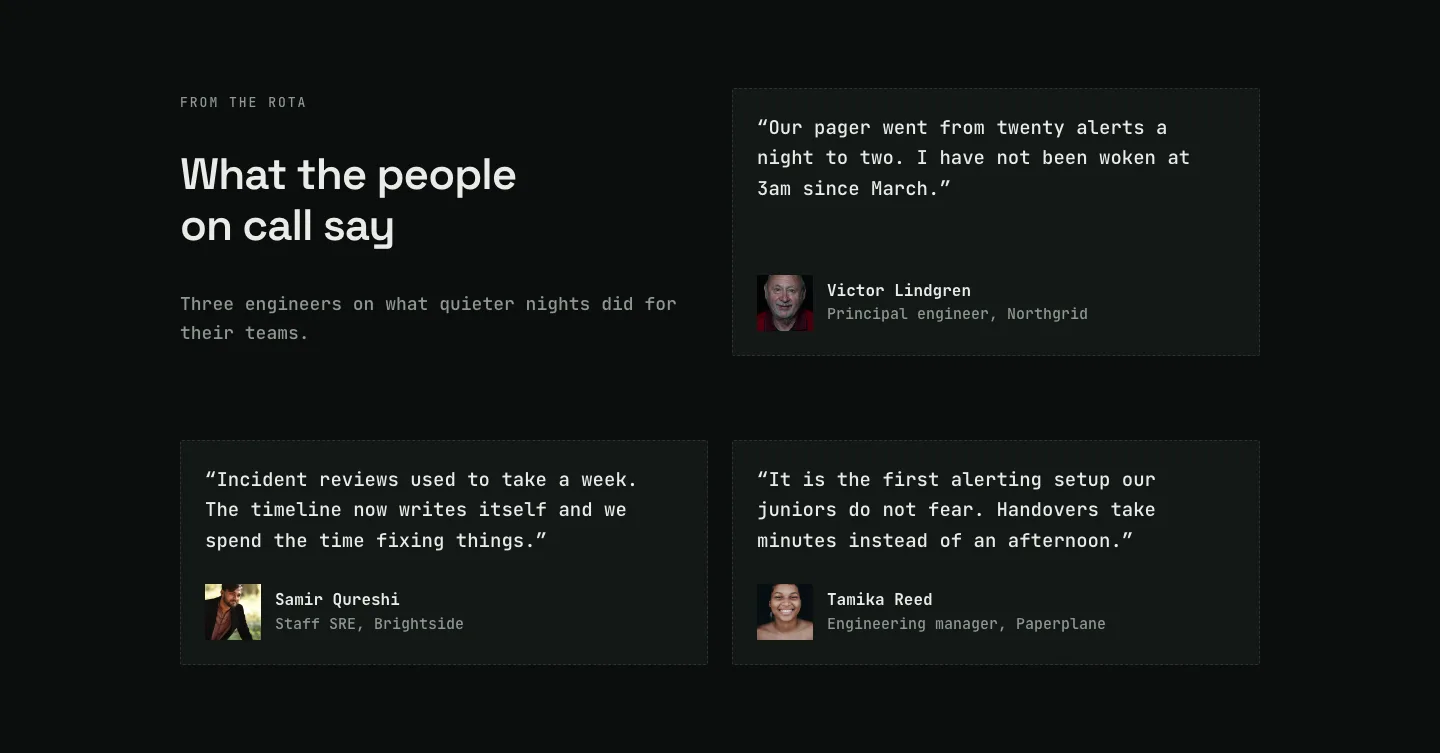
Dark On-Call Engineers Testimonials Layout for Divi 5: Three Avatar Cards
testimonials · saas · dark
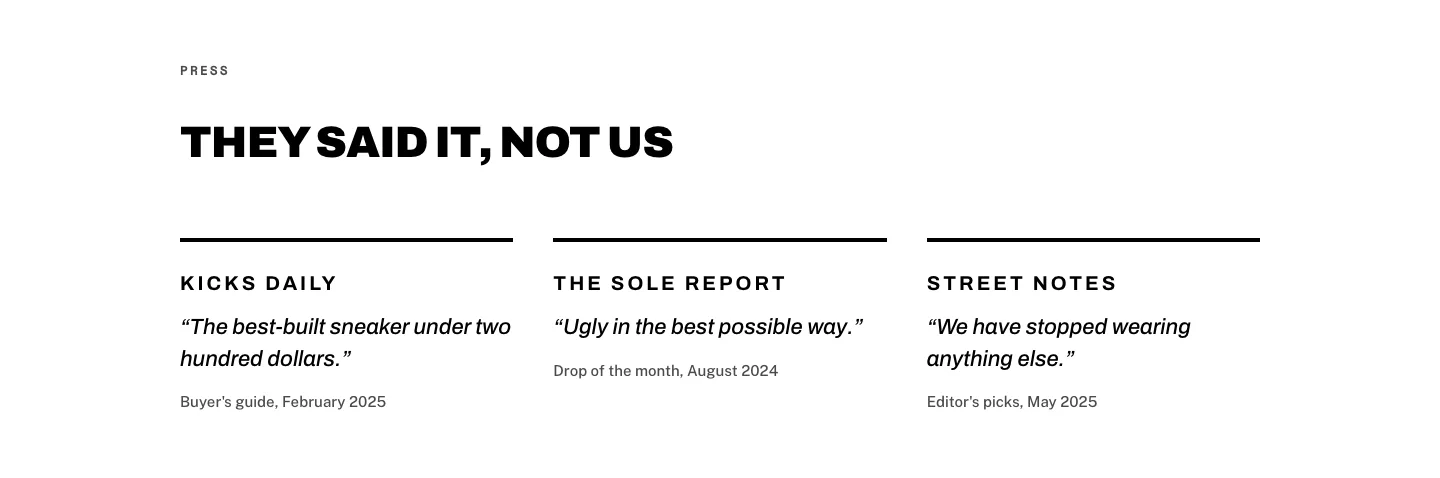
Brutalist Sneaker Brand Press Quotes Layout for Divi 5: Three Publications
testimonials · ecommerce · bold
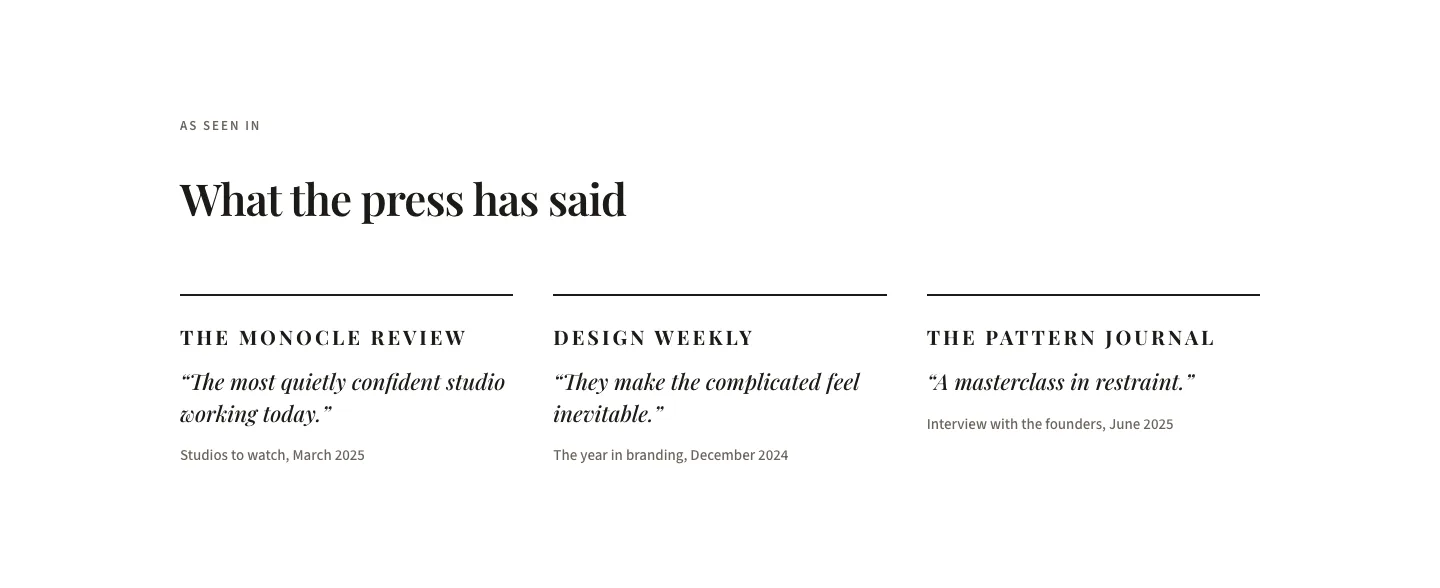
Editorial Studio Press Quotes Layout for Divi 5: Three Publications
testimonials · agency · minimal