
Dark Conservation Charity Testimonial Layout for Divi 5: Quote Over Photo
A dark, full-bleed testimonial section for conservation charities and nonprofits. Large quote over a nature photo with donor attribution. Ready-to-import Divi 5 JSON.
Rate this element
Download this section, free
- Divi 5 JSON, imports in seconds
- Commercial license included
- No account needed
Click to view the full page
Overview
This section leads with darkness as a deliberate creative choice. The base color is #0b1020, a near-black navy, and a full-bleed Pexels photograph sits behind the content at cover size — but the photo is never the hero. A bidirectional gradient (rgba(7,11,26,0.7) on both sides at 70% opacity) tames the image into a mood layer, keeping it atmospheric without competing with the words. The result is a single reading surface: deep, dim, and focused entirely on the quote.
The typographic hierarchy does the structural work. A decorative opening quotation mark — Inter 700 at 120px, scaled to 96px on tablet and 80px on phone — anchors the eye before the real copy appears. The quote body follows at 42px with textWrap: balance active, which distributes line breaks evenly so no orphaned short line breaks the rhythm. Below the quote, a 64px-wide, 2px solid divider punctuates the pause before the attribution. The name (Inter 700, 17px) and donor tenure (Inter regular, 15px) sit in a tight 4px-gap flex column, reading as a single unit.
Spacing is proportional and generous. The section carries 128px of vertical padding on desktop, collapsing to 88px on tablet and 64px on phone — enough breathing room on every screen to let the layout feel considered rather than cramped. The content group is capped at 760px and left-aligned within the column, which keeps long quotes at a comfortable measure without stretching across a wide viewport.
On mobile the column switches to flexDirection: column and font sizes step down at each breakpoint (42px → 34px → 26px for the quote body), so the hierarchy survives the narrower canvas intact. No module is hidden or reordered; the full structure simply scales.
What’s inside
- Full-bleed photo background (`cover` / `center center`) with a two-stop bidirectional dark gradient overlay at 70% opacity
- Oversized decorative opening quotation mark — Inter 700 at 120px desktop, 0.8em line-height, scaling across all three breakpoints
- Balance-wrapped quote body text at 42px / 34px / 26px across desktop, tablet, and phone
- 64px accent divider (2px solid `#f4f6fd`) separating the quote from the attribution block
- Two-line attribution group: bold donor name (17px) stacked above a role/tenure line (15px) with a 4px row gap
- Content group constrained to 760px max-width for optimal reading measure on wide viewports
- Responsive vertical padding: 128px desktop → 88px tablet → 64px phone
Who it’s for
This layout fits conservation charities, wildlife foundations, environmental nonprofits, and land trusts that rely on donor storytelling to drive recurring gifts. It also works for animal sanctuaries, rewilding campaigns, and ocean or climate advocacy organizations whose photography is rich and dramatic enough to carry a dark treatment. The single-quote format suits annual report pages, donation landing pages, and campaign microsites where one powerful donor voice needs to land without distraction.
Customization tips
The background color and gradient color stops share the same base (#0b1020 / rgba(7,11,26,0.7)). To shift the palette — say, toward forest green or deep ocean blue — update the section background color and both gradient stop colors together so the overlay stays consistent. The gradient opacity (currently 0.7) controls how much of the photograph shows through; lower it toward 0.5 to let more image detail surface, or push it to 0.85 for a darker, more abstract backdrop.
The background photo should be landscape-oriented and high-contrast enough to read through the overlay — wide nature scenes, aerial wetlands, or dense canopy shots work well. Avoid photos with heavy detail in the center where the text sits.
The quote body handles 2–4 sentences comfortably at 42px with textWrap: balance. Longer quotes (5+ sentences) should be trimmed or the font size reduced to 34–36px to prevent the block from towering. Keep the attribution lines short — one name and one short descriptor — since the flex column has no wrapping.
How to install this layout
- Download the layout JSON file from this page.
- Open the target page in the Divi 5 builder.
- Open the portability panel (up/down arrows icon) and choose the Import tab.
- Upload the JSON. Tick “replace existing content” only for full-page imports.
- Check the page at desktop and mobile widths, then swap in your copy and images.
Full walkthrough with troubleshooting: How to Import a Divi 5 Layout.
Questions about Dark Conservation Charity Testimonial Layout for Divi 5: Quote Over Photo
What modules make up this layout?
The layout uses four native Divi 5 modules inside a Section: two Text modules (the decorative quote mark and the quote body), one Divider module, and a Group module wrapping the attribution's two Text modules. A second Group contains the 760px-constrained content block. No third-party modules are required.
How does the background image behave on mobile?
The Pexels image is set to `cover` with `center center` positioning, so it crops proportionally on every screen size. The dark gradient overlay (70% opacity) remains active on all breakpoints, keeping text legible regardless of which part of the photo appears behind the quote.
What aspect ratio should my replacement photo be?
Landscape photos work best — aim for 16:9 or wider (at least 1920px wide). The section's fixed vertical padding means a portrait image will crop heavily at the top and bottom; a wide, horizontally composed shot will always fill the frame cleanly.
What should I edit first after importing?
Replace the background photo with your own image in the Section's Background settings, then update the quote text, donor name, and donor tenure. Those four edits produce a fully on-brand result. Adjust the gradient opacity last if the photo needs more or less prominence.
Can I use this for a single testimonial on a longer landing page?
Yes. The section is self-contained and designed to sit between other sections. Its 128px vertical padding creates natural visual separation from adjacent modules. The dark background provides a strong contrast break if the surrounding sections use a light palette.
Is the font Inter, and do I need to load it separately?
The layout uses Inter set via Divi 5's font settings. Divi 5 loads Google Fonts automatically when a font is assigned in the builder, so Inter will load without any manual configuration. If you want to swap to a different typeface, update the font setting on each Text module individually — there are four in total.
Which Divi version does this layout need?
Divi 5. The layout is generated natively for Divi 5 and validated against its real module structure before publication, so it imports clean into the current builder.
Can I use this layout on client websites?
Yes. Every download includes a commercial license covering unlimited sites you own or build for clients. Only reselling or redistributing the layout file itself is prohibited.
More testimonials
Browse all testimonials
Playful Pottery Class Testimonial Slider Layout for Divi 5: Three Quotes
testimonials · coaching · playful
Dark Software Reviews Testimonial Slider Layout for Divi 5: Three Quotes
testimonials · saas · dark
Bold Festival Testimonial Layout for Divi 5: Quote Over Photo
testimonials · events · bold
Dark On-Call Engineers Testimonials Layout for Divi 5: Three Avatar Cards
testimonials · saas · dark
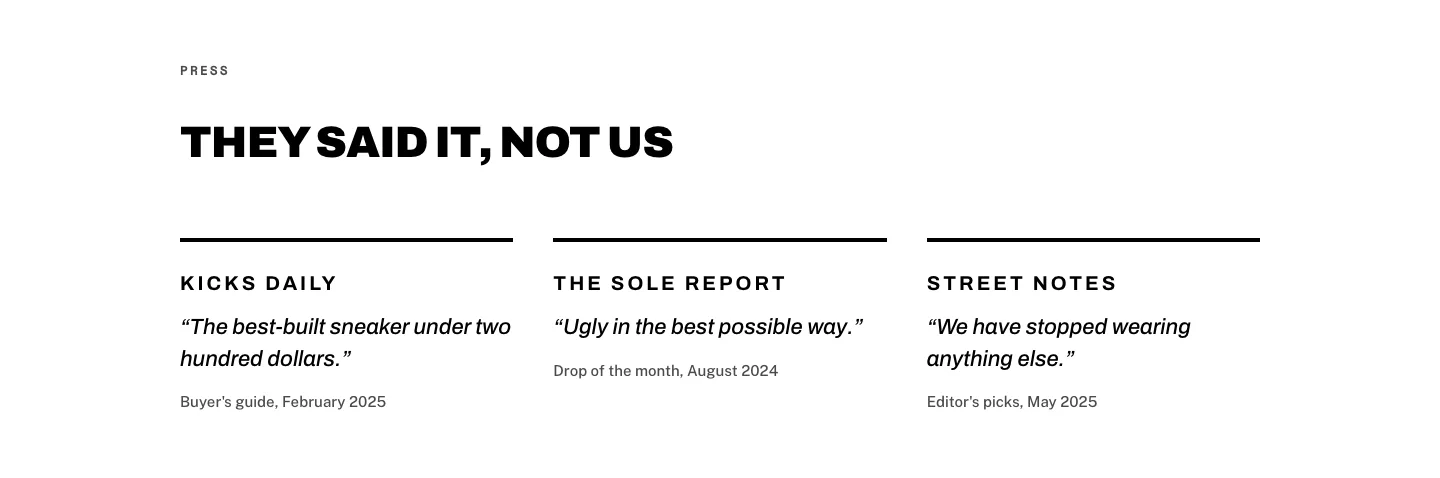
Brutalist Sneaker Brand Press Quotes Layout for Divi 5: Three Publications
testimonials · ecommerce · bold
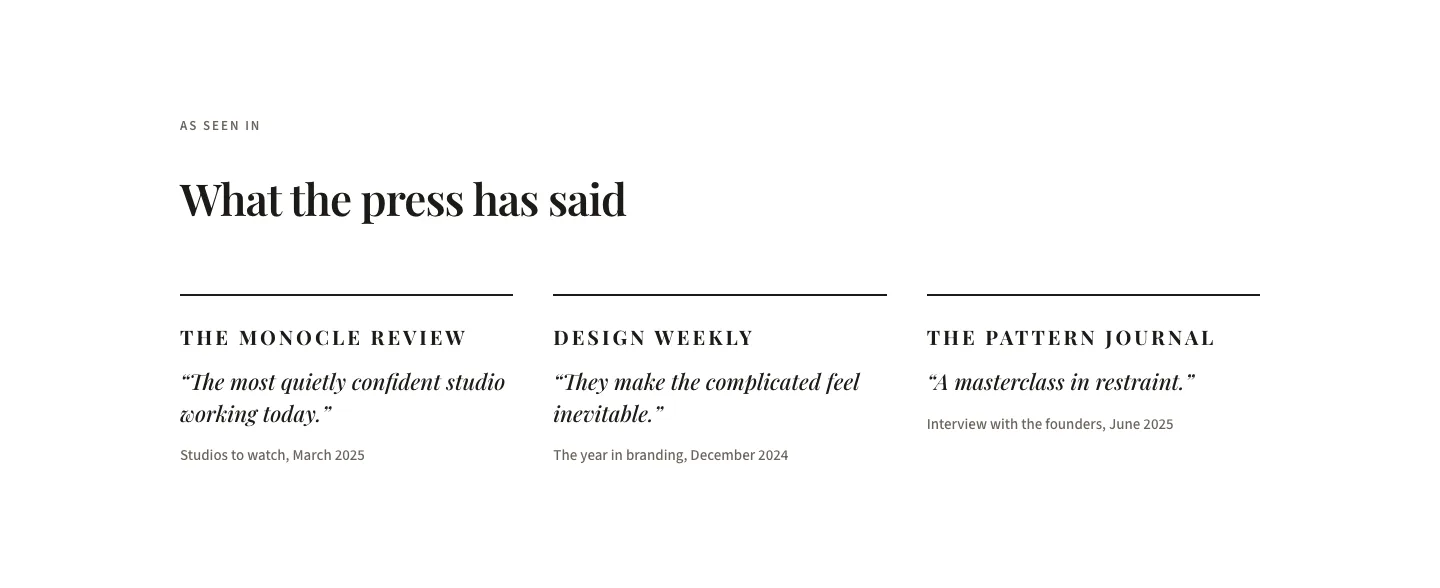
Editorial Studio Press Quotes Layout for Divi 5: Three Publications
testimonials · agency · minimal