
Luxe Boutique Jeweller Testimonial Layout for Divi 5: Large Single Quote
A dark, editorial testimonial layout for luxury ecommerce brands. Features an oversized opening quote, centered review text in Cormorant Garamond, and a circular avatar attribution on a near-black background.
Rate this element
Download this section, free
- Divi 5 JSON, imports in seconds
- Commercial license included
- No account needed
Click to view the full page
Overview
The layout centers on a single, commanding quotation mark rendered at 160px in Cormorant Garamond, a typographic gesture that establishes the register before a word of testimony is read. The quote text is constrained to a 960px maximum width via a Divi Group module and set in the same serif at 44px with a 1.3em line-height and CSS text-wrap: balance, so every line breaks with equal visual weight regardless of the copy entered. The section sits on a near-black background (#16120e) with 200px of vertical padding, spacious enough that the content feels suspended rather than contained.
Below the quote, a compact attribution row assembles through Divi's native flex Group modules: a 56px circular avatar (1:1 aspect ratio, circle-cropped via a 999px border-radius set directly in the Image module's design controls) aligns left of a two-line byline. The reviewer name is set in Jost 16px bold at the warm off-white (#f3ece0); the secondary line, intended for customer tenure or order context, drops to the burnished taupe accent (#b3a794) at 15px. The column gap between portrait and text is a precise 14px, tight enough to read as a single unit, loose enough to breathe.
The three-color palette tells a deliberate luxury story: deep espresso ground (#16120e), antique linen text (#f3ece0), and the taupe (#b3a794) doing double duty on both the decorative quotation mark and the secondary attribution copy. No photography competes with the quote itself. The only image is the small avatar, and it plays a structural role (anchoring the attribution) rather than a decorative one. This restraint is what gives the section its credibility for high-ticket goods.
On mobile, the section compresses gracefully through values set in Divi's built-in breakpoint controls. Padding steps from 200px down to 88px, the quotation mark scales from 160px to 96px, and the body text moves from 44px to 26px, all without a single line of custom CSS. The row switches to a column direction at the phone breakpoint, and the attribution group's nowrap flex setting keeps the avatar and byline side-by-side even on narrow viewports.
What’s inside
- Standalone decorative quotation mark as a Divi Text module: Cormorant Garamond 160px bold, warm taupe (#b3a794), centered, with a 0.8em line-height that makes it read as pure punctuation rather than body text
- Quote body constrained to 960px via a Divi Group module, set at 44px with CSS text-wrap: balance for optically even line breaks across desktop, tablet, and phone
- Three-stop responsive type scale set natively in each module (desktop/tablet/phone values): quote mark 160/128/96px, body 44/34/26px, no breakpoint CSS overrides needed
- Circular avatar Image module: 56px wide, enforced 1:1 aspect ratio, 999px border-radius crop, and objectFit: cover, all configured in Divi 5's module controls
- Two-line attribution using a nested flex Group (name in Jost 700 at #f3ece0, context line in Jost regular at #b3a794) with a 2px row gap for tight typographic rhythm
- Deep near-black section background (#16120e) with stepped vertical padding (200px desktop, 144px tablet, 88px phone) giving the quote room to breathe at every screen size
- Entire section built with native Divi 5 modules only (Section, Row, Column, Text, Image, Group), requiring no shortcodes, custom HTML, or third-party plugins
Who it’s for
This section fits independent jewellers, fine accessory brands, and luxury goods retailers who need social proof that matches their brand's tone rather than undermining it with a star-rating widget. It transfers cleanly to bespoke tailors, artisan perfumers, high-end watchmakers, or any e-commerce brand where a single compelling customer voice carries more persuasive weight than a grid of reviews. Wedding photographers, interior designers, and boutique accommodation providers will find the palette and type hierarchy readable as refined without being industry-specific. If your store sells something a buyer considers an investment or an heirloom, this layout speaks their language.
Customization tips
The palette lives in three places in the Divi module settings: the Section background color (currently #16120e), the primary text color applied to the quote body and name (#f3ece0), and the taupe used for the quotation mark glyph and secondary attribution line (#b3a794). Swapping the ground to a deep navy or forest green changes the mood entirely without touching a font setting. Cormorant Garamond is a Google Font loaded by Divi; you can replace it with Playfair Display or DM Serif Display by changing the font-family in the two Text modules that use it. Keep the quote itself under 30 words. The 44px size and centered alignment punish long lines even with text-wrap: balance active, and the section's impact depends on brevity. The avatar Image module expects a square source crop (1:1); a portrait photo will be center-cropped by the objectFit: cover rule, so use a tightly framed headshot rather than a full-body shot. The secondary attribution line has room for a job title, location, or product type and should stay under 50 characters to avoid wrapping on mobile.
How to install this layout
- Download the layout JSON file from this page.
- Open the target page in the Divi 5 builder.
- Open the portability panel (up/down arrows icon) and choose the Import tab.
- Upload the JSON. Tick “replace existing content” only for full-page imports.
- Check the page at desktop and mobile widths, then swap in your copy and images.
Full walkthrough with troubleshooting: How to Import a Divi 5 Layout.
Questions about Luxe Boutique Jeweller Testimonial Layout for Divi 5: Large Single Quote
What Divi 5 modules does this section use?
One Section, one Row, one Column, four Text modules (the decorative quotation mark glyph, the quote body, the reviewer name, and the attribution context line), one Image module for the circular avatar, and four nested Group modules that handle the max-width constraint on the quote and the flex layout of the attribution row.
Is the circular avatar crop done with custom CSS or natively in Divi 5?
Natively. The Image module's border-radius is set to 999px directly in Divi 5's design controls, and the 1:1 aspect ratio is enforced through the module's built-in sizing options. No custom CSS classes or stylesheets are required.
How long should the quote be for the design to hold up?
The layout is calibrated for one impactful sentence of 15 to 30 words. The demo text ('The ring arrived in a box I wanted to keep, and fitted as if it had always been mine.') is 22 words. Going much longer flattens the visual impact even with text-wrap: balance active, because more lines at 44px reduces the contrast between the large quotation mark and the body below it.
Does the section include a background image or texture, or is it a flat color?
It is a flat solid color (#16120e) with no image, gradient, or overlay. This keeps page weight low and lets the typography do all the work. You can add a subtle noise texture or a low-opacity background image via the Section's background settings in Divi 5 without touching any other module.
How does the attribution row behave on mobile?
The avatar and byline stay side-by-side on all screen sizes. The inner Group module uses flexDirection: row with nowrap, so the two elements never stack. The avatar remains 56px wide (it has no responsive size override), and the text column grows to fill the remaining space. Section padding and font sizes step down through Divi's phone breakpoint values set in each module.
Can I swap Cormorant Garamond for a different font?
Yes. Cormorant Garamond is a Google Font loaded by Divi and can be replaced with any other available font directly in the Text module's font settings. The hierarchy depends on the size contrast between the decorative quotation mark and the body copy, so keep at least a 3x size ratio between the two if you change the typeface or adjust sizes.
Which Divi version does this layout need?
Divi 5. The layout is generated natively for Divi 5 and validated against its real module structure before publication, so it imports clean into the current builder.
Can I use this layout on client websites?
Yes. Every download includes a commercial license covering unlimited sites you own or build for clients. Only reselling or redistributing the layout file itself is prohibited.
More testimonials
Browse all testimonials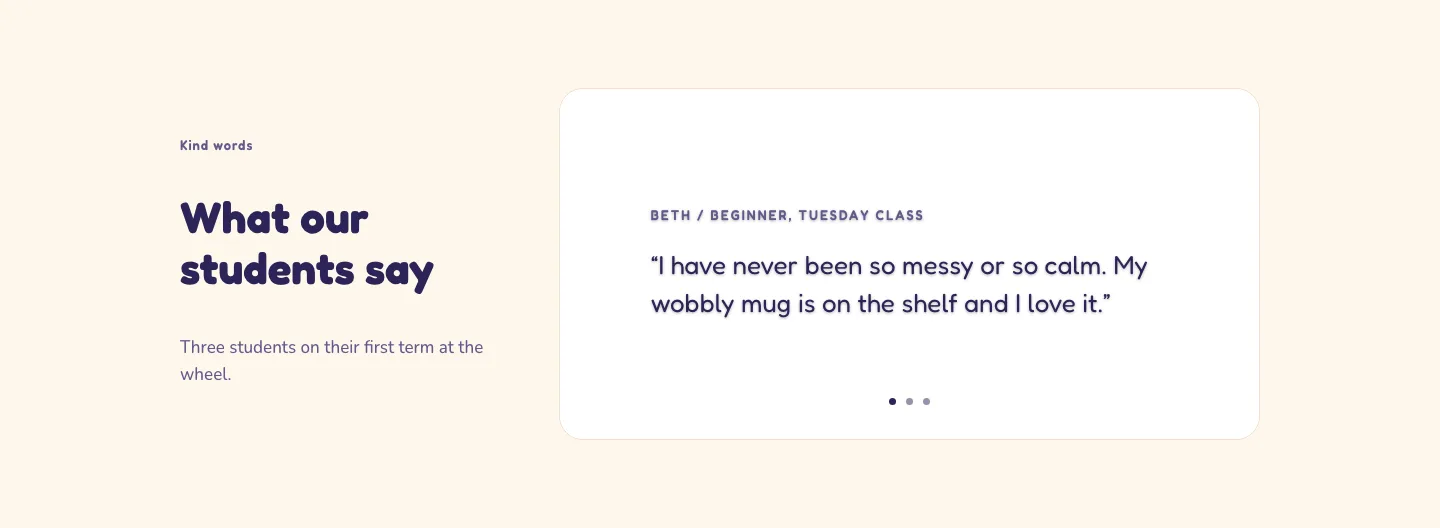
Playful Pottery Class Testimonial Slider Layout for Divi 5: Three Quotes
testimonials · coaching · playful
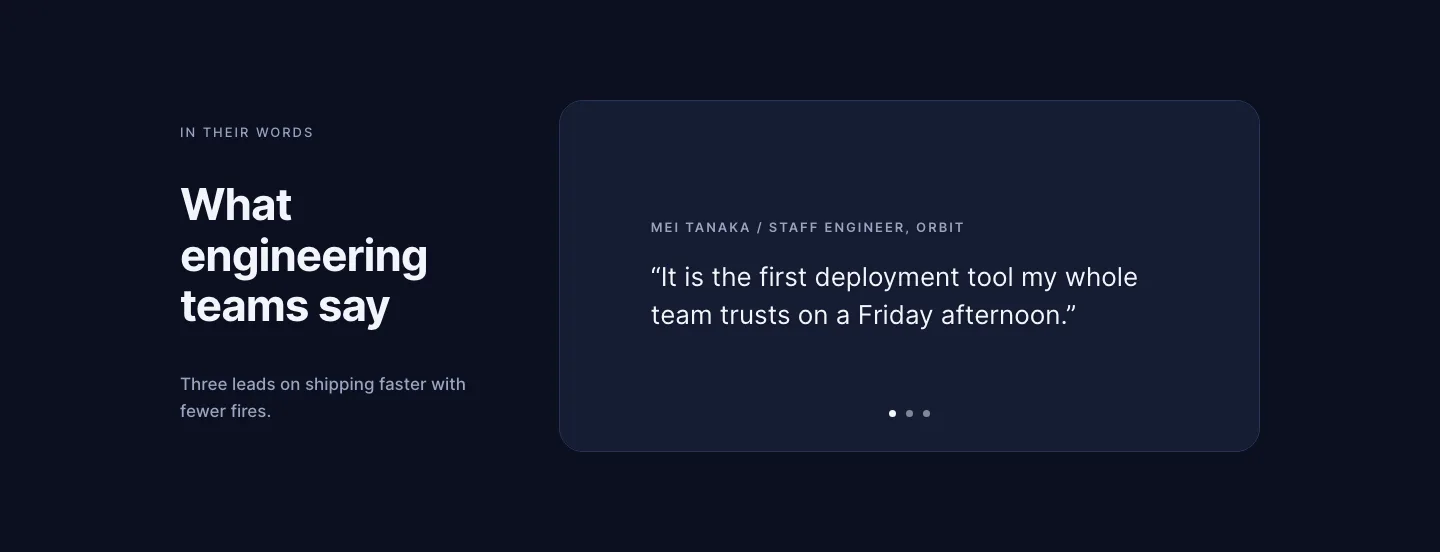
Dark Software Reviews Testimonial Slider Layout for Divi 5: Three Quotes
testimonials · saas · dark
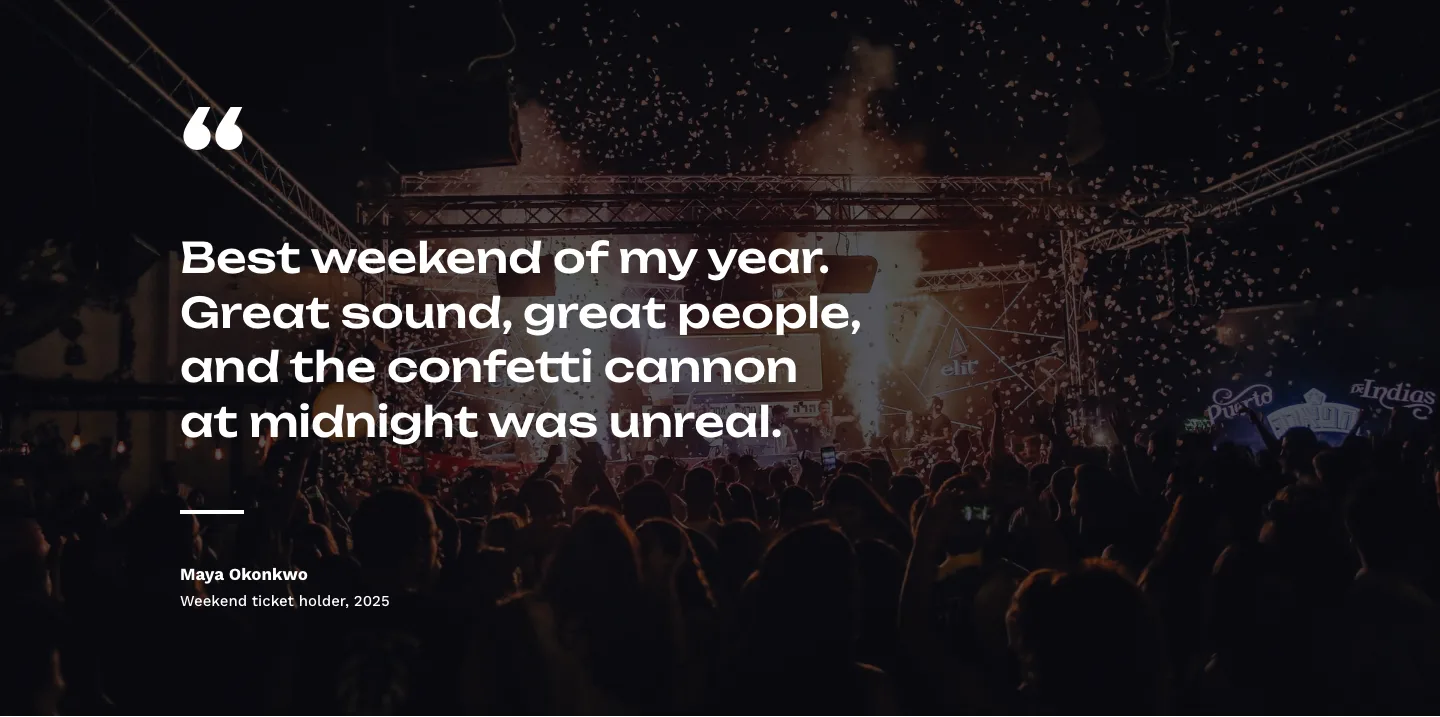
Bold Festival Testimonial Layout for Divi 5: Quote Over Photo
testimonials · events · bold
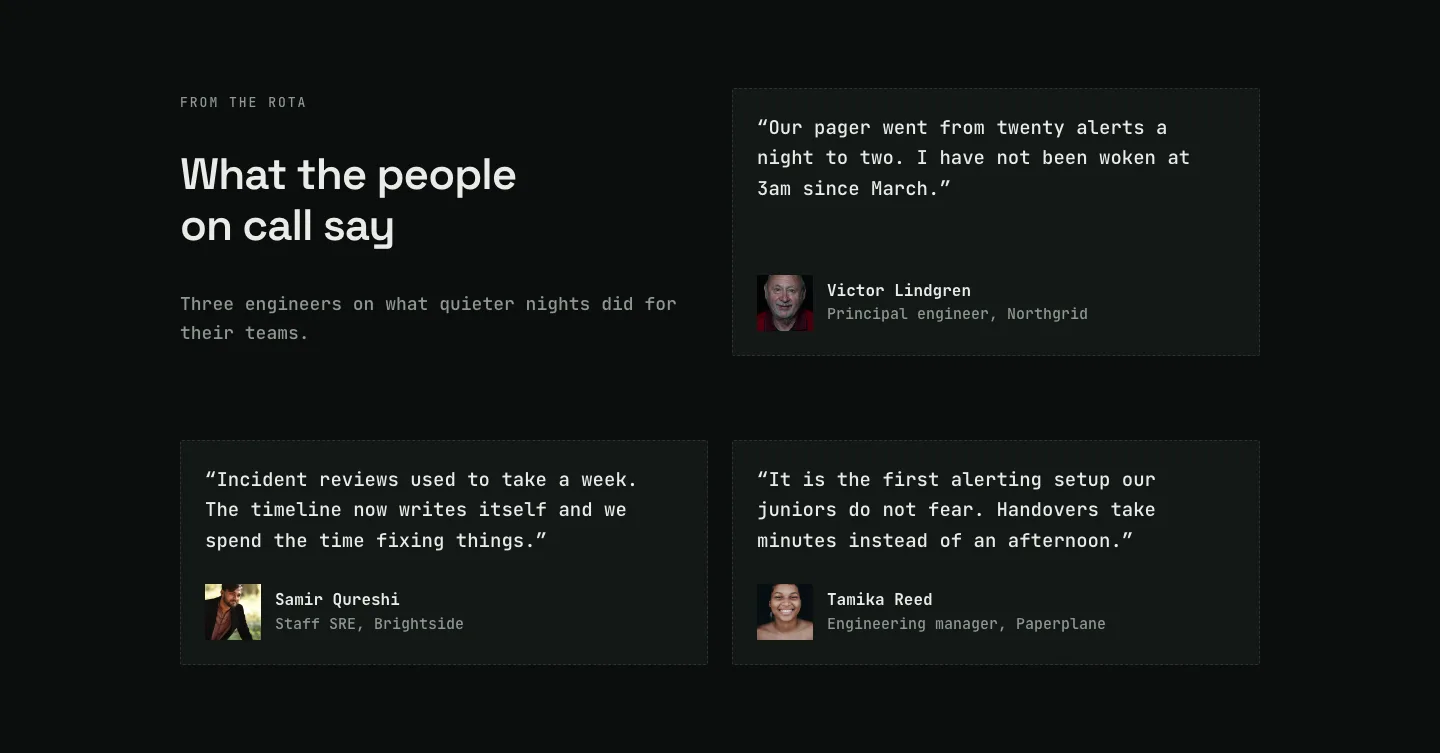
Dark On-Call Engineers Testimonials Layout for Divi 5: Three Avatar Cards
testimonials · saas · dark
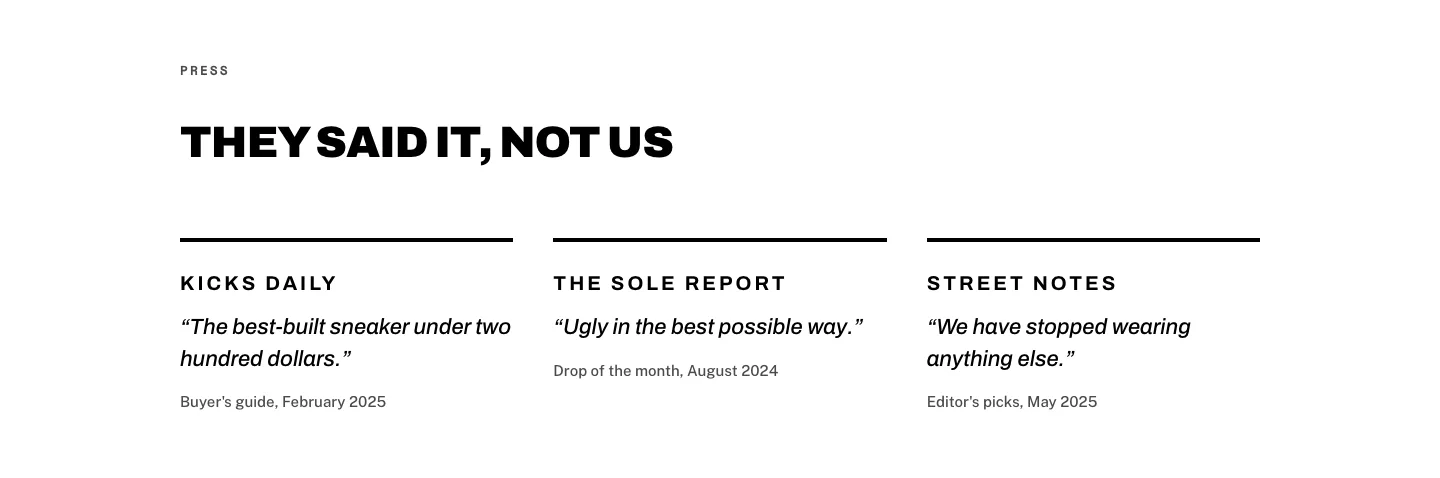
Brutalist Sneaker Brand Press Quotes Layout for Divi 5: Three Publications
testimonials · ecommerce · bold
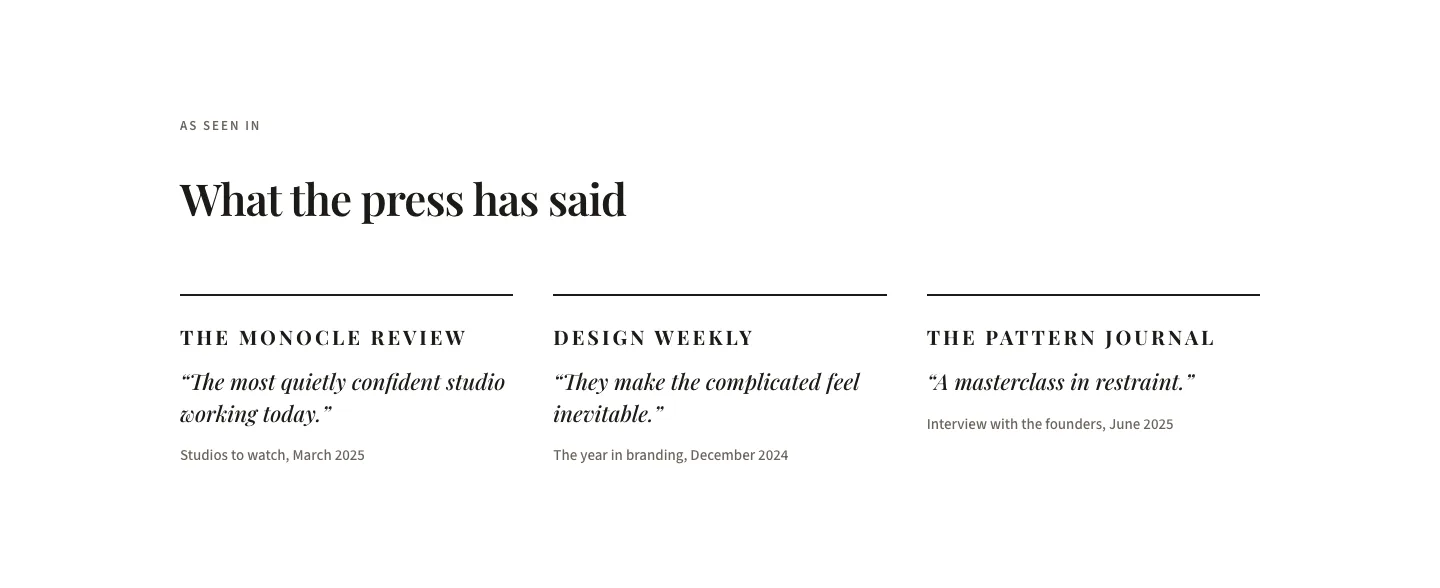
Editorial Studio Press Quotes Layout for Divi 5: Three Publications
testimonials · agency · minimal