
Soft Project Management Testimonials Layout for Divi 5: Three Avatar Cards
A clean, minimal Divi 5 testimonials section featuring three avatar cards with real customer quotes. Perfect for SaaS landing pages that need social proof without the clutter.
Rate this element
Download this section, free
- Divi 5 JSON, imports in seconds
- Commercial license included
- No account needed
Click to view the full page
Overview
The section opens with an editorial two-column row: the left half carries a three-element header block (a 13px uppercase Figtree label in #596083, a 44px Plus Jakarta Sans H2 at -1px letter-spacing, and an 18px Figtree subtitle), while the right half holds the first testimonial card. Placing a card at the same vertical level as the heading creates an offset rhythm that breaks the monotony of a straight testimonials grid without requiring any decorative elements.
All three testimonial cards share the same container treatment: white (#ffffff) background, 16px rounded corners on all sides, a 1px solid border in #e0e3f5, and 32px of internal padding. Each card column uses flexDirection: column with justifyContent: space-between and a 28px row gap, so the quote text sits flush to the top and the attribution row is anchored to the bottom regardless of how long or short the quote copy runs. The parent rows set alignItems: stretch, meaning both cards in a row always match height. This keeps the layout locked and even without any fixed heights.
The section background is #f5f6ff, a near-white with a faint periwinkle cast that separates the section visually from adjacent white content. Desktop padding is 104px top and bottom, stepping to 72px on tablet and 48px on phone. The 24px column gap between cards and the 12px vertical gap between the two rows give the layout measured breathing room without creating dead space. On phone, both rows switch their flex direction to column and every column expands to full 24/24 width, so the four blocks (header, card 1, card 2, card 3) stack cleanly in reading order.
The type system stays deliberately narrow: Figtree handles all body text, labels, quote copy, names, and role lines, while Plus Jakarta Sans is reserved exclusively for the H2 display heading. This limits font requests while keeping a visible contrast between the heavy 700-weight display type and the lighter body stack. Avatar images are 56px square containers with a 1:1 aspect ratio enforced by Divi's sizing controls and a 16px border radius that echoes the card corners, rendered with cover fit so any square crop fills the frame without distortion.
What’s inside
- Editorial two-column row 1 pairing the section header block (H4 label + H2 + subtitle) with the first testimonial card side by side
- Three white testimonial cards via styled `divi/column` modules: 16px radius, 1px #e0e3f5 border, 32px padding, flex-column layout with `justifyContent: space-between`
- Per-card attribution row built from nested `divi/group` modules: a 56px square avatar container alongside a two-line name/role stack
- Square avatar images via `divi/image` with enforced 1:1 aspect ratio, 16px border radius, and cover fit for clean framing on any photo
- Two-typeface system: Plus Jakarta Sans 700 for the H2 display heading (44px / 36px / 30px across breakpoints), Figtree for all supporting text
- `#f5f6ff` section background with responsive padding stepping from 104px to 72px to 48px across desktop, tablet, and phone
- Full mobile reflow: rows switch to `flex-direction: column` on phone and all columns expand to full width, stacking the four blocks in logical reading order
Who it’s for
This layout fits project management SaaS, productivity tools, team collaboration platforms, and remote-work software products where the core value proposition is saving teams time and cutting coordination overhead. It also works for digital agencies and design studios wanting to show credibility with team leads and department heads rather than executives. The outcome-driven quote framing (meetings shortened, shipped early, universal tool adoption) makes it a strong fit for any B2B product marketed to operations leads, heads of product, or studio directors.
Customization tips
The fastest global change is the section background: swap #f5f6ff for a warm neutral (#fafaf8) to remove the periwinkle tone, or push it to a deeper slate-blue if your brand palette runs cooler. Card borders (#e0e3f5) can be removed entirely or replaced with a subtle box shadow in Divi's border decoration panel.
Quote copy works best between 20 and 35 words. The justifyContent: space-between on each card column creates visible breathing room above the attribution row when quotes are short, but going past 50 words will cause noticeable height differences between the two bottom cards. Name and role are separate divi/text modules, so adding a third attribution line (such as a company URL) means duplicating the role text block inside the group.
Avatar images should be square crops at a minimum of 200px wide to avoid upscaling artifacts at the 56px display size. The 16px border radius on the avatar container mirrors the card corners; to switch to circular avatars, update both the container group radius and the image module radius to 50%.
How to install this layout
- Download the layout JSON file from this page.
- Open the target page in the Divi 5 builder.
- Open the portability panel (up/down arrows icon) and choose the Import tab.
- Upload the JSON. Tick “replace existing content” only for full-page imports.
- Check the page at desktop and mobile widths, then swap in your copy and images.
Full walkthrough with troubleshooting: How to Import a Divi 5 Layout.
Questions about Soft Project Management Testimonials Layout for Divi 5: Three Avatar Cards
How are the three testimonial cards arranged across the layout?
The first card fills the right column of row 1, sitting alongside the header text block. The second and third cards occupy the left and right columns of row 2. This gives the section an editorial, offset feel rather than a uniform three-column grid.
What Divi 5 modules are inside each testimonial card?
Each card is a `divi/column` acting as a flex container. Inside: one `divi/text` for the quote, then a `divi/group` flex row containing a nested `divi/group` wrapping the `divi/image` avatar, and a second nested `divi/group` (flex column) holding two `divi/text` modules for the name and role lines.
Do all three cards stay the same height if my quotes are different lengths?
Yes. Each card uses `flexDirection: column` with `justifyContent: space-between`, and the parent row sets `alignItems: stretch`. The quote floats at the top, the avatar row is anchored at the bottom, and Divi stretches both cards in each row to match the taller one automatically.
How does the layout stack on mobile?
Both rows switch to `flex-direction: column` on phone, so the four column blocks stack vertically in reading order: the header block first, then the three testimonial cards one after another. Each column expands to full 24/24 width and section padding drops to 48px top and bottom.
What aspect ratio and size should replacement avatar photos be?
Use a 1:1 (square) crop at a minimum of 200px wide. The `divi/image` module enforces a 1:1 aspect ratio with cover fit, so portrait or landscape originals will be cropped to square automatically; providing a pre-cropped image gives you control over which part of the photo shows.
Can I edit the H2 font without touching a global preset?
Yes. The H2 font (Plus Jakarta Sans, 700 weight, 44px / 36px / 30px across breakpoints, -1px letter-spacing) is set directly on the `divi/heading` module's font decoration, not on a global typography preset. You can change the family, size, or weight for this section only without affecting any other headings on the page.
Which Divi version does this layout need?
Divi 5. The layout is generated natively for Divi 5 and validated against its real module structure before publication, so it imports clean into the current builder.
Can I use this layout on client websites?
Yes. Every download includes a commercial license covering unlimited sites you own or build for clients. Only reselling or redistributing the layout file itself is prohibited.
More testimonials
Browse all testimonials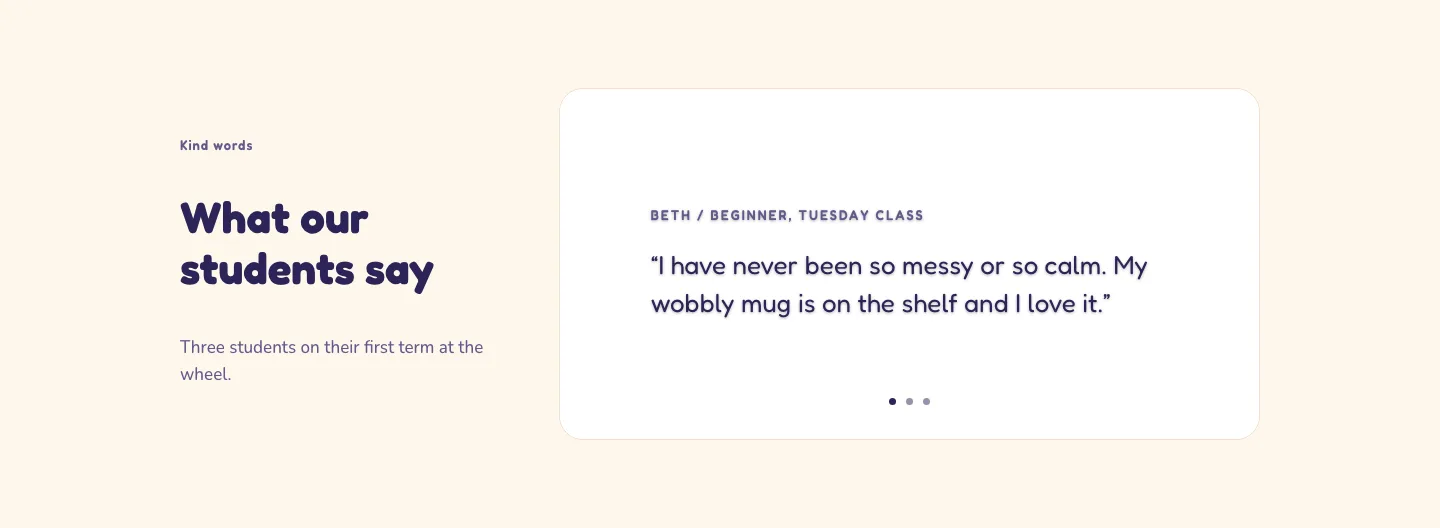
Playful Pottery Class Testimonial Slider Layout for Divi 5: Three Quotes
testimonials · coaching · playful
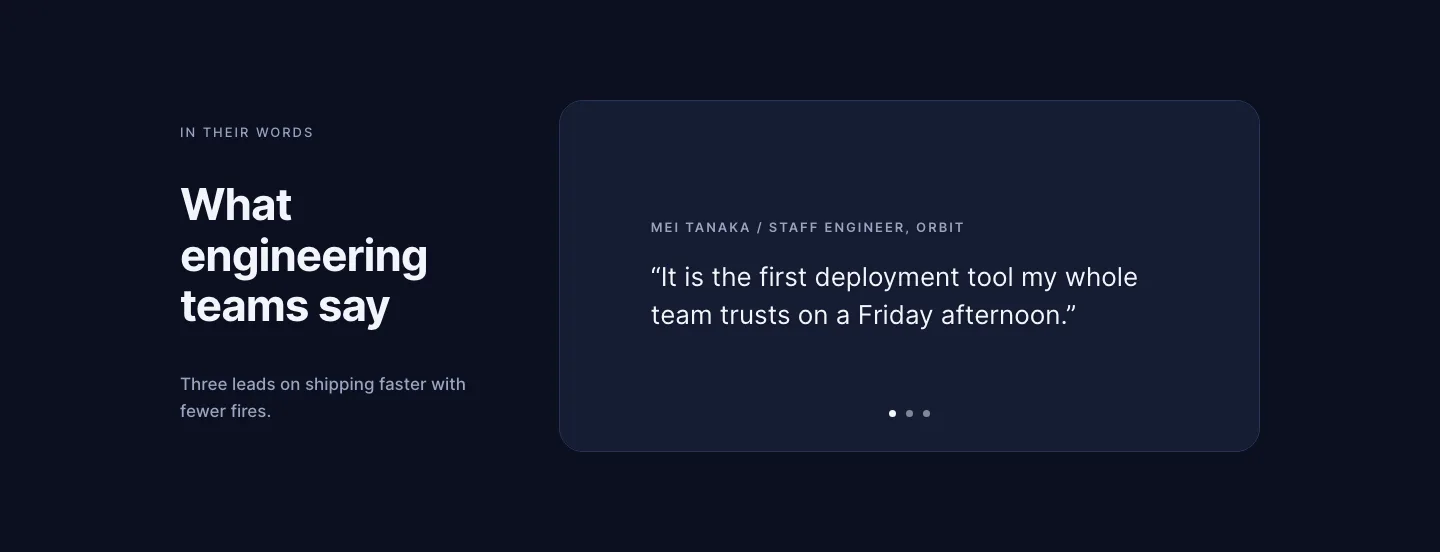
Dark Software Reviews Testimonial Slider Layout for Divi 5: Three Quotes
testimonials · saas · dark
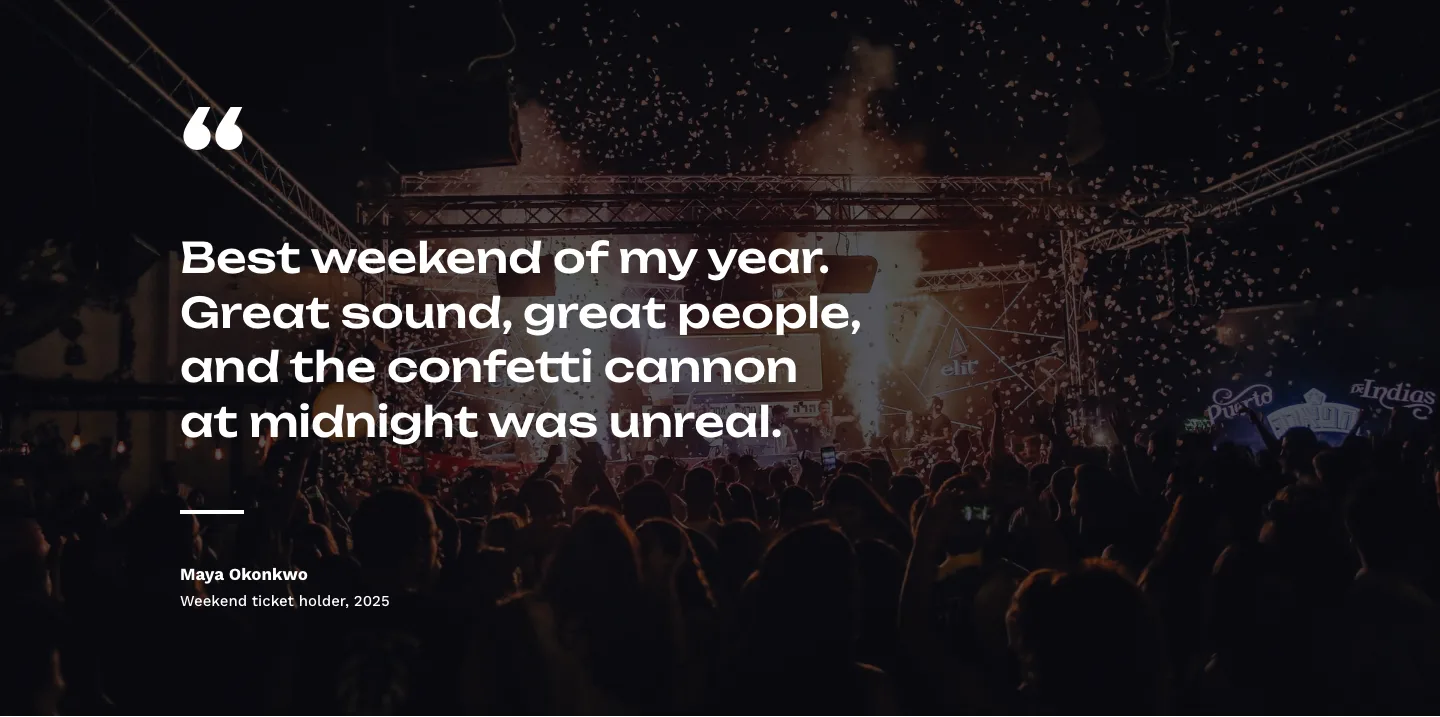
Bold Festival Testimonial Layout for Divi 5: Quote Over Photo
testimonials · events · bold
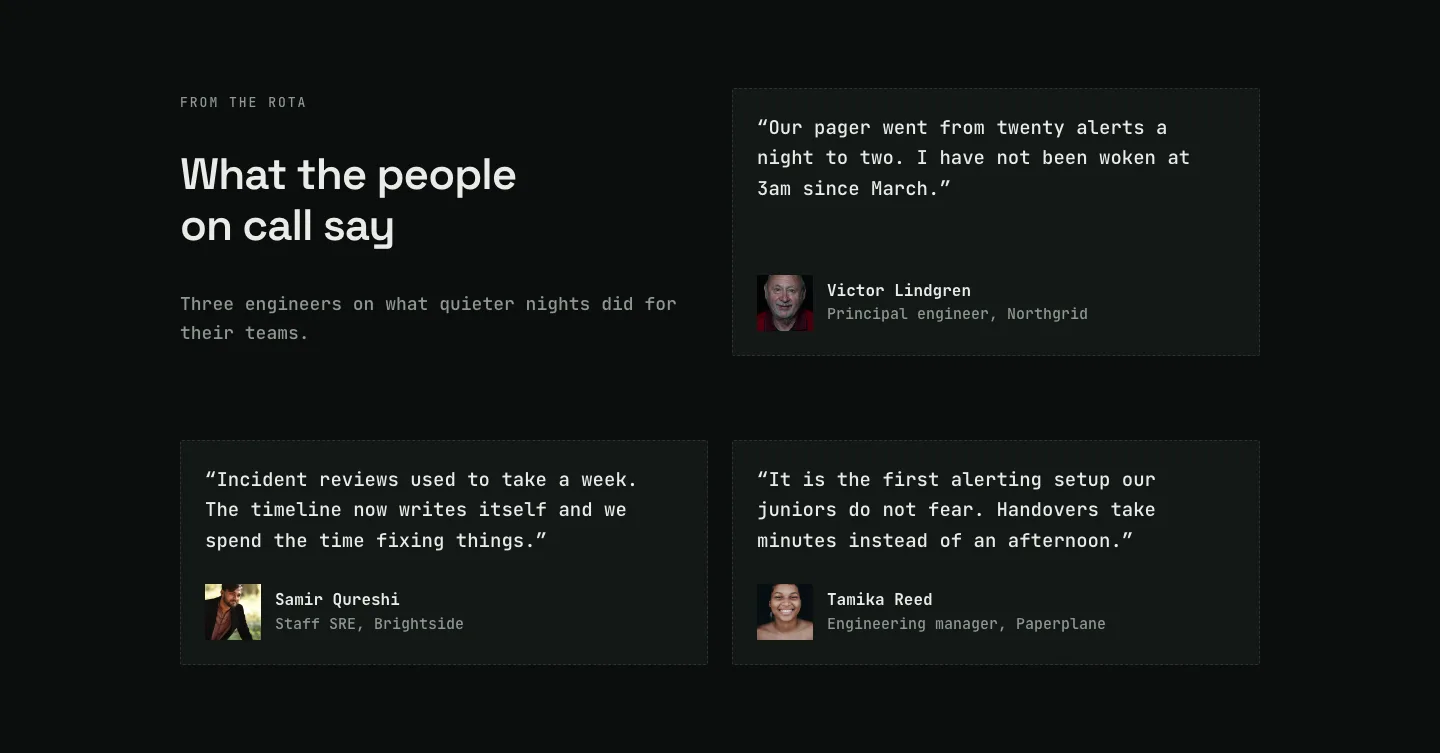
Dark On-Call Engineers Testimonials Layout for Divi 5: Three Avatar Cards
testimonials · saas · dark
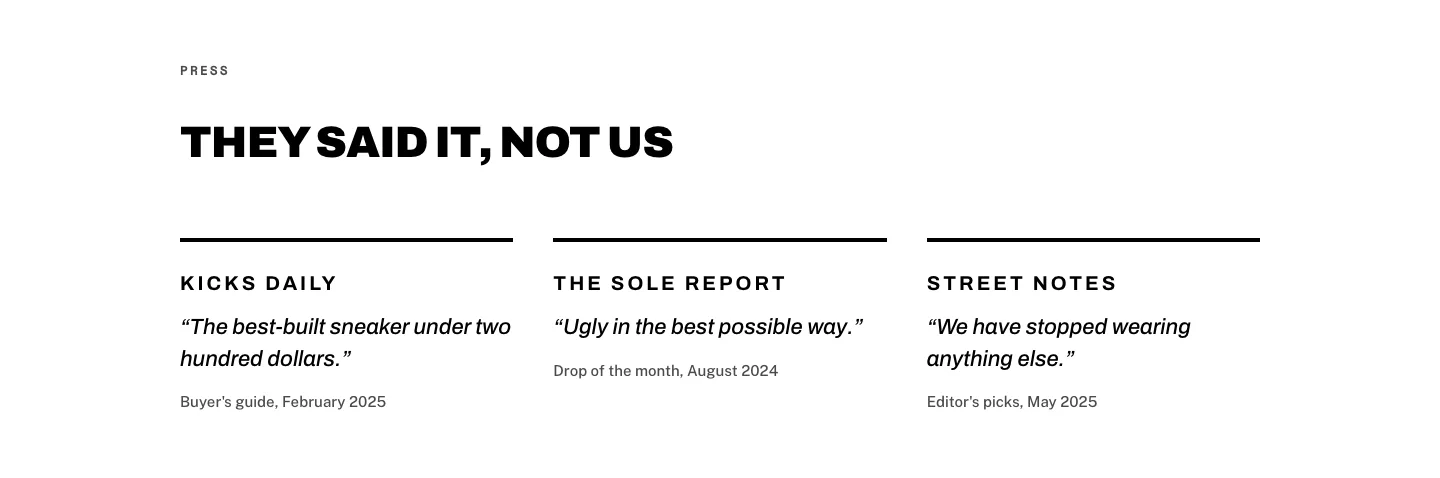
Brutalist Sneaker Brand Press Quotes Layout for Divi 5: Three Publications
testimonials · ecommerce · bold
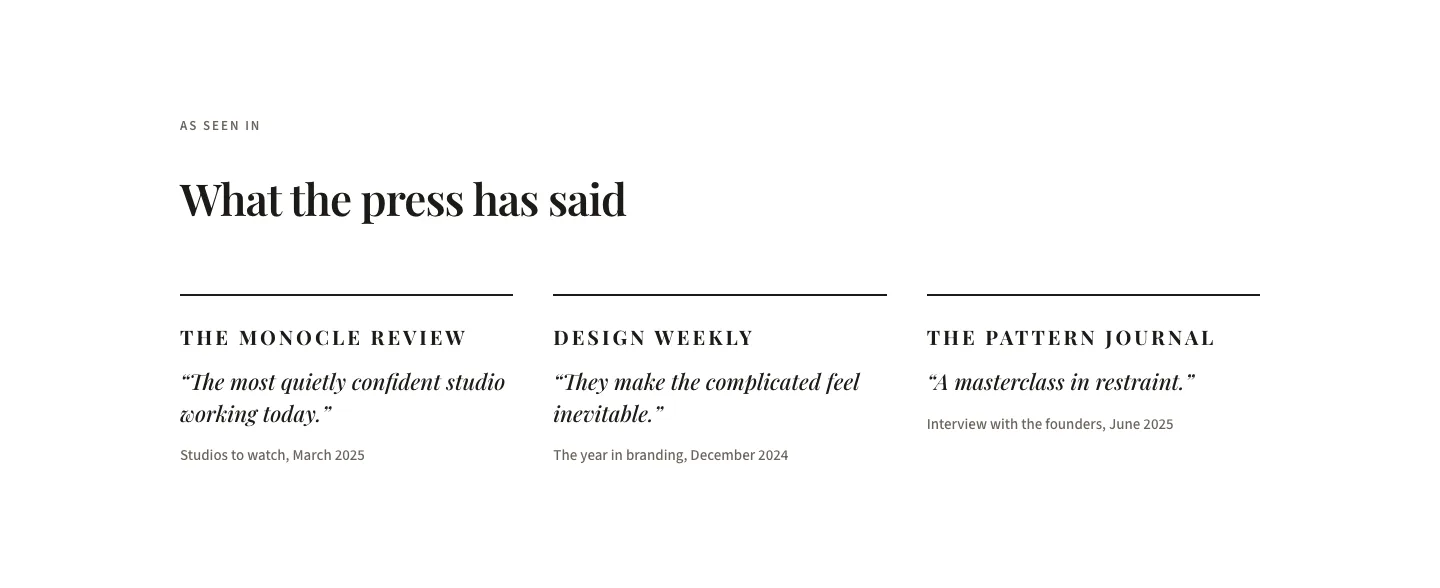
Editorial Studio Press Quotes Layout for Divi 5: Three Publications
testimonials · agency · minimal