
Corporate Home Sellers Testimonials Layout for Divi 5: Three Avatar Cards
A clean corporate testimonials section featuring three seller quote cards with avatar photos, names, and sale details. Built for real estate agencies using Divi 5.
Rate this element
Download this section, free
- Divi 5 JSON, imports in seconds
- Commercial license included
- No account needed
Click to view the full page
Overview
This testimonials section uses an asymmetric two-column layout across two stacked rows. The left column of the first row holds the section header — an uppercase IBM Plex Sans overline at 13px/600 weight in slate #4f5d73, an H2 headline at 44px collapsing to 36px on tablet and 30px on phone, and a single supporting sentence in 18px body text. The right column in that same row is the first testimonial card, sitting flush with the header's height via alignItems: stretch. The second row splits into two more cards side by side. All three cards share the same anatomy: quote text in dark navy #13233f at 19px/1.6em line height for easy reading, then a pinned footer row containing a 56px square avatar (1:1 aspect ratio, object-fit: cover, 6px rounded corners) alongside the seller's name in 700-weight navy and a subdued slate line noting their neighborhood and days on market.
The cards use #f2f5fa — a cool blue-white — as their background, with a 1px #d3dbe8 border and 6px corner radius on all sides. Internal padding is a uniform 28px on desktop. The justifyContent: space-between flex direction on each card means the attribution block always anchors to the bottom regardless of quote length, keeping the grid visually even even if one quote runs long.
Section vertical padding steps down responsively: 96px on desktop, 68px on tablet, 44px on phone. The two-column row layout uses flexWrap: nowrap with a 24px column gap on desktop, then switches to flexWrap: wrap with flexDirection: column on phones so all three cards stack vertically in reading order. The header column adds right padding (24px desktop, 8px tablet, 0px phone) to keep it from pressing against the first card at smaller widths.
The palette is deliberately restrained for a corporate real estate context: white section background, navy headings, slate secondary text, and the blue-tinted card surface. IBM Plex Sans throughout gives the section a professional, financial-district tone without the coldness of a purely geometric sans.
What’s inside
- One `divi/section` with white background and responsive vertical padding (96px / 68px / 44px)
- Two stacked `divi/row` modules, each splitting into equal 1/2 columns with 24px gap and `alignItems: stretch` for matched card heights
- Header column with H4 overline, H2 headline (44px → 30px responsive), and 18px supporting body text, all in IBM Plex Sans
- Three testimonial cards in `#f2f5fa` with 6px radius, 1px `#d3dbe8` border, and 28px internal padding
- `divi/group` flex footer per card pinned with `justifyContent: space-between` — quote text floats top, attribution anchors bottom
- 56px square avatar images with 1:1 aspect ratio, `object-fit: cover`, and 6px rounded corners inside a fixed-width `divi/group` wrapper
- Two-line attribution block: seller name at 700 weight in navy + subdued slate neighborhood and days-on-market line
- Full column stacking on phones via `flexWrap: wrap` / `flexDirection: column` on both rows
Who it’s for
This section is built for real estate agents, brokerages, and property marketing teams who need social proof that speaks directly to sellers rather than buyers. It works equally well for a boutique independent agent website, a regional brokerage's service page, and a new-construction developer's seller portal. The corporate palette and structured card grid also translate cleanly to adjacent home-services contexts — estate agencies, relocation consultants, or mortgage brokers — anywhere the pitch centers on guiding someone through a transaction and the credibility lever is a past client's experience.
Customization tips
Swap the section background from #ffffff and card fill from #f2f5fa to any two tones in your brand palette by updating module.decoration.background on the section and each column respectively. The 1px border color #d3dbe8 should be updated to match or complement the new card fill. Keep quote copy to 2–3 short sentences (roughly 25–35 words) so the justifyContent: space-between spacing behaves as designed; longer quotes push the avatar footer down unevenly across cards. Avatar images should be square crops at a minimum of 112px (displayed at 56px on desktop, so a 2× source looks sharp on retina). The H2 headline uses textWrap: balance, so it handles two- or three-line rewrites gracefully without widows. To change the font family, update the family field inside every divi/heading and divi/text decoration block — all modules share IBM Plex Sans, so a find-and-replace in the JSON is the fastest path.
How to install this layout
- Download the layout JSON file from this page.
- Open the target page in the Divi 5 builder.
- Open the portability panel (up/down arrows icon) and choose the Import tab.
- Upload the JSON. Tick “replace existing content” only for full-page imports.
- Check the page at desktop and mobile widths, then swap in your copy and images.
Full walkthrough with troubleshooting: How to Import a Divi 5 Layout.
Questions about Corporate Home Sellers Testimonials Layout for Divi 5: Three Avatar Cards
How do the three cards stay the same height when quotes are different lengths?
Each card column uses `flexDirection: column` with `justifyContent: space-between`, so the quote text sits at the top and the avatar/attribution row is pushed to the bottom regardless of how much text is in between. As long as quotes are in the same rough ballpark (1–3 short sentences), the visual balance holds.
What modules does this layout actually use?
It uses `divi/section`, `divi/row`, `divi/column`, `divi/heading`, `divi/text`, `divi/image`, and `divi/group`. No third-party modules or plugins are required — everything is native Divi 5.
How does the layout behave on mobile?
Both rows switch to `flexWrap: wrap` with `flexDirection: column` on phones, so the header block appears first, followed by all three testimonial cards stacking vertically. Section padding drops to 44px top and bottom, and the header column removes its right padding so text runs full width.
What aspect ratio should avatar photos be?
The image module enforces a 1:1 aspect ratio with `object-fit: cover`, so any square crop will work. The container is 56px wide on desktop — use a source image at least 112px square for a clean retina result.
What should I edit first after importing?
Replace the three Pexels avatar URLs with your own client photos, then update the quote text, seller names, and neighborhood/days-on-market lines in the `divi/text` modules. The headline and overline in the header column are the last swap — they're generic enough to leave while you get the client content in place.
Can I reorder the cards or add a fourth?
You can reorder by moving the column blocks within each row in the Divi 5 editor. Adding a fourth card means adding a new row with a 1/2 column structure matching the existing rows — the section padding and gap settings are all row-level, so a new row picks them up automatically.
Which Divi version does this layout need?
Divi 5. The layout is generated natively for Divi 5 and validated against its real module structure before publication, so it imports clean into the current builder.
Can I use this layout on client websites?
Yes. Every download includes a commercial license covering unlimited sites you own or build for clients. Only reselling or redistributing the layout file itself is prohibited.
More testimonials
Browse all testimonials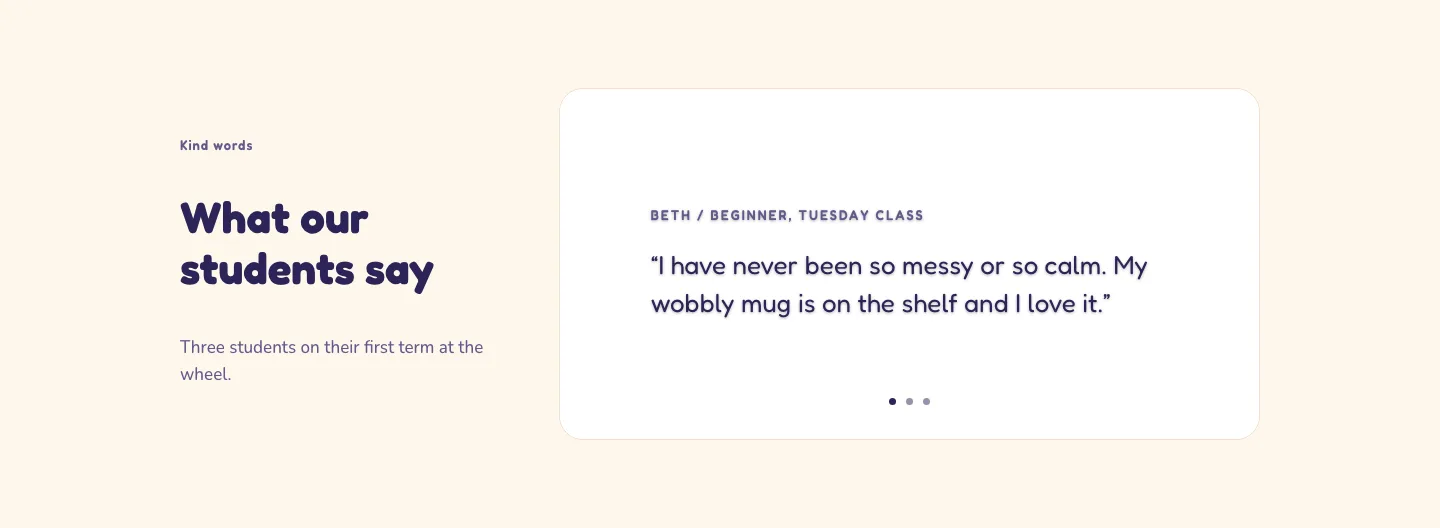
Playful Pottery Class Testimonial Slider Layout for Divi 5: Three Quotes
testimonials · coaching · playful
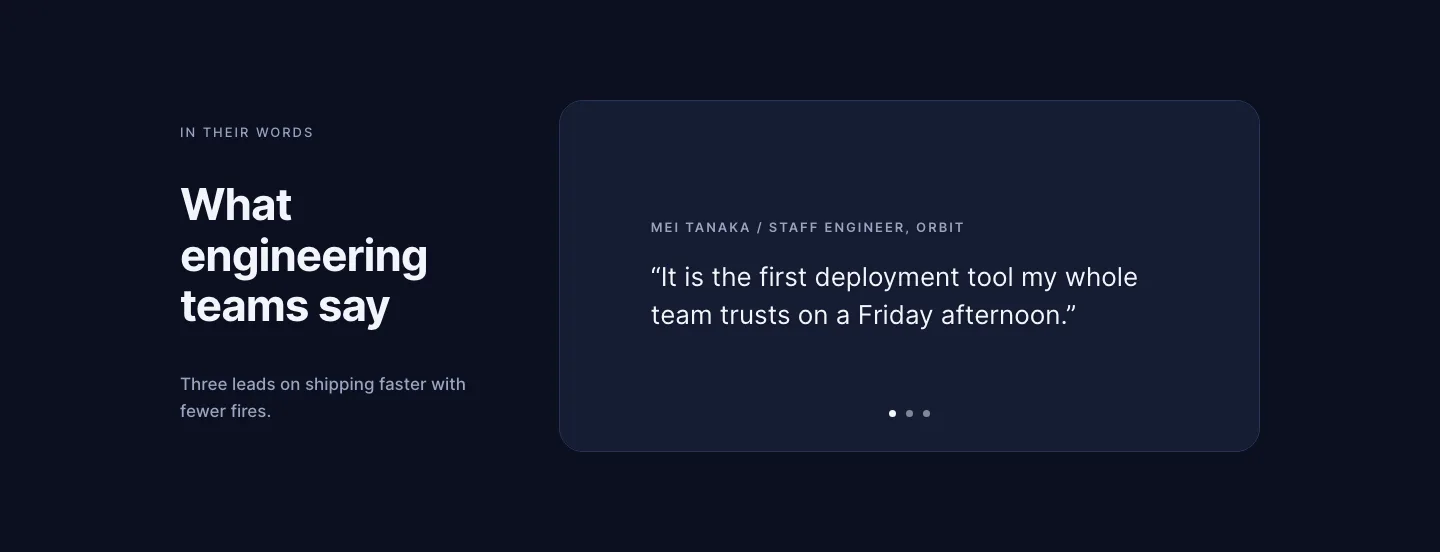
Dark Software Reviews Testimonial Slider Layout for Divi 5: Three Quotes
testimonials · saas · dark
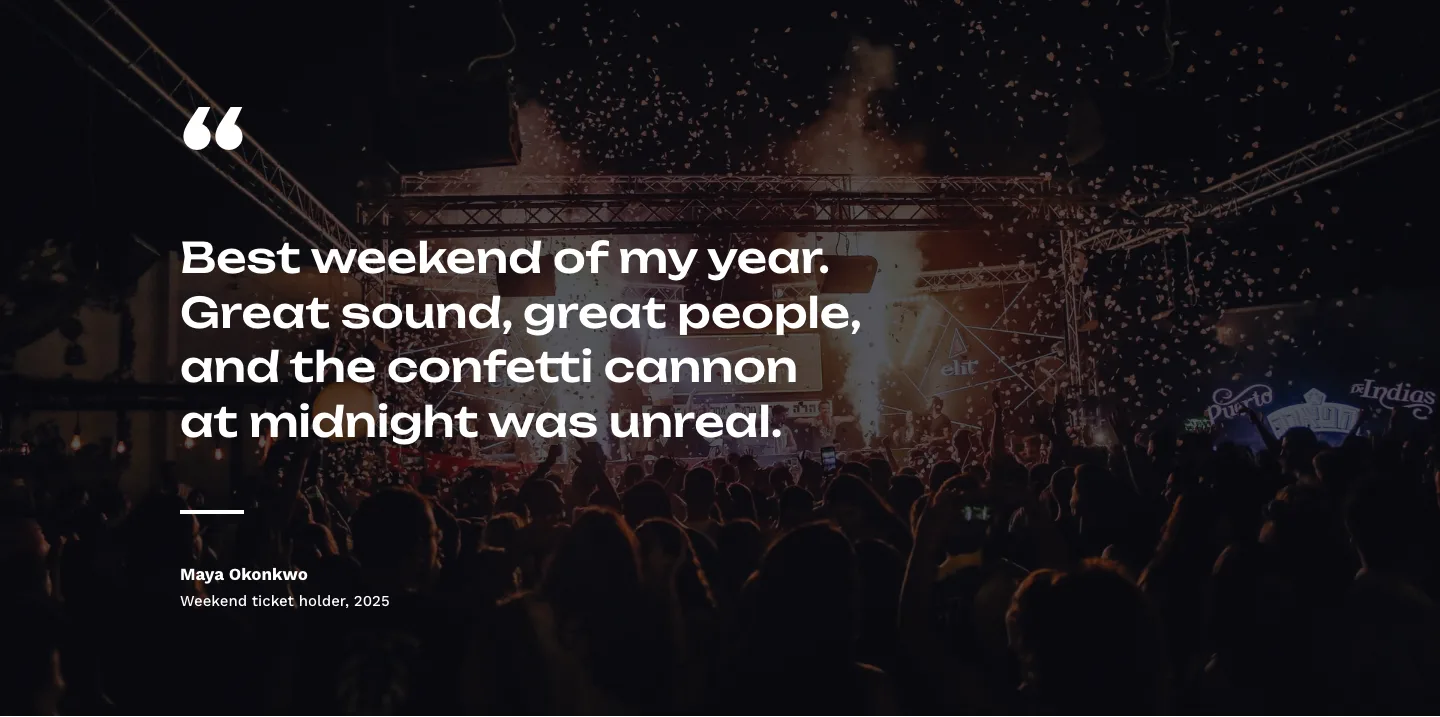
Bold Festival Testimonial Layout for Divi 5: Quote Over Photo
testimonials · events · bold
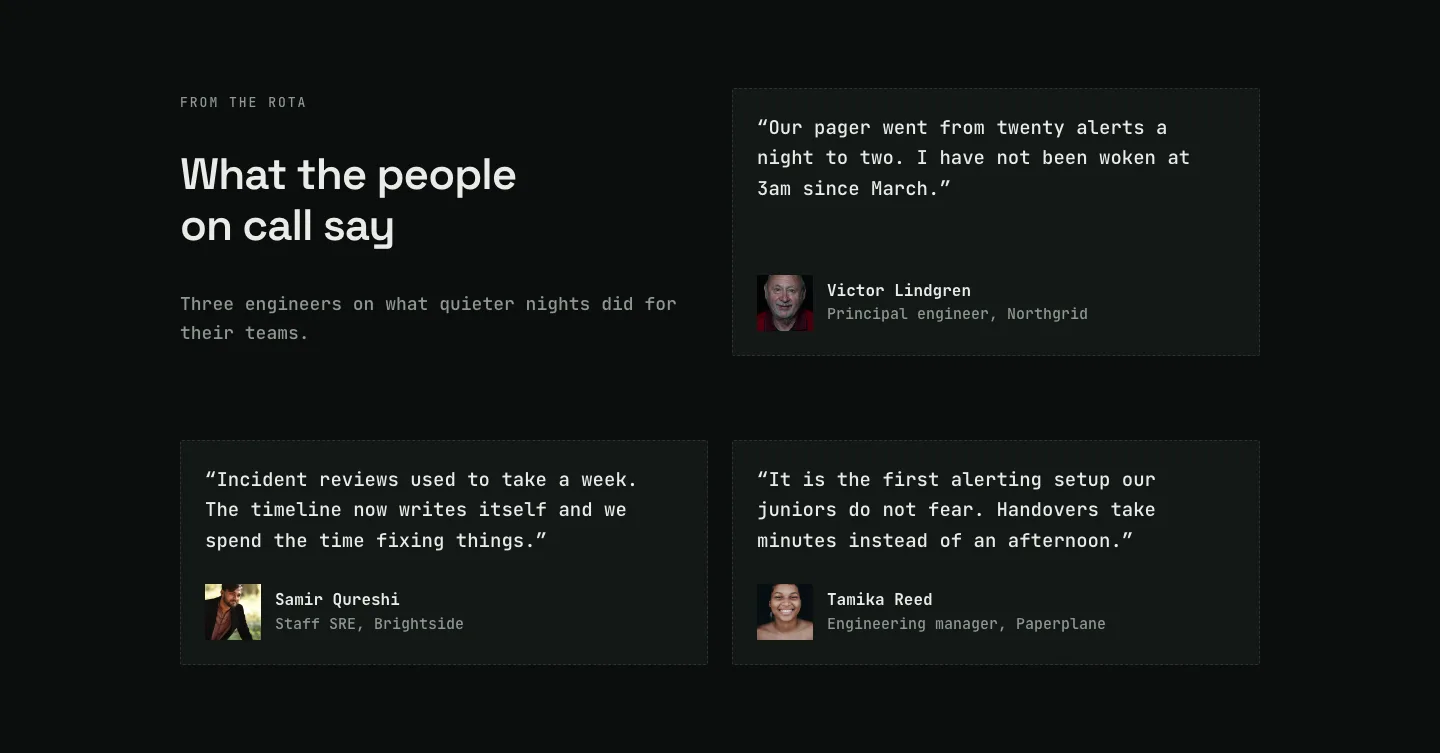
Dark On-Call Engineers Testimonials Layout for Divi 5: Three Avatar Cards
testimonials · saas · dark
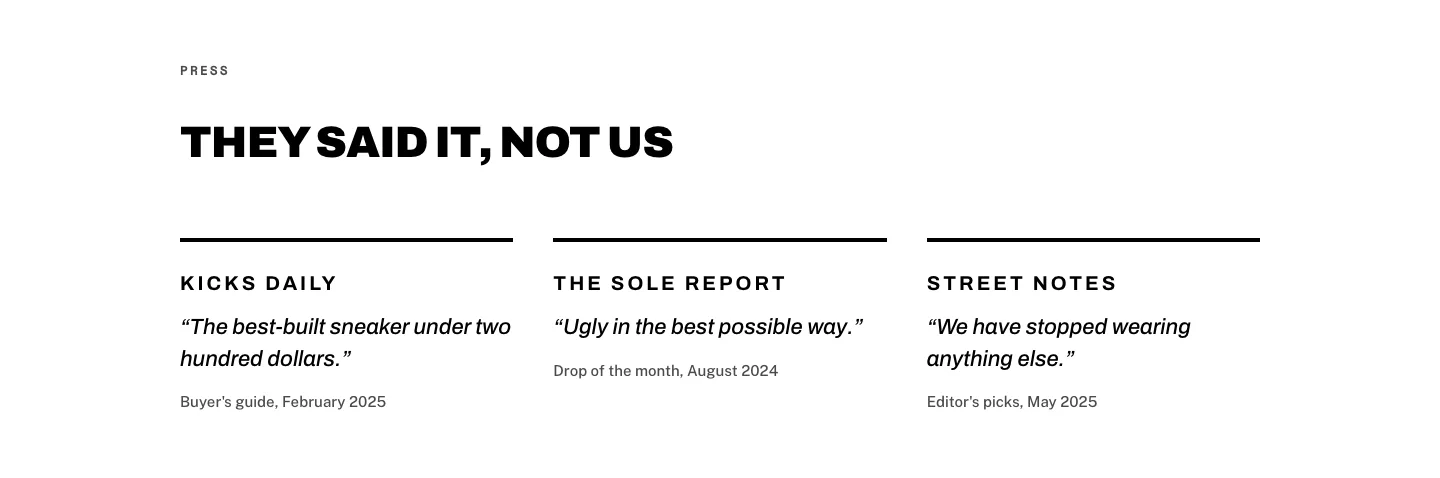
Brutalist Sneaker Brand Press Quotes Layout for Divi 5: Three Publications
testimonials · ecommerce · bold
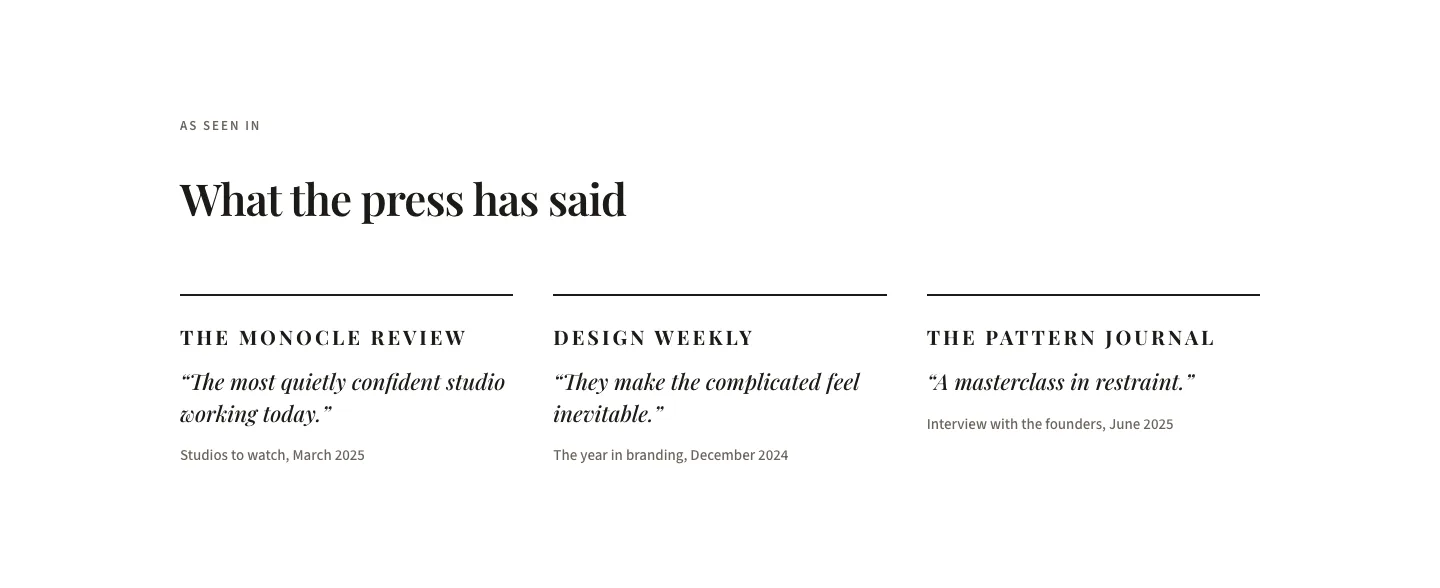
Editorial Studio Press Quotes Layout for Divi 5: Three Publications
testimonials · agency · minimal