
Soft Analytics Tool Testimonial Layout for Divi 5: Single Card
A clean, minimal single-card testimonial section for SaaS landing pages built with Divi 5. Features a centered quote, author portrait, and soft background — ready to import.
Rate this element
Download this section, free
- Divi 5 JSON, imports in seconds
- Commercial license included
- No account needed
Click to view the full page
Overview
The layout opens with a #f5f6ff section background, a barely-there lavender tint that reads as clean white on most displays while adding a subtle brand atmosphere against the pure white card. The section ships with a testimonials CSS anchor ID already set in the HTML attributes, so linking directly from a hero button or sticky nav requires no extra markup on your end. A 30px top padding on the row gives the heading room to breathe before the card appears below it.
A full-width Heading module in Plus Jakarta Sans Bold sets the stage at 48px with -1px letter spacing and a 70px line height. That compressed tracking at display scale is what makes the headline feel considered rather than default. The heading is constrained to an 810px max-width and centered, keeping it proportional on wide viewports without spreading uncomfortably. Both tablet and phone breakpoints share a 36px/42px size, a single clean scaling step that avoids awkward intermediate sizes.
The testimonial card sits on a white (#ffffff) surface framed by a 1px #e0e3f5 border and 16px corner radius on all four sides. The muted blue-grey border is just subtle enough against the lavender section background to read as a shadow substitute without any box-shadow overhead. Inside the card, the quote is set in Figtree at the same deep navy (#1e2140) as the headline. Author name holds that same navy; job title and company drop to a softer slate (#596083), creating a clear two-step attribution hierarchy without introducing a second typeface. The portrait slot is pre-wired to a Pexels headshot URL with an alt attribute already filled in, marking exactly where a client photo goes.
On mobile, the row's flex direction flips to column and the section's vertical padding collapses to 0px, letting the card sit flush within its container. The Divi Testimonial module handles portrait cropping natively at every viewport, so no custom CSS is needed to keep the avatar shape clean at small breakpoints. The result is a section that requires zero breakpoint overrides beyond what is already baked into the layout.
What’s inside
- Divi Section with a `#f5f6ff` lavender-tinted background and a pre-set `testimonials` CSS anchor ID for in-page deep-linking
- Full-width single-column row with 30px top padding on desktop, collapsing to flush at the phone breakpoint
- Divi Heading module in Plus Jakarta Sans 700 at 48px desktop / 36px tablet and phone, centered at 810px max-width
- Divi Testimonial module with a white card, 16px rounded corners on all four sides, and a 1px #e0e3f5 border
- Two-tone author attribution: deep navy (#1e2140) for the name, muted slate (#596083) for job title and company
- Portrait image slot pre-wired with a Pexels headshot URL and descriptive alt text, ready to replace in one click
- Figtree body font for the quote text, sharing the #1e2140 heading color for chromatic unity across the card
- Mobile-ready row stacking with section vertical padding zeroed out at the phone breakpoint
Who it’s for
This layout fits B2B SaaS products, analytics platforms, and productivity tools that need a focused social-proof moment without the visual noise of a full carousel. It suits growth-focused startups placing a single high-impact quote near a pricing section, agencies showcasing a flagship client result, and consultants who want one well-attributed testimonial rather than a grid. The job-title framing (Head of Growth, company name) makes the attribution pattern feel most at home in professional, data-driven contexts rather than consumer products or e-commerce.
Customization tips
The fastest palette change is replacing the section background (#f5f6ff) with your brand's lightest tint and updating the card border (#e0e3f5) to a matching hue. The heading and quote text both use #1e2140, so updating that single value in both modules keeps the section visually unified in one pass. Keep the quote under 200 characters; the included example runs two tight sentences and the card scales well at that length. Longer quotes push the card height noticeably on mobile, so test at phone width before publishing anything past three sentences. The portrait is sourced as a square-cropped image, so use a photo with the subject centered at roughly 1:1 ratio for the cleanest native crop. Plus Jakarta Sans and Figtree are Google Fonts loaded by Divi, meaning any font swap requires only a family change inside the module settings with no CSS overrides needed.
How to install this layout
- Download the layout JSON file from this page.
- Open the target page in the Divi 5 builder.
- Open the portability panel (up/down arrows icon) and choose the Import tab.
- Upload the JSON. Tick “replace existing content” only for full-page imports.
- Check the page at desktop and mobile widths, then swap in your copy and images.
Full walkthrough with troubleshooting: How to Import a Divi 5 Layout.
Questions about Soft Analytics Tool Testimonial Layout for Divi 5: Single Card
What Divi 5 modules does this layout use?
Three native Divi 5 modules: a Section, a Heading, and a Testimonial. The row and column are standard Divi layout containers. No third-party plugins or custom modules are required.
How does the layout behave on mobile?
The row switches to column flex direction on phone breakpoints, and the section's top and bottom padding collapses to 0px. The heading scales from 48px to 36px at both tablet and phone breakpoints. The Testimonial module handles portrait cropping natively, so the avatar stays clean without any custom CSS.
How do I replace the portrait photo?
Open the Testimonial module settings and swap out the portrait URL. The layout uses a Pexels image served at 800px width, so any photo at 800px or wider works well. Keep the subject reasonably centered in the frame for the cleanest result with the native circular crop.
How long should the quote be?
The included quote is two sentences at roughly 130 characters. That length keeps the card compact and the ratio of quote to attribution tight. Quotes over 250 characters will push the card noticeably taller on mobile, so preview at phone width before publishing.
Can I expand this into a multi-card testimonials row?
Yes. Duplicate the Testimonial module within the same column for a stacked layout, or convert the single-column row to a two- or three-column structure and place one Testimonial module per column. The white card background and border styling carry across all copies automatically.
What does the pre-set `testimonials` CSS ID do?
It creates a named anchor so any link on your page can jump directly to this section using `#testimonials` as the href value. It is already applied in the section's HTML attributes and works out of the box with no additional setup.
Which Divi version does this layout need?
Divi 5. The layout is generated natively for Divi 5 and validated against its real module structure before publication, so it imports clean into the current builder.
Can I use this layout on client websites?
Yes. Every download includes a commercial license covering unlimited sites you own or build for clients. Only reselling or redistributing the layout file itself is prohibited.
More testimonials
Browse all testimonials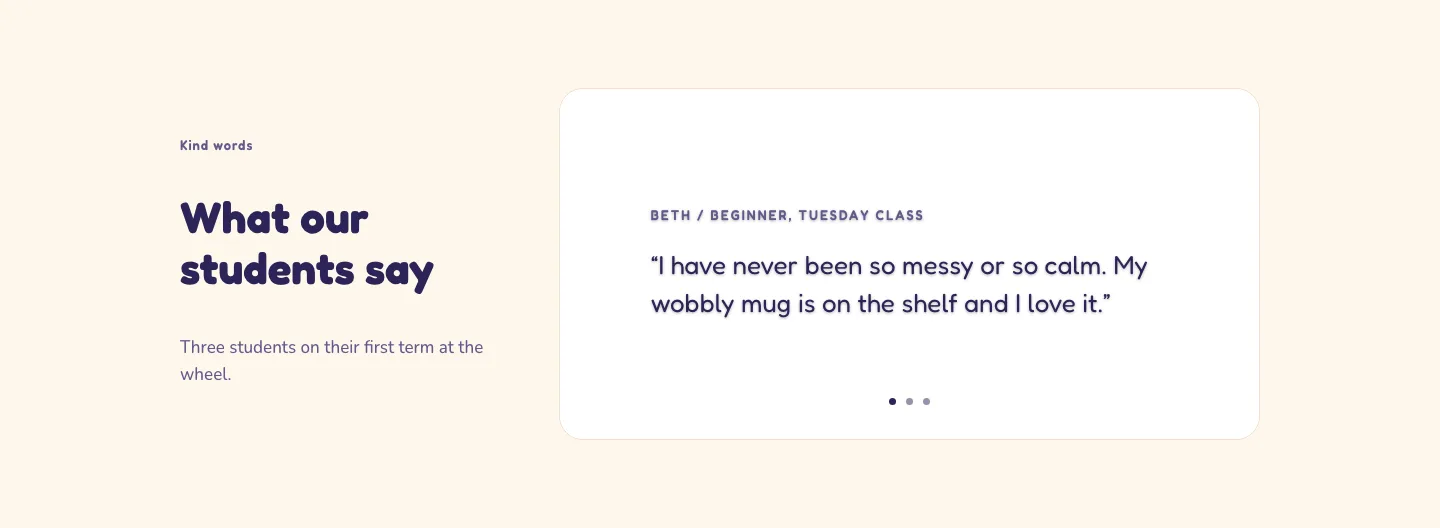
Playful Pottery Class Testimonial Slider Layout for Divi 5: Three Quotes
testimonials · coaching · playful
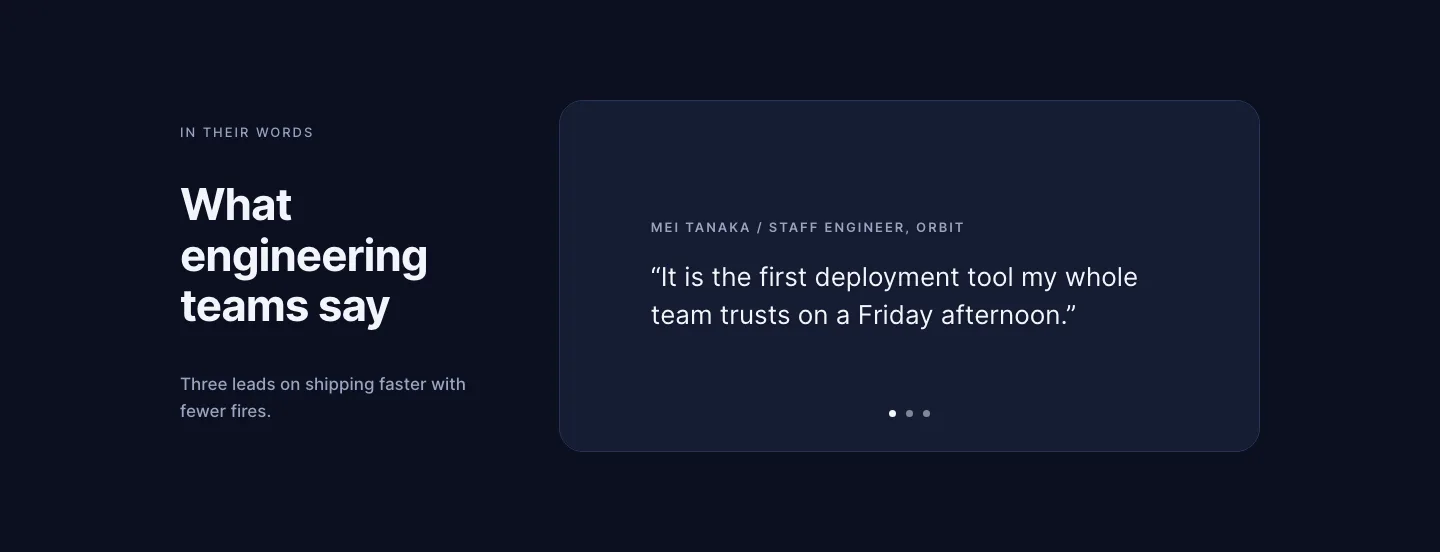
Dark Software Reviews Testimonial Slider Layout for Divi 5: Three Quotes
testimonials · saas · dark
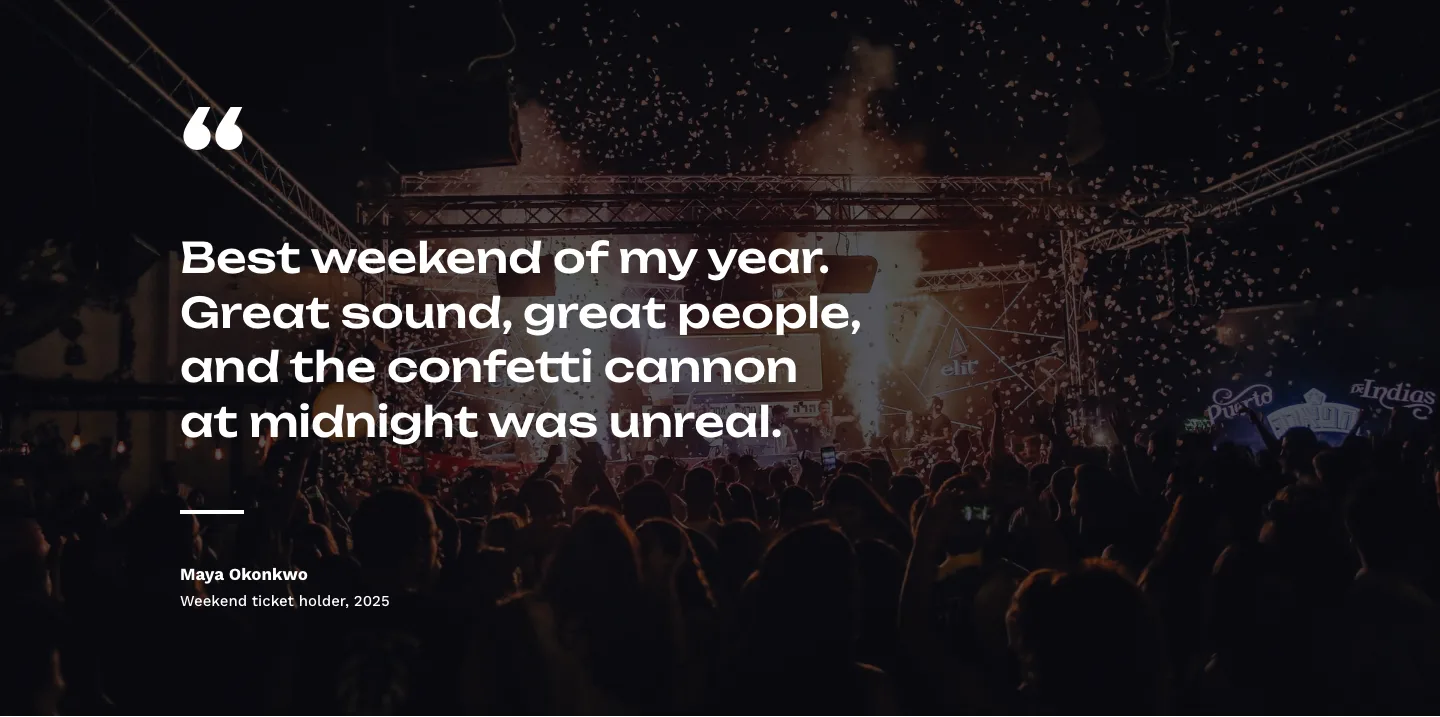
Bold Festival Testimonial Layout for Divi 5: Quote Over Photo
testimonials · events · bold
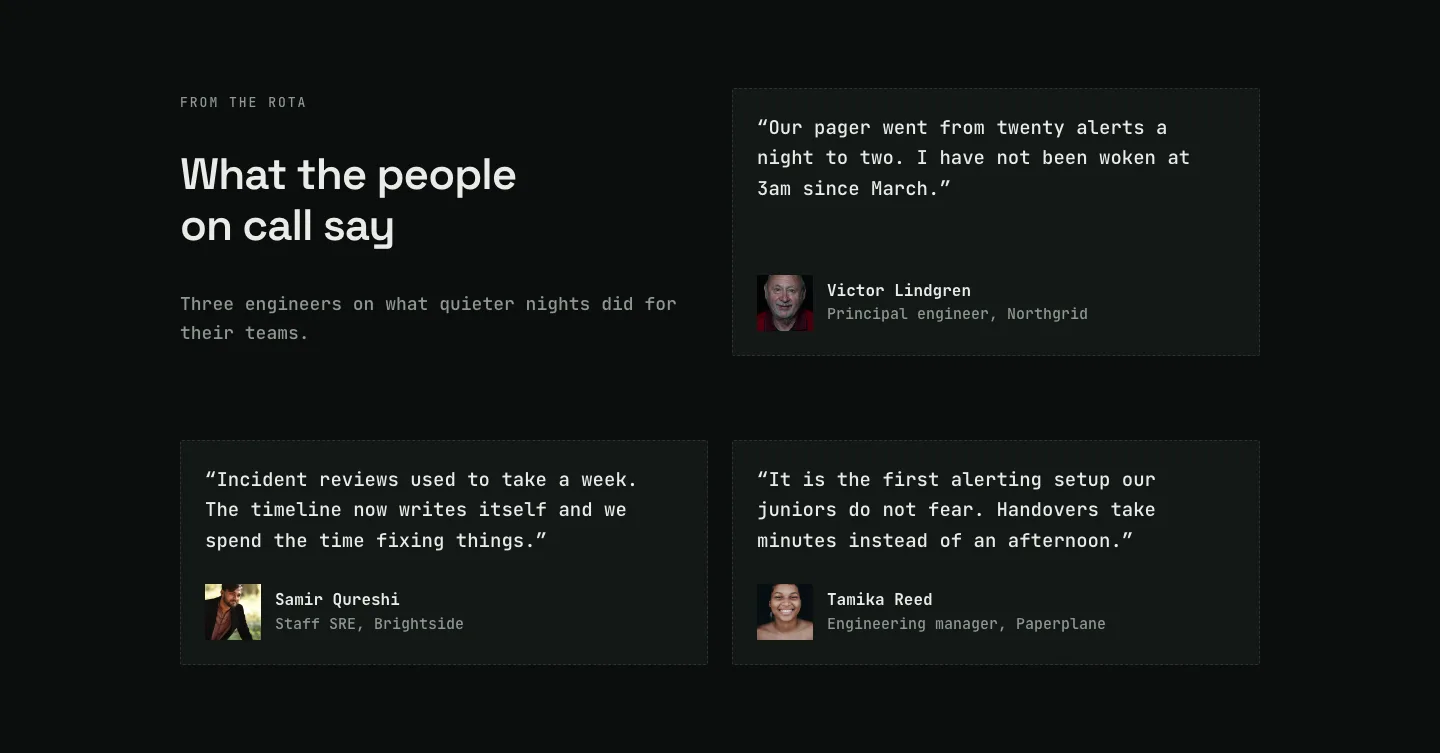
Dark On-Call Engineers Testimonials Layout for Divi 5: Three Avatar Cards
testimonials · saas · dark
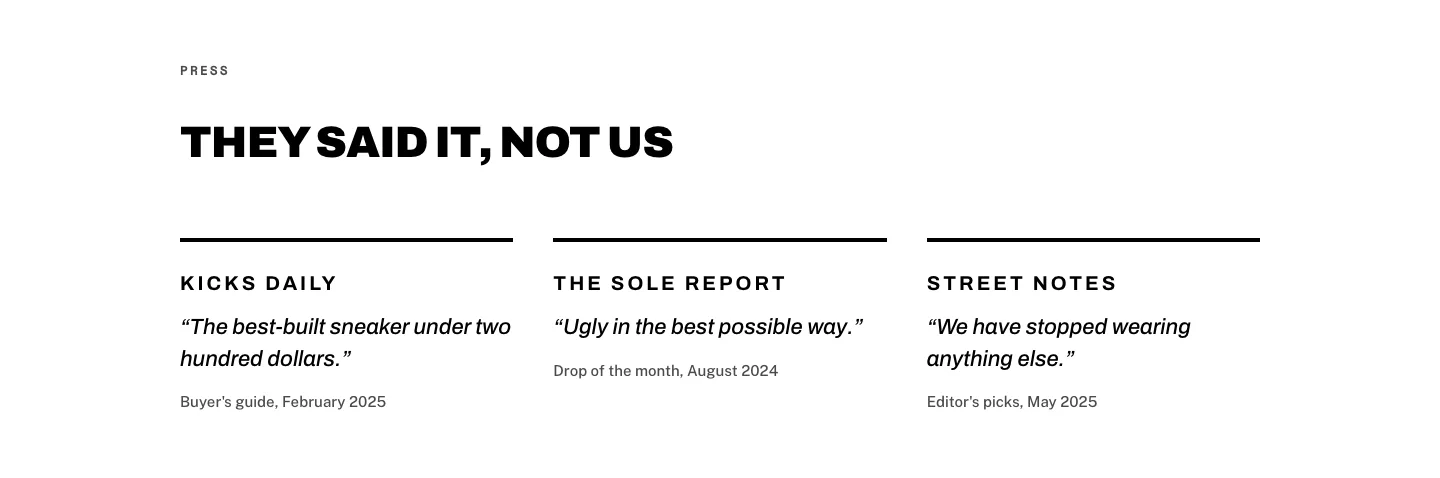
Brutalist Sneaker Brand Press Quotes Layout for Divi 5: Three Publications
testimonials · ecommerce · bold
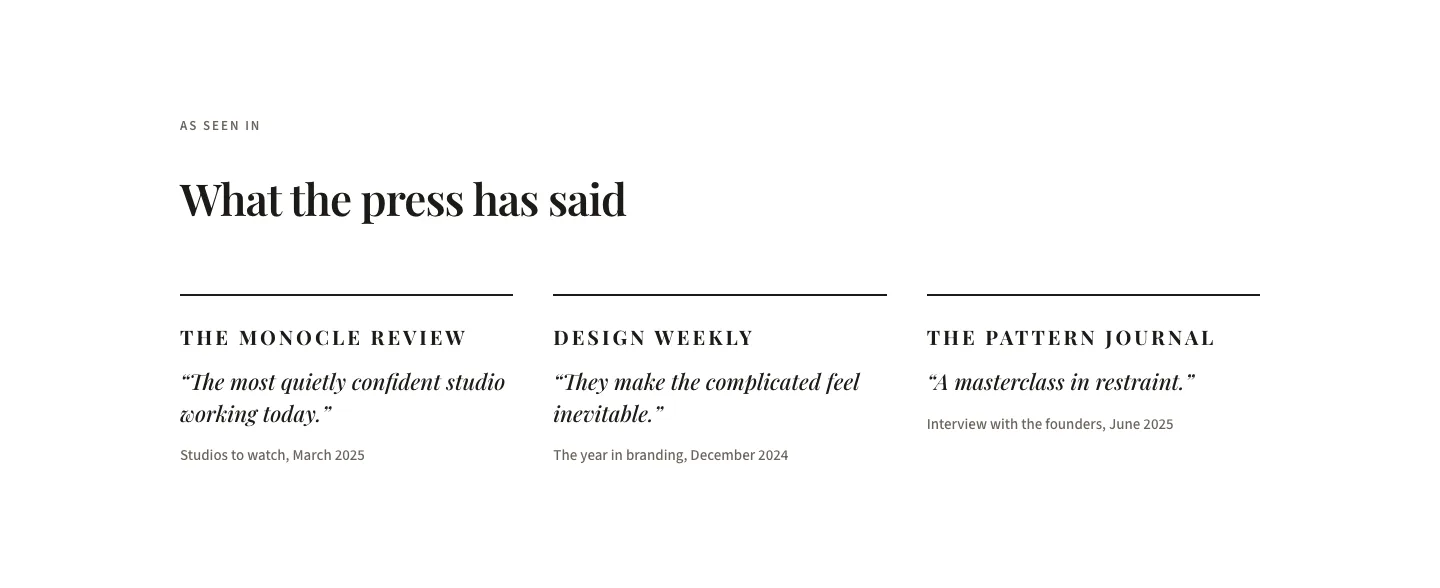
Editorial Studio Press Quotes Layout for Divi 5: Three Publications
testimonials · agency · minimal