
Tables Talk. We Listen.: Bold Restaurant Testimonials Layout for Divi 5
A bold, warm-toned Divi 5 testimonials section for restaurants. Three guest quote cards with portraits, pastel backgrounds, and Playfair Display headlines.
Rate this element
Download this section, free
- Divi 5 JSON, imports in seconds
- Commercial license included
- No account needed
Click to view the full page
Overview
The section stacks a centered intro block over a three-column testimonial row. The header hierarchy is a small uppercase eyebrow ("FROM THE GUEST BOOK" at 14px with 4px letter-spacing in an accent magenta #a8568a) sitting above a Playfair Display H2 that hits 60px on desktop, then a friendlier Outfit body paragraph at 18px capped at 680px so the eye can settle before it drops into the quotes.
The three testimonial cards each carry a different pastel background (mint teal #c6eaea, lavender #e8dcfa, and warm pink #f7d7ec) with matching 2px borders and a coloured preset3 box shadow that echoes each card's tint. That is what makes the row feel bold without going loud: candy-shop pastels sitting on the soft #fff4f8 section wash, all held together by one type system (Playfair for display, Outfit for body and eyebrow).
Section padding steps down from 110px on desktop to 72px on tablet to 56px on phone, so the block keeps room to breathe on every screen. The cards live in a flex row with 32px column and row gaps and stretch to equal height on desktop and tablet, then flip to a stacked column on phone. Headline typography also scales (60px → 44px → 34px) so "Tables Talk. We Listen." keeps its punch without ever breaking the line.
What’s inside
- Full-width Divi 5 section with a centered intro block (eyebrow (H6), H2 headline, and a 680px-max supporting paragraph) sized to a 820px column for editorial rhythm
- Three-column testimonial row (1_3 · 1_3 · 1_3) built on native Divi 5 Testimonial modules: author, job title, portrait, quote, and the small company/link line are all first-class fields
- Distinct pastel palette per card (mint `#c6eaea`, lavender `#e8dcfa`, pink `#f7d7ec`) with matching 2px borders and tinted `preset3` drop shadows for visual variety without decoration
- 24px rounded corners and 36px / 30px inner padding on every card, so quote length can vary without the row losing its rhythm
- Playfair Display headline paired with Outfit body and eyebrow: Google Fonts stack, no extra font files to license or self-host
- Responsive typography (H2 at 60 / 44 / 34px) plus a flex row with 32px column and row gaps that stretches to equal height on desktop and tablet and stacks to a single column on phone
- Portrait avatars ship with placeholder URLs, one click in the Testimonial module's image picker swaps in your own guest photos
Who it’s for
Built for restaurants first (neighborhood bistros, tasting-menu rooms, wine bars, brunch cafés, private-event venues) but the same three-card layout carries any hospitality brand that lives or dies on word-of-mouth. Boutique hotels, caterers, wedding planners, bakeries, and food-truck brands can reuse it with a single copy pass. Outside hospitality, the pastel-and-Playfair pairing works well for beauty studios, event photographers, florists, wedding vendors, and small-batch food makers who want a warm, editorial feel rather than a corporate one. It also fits any small business that wants three balanced quotes side-by-side without a carousel, autoplay slider, or star-rating widget. Just three cards that read as designed rather than templated.
Customization tips
Change the whole colour story with a global preset: keep the pastel-per-card system and swap #c6eaea, #e8dcfa, and #f7d7ec (plus their border colours) for a warmer trio like sea-glass, ochre and coral, or a cooler slate-blue set. The tinted preset3 shadows will follow. Quotes read cleanest at 30–55 words; 60+ starts to force uneven card heights, though the flex row will hold stretch alignment. Portrait avatars come from placeholder URLs, replace them in each Testimonial module's image picker with square photos at 300×300 or larger for crisp retina display; the module handles the circular crop. The eyebrow is a single H6, so change "FROM THE GUEST BOOK" to "GUEST REVIEWS," "WHAT DINERS SAY," or "IN THE PRESS" in one click. To make the H2 quieter, drop it from 60px to 44–48px in the desktop preset and let Playfair carry the weight instead of the size.
How to install this layout
- Download the layout JSON file from this page.
- Open the target page in the Divi 5 builder.
- Open the portability panel (up/down arrows icon) and choose the Import tab.
- Upload the JSON. Tick “replace existing content” only for full-page imports.
- Check the page at desktop and mobile widths, then swap in your copy and images.
Full walkthrough with troubleshooting: How to Import a Divi 5 Layout.
Questions about Tables Talk. We Listen.: Bold Restaurant Testimonials Layout for Divi 5
Does the three-card row stay side-by-side on tablet?
Yes. The row is a flex container with `flexWrap: wrap` and 32px column/row gaps, so all three cards sit side-by-side on desktop and tablet. Only phone flips to `flexDirection: column`, where the cards stack vertically with the same 32px gap.
Which Divi 5 module powers each card?
The native Divi 5 Testimonial module. Author name, job title, portrait, quote, and the small company/link line are all first-class fields, so you're editing structured content. Not wrestling a Text module or a Code Block.
The portraits are placeholder avatars, can I use real guest photos?
Yes, and you should. Open each Testimonial module, click the portrait, and upload a square headshot (300×300 minimum). The module applies the circular crop automatically. Guests who don't want their face online can be swapped for a small brand mark or a plated-dish photo of similar dimensions.
What should I edit first?
The three quotes. The layout only works as well as the copy inside it. Replace the placeholder testimonials with real guest words (keep them under ~55 words each to keep card heights close), then swap portraits and rewrite the job-title line beneath each name to something honest: "Saturday-night regular," "Hosted her 40th here," "Yelp Elite reviewer," and so on.
Can I add a fourth or fifth testimonial?
Yes. Duplicate one of the columns and change its column type: for four cards across desktop, switch each column from 1_3 to 1_4; for a 2×2 grid, use 1_2 and let `flexWrap` handle the second row. On tablet you can also let three become two-plus-one by tightening the column widths.
Where do the pastel background colours come from, a preset or hard-coded?
Each card's background, border colour, and shadow tint are set directly on that Testimonial module, not through a global preset. That means you can change one card without touching the others, useful if you want to match a signature brand colour to your headline quote and keep the other two neutral.
Which Divi version does this layout need?
Divi 5. The layout is generated natively for Divi 5 and validated against its real module structure before publication, so it imports clean into the current builder.
Can I use this layout on client websites?
Yes. Every download includes a commercial license covering unlimited sites you own or build for clients. Only reselling or redistributing the layout file itself is prohibited.
More testimonials
Browse all testimonials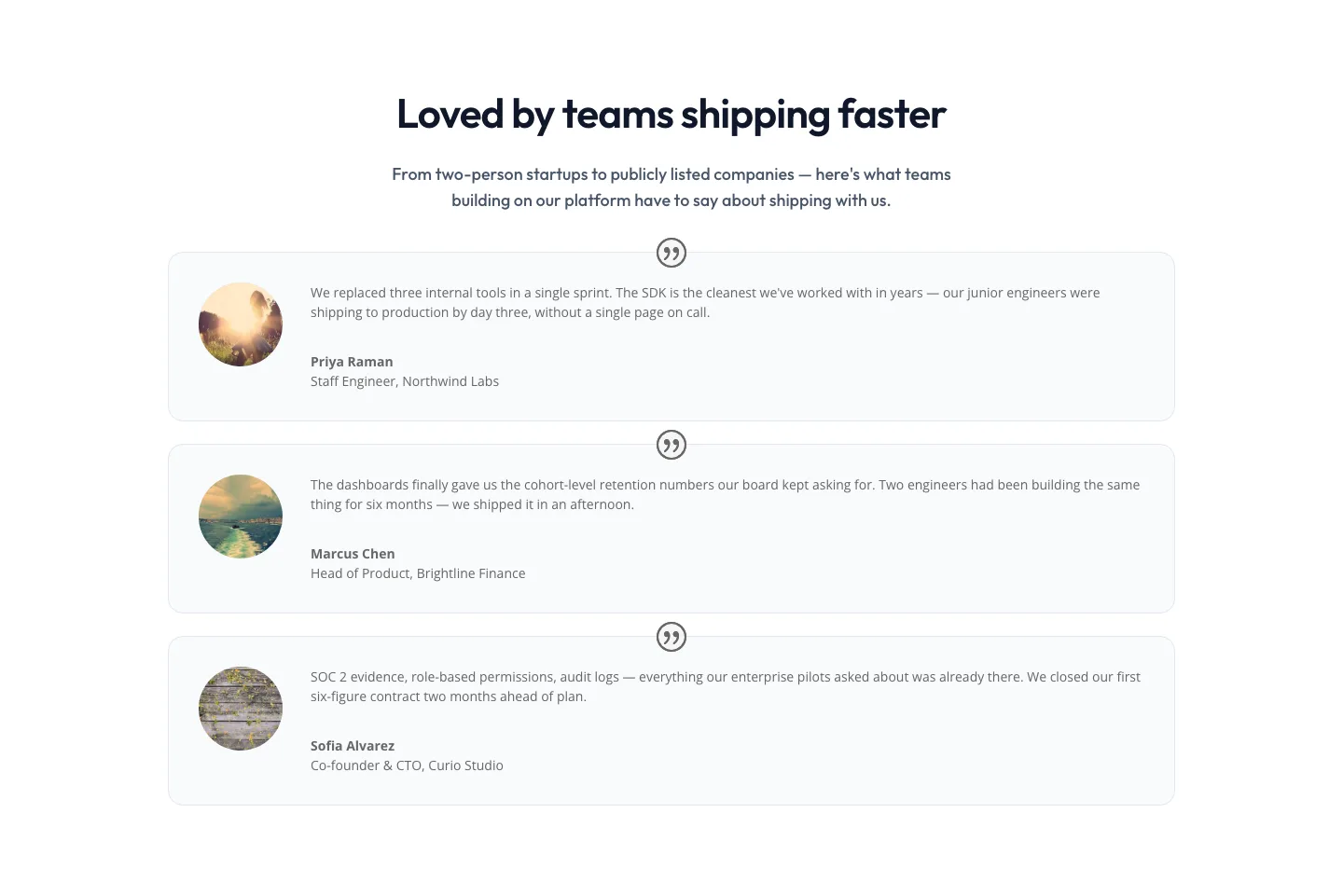
Minimal SaaS Testimonials Section: Three-Column Customer Quotes
testimonials · saas · minimal
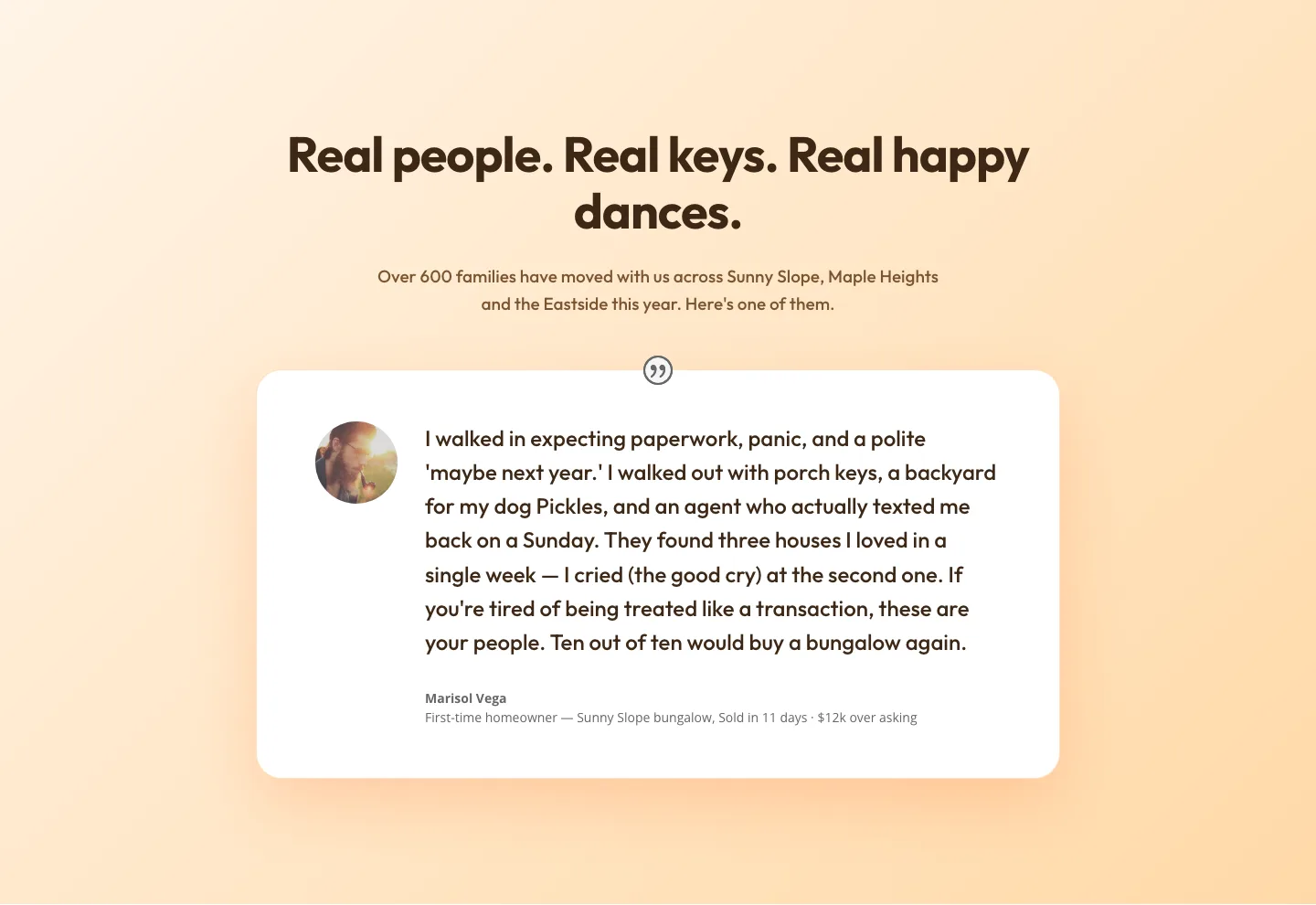
Playful Real Estate Testimonials Section: Warm Client Story Block | Divi 5 Layout
testimonials · real_estate · playful
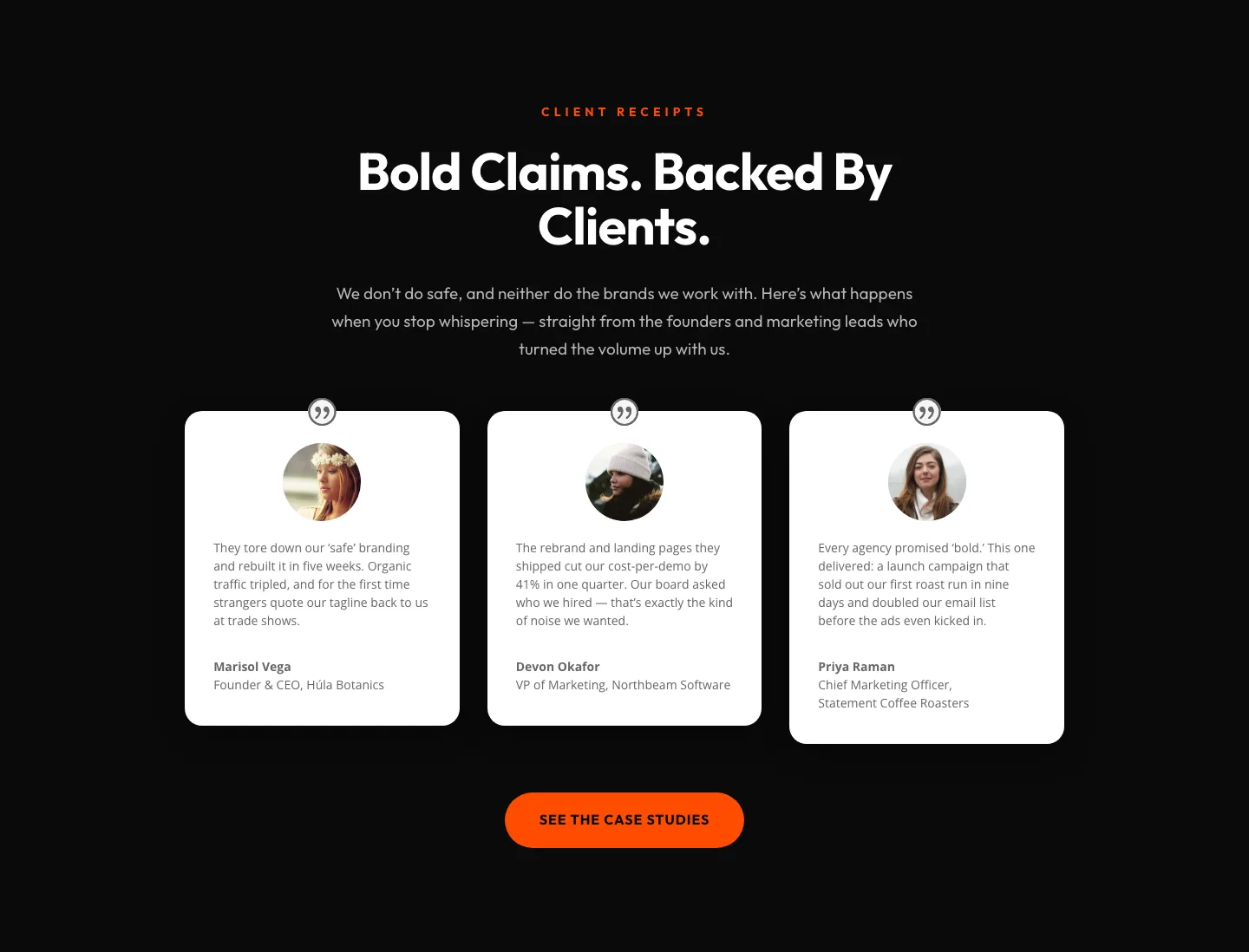
Bold Agency Testimonials Section: Dark Divi 5 Layout with Client Proof Cards
testimonials · agency · bold
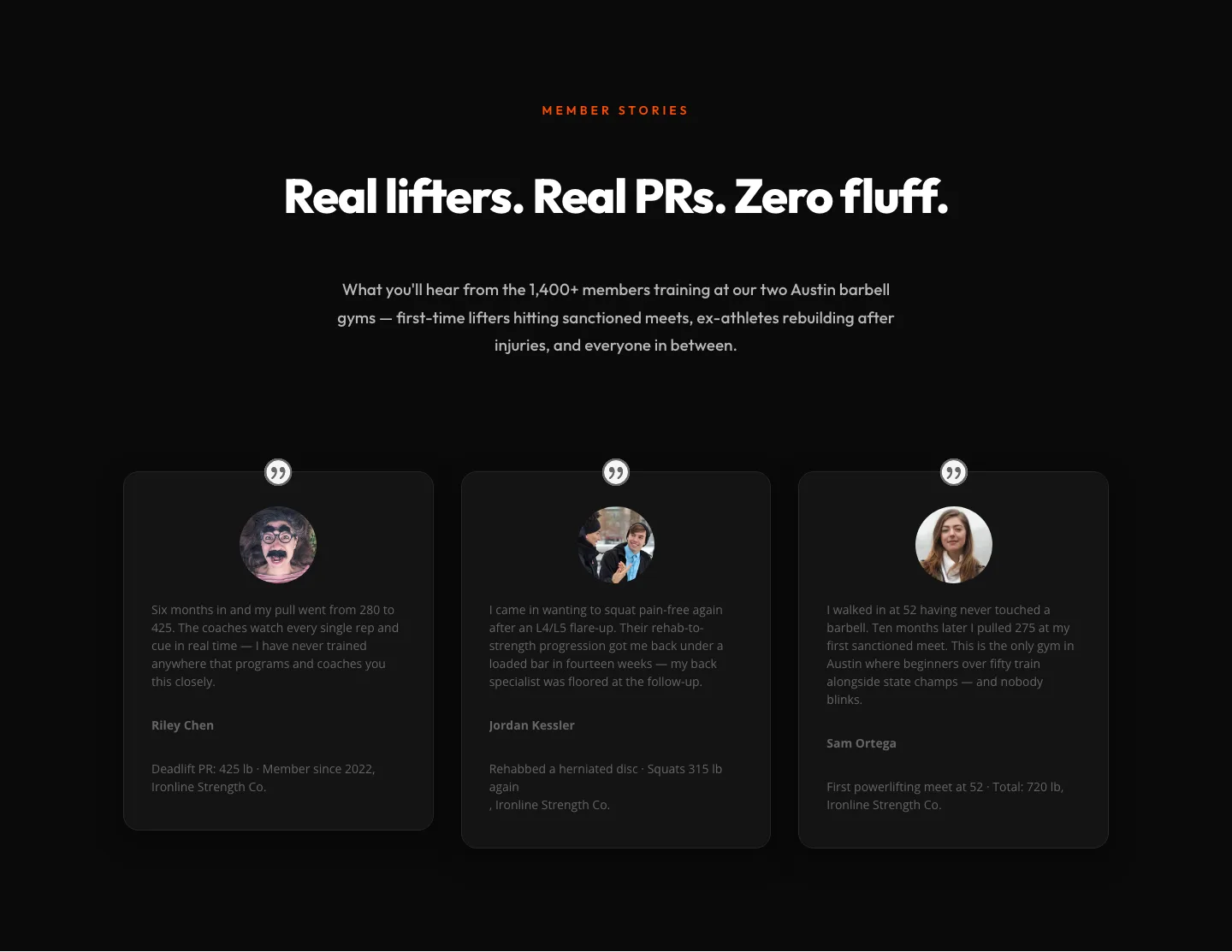
Bold Fitness Testimonials Section for Divi 5: Gym & Barbell Club
testimonials · fitness · bold
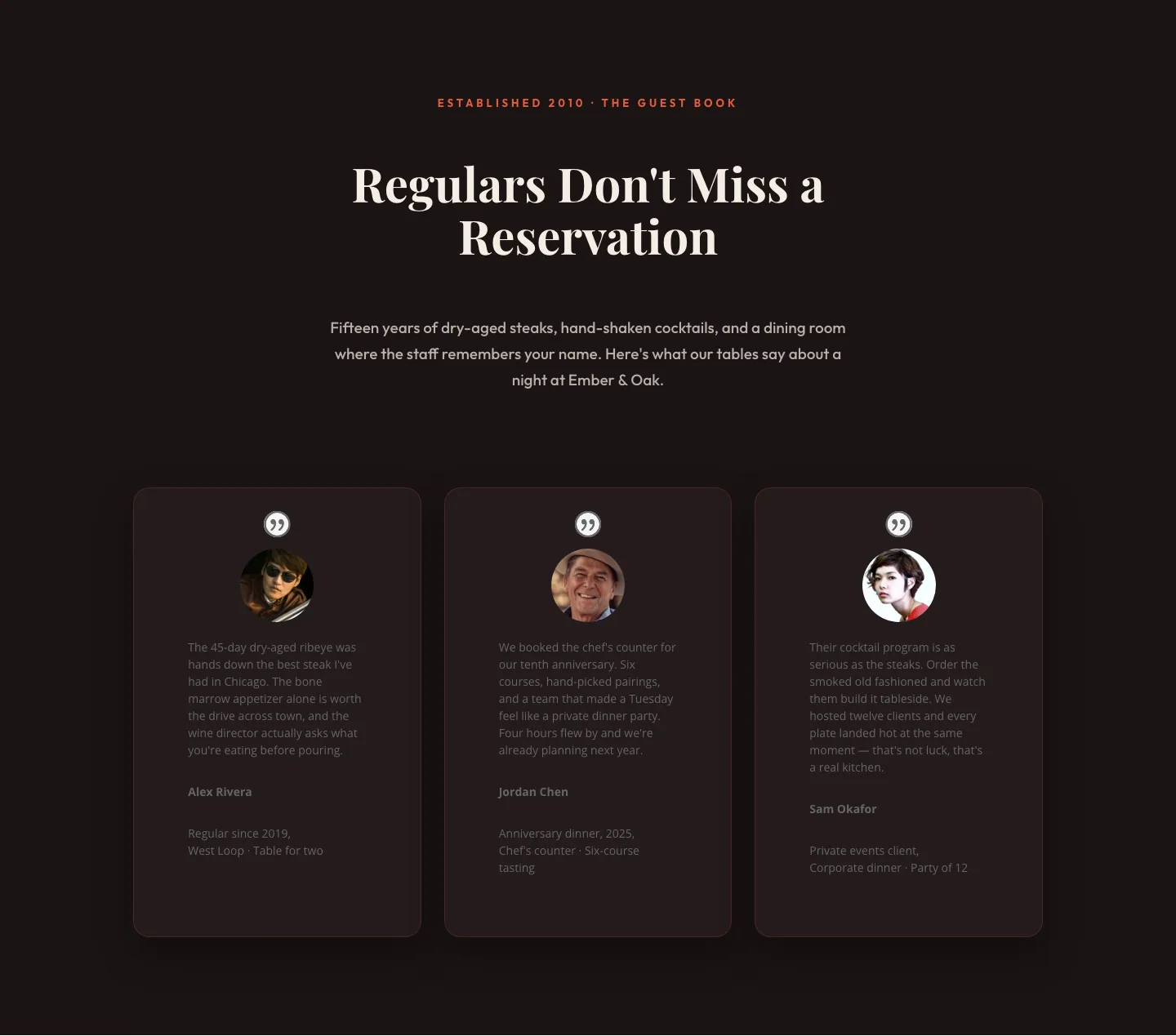
Bold Restaurant Testimonials Layout: Divi 5 Steakhouse Guest Book
testimonials · restaurant · bold
Bold Fitness Testimonials Section: Divi 5 Gym Member Stories Layout
testimonials · fitness · bold