
Luxe Restaurant Testimonial Layout for Divi 5: Quote Over Photo
A full-bleed dark restaurant testimonials layout for Divi 5 featuring an oversized pull quote over a moody dining photo. Cormorant Garamond serif type, candlelit palette, and generous vertical rhythm — ideal for fine dining and upscale hospitality brands.
Rate this element
Download this section, free
- Divi 5 JSON, imports in seconds
- Commercial license included
- No account needed
Click to view the full page
Overview
The layout centers everything on contrast: a near-black warm charcoal field (#16120e) holds a full-bleed restaurant photo behind a uniform 68% dark overlay, so the image contributes atmosphere without competing with the typography. That controlled depth is the whole visual argument. The food and candlelight blur into texture while cream-ivory text (#f8f1e4) commands the foreground. The section breathes with 200px top-and-bottom padding on desktop, scaling to 144px on tablet and 88px on mobile, giving the words room to land before the visitor scrolls on.
Typography does the heavy lifting. The opening quotation mark (a standalone “ in Cormorant Garamond at 120px, weight 700, line-height 0.8) occupies its own text module, sitting above the quote body like a typographic sculpture rather than being prepended inline. Below it, the quote itself runs at 42px in the same serif face with textWrap: balance active, so long lines break symmetrically regardless of container width. Cormorant Garamond was designed specifically for display use at large sizes and carries the old-world weight that fine-dining brands reach for.
After the quote, a 64px hairline divider (2px solid cream, top margin 32px) marks a deliberate visual beat before the attribution. Two stacked text modules in Jost (a geometric sans that pairs cleanly with Cormorant without competing) give the guest name at 17px bold and the dining occasion at 15px regular. The 4px row gap keeps them close enough to read as one unit. The whole content group is capped at 760px max-width and left-aligned inside the row, which creates a refined open margin on the right at wider viewports rather than stretching the text across the full column.
On mobile, the row collapses to a single flex column, padding drops to 88px, and all three typographic levels scale proportionally: the quote mark to 80px, the body copy to 26px. Nothing reflows unexpectedly. The staggered responsive sizes are baked into the module JSON per-breakpoint, so Divi applies them without any additional CSS.
What’s inside
- Full-section background image with a uniform 68% dark warm gradient overlay, configured as `cover` + `center center` for reliable cropping on any landscape restaurant photo
- Standalone 120px Cormorant Garamond opening quote glyph as its own text module, acting as a visual anchor above the quote body
- 42px display-serif quote body with `textWrap: balance` active for symmetrical line breaks at any container width
- 64px inline Divider module (2px solid, cream `#f8f1e4`, 32px top margin) creating a deliberate typographic pause between quote and attribution
- Two-line attribution Group: bold 17px guest name and 15px occasion line in Jost sans-serif, stacked with a 4px gap inside a flex-column Group module
- Three-breakpoint typography scaling built into the module JSON: quote mark 120 / 96 / 80px, body copy 42 / 34 / 26px desktop-tablet-phone
- 760px max-width content Group, left-aligned, producing intentional negative space on the right at wide viewports
- Single-column Row with `flexDirection: column` phone override for clean stacking, requiring no custom CSS
Who it’s for
This layout fits any restaurant, bistro, or dining brand that leads with experience rather than price points. It suits fine-dining rooms, boutique wine bars, farm-to-table concepts, and private dining venues where a single evocative guest quote carries more persuasive weight than a star rating. It also translates well to wedding venues, chef's-table experiences, and luxury hospitality brands. Agencies building sites for these clients will find the typographic hierarchy simple to adapt to the specific voice and palette of any establishment without rebuilding the structure.
Customization tips
The two core palette handles are the section background color (#16120e) and the overlay gradient stops (rgba(14,11,8,0.68)). Swapping both to a cooler dark, such as navy #0c1220, shifts the mood from warm candlelit to coastal modern. Keep the overlay opacity at 60% or above; dropping below that threshold reduces text contrast against busy food photography. Cormorant Garamond can stay even if your brand uses a different body typeface, since it only appears in the quote. Swap Jost in the attribution Group for your brand's sans-serif if needed. The quote copy works best at one to two sentences (roughly 80-150 characters): longer quotes reduce the visual impact of the 42px size. Replace the background image with a landscape-oriented shot at least 1920px wide; the cover + center center settings crop portrait images at the top and bottom, so horizontal compositions are strongly preferred. Widening the divider from 64px to match a brand rule element is a quick, visible brand-fit tweak.
How to install this layout
- Download the layout JSON file from this page.
- Open the target page in the Divi 5 builder.
- Open the portability panel (up/down arrows icon) and choose the Import tab.
- Upload the JSON. Tick “replace existing content” only for full-page imports.
- Check the page at desktop and mobile widths, then swap in your copy and images.
Full walkthrough with troubleshooting: How to Import a Divi 5 Layout.
Questions about Luxe Restaurant Testimonial Layout for Divi 5: Quote Over Photo
How does the layout behave on a phone?
The Row switches to `flexDirection: column`, padding drops to 88px top and bottom, the quote mark scales to 80px, and the body copy scales to 26px. All three breakpoints are defined in the module JSON, so Divi handles the scaling without any additional CSS or custom code.
Which native Divi 5 modules are used?
One Section, one Row, and inside the content area: a Group module containing two Text modules (quote glyph and quote body), a nested Group holding a Divider module, and a second nested Group holding two Text modules for the name and occasion lines. No third-party modules or plugins are required.
Can I replace the Pexels background image with my own restaurant photo?
Yes. Open the Section's background settings and swap the image URL for your own. Use a landscape-oriented shot at least 1920px wide. The `cover` + `center center` positioning crops from the edges, so portrait-oriented or square images will lose the top and bottom of the frame.
How long should the quote copy be?
The 42px Cormorant Garamond with `textWrap: balance` handles one to three sentences comfortably. Below one sentence the section feels sparse given the generous padding; above three sentences the large size starts to feel crowded. Aim for 80-160 characters for the best visual balance at this type scale.
Does the cream text stay readable if I use a lighter or brighter photo?
The 68% dark warm overlay is what maintains contrast. As long as you keep overlay opacity at 60% or above, cream text reads clearly against most food photography. If you switch to a significantly lighter overlay or a high-key, bright-white image, shift the text color to a deeper warm tone or invert the whole palette to dark-on-light.
Which Divi version does this layout need?
Divi 5. The layout is generated natively for Divi 5 and validated against its real module structure before publication, so it imports clean into the current builder.
Can I use this layout on client websites?
Yes. Every download includes a commercial license covering unlimited sites you own or build for clients. Only reselling or redistributing the layout file itself is prohibited.
More testimonials
Browse all testimonials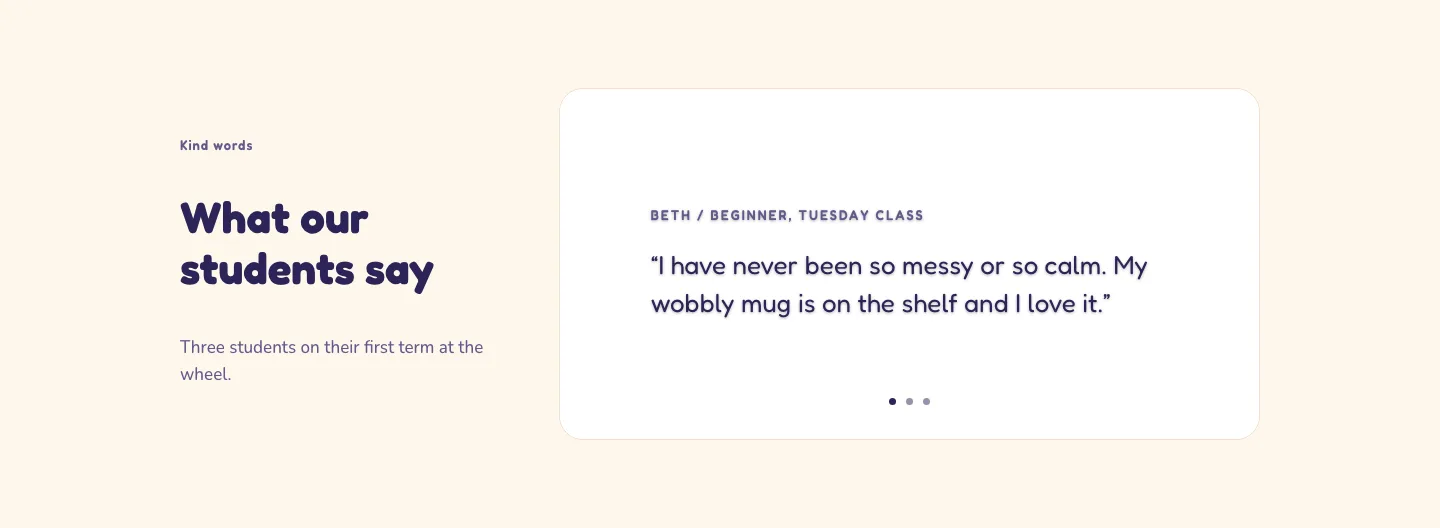
Playful Pottery Class Testimonial Slider Layout for Divi 5: Three Quotes
testimonials · coaching · playful
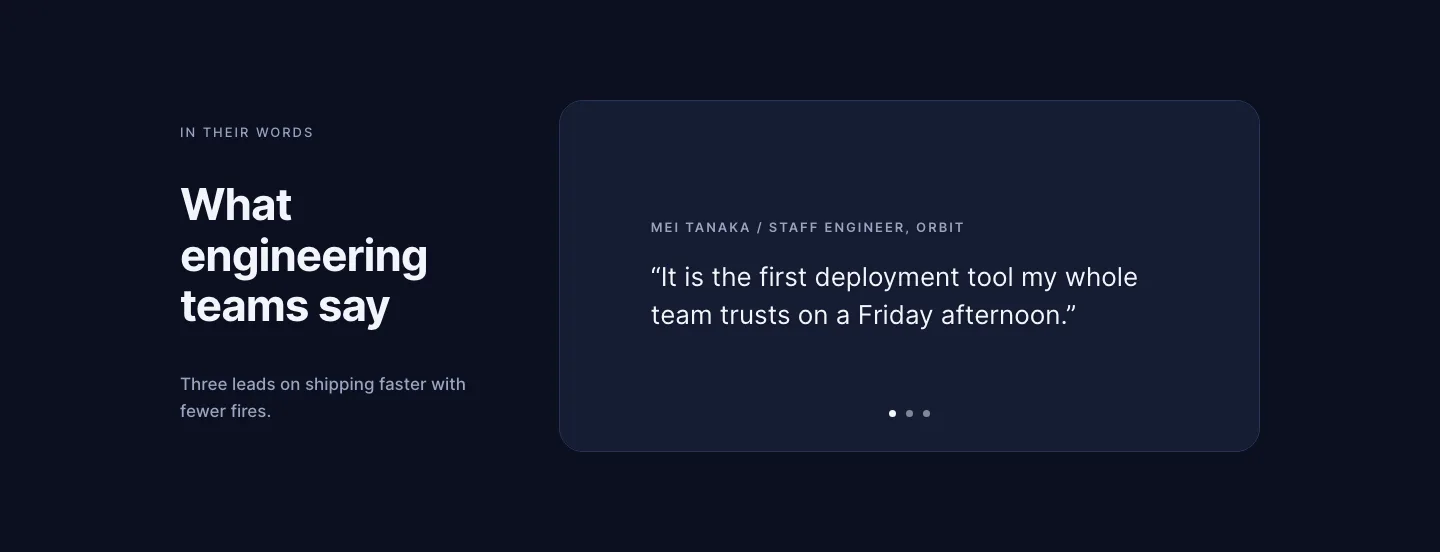
Dark Software Reviews Testimonial Slider Layout for Divi 5: Three Quotes
testimonials · saas · dark
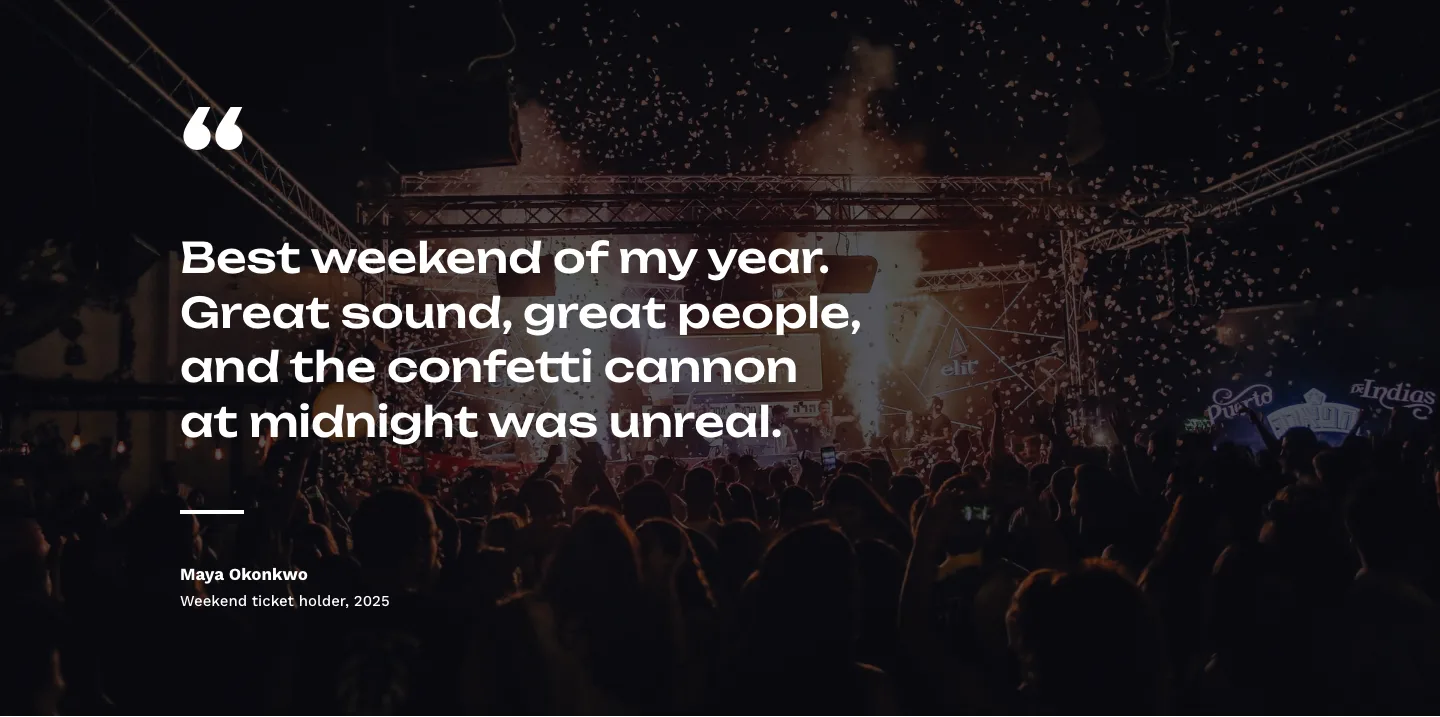
Bold Festival Testimonial Layout for Divi 5: Quote Over Photo
testimonials · events · bold
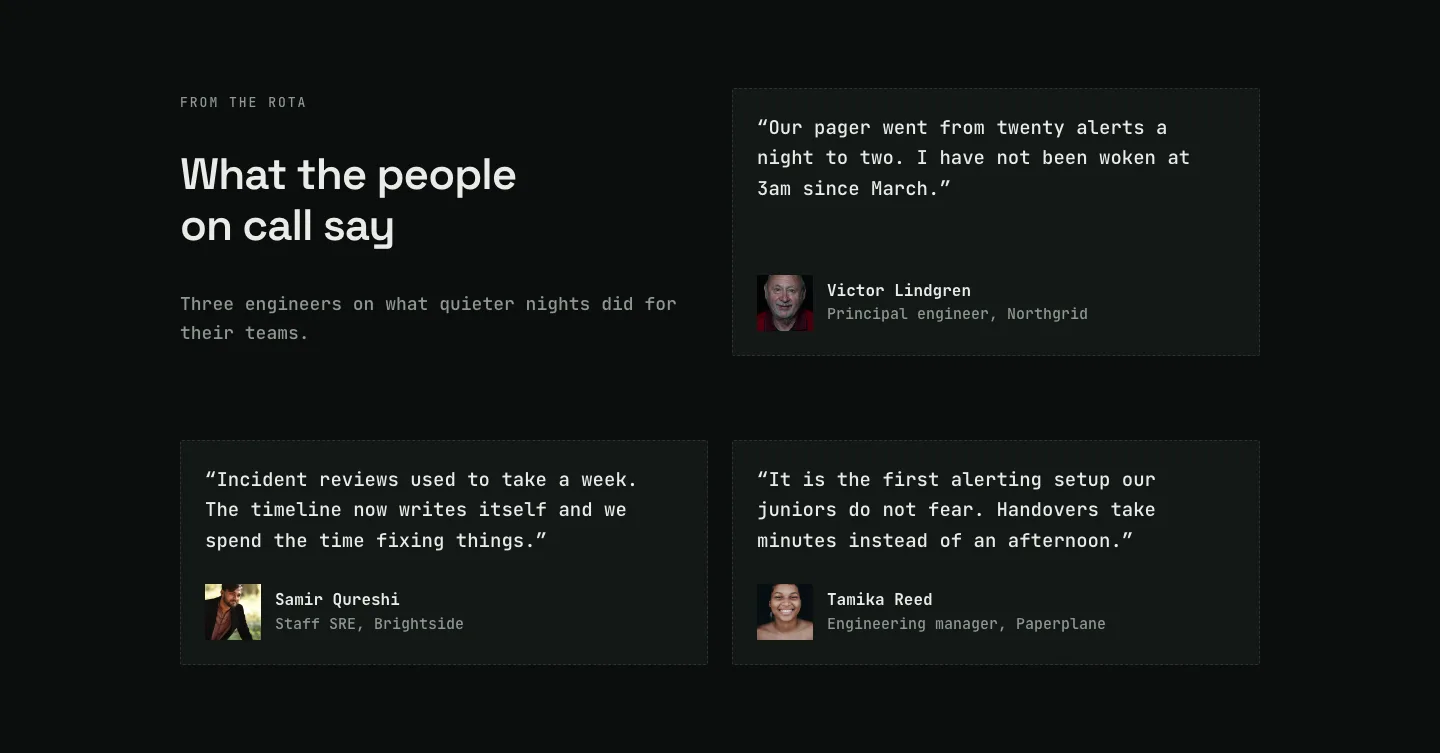
Dark On-Call Engineers Testimonials Layout for Divi 5: Three Avatar Cards
testimonials · saas · dark
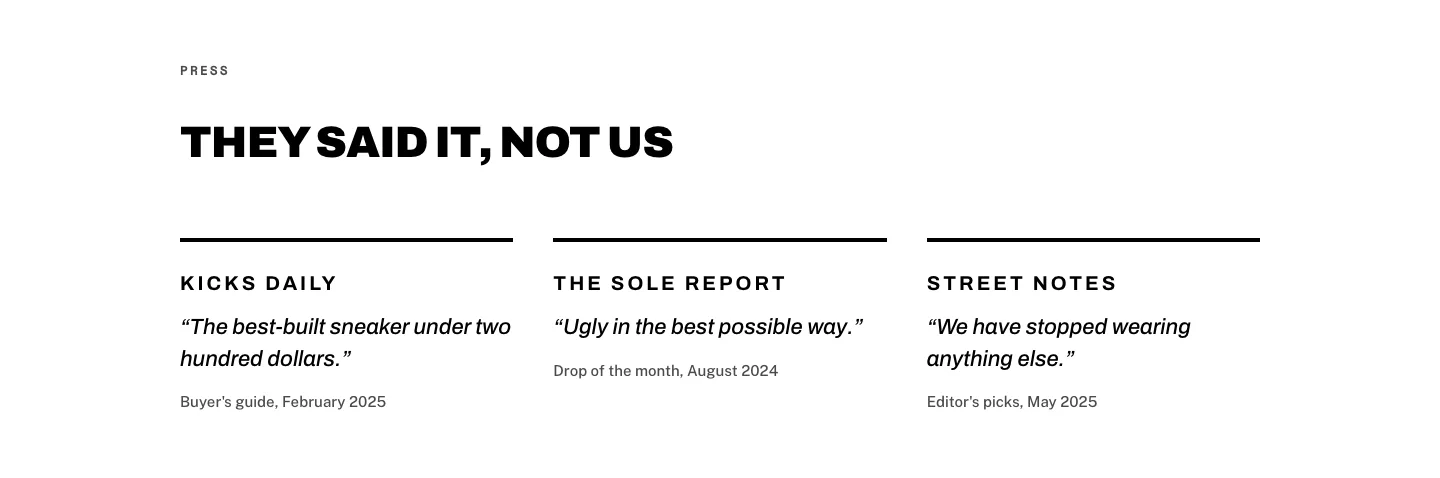
Brutalist Sneaker Brand Press Quotes Layout for Divi 5: Three Publications
testimonials · ecommerce · bold
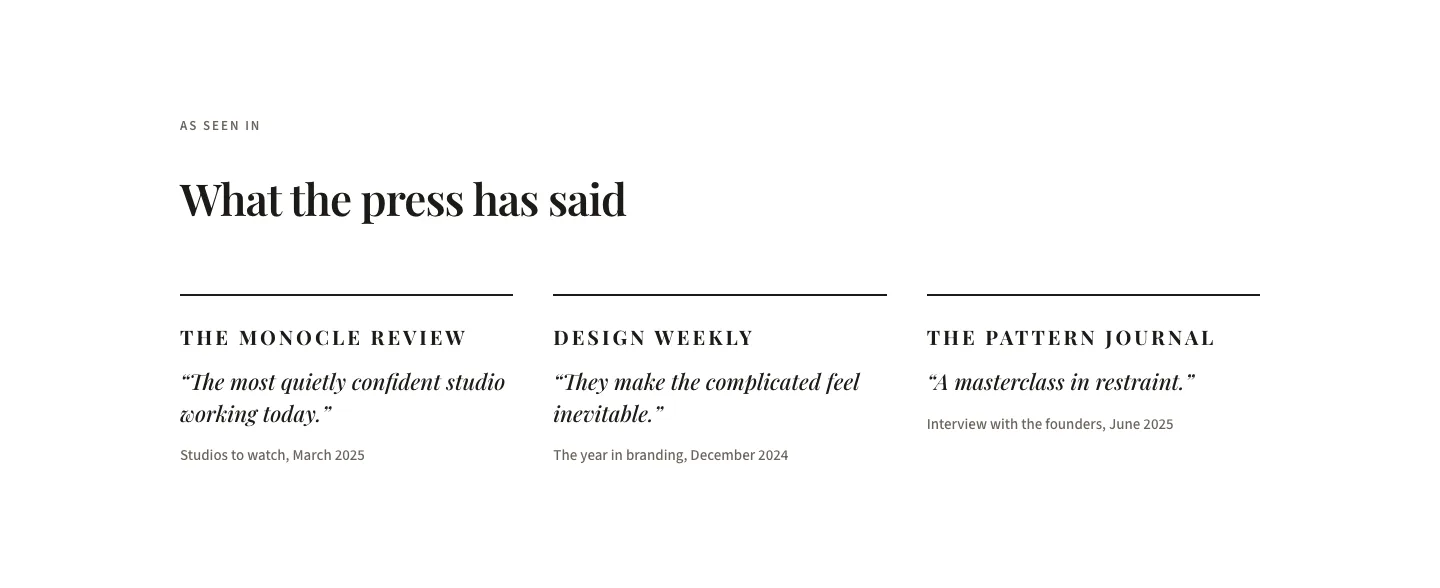
Editorial Studio Press Quotes Layout for Divi 5: Three Publications
testimonials · agency · minimal