
Corporate Recruitment Agency Testimonial Layout for Divi 5: Single Card
A clean, corporate-style Divi 5 testimonials section featuring a single client card with portrait, role, company, and quote. Perfect for recruitment and staffing agencies.
Rate this element
Download this section, free
- Divi 5 JSON, imports in seconds
- Commercial license included
- No account needed
Click to view the full page
Overview
The layout opens with a full-width white section anchored at #testimonials, keeping it linkable from a page header or navigation tab without any extra markup. A centered H2 heading, "What hiring managers say," sits 30px above the card in IBM Plex Sans SemiBold at 48px with a 70px line-height, capped at 810px wide so it never stretches uncomfortably on widescreen displays. The navy #13233f keeps it authoritative without going fully black, reinforcing the corporate tone that recruitment clients expect.
The testimonial card sits on a #f2f5fa cool-light background, separated from the white section by a 1px #d3dbe8 border and softened with 6px corner radii. That combination reads as a contained, professional panel rather than a floating box, which suits pages where the rest of the design is relatively flat. Inside, Divi 5's native testimonial module lays out the portrait, the quote copy, and the three-field attribution (name in dark navy, job title and company in medium slate #4f5d73) as a coherent unit you edit in a single place.
On tablet the heading steps down to 36px with a 42px line-height, which prevents it from dominating a narrower viewport. On phone the row shifts to a vertical flexDirection: column layout and the section padding collapses to 0px, so the card sits edge-to-edge inside whatever container wraps it. This is intentional: the surrounding page section typically supplies its own horizontal padding, and removing the duplicate gap keeps the mobile layout clean.
The single-card format is a deliberate editorial choice. Rather than a carousel that dilutes credibility across a grid, one well-chosen quote from a named Head of Engineering at a named company signals depth of placement, not breadth of volume. Swap in your own client's quote, upload a headshot, and the credibility transfer is immediate.
What’s inside
- Native `divi/testimonial` module with portrait, quote, author name, job title, and company fields in one editable block
- Native `divi/heading` (H2) in IBM Plex Sans SemiBold, 48px desktop scaling to 36px on tablet and phone, centered at max-width 810px
- Card styled with `#f2f5fa` cool-light background, 1px `#d3dbe8` solid border, and 6px corner radius on all sides
- Three-field attribution: author name in dark navy `#13233f`, job title and company in medium slate `#4f5d73`, both typeset in IBM Plex Sans
- White section background (`#ffffff`) with a hardcoded `#testimonials` CSS ID for anchor navigation out of the box
- Responsive typography with section padding collapsing to 0px on phone and row column direction flipping to vertical
Who it’s for
This layout fits recruitment and staffing agencies that place engineering, technology, or professional services talent and need a single authoritative client voice on a services or case-study page. It also works well for HR consultancies, executive search firms, talent acquisition platforms, and B2B professional services providers whose sales cycle depends on decision-maker credibility. The corporate palette and single-card structure are best suited to mid-market and enterprise-facing brands rather than high-volume consumer job boards.
Customization tips
Start with the palette: #13233f, #f2f5fa, and #d3dbe8 are all set at the module level, so a find-and-replace in the Divi visual builder (or a direct edit in the JSON) is all it takes. Swapping the card background to a warm off-white like #faf9f7 and the heading to a charcoal #1e1e2e pivots the feel from corporate-navy to boutique-agency without touching the typography.
Keep the quote between 20 and 55 words. Shorter reads as a pull quote rather than a testimonial; longer forces the card taller than the portrait crops naturally on mobile, which can create awkward whitespace.
For the portrait, use a square or portrait-orientation photo cropped to roughly 400x400px to 500x600px. The Divi testimonial module handles the circular or rounded clip internally, but a tightly framed headshot with the face in the upper half of the frame will look best at the module's default rendered size. Avoid landscape-orientation photos.
How to install this layout
- Download the layout JSON file from this page.
- Open the target page in the Divi 5 builder.
- Open the portability panel (up/down arrows icon) and choose the Import tab.
- Upload the JSON. Tick “replace existing content” only for full-page imports.
- Check the page at desktop and mobile widths, then swap in your copy and images.
Full walkthrough with troubleshooting: How to Import a Divi 5 Layout.
Questions about Corporate Recruitment Agency Testimonial Layout for Divi 5: Single Card
Which Divi 5 modules does this layout use?
Two: a `divi/heading` for the section title and a single `divi/testimonial` for the card. No third-party modules, Code modules, or custom HTML blocks are required.
What should I edit first?
Replace the quote text inside the testimonial module, then update the author name, job title, and company fields. Swapping the portrait URL to a real client headshot from your Media Library is the last step and takes under a minute.
Does the portrait field accept WordPress Media Library URLs?
Yes. The portrait `url` value accepts any absolute URL, including images uploaded to your WordPress Media Library. Replace the placeholder Pexels URL with your own hosted image path.
How does the card behave on mobile?
On phone, the section padding collapses to 0px and the column expands to full container width. The heading font drops to 36px. The testimonial module handles its own internal responsive stacking, so no content is hidden or overlapping at small sizes.
Can I anchor-link to this section from a navigation menu?
Yes. The section has the CSS ID `testimonials` already set in the layout JSON, so a link to `#testimonials` will jump directly to this block. You can rename the ID in the section's Advanced tab if your page uses a different naming convention.
Can I duplicate the card to show multiple testimonials?
You can copy the `divi/testimonial` block and add it to the same column, or add a new row with additional columns. Keep in mind that the layout is designed around a single focused quote, so adding more than two or three cards will change the editorial tone considerably.
Which Divi version does this layout need?
Divi 5. The layout is generated natively for Divi 5 and validated against its real module structure before publication, so it imports clean into the current builder.
Can I use this layout on client websites?
Yes. Every download includes a commercial license covering unlimited sites you own or build for clients. Only reselling or redistributing the layout file itself is prohibited.
More testimonials
Browse all testimonials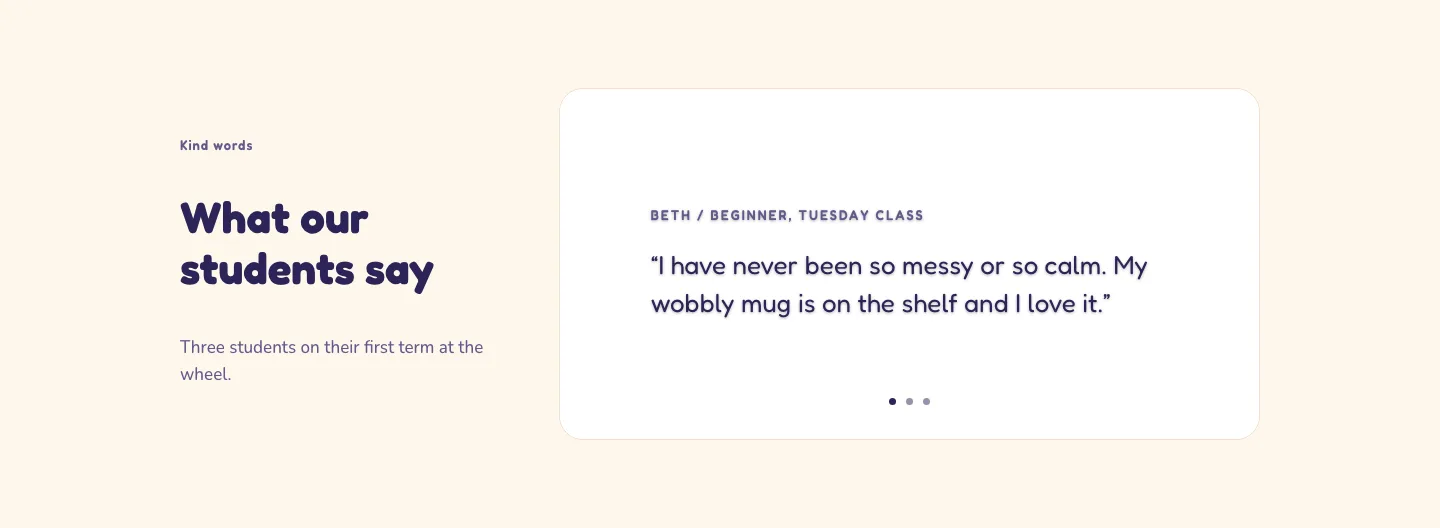
Playful Pottery Class Testimonial Slider Layout for Divi 5: Three Quotes
testimonials · coaching · playful
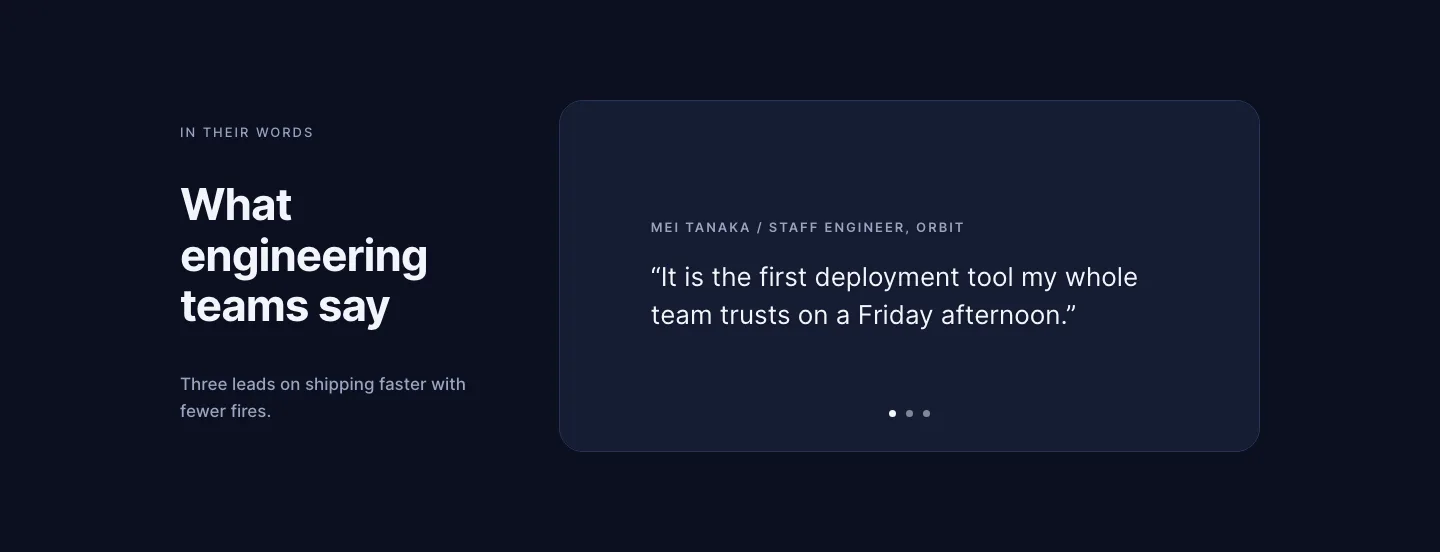
Dark Software Reviews Testimonial Slider Layout for Divi 5: Three Quotes
testimonials · saas · dark
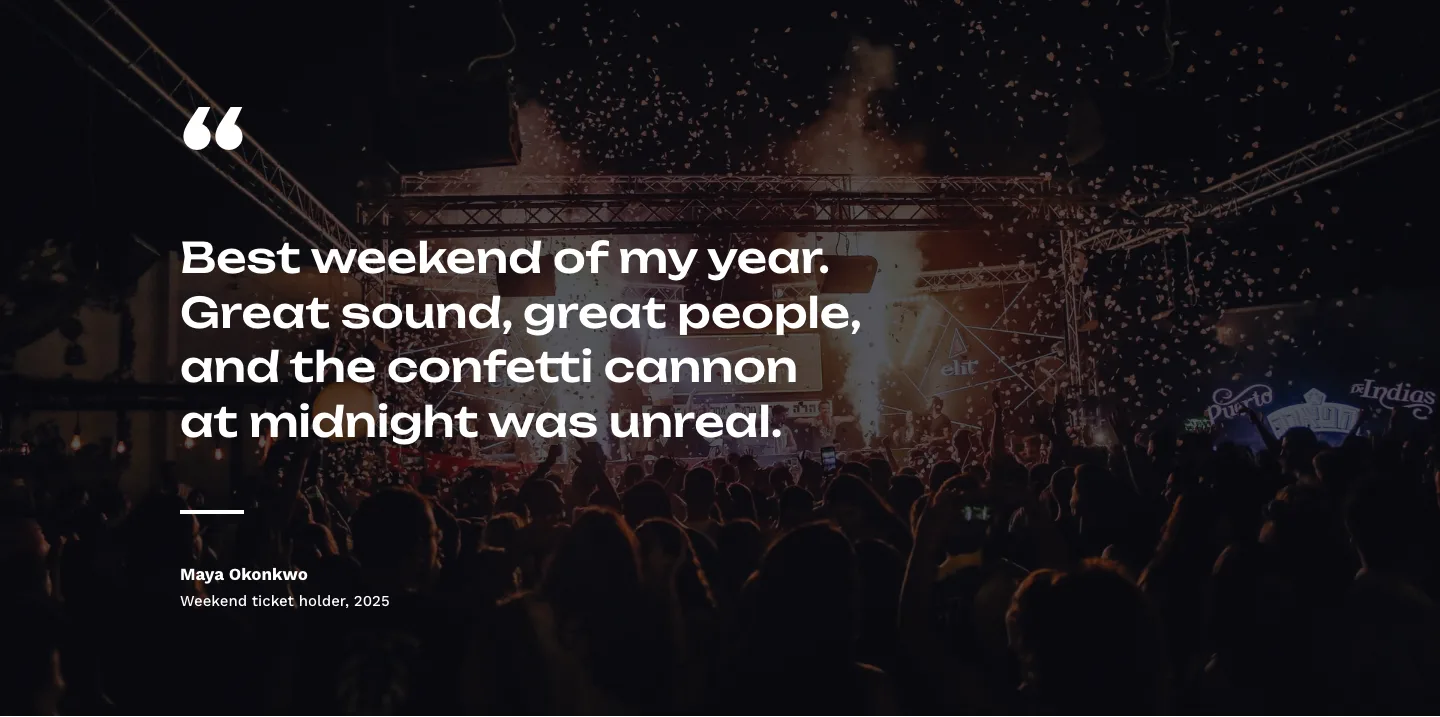
Bold Festival Testimonial Layout for Divi 5: Quote Over Photo
testimonials · events · bold
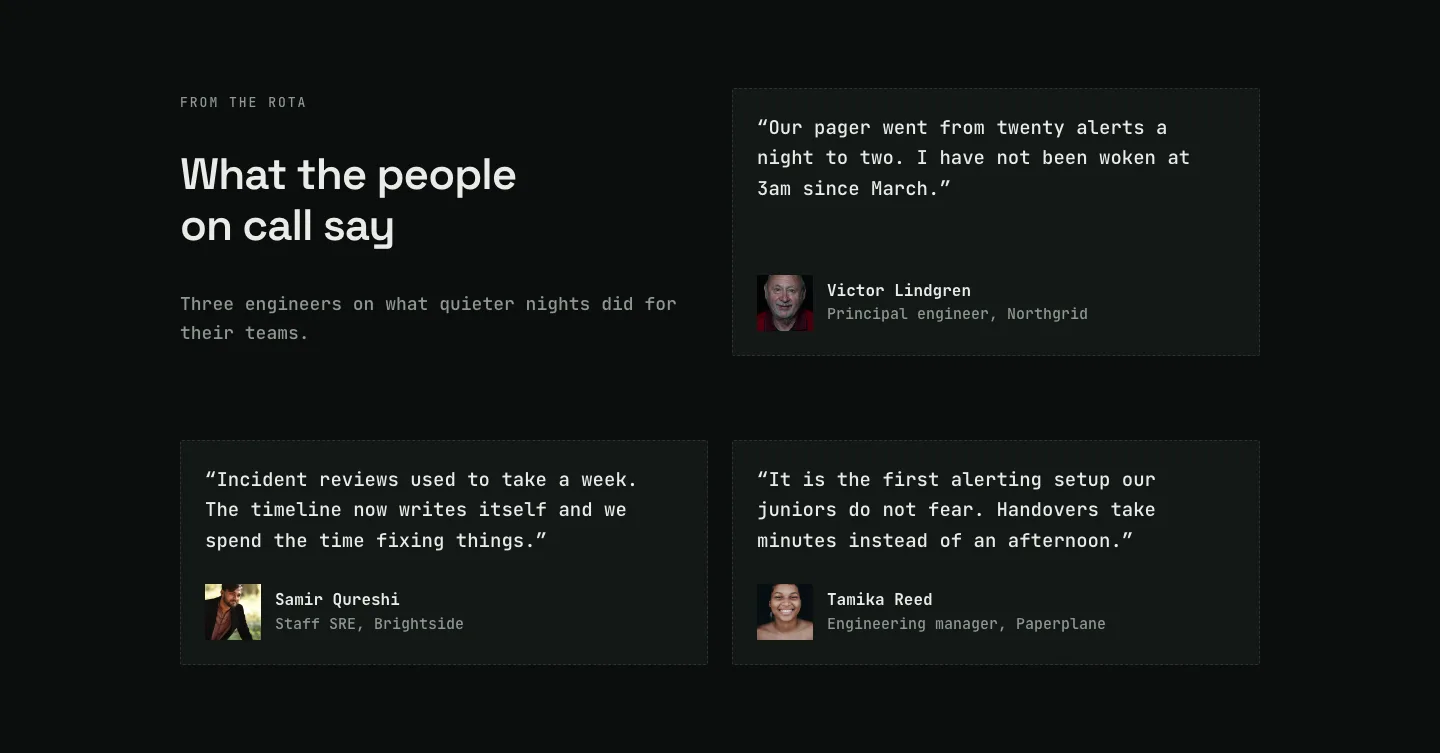
Dark On-Call Engineers Testimonials Layout for Divi 5: Three Avatar Cards
testimonials · saas · dark
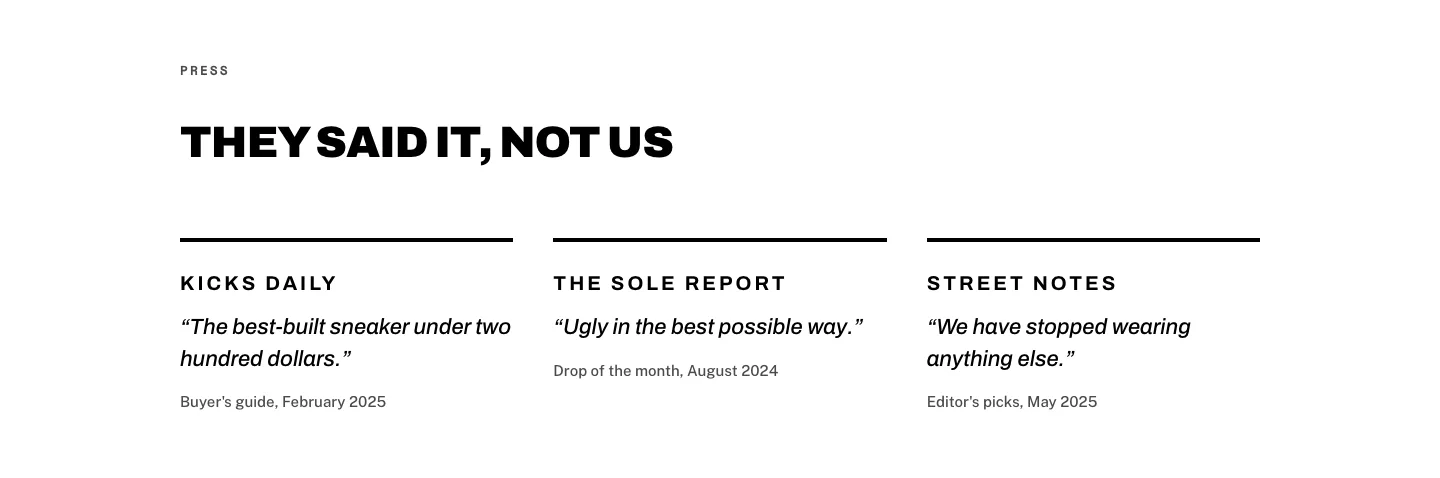
Brutalist Sneaker Brand Press Quotes Layout for Divi 5: Three Publications
testimonials · ecommerce · bold
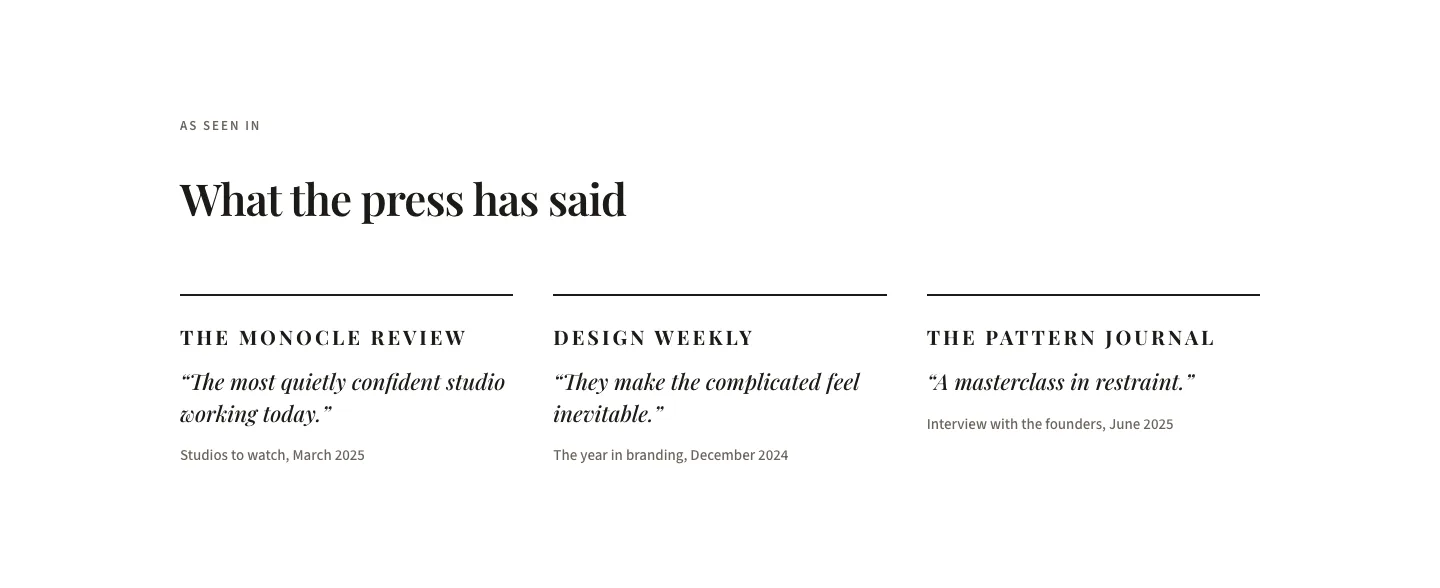
Editorial Studio Press Quotes Layout for Divi 5: Three Publications
testimonials · agency · minimal