
Amberwave Supply Fall Drop 07 Hero: Bold Streetwear Divi 5 Layout
Bold ecommerce hero for streetwear brands: split image + oversized headline, orange CTA, shipping trust line. Drop-in Divi 5 layout for product launches.
Rate this element
Download this section, free
- Divi 5 JSON, imports in seconds
- Commercial license included
- No account needed
Click to view the full page
Overview
This hero runs on a split composition that lets the product photography and the sales pitch share equal weight: a two-column flex row (1/2 + 1/2, capped at 1240px) with a generous 72px gutter between the image and the copy stack. The section itself breathes: 140px of vertical padding on desktop scales down to 90px on tablet and 70px on phone, so the layout never feels cramped as the viewport shrinks. On tablet and phone the row switches to a column direction and the image column goes full-width, keeping the product shot above the copy where it belongs on a commerce page.
The palette does the streetwear talking. A warm cream base (#fff5ec) keeps the section from reading as sterile white, while a burnt-orange accent (#ff6b1a, deepening to #d94f00 on hover) is reserved for exactly two jobs: the uppercase eyebrow label and the pill-shaped CTA. The image itself carries an orange-tinted box shadow (rgba(217,79,0,0.28) at 64px blur) so the product photo glows in the brand color instead of a generic gray drop shadow. A small decision that ties the left column into the palette without any overlay tricks.
Type hierarchy is aggressive in the way streetwear demands: the headline is 68px at weight 800 with tight -1.8px letter-spacing and a 1.05 line height, stepping to 48px on tablet and 38px on phone via per-breakpoint values already baked into the module. Supporting copy is constrained to a 520px max-width so line length stays readable, and a small muted trust line (returns, shipping, provenance) sits 24px under the CTA to close the loop without competing with it. The image slides in from the left over 800ms: one animation, used once.
What’s inside
- Two-column flex row (1/2 + 1/2) with 72px column gap, 1240px max width, vertically centered via align-items
- Full native Divi 5 modules: Image, two Heading modules, two Text modules, and one Button. No third-party add-ons
- Per-breakpoint headline sizing built in: 68px desktop / 48px tablet / 38px phone at weight 800
- Pill CTA (999px radius) with brand-colored glow shadow and a darker hover state on both background and shadow
- Product image styled with 28px rounded corners, orange-tinted preset box shadow, and an 800ms slide-in animation
- Uppercase eyebrow heading with 3px letter-spacing for the drop announcement line
- Responsive section padding tuned per device: 140px / 90px / 70px vertical
- Muted trust-signal text row (returns, shipping, provenance) spaced 24px below the button
Who it’s for
This hero is built for ecommerce brands whose product photography can carry a page: streetwear and apparel labels first, but it maps cleanly onto sneaker shops, limited-run accessories, craft goods with a drop model, and any DTC store that markets scarcity ("short runs, sold out stays out"). The eyebrow line is structured as a drop announcement, so brands running seasonal or numbered releases get the most out of it as-is. It also works for single-product launches where you want one oversized claim, one photo, and one button. It's a poor fit for catalogs that need a product grid above the fold, or for service businesses with no hero-worthy imagery. The left column is doing half the work here.
Customization tips
Start with the two orange values: the button background (#ff6b1a) and the accent/hover color (#d94f00) appear in the eyebrow, the button, its glow shadow, and the image shadow tint. Swap all instances together or the section looks half-rebranded. The cream section background (#fff5ec) should shift in the same temperature family as your accent. The headline holds its 1.05 line height best at 4–7 words; past ~50 characters, drop the desktop size from 68px toward 56px. Body copy is capped at 520px wide, so keep it to 2–3 sentences. The image slot is portrait (1200×1400, roughly 6:7), landscape crops will shrink the visual weight of the left column, so re-crop product shots vertical rather than fighting the ratio. The trust line under the button reads best as three short fragments separated by middots, mirroring the original.
How to install this layout
- Download the layout JSON file from this page.
- Open the target page in the Divi 5 builder.
- Open the portability panel (up/down arrows icon) and choose the Import tab.
- Upload the JSON. Tick “replace existing content” only for full-page imports.
- Check the page at desktop and mobile widths, then swap in your copy and images.
Full walkthrough with troubleshooting: How to Import a Divi 5 Layout.
Questions about Amberwave Supply Fall Drop 07 Hero: Bold Streetwear Divi 5 Layout
How does this hero behave on mobile?
The row's flex direction flips to column on tablet and phone, and the image column switches to full width, so the product photo stacks above the copy. The headline drops to 48px on tablet and 38px on phone, and section padding steps down from 140px to 70px: all defined per-breakpoint in the modules, nothing left to Divi's defaults.
Which Divi 5 modules does it use?
Six modules inside one section: an Image module, two Heading modules (eyebrow + main headline), two Text modules (supporting paragraph + trust line), and one Button module. Everything is a native Divi 5 module: no code modules, no shortcodes, no third-party dependencies.
Is the photo included, and can I replace it?
The layout ships pointing at a Pexels stock photo as a placeholder, you should replace it with your own product shot. Use a portrait crop close to 6:7 (the placeholder is 1200×1400) so the rounded corners and shadow keep their proportions.
What should I edit first after importing?
Three things carry the section: the headline (keep it to one punchy claim), the image, and the two orange brand colors. The eyebrow text is written as a drop announcement: if you don't run drops, rewrite it as a category or launch label rather than deleting it, since it anchors the copy stack's rhythm.
Can I tone down the CTA glow or the entry animation?
Yes, both are ordinary Divi settings. The glow is a box shadow on the Button module (preset2 with a brand-tinted color), reduce the blur or set the color's alpha lower for something subtler. The image's slide-in is a standard animation setting (slide from left, 800ms) you can change or switch off entirely.
Which Divi version does this layout need?
Divi 5. The layout is generated natively for Divi 5 and validated against its real module structure before publication, so it imports clean into the current builder.
Can I use this layout on client websites?
Yes. Every download includes a commercial license covering unlimited sites you own or build for clients. Only reselling or redistributing the layout file itself is prohibited.
More hero sections
Browse all hero sections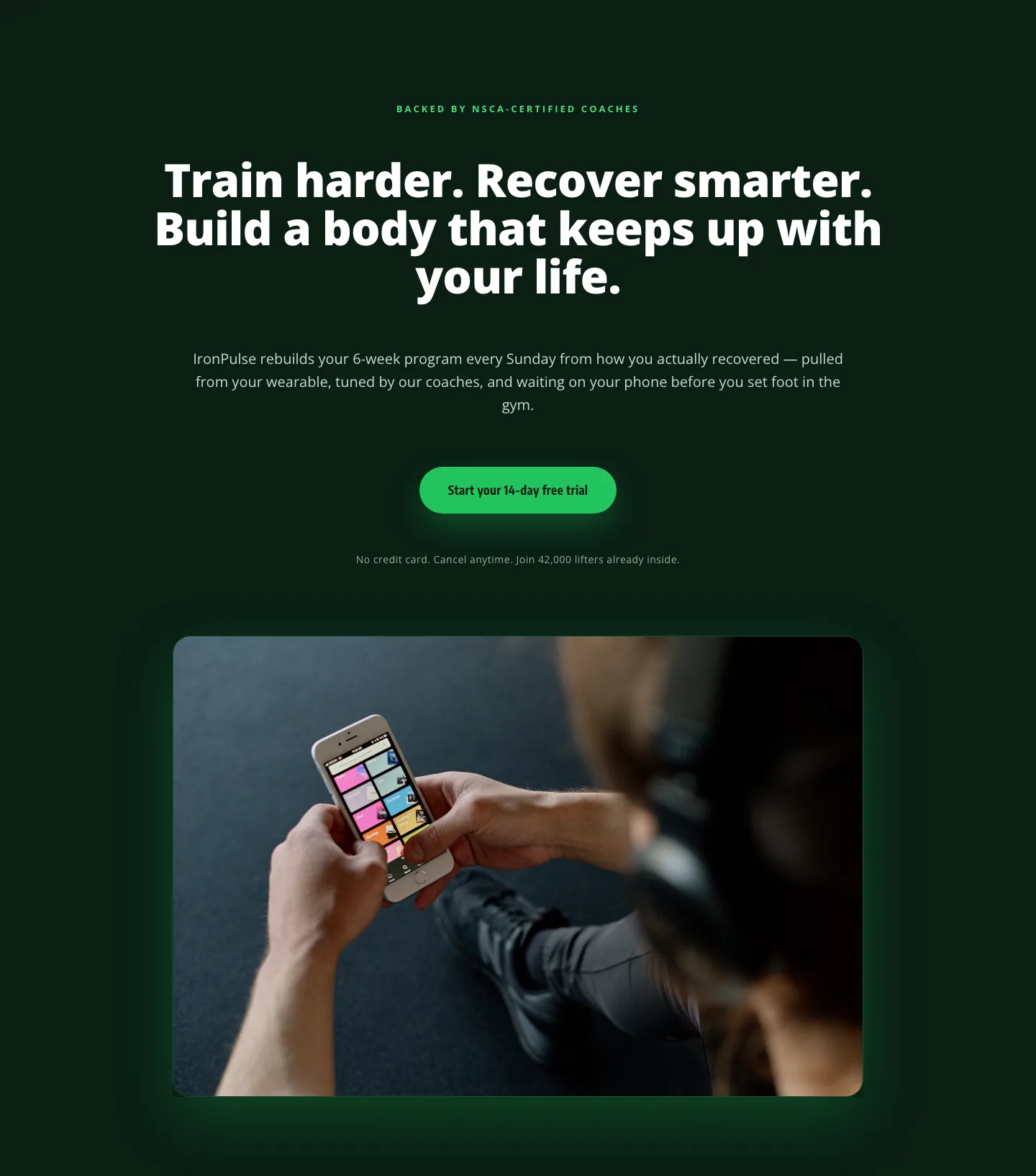
Bold Fitness App Hero Layout for Divi 5: IronPulse Adaptive Training
hero · fitness · bold
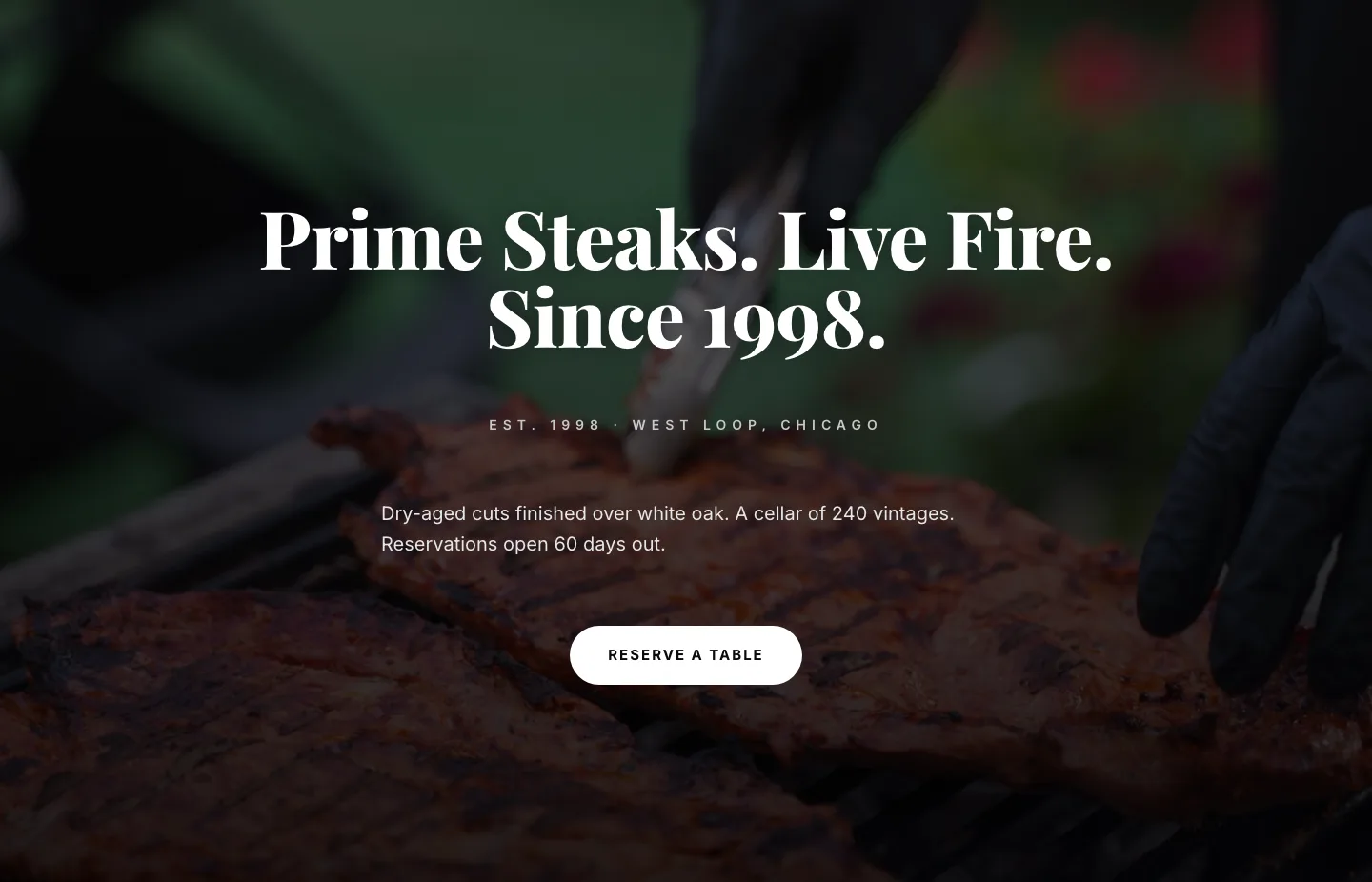
Prime Steaks Hero Section: Bold Monochrome Restaurant Layout for Divi 5
hero · restaurant · bold
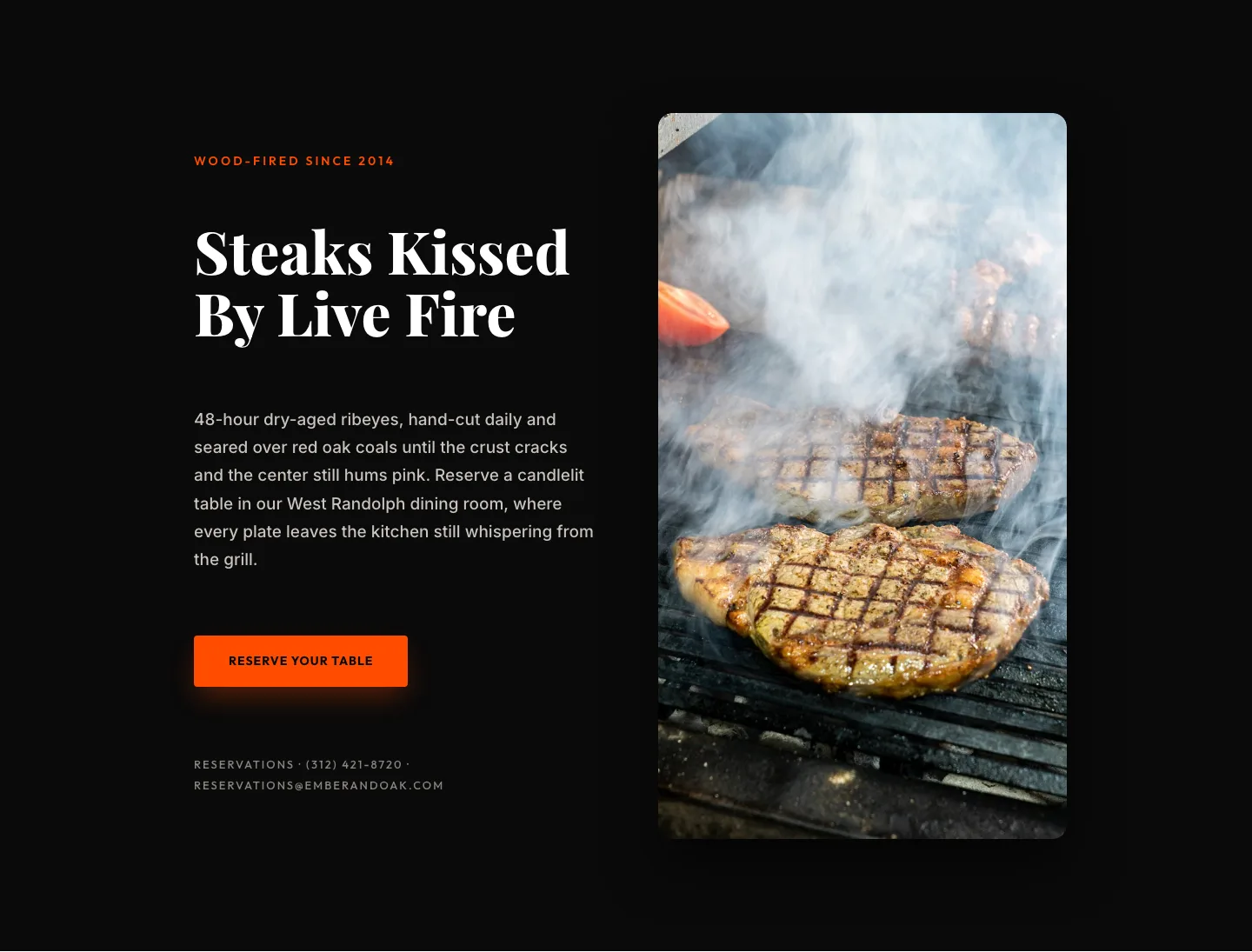
Wood-Fired Steakhouse Hero Layout for Divi 5: Bold Restaurant Template
hero · restaurant · bold
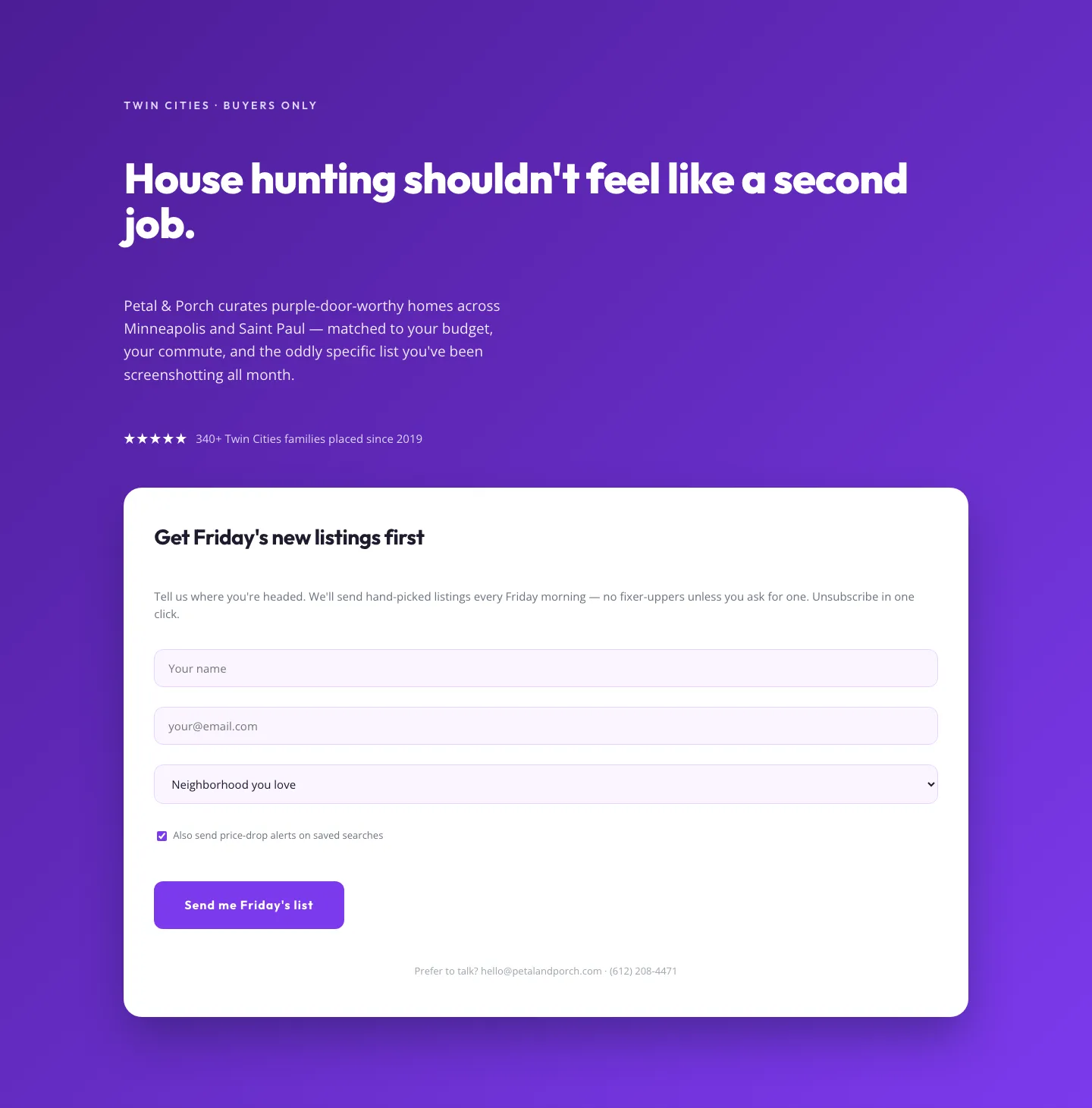
Playful Real Estate Hero with Weekly Listings Signup: Divi 5 Layout
hero · real_estate · playful
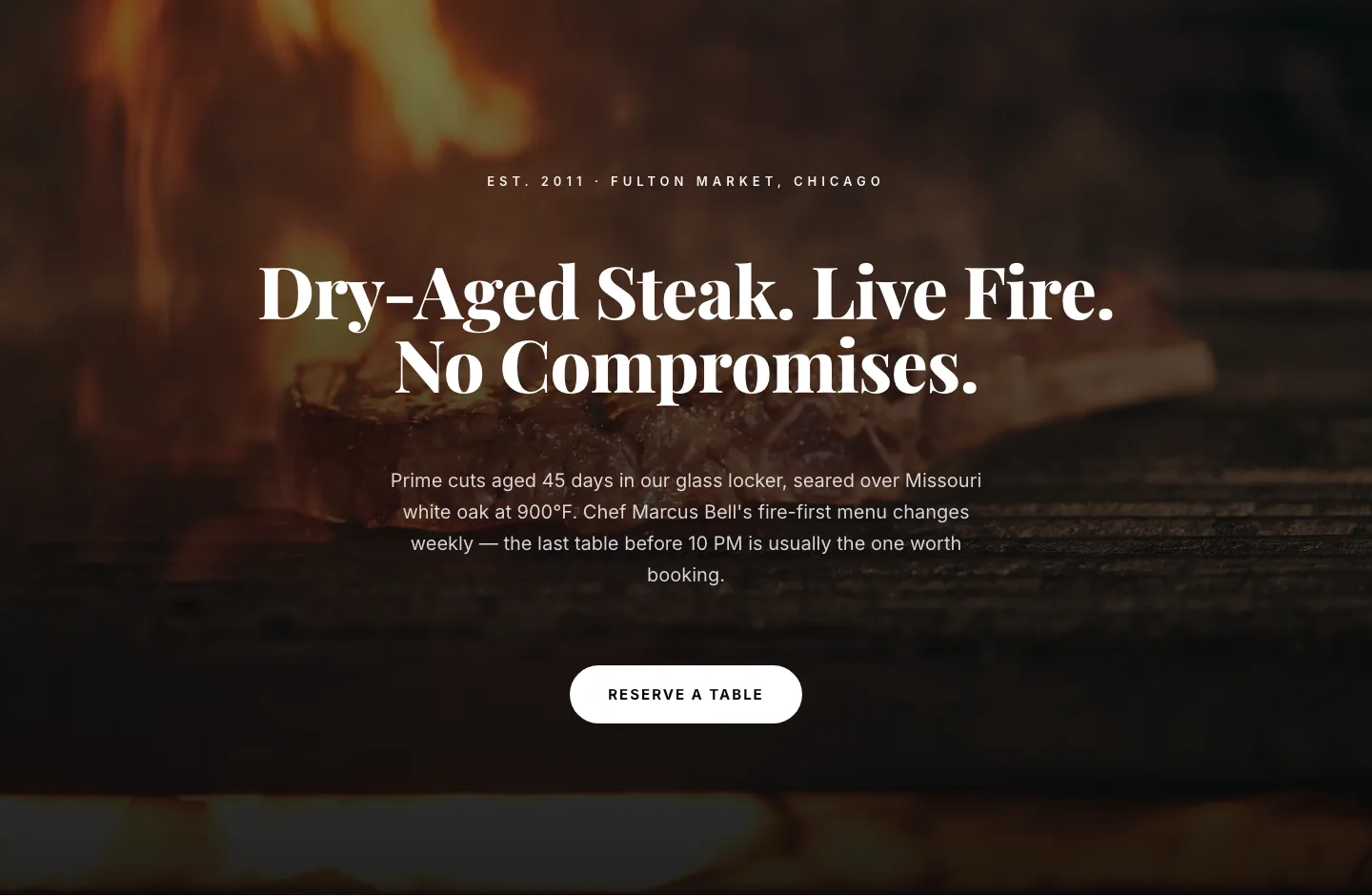
Bold Steakhouse Hero Layout for Divi 5: Fire & Dry-Aged
hero · restaurant · bold
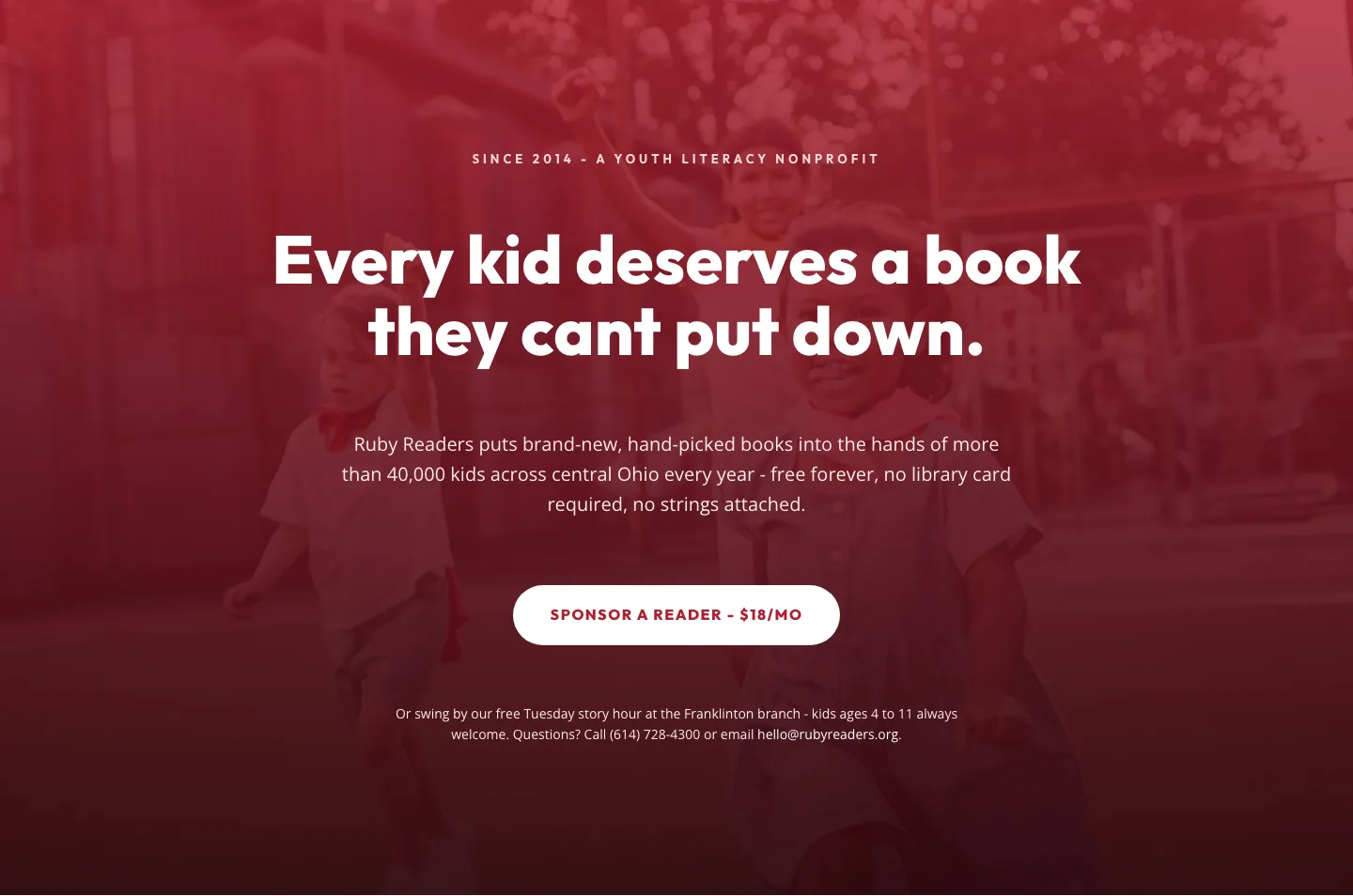
Ruby Readers Nonprofit Hero: Playful Divi 5 Layout
hero · nonprofit · playful