
Editorial Nonprofit Hero Section for Divi 5: Beach Cleanup Charity
A minimal editorial Divi 5 hero section for nonprofit beach cleanup organizations. Features a full-bleed coastal photo, bold Playfair Display headline, and dual CTAs to recruit volunteers and donors.
Rate this element
Download this section, free
- Divi 5 JSON, imports in seconds
- Commercial license included
- No account needed
Click to view the full page
Overview
The section is built on a single full-width column with an 80vh minimum height on desktop, stepping to 70vh on tablet and a hard 560px floor on phones. That sizing strategy means the hero always fills the viewport on first load without over-extending on landscape mobile or ultrawide monitors. A Pexels coastal photograph sits in the section background beneath a uniform warm-dark gradient overlay — both stops share the same rgba(28,22,16,0.72) value, making it a flat cinematic veil rather than a directional fade. The choice keeps the shoreline readable as mood and texture while giving the cream-white text (#fbf6ec) the contrast it needs across all screen sizes.
The content column is capped at 720px and left-aligned inside the row. A four-level typographic stack fills it: a Source Sans 3 h4 eyebrow at 14px with 2px letter-spacing and full uppercase treatment introduces the organisation name; a Playfair Display h1 at 72px carries the mission headline with a tight 1.08em line-height and text-wrap: balance to prevent orphaned words at any viewport; a 20px Source Sans 3 body paragraph opens with a concrete impact stat before the action ask; and a flex-row button pair places the filled terracotta primary (#9a3b1f, 14px/28px padding) beside a transparent ghost secondary — two parallel paths that carry different commitment levels without visual competition.
Below the buttons, a full-width 2px solid cream divider creates a deliberate breath before a compact info strip. Three uppercase Source Sans 3 labels — "Monthly cleanups," "Saturdays at 9am," "Bags and gloves provided" — sit in a wrapping flex row at 32px column gaps. That strip answers the two questions a first-time visitor needs to become a volunteer (when and what to bring) without requiring them to scroll further into the page.
On mobile the row switches to flex-direction: column and section padding steps down from 80px to 56px, keeping proportions intact without manual breakpoint overrides. The inner group min-height floors at 560px so the layout never collapses into a compressed band on small screens.
What’s inside
- Single-column full-width section with responsive min-height: 80vh desktop / 70vh tablet / 560px phone
- Section background combining a Pexels coastal photo with a flat `rgba(28,22,16,0.72)` gradient overlay applied directly in section settings — no extra modules
- Four-level typographic hierarchy: Source Sans 3 uppercase h4 eyebrow → Playfair Display h1 with `text-wrap: balance` → 20px body stat copy → flex-row dual CTA
- Fluid h1 sizing across all three breakpoints (72px / 52px / 38px) set natively in the Heading module's responsive font settings
- Dual CTA button group: filled terracotta primary (`#9a3b1f`) + transparent ghost secondary, flex-wrapped with 16px column gap and 12px row gap
- Full-width 2px solid cream Divider module separating the CTA zone from the info strip
- Three-item uppercase info strip in a wrapping flex row (Source Sans 3, 14px, 2px letter-spacing, 32px column gap) — delivers quick volunteer logistics inside the hero
Who it’s for
This layout is built for environmental nonprofits, coastal conservation charities, and ocean health campaigns that need a credible editorial presence without custom design work. It fits community volunteer organisations running recurring events — beach cleanups, park restorations, river monitoring days — where surfacing logistics (time, location, what to bring) directly on the hero removes sign-up friction. Social enterprises, grant-funded environmental projects, and university sustainability clubs running awareness campaigns will find the restrained warm palette and serif headline communicate mission seriousness without looking corporate or over-produced.
Customization tips
Start by replacing the Pexels URL in the section background with your own outdoor or coastal photograph — a landscape orientation at 1920px wide and a subject with open sky or water in the upper half works best with the center-center positioning. The gradient overlay sits above it as a separate layer: both stops use rgba(28,22,16,0.72) — lower the opacity to around 0.55 to let more of the image breathe, or shift the hex toward your brand colour for a tinted veil.
The h1 uses text-wrap: balance, which produces the cleanest results at 6 to 12 words. Longer headlines wrap predictably but lose the balanced rhythm — trim the copy before adjusting font size. The 720px inner group cap keeps wide-monitor readability intact; avoid pushing it past 800px or the left-aligned text will drift. Swap #9a3b1f on the primary button to your brand action colour; the ghost button text inherits #fbf6ec and will need a separate update only if you move to a light-background variant. Keep both button labels under four words so the inline pairing holds before flex-wrap fires on smaller screens.
How to install this layout
- Download the layout JSON file from this page.
- Open the target page in the Divi 5 builder.
- Open the portability panel (up/down arrows icon) and choose the Import tab.
- Upload the JSON. Tick “replace existing content” only for full-page imports.
- Check the page at desktop and mobile widths, then swap in your copy and images.
Full walkthrough with troubleshooting: How to Import a Divi 5 Layout.
Questions about Editorial Nonprofit Hero Section for Divi 5: Beach Cleanup Charity
How does the headline size change across devices, and where do I edit it?
The h1 is set to 72px on desktop, 52px on tablet, and 38px on phone directly inside the Heading module's responsive font settings. Open the module in the Divi 5 visual builder, switch to each breakpoint tab, and type your value — no CSS required.
What creates the dark tone over the beach photo — is it a separate overlay module?
No extra module is involved. The overlay is a CSS gradient applied inside the section's Background panel, with both stops set to `rgba(28,22,16,0.72)`. Adjust the opacity or colour there; the photo and gradient are independent layers in the same background stack.
The Donate button has no background colour — will it be legible on other sections?
It is intentionally ghost-style, designed specifically against the dark overlay. If you reuse the layout on a light-background page, either add a solid background colour to the ghost button or change its text colour from `#fbf6ec` to a darker value that holds contrast.
What should I edit first to make this layout work for my organisation?
Three edits cover most of the personalisation: replace the h4 eyebrow with your organisation name, rewrite the h1 with your own mission statement (keep it under 12 words for the best `text-wrap: balance` result), and swap the body paragraph stat with a real number from your impact data.
How does the info strip at the bottom of the hero behave on narrow screens?
The three text modules sit in a `flex-wrap: wrap` row with a 32px column gap, so they reflow onto two or three lines automatically on phones. No manual breakpoint setting is needed; the wrapping is handled by the group's flex layout. Update the three labels to match your own event details.
Which Divi version does this layout need?
Divi 5. The layout is generated natively for Divi 5 and validated against its real module structure before publication, so it imports clean into the current builder.
Can I use this layout on client websites?
Yes. Every download includes a commercial license covering unlimited sites you own or build for clients. Only reselling or redistributing the layout file itself is prohibited.
More hero sections
Browse all hero sections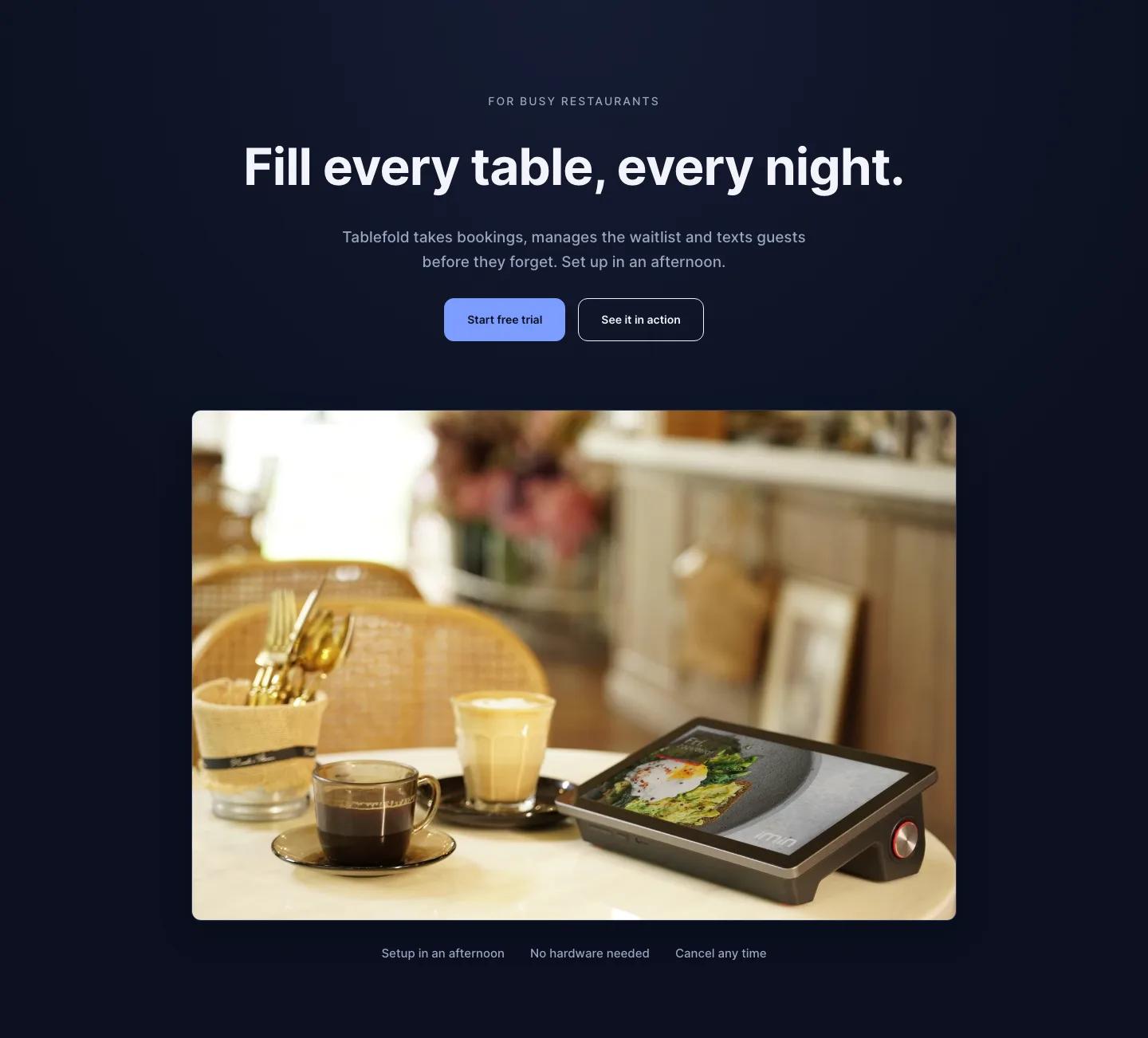
Dark Restaurant Booking Software Hero Section for Divi 5: Product Glow Layout
hero · restaurant · dark
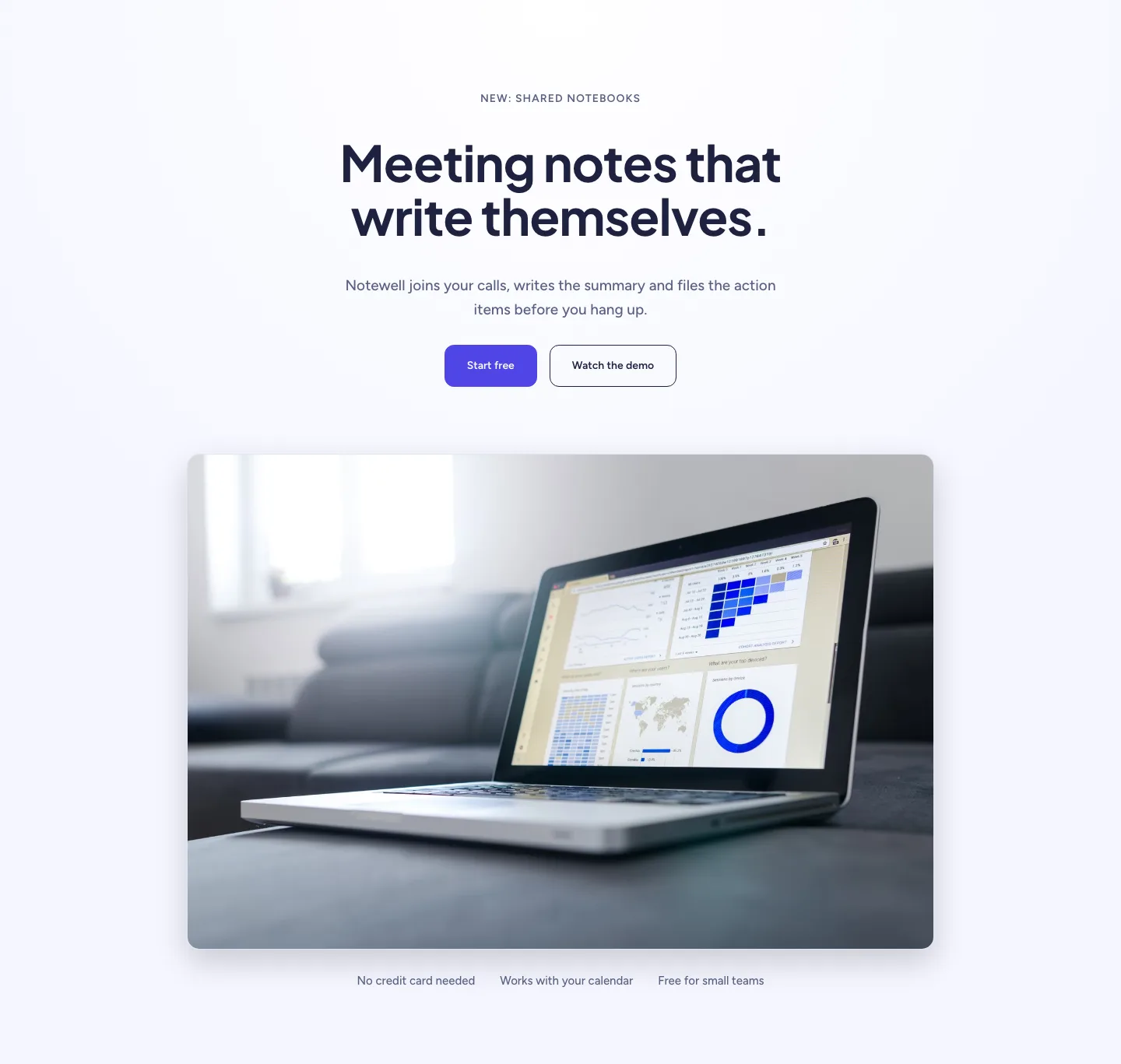
Soft SaaS Meeting Notes Hero Section for Divi 5: Product Glow Layout
hero · saas · minimal
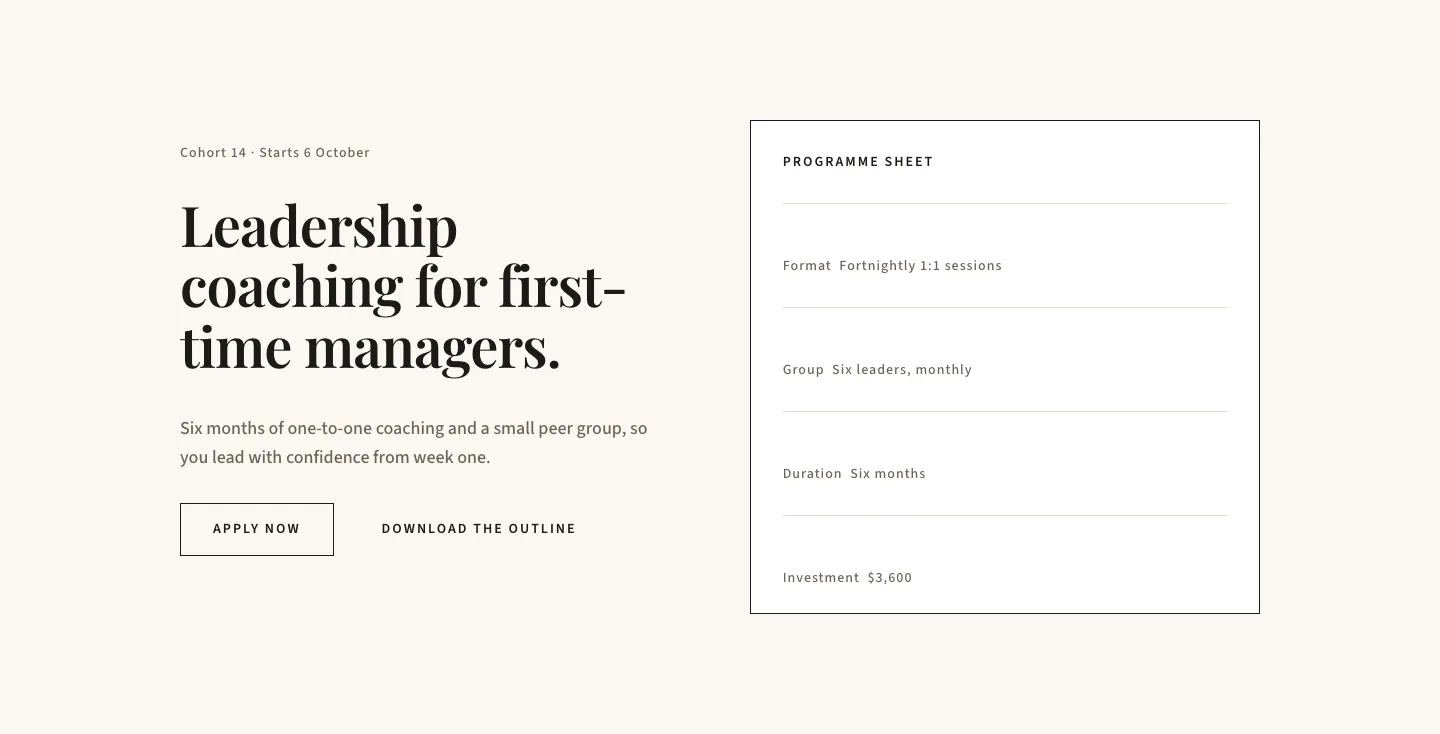
Editorial Executive Coaching Hero Section for Divi 5: Programme Sheet
hero · coaching · minimal
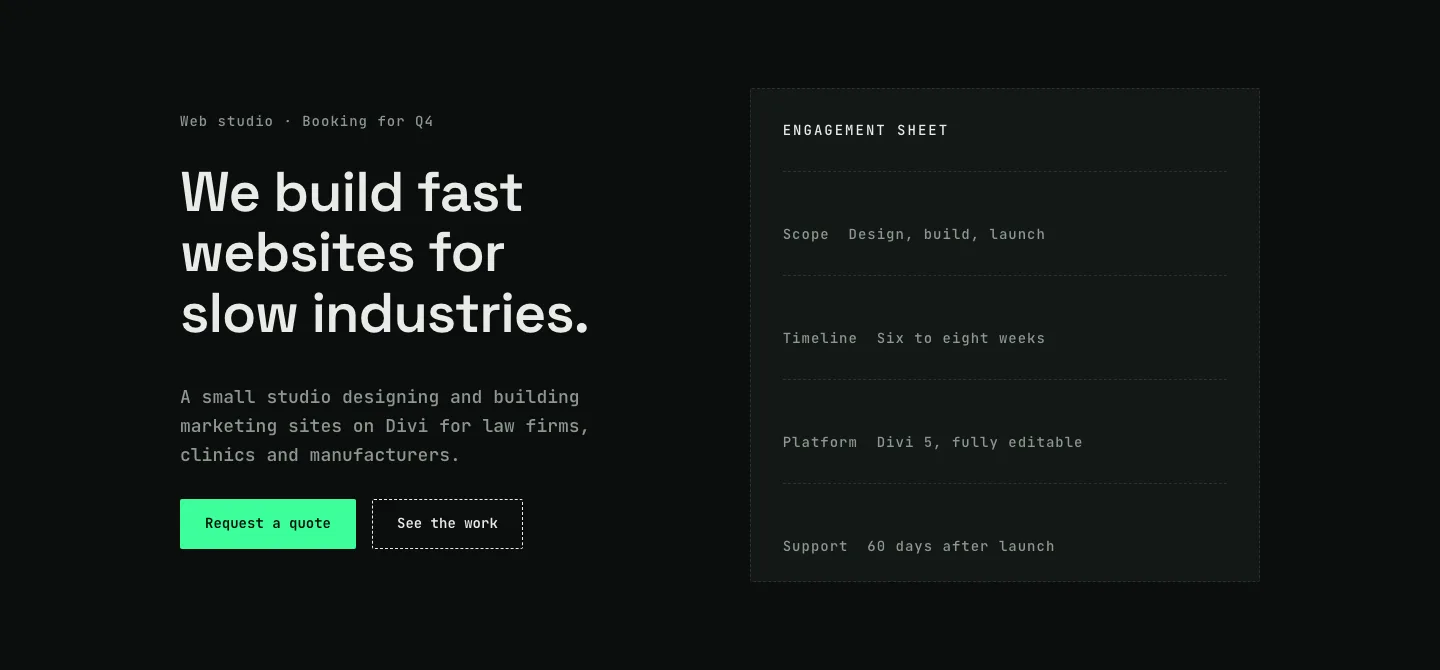
Dark Web Studio Agency Hero Section for Divi 5: Spec Card Layout
hero · agency · dark
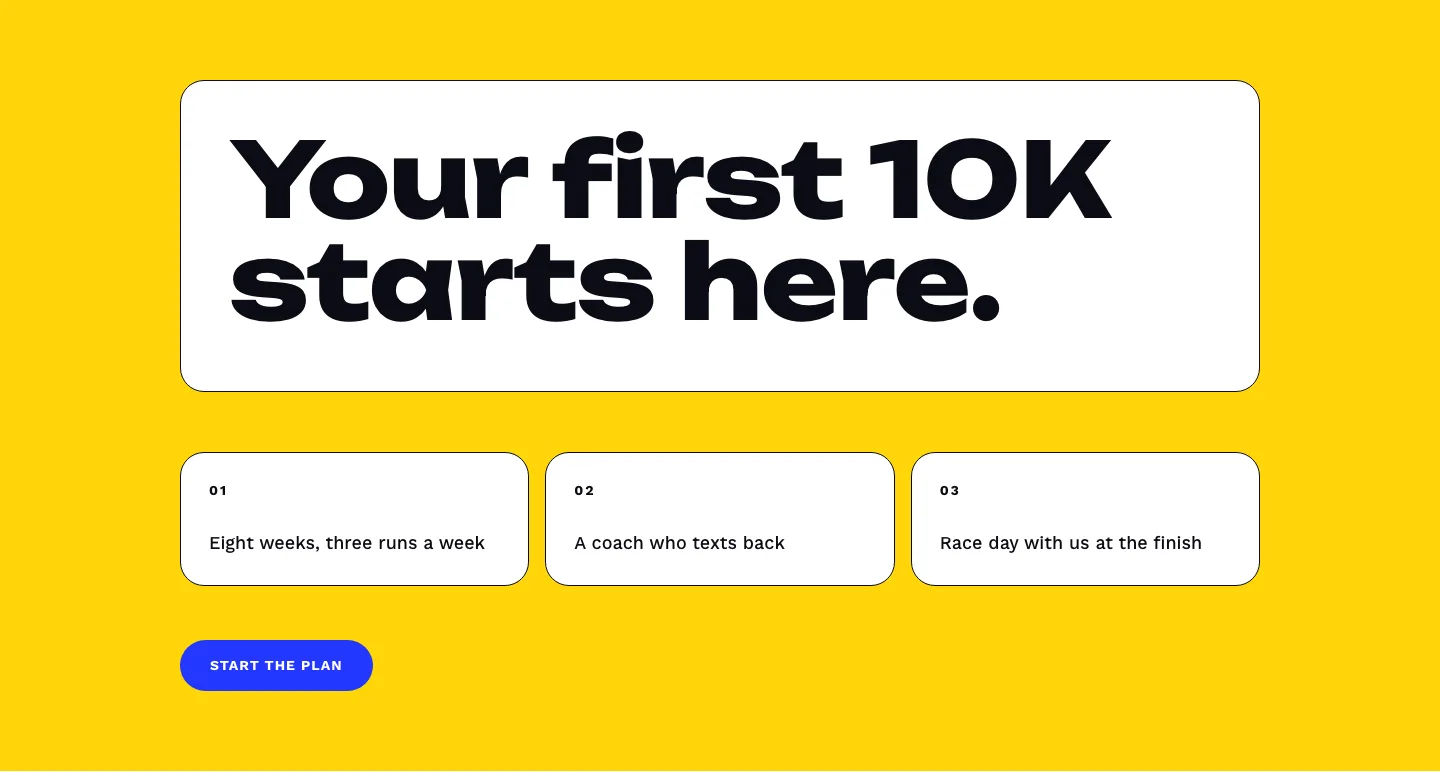
Bold First 10K Running Coach Hero Section for Divi 5: Fitness Bordered Cells
hero · fitness · bold
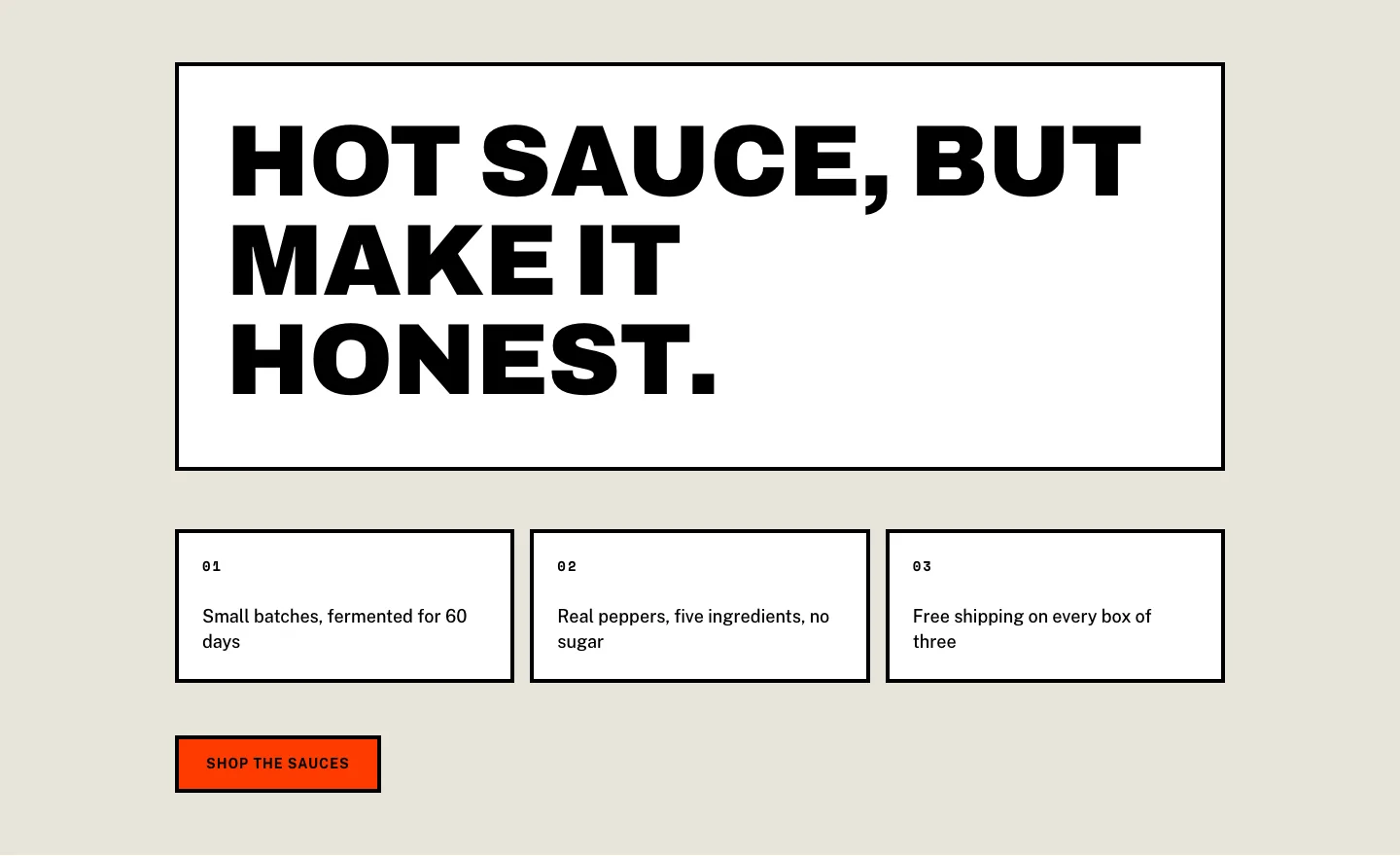
Brutalist Hot Sauce Ecommerce Hero Section for Divi 5: Bordered Cells
hero · ecommerce · bold