
Dark Nonprofit Hero Section for Divi 5: Impact Statistics Gradient
A dark Divi 5 hero section for nonprofits featuring stacked impact stat cards with a subtle gradient background and ghost CTA button. Ready to import.
Rate this element
Download this section, free
- Divi 5 JSON, imports in seconds
- Commercial license included
- No account needed
Click to view the full page
Overview
The layout opens with a near-black navy section (#0b1020) that deepens at its center through a 150-degree linear gradient, bottoming out at #151c33 before returning to dark at the far edge. That subtle tonal shift reads as ambient depth without any image overhead — no hero photo to license, no background that competes with the text. Section padding is generous: 100px top and bottom on desktop, stepping down to 72px on tablet and 48px on phone, giving the composition room to breathe despite how much information it carries.
The row divides into two equal halves. The left column builds a deliberate typographic hierarchy: a 14px uppercase Inter overline in cool slate (#9aa4c0, 2px letter-spacing) frames the mission before the main statement arrives. The H1 runs at 60px, weight 700, in near-white (#f2f4fa), with a -1px letter-spacing pull and text-wrap: balance to prevent awkward orphan words regardless of copy length. An 18px body paragraph at 1.6em line-height handles one focused explanatory sentence. The CTA button uses a ghost/outline treatment: transparent fill, 1px solid white border, square corners (0px radius), inverting to a white fill with dark text on hover. A periwinkle box-shadow — rgba(124,156,255,0.45) — adds a restrained glow that visually connects the button to the stat cards across the row.
The right column is the layout's defining gesture: three stat cards arranged in a staggered, overlapping fan. Each card uses #151c33 as its background, the same midpoint tone as the section gradient, so the cards feel embedded in the surface rather than floating above it. A 1px solid white border and the same blue-glow shadow as the button hold the cards together as a system. They are nudged with slight rotations (-3deg, +2deg, -1deg) and pulled into overlap by -40px top margins on the second and third card, producing tactile physical depth without any 3D CSS or imagery. The first card aligns left, the second aligns right, and the third centers, so the fan reads across the full column width.
On mobile, every rotation resets to 0 degrees and negative margins give way to 16px gaps so the cards stack cleanly. The row itself switches to flex-direction: column on phone, placing the headline copy above the stat cards in natural reading order. H1 type steps from 60px to 44px to 36px across breakpoints; the stat numerals (weight 800) step from 44px to 38px to 34px, keeping their visual dominance at every screen size.
What’s inside
- Two-column equal-split row with mobile flex-direction flip — left copy column stacks above the stat cards on phone
- 150-degree linear gradient section background (`#0b1020` → `#151c33` → `#0b1020`) — pure CSS, no image dependency
- Four-element left column: uppercase H4 overline, weight-700 H1 with `text-wrap: balance`, 18px body paragraph, and a ghost outline CTA button
- Ghost button with white-fill hover inversion and periwinkle box-shadow (`rgba(124,156,255,0.45)`), square corners
- Three stat cards built from nested Divi Group modules, each carrying a large numeral (weight-800) and a muted label line
- Staggered card fan via CSS rotation (-3deg, +2deg, -1deg) and -40px overlapping top margins, all resetting to flat on phone
- Responsive headline scaling: H1 at 60px desktop / 44px tablet / 36px phone; stat numerals step from 44px to 34px
- Consistent Inter typeface throughout, with a four-step weight progression: 500 overline, 700 headline, 400 body, 800 stats
Who it’s for
This section is built for food-relief, hunger advocacy, and food-rescue organizations that need to lead with proof before the ask. The stat-card structure also translates cleanly to environmental nonprofits, global health charities, community foundations, and any cause-driven org that wants to show donors the concrete return on a gift. The dark palette is a deliberate departure from the pastel-and-stock-photo aesthetic common in the sector, making it a strong fit for year-end giving campaigns, gala fundraiser pages, and orgs that want to position themselves as serious and credible rather than soft and emotional.
Customization tips
The entire palette is controlled at two levels. Swap #0b1020 and #151c33 on the section and card Group modules to shift to any dark base — deep forest green, charcoal, or near-black purple all work. The glow accent (rgba(124,156,255,0.45)) appears on both the button and all three stat cards; update it in one place per element to keep the system coherent.
Each stat card is a self-contained Divi Group pair: the outer group controls position and rotation, the inner group holds the card styling. Replace the large numeral text ("2.1M", "4x", "180+") and the label below it with your own impact metrics. The numeral column is set at 44px/weight-800, so single numbers and short abbreviations work best — anything beyond six characters will start to wrap at the 320px card max-width.
The overline text is 14px with 2px letter-spacing; keep it under 25 characters. The H1 uses text-wrap: balance, so copy length is flexible, but 5-9 words tends to produce the sharpest visual block. The button label "Give today" fits the 12px/28px padding; 2-3 words is the practical limit before the outline proportions feel loose. There are no background images in this layout, so no aspect ratios to manage.
How to install this layout
- Download the layout JSON file from this page.
- Open the target page in the Divi 5 builder.
- Open the portability panel (up/down arrows icon) and choose the Import tab.
- Upload the JSON. Tick “replace existing content” only for full-page imports.
- Check the page at desktop and mobile widths, then swap in your copy and images.
Full walkthrough with troubleshooting: How to Import a Divi 5 Layout.
Questions about Dark Nonprofit Hero Section for Divi 5: Impact Statistics Gradient
What Divi 5 modules are used to build the stat cards?
Each card is two nested Divi Group modules: an outer Group that controls position, max-width (320px), rotation, and margin, and an inner Group that holds the card background (`#151c33`), 1px solid border, 24px padding, and box-shadow. Inside the inner Group are two Divi Text modules — one for the large numeral and one for the label.
How do the card rotations and overlaps behave on mobile?
The rotations (-3deg, +2deg, -1deg) and the -40px overlapping top margins are desktop-only values set in the outer Group module for each card. On phone, the transform resets to 0deg rotation and the top margin switches to 16px, so all three cards stack flat with even spacing. The phone override is already built into the layout JSON.
Is there a background image, or is the depth effect purely CSS?
Purely CSS. The depth comes from the 150-degree linear gradient on the section (`#0b1020` at 0%, `#151c33` at 55%, `#0b1020` at 100%). No image is attached, which means zero licensing overhead and fast load times.
Can I add a fourth stat card?
Yes — duplicate one of the existing outer-and-inner Group pairs inside the right column's parent Group. Set a new rotation angle (e.g. +2.5deg) and a -40px top margin to continue the fan pattern. On phone, remember to add a phone-breakpoint override resetting the rotation to 0deg and the margin to 16px, matching the other three cards.
What should I edit first after importing?
Start with the three stat card numerals and labels — those are the layout's visual anchor and the first thing a donor reads on the right side. Then update the H1 headline and body paragraph on the left, and swap the button text and link. The overline is the last text element to touch; it's small and contextual, so it's easy to overlook but important for framing the headline.
Can the button glow and card glow use different colors?
Yes. The box-shadow on the button is set on the button module's decoration settings, while the box-shadow on each card is set on the inner Group module. They currently share `rgba(124,156,255,0.45)`, but you can update them independently. For example, a warmer amber glow on the button and a cooler blue on the cards can create a subtle visual separation between the CTA and the data display.
Which Divi version does this layout need?
Divi 5. The layout is generated natively for Divi 5 and validated against its real module structure before publication, so it imports clean into the current builder.
Can I use this layout on client websites?
Yes. Every download includes a commercial license covering unlimited sites you own or build for clients. Only reselling or redistributing the layout file itself is prohibited.
More hero sections
Browse all hero sections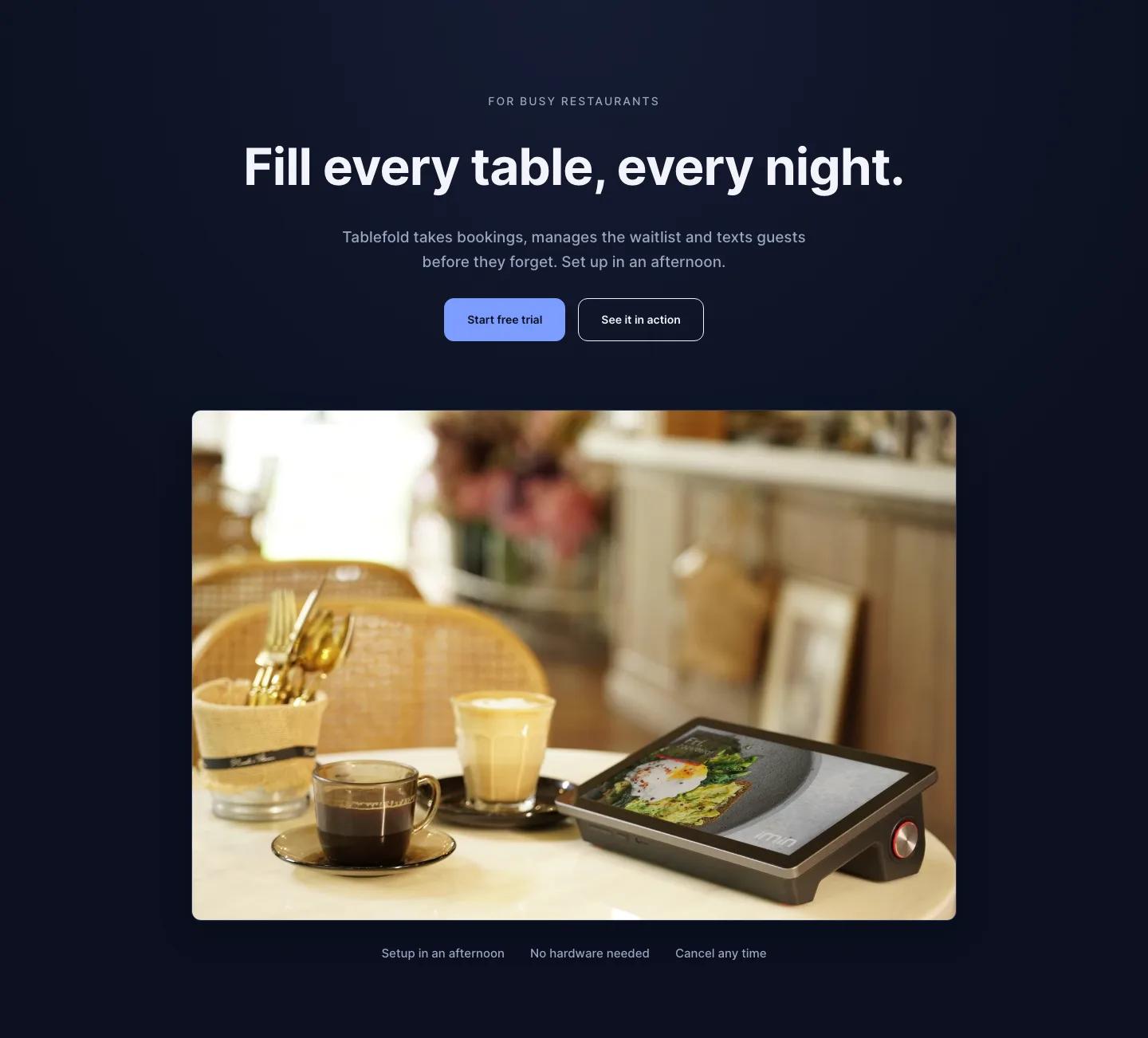
Dark Restaurant Booking Software Hero Section for Divi 5: Product Glow Layout
hero · restaurant · dark
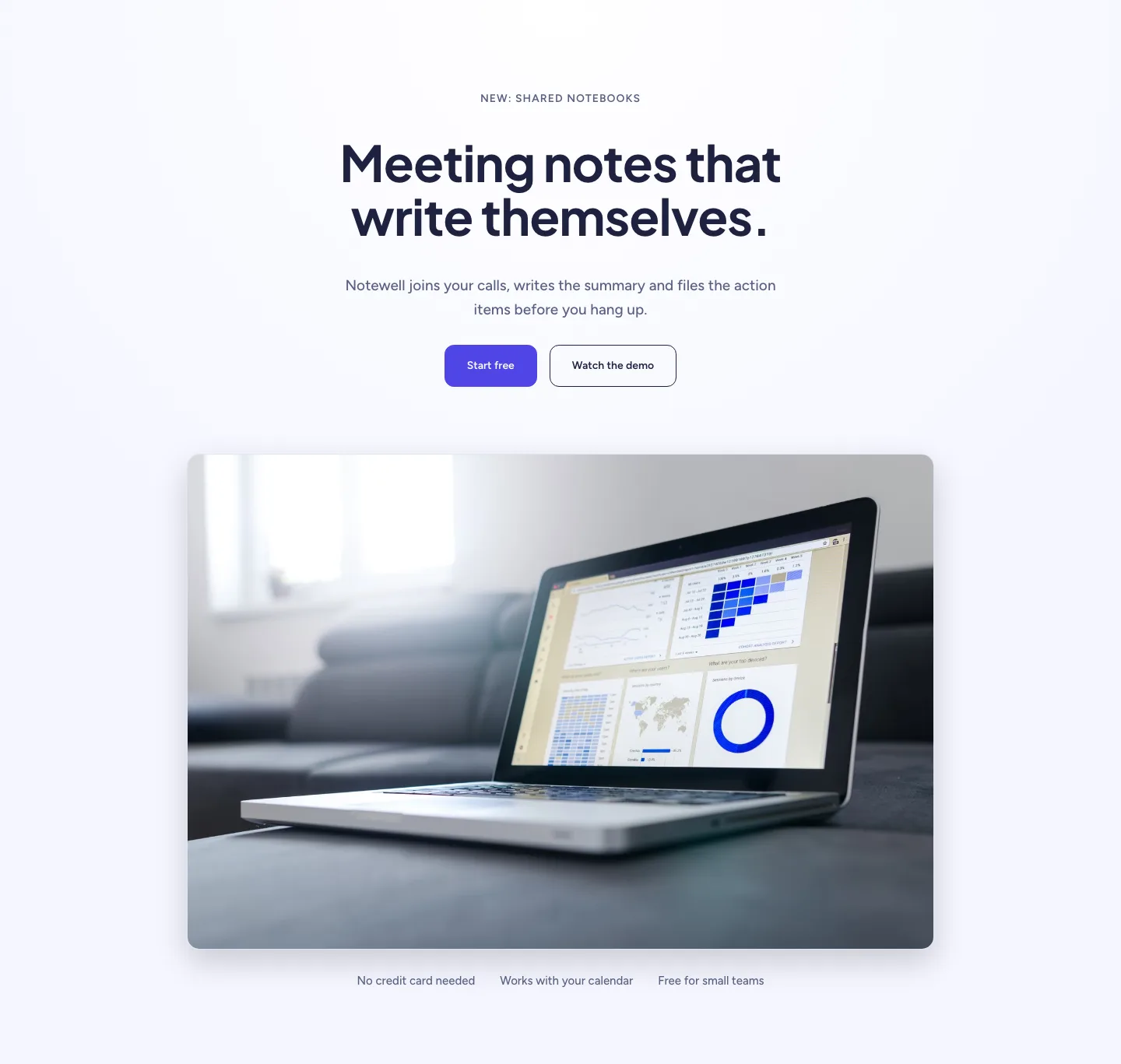
Soft SaaS Meeting Notes Hero Section for Divi 5: Product Glow Layout
hero · saas · minimal
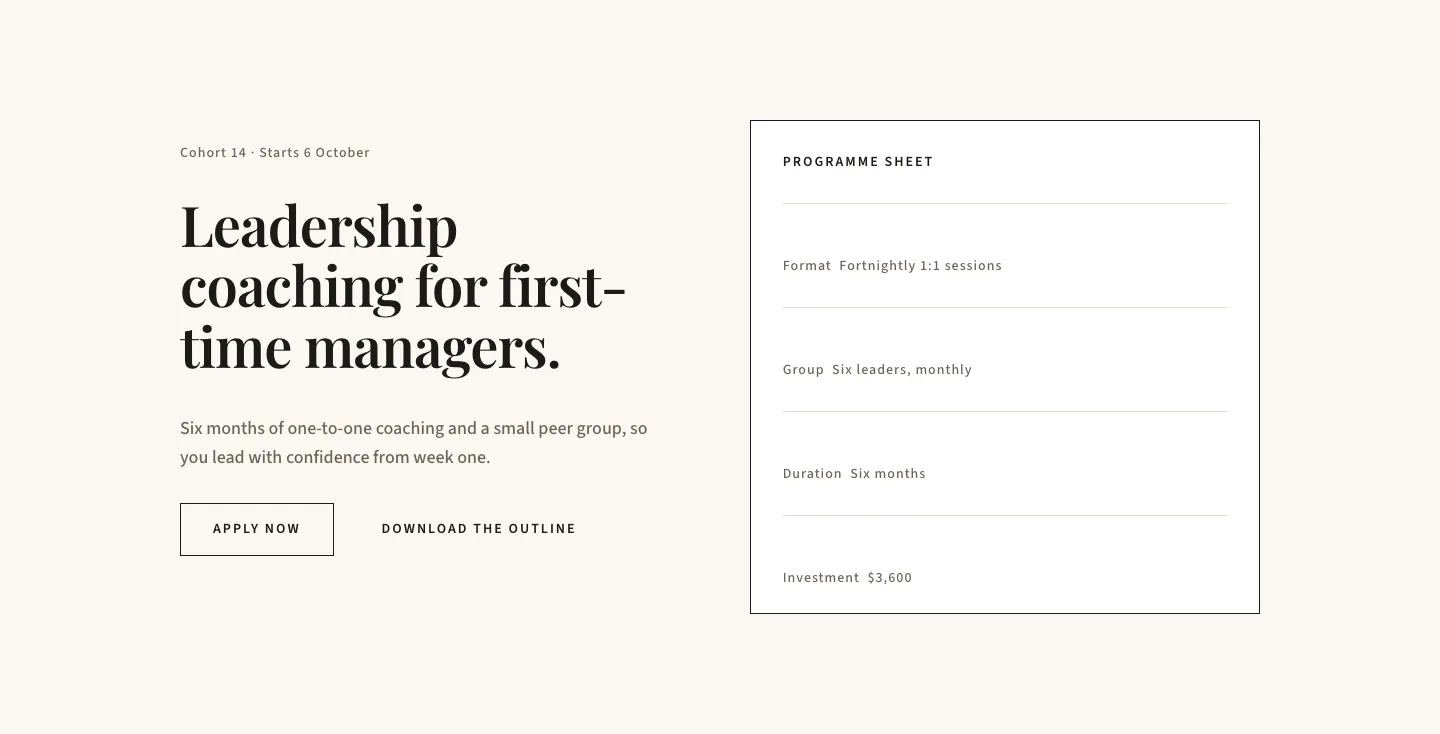
Editorial Executive Coaching Hero Section for Divi 5: Programme Sheet
hero · coaching · minimal
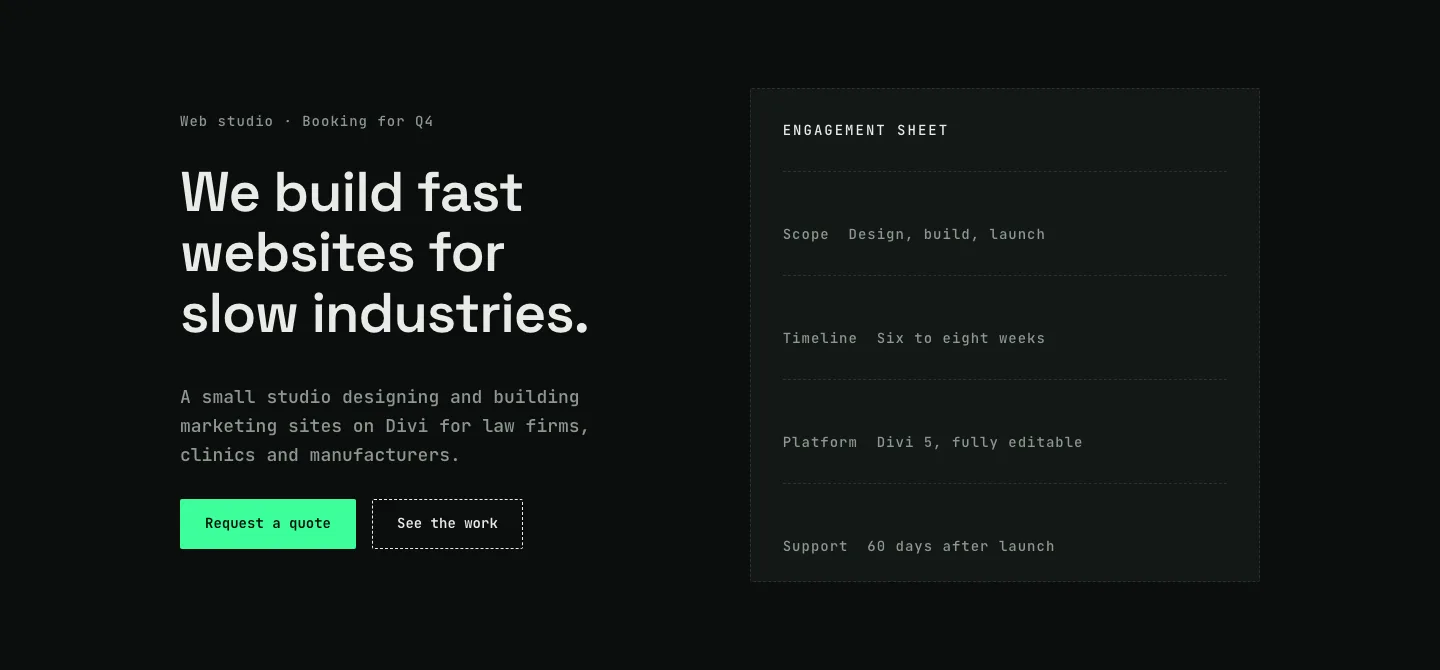
Dark Web Studio Agency Hero Section for Divi 5: Spec Card Layout
hero · agency · dark
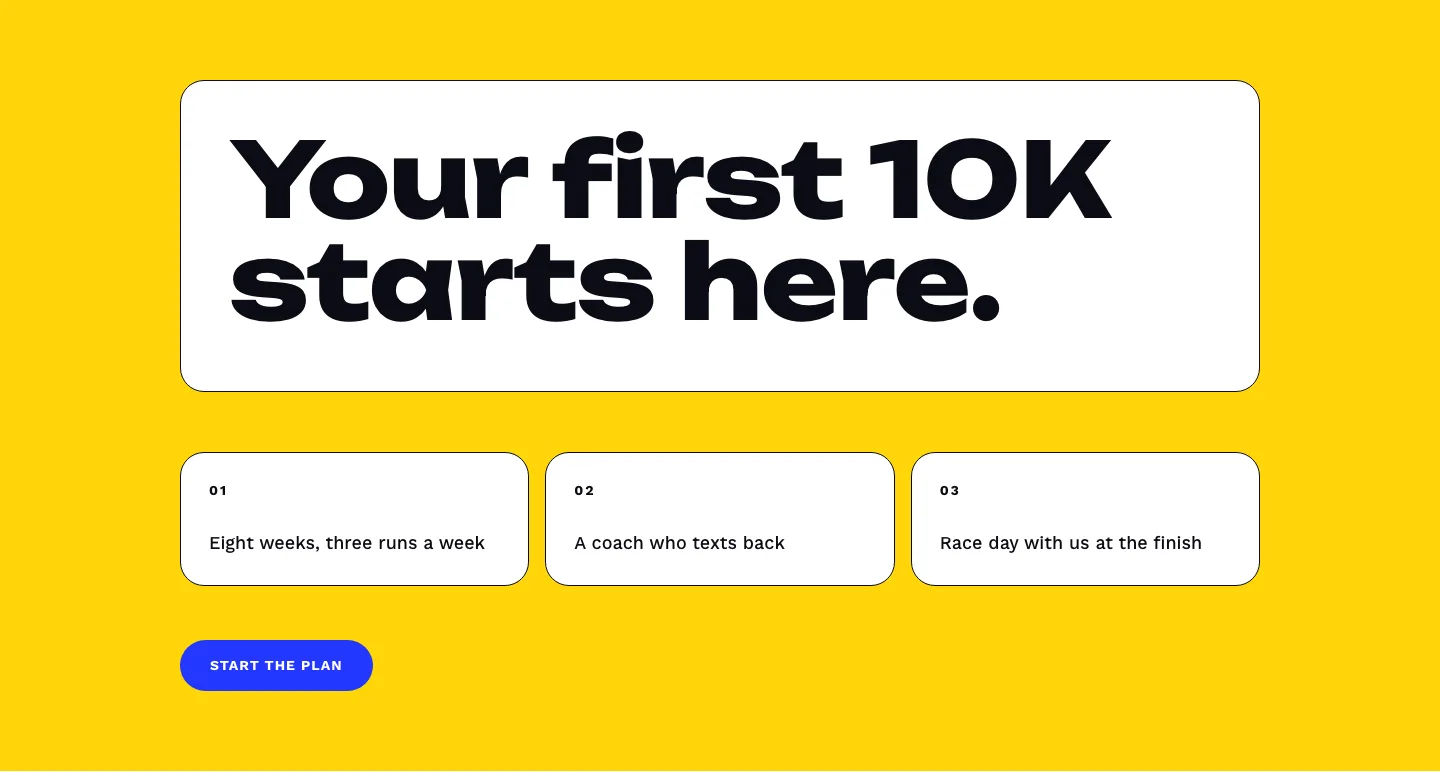
Bold First 10K Running Coach Hero Section for Divi 5: Fitness Bordered Cells
hero · fitness · bold
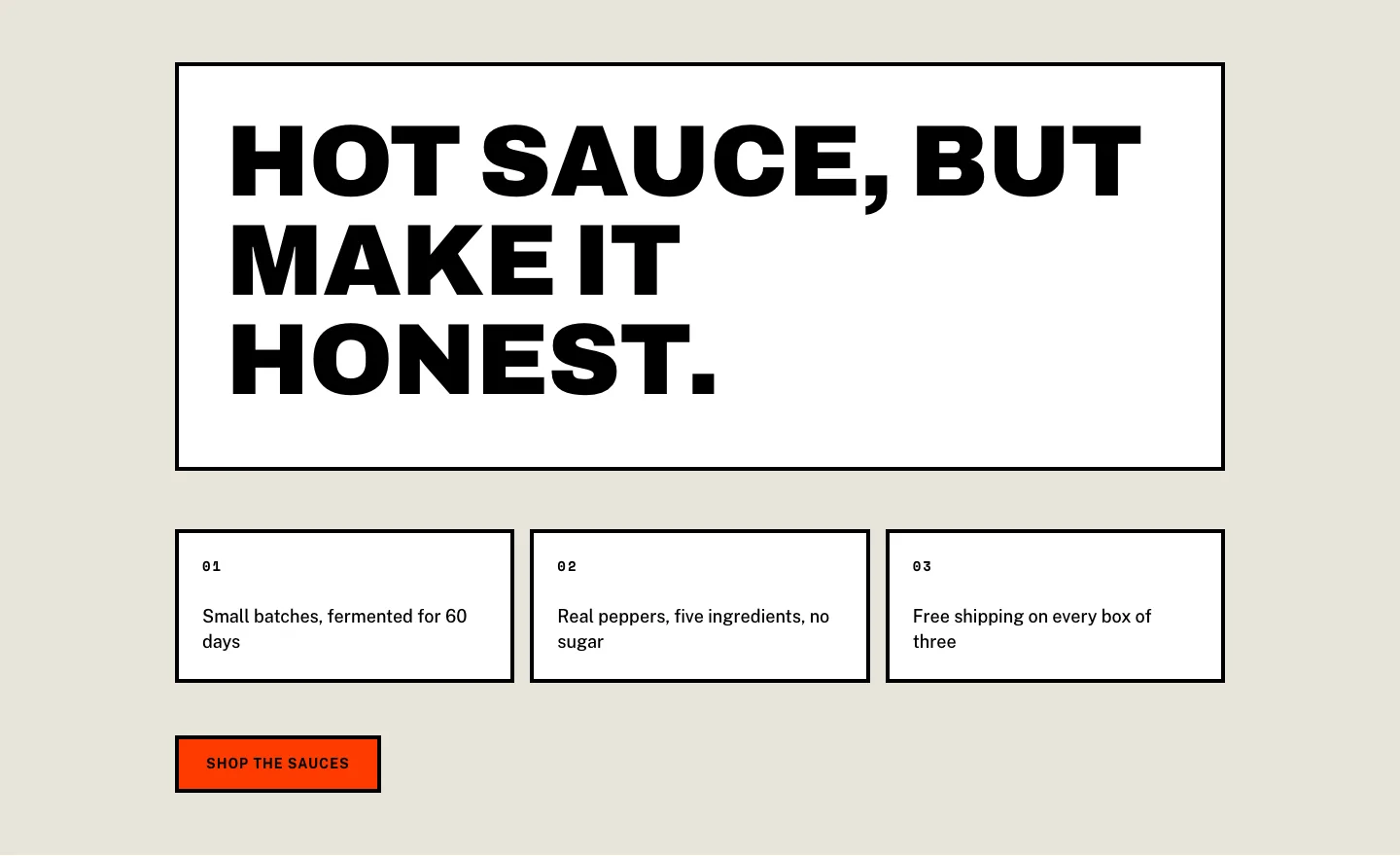
Brutalist Hot Sauce Ecommerce Hero Section for Divi 5: Bordered Cells
hero · ecommerce · bold