
Corporate Growth Agency Hero Section for Divi 5: Results Stats Gradient
A clean corporate hero section for B2B growth agencies featuring bold result stats (312% pipeline growth, 3.4x ROAS, 90+ clients) in stacked offset cards with a subtle gradient background. Built for Divi 5.
Rate this element
Download this section, free
- Divi 5 JSON, imports in seconds
- Commercial license included
- No account needed
Click to view the full page
Overview
This hero section is built around a two-column split: a left column carries the headline hierarchy and primary CTA, while the right column holds three staggered stat cards that visually communicate agency credibility before the visitor reads a single word. The section background is a 150-degree linear gradient that moves from white through a cool blue-gray (#f2f5fa) and back to white, giving the section a sense of depth without relying on any image asset — important for load performance and easy white-label reuse.
The type system uses IBM Plex Sans throughout. The eyebrow — "Growth marketing agency" — sits at 14px, 600 weight, uppercase with 1px letter-spacing in slate (#4f5d73), establishing context before the H1. The H1 itself scales responsively: 60px on desktop, 44px on tablet, 36px on phone, with text-wrap: balance preventing awkward single-word orphans on narrow viewports. The body paragraph sits at 18px with a 1.6em line-height, giving the supporting copy breathing room without competing with the headline.
The right-column stat cards are the structural centerpiece. Each card is a nested Group module with a #f2f5fa fill, a 1px #d3dbe8 border, square corners, 28px inner padding, and a soft navy box-shadow (rgba(10,26,56,0.18), 8px vertical, 24px blur). The three cards are offset with negative top margins (-40px on cards two and three) and slight CSS rotations — -3deg, +2deg, -1deg — to create a fanned, cascading stack. On mobile, all rotations reset to 0 degrees and margins revert to 16px so the cards stack cleanly in a single column without overlap.
The CTA button uses the same navy (#1c4a94) as the headline's brand accent, with square corners matching the card aesthetic. A translate(-4px) hover transform and matching box-shadow give it tactile lift, reinforcing the premium agency tone without over-engineering the interaction.
What’s inside
- Eyebrow + H1 + body + CTA left column — IBM Plex Sans at 14/60/18px desktop, scaling to 44px and 36px H1 on tablet and phone
- Three overlapping stat cards (right column) using nested Group modules with z-index layering, -40px negative margins, and individual CSS rotations for a fanned-stack appearance
- Per-card hover lift animation (`translate Y -4px`) identical to the CTA button, keeping interaction language consistent
- Image-free section background — a 150-degree white-to-#f2f5fa-to-white linear gradient baked into the Section module decoration
- Navy CTA button (#1c4a94) with square corners, drop-shadow, and hover translate, matching the card border-shadow treatment
- Fully responsive two-to-one column collapse: rotations flatten to 0deg, card margins reset, and each card stretches to full column width on phone
- Stats typography at 44px / weight 800 on desktop (38px tablet, 34px phone) with a descriptive label beneath each number in slate gray
Who it’s for
This layout fits B2B marketing agencies, growth consultancies, and demand-generation studios that need to establish credibility fast — before a prospect scrolls. The stats-forward right column is particularly effective for agencies that can point to pipeline growth, ROAS, or client counts as proof points. It also works well for SaaS companies positioning themselves as data-driven, and for freelance strategists or small agency teams who want a polished, corporate-grade first impression without a custom build. The no-image background means it drops into any site without art-direction overhead.
Customization tips
Start with the three stat numbers and their labels inside the Text modules in each Group card — these are plain paragraph text, so edits take seconds. Keep stat labels to two or three words; longer labels push the card taller and break the stacked overlap on desktop. The navy #1c4a94 appears in the button background and button border; change both in the Button module's decoration settings to recolor the CTA in one pass. The card fill (#f2f5fa) and border (#d3dbe8) are set at the inner Group level — update these if your palette runs warmer or darker. IBM Plex Sans is loaded via the font family field in each module's text decoration; swapping it to your brand font takes a global find-and-replace in the JSON before import. The H1 copy is set with text-wrap: balance — headlines up to about eight to ten words render well; beyond that, test the tablet breakpoint to catch awkward line breaks.
How to install this layout
- Download the layout JSON file from this page.
- Open the target page in the Divi 5 builder.
- Open the portability panel (up/down arrows icon) and choose the Import tab.
- Upload the JSON. Tick “replace existing content” only for full-page imports.
- Check the page at desktop and mobile widths, then swap in your copy and images.
Full walkthrough with troubleshooting: How to Import a Divi 5 Layout.
Questions about Corporate Growth Agency Hero Section for Divi 5: Results Stats Gradient
How does the card overlap work — will it break if I reorder the cards?
The overlap is driven by negative `margin-top: -40px` on the second and third outer Group modules and explicit `z-index` values (1, 2, 3 from top to bottom). If you reorder the cards, you need to reassign the z-index values so the lowest card in the visual stack has the highest z-index. The negative margins and z-indexes are set in each Group module's Spacing and Advanced decoration fields.
What happens to the rotations on mobile?
Each outer Group has a phone-breakpoint transform override that sets rotation to 0deg and translate Y to 0px. The cards stack vertically in document order with 16px top margin between them, no overlap, no tilt — clean and readable on small screens.
Can I replace a stat card with a client logo or badge?
Yes. Each stat card is a Group containing two Text modules. You can swap one or both Text modules for an Image module. Keep the inner Group's 28px padding intact so the card proportions stay consistent with the others in the stack.
The section uses no hero image — is that intentional?
Yes. The background is a pure CSS gradient defined in the Section module's decoration settings. This keeps the section lightweight and removes any art-direction dependency. If you want a subtle pattern or texture, you can add it as a secondary background layer in the same Section background settings without touching the gradient.
What Divi modules are used in this layout?
The layout uses Section, Row, Column, Heading (×2), Text (×7 — one body paragraph plus two text nodes per stat card), Button, and Group (×8 — outer wrappers for the staggered positioning plus inner card shells). No Blurb, Image, or third-party modules are required.
Which Divi version does this layout need?
Divi 5. The layout is generated natively for Divi 5 and validated against its real module structure before publication, so it imports clean into the current builder.
Can I use this layout on client websites?
Yes. Every download includes a commercial license covering unlimited sites you own or build for clients. Only reselling or redistributing the layout file itself is prohibited.
More hero sections
Browse all hero sections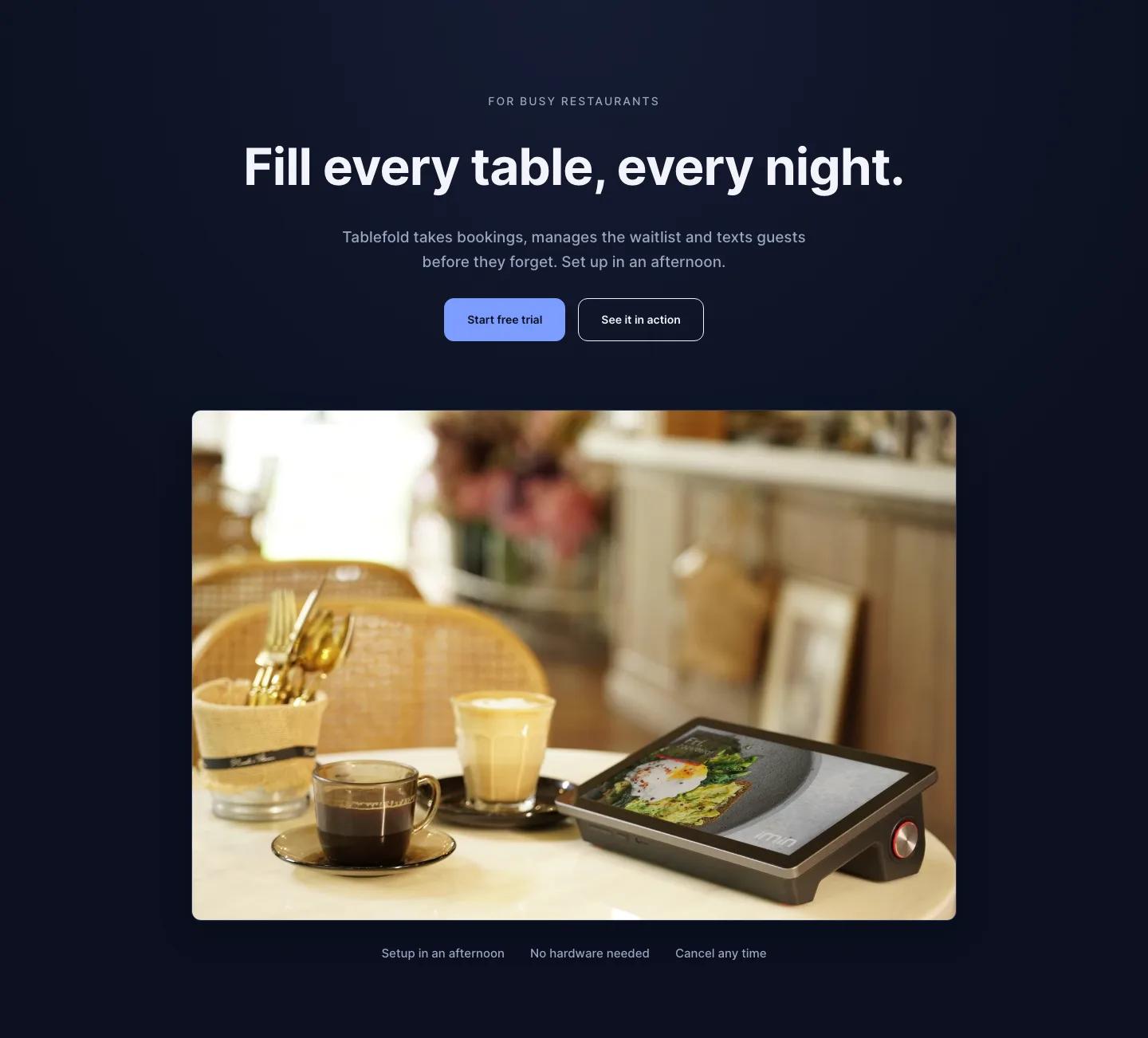
Dark Restaurant Booking Software Hero Section for Divi 5: Product Glow Layout
hero · restaurant · dark
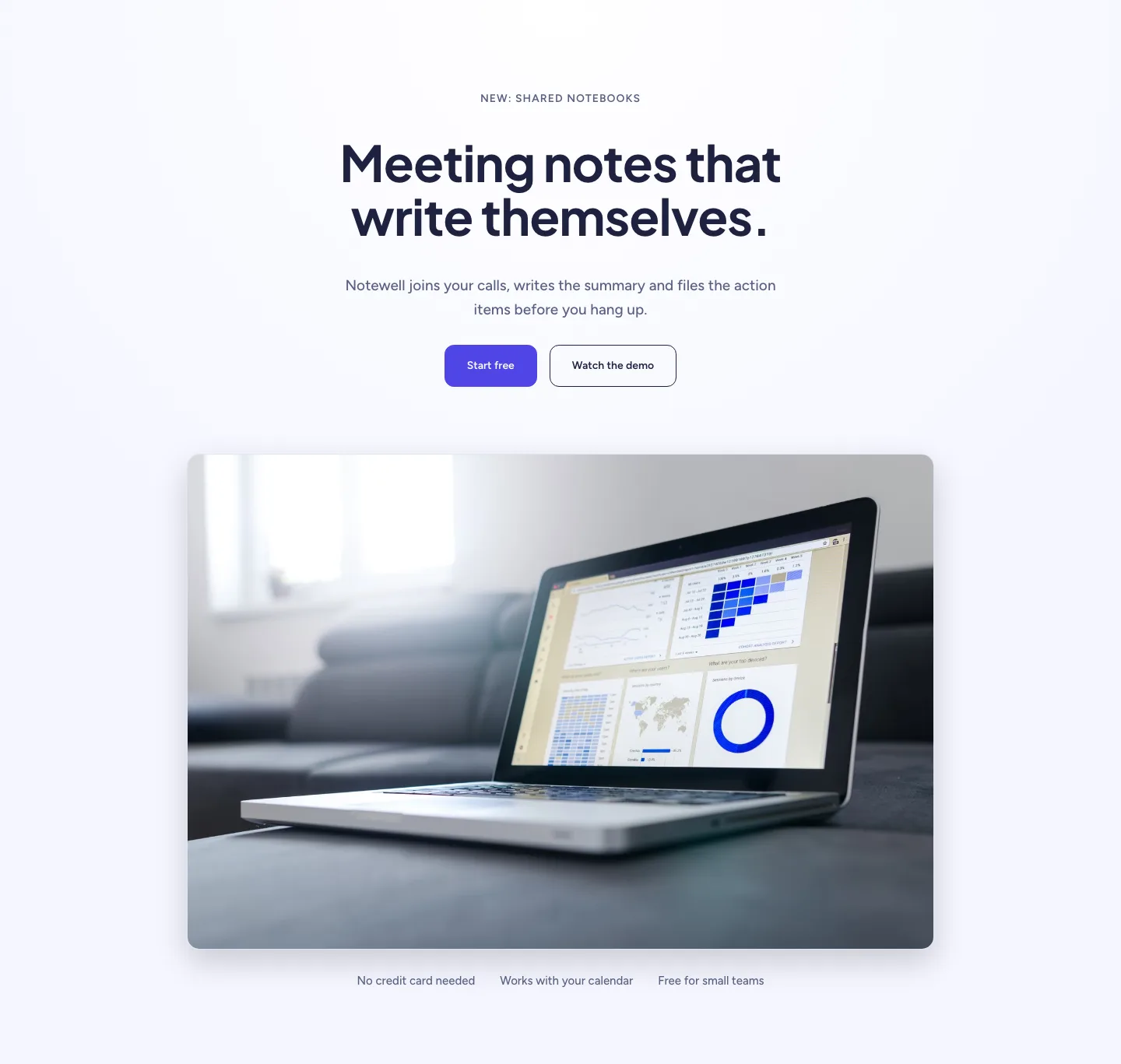
Soft SaaS Meeting Notes Hero Section for Divi 5: Product Glow Layout
hero · saas · minimal
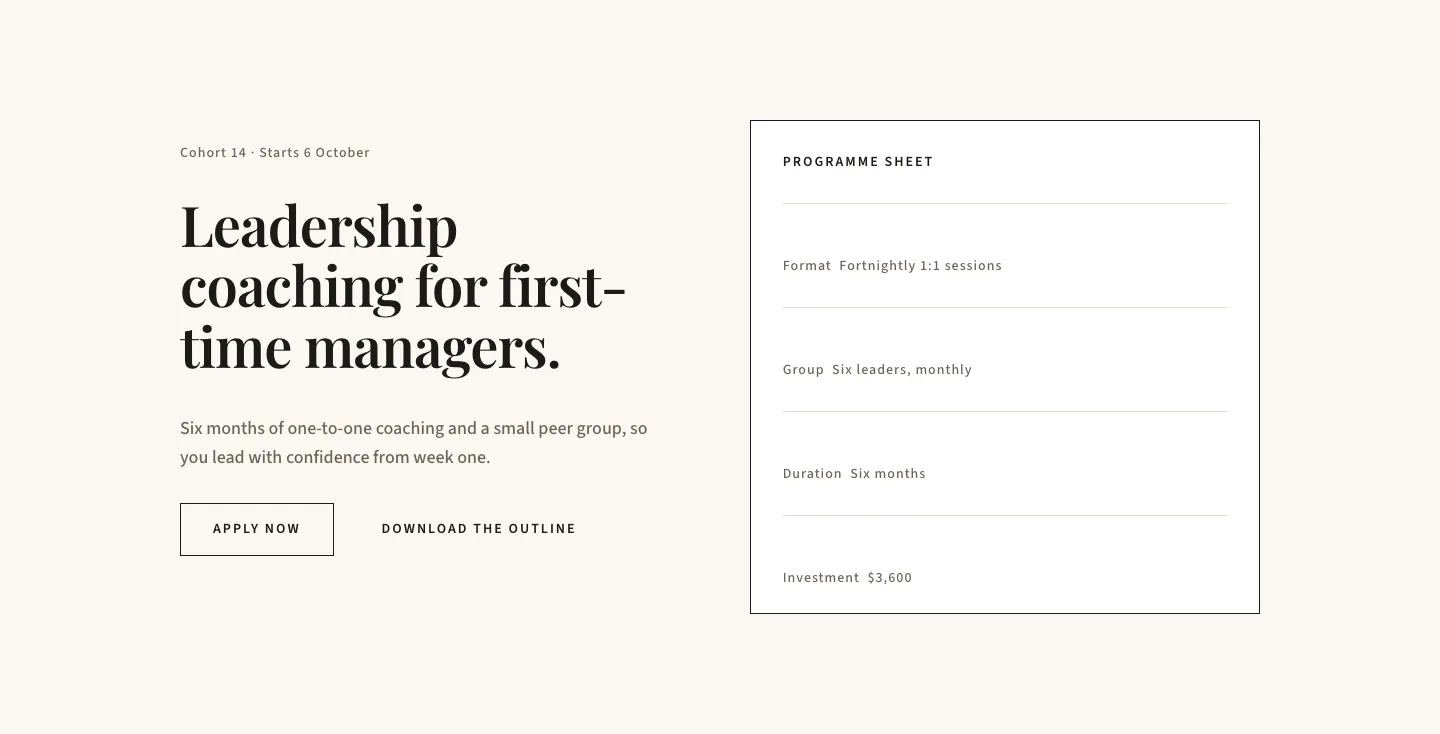
Editorial Executive Coaching Hero Section for Divi 5: Programme Sheet
hero · coaching · minimal
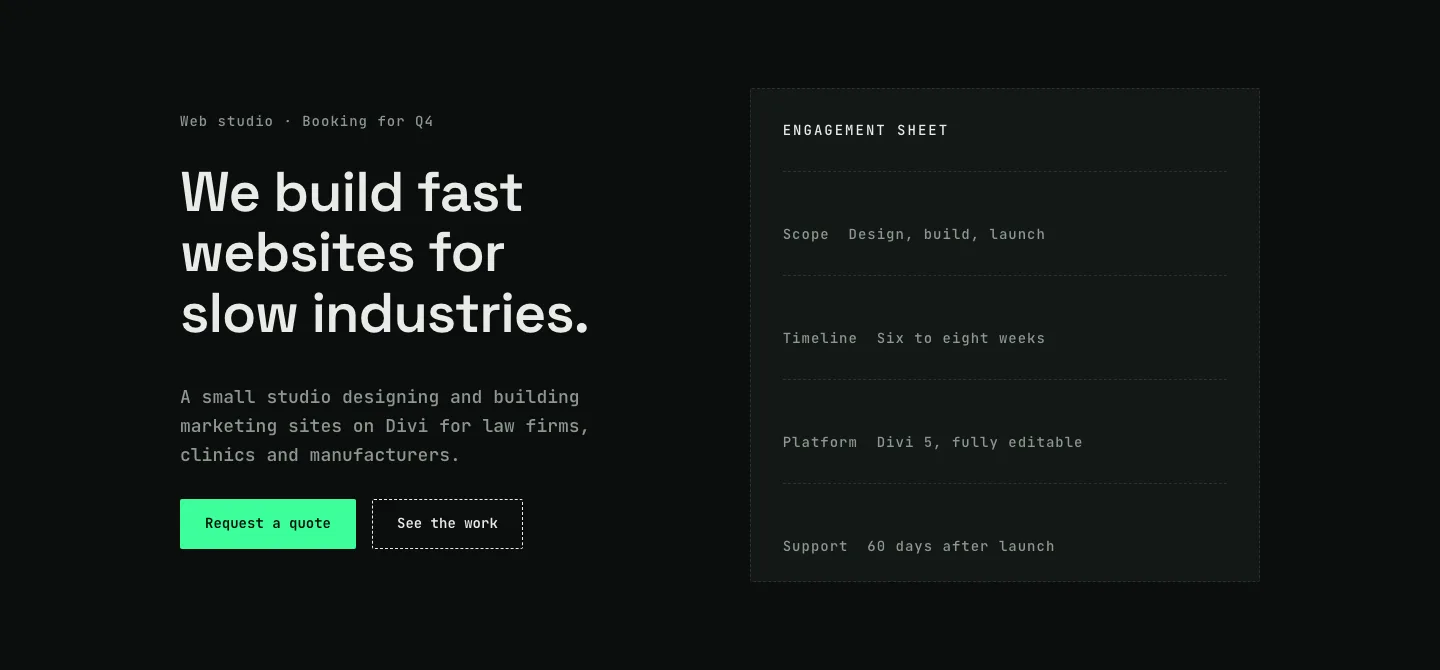
Dark Web Studio Agency Hero Section for Divi 5: Spec Card Layout
hero · agency · dark
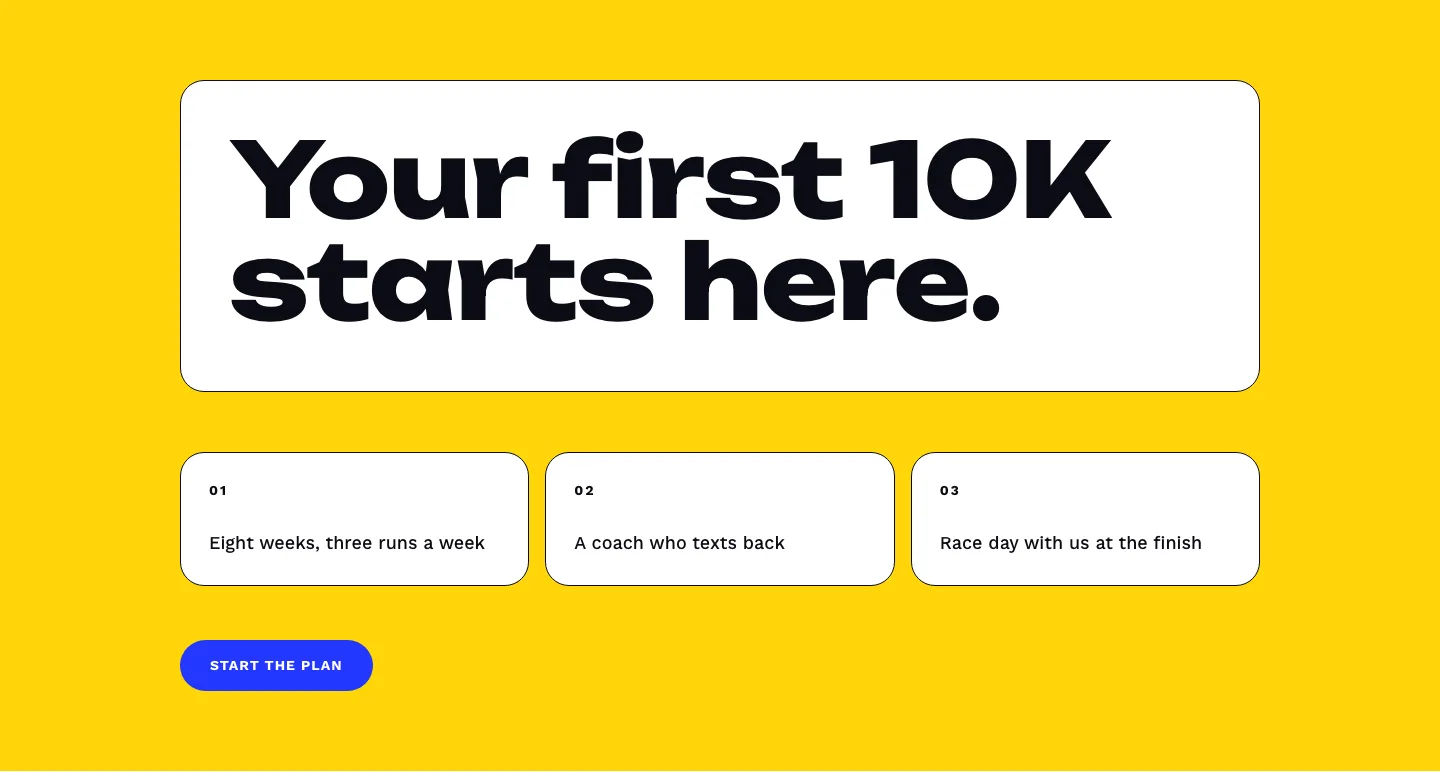
Bold First 10K Running Coach Hero Section for Divi 5: Fitness Bordered Cells
hero · fitness · bold
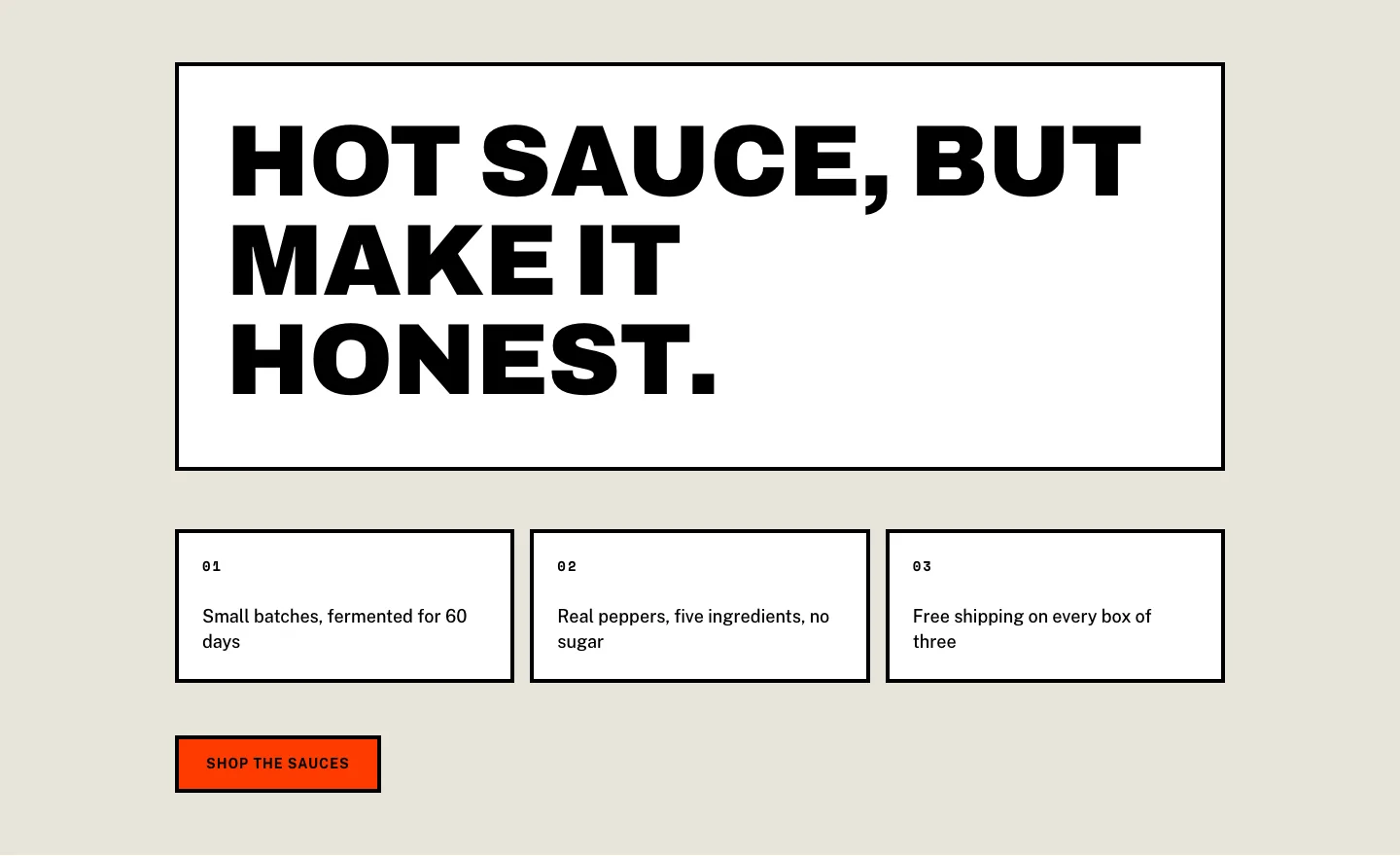
Brutalist Hot Sauce Ecommerce Hero Section for Divi 5: Bordered Cells
hero · ecommerce · bold