
Organic Trail Running Club Hero Section for Divi 5: Fitness Overlap Layout
A clean, nature-inspired hero section for trail running clubs and outdoor fitness communities. Overlap card layout with warm earth tones, serif headline, and a clear join CTA.
Rate this element
Download this section, free
- Divi 5 JSON, imports in seconds
- Commercial license included
- No account needed
Click to view the full page
Overview
This hero section uses a two-column overlap composition to create depth without relying on a full-bleed background image. The left column holds a 4:5 portrait image — a runner on a forested trail in morning light — framed with 8px rounded corners and set to object-fit: cover so it crops gracefully at any viewport width. The right column contains a Group module that slides 128px leftward over the image at desktop size, producing a layered card effect. That Group carries its own warm off-white background (#fbf6ee), a 1px solid border in #dccdb4, and generous internal padding (56px top/bottom, 152px left) to keep the text well clear of the overlap edge.
Inside the Group, a four-module stack drives the content hierarchy. An H4 eyebrow in DM Sans — 14px, 600 weight, 1px letter-spacing, uppercase, warm taupe #675b49 — announces the brand category before the headline arrives. The H1 uses Fraunces at 52px with a −1px tracking and text-wrap: balance to prevent awkward orphans on short lines. The body text module (DM Sans 18px/1.6em) keeps copy to one short paragraph, which matches the breathing room the layout already provides. The CTA button uses forest green #41603a with white text, no border, and 14px/28px padding — solid and undecorated, consistent with the minimal brief.
The section background is a warm linen tone (#f3eadc) rather than white, which ties the image, the card, and the outer canvas into a single earthy palette. Section padding steps from 96px desktop to 64px tablet to 44px phone, preserving proportion at every breakpoint.
On mobile the row switches to flex-direction: column, both columns go full-width, and the Group's negative left margin resets to zero while a −64px top margin pulls it up over the bottom of the image instead — reproducing the overlap feel vertically. Headline size steps from 52px to 40px (tablet) to 32px (phone), keeping the Fraunces display type readable without overflow.
What’s inside
- Section/Row/Column scaffold with a 1/2 + 1/2 split at desktop and stacked full-width columns on mobile
- Image module: 4:5 portrait aspect ratio, `object-fit: cover`, 8px rounded corners, Pexels placeholder ready to swap
- Group module with negative left margin overlap (−128px desktop, −96px tablet, reset on phone), warm card background, and rounded-corner border
- H4 eyebrow heading — DM Sans, uppercase, 1px letter-spacing — for category/brand labeling
- H1 display heading — Fraunces 52px with `text-wrap: balance` and responsive size steps (52 → 40 → 32px)
- Text module — DM Sans 18px/1.6em body copy, constrained to one short paragraph
- Button module — forest-green fill (`#41603a`), white text, borderless, 8px radius, 14/28px padding
Who it’s for
This layout fits any fitness or outdoor-lifestyle brand that wants to feel approachable rather than high-performance. Trail running clubs, hiking groups, weekend warrior communities, and outdoor coaching practices will find the earthy palette and unhurried overlap composition an immediate fit. It also works well for yoga studios, cycling collectives, or wellness retreats that lead with community over competition. The warm linen tones and serif headline keep it equally at home on a local running club's site and a boutique outdoor-gear brand's landing page.
Customization tips
Swap the section background (#f3eadc), card background (#fbf6ee), and border (#dccdb4) together by updating the three color values in the Section, Group, and Group border settings — they share the same warm-linen family, so pick any neutral and apply it consistently. The forest-green button (#41603a) pairs well with terracotta, slate, or navy if you rebrand away from trail running. Replace the Pexels image with a 4:5 portrait (800×1000px minimum) to maintain the crop; landscape images will work but change the balance of the overlap. Keep the H1 to two short lines — Fraunces at 52px wraps around 28–32 characters per line at desktop. The body copy paragraph should stay under 200 characters to preserve the open feel; longer text pushes the button below the fold on smaller laptops.
How to install this layout
- Download the layout JSON file from this page.
- Open the target page in the Divi 5 builder.
- Open the portability panel (up/down arrows icon) and choose the Import tab.
- Upload the JSON. Tick “replace existing content” only for full-page imports.
- Check the page at desktop and mobile widths, then swap in your copy and images.
Full walkthrough with troubleshooting: How to Import a Divi 5 Layout.
Questions about Organic Trail Running Club Hero Section for Divi 5: Fitness Overlap Layout
How does the image-over-card overlap work on mobile?
At desktop the Group module uses a −128px left margin to slide over the photo. On phone, that margin resets to 0 and a −64px top margin is applied instead, pulling the card up over the bottom of the stacked image to recreate the overlap vertically.
What aspect ratio should my photo be?
The Image module is set to a 4:5 ratio with `object-fit: cover`. Supply a portrait image of at least 800×1000px. Wider images will crop from the sides, so keep your subject centered horizontally.
Which font families does this layout use?
DM Sans (eyebrow, body, button) and Fraunces (H1 display heading). Both are available as Google Fonts. If you substitute them, choose a high-contrast pairing — a geometric sans for utility text and a serif or variable font for the headline.
Can I change the green button color without touching every module?
The button is a standalone module with its fill color set to `#41603a`. Update that one hex value in the Button module's background setting. The rest of the layout uses warm neutrals, so almost any accent color will work.
What Divi modules are included in this section?
Section, Row, two Columns, Image, Group, two Heading modules (H4 eyebrow + H1), Text, and Button — eight module types in total, all native Divi 5.
Which Divi version does this layout need?
Divi 5. The layout is generated natively for Divi 5 and validated against its real module structure before publication, so it imports clean into the current builder.
Can I use this layout on client websites?
Yes. Every download includes a commercial license covering unlimited sites you own or build for clients. Only reselling or redistributing the layout file itself is prohibited.
More hero sections
Browse all hero sections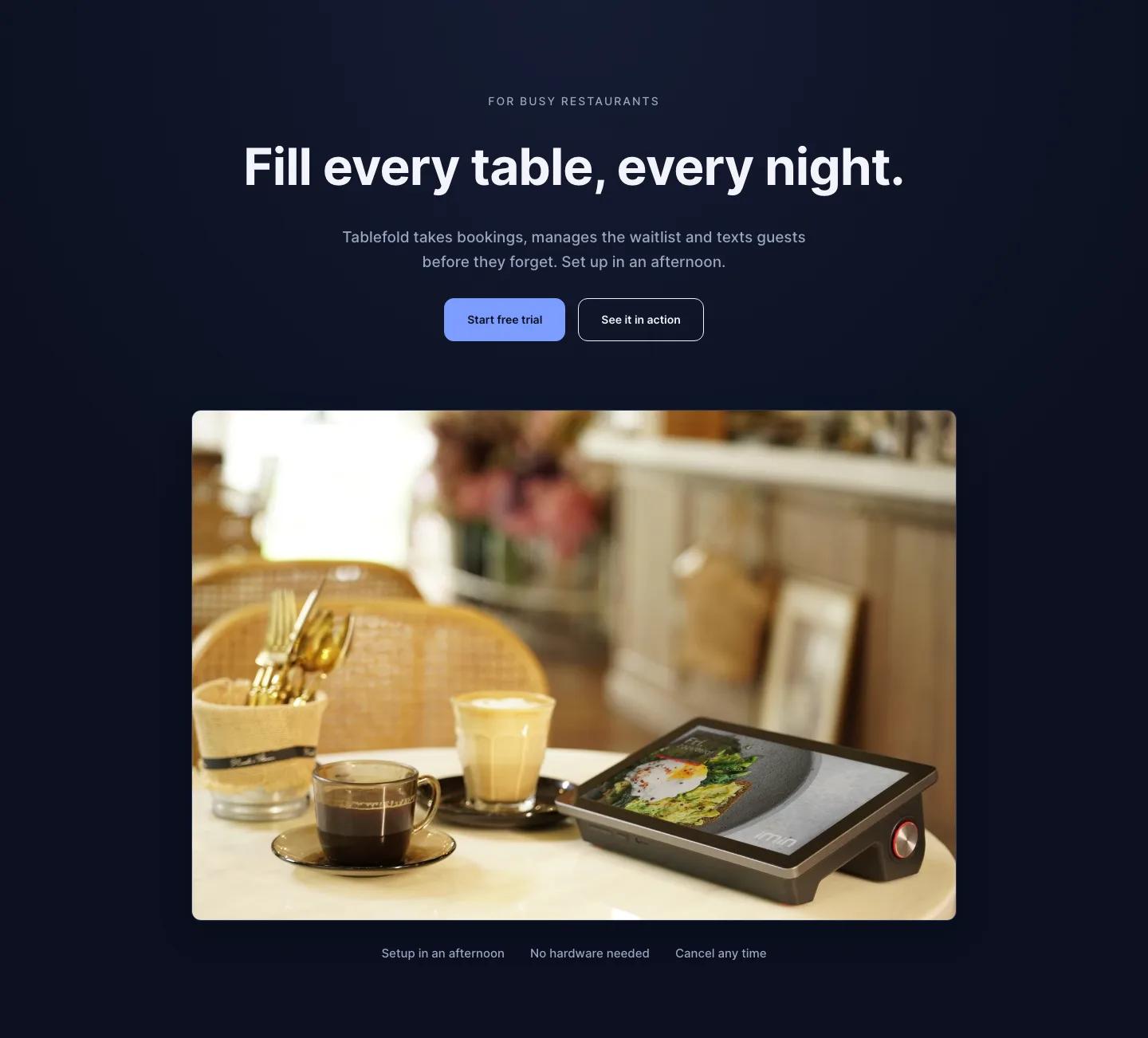
Dark Restaurant Booking Software Hero Section for Divi 5: Product Glow Layout
hero · restaurant · dark
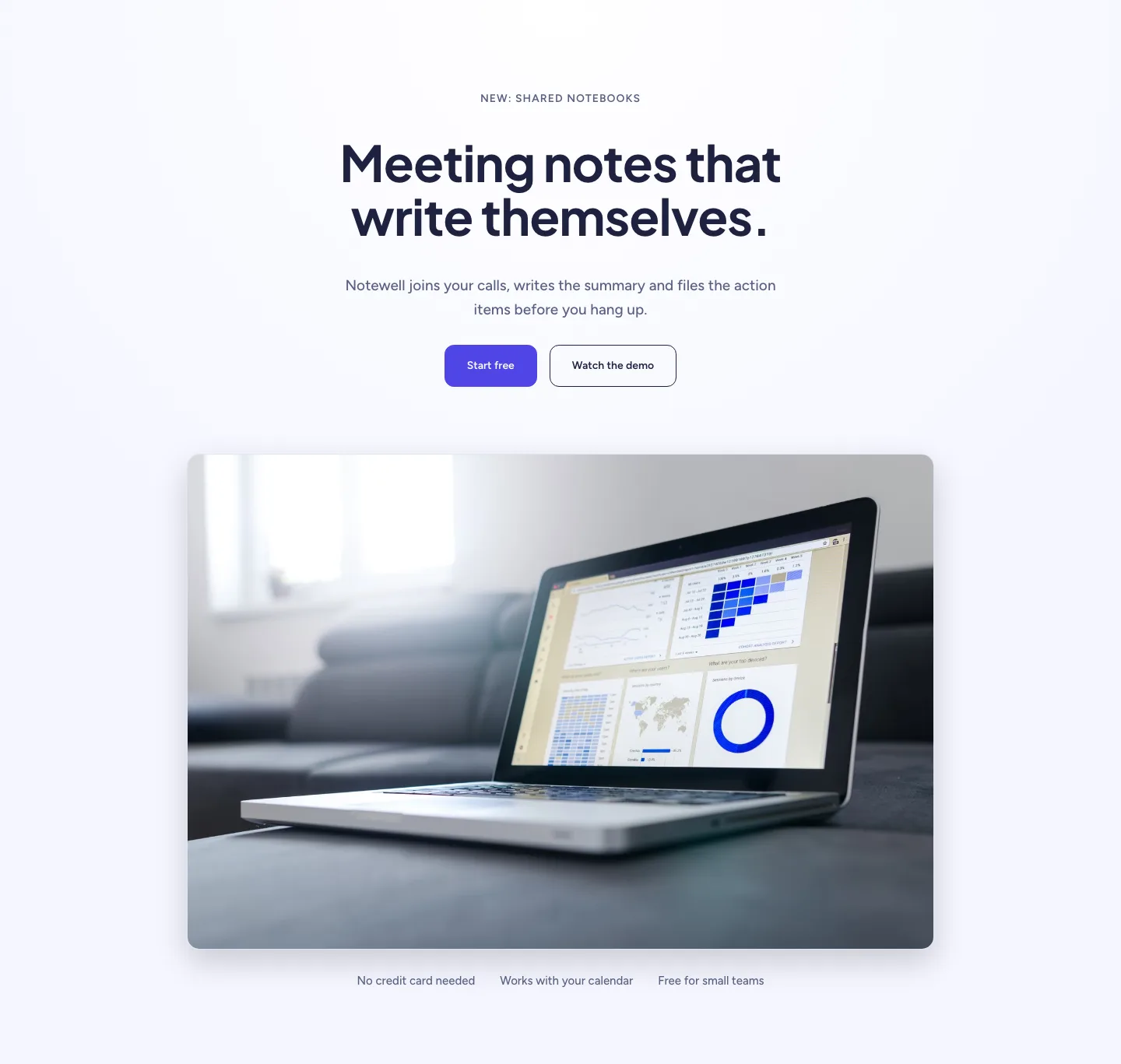
Soft SaaS Meeting Notes Hero Section for Divi 5: Product Glow Layout
hero · saas · minimal
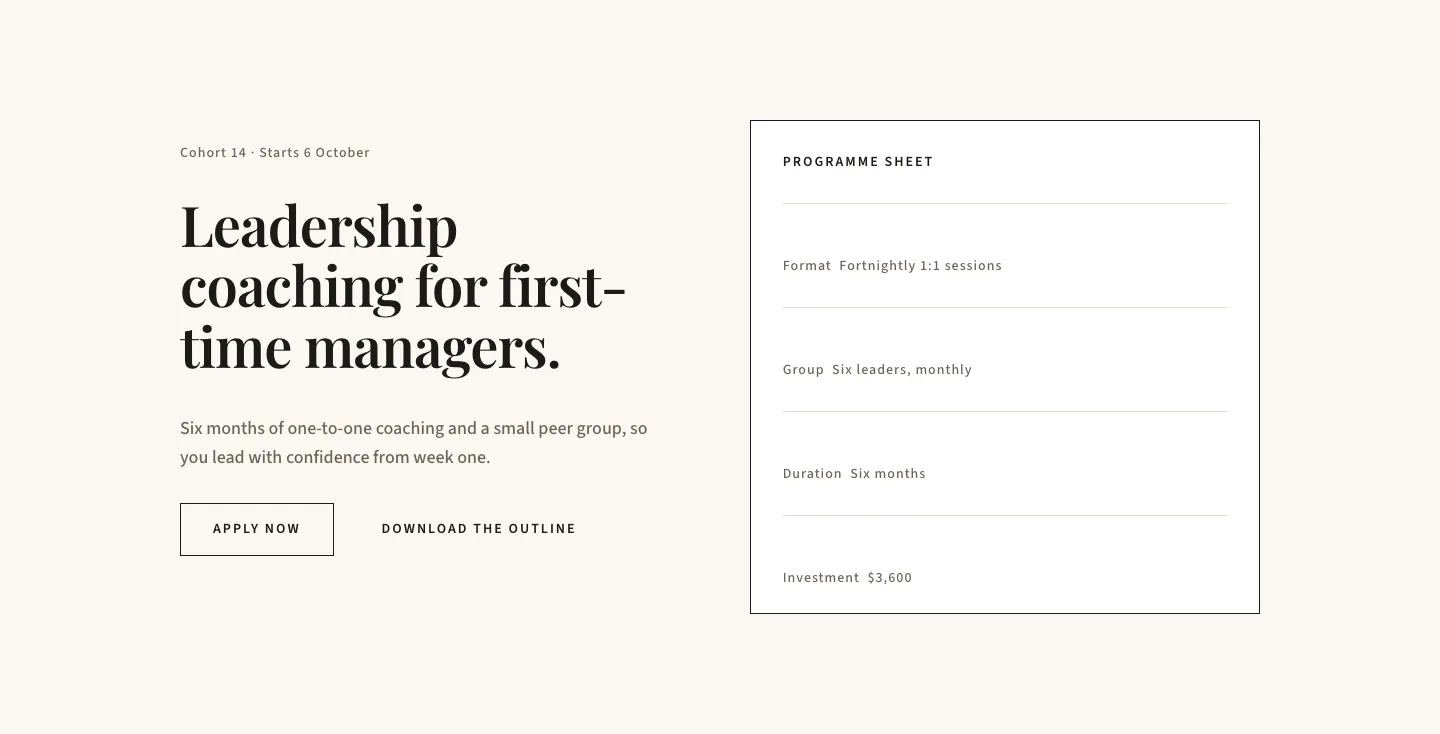
Editorial Executive Coaching Hero Section for Divi 5: Programme Sheet
hero · coaching · minimal
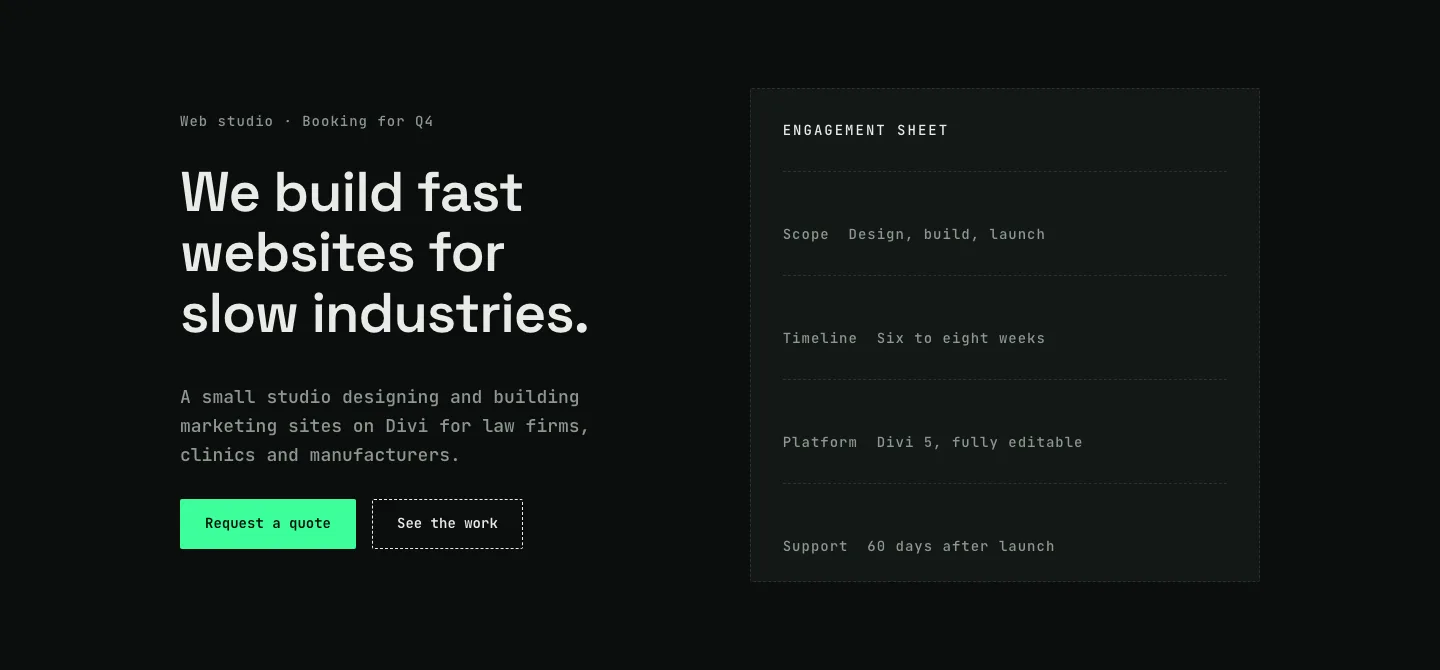
Dark Web Studio Agency Hero Section for Divi 5: Spec Card Layout
hero · agency · dark
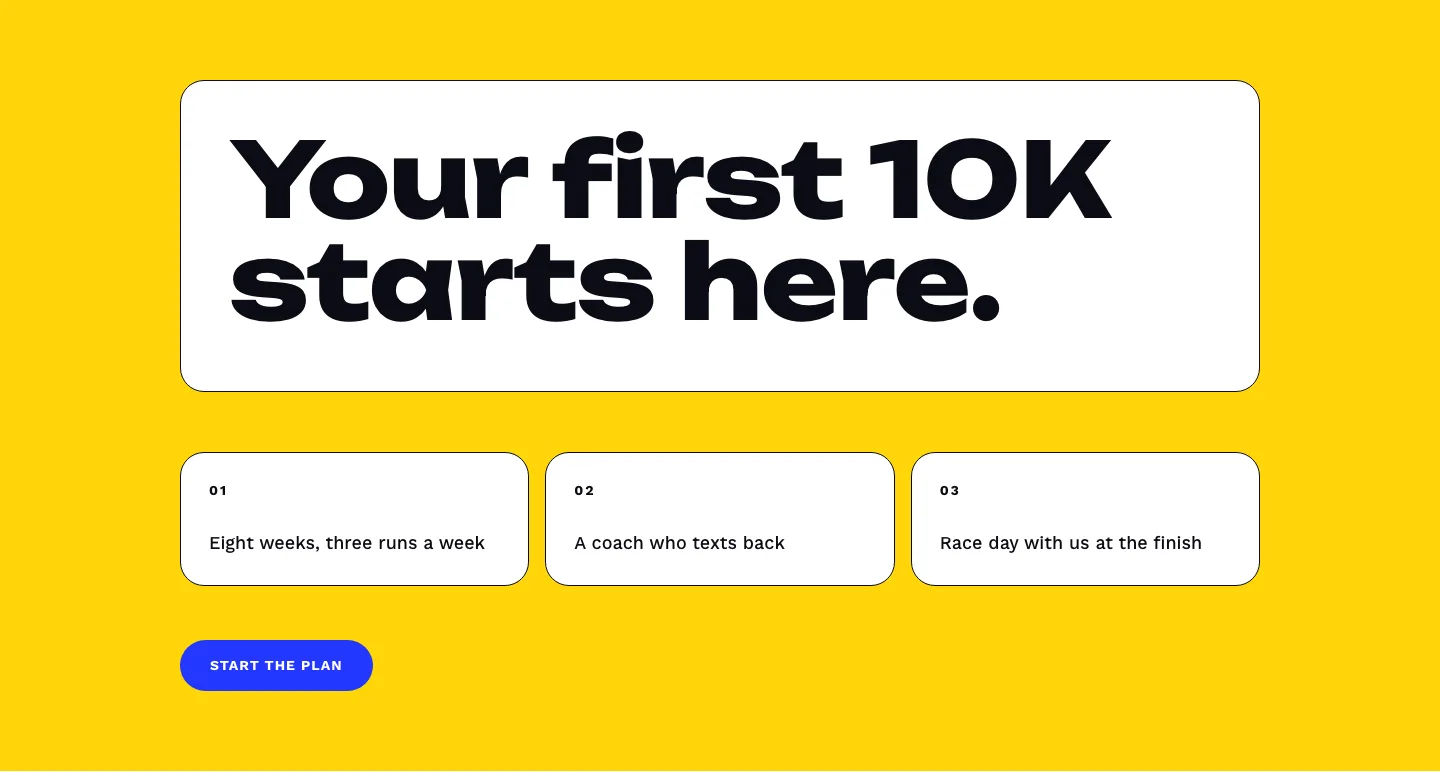
Bold First 10K Running Coach Hero Section for Divi 5: Fitness Bordered Cells
hero · fitness · bold
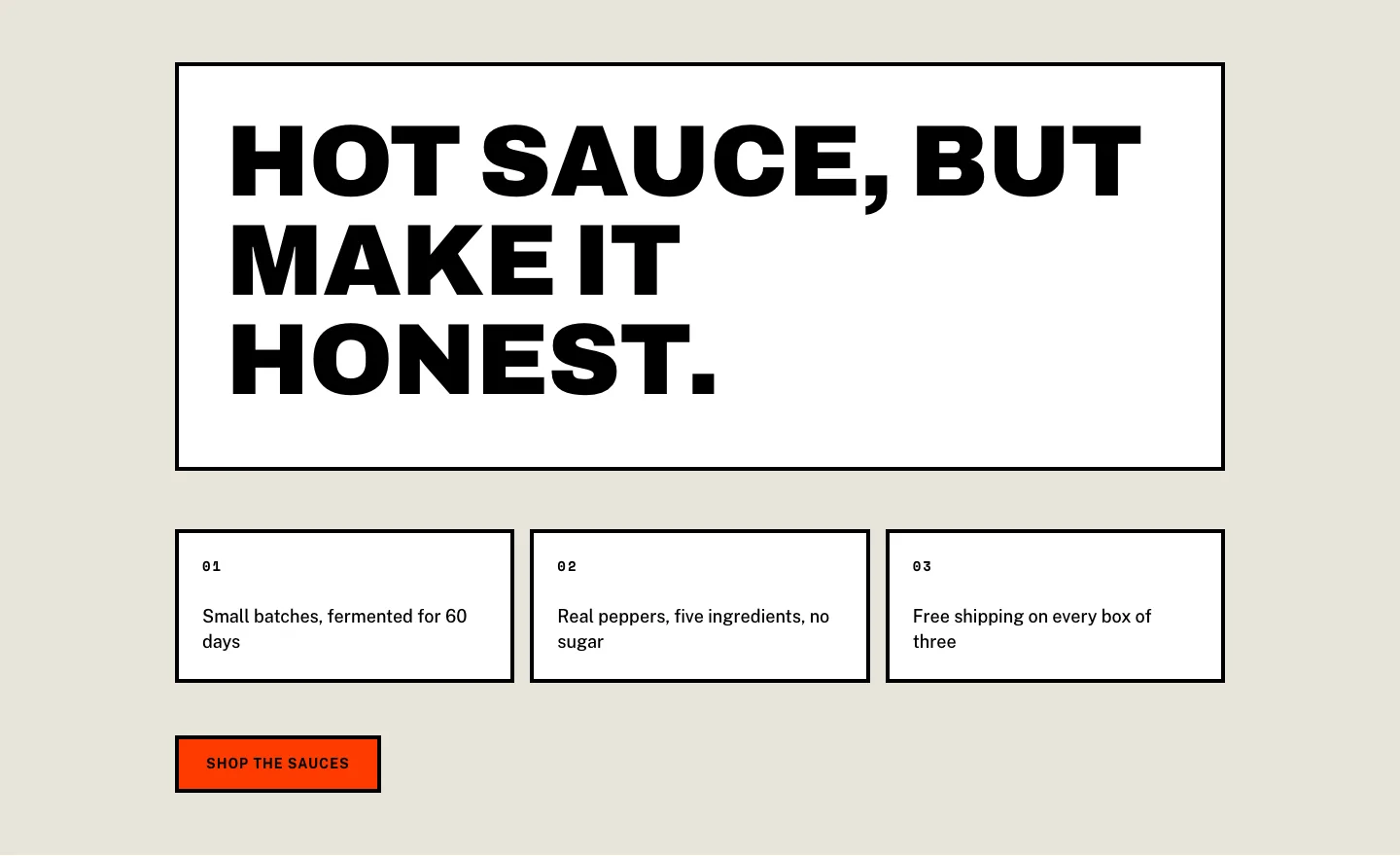
Brutalist Hot Sauce Ecommerce Hero Section for Divi 5: Bordered Cells
hero · ecommerce · bold