
Luxe Watch Ecommerce Hero Section for Divi 5: Elegant Split Layout
A dark, editorial hero section for luxury watch stores built in Divi 5. Split layout with serif headline, gold CTA button, and Pexels product photo. Ready to import.
Rate this element
Download this section, free
- Divi 5 JSON, imports in seconds
- Commercial license included
- No account needed
Click to view the full page
Overview
This hero uses an intentional asymmetry: the content column claims a wider 16/24 flex share while the image column holds a tighter 8/24 slice, pushing visual weight toward the copy and letting the portrait photograph act as a frame rather than a focal point. The deep espresso section background (#16120e) carries 160px of vertical padding on desktop, dropping through 112px on tablet and 72px on phone — a rhythm that reads as unhurried and considered, the kind of spacing luxury brands use to signal that nothing here is rushed.
Three typographic registers build the hierarchy. A 14px Jost eyebrow in warm taupe (#b3a794) — all-caps, 3px letter-spacing — names the collection in a register that reads like a museum label. Below it, the H1 in Cormorant Garamond at 64px, weight 300, cream #f3ece0, and text-wrap: balance active, so the headline breaks across lines with editorial care instead of landing awkwardly at a container edge. Body copy sits inside a constrained 560px group in Jost at 19px with 1.6em line-height — enough room for a brand promise, tight enough to stay scannable on a wide viewport.
The CTA row holds two conversion paths in a flex group with 28px column gap and 12px row gap: a solid gold primary button (#c8a46a fill, #1a1409 text, Jost 500 uppercase, 2px border radius, 16×40px padding) and a secondary underlined text link in cream for a "Book a private viewing" audience. The 2px radius is a deliberate decision — architectural enough to read as refined without softening into something casual. Gold, cream, and taupe are the only hues in play; no competing accents.
On phone, the row switches to flexDirection: column and both columns expand to full 24/24 width, with the content column appearing first and the portrait image stacking below. The H1 scales from 64px to 46px at tablet and 36px at phone, preserving the Cormorant Garamond character at every size. The left column drops its right-side padding on mobile, and the section padding steps down automatically — no custom breakpoint overrides needed after the initial swap.
What’s inside
- Asymmetric two-column row: content column at `16/24` flex width, image column at `8/24` — a wider text field than a true 50/50 split
- Three-level typographic hierarchy: h4 eyebrow (Jost, 14px, uppercase, 3px tracking), H1 headline (Cormorant Garamond 300, 64px, `text-wrap: balance`), and body text (Jost, 19px, 1.6em line-height)
- Dual-CTA flex group: solid gold `#c8a46a` primary button with 2px border radius + secondary underlined text link, both inline with controlled gap wrapping
- Portrait image column with native 4:5 aspect ratio and `objectFit: cover` — accommodates vertical product photography without cropping distortion
- Body copy group capped at 560px max-width and left-aligned — prevents the paragraph from sprawling on wide viewports
- Stepped vertical padding: 160px desktop → 112px tablet → 72px phone, built directly into the section module
- Responsive column collapse: desktop `nowrap` side-by-side switches to `column` on phone with content leading and image below
Who it’s for
This hero is a direct fit for independent luxury watch brands, high-end jewelry retailers, and bespoke accessory makers who need a storefront that reads as crafted rather than templated. It also works for premium leather goods, artisan eyewear, and any niche where the selling proposition is heritage, small-batch production, or hand-finishing. Service-adjacent luxury offers — private appointments, trunk shows, made-to-order consultations — are already accounted for in the secondary CTA link, making the layout useful for showroom and atelier brands as well.
Customization tips
The three core hex values — #16120e (section background), #c8a46a (gold accent), and #f3ece0 (cream) — are each set once at the module level, so a palette swap takes under five minutes: replace those three values and the taupe #b3a794 for secondary text and the whole section re-tones consistently. The H1 copy works best at one to six words; Cormorant Garamond at 300 weight starts to lose legibility in long strings at 64px, and text-wrap: balance needs a short phrase to do its work. The body text group is constrained to 560px — two to three sentences is the comfortable ceiling before the block starts to feel dense. For the image column, keep your product photograph at a 4:5 portrait ratio (for example, 800×1000px minimum) shot against a dark or neutral background; light backgrounds will compete with the section's espresso tone. The eyebrow and button both use Jost, which is a Google Font — no additional license or upload needed.
How to install this layout
- Download the layout JSON file from this page.
- Open the target page in the Divi 5 builder.
- Open the portability panel (up/down arrows icon) and choose the Import tab.
- Upload the JSON. Tick “replace existing content” only for full-page imports.
- Check the page at desktop and mobile widths, then swap in your copy and images.
Full walkthrough with troubleshooting: How to Import a Divi 5 Layout.
Questions about Luxe Watch Ecommerce Hero Section for Divi 5: Elegant Split Layout
How does the layout behave on mobile — does the image disappear or stack?
The image stays visible. On phone, the row switches to a vertical column layout: the text content appears first, and the portrait image stacks directly below it. Both columns expand to full width. The section padding compresses to 72px top and bottom, and the H1 scales to 36px.
What modules make up this layout?
One Section, one Row, two Columns. Inside the left column: two Heading modules (h4 eyebrow and H1), a Text module inside a Group (for the max-width constraint), and a second Group containing a Button module and a Text module used as the secondary link. The right column contains a single Image module.
The image column looks narrow on desktop — is that intentional?
Yes. The right column is set to `8/24` flex width on desktop against the content column's `16/24`. This is a deliberate asymmetry: the narrow image acts as a framed accent rather than a half-page hero image, which suits vertical product photography and keeps the editorial weight on the headline and CTAs.
What aspect ratio should my product photo be?
The image module enforces a 4:5 aspect ratio with `objectFit: cover`. A portrait-oriented photo at roughly 4:5 (for example, 800×1000px or 1000×1250px) will fill the frame cleanly. If your source image is landscape, `cover` will center-crop it — you may need to reposition the focal point using CSS `object-position` or pre-crop before uploading.
What is the first thing to edit after importing?
Replace the H1 headline and the eyebrow text, then swap the product image. Those three changes make the layout feel like yours immediately. After that, update the button label and its link URL, then edit the body copy. Leave the section background and font choices until you have confirmed the core content works.
Can I use a lighter or white background instead of the dark espresso?
You can change the section background color freely. Note that the headline (`#f3ece0` cream) and body text (`#b3a794` taupe) are both set for contrast against dark backgrounds — if you switch to a light background you will need to update those text colors as well. The gold button will need a border-color review too, since `#c8a46a` on white has limited contrast.
Which Divi version does this layout need?
Divi 5. The layout is generated natively for Divi 5 and validated against its real module structure before publication, so it imports clean into the current builder.
Can I use this layout on client websites?
Yes. Every download includes a commercial license covering unlimited sites you own or build for clients. Only reselling or redistributing the layout file itself is prohibited.
More hero sections
Browse all hero sections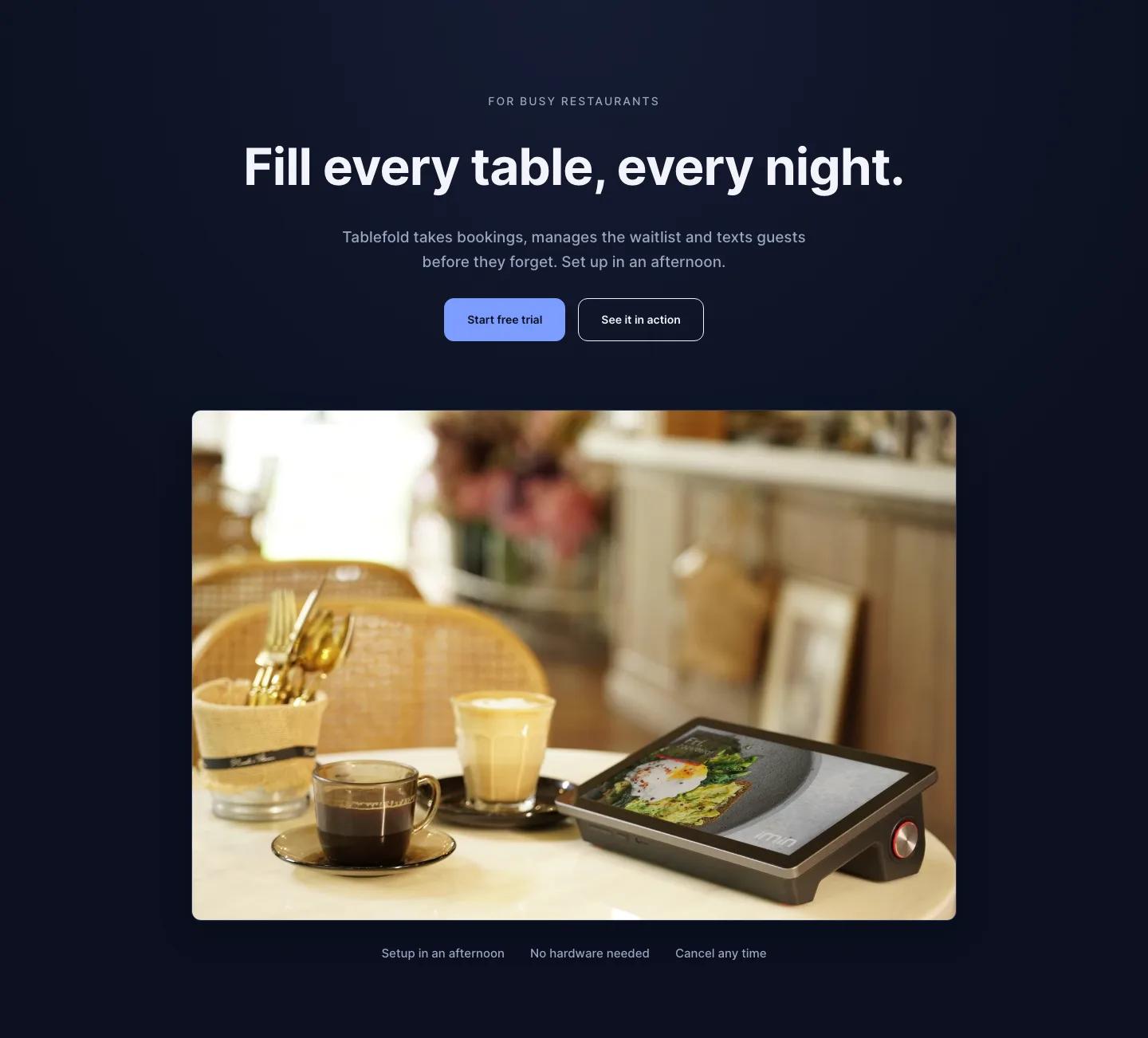
Dark Restaurant Booking Software Hero Section for Divi 5: Product Glow Layout
hero · restaurant · dark
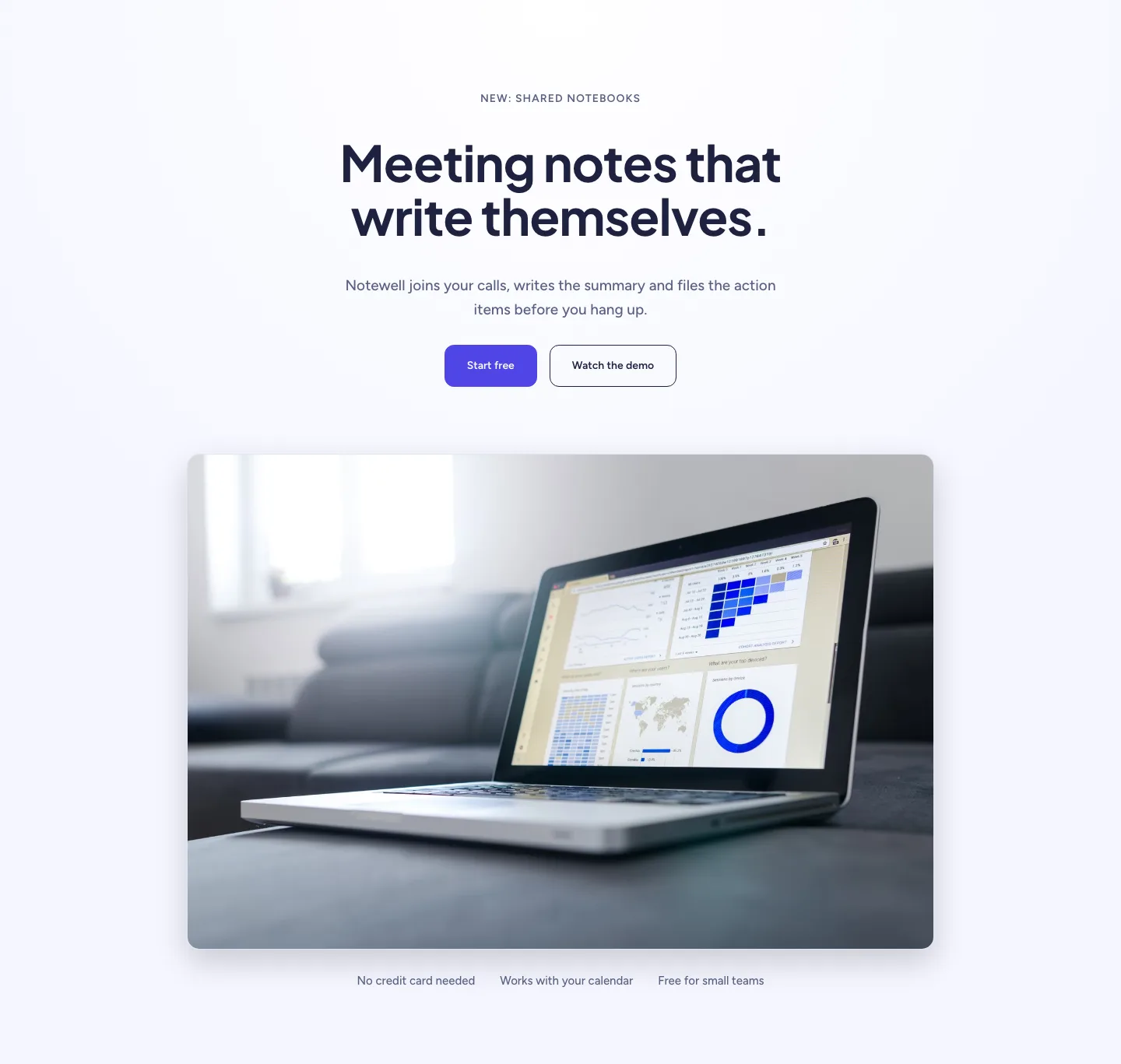
Soft SaaS Meeting Notes Hero Section for Divi 5: Product Glow Layout
hero · saas · minimal
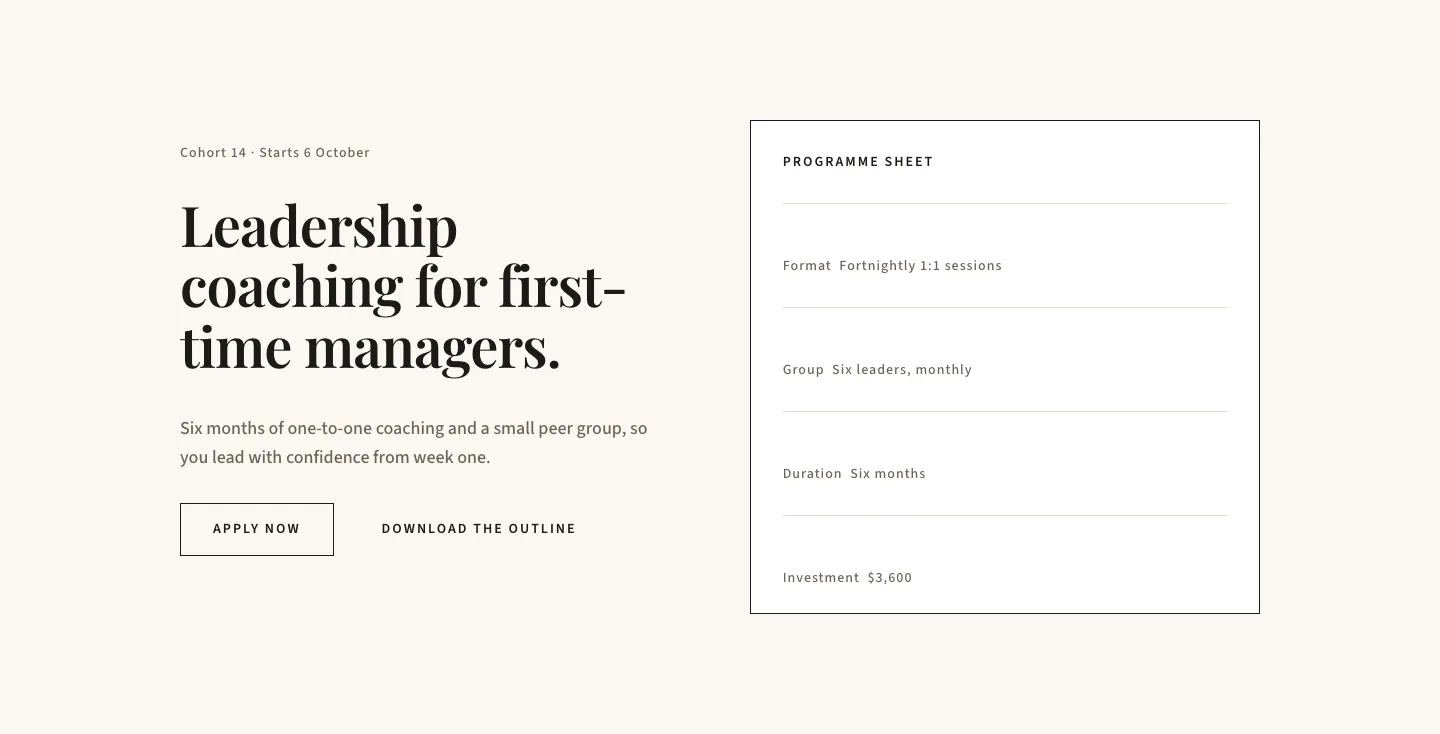
Editorial Executive Coaching Hero Section for Divi 5: Programme Sheet
hero · coaching · minimal
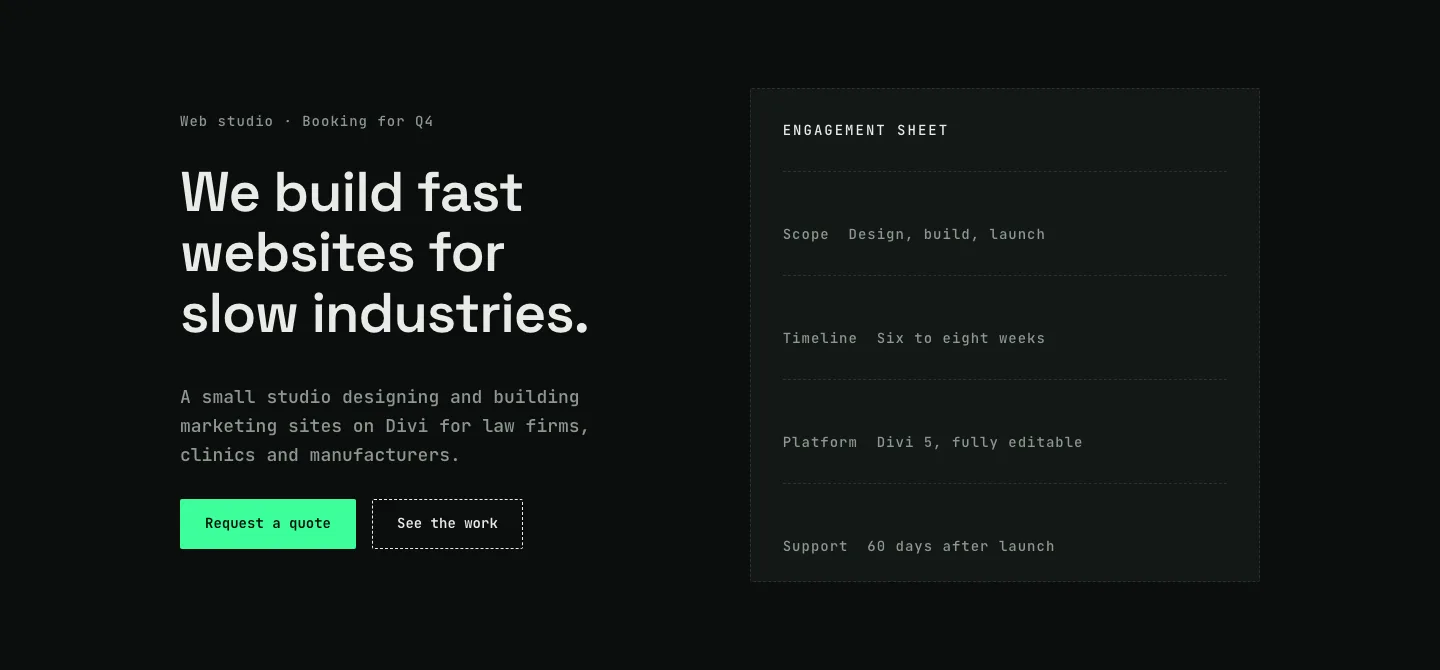
Dark Web Studio Agency Hero Section for Divi 5: Spec Card Layout
hero · agency · dark
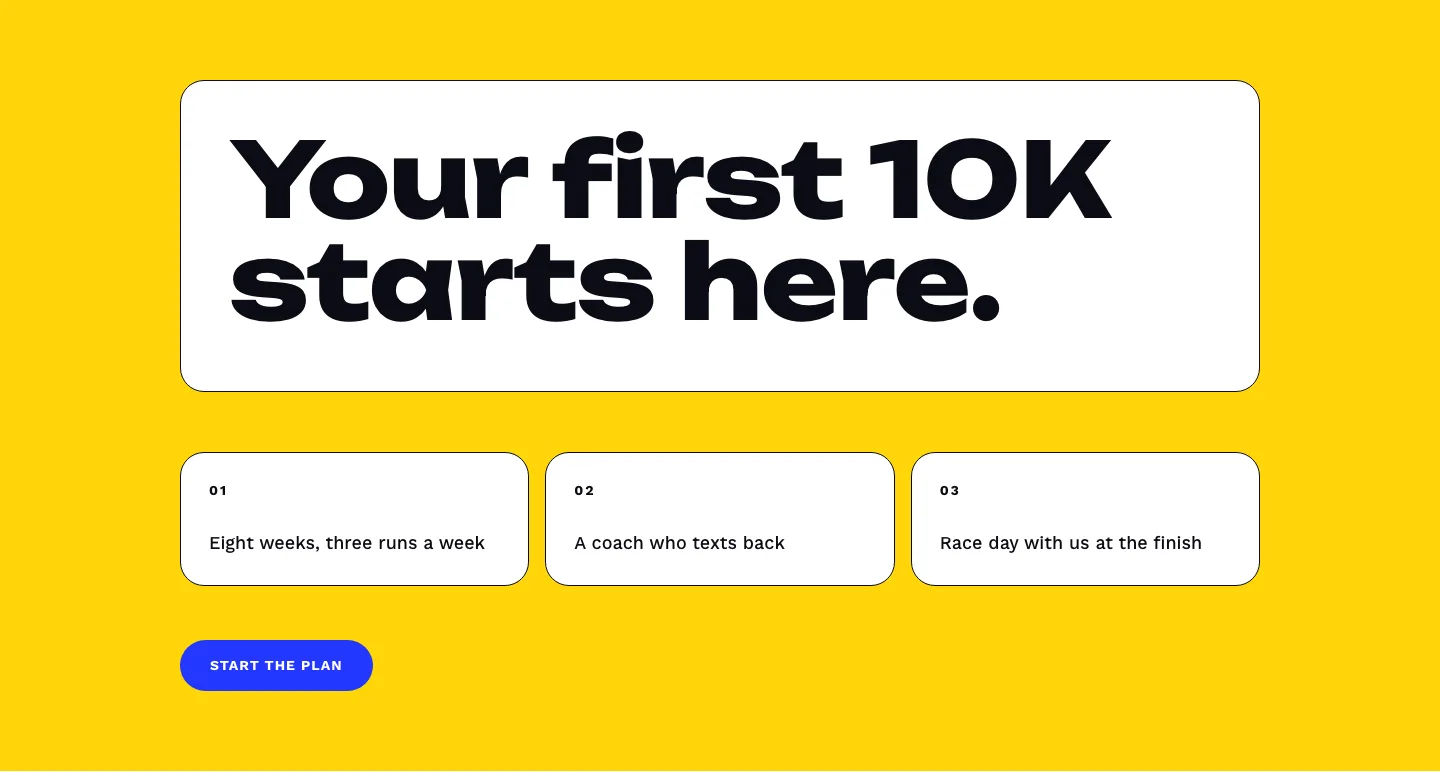
Bold First 10K Running Coach Hero Section for Divi 5: Fitness Bordered Cells
hero · fitness · bold
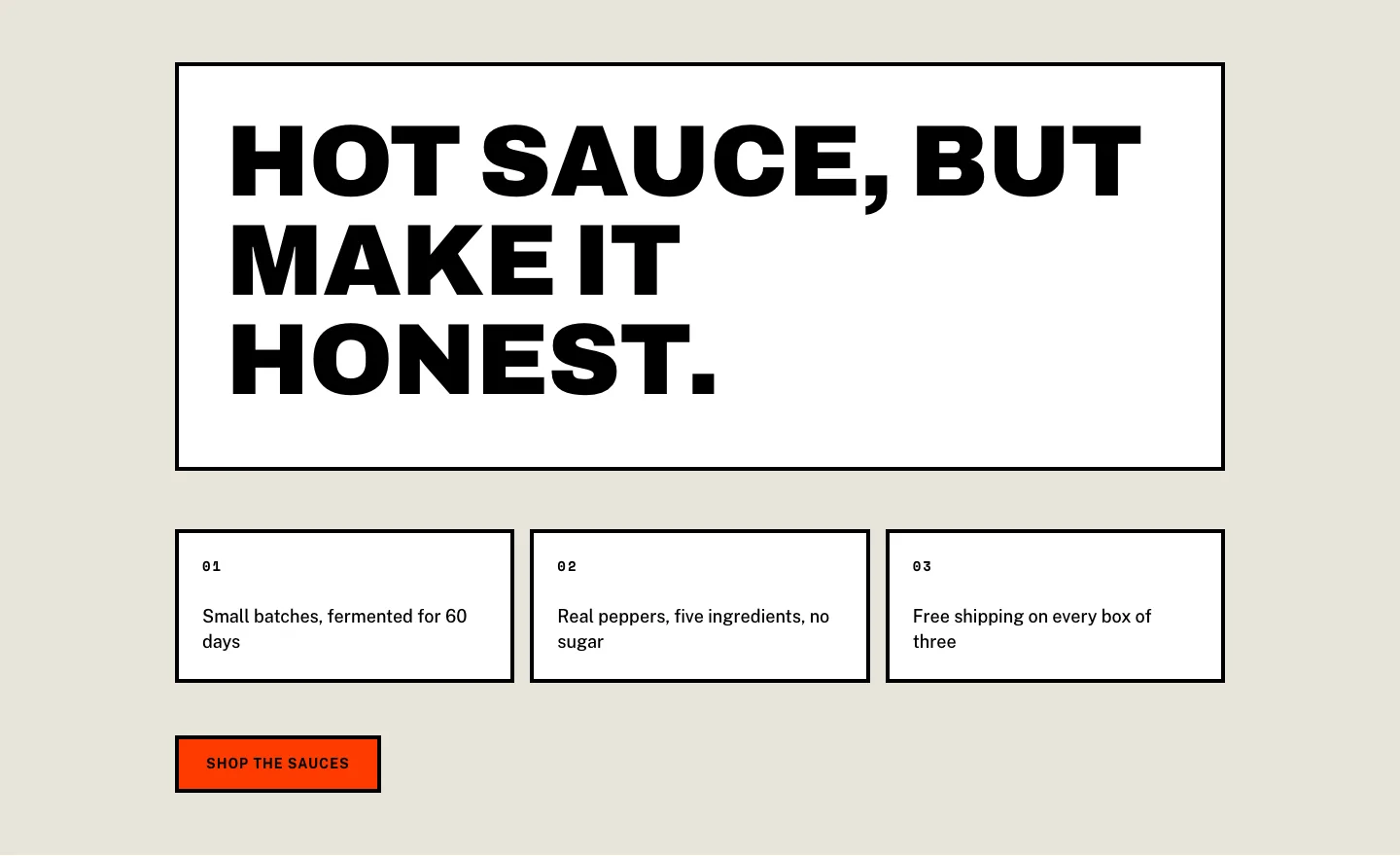
Brutalist Hot Sauce Ecommerce Hero Section for Divi 5: Bordered Cells
hero · ecommerce · bold