
Playful Life Coach Hero Section for Divi 5: Pastel Overlap Layout
A warm, playful Divi 5 hero section for life and career coaches. Pastel peach background, soft violet typography, overlapping image-and-card layout, and a rounded dotted-border CTA button.
Rate this element
Download this section, free
- Divi 5 JSON, imports in seconds
- Commercial license included
- No account needed
Click to view the full page
Overview
The layout opens with a warm cream section (#fff7ec, 88px vertical padding on desktop) containing a single two-column row split evenly at 1/2 + 1/2. The left column is occupied entirely by a portrait Image module locked to a 4:5 aspect ratio with a 24px uniform border radius on all corners. That tall, softly rounded frame does most of the emotional work before a word is read — it pulls the eye in and sets the tone as personal rather than promotional.
The right column contains a Group module that doubles as a floating card. Its left margin is set to -128px on desktop (-96px on tablet), physically pulling it over the image column while z-index: 5 keeps it on top. This is where the "overlap" in the layout name is actually encoded: not a CSS trick layered on top, but a deliberate negative-margin offset built directly into the Group's spacing settings. Left padding inside the card is 152px on desktop so the text never sits under the image even on wide viewports. The card's surface is white (#ffffff) with a 2px dotted border in deep navy (#2b2457) — the same border style that reappears on the CTA button, tying the two elements together without any extra decorative modules.
Inside the card, two Heading modules create a tight hierarchy. An h4 eyebrow in Fredoka at 14px with 1px letter-spacing names the service category in muted purple (#625a8c). An h1 in the same family at 52px — scaling to 40px on tablet and 32px on phone — lands the headline with textWrap: balance and a 1.12 line-height, so even a two-line phrase sits as a compact block. Below it, a Text module in Nunito at 18px and a 1.6em line-height gives the supporting copy room to breathe without competing with the headline.
On mobile, the row direction switches from nowrap to column, stacking image above card. The card's top margin shifts to -64px, overlapping the bottom of the portrait rather than its side. Horizontal padding tightens to 24px on both sides. The result is a layout that reflows without any breakpoint-specific rearrangement of modules — the same structure scales cleanly across all three breakpoints using only the spacing and font settings already defined.
What’s inside
- Two-column 1/2 + 1/2 Row with `flexWrap: wrap` on mobile — stacks to single column automatically
- Divi Image module: 4:5 portrait aspect ratio, 24px all-corner border radius, `object-fit: cover` for clean crop
- Divi Group module as overlapping card: -128px negative left margin (desktop), z-index 5, white background with 2px dotted navy border
- h4 eyebrow Heading in Fredoka (14px, 1px letter-spacing) + h1 headline Heading in Fredoka (52px, `textWrap: balance`) with responsive size steps
- Divi Text module in Nunito 18px/1.6em for supporting copy below the headline
- Pill-shaped Divi Button (border-radius: 999px) with transparent default state and dotted border — fills to navy (`#2b2457`) with cream text on hover
- Fully responsive spacing: section padding steps from 88px → 60px → 40px; card overlap and padding adjust at each breakpoint
Who it’s for
This layout suits any solo practitioner or small practice that needs a hero with warmth and personality rather than corporate polish. It is a natural fit for life coaches, career coaches, business coaches, and mindset coaches, but works equally well for therapists, counselors, wellness practitioners, and online course creators whose brand relies on a personal connection. The soft palette and rounded forms also translate well to nutrition coaching, health coaching, and somatic therapy — anywhere the first impression needs to say "safe, approachable, and human" before the copy kicks in.
Customization tips
The section background (#fff7ec) is a single color value — swapping it to any warm neutral (soft sage, pale blush, light lavender) instantly rekeys the mood while the white card and navy border stay neutral enough to hold. The dotted border color (#2b2457) is repeated on both the card and the button; change it in both places to keep them visually linked.
Fredoka is doing the playful heavy lifting in the headlines; replacing it with Poppins or DM Sans shifts the feel toward polished SaaS without touching any layout settings. Keep the h1 to five to seven words so textWrap: balance can do its job — longer headlines will wrap unevenly at tablet widths.
The portrait image should be shot or cropped to a 4:5 ratio (for example, 800×1000px or 1200×1500px) with the subject centered vertically; the module crops with object-fit: cover, so anything placed near the very top or bottom edges may be cut at narrower viewports. Soft, diffused lighting reads best against the cream section background.
How to install this layout
- Download the layout JSON file from this page.
- Open the target page in the Divi 5 builder.
- Open the portability panel (up/down arrows icon) and choose the Import tab.
- Upload the JSON. Tick “replace existing content” only for full-page imports.
- Check the page at desktop and mobile widths, then swap in your copy and images.
Full walkthrough with troubleshooting: How to Import a Divi 5 Layout.
Questions about Playful Life Coach Hero Section for Divi 5: Pastel Overlap Layout
How does the card actually overlap the photo — is it absolute positioning?
No. The Group module uses a negative left margin (-128px on desktop, -96px on tablet) combined with z-index: 5. This pulls the card into the image column using normal flex flow rather than absolute positioning, which means it participates in the document layout and reflows predictably at every breakpoint.
What photo dimensions and framing work best?
The Image module enforces a 4:5 portrait ratio with object-fit: cover, so use images at least 800px wide and keep your subject centered both horizontally and vertically. The top and bottom edges will be cropped on narrower viewports, so avoid placing anything critical (a logo watermark, a face cropped tightly) at the very edges.
Which modules does this layout use?
One Section, one Row, two Columns, one Image, one Group, two Headings (h4 eyebrow and h1 headline), one Text, and one Button — nine module instances in total. All are native Divi 5 modules; no third-party modules are required.
What should I edit first after importing?
Start with the h1 headline and the Text body copy inside the Group, then swap the Image src to your own photo. The button label and link are the next priority. Leave the spacing and margin values alone until the content is in place — the overlap relies on the -128px left margin staying set correctly.
How does the button behave on hover, and can I make it solid by default?
By default the button is transparent with a 2px dotted navy border; on hover it fills to #2b2457 with the cream text reversing in. To make it solid by default, set the background color in the button's decoration settings to your chosen fill color and optionally remove the border. The hover state can then become the inverse.
Does the overlap break on tablet or mobile?
No — each breakpoint has its own margin value. On tablet the card pulls in -96px from the left; on mobile the row stacks to a single column and the card gets a -64px top margin instead, so it slides up over the bottom of the portrait image. Each state is explicitly set in the module JSON rather than inferred.
Which Divi version does this layout need?
Divi 5. The layout is generated natively for Divi 5 and validated against its real module structure before publication, so it imports clean into the current builder.
Can I use this layout on client websites?
Yes. Every download includes a commercial license covering unlimited sites you own or build for clients. Only reselling or redistributing the layout file itself is prohibited.
More hero sections
Browse all hero sections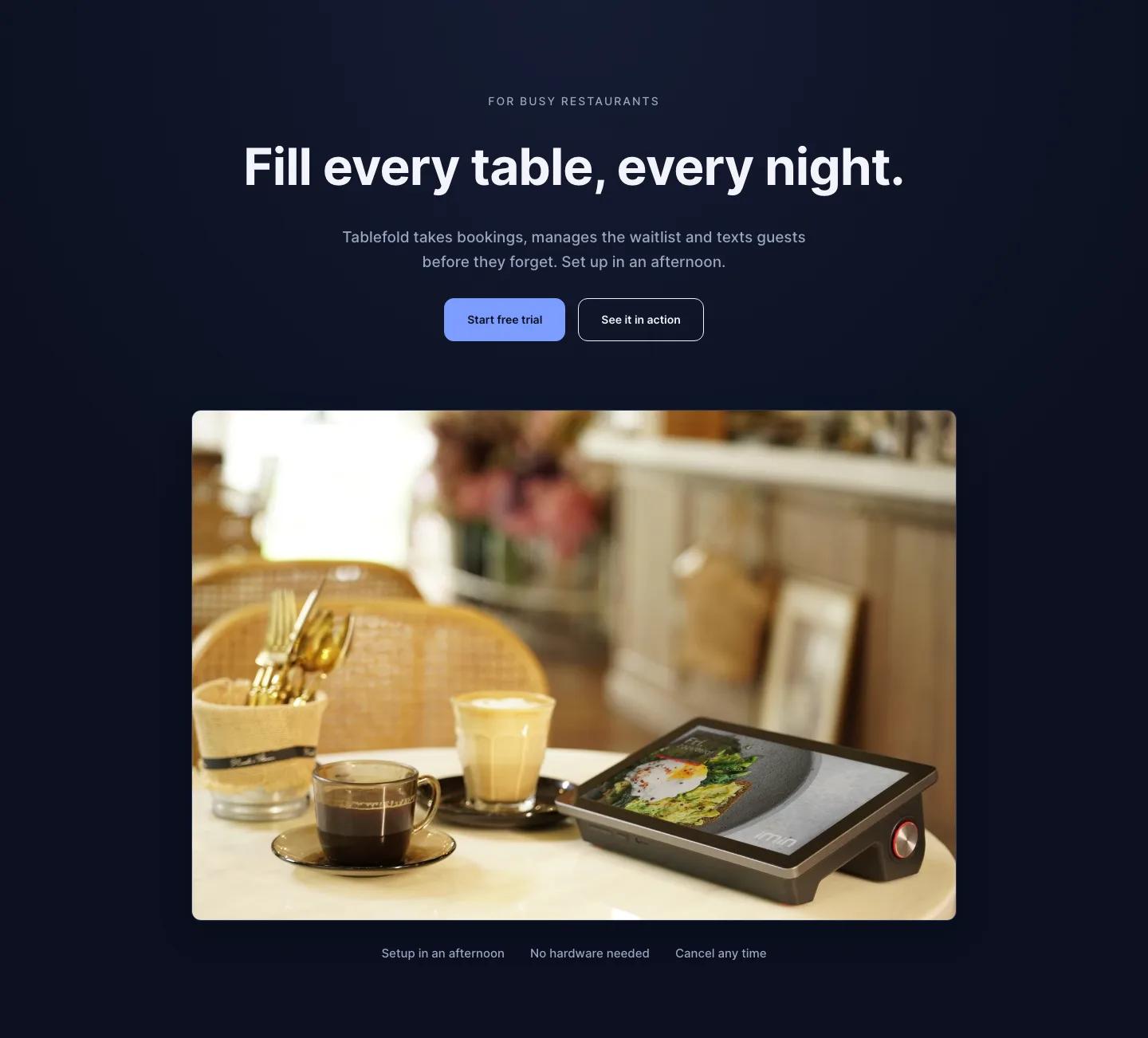
Dark Restaurant Booking Software Hero Section for Divi 5: Product Glow Layout
hero · restaurant · dark
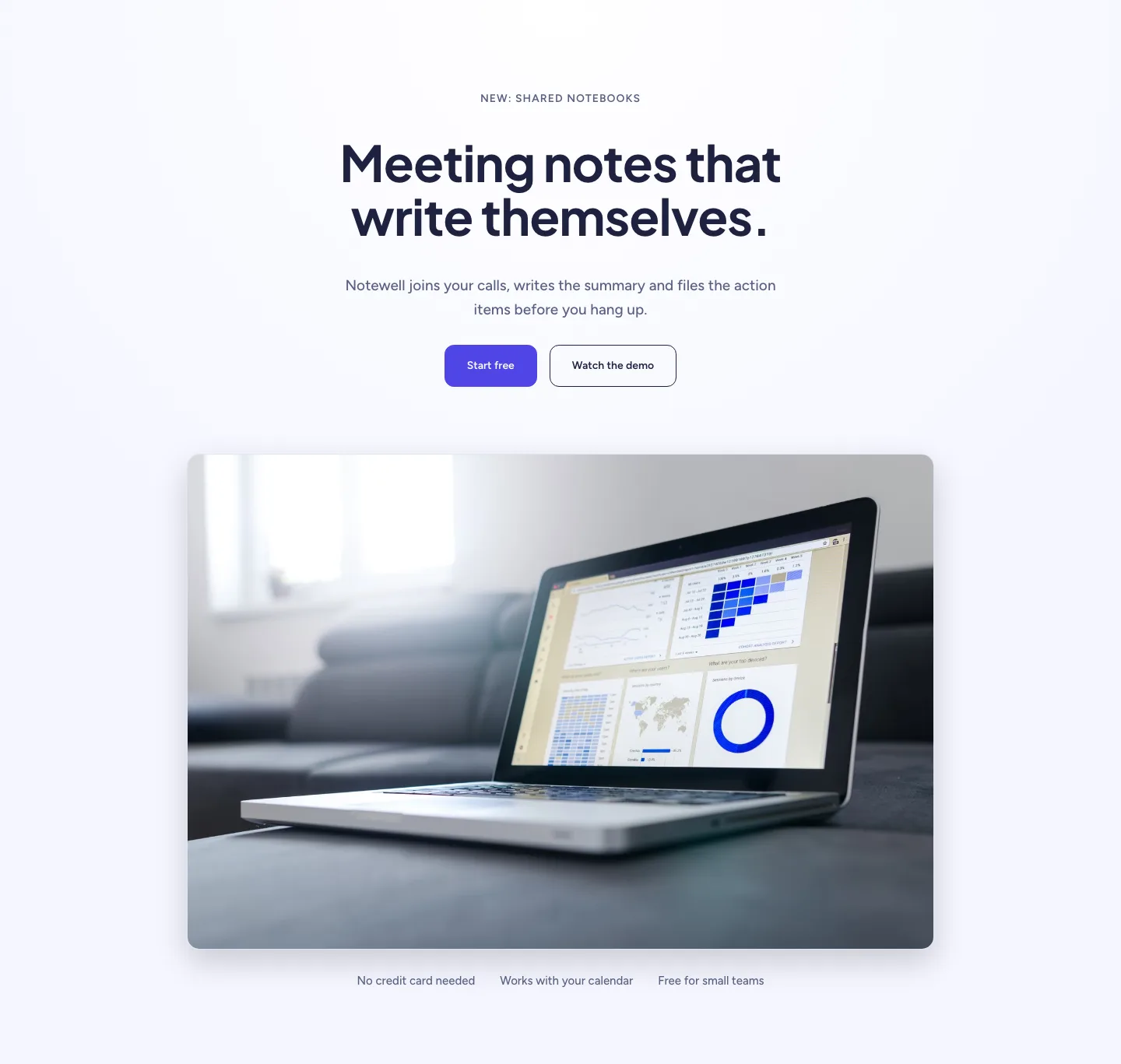
Soft SaaS Meeting Notes Hero Section for Divi 5: Product Glow Layout
hero · saas · minimal
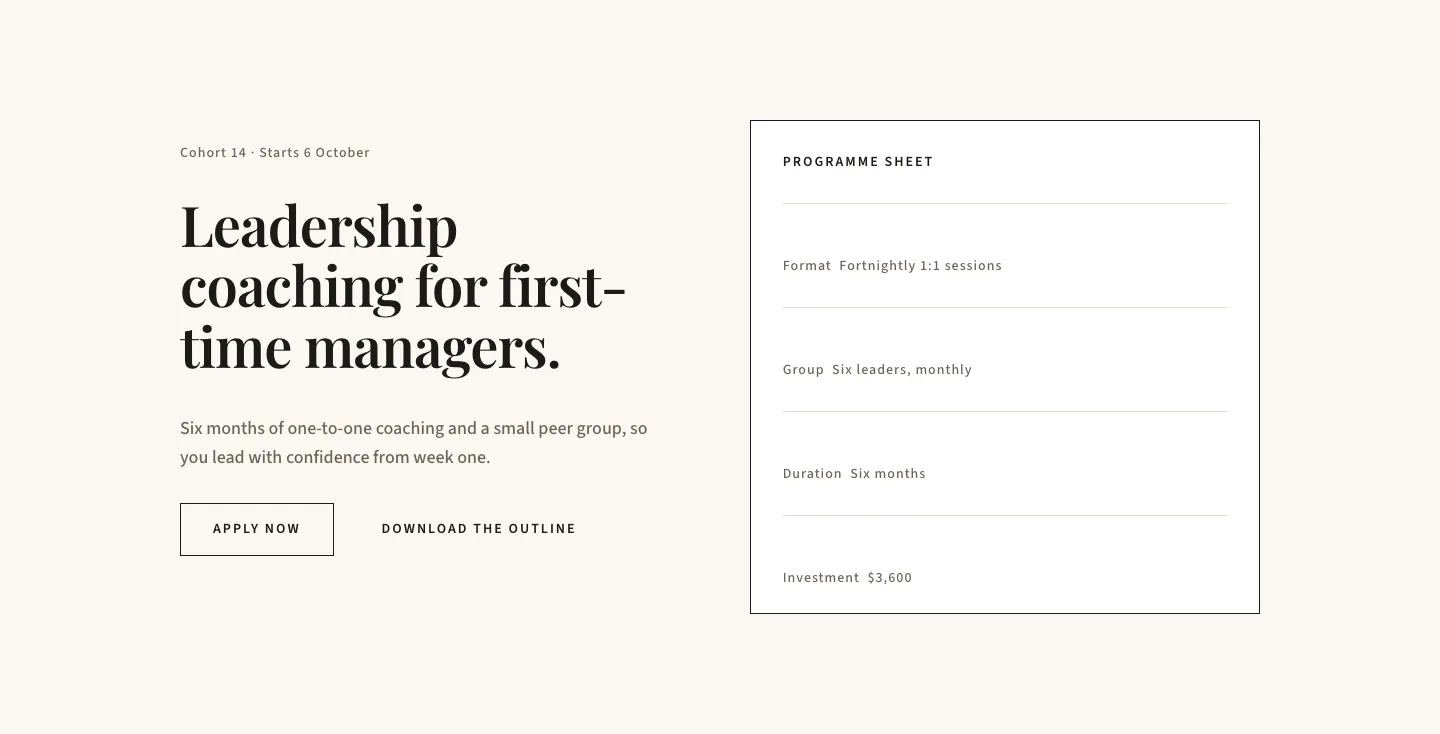
Editorial Executive Coaching Hero Section for Divi 5: Programme Sheet
hero · coaching · minimal
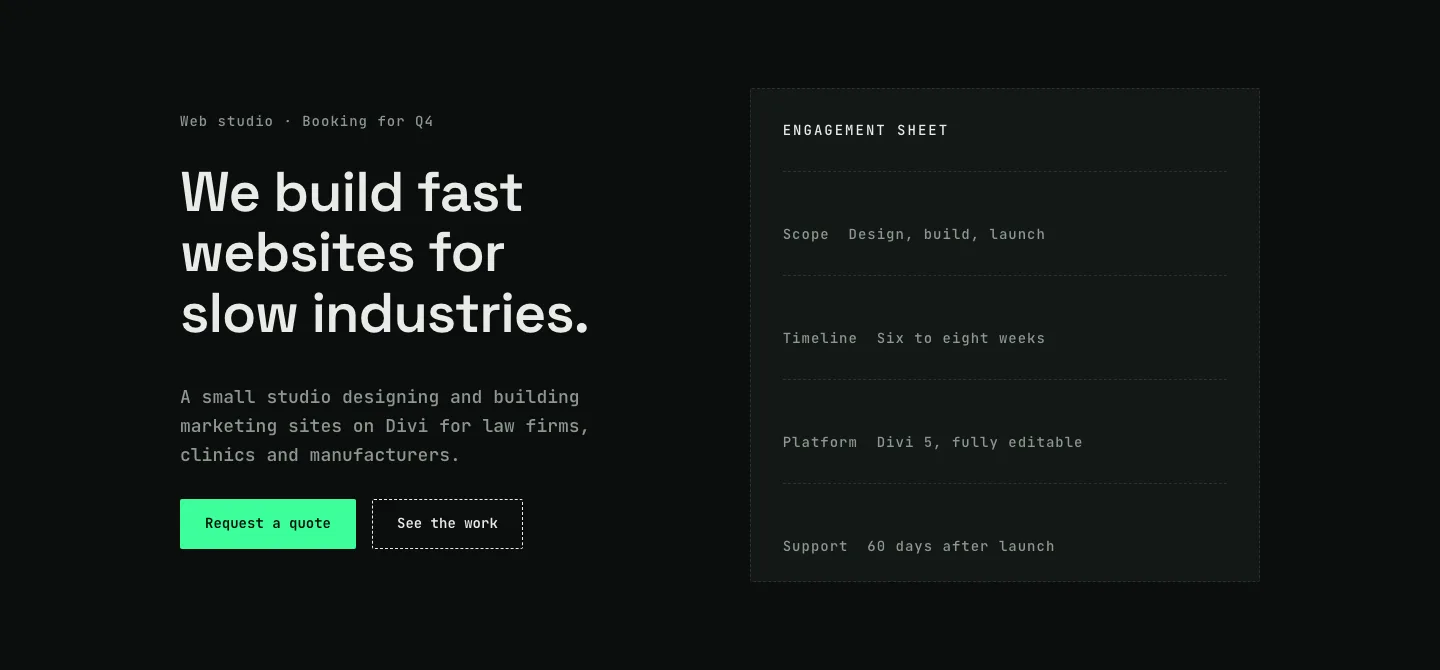
Dark Web Studio Agency Hero Section for Divi 5: Spec Card Layout
hero · agency · dark
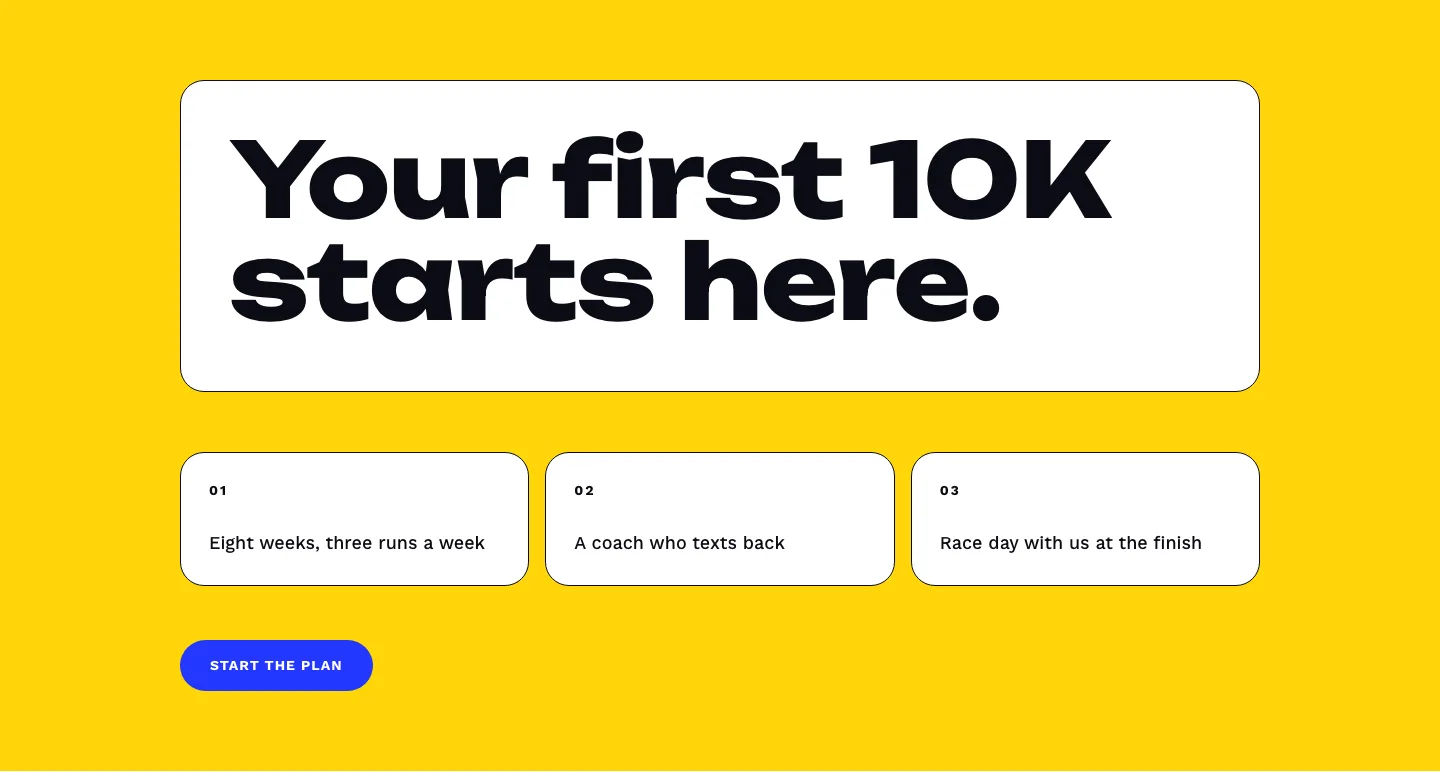
Bold First 10K Running Coach Hero Section for Divi 5: Fitness Bordered Cells
hero · fitness · bold
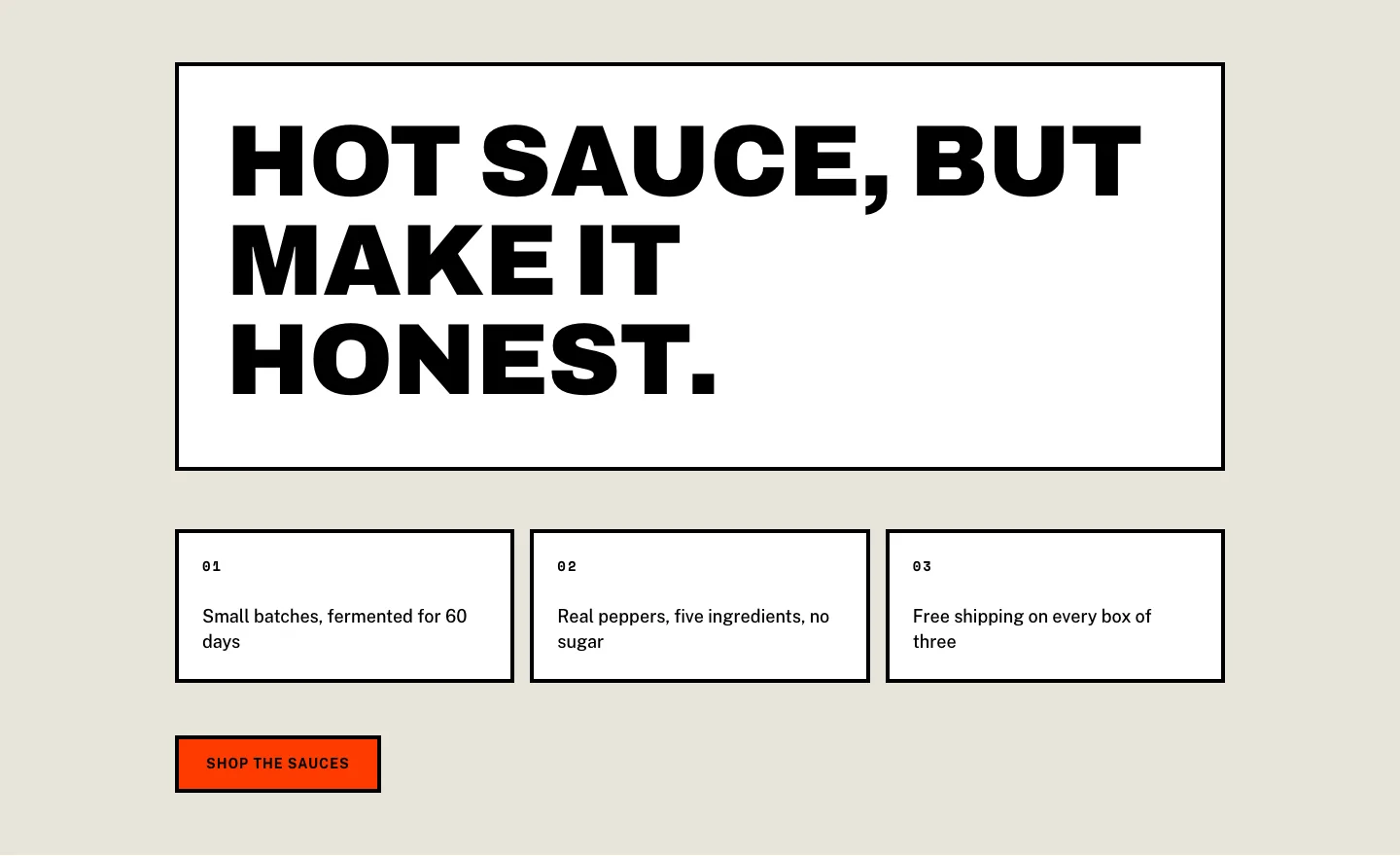
Brutalist Hot Sauce Ecommerce Hero Section for Divi 5: Bordered Cells
hero · ecommerce · bold