
Organic Restaurant Feature Cards Bento Layout for Divi 5: Tasting Table
A warm, editorial bento-style cards section for organic restaurants. Showcases tasting menus, seasonal dishes, natural wines and private dining in a Fraunces + DM Sans layout with earthy tones.
Rate this element
Download this section, free
- Divi 5 JSON, imports in seconds
- Commercial license included
- No account needed
Click to view the full page
Overview
Tasting Table is a bento-style cards section built around a warm parchment ground (#f3eadc) that reads as natural and unhurried before a single word lands. The section opens with a two-column editorial header row: the left column carries a 16/24-width flex slot with a small-caps eyebrow in DM Sans (#675b49, 13px, 600 weight, 1px tracking) above a 44px Fraunces h2 set to text-wrap: balance so long headlines never orphan a single word — it scales to 36px on tablet and 30px on phone. The right column sits at 8/24 width and holds a short prose line plus a plain underlined text link, aligned to the bottom of the header row via align-items: flex-end, so the two pieces of copy sit on the same baseline rather than the same top edge. That asymmetry is the layout's defining gesture: unequal column weights repeated in the two card rows below, but mirrored, so the wider slot alternates sides.
The three card rows each contain a pair of Divi Group modules with 28px fully-rounded borders, 32px internal padding, and a preset1 box shadow (rgba(34,26,16,0.18), 8px vertical, 24px blur) that lifts each card off the parchment without harsh contrast. The cards come in three distinct backgrounds: cream (#fbf6eewith a warm sand border#dccdb4), forest green (#41603a with reversed white text), and near-black (#2e2a22with the parchment#f3eadcas text colour). The green and dark cards each open with a FontAwesome icon (leaf, map-marker variants) at 26px before the Fraunces h3, creating a consistent visual rhythm inside every card even when the card has no image. The primary feature card in row two carries a full-width 16:9 image module withobject-fit: cover` above its heading and description, adding the only photography to the section.
On mobile, every row switches to flex-wrap: wrap with flex-direction: column, and every column resets to full 24/24 width, so the asymmetric desktop grid collapses into a clean single-column stack. Section padding steps down from 96px on desktop to 64px on tablet to 44px on phone, keeping the breathing room proportional at every size. The font sizes on h2 (44 → 30px) and h3 (30 → 22px) are explicitly set per breakpoint, so nothing relies on browser scaling.
What’s inside
- Asymmetric two-column bento grid across three Divi Row blocks — 16/24 + 8/24 weighting that alternates between rows for visual rhythm
- Five Divi Group card modules with 28px fully-rounded corners, warm sand border strokes, and a layered warm-brown box shadow
- Three card colour variants baked in: cream-on-parchment (`#fbf6ee`), forest-green dark (`#41603a` white text), and near-black (`#2e2a22` parchment text)
- 16:9 Divi Image module with `object-fit: cover` inside the feature card, wired to a Pexels placeholder at 1600px for immediate visual context
- Two FontAwesome icons (FA 900-weight) positioned left-aligned inside the green and cream icon cards as visual anchors before the heading
- Fraunces serif for all headings (h2 + h3), DM Sans for all body and link text — both weights, sizes, letter-spacing and line-heights set per breakpoint
- Editorial header row with baseline-aligned columns (`align-items: flex-end`) and an inline underlined text link for a secondary CTA
- Full responsive stacking: every row switches to `flex-direction: column` on mobile with proportional section padding (96/64/44px desktop/tablet/phone)
Who it’s for
This layout is a natural fit for farm-to-table and organic restaurants, wine bars, private dining rooms, and chef's table experiences where the story of the food matters as much as the food itself. It works equally well for food and beverage consultants building showcase sites for clients, or for hospitality agencies needing a premium section they can drop into any restaurant project. The tonal range of the card palette (earthy cream, forest green, near-black) means it carries across fine-casual, bistro, and boutique hotel dining contexts without restyling.
Customization tips
Start by swapping the two font families at the Divi theme preset level: Fraunces drives all headings and DM Sans handles all body copy, so one preset update ripples through every module at once. The three card background colours (#fbf6ee, #41603a, #2e2a22) each live inside a Divi Group's background field — replacing them with your brand palette is a three-click operation. Keep body copy in each card to one or two short sentences; the cards are sized for brevity, and anything over 25 words will push the card taller than its neighbour and break the row alignment on desktop. The feature card image should be supplied at 16:9 (1600 × 900px minimum) for crisp object-fit: cover rendering; portrait or square crops will be centre-cropped automatically. The two inline text links ("See the menu", "Book a table") use a plain underline style — swap the href values first before any visual changes.
How to install this layout
- Download the layout JSON file from this page.
- Open the target page in the Divi 5 builder.
- Open the portability panel (up/down arrows icon) and choose the Import tab.
- Upload the JSON. Tick “replace existing content” only for full-page imports.
- Check the page at desktop and mobile widths, then swap in your copy and images.
Full walkthrough with troubleshooting: How to Import a Divi 5 Layout.
Questions about Organic Restaurant Feature Cards Bento Layout for Divi 5: Tasting Table
How does the asymmetric column layout behave on tablet screens?
On tablet the row-level flex settings remain active (columns stay side by side), but the h2 drops from 44px to 36px and the h3 cards scale from 30px to 26px or 24px, keeping the type proportional. The row wrapping only kicks in at the phone breakpoint, where everything collapses to full-width single-column stacking.
Which Divi 5 modules does this section use?
The section is built with Divi Section, Row, Column, Group, Heading, Text, Image, and Icon — all native Divi 5 modules, no third-party dependencies required.
What aspect ratio should my photo be for the feature card?
The image module inside the feature card is set to a 16:9 aspect ratio with `object-fit: cover`. Supply your photo at 1600 × 900px or larger; the module will centre-crop narrower or taller images automatically.
Can I add a fourth card row without breaking the layout rhythm?
Yes. Duplicate an existing row, then decide which column gets the 16/24 wide slot and which gets 8/24 — the alternating wide/narrow pattern is what creates the bento feel. Keep the same Group decoration settings (radius, shadow, padding) on any new card you add.
The green card has no image — is that intentional?
Yes. Three of the five cards are text-and-icon only, which keeps the section scannable and avoids forcing you to source multiple food photos. The single 16:9 image in the feature card does the visual heavy lifting; the icon cards use the FontAwesome leaf and location glyphs as lightweight stand-ins.
What is the first thing I should edit after importing?
Replace the two inline CTAs first: the `href` on "See the menu" and "Book a table" both point to `#` placeholders. Update those to your real menu page and reservation system before anything else, then swap the feature card image for your own 16:9 photography.
Which Divi version does this layout need?
Divi 5. The layout is generated natively for Divi 5 and validated against its real module structure before publication, so it imports clean into the current builder.
Can I use this layout on client websites?
Yes. Every download includes a commercial license covering unlimited sites you own or build for clients. Only reselling or redistributing the layout file itself is prohibited.
More cards
Browse all cards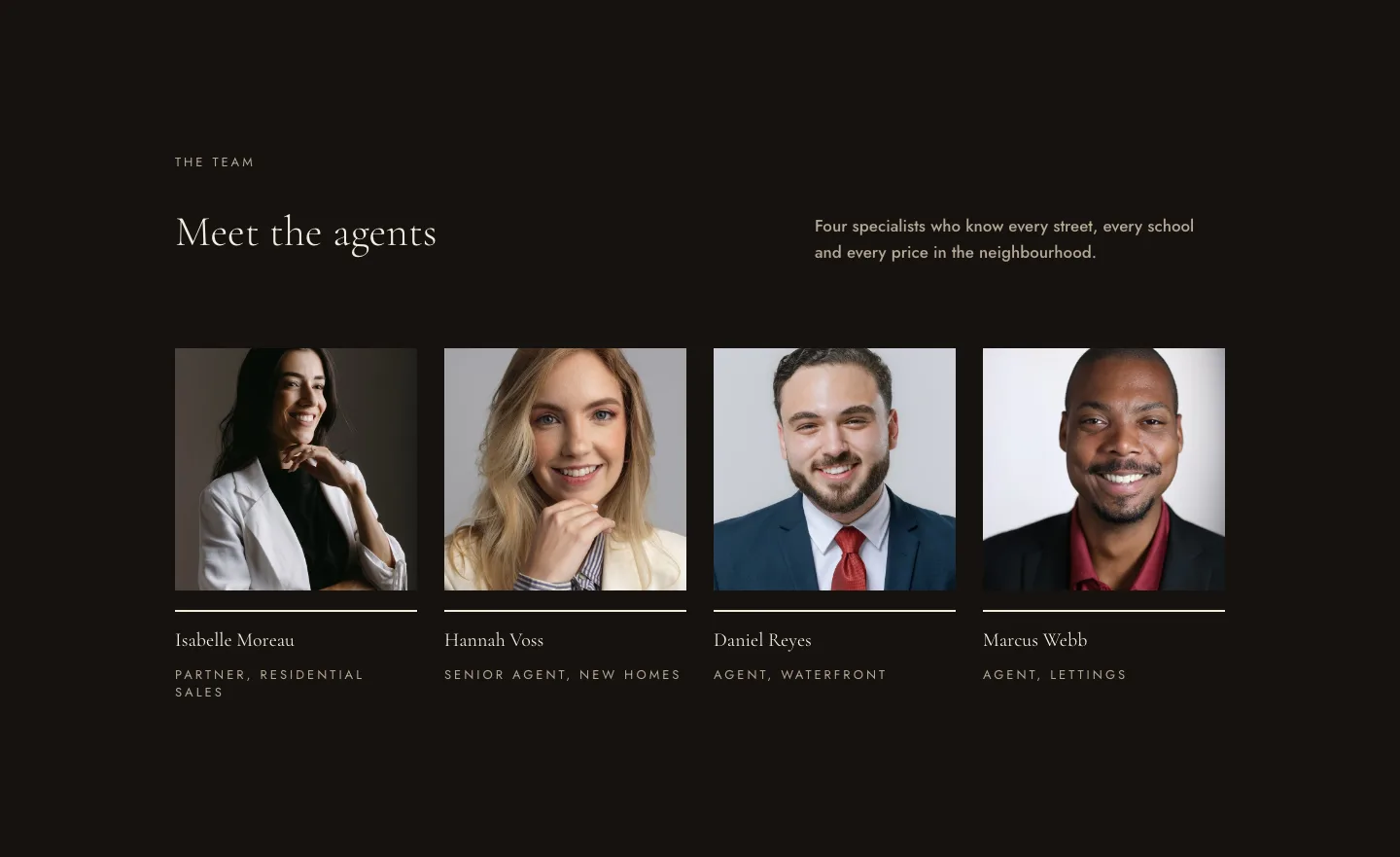
Luxe Real Estate Agent Profile Cards Layout for Divi 5: Team Grid
cards · real_estate · elegant
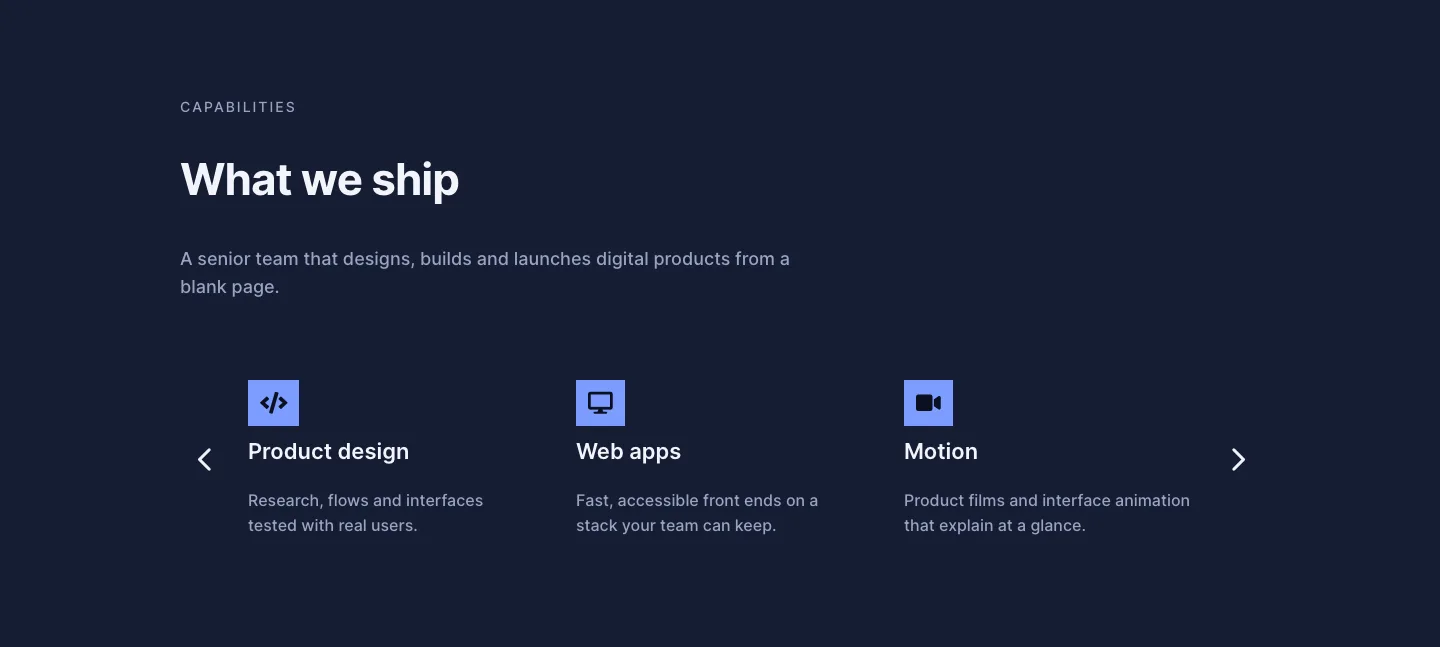
Dark Digital Agency Capabilities Cards Carousel Layout for Divi 5
cards · agency · dark
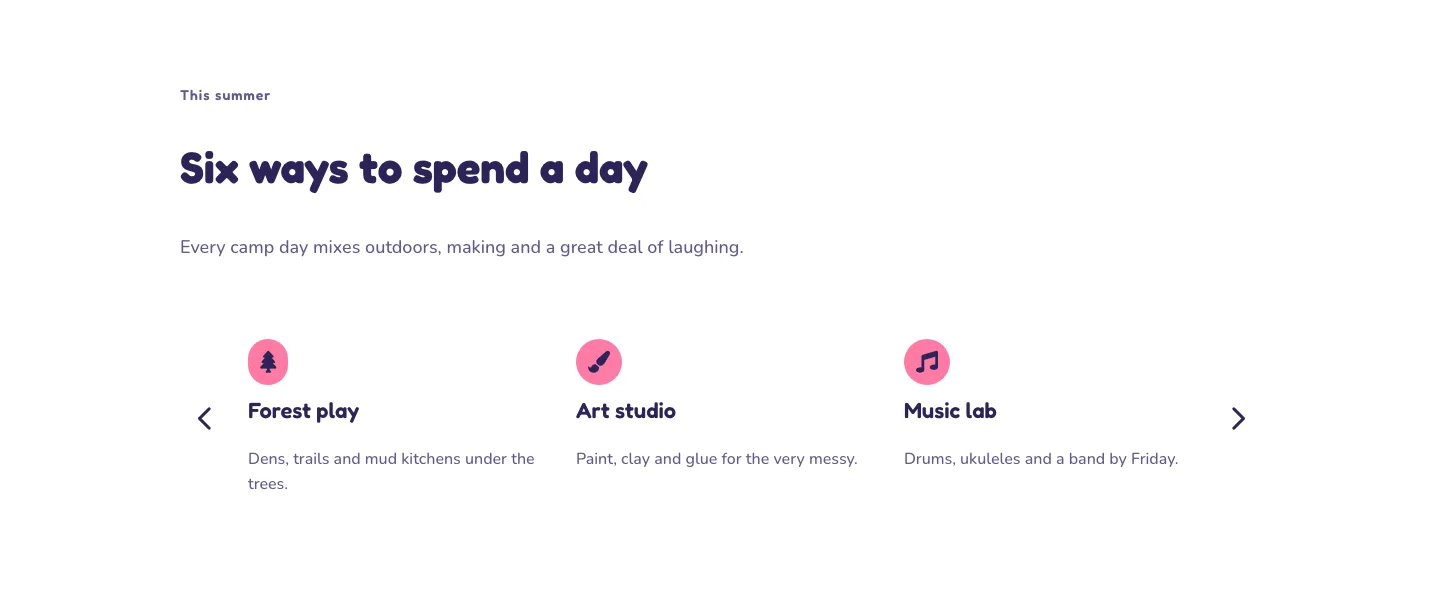
Playful Summer Camp Events Feature Cards Carousel Layout for Divi 5
cards · events · playful
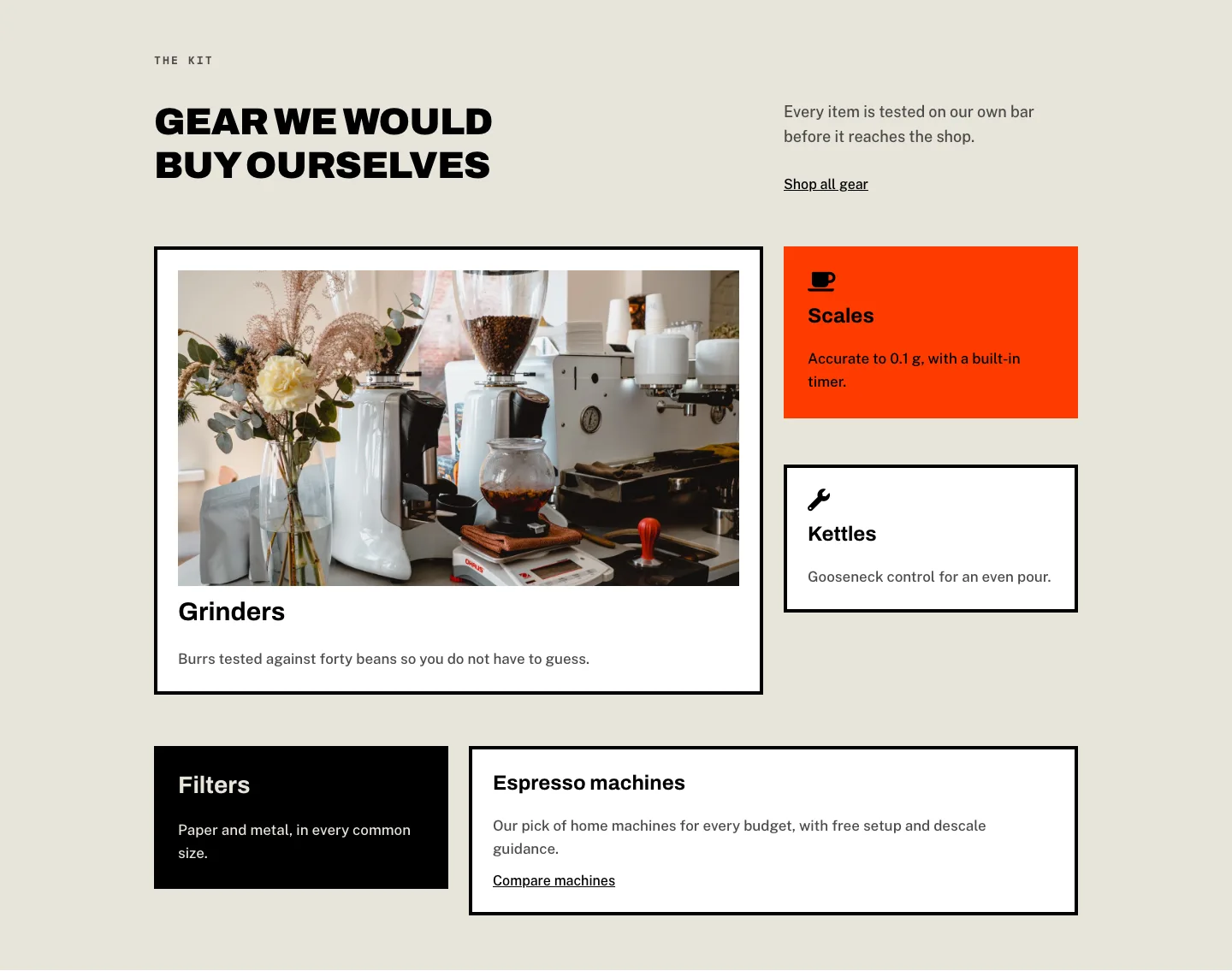
Brutalist Coffee Gear Ecommerce Feature Cards Bento Layout for Divi 5
cards · ecommerce · bold
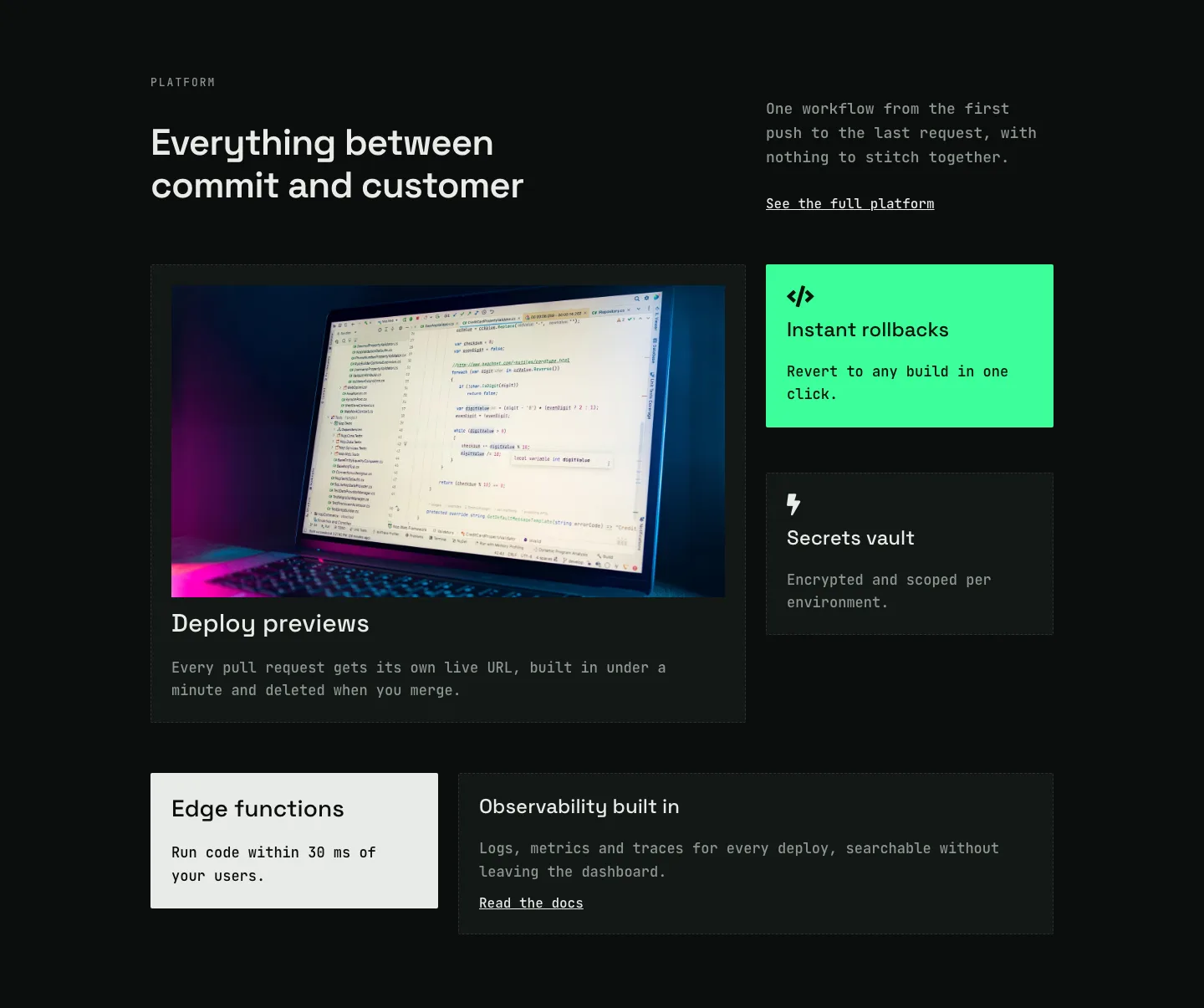
Dark Developer Platform Feature Cards Bento Layout for Divi 5
cards · saas · dark
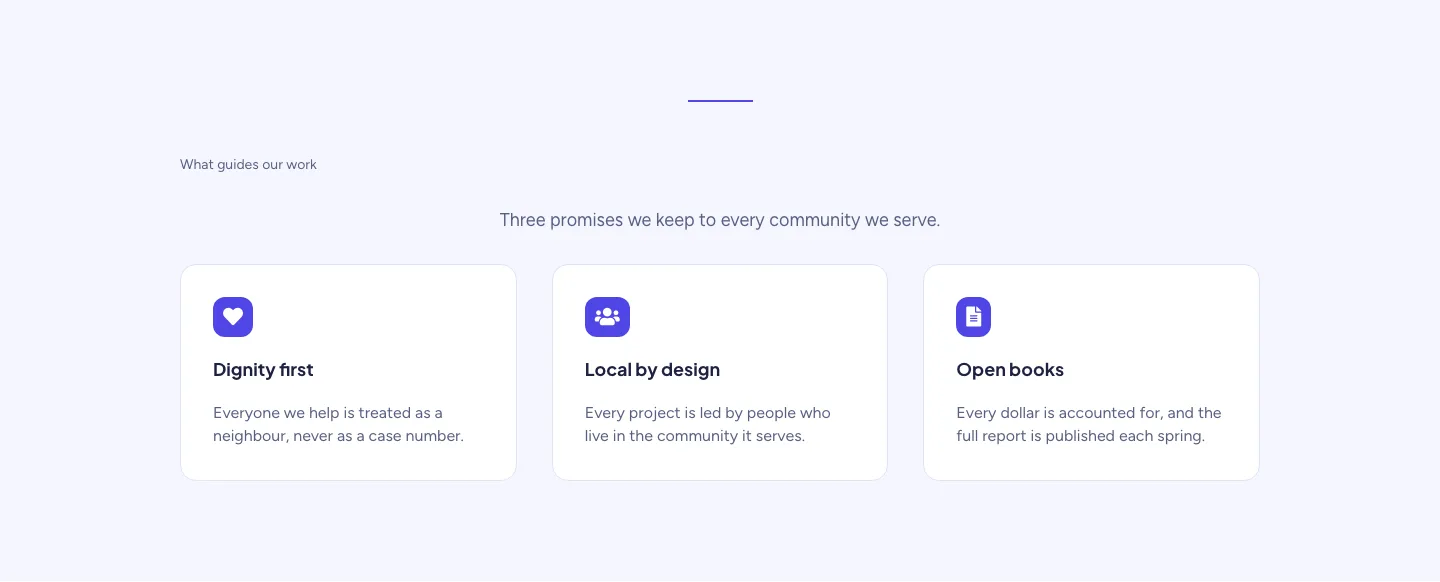
Soft Nonprofit Values Cards Layout for Divi 5: Three Icon Values
cards · nonprofit · minimal