
Prime Cut Chophouse Hero: Dry-Aged Steakhouse Divi 5 Layout
Bold, dark steakhouse hero for Divi 5 with dry-aged storytelling, gold accents, and a reservation CTA. Perfect for chophouses and fine-dining restaurants.
Rate this element
Download this section, free
- Divi 5 JSON, imports in seconds
- Commercial license included
- No account needed
Click to view the full page
Overview
The layout is a single full-bleed frame built on a near-black #0a0a0a base, layered with a Pexels food photograph and a two-stop gradient that ramps from 55% opacity at the top to 85% at the bottom (180deg). The overlay does real work: it protects white body copy no matter which image you drop in, and it weights the eye toward the CTA anchored at the bottom of the composition.
Vertical padding is fluid: 14vw on desktop, 16vw on tablet, 22vw on phone. That keeps the hero cinematic at every breakpoint rather than locking to a fixed pixel value. Inside, a single 4_4 column centers a flex stack with a disciplined three-tier hierarchy: a 14px gold eyebrow at 6px letter-spacing (ESTABLISHED 1978), a 84px Playfair Display headline at -2px tracking and 1.02em line-height, a 20px Outfit body clipped to a 680px measure for a comfortable 40–60 character line, and a gold #c9a86a button carrying a soft 38px blur shadow.
The palette runs on three notes: near-black, off-white body copy at 82% opacity, and a warm brass gold that ties the eyebrow, the CTA, and its glow together. Playfair Display sets an editorial serif register; Outfit handles the sans-serif utility roles. On phone the headline drops from 84px to 40px so the two-line title never overshoots a 375px viewport, and the row switches to flexDirection: column so the eyebrow / headline / paragraph / button stack cleanly without any horizontal collision.
What’s inside
- Full-bleed dark section with layered background, Pexels image + two-stop 180deg gradient (55% → 85% opacity) that guarantees white-text legibility on any replacement photo
- Fluid vw-based vertical padding (14vw desktop / 16vw tablet / 22vw phone) so the hero always reads as cinematic breathing room instead of a fixed height
- Three-tier headline stack: 14px gold eyebrow with 6px tracking, 84px Playfair Display display headline, 20px Outfit body copy
- Gold CTA button (`#c9a86a` background, black text) with 3px letter-spacing, 44px horizontal padding, and a soft 38px-blur gold glow drop shadow that flips to a white background on hover
- Phone-specific type ramp, the display headline scales from 84px down to 40px so the two-line title never breaks the viewport
- Serif + sans pairing (Playfair Display for the headline, Outfit for eyebrow / body / button) gives the section its editorial luxury register
- Constrained measure (960px row max-width and 680px paragraph max-width) keeps line lengths readable at any screen size
- Built from three native Divi 5 modules only: heading, text, and button. No shortcodes, no third-party dependencies.
Who it’s for
Purpose-built for steakhouses, chophouses, and dry-aged beef programs: restaurants whose pitch is craft, provenance, and slow time. The dark palette, brass-gold accent, and serif display type also carry naturally into adjacent hospitality categories: fine-dining rooms, chef-driven tasting menus, prix-fixe concepts, hotel restaurants, private supper clubs, whiskey bars, and cigar lounges. Beyond restaurants, the same visual register works for premium butcher shops, artisan smokehouses, small-batch distilleries, high-end BBQ counters, and specialty wine cellars. Anywhere a brand needs a reservation- or waitlist-driven entry point that reads as confident rather than promotional (quiet authority instead of shouted discounts), this hero fits without repainting.
Customization tips
Palette: the accent color #c9a86a (warm brass gold) appears on the eyebrow, the button background, and the button glow shadow. Swap those three tokens together to change the whole mood. The base #0a0a0a can shift to espresso brown or midnight navy without touching the overlay.
Copy limits: the headline works best up to about 50 characters on two lines at 84px. Eyebrows stay under ~24 characters, 6px letter-spacing eats width fast. Keep body copy in the 40–70 word range so it sits inside the 680px measure without breaking the visual balance. Button labels stay short (2–3 words); 3px tracking widens characters noticeably.
Background image: replace the Pexels URL with your own file at 1920×1200 or larger, JPG or WebP. Dark and mid-tone images tolerate the gradient best. If your image is bright, push the top gradient stop from 0.55 to around 0.70 for text safety, or flip the 180deg direction to 0deg to darken the top instead.
How to install this layout
- Download the layout JSON file from this page.
- Open the target page in the Divi 5 builder.
- Open the portability panel (up/down arrows icon) and choose the Import tab.
- Upload the JSON. Tick “replace existing content” only for full-page imports.
- Check the page at desktop and mobile widths, then swap in your copy and images.
Full walkthrough with troubleshooting: How to Import a Divi 5 Layout.
Questions about Prime Cut Chophouse Hero: Dry-Aged Steakhouse Divi 5 Layout
Is the background steak photograph included in the download?
No: it references a Pexels URL, which is free to use but stays hosted on Pexels. For production you should download the image (or your own) into your Media Library and repoint the module. That gives you a stable URL and lets you serve a WebP at your preferred dimensions.
What fonts does the layout use, and do I need to load them?
Playfair Display for the headline and Outfit for the eyebrow, body copy, and button. Both are Google Fonts. Divi 5 loads them automatically the first time you save the page, no manual `@font-face` wiring required.
How does the headline behave on mobile?
There is an explicit phone override that drops the display headline from 84px to 40px. Combined with the row switching to `flexDirection: column`, the two-line title reflows without overflow on a 375px viewport. Body copy inherits the desktop 20px size, reduce it to 17–18px if your paragraph runs longer than 40 words.
Can I remove the ESTABLISHED 1978 eyebrow?
Yes. It is a standalone heading module: deleting it does not affect the rest of the stack, but you may want to bump the top padding down by ~2vw to preserve the vertical rhythm above the display headline.
What should I edit first after importing?
Three things: (1) replace the Pexels background URL with your own hero image, (2) swap the eyebrow, headline, body copy, and button label for your brand, and (3) point the button link to your reservation system (OpenTable, Resy, Tock, or a booking page). Everything else (spacing, typography, palette) is production-ready as shipped.
Is the CTA button linked or does it just say RESERVE A TABLE?
The label is populated but the link URL is empty, set it once in the button module. If you use OpenTable or Resy, paste the direct restaurant link; for on-site booking, point it at your reservations page anchor.
Which Divi version does this layout need?
Divi 5. The layout is generated natively for Divi 5 and validated against its real module structure before publication, so it imports clean into the current builder.
Can I use this layout on client websites?
Yes. Every download includes a commercial license covering unlimited sites you own or build for clients. Only reselling or redistributing the layout file itself is prohibited.
More hero sections
Browse all hero sections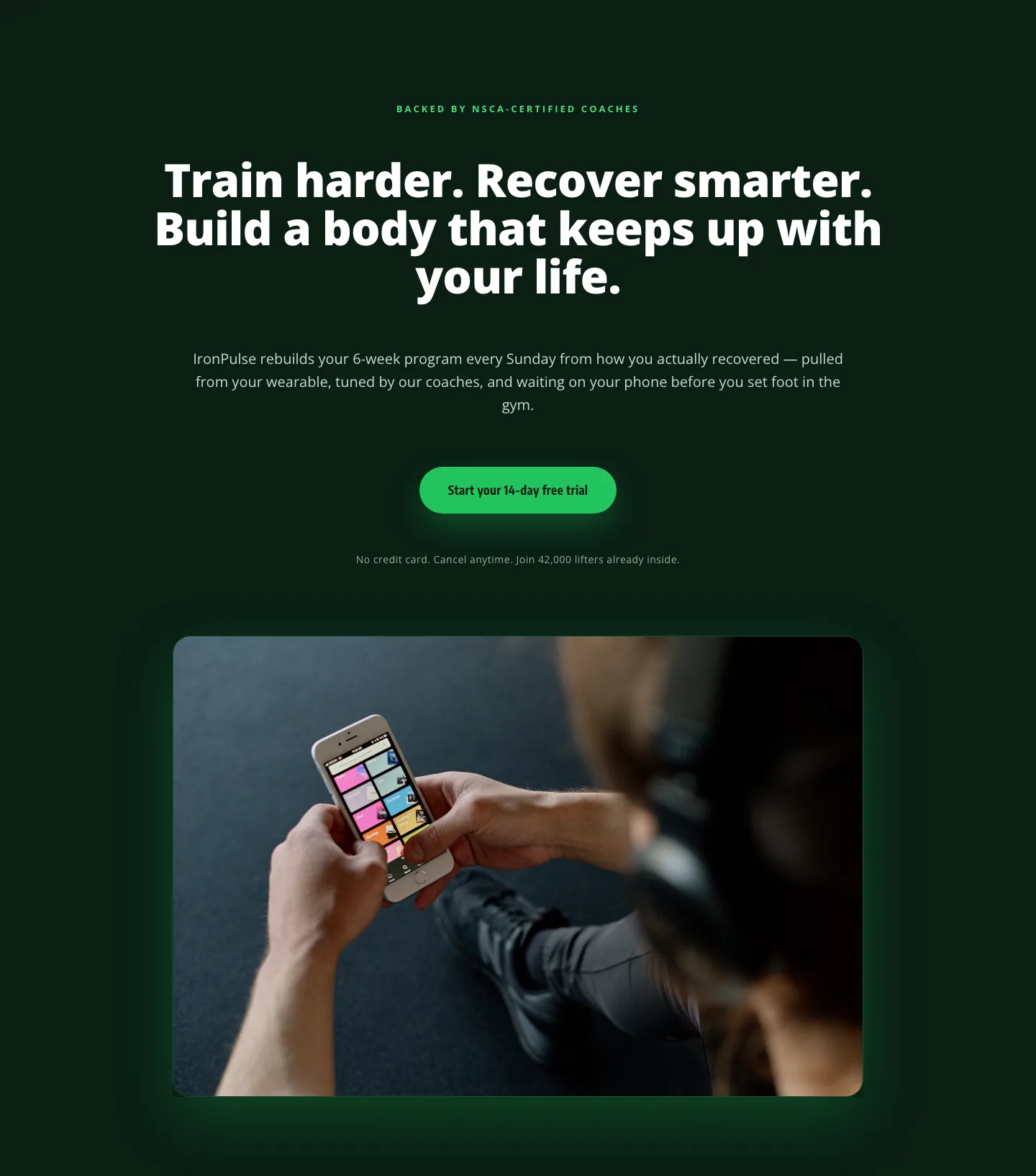
Bold Fitness App Hero Layout for Divi 5: IronPulse Adaptive Training
hero · fitness · bold
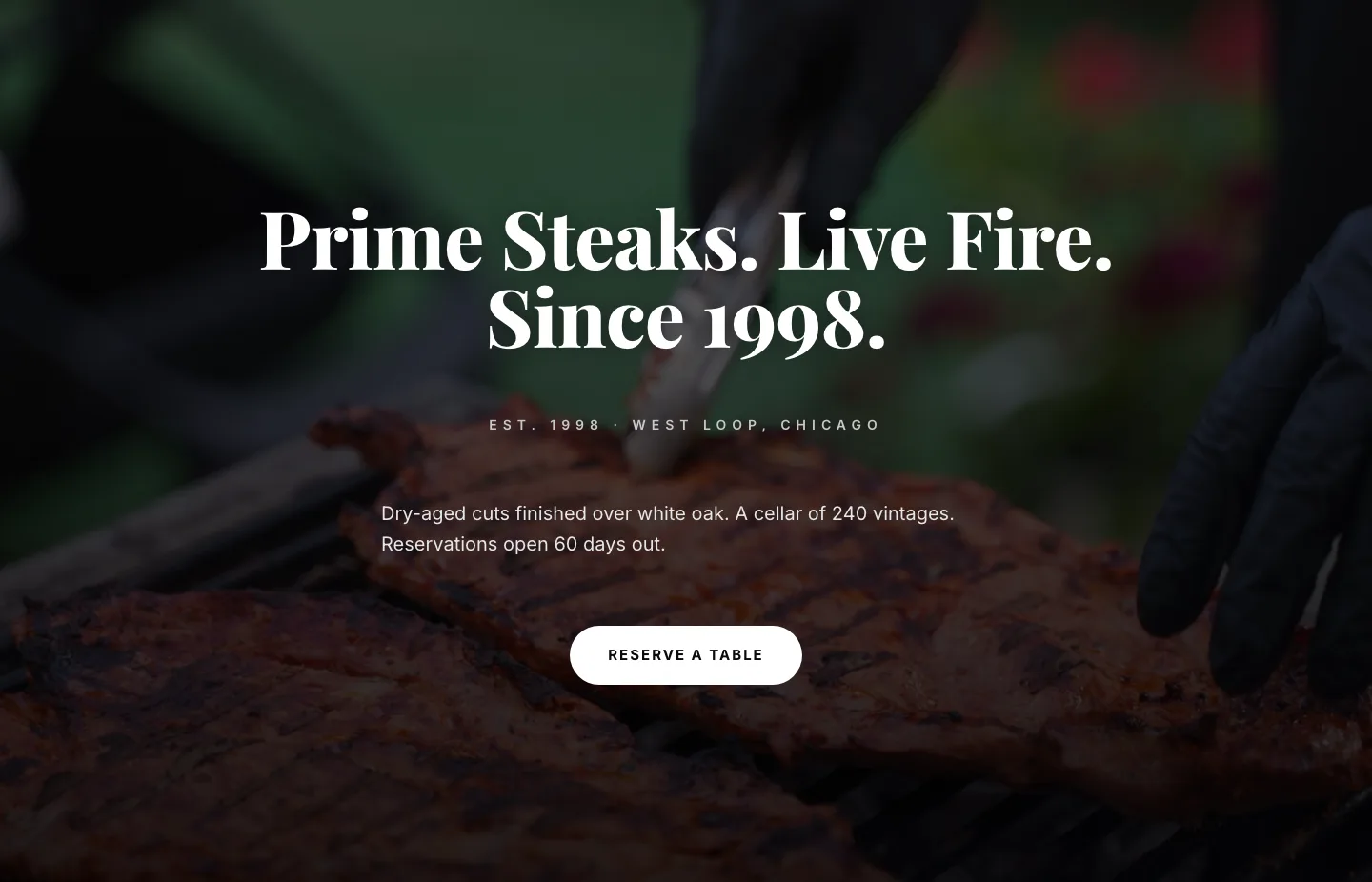
Prime Steaks Hero Section: Bold Monochrome Restaurant Layout for Divi 5
hero · restaurant · bold
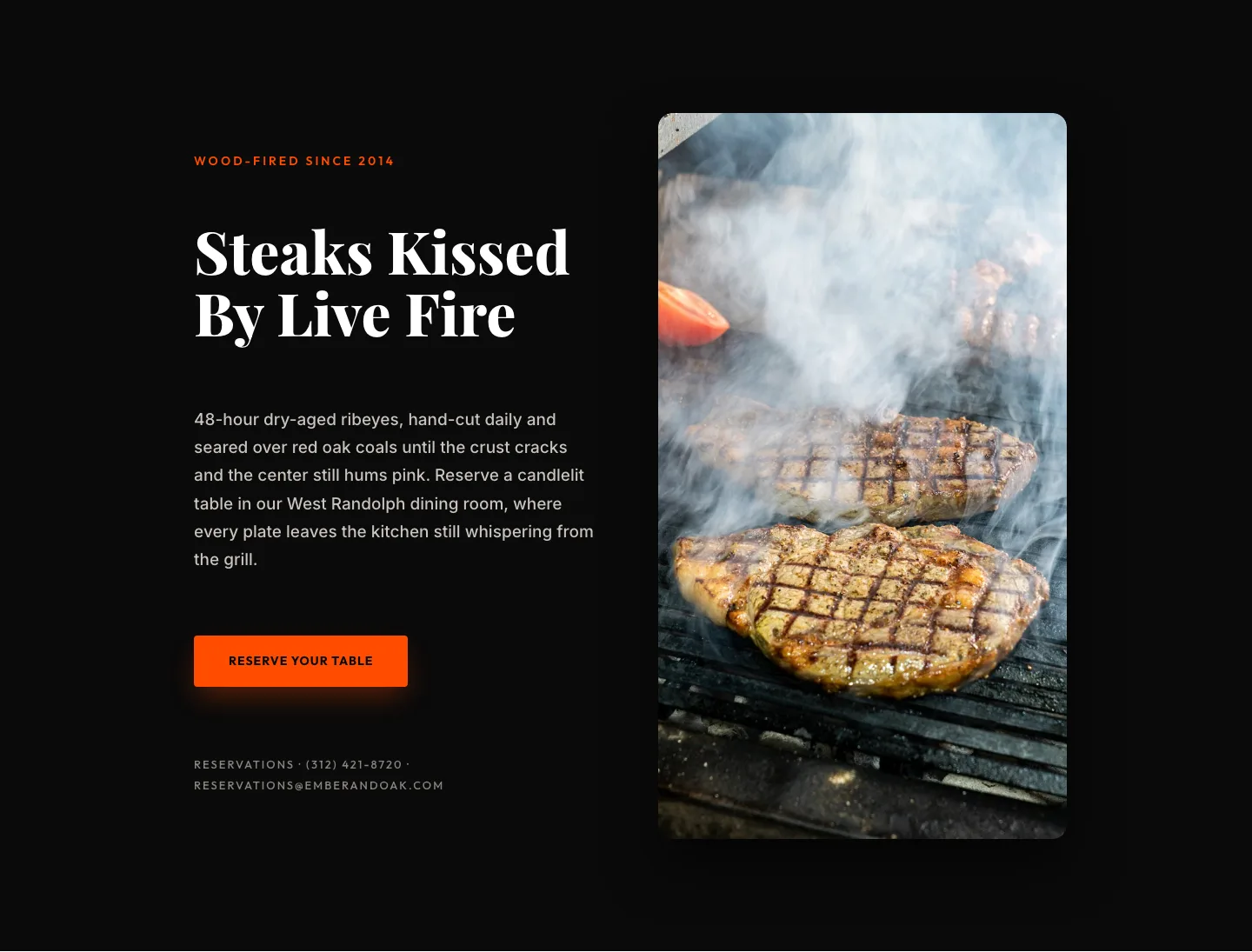
Wood-Fired Steakhouse Hero Layout for Divi 5: Bold Restaurant Template
hero · restaurant · bold
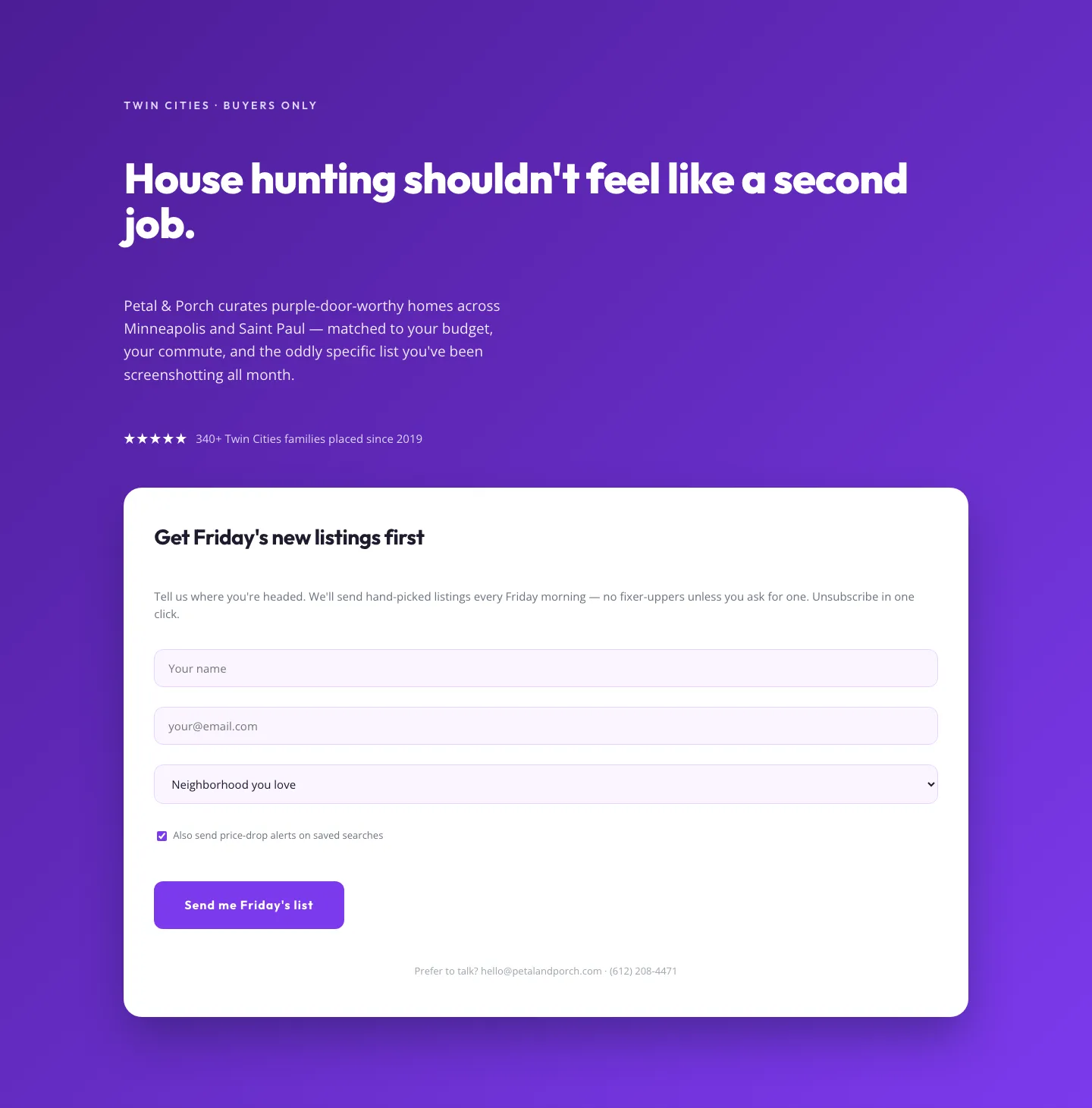
Playful Real Estate Hero with Weekly Listings Signup: Divi 5 Layout
hero · real_estate · playful
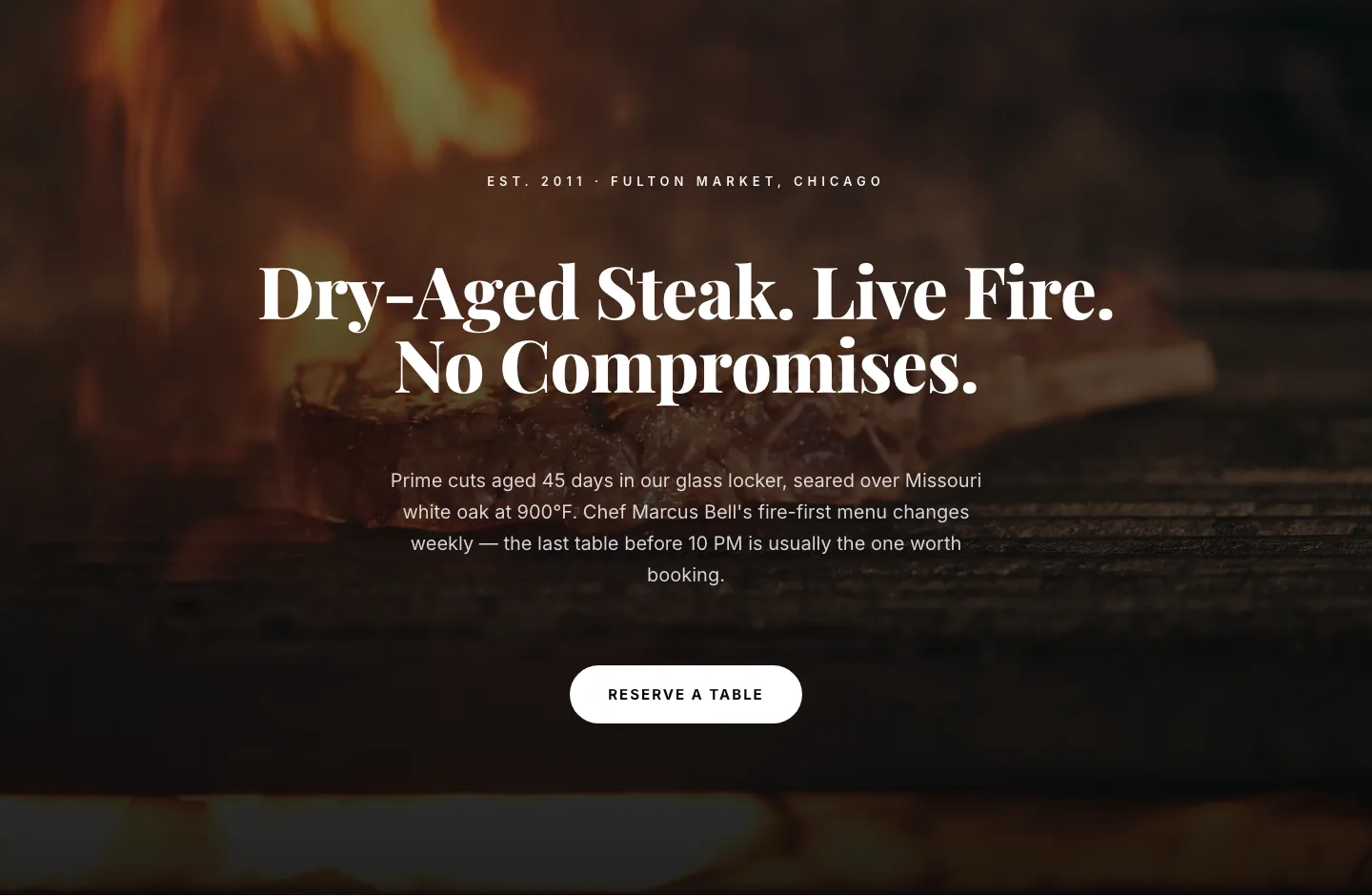
Bold Steakhouse Hero Layout for Divi 5: Fire & Dry-Aged
hero · restaurant · bold
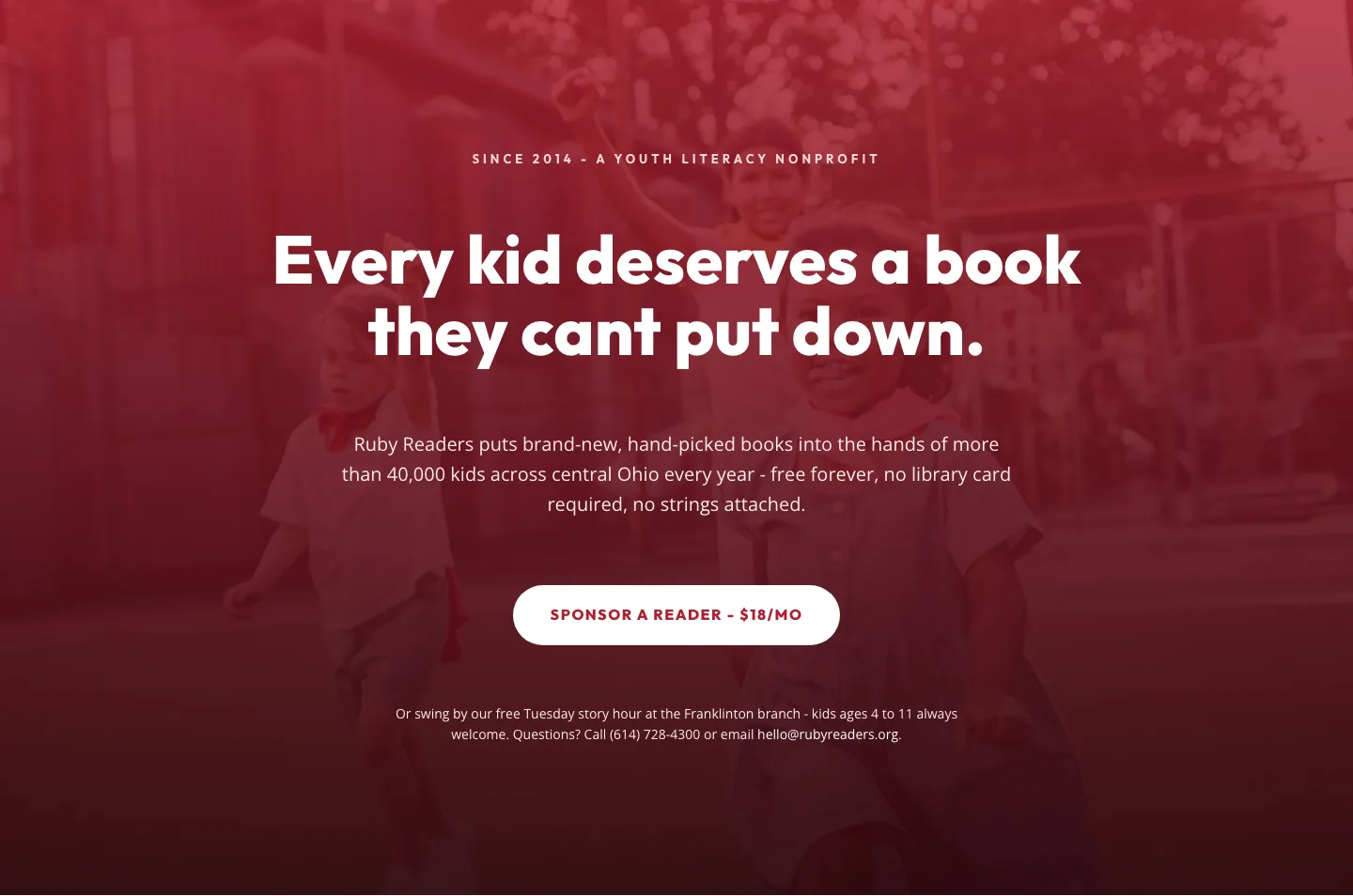
Ruby Readers Nonprofit Hero: Playful Divi 5 Layout
hero · nonprofit · playful