
Dark SaaS Reliability Features Layout for Divi 5: Icon List with Dividers
A dark-themed Divi 5 features section for SaaS products. Showcases five reliability guarantees — uptime SLA, security, data regions, backups, and support — with icon-divider rows and monospace typography.
Rate this element
Download this section, free
- Divi 5 JSON, imports in seconds
- Commercial license included
- No account needed
Click to view the full page
Overview
The section sits on a #131715 background, a near-black with a barely perceptible forest-green undertone that reads as technical infrastructure rather than generic dark mode. The structure is intentionally minimal: one row, one full-width column, a centered container capped at 880px. Inside, a three-part header stack descends through three levels of typographic weight. An uppercase JetBrains Mono overline at 14px with 2px letter-spacing sets the section topic. A Space Grotesk h2 at 44px, constrained to 720px for comfortable line length, carries the actual promise. A muted JetBrains Mono subline at 18px confirms the count and stakes. A bold 2px dashed divider in #e8ece9 closes the header and opens the list, marking the transition with weight rather than extra whitespace.
The five feature rows each follow the same pattern: a Font Awesome icon pinned left at 24px in #e8ece9, paired with a flex-grow text group holding an h3 and a single description line. Row gaps are 24px on desktop with 24px vertical padding per item, establishing a consistent scanning rhythm. Between each row, a 1px dashed divider in #2a312d provides separation. That quiet separator uses the background color family deliberately: it reads as structure rather than decoration, letting the content carry the visual weight. The two-divider hierarchy (bold #e8ece9 opener, quiet #2a312d row separators) is the single most considered decision in the layout.
The type system runs on two families and two color values. Space Grotesk handles all headings (h2 at 44px, five h3s at 20px) and reads like a brand decision. JetBrains Mono handles the overline, the subtext line, and all five row descriptions, signaling engineering credibility by association. The two color tokens (#e8ece9 for headings and icons, #8d9892 for the overline and descriptions) create a clean two-level reading hierarchy without requiring any accent color. On mobile, section padding drops to 40px, row padding to 18px, and the h2 scales from 44px through 36px at tablet to 30px on phone. Each feature row keeps its horizontal icon-left, text-right arrangement at every breakpoint, with column gap tightening from 24px to 16px on phone.
What’s inside
- Single-section layout on a `#131715` near-black background with responsive vertical padding: 88px desktop, 64px tablet, 40px phone
- Three-part header: uppercase JetBrains Mono overline (h4), Space Grotesk h2 at 44px with responsive scaling, and a muted monospace subtext line
- Bold 2px dashed `#e8ece9` divider as a visual break between the header block and the feature list
- Five icon-and-text rows using native `divi/icon` (Font Awesome, 24px) paired with a flex-grow `divi/group` containing an h3 and a `divi/text` description
- Quiet 1px `#2a312d` dashed `divi/divider` separating each feature row, using the background color family so the separator reads as structure rather than ornament
- Two-typeface system: Space Grotesk on all headings, JetBrains Mono on the overline, subtext, and all row descriptions
- Fully responsive: h2 scales 44px to 36px to 30px across breakpoints, row padding reduces at each size, column gap tightens from 24px to 16px on phone
Who it’s for
This layout fits SaaS companies, developer tools, infrastructure providers, and technical agencies that need to communicate platform reliability to security-conscious or compliance-focused buyers. It works well on any features, trust, or pricing-support page where the goal is to list specific guarantees: uptime SLAs, data residency options, backup schedules, security posture, or support quality. It also suits fintech, healthcare SaaS, and B2B enterprise tools where trust signals carry outsized weight in a purchase decision.
Customization tips
The palette runs on two hex tokens: #e8ece9 for headings, icons, and the opening divider, and #8d9892 for the overline and all body descriptions. To retheme the layout, replace both values in the Divi module settings with your brand's near-white and its muted counterpart. The section background (#131715) is independent and can be swapped for any dark value without touching the text tokens. The two divider types need separate attention: the opening divider uses #e8ece9 while the row separators use #2a312d, so update them independently when recoloring.
For copy, keep each h3 to a short clause (3-5 words) and each description to a single sentence. The rows were designed for scannable brevity: longer descriptions will push row heights unevenly and disrupt the rhythm established by the dashed dividers. The overline is one word; keep any replacement to 1-2 words to preserve the 14px letter-spacing.
There are no images in this layout. To swap the five Font Awesome icons for custom SVGs, set a fixed width of 24px so the flex-start alignment holds consistently across all rows.
How to install this layout
- Download the layout JSON file from this page.
- Open the target page in the Divi 5 builder.
- Open the portability panel (up/down arrows icon) and choose the Import tab.
- Upload the JSON. Tick “replace existing content” only for full-page imports.
- Check the page at desktop and mobile widths, then swap in your copy and images.
Full walkthrough with troubleshooting: How to Import a Divi 5 Layout.
Questions about Dark SaaS Reliability Features Layout for Divi 5: Icon List with Dividers
Which Divi 5 modules does this layout use?
It uses divi/section, divi/row, divi/column, divi/group (as flex containers at multiple nesting levels), divi/heading (h4, h2, and h3 variants), divi/text, divi/icon, and divi/divider. There are no image, video, or gallery modules. The visual weight comes entirely from typography, icons, and the two-divider system.
How does each feature row behave on smaller screens?
Each feature item keeps its horizontal icon-left, text-right arrangement on mobile. Column gap reduces from 24px to 16px and row padding drops from 24px to 18px. The h2 scales from 44px at desktop to 36px at tablet and 30px on phone. Nothing within the individual feature rows stacks or reflows at smaller sizes.
Does the layout include any images or photography?
No. It is icon-only, using five Font Awesome icons (clock, lock, cloud, database, speech bubble) in `#e8ece9` at 24px. There are no aspect ratio constraints to manage. To swap an icon, replace the unicode value in each divi/icon module's settings panel.
What should I edit first when dropping this into a project?
Start with the h2 ("What you get on every plan") and the five h3 titles, since those set the promise visible above the fold. Then update each divi/text description to match your actual SLA terms or feature claims. Update the overline ("Reliability") and subtext ("Five guarantees...") last to reflect your count and framing.
Can I add or remove feature rows?
Yes. Each feature item is a self-contained divi/group with an icon and a text group, followed by a divi/divider. To add a row, duplicate an existing group and its following divider. To remove one, delete a group and its preceding divider. The flex layout adjusts automatically, and the opening 2px header divider stays in place regardless.
Why are there two visually different dividers in the layout?
The opening divider (2px, `#e8ece9`, dashed) is intentionally heavier to mark the transition from the header block into the feature list. The row-separator dividers (1px, `#2a312d`, dashed) use the dark background color family so they read as structure rather than decoration. Keeping them distinct is what gives the list its scanning rhythm.
Which Divi version does this layout need?
Divi 5. The layout is generated natively for Divi 5 and validated against its real module structure before publication, so it imports clean into the current builder.
Can I use this layout on client websites?
Yes. Every download includes a commercial license covering unlimited sites you own or build for clients. Only reselling or redistributing the layout file itself is prohibited.
More feature grids
Browse all feature grids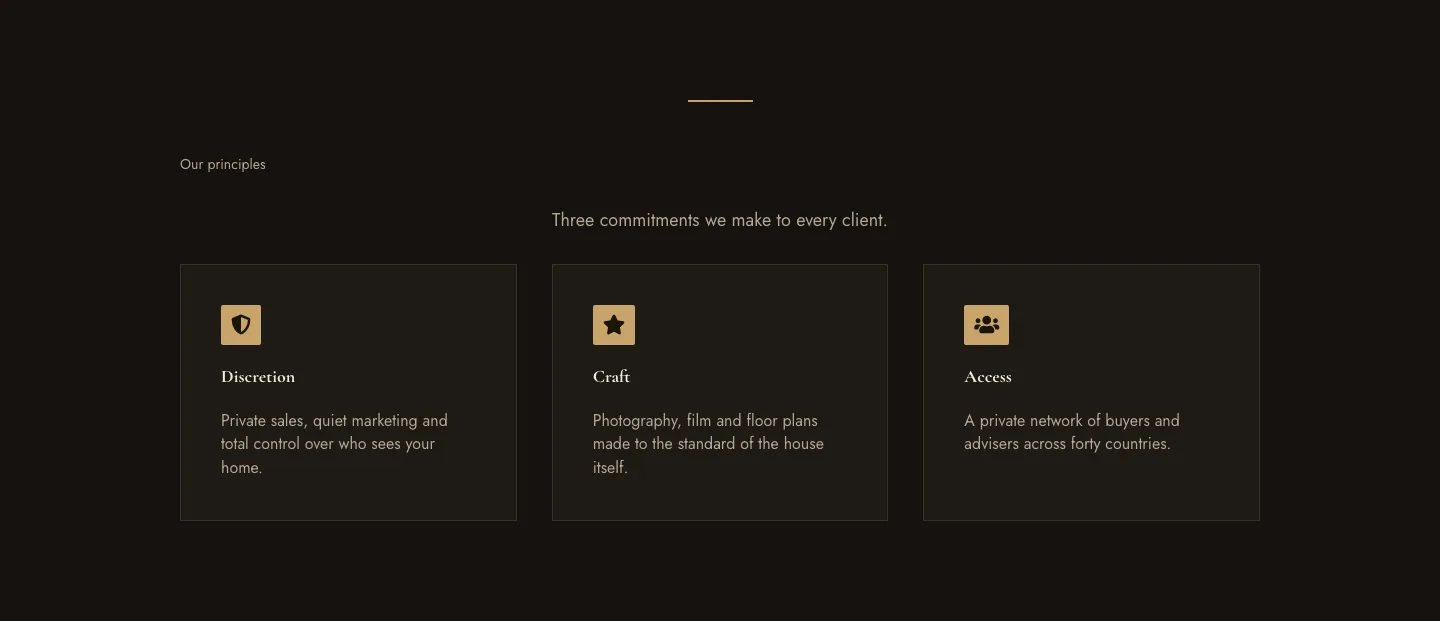
Luxe Private Estates Principles Features Layout for Divi 5: Three Icon Values
features · real_estate · elegant
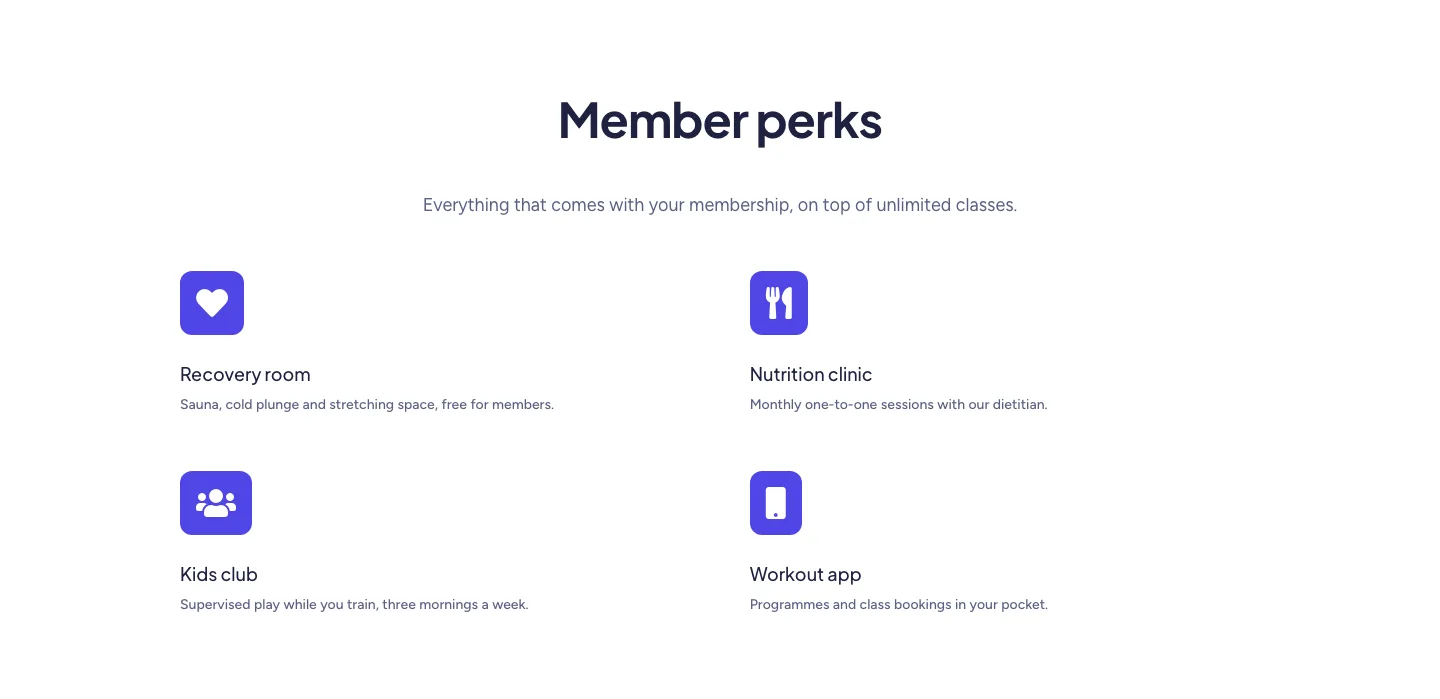
Soft Fitness Member Perks Features Layout for Divi 5: Four Icon Blurbs
features · fitness · minimal
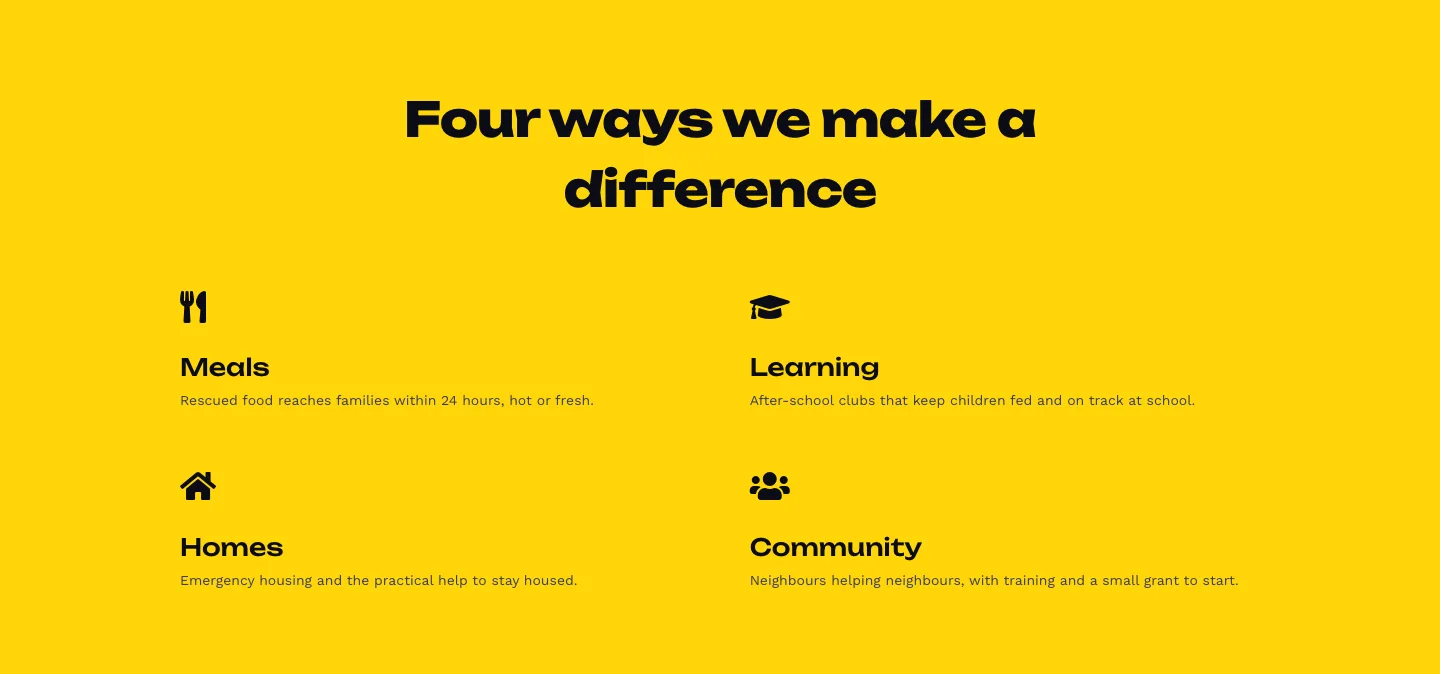
Bold Nonprofit Impact Features Layout for Divi 5: Four Icon Features
features · nonprofit · bold
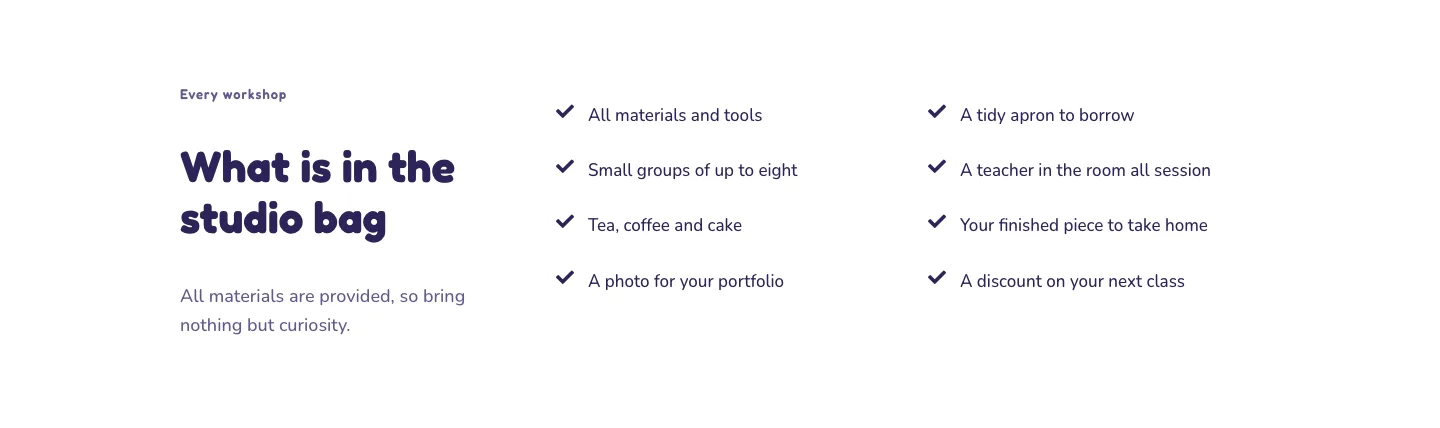
Playful Craft Workshop Features Layout for Divi 5: Two-Column Checklist
features · portfolio · playful
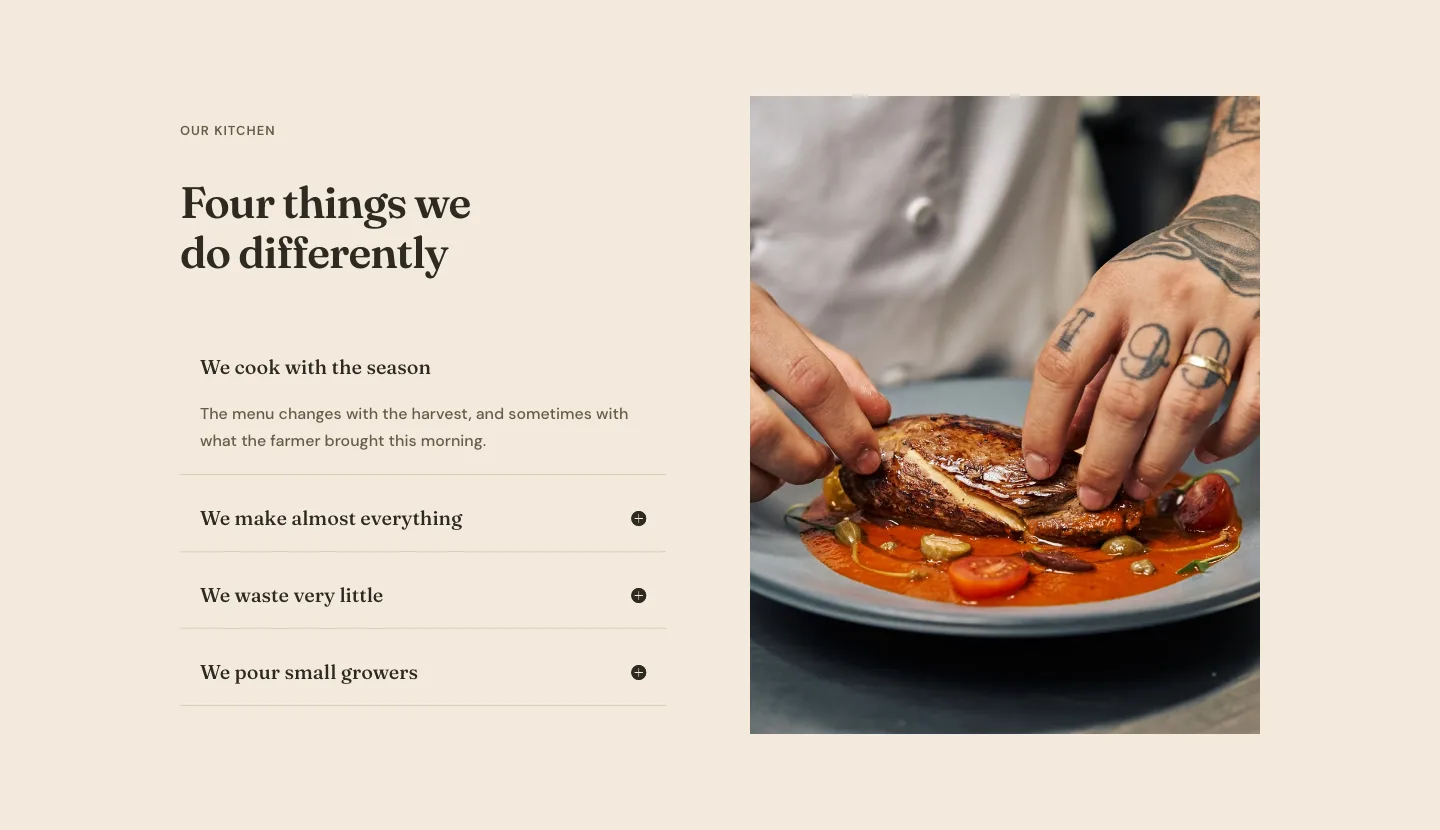
Organic Restaurant Kitchen Values Features Layout for Divi 5: Accordion with Image
features · restaurant · elegant
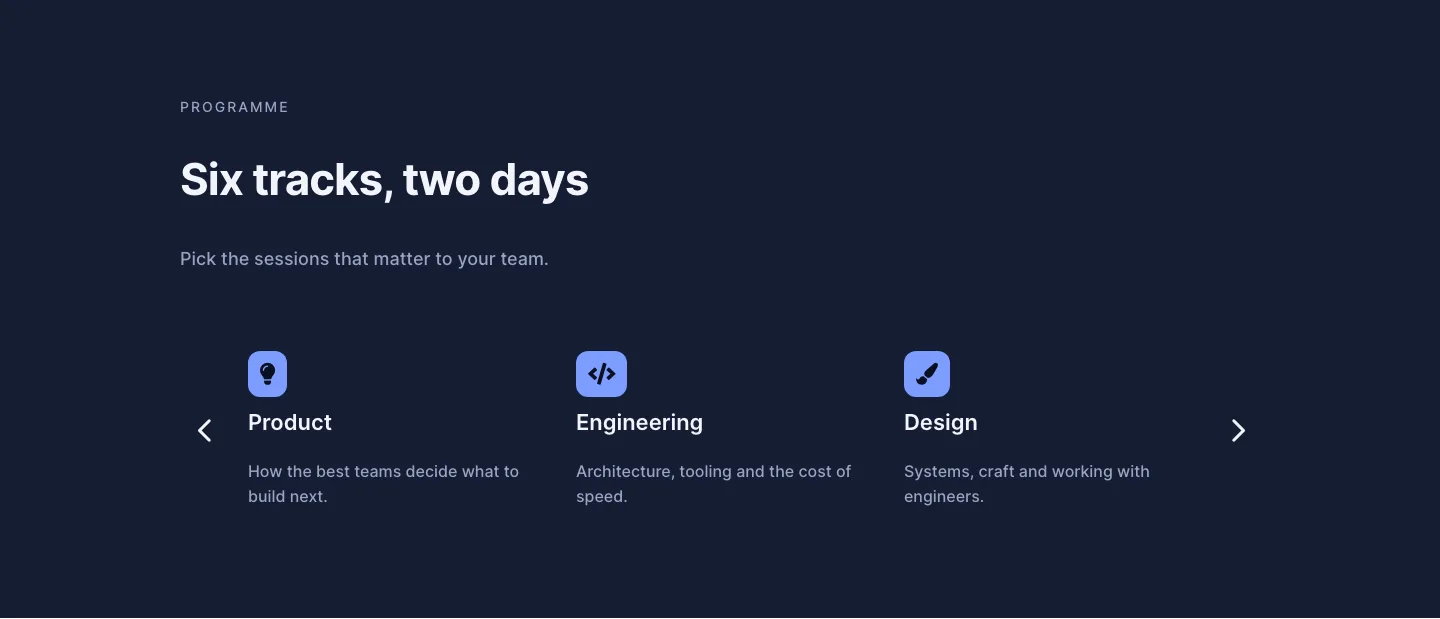
Dark Conference Tracks Features Layout for Divi 5: Carousel Cards
features · events · dark