
Bold Fitness Membership Features Layout for Divi 5: Two-Column Checklist
A bold two-column Divi 5 features section listing gym membership benefits with icon checkmarks. Clean white background, Unbounded headings, and a responsive grid – ready to drop into any fitness website.
Rate this element
Download this section, free
- Divi 5 JSON, imports in seconds
- Commercial license included
- No account needed
Click to view the full page
Overview
This layout splits its work cleanly across a 1/3 + 2/3 asymmetric two-column row. The left column carries all the persuasive weight in just three elements: a small uppercase eyebrow label set in Work Sans at 13px with 2px letter-spacing, a punchy h2 headline in Unbounded at 44px with −1px tracking and text-wrap: balance, and a single sentence of body copy at 18px. That restraint is intentional — the left side frames the offer, the right side proves it. The section sits on a clean #ffffff background with 80px vertical padding on desktop, stepping down to 56px on tablet and 36px on phone, keeping the section proportionate across breakpoints without any manual overrides needed.
The right column hosts a divi/group configured as a CSS grid: two columns, 40px column gap, 0px row gap, so the eight checklist items sit flush in a tight 4-row × 2-column matrix. Each item is its own inner divi/group laid out as a flex row with align-items: flex-start and a 14px column gap, pairing a Font Awesome solid checkmark icon (fa \f00c, 18px, #0c0c14) with a 17px Work Sans text module. The flex-start alignment means a two-line item wraps correctly without the icon jumping to center. On phone the outer grid drops to a single column and each item's padding reduces from 14px to 10px top/bottom, keeping tap targets comfortable without wasting vertical space.
The palette is deliberately minimal: near-black #0c0c14 for all high-emphasis elements (headline, icons, checklist text) and a muted slate #3d3d52 for the eyebrow and body copy. No accent color, no gradients. This high-contrast monochrome approach reads as confident and premium — a gym that doesn't need to shout. The Unbounded typeface on the headline adds the visual weight that the palette withholds; its geometric, heavy letterforms carry the boldness while the body text stays legible and calm.
The layout ships with eight checklist items that cover a realistic membership scope: unlimited classes, open gym access, coached warm-ups, quarterly progress checks, monthly guest passes, towels and showers, online workouts, and member events. That range matters because it demonstrates how the grid handles varied copy lengths gracefully — shorter items like "Towels and showers" sit next to longer ones like "Coached warm-up every session" without the row heights becoming inconsistent, thanks to row-gap: 0px and per-item padding controlling the vertical rhythm directly.
What’s inside
- Asymmetric 1/3 + 2/3 two-column row (flexType `8_24` / `16_24`) that stacks to full-width single column on mobile
- Left column with h4 eyebrow (Work Sans 700, 13px, 2px letter-spacing, uppercase), h2 headline (Unbounded 800, 44px → 36px → 30px responsive), and a body copy module
- Right column outer group configured as a native CSS grid (2 columns desktop, 1 column phone) with 40px column gap
- 8 checklist items, each a flex-row inner group pairing a Font Awesome solid checkmark icon with a text module, aligned `flex-start` for multi-line safety
- Consistent per-item vertical padding (14px desktop, 10px phone) controlling rhythm without a row gap on the grid
- Dual-tone monochrome palette: near-black `#0c0c14` for icons and checklist text, muted slate `#3d3d52` for eyebrow and intro copy
- Section padding scales in three steps: 80px / 56px / 36px (desktop / tablet / phone) — no extra work needed on those breakpoints
Who it’s for
This section fits any business that sells a membership or subscription and needs to lay out what's included without a pricing table. Gyms, fitness studios, CrossFit boxes, yoga and pilates studios, and personal-training services are the obvious match — the copy slots in directly. It also works well for martial arts schools, swimming clubs, wellness centers, and any sport-specific facility with a tiered membership. Beyond fitness, the structure adapts cleanly to co-working spaces, professional associations, or SaaS products listing plan features, as long as the offer involves a recurring relationship and a defined set of included perks.
Customization tips
Start by swapping the Unbounded headline for your own gym or studio name's preferred display font — the −1px letter-spacing and 1.15em line height are set directly on the module, so update those if you switch to a wider typeface. The eyebrow text ("Membership") is a single h4 module; change it to your tier name ("Gold Plan", "All-Access") in seconds.
To retheme the palette, find-replace #0c0c14 with your primary brand color and #3d3d52 with a lighter tint of the same hue. Each icon and text module carries its own color value, so a global search in Divi is the fastest path. Keep checklist items to 25–35 characters so the two-column grid stays balanced — longer items wrap to two lines, which is fine but breaks the visual rhythm if several items do it simultaneously. If you have fewer than six items, consider switching the outer grid to a single column and increasing the column width.
How to install this layout
- Download the layout JSON file from this page.
- Open the target page in the Divi 5 builder.
- Open the portability panel (up/down arrows icon) and choose the Import tab.
- Upload the JSON. Tick “replace existing content” only for full-page imports.
- Check the page at desktop and mobile widths, then swap in your copy and images.
Full walkthrough with troubleshooting: How to Import a Divi 5 Layout.
Questions about Bold Fitness Membership Features Layout for Divi 5: Two-Column Checklist
How does the checklist reflow on mobile?
The outer grid group switches from `gridColumnCount: 2` to `gridColumnCount: 1` on phone, so all eight items stack into a single vertical list. The left-column headline and intro text also expand to full width (`flexType: 24_24`). No manual breakpoint editing is required — these responsive values are baked into the JSON.
Which Divi 5 modules does this layout use?
It uses divi/section, divi/row, divi/column, divi/group (used twice — once as the CSS grid container and once as the flex-row wrapper per checklist item), divi/heading, divi/text, and divi/icon. There are no third-party modules or custom code blocks.
Can I add or remove checklist items?
Yes. Each item is a self-contained divi/group block with an icon and a text module inside. Duplicate any existing item group in the Divi editor and update the text. Removing items is equally straightforward — delete the group. The CSS grid reflows automatically to fill the vacated slot. If you drop below six items the grid may leave an empty cell; switch to a single-column grid in that case.
The icon color is near-black — how do I make it an accent color instead?
Each divi/icon module has its color set individually to `#0c0c14`. Select any icon module, update its color in the Divi Design panel, then use Divi's copy-style / paste-style or bulk-edit to apply the new color across all eight icons at once.
Is there a background image or gradient behind the section?
No. The section background is a flat `#ffffff`. If you want a dark or textured background, update the section's background color or add an image in the Divi section settings. The headline and body copy colors (`#0c0c14`, `#3d3d52`) will need to shift to light values if you switch to a dark background.
What copy length works best for the intro text on the left?
The layout is built around a single short sentence ("One price, no joining fee and no contract after the first month."). Keep the intro to one or two sentences — around 15–25 words. The left column is intentionally narrow (1/3 width) at desktop size, so longer copy will create a tall left column that misaligns with the checklist grid on the right.
Which Divi version does this layout need?
Divi 5. The layout is generated natively for Divi 5 and validated against its real module structure before publication, so it imports clean into the current builder.
Can I use this layout on client websites?
Yes. Every download includes a commercial license covering unlimited sites you own or build for clients. Only reselling or redistributing the layout file itself is prohibited.
More feature grids
Browse all feature grids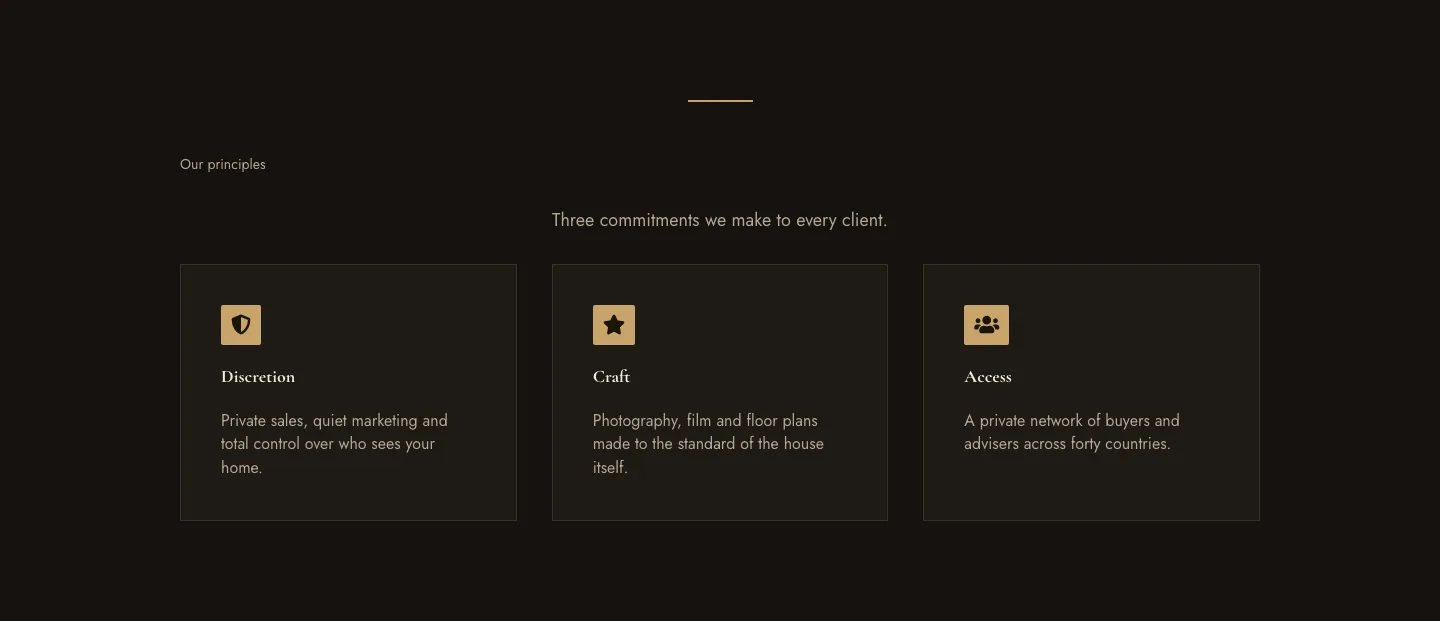
Luxe Private Estates Principles Features Layout for Divi 5: Three Icon Values
features · real_estate · elegant
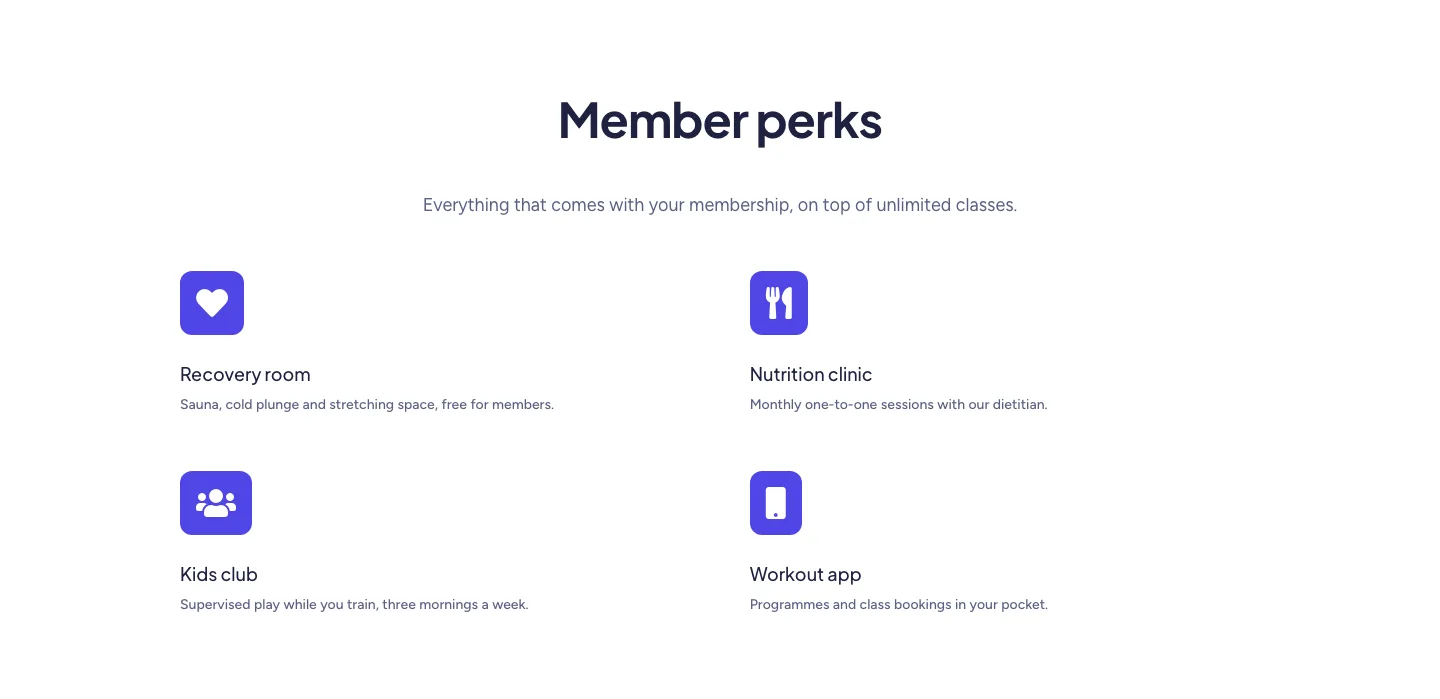
Soft Fitness Member Perks Features Layout for Divi 5: Four Icon Blurbs
features · fitness · minimal
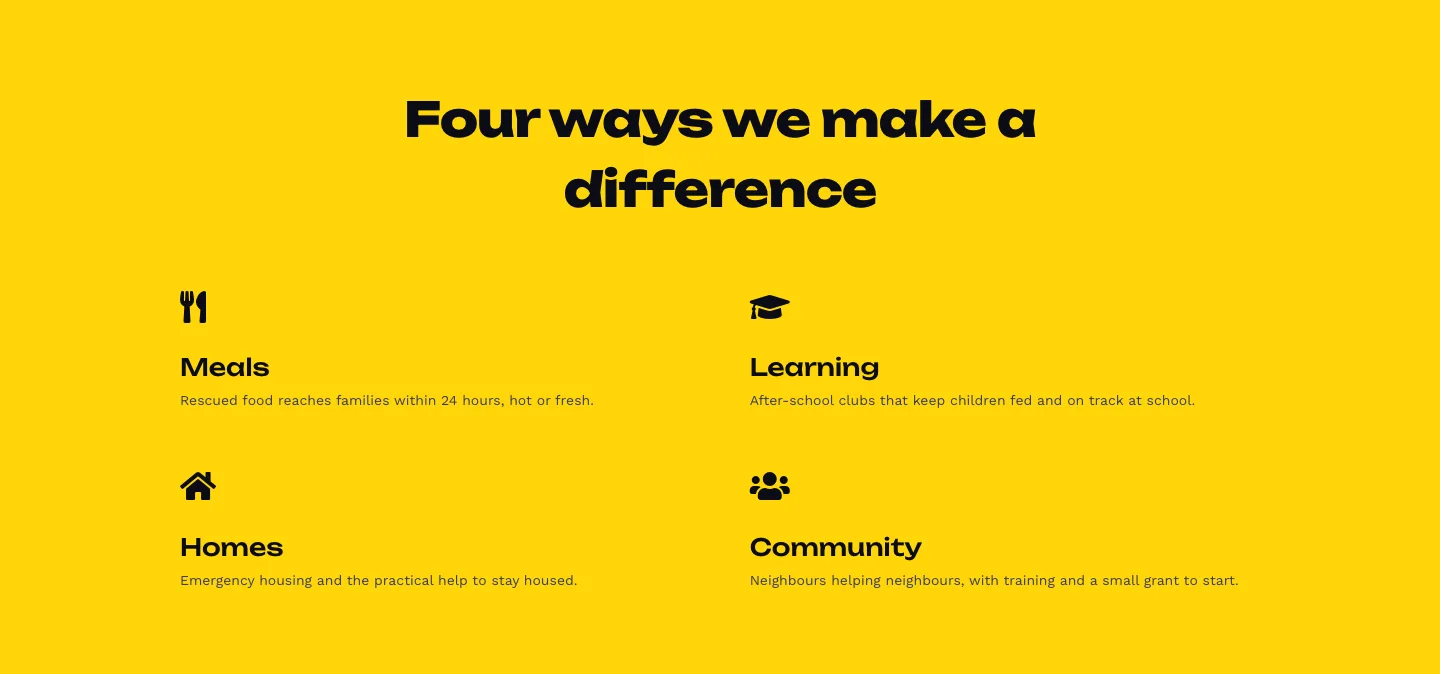
Bold Nonprofit Impact Features Layout for Divi 5: Four Icon Features
features · nonprofit · bold
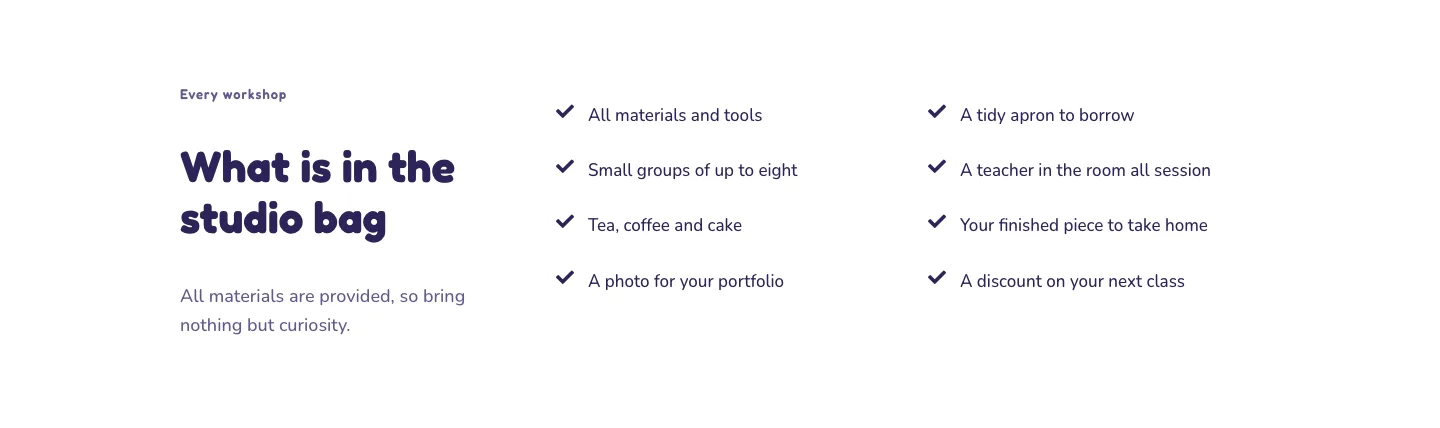
Playful Craft Workshop Features Layout for Divi 5: Two-Column Checklist
features · portfolio · playful
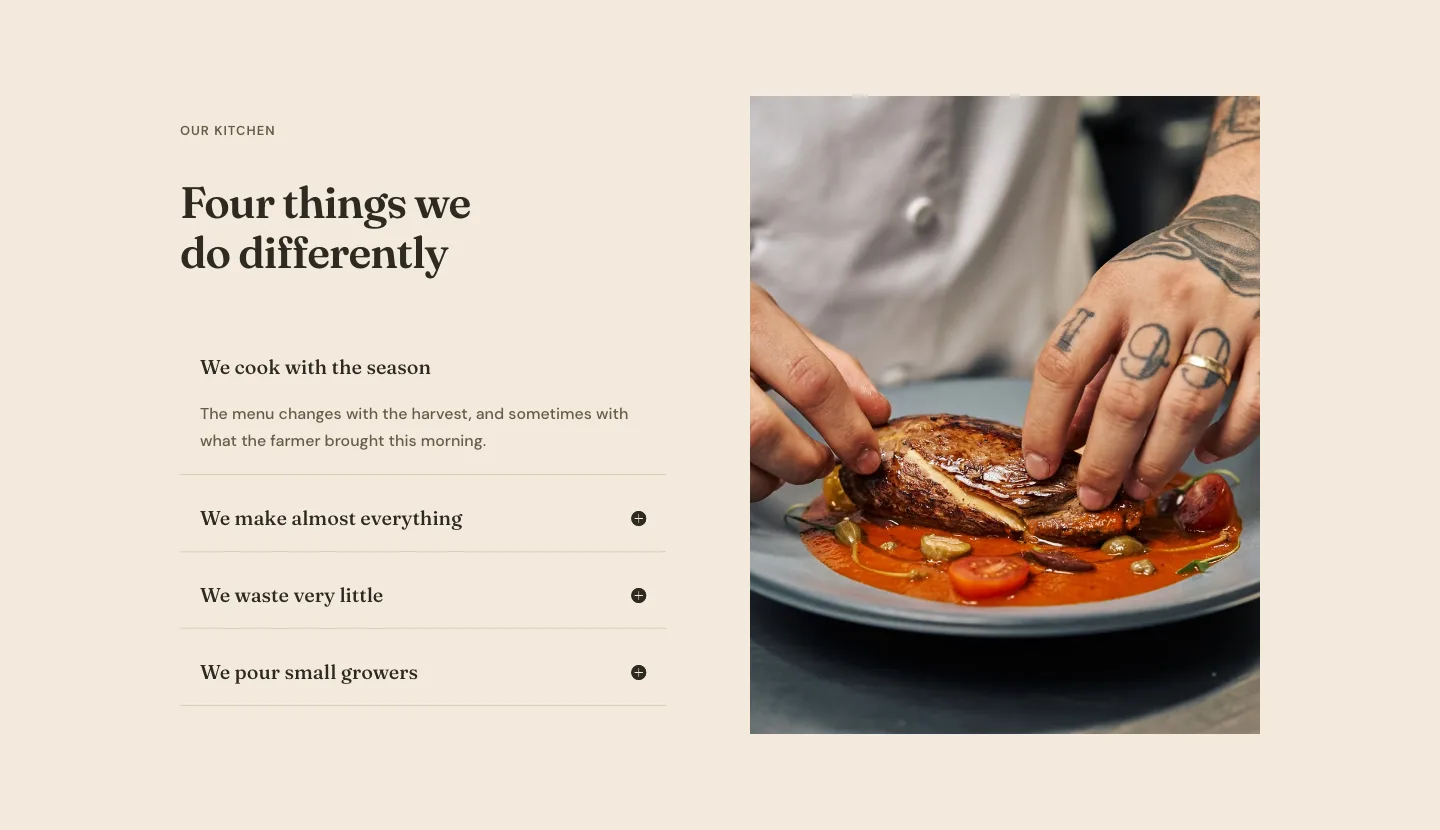
Organic Restaurant Kitchen Values Features Layout for Divi 5: Accordion with Image
features · restaurant · elegant
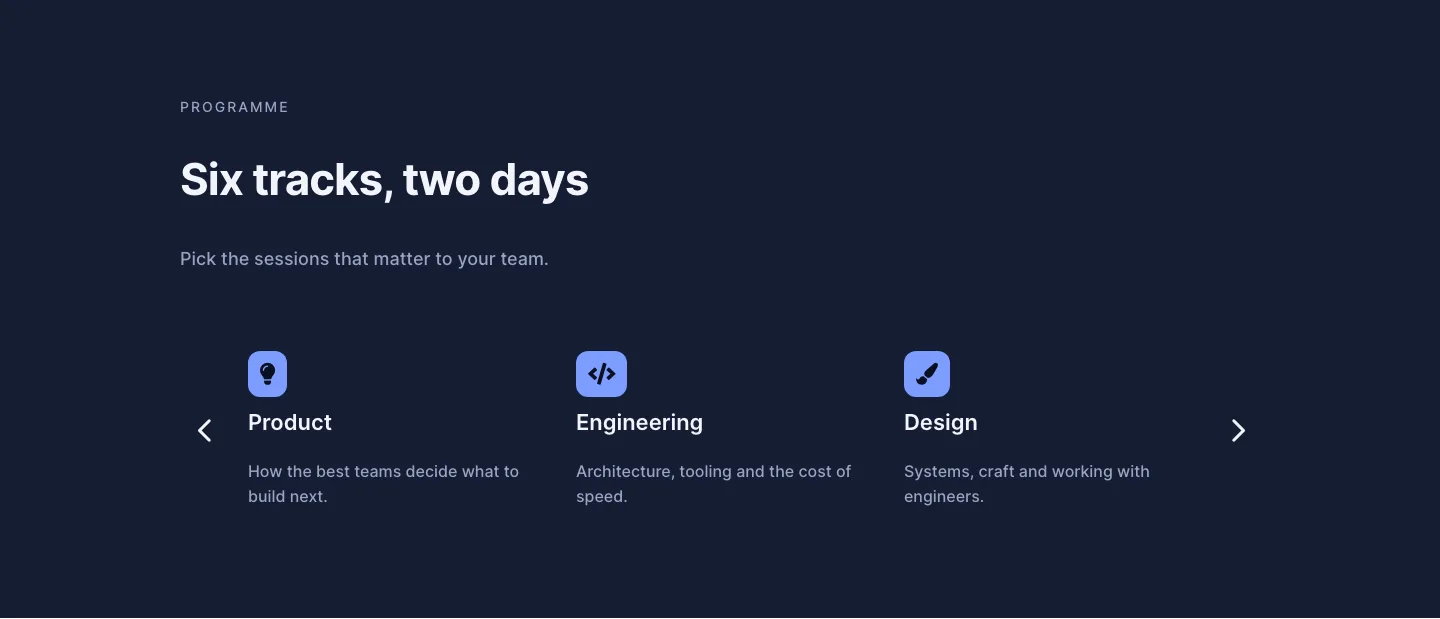
Dark Conference Tracks Features Layout for Divi 5: Carousel Cards
features · events · dark