
Corporate Real Estate Features Layout for Divi 5: Three Zigzag Rows
A clean corporate Divi 5 features section for real estate agencies. Three alternating image-and-text rows cover staging, evidence-based pricing, and buyer network — ready to drop into any property website.
Rate this element
Download this section, free
- Divi 5 JSON, imports in seconds
- Commercial license included
- No account needed
Click to view the full page
Overview
The section opens with a centered introduction block before branching into the three-feature zigzag. An all-caps eyebrow heading (14px IBM Plex Sans, slate #4f5d73, 1px letter-spacing) anchors the block above a centered h2 constrained to 720px max-width with text-wrap: balance, ensuring clean line breaks at every viewport. Below it sits an 18px subtitle group capped at 640px. Section padding steps from 96px on desktop to 68px on tablet and 44px on phone, giving the whole section natural breathing room without hard breakpoints.
Below the intro, three 50/50 rows alternate image and copy left-to-right to build the zigzag rhythm. Rows 1 and 3 place the photo on the left with text on the right; Row 2 reverses the arrangement. Each text column carries 48px of horizontal padding on its far side (24px on tablet, 0 on phone), so copy never crowds the image edge on mid-range viewports. The feature copy follows a strict four-tier hierarchy inside each column: a numbered label (h4, 13px, all-caps, slate), an h3 feature heading at 32px in deep navy #13233f, a one-to-two sentence body paragraph in slate #4f5d73 at 18px/1.6em, and a standalone inline underlined text link as the per-feature CTA.
The palette is deliberately limited. Pure white (#ffffff) on the section background keeps the images and typography as the only visual work. Deep navy #13233f handles headings and links; slate #4f5d73 carries all supporting text including eyebrows, numbered labels, and body copy. IBM Plex Sans ties every element together, from the 44px h2 down to 13px labels, through a single geometric grotesque that reads as precise and professional without veering cold.
On mobile every 50/50 row collapses to a full-width column. Row 2 adds an explicit order: -1 on its image at the phone breakpoint, surfacing the photo above the text regardless of its desktop column position, so all three features remain image-first as the user scrolls. Font sizes step down consistently: the h2 drops from 44px to 36px (tablet) and 30px (phone); each feature h3 scales from 32px to 28px to 24px. The section reads as cleanly at 375px as it does at 1440px.
What’s inside
- Centered intro block with eyebrow h4, max-width-constrained h2 (text-wrap: balance, 720px cap), and 18px subtitle group (640px cap)
- Three alternating 50/50 zigzag rows using native divi/row and divi/column modules with equal-column flex structure
- Four-tier feature hierarchy per row: numbered label (h4, 13px, all-caps), h3 heading (32px), body text (18px/1.6em), inline underlined text link
- All three images locked to a 4:3 aspect ratio with object-fit: cover inside equal-width columns
- Responsive column padding that steps from 48px on desktop to 24px on tablet and 0px on phone on the image-adjacent side
- Mobile-smart image ordering: Row 2 uses order: -1 on phone so its image surfaces first, preserving the image-then-text rhythm across all three features
- Two-tone palette (deep navy #13233f for headings and links, slate #4f5d73 for all supporting text) rendered exclusively in IBM Plex Sans
Who it’s for
This layout fits real estate agents and boutique brokerages that need to articulate a clear seller value proposition without relying on visual gimmicks. It suits estate agencies building a new site around their listing methodology, buyer-matching process, or staging service. Property developers promoting vendor services alongside new projects will find the numbered-step structure persuasive. The corporate, evidence-led tone also works for real estate coaches and consultants who package their process into discrete, named steps. It is less suited to luxury lifestyle brands or rental portals that lead with emotion rather than process.
Customization tips
Palette changes are a single pass: the three hex values used across every module are #ffffff (section background on the divi/section element), #13233f (headings and links), and #4f5d73 (eyebrows, numbered labels, body copy). Update these in Divi's global preset panel and all modules inherit the change. Copy length matters for vertical alignment: each feature heading is 2 to 4 words and each body paragraph is one to two sentences at 18px. Pushing body copy past 30 words will make the text column taller than the 4:3 image on tablet widths; the layout holds better when the copy stays tight. Images must be supplied at 4:3 (e.g. 1200x900px or 1600x1200px) since the aspect ratio is hardcoded with object-fit: cover in each divi/image module. Portrait or square crops will be center-cropped. Start edits with the three h3 feature headings and the h2 section title since these carry the persuasive argument; replace those before touching fonts or colors.
How to install this layout
- Download the layout JSON file from this page.
- Open the target page in the Divi 5 builder.
- Open the portability panel (up/down arrows icon) and choose the Import tab.
- Upload the JSON. Tick “replace existing content” only for full-page imports.
- Check the page at desktop and mobile widths, then swap in your copy and images.
Full walkthrough with troubleshooting: How to Import a Divi 5 Layout.
Questions about Corporate Real Estate Features Layout for Divi 5: Three Zigzag Rows
How does the zigzag pattern behave on phones?
Each 50/50 row applies flexDirection: column at the phone breakpoint, collapsing both columns to full width. Row 2 also sets order: -1 on its image column at the phone breakpoint, which lifts the photo above the text regardless of its desktop order. All three features end up image-first on small screens, keeping a consistent scan rhythm as the user scrolls.
Which Divi 5 modules does this section use?
The section is built entirely from divi/section, divi/row, divi/column, divi/heading, divi/text, divi/image, and divi/group. There are no third-party modules, shortcodes, or custom code blocks. It imports cleanly into any Divi 5 installation running builder version 5.8.0 or later.
What aspect ratio should replacement photos use?
Each divi/image module is configured with a 4:3 aspect ratio and object-fit: cover. Supply photos at that ratio (e.g. 1200x900px or 1600x1200px) to avoid unexpected cropping. Horizontal shots with the subject centered work best; tall or near-square images will be cropped to 4:3 from the center.
Can I add a fourth feature row?
Yes. Duplicate an existing row and continue the alternating column order: if Row 3 is image-left, Row 4 should be text-left with the image on the right. Update the numbered label to 04, replicate the same padding side (left for text-left rows, right for text-right rows), and replace the placeholder image and copy. The section stretches naturally.
What should I edit first after importing?
Start with the h2 section title and the three h3 feature headings since these carry the entire argument. Once those reflect your agency's actual differentiators, update the numbered-label text, body paragraphs, and inline link labels and targets. Replace placeholder images last, once the copy is final, so you can choose photos that reinforce the specific claim each row makes.
Can I change the section background to a dark color?
The white background is set directly on the divi/section module. Switching to a dark background requires updating all three text colors manually: every divi/heading and divi/text module has inline color values (#13233f and #4f5d73) rather than inheriting from a global preset. The most efficient approach is to set up a Divi color preset before importing, then apply it as a find-and-replace pass in the JSON or via the visual builder's bulk-select tools.
Which Divi version does this layout need?
Divi 5. The layout is generated natively for Divi 5 and validated against its real module structure before publication, so it imports clean into the current builder.
Can I use this layout on client websites?
Yes. Every download includes a commercial license covering unlimited sites you own or build for clients. Only reselling or redistributing the layout file itself is prohibited.
More feature grids
Browse all feature grids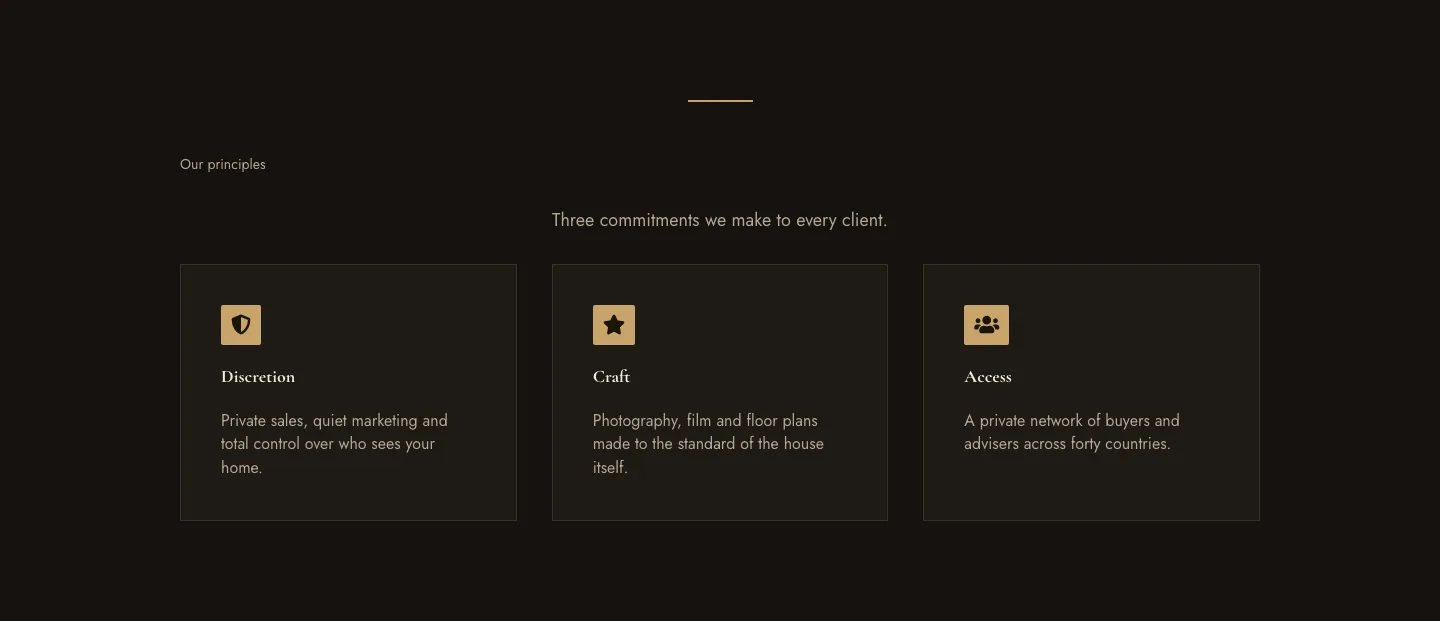
Luxe Private Estates Principles Features Layout for Divi 5: Three Icon Values
features · real_estate · elegant
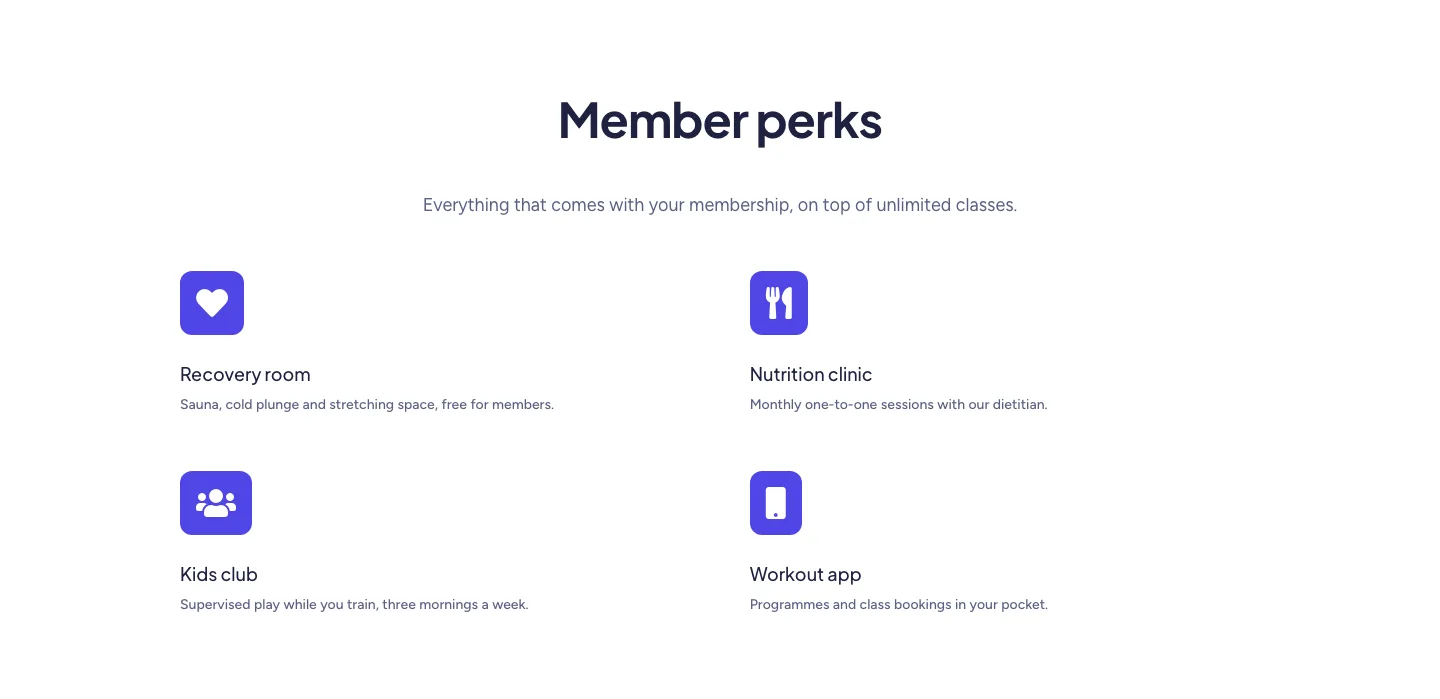
Soft Fitness Member Perks Features Layout for Divi 5: Four Icon Blurbs
features · fitness · minimal
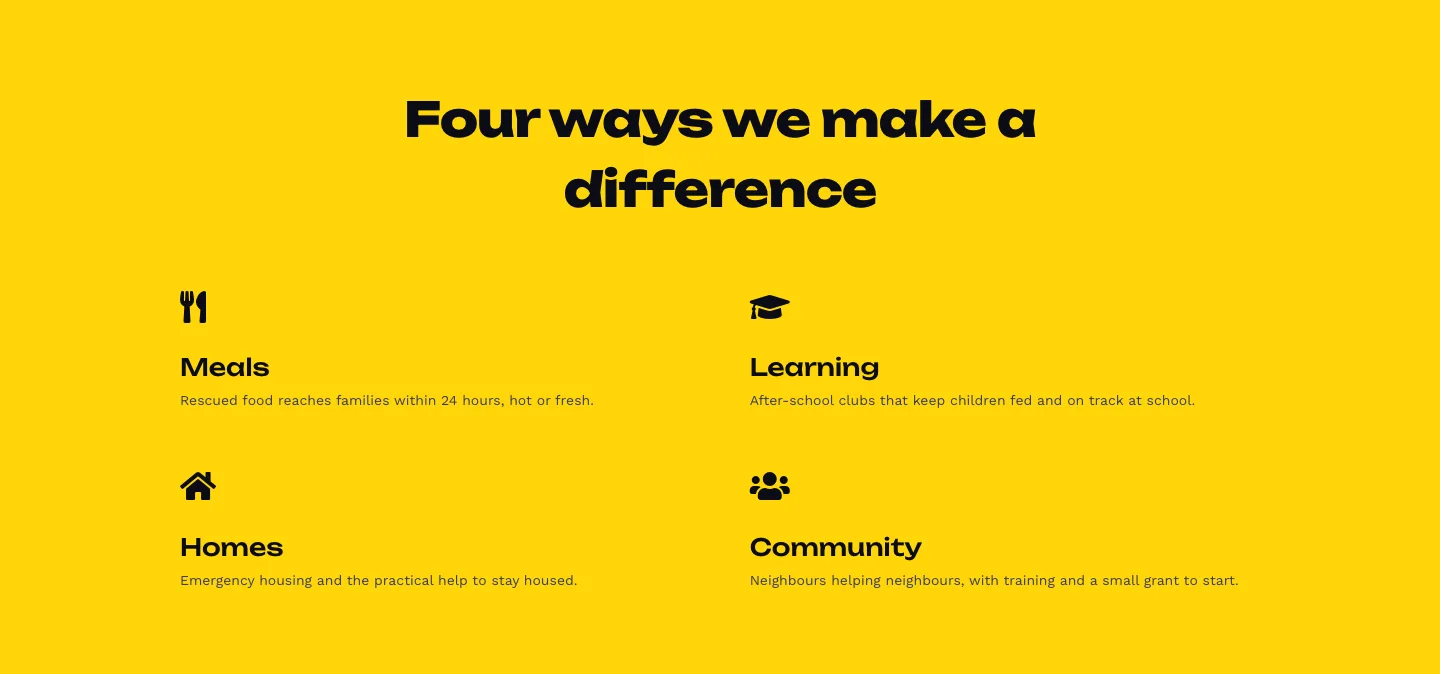
Bold Nonprofit Impact Features Layout for Divi 5: Four Icon Features
features · nonprofit · bold
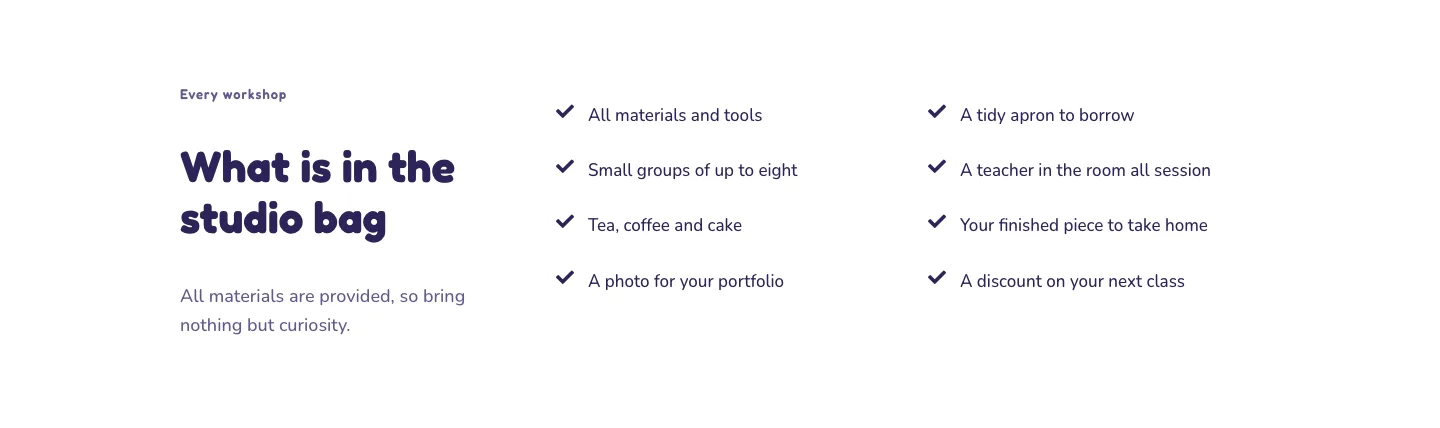
Playful Craft Workshop Features Layout for Divi 5: Two-Column Checklist
features · portfolio · playful
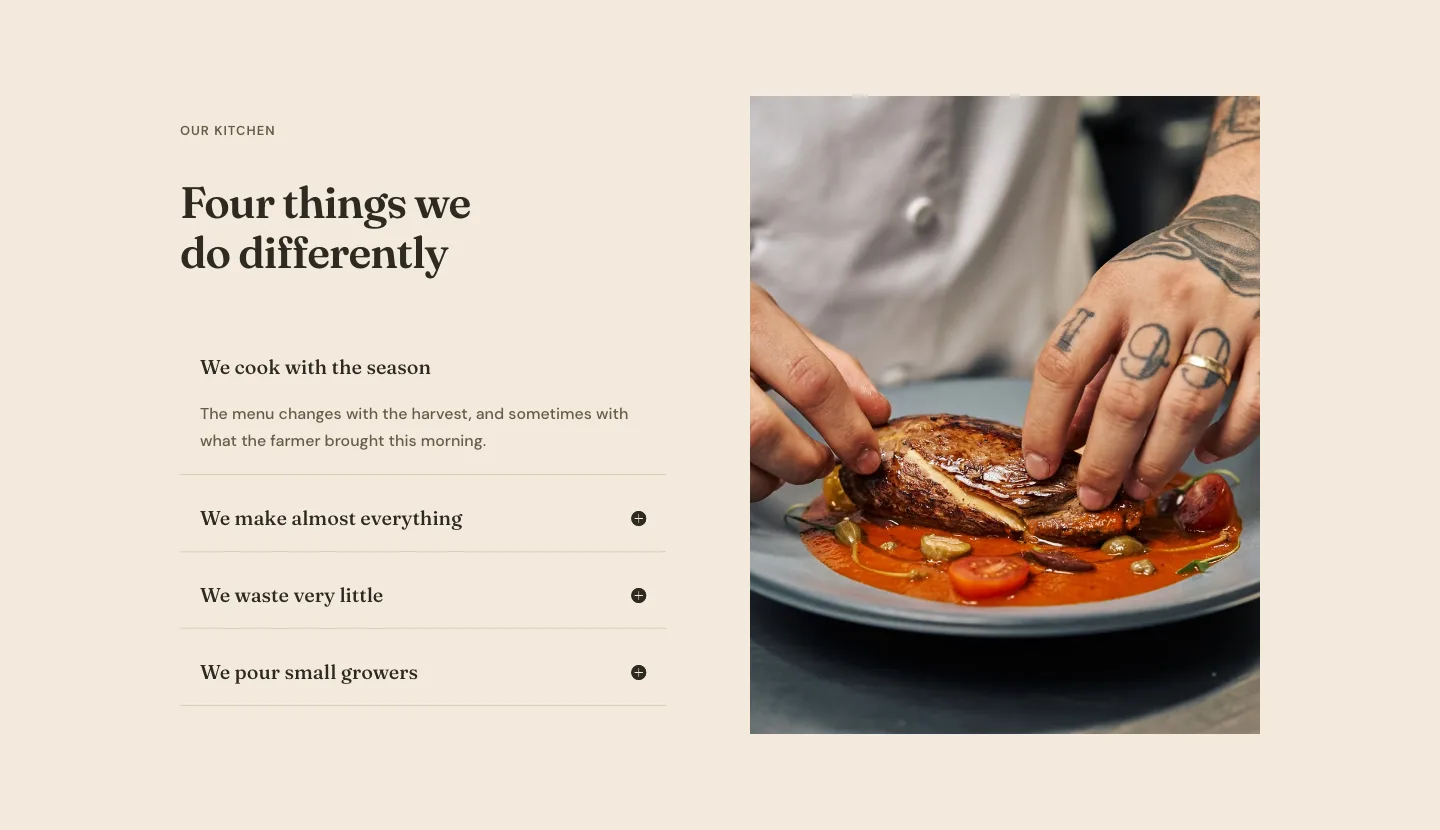
Organic Restaurant Kitchen Values Features Layout for Divi 5: Accordion with Image
features · restaurant · elegant
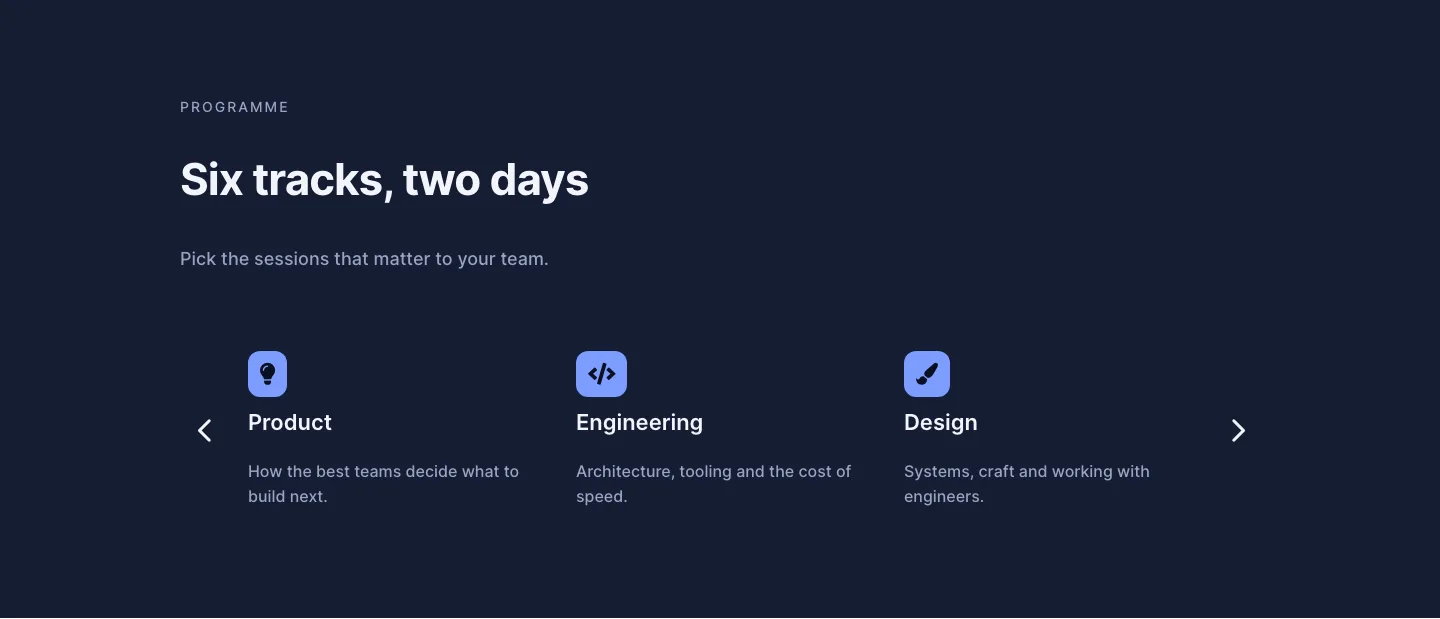
Dark Conference Tracks Features Layout for Divi 5: Carousel Cards
features · events · dark