
Organic Wellbeing Coaching Features Layout for Divi 5: Two-Column Checklist
A minimal two-column features checklist layout for wellness and life coaching sites. Built with Divi 5, warm earth tones, DM Sans and Fraunces typography.
Rate this element
Download this section, free
- Divi 5 JSON, imports in seconds
- Commercial license included
- No account needed
Click to view the full page
Overview
The section opens on a warm cream background (#fbf6ee) that reads immediately as considered, unhurried space rather than clinical white. A single row divides the canvas into two unequal halves: the left column takes 8 of 24 flex units and the right takes 16, separated by a 48 px column gap. That asymmetry is intentional. The left side carries the editorial weight, the right side carries the information, and the eye moves naturally from one to the other without needing a divider or a rule.
The left column builds a three-level hierarchy. A 13 px DM Sans eyebrow in warm brown (#675b49), tracked out at 1 px and set in uppercase, establishes the context before the headline arrives. The H2 in Fraunces at 44 px with tight letter-spacing (-1 px) and textWrap: balance does the persuasive work. Below it, a single sentence in 18 px DM Sans at the same brown reinforces tone without adding noise. The combination of a high-contrast serif for the headline and a neutral geometric sans everywhere else is a deliberate pairing: editorial credibility, calm legibility.
The right column is a CSS Grid Group set to two columns on desktop with a 40 px column gap and no row gap between items. Each of the eight checklist items is its own flex Group: a FontAwesome solid checkmark (f00c, 18 px, #2e2a22) aligned to the top of the row, followed by 17 px DM Sans text in the same near-black. The top and bottom padding of 14 px on each item provides the breathing room that makes the list feel open rather than dense, even when all eight items are visible at once.
On mobile, the row wraps to a stacked column, the section padding steps from 96 px down to 44 px, the grid collapses to a single column, and item padding reduces to 10 px. No content is hidden and no layout logic changes, just the geometry. The result is a section that works as a full-width block on a laptop and as a clean vertical checklist on a phone, without any conditional display tricks.
What’s inside
- Two-column row with asymmetric flex sizing (8/24 left, 16/24 right) and a 48 px column gap that shifts to a stacked column on phone
- Three-level left-column hierarchy: H4 eyebrow (DM Sans, 13 px, uppercase, tracked), H2 Fraunces headline (44 px desktop / 30 px phone, `textWrap: balance`), and a one-line DM Sans subtext
- Right column CSS Grid Group with two columns on desktop (40 px gap, zero row gap) collapsing to one column on phone
- Eight checklist items, each a flex Group with a FontAwesome solid checkmark icon (18 px, `#2e2a22`) top-aligned to DM Sans text (17 px, 1.6 em line-height)
- Three-tone warm palette baked into module styles: `#fbf6ee` cream section background, `#2e2a22` near-black for active text and icons, `#675b49` warm brown for supporting text
- Responsive section padding that steps from 96 px (desktop) to 64 px (tablet) to 44 px (phone)
- Fraunces / DM Sans type pairing applied consistently across all six text modules with no extra fonts to load
Who it’s for
This layout suits any solo practitioner or small practice that leads with a relationship-first offer rather than a transactional one. Wellness and life coaches are the most obvious fit, but the pattern works equally well for nutritionists, therapists, naturopaths, yoga teachers offering mentorship programmes, and somatic or breathwork practitioners. The checklist copy supplied covers a complete engagement arc, so it is also a strong starting point for anyone who structures a retainer or ongoing programme and wants to show its full scope without resorting to a feature table. The calm palette and editorial type say "considered" rather than "corporate," which suits independent practitioners more than agencies.
Customization tips
The palette lives in three hex values used across every module: swap #fbf6ee on the section background, #2e2a22 on headings and icons, and #675b49 on the eyebrow and subtext to shift the entire section in one pass. A cooler ivory or a deep slate background both work without changing the type sizes.
The H2 headline is set to textWrap: balance and looks best at two lines or fewer, so keep headline copy under roughly 40 characters. The eyebrow handles up to about 20 characters before it risks wrapping on narrow viewports. Each checklist item is written as a short phrase (five to eight words); lines that push past 10 words will stack awkwardly inside the fixed 40 px grid gap on mid-range desktop widths.
The layout carries no images, so there are no aspect ratio constraints to manage. If you want to add a photo to the left column, a portrait-oriented image (3:4 or 2:3) below the subtext works within the existing column proportions without disrupting the right-side grid.
How to install this layout
- Download the layout JSON file from this page.
- Open the target page in the Divi 5 builder.
- Open the portability panel (up/down arrows icon) and choose the Import tab.
- Upload the JSON. Tick “replace existing content” only for full-page imports.
- Check the page at desktop and mobile widths, then swap in your copy and images.
Full walkthrough with troubleshooting: How to Import a Divi 5 Layout.
Questions about Organic Wellbeing Coaching Features Layout for Divi 5: Two-Column Checklist
How does the two-column grid in the right column behave at mid-range tablet widths?
The row itself wraps to a stacked column at phone breakpoint using `flexWrap: wrap` and `flexDirection: column`. The inner grid inside the right column collapses from two columns to one at the same phone breakpoint via `gridColumnCount: 1`. At tablet widths the row remains side-by-side and the grid stays at two columns, so the layout is fully legible at 768 px without any adjustment.
Which Divi 5 modules are used in this layout?
The section uses divi/section, divi/row, divi/column, divi/heading (twice), divi/text (nine times across both columns), divi/icon (eight times), and divi/group (ten times total: one outer grid group and eight inner flex groups for the checklist items). No third-party modules are required.
Can I add more checklist items beyond the eight that are included?
Yes. Each item is an identical flex Group containing an icon and a text module, so duplicating any existing item in the Divi editor and editing the copy is straightforward. The CSS Grid expands to fit additional rows automatically. With an odd number of items the last cell in the right column will be empty on desktop, which is visible but not broken. If that bothers you, switching to a single-column grid for the final row is a quick manual adjustment.
The checkmark icon is a FontAwesome solid glyph. Can I swap it for a different icon?
Yes. Each divi/icon module stores the glyph as a Unicode value and weight. You can replace `` with any other FontAwesome icon available in Divi 5's icon picker without touching any other setting. The size (18 px) and color (`#2e2a22`) are set per icon, so if you change multiple items, update each one or copy the module and replace only the glyph.
What should I edit first after importing the layout?
Start with the three left-column text modules: the eyebrow label, the H2 headline, and the single-line subtext. Those three lines set the entire framing of the section. Then move to the checklist text in the right column and replace the default coaching items with your actual programme inclusions. The palette and type settings require no changes to be production-ready as imported.
Which Divi version does this layout need?
Divi 5. The layout is generated natively for Divi 5 and validated against its real module structure before publication, so it imports clean into the current builder.
Can I use this layout on client websites?
Yes. Every download includes a commercial license covering unlimited sites you own or build for clients. Only reselling or redistributing the layout file itself is prohibited.
More feature grids
Browse all feature grids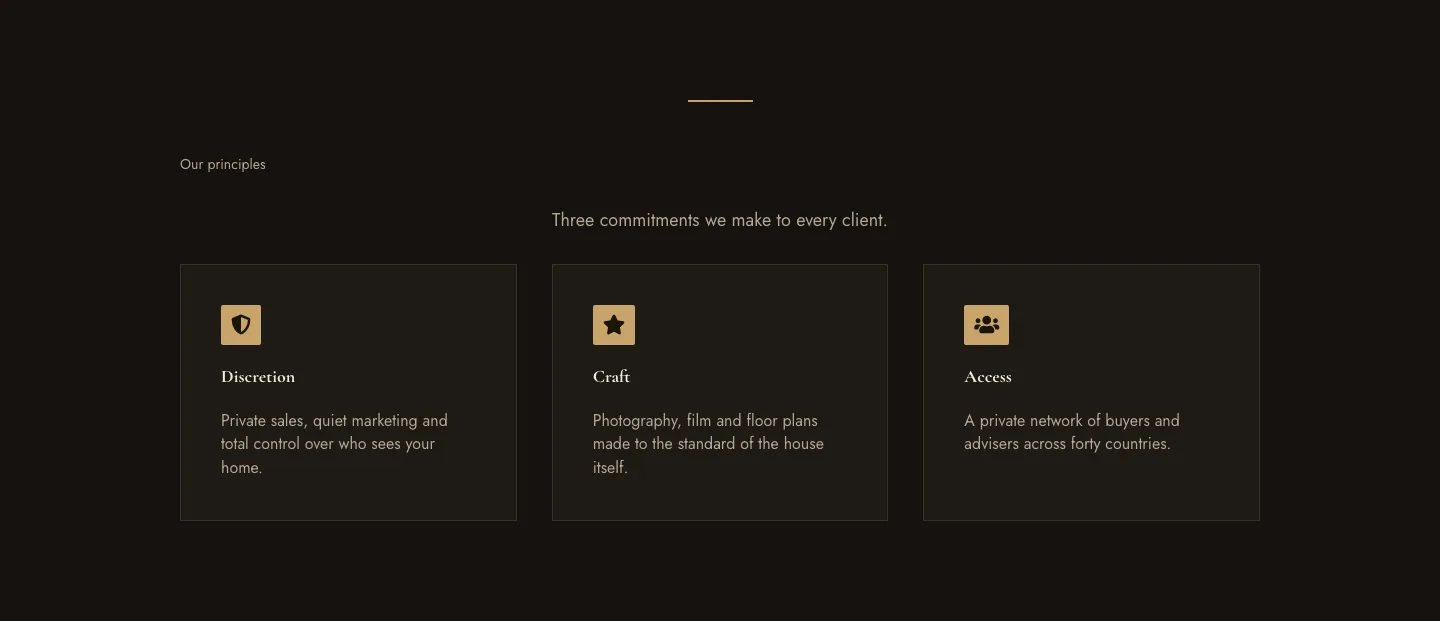
Luxe Private Estates Principles Features Layout for Divi 5: Three Icon Values
features · real_estate · elegant
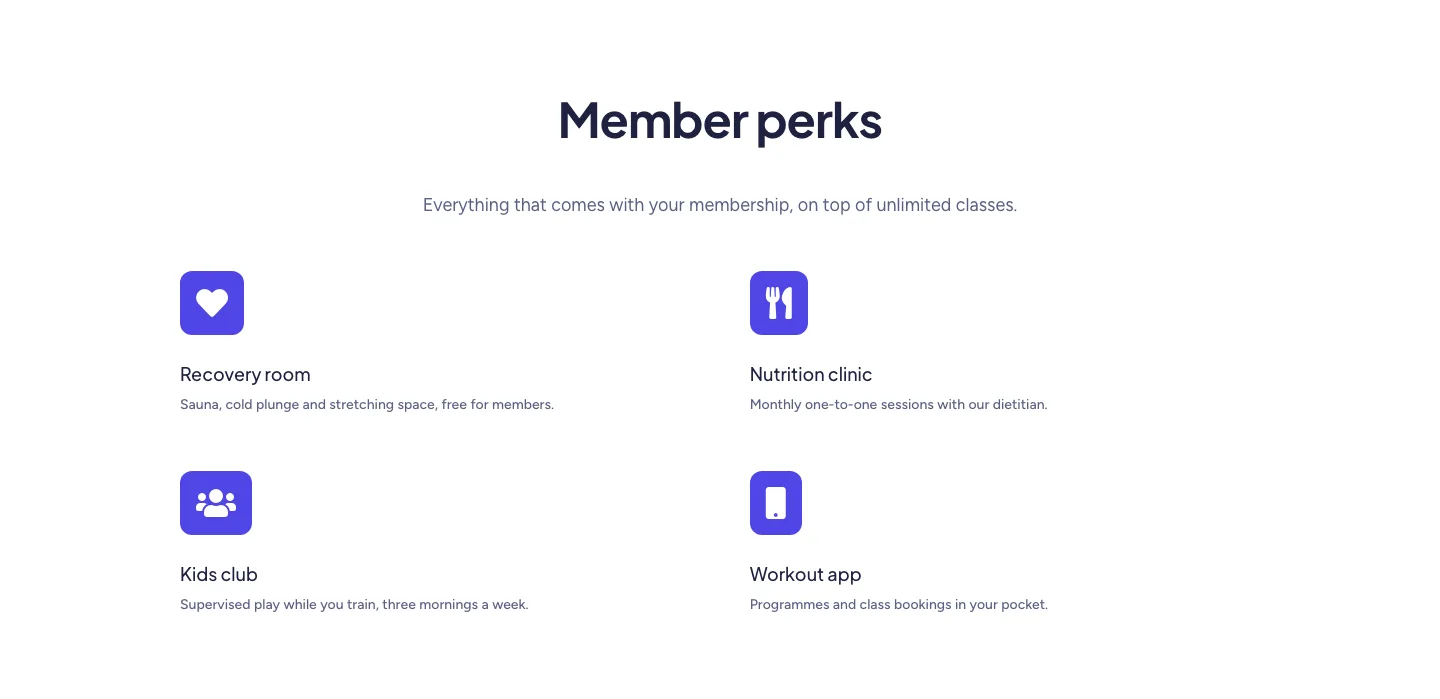
Soft Fitness Member Perks Features Layout for Divi 5: Four Icon Blurbs
features · fitness · minimal
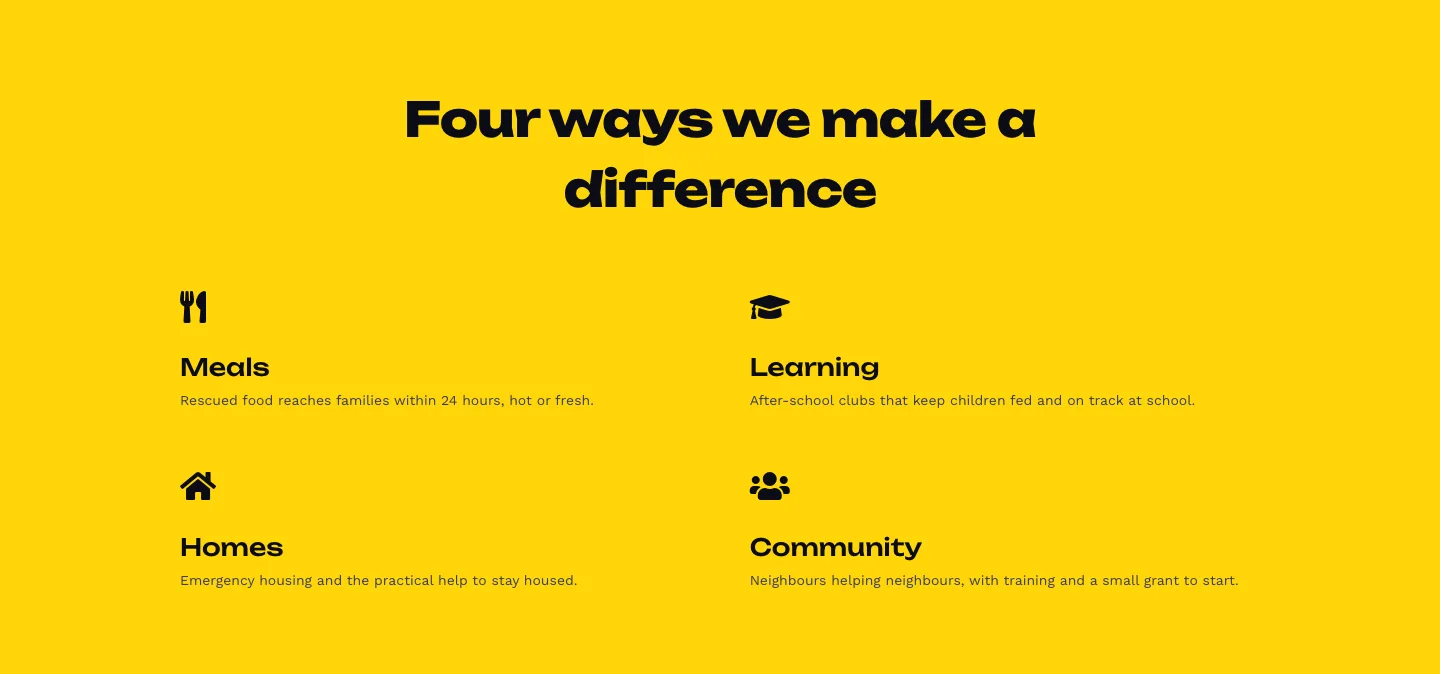
Bold Nonprofit Impact Features Layout for Divi 5: Four Icon Features
features · nonprofit · bold
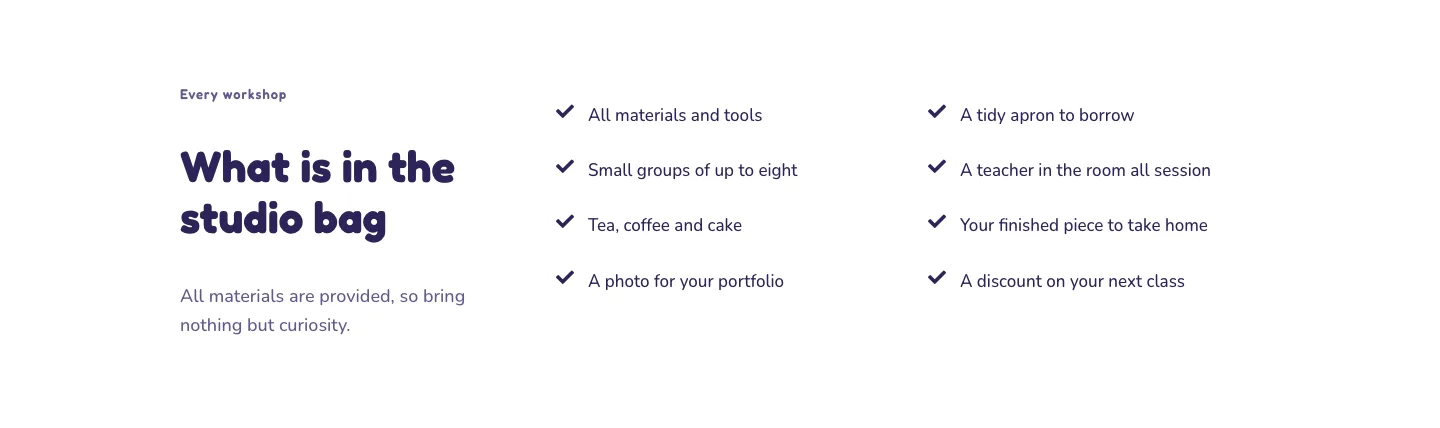
Playful Craft Workshop Features Layout for Divi 5: Two-Column Checklist
features · portfolio · playful
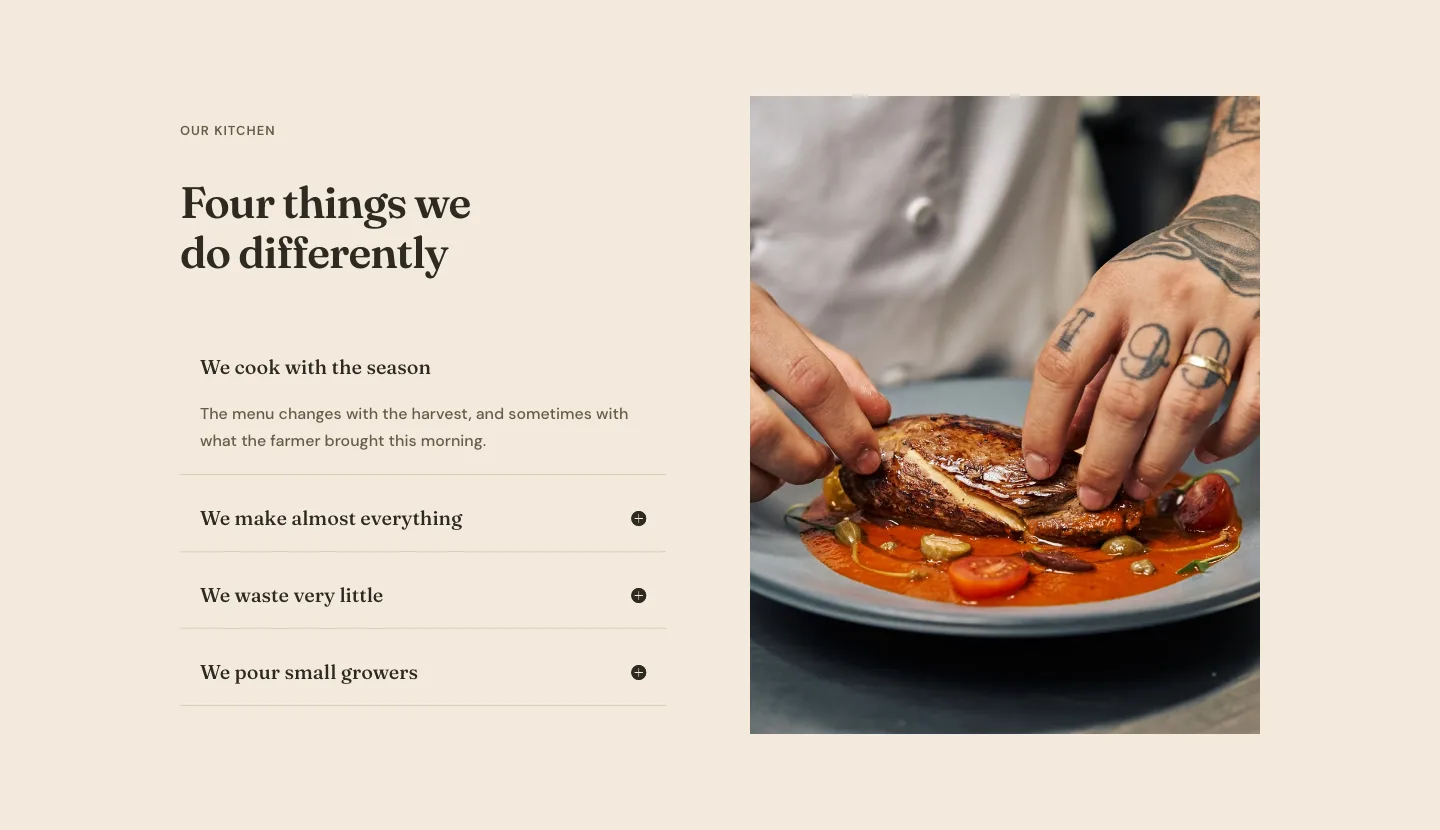
Organic Restaurant Kitchen Values Features Layout for Divi 5: Accordion with Image
features · restaurant · elegant
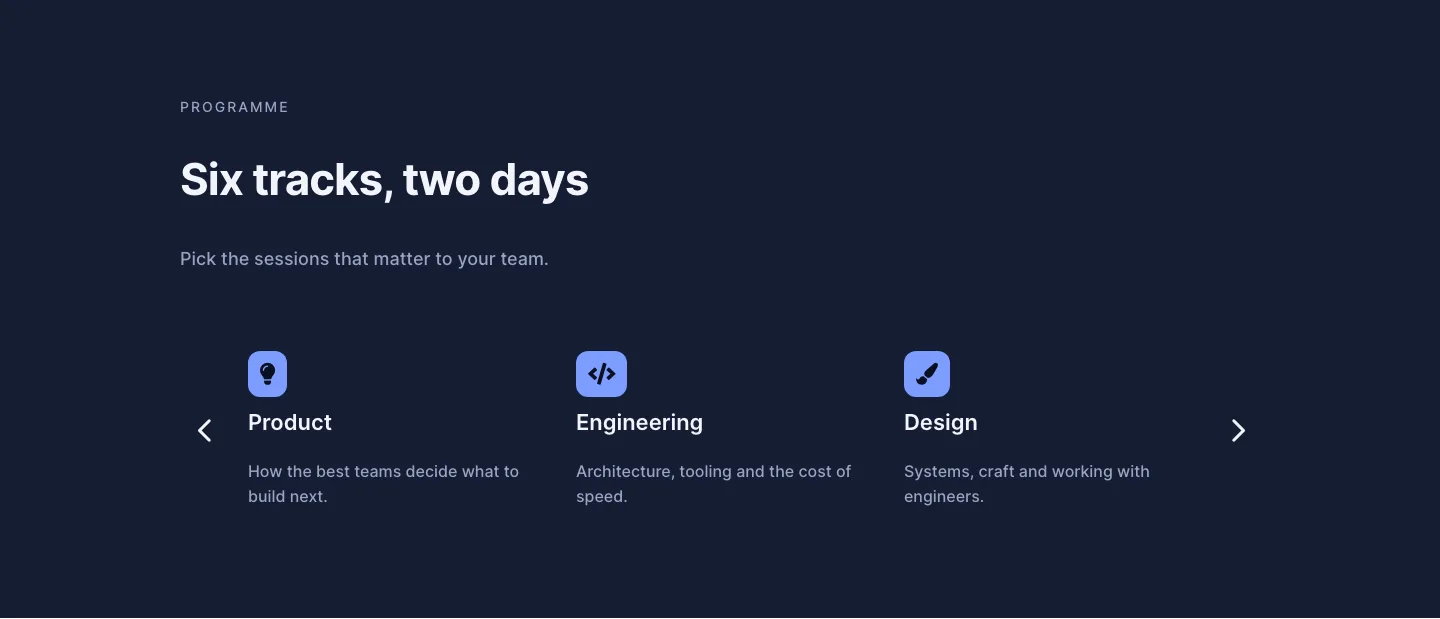
Dark Conference Tracks Features Layout for Divi 5: Carousel Cards
features · events · dark