
Dark SaaS Product Benefits Features Layout for Divi 5: Accordion with Image
A dark SaaS features layout for Divi 5 with a two-column accordion and image. Highlight product benefits with a clean dark UI, Inter typography, and expandable benefit items.
Rate this element
Download this section, free
- Divi 5 JSON, imports in seconds
- Commercial license included
- No account needed
Click to view the full page
Overview
This is a two-column features section built for dark-themed SaaS product pages. The left column opens with a small uppercase eyebrow label in muted blue-gray (#9aa4c0) at 13 px with 2 px letter-spacing, followed by a heavy 44 px h2 in near-white (#f2f4fa) at −1 px tracking — a typographic pairing that communicates authority without shouting. Below the heading, four accordion items handle the feature explanations: each title sits at 20 px Inter, and the expanded body text drops to 16 px at 1.7 em line-height in the same muted blue-gray used for the eyebrow, keeping secondary information visually subordinate. Separators are hairline bottom borders in #2a3558, a deep navy that reads as structure without adding visual weight. The first item ships pre-expanded so there is always live content visible on load.
The right column is a single portrait image at a locked 4:5 aspect ratio with object-fit: cover, which keeps the composition consistent regardless of what image you drop in. On desktop the two columns share equal width and align their vertical centers, so a short accordion list and a tall image feel optically balanced rather than lopsided. The deep navy section background (#0b1020) creates enough contrast with both the white-ish headings and the image that no additional overlay or gradient is needed.
Spacing is handled through responsive section padding (100 px desktop, 72 px tablet, 48 px mobile) rather than column margins, so the breathing room scales smoothly without manual overrides at each breakpoint. On mobile the row switches from a side-by-side flex layout to a stacked column, text first and image below, with 32 px bottom padding on the text column to separate the two blocks before the image takes the full width.
The overall palette — near-black background, cold off-white headings, slate-blue body text, and deep navy borders — is a coherent dark-mode system that slots into any SaaS product page using a dark-section strategy. The accordion interaction gives the section depth without requiring a second row or extra whitespace.
What’s inside
- Native Divi 5 Accordion module with 4 pre-written items, first item expanded by default
- Two h-level headings: h4 uppercase eyebrow (13 px, 2 px letter-spacing) + h2 hero headline (44 px, −1 px tracking, responsive to 36 px / 30 px)
- Accordion separators use bottom-border-only design in `#2a3558` — no radius, no card chrome, purely typographic
- 50/50 two-column row with vertical center-alignment and `flex-wrap: nowrap` on desktop, reflows to single column on mobile
- Right-column Image module locked to 4:5 portrait ratio with `object-fit: cover` for consistent cropping across any swap
- Three-tier responsive section padding (100 px / 72 px / 48 px) and font-size scaling baked into every text module
- Monochromatic dark palette (`#0b1020` background, `#f2f4fa` headings, `#9aa4c0` body, `#2a3558` borders) — no extra color overrides needed
Who it’s for
This section fits SaaS products that lead with a feature list rather than a benefits narrative — developer tools, infrastructure platforms, devops and monitoring software, API products, and B2B productivity apps. It works equally well for agencies building product-marketing sites for tech clients, and for founders who need a credible "why us" section that reads as engineering-led rather than marketing-led. The dark palette and Inter typeface signal a technical audience.
Customization tips
Start by swapping the accordion item titles and body copy — keep titles under 40 characters so they stay on one line at desktop width, and body paragraphs under 80 words to avoid the open panel pushing the image out of vertical alignment. The eyebrow and h2 use Inter; if your brand uses a different type family, update both heading modules to match and recheck the 44 px size at your target viewport. To retheme the palette, the four color values to change are the section background (#0b1020), heading color (#f2f4fa), body/muted text (#9aa4c0), and border color (#2a3558) — those four slots cover every visible element. For the image, any portrait photo at 4:5 (e.g. 800 × 1000 px) works cleanly; landscapes will be cropped aggressively by the cover-fit, so stick to portrait or square crops. If you add a fifth accordion item, bump section padding by 16–20 px to keep the image centered.
How to install this layout
- Download the layout JSON file from this page.
- Open the target page in the Divi 5 builder.
- Open the portability panel (up/down arrows icon) and choose the Import tab.
- Upload the JSON. Tick “replace existing content” only for full-page imports.
- Check the page at desktop and mobile widths, then swap in your copy and images.
Full walkthrough with troubleshooting: How to Import a Divi 5 Layout.
Questions about Dark SaaS Product Benefits Features Layout for Divi 5: Accordion with Image
How does the layout behave on mobile?
The two columns stack vertically — text column first, image below. The row uses `flex-direction: column` on phone, and the text column adds 32 px bottom padding to keep the two blocks separated. Section padding drops to 48 px top and bottom.
Which Divi 5 modules does this section use?
It uses Section, Row, two Columns, two Heading modules (the eyebrow h4 and the h2), a Group module for margin control, an Accordion module with four Accordion Item children, and one Image module. No custom HTML or code modules.
Can I add more accordion items?
Yes — duplicate any Accordion Item block inside the Accordion. The bottom-border separators apply automatically. Keep in mind that a longer accordion list will extend the left column past the image's natural height on desktop, so you may want to increase the section's top/bottom padding slightly to maintain the centered alignment.
What image dimensions work best in the right column?
The image module enforces a 4:5 ratio with object-fit cover, so portrait images fill the frame without distortion. A source image of at least 800 × 1000 px is recommended. Landscape images are cropped to the center, so avoid shots where the subject sits at the edges.
How do I change which accordion item is open by default?
In the Divi 5 editor, open the Accordion Item you want open by default and enable the "Open" toggle in its Advanced settings. Turn off that toggle on the first item if you want a different one to lead.
Does the dark background need a separate section or can I place this inside an existing page?
The background color (`#0b1020`) is set on the Section module itself, so it works as a standalone dark band inside any page — no wrapper or theme-level dark mode required. It will contrast correctly against both light and dark sections placed above or below it.
Which Divi version does this layout need?
Divi 5. The layout is generated natively for Divi 5 and validated against its real module structure before publication, so it imports clean into the current builder.
Can I use this layout on client websites?
Yes. Every download includes a commercial license covering unlimited sites you own or build for clients. Only reselling or redistributing the layout file itself is prohibited.
More feature grids
Browse all feature grids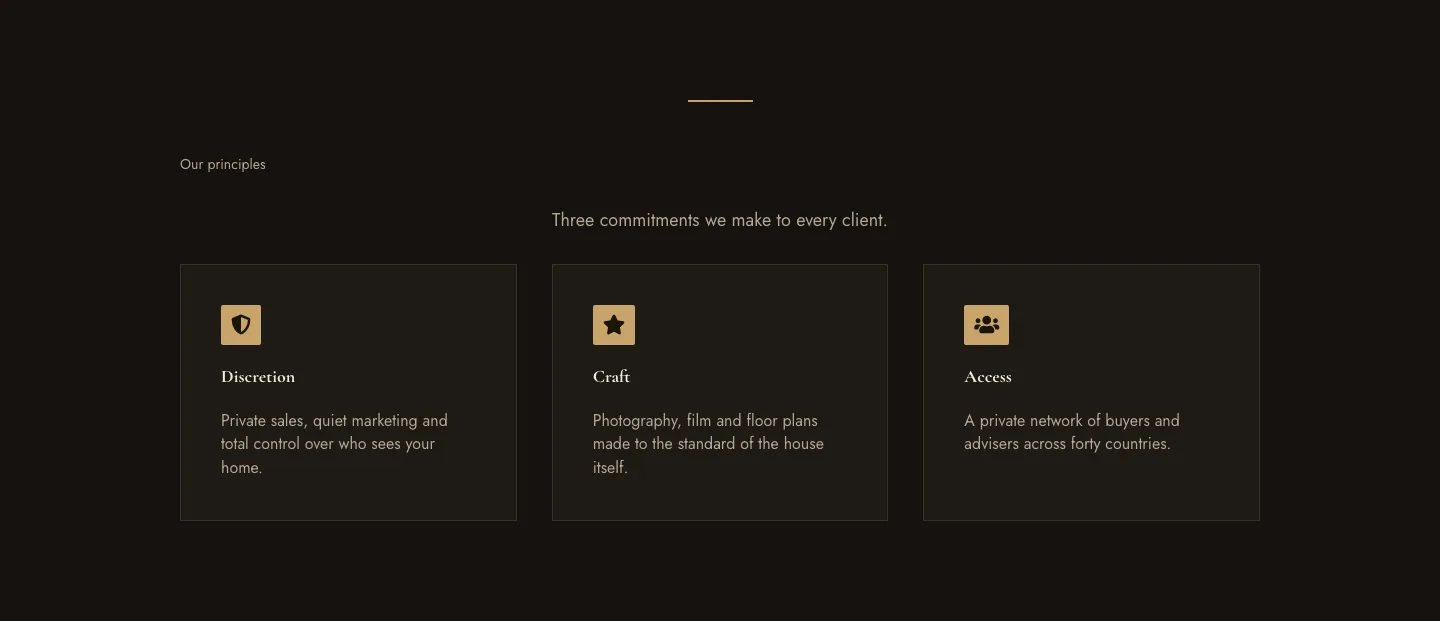
Luxe Private Estates Principles Features Layout for Divi 5: Three Icon Values
features · real_estate · elegant
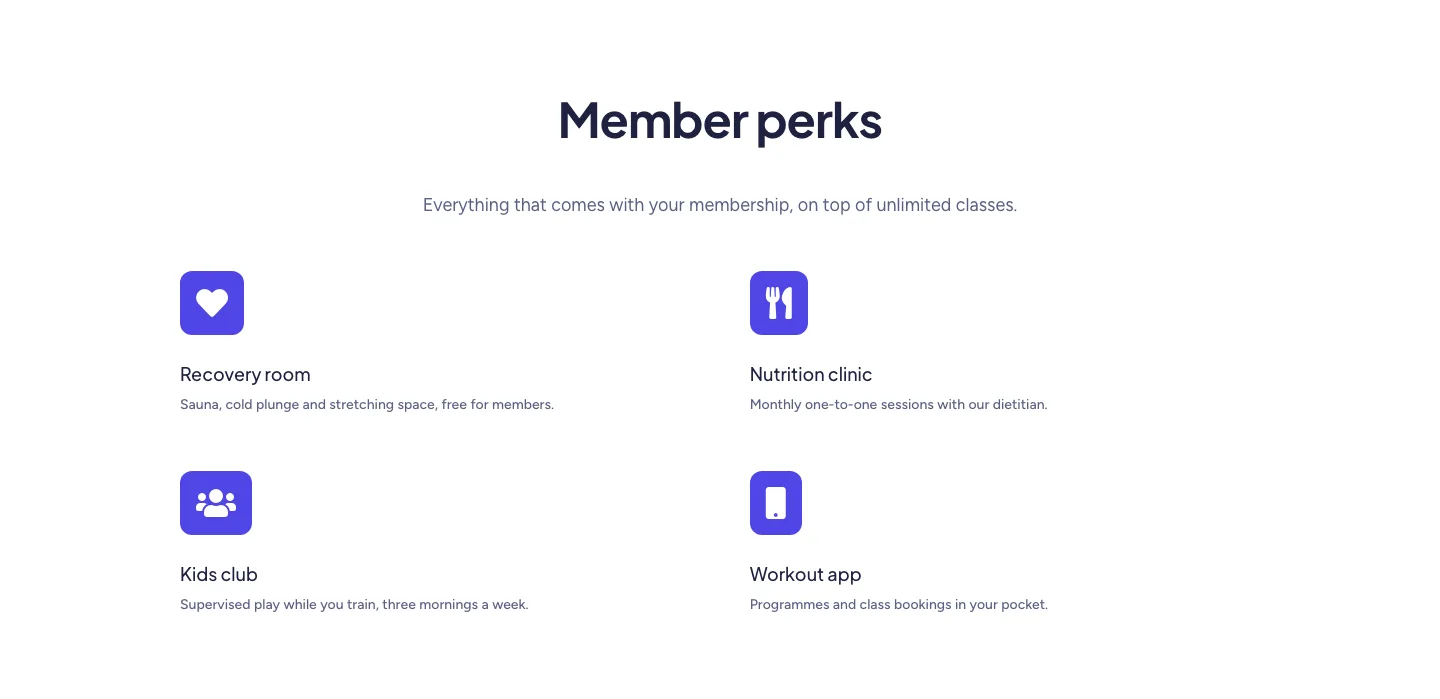
Soft Fitness Member Perks Features Layout for Divi 5: Four Icon Blurbs
features · fitness · minimal
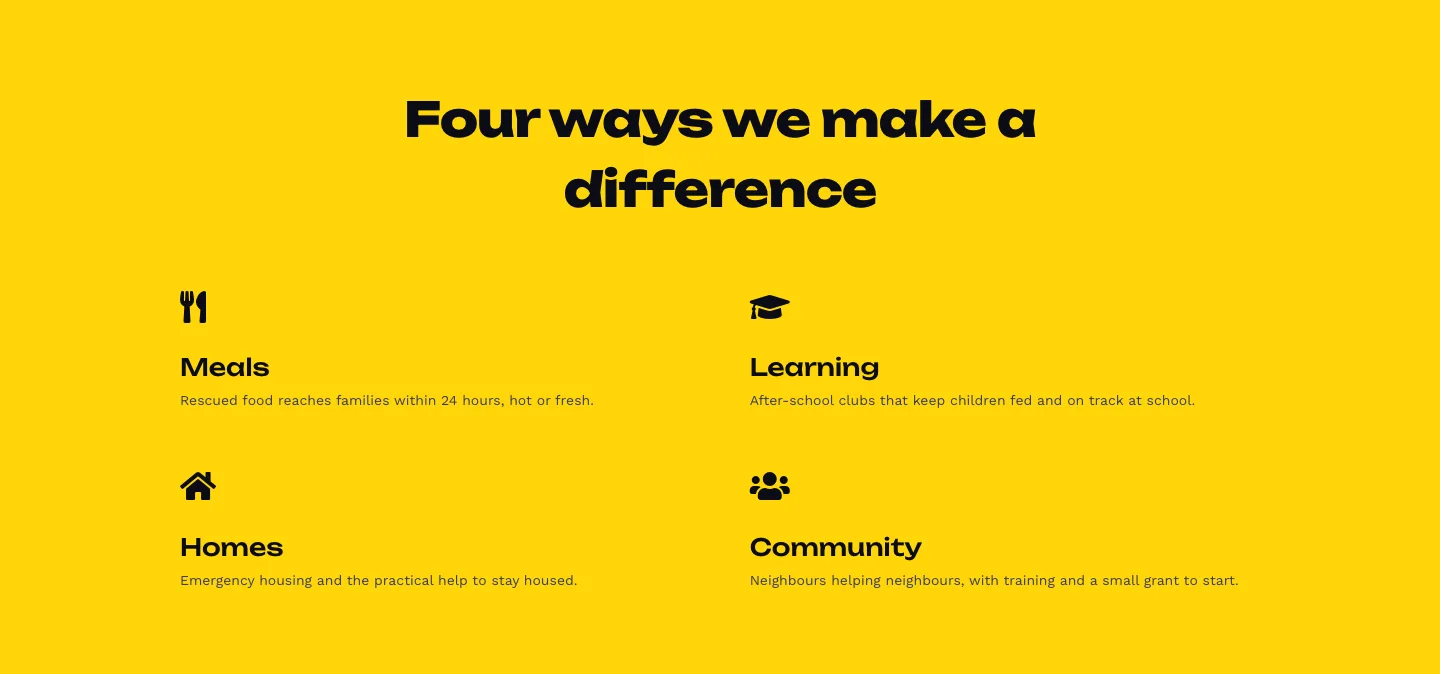
Bold Nonprofit Impact Features Layout for Divi 5: Four Icon Features
features · nonprofit · bold
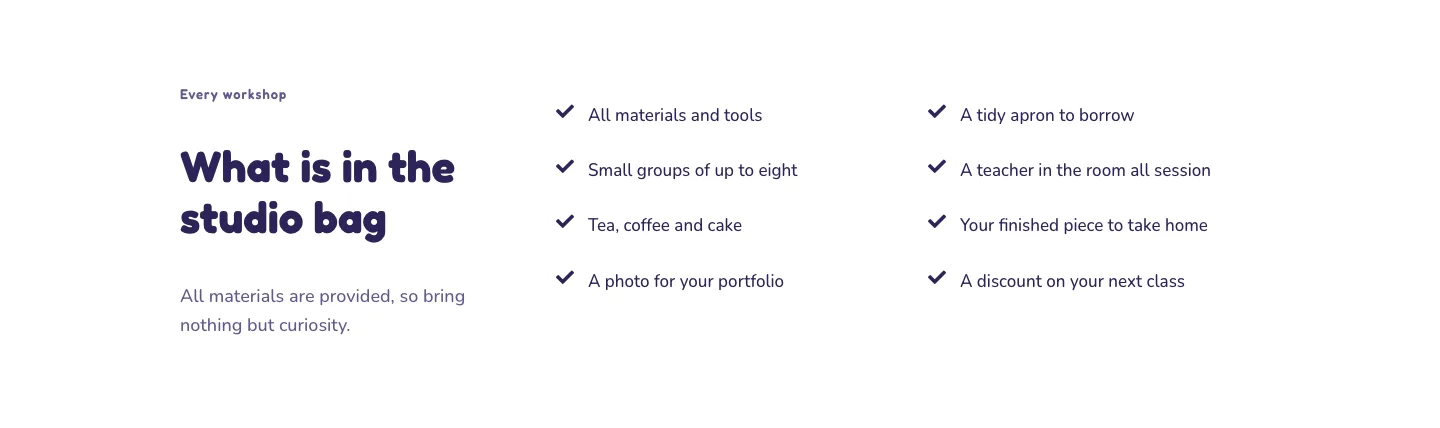
Playful Craft Workshop Features Layout for Divi 5: Two-Column Checklist
features · portfolio · playful
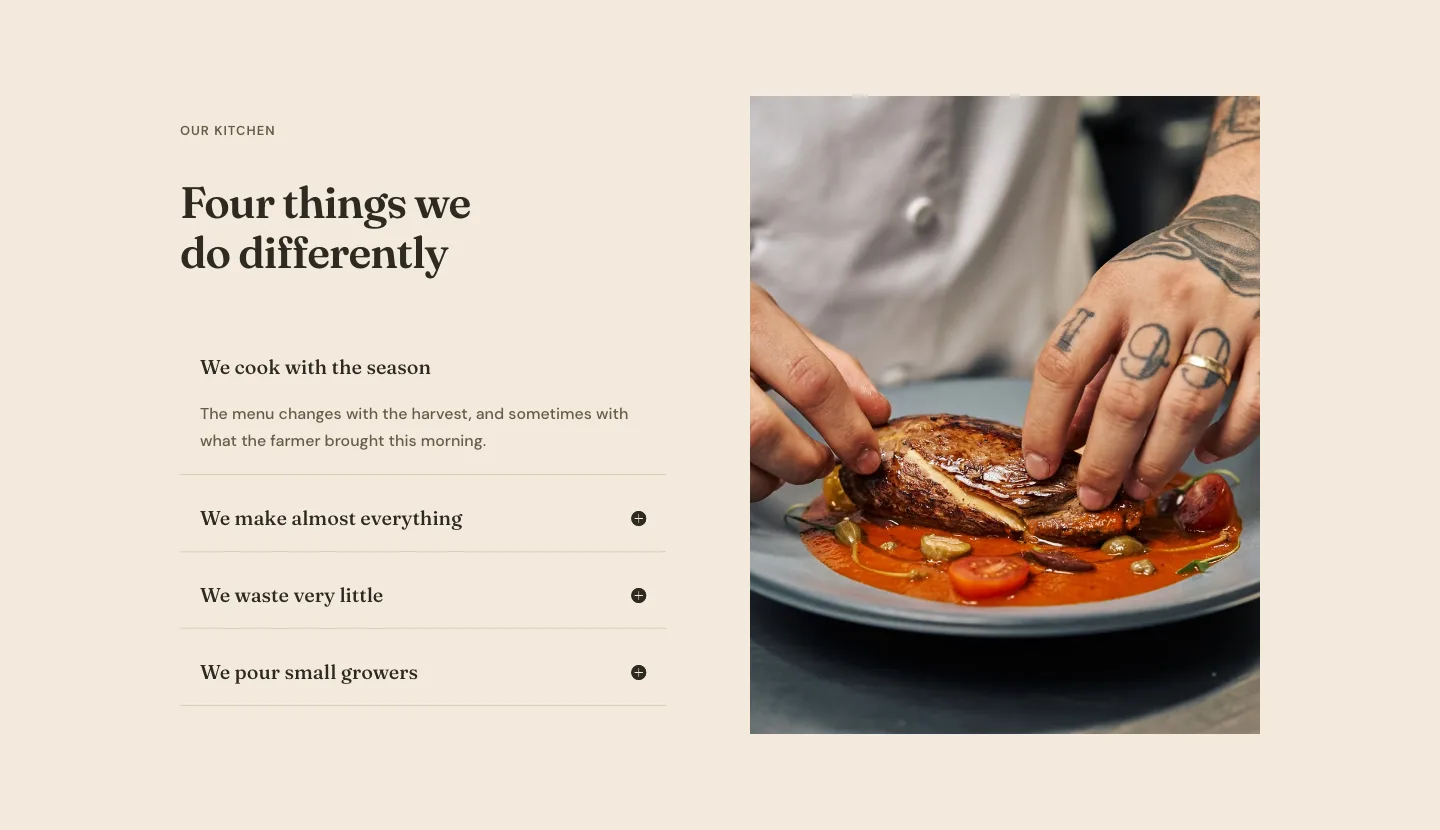
Organic Restaurant Kitchen Values Features Layout for Divi 5: Accordion with Image
features · restaurant · elegant
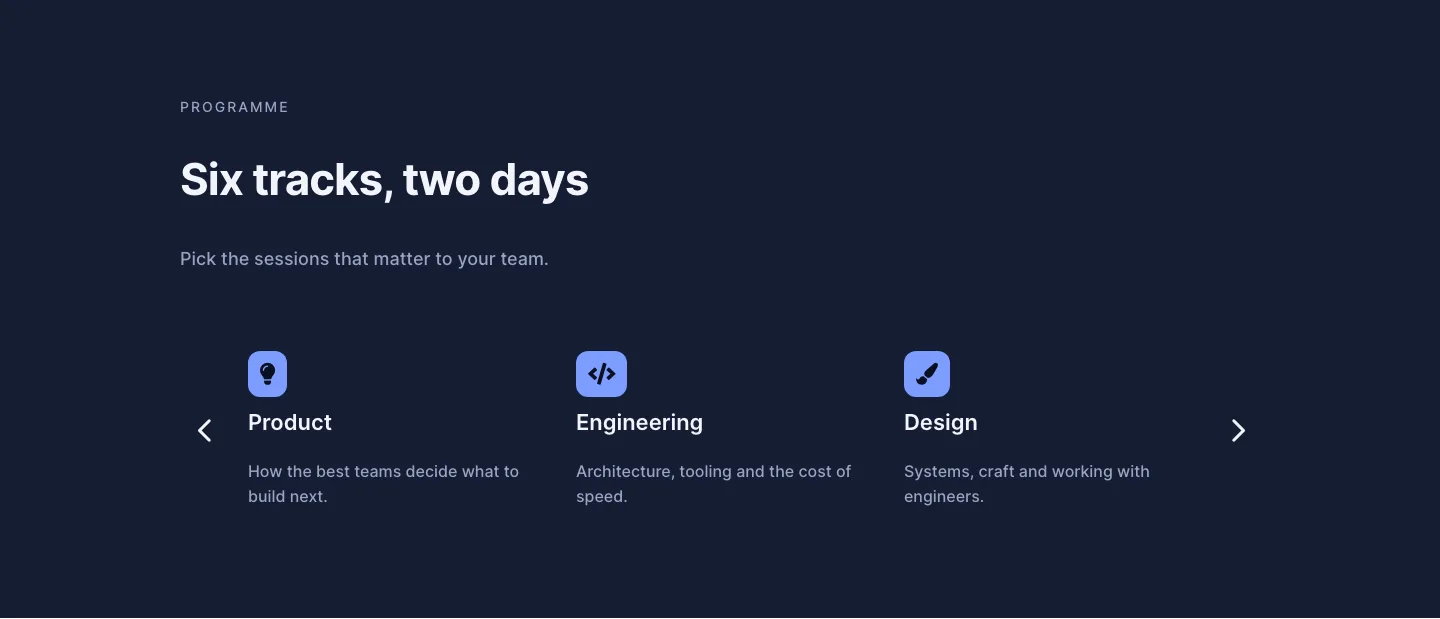
Dark Conference Tracks Features Layout for Divi 5: Carousel Cards
features · events · dark