
Luxe Executive Coaching Features Layout for Divi 5: Icon List with Dividers
A refined dark-background features section for executive coaching sites. Icon list with dividers, Cormorant Garamond headings, and a warm monochrome palette. Ready to import into Divi 5.
Rate this element
Download this section, free
- Divi 5 JSON, imports in seconds
- Commercial license included
- No account needed
Click to view the full page
Overview
The section opens on a single full-width column set against a near-black espresso background (#1f1a15) with 160px of vertical breathing room on desktop, tapering to 72px on mobile. A centered Group constrains content to 880px, keeping the layout controlled on wide viewports. The typographic stack begins with a Jost h4 eyebrow at 14px, tracked 3 letters in warm sand (#b3a794) — a quiet signal of category before the main title arrives. The h2 headline follows in Cormorant Garamond at 44px weight 300, rendered in cream (#f3ece0), capped at 720px and left-aligned. A dedicated body Text module in Jost 18px introduces the programme in a single sentence, narrowed to 640px for a comfortable reading measure.
Between the header block and the feature list, a 2px solid cream Divider draws a clear visual boundary. Below it, five rows share an identical structure: a 24px Font Awesome icon on the left and a flex-grow Group on the right holding a Cormorant Garamond h3 (20px, weight 400, cream) above a Jost 16px body line in sand. Each pair lives inside a horizontal flex Group with a 24px column gap and 24px top and bottom padding. Between every pair, a hairline 1px Divider in dark umber (#3a3127) marks the boundary without competing with the content. The two-tier divider system is deliberate: a thick cream line for the opening break, a thin umber line for item separators. It guides the eye down the list while preserving the section's restrained tone.
On tablet the h2 compresses to 36px; on mobile to 30px, h3 titles to 19px, item padding to 18px, and the icon-to-text gap to 16px. The row direction switches to column on phones, keeping the icon above the text group on narrow viewports. Every breakpoint value is written directly into the module's device settings, so no custom CSS or child-theme overrides are needed to get the responsive behaviour shown.
What’s inside
- Single-column section with an 880px max-width container on a deep espresso (#1f1a15) background — no images required
- Three-part header: Jost h4 eyebrow (14px, uppercase, 3px tracking) + Cormorant Garamond h2 (44px, weight 300) + Jost 18px lead paragraph, each in a separately width-constrained Group module
- Accent Divider (2px solid cream) separating the header block from the feature list
- Five icon+text rows, each built from a horizontal flex Group holding a Divi Icon module (Font Awesome solid, 24px) and a nested column Group with an h3 title and a one-line Text module
- Hairline Dividers (1px, #3a3127) between every item — maintaining rhythm without adding visual weight
- Fully responsive breakpoints set in-module: section padding 160px / 112px / 72px, h2 44px / 36px / 30px, item padding 24px / 18px, icon gap 24px / 16px
- Max-width constraints (880px container, 720px h2, 640px body text) prevent over-wide lines on ultrawide monitors without any media query code
Who it’s for
This layout is a strong fit for executive coaches, leadership consultants, and organizational psychologists who sell structured, high-ticket programmes to senior leaders. It also works well for boutique management consultancies, board advisory firms, and business mentors whose service page needs to convey gravitas and precision rather than energy and enthusiasm. The dark palette and editorial type pairing signal the kind of rigour that justifies a four- or five-figure engagement fee, making it equally useful for any professional services practice whose clients arrive by referral and expect a considered, unhurried presentation.
Customization tips
The palette is defined in three roles: background (#1f1a15), primary text and icons (#f3ece0), and secondary text and eyebrow (#b3a794). To rebrand, update the section background, then replace the two hex values above consistently across all text and icon modules. A deep navy or charcoal works as a direct substitute for the espresso; a warm white or light taupe can replace the cream.
Copy length matters here. The h3 item titles read best at three to six words; each body line is a single sentence kept under about 100 characters. Longer copy will make rows uneven in height and disrupt the divider rhythm. If your programme has fewer than five items, remove a row and its preceding Divider as a pair. To add a row, duplicate an existing icon+text Group and insert a 1px umber Divider above it. Swap icons by replacing the unicode value in the Icon module — keep size at 24px to preserve alignment with the text group.
How to install this layout
- Download the layout JSON file from this page.
- Open the target page in the Divi 5 builder.
- Open the portability panel (up/down arrows icon) and choose the Import tab.
- Upload the JSON. Tick “replace existing content” only for full-page imports.
- Check the page at desktop and mobile widths, then swap in your copy and images.
Full walkthrough with troubleshooting: How to Import a Divi 5 Layout.
Questions about Luxe Executive Coaching Features Layout for Divi 5: Icon List with Dividers
How many feature rows are included and can I add or remove them?
Five rows are included. Each is a horizontal flex Group containing a Divi Icon module and a nested Group with an h3 and a Text module. To remove a row, delete it and its adjacent 1px Divider as a pair. To add one, duplicate an existing row and insert a new Divider above it — the single-column layout stacks them automatically.
Does this layout include any images or video?
No. The layout is entirely typographic: section background color, Heading modules, Text modules, Icon modules, and Divider lines. There are no image or video modules, so there are no file size or aspect ratio requirements to manage.
How does the section respond on mobile?
All responsive values are set directly in the module device breakpoints. Section padding compresses from 160px to 72px, the h2 scales from 44px to 30px, h3 titles drop from 20px to 19px, item padding reduces to 18px, and the icon-to-text gap narrows from 24px to 16px. The row direction switches to column on phones so the icon stacks above the text rather than sitting beside it.
What should I edit first after importing?
Start with the h4 eyebrow and the h2 headline — they set the frame for everything below. Then work through each item's h3 title and its one-sentence body copy, keeping titles short and body lines under roughly 100 characters. Adjust icon choices and the accent divider color last, once the copy rhythm is settled.
Which fonts are used and do I need to install them?
Cormorant Garamond is used for the h2 and all h3 item titles; Jost is used for the eyebrow, body paragraphs, and item body lines. Both are Google Fonts. Divi 5 loads Google Fonts automatically when they are selected in the font settings, so no manual enqueue or theme function is needed.
Can I use this section on a light background?
The layout is built for dark backgrounds. Switching to a light section background means updating the primary text color (#f3ece0 cream) and icon color to a dark value, and replacing the secondary text color (#b3a794) with a mid-tone that reads on light. The structure works on any background once those three color roles are updated consistently.
Which Divi version does this layout need?
Divi 5. The layout is generated natively for Divi 5 and validated against its real module structure before publication, so it imports clean into the current builder.
Can I use this layout on client websites?
Yes. Every download includes a commercial license covering unlimited sites you own or build for clients. Only reselling or redistributing the layout file itself is prohibited.
More feature grids
Browse all feature grids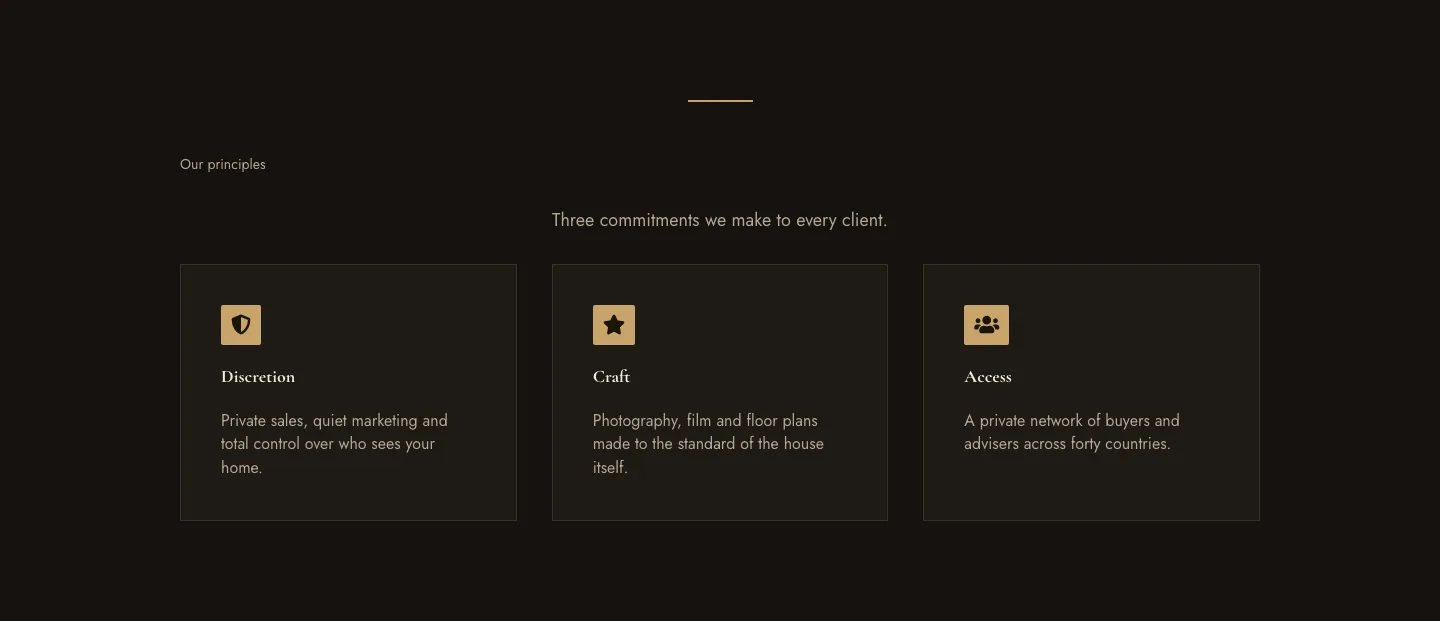
Luxe Private Estates Principles Features Layout for Divi 5: Three Icon Values
features · real_estate · elegant
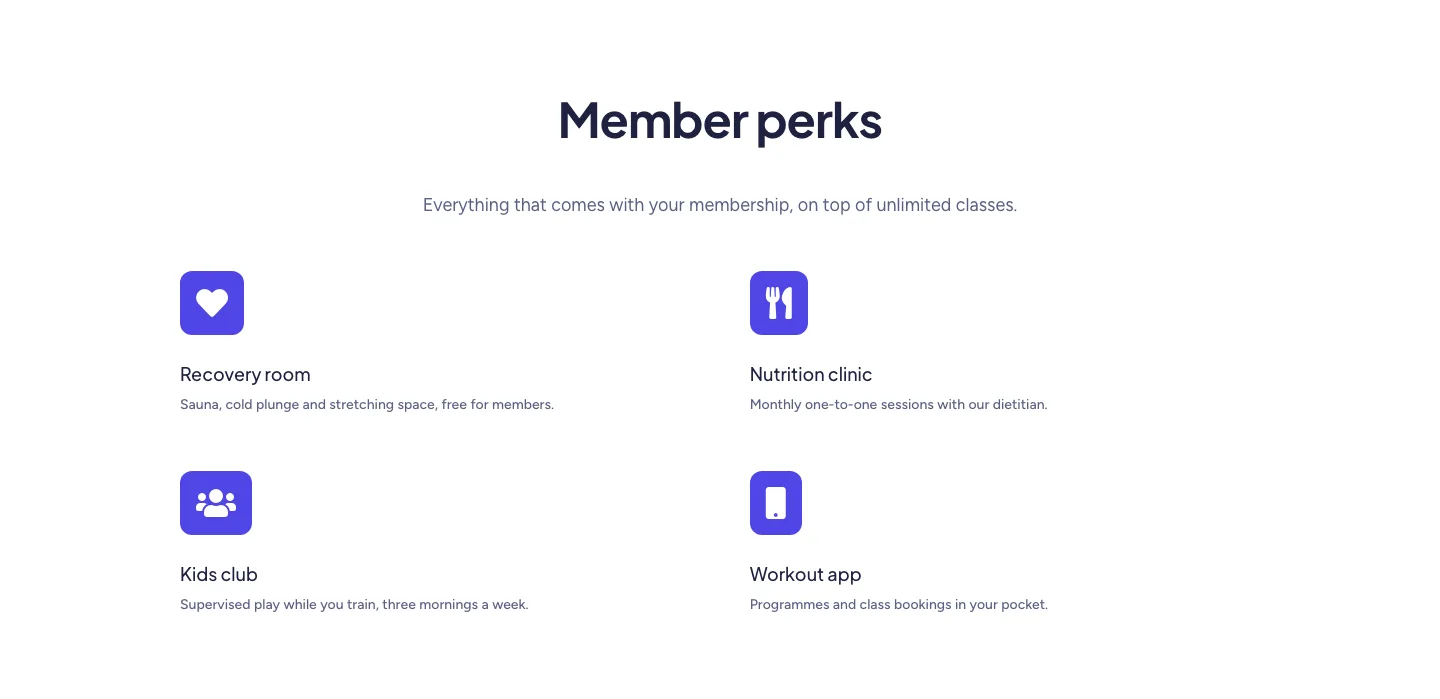
Soft Fitness Member Perks Features Layout for Divi 5: Four Icon Blurbs
features · fitness · minimal
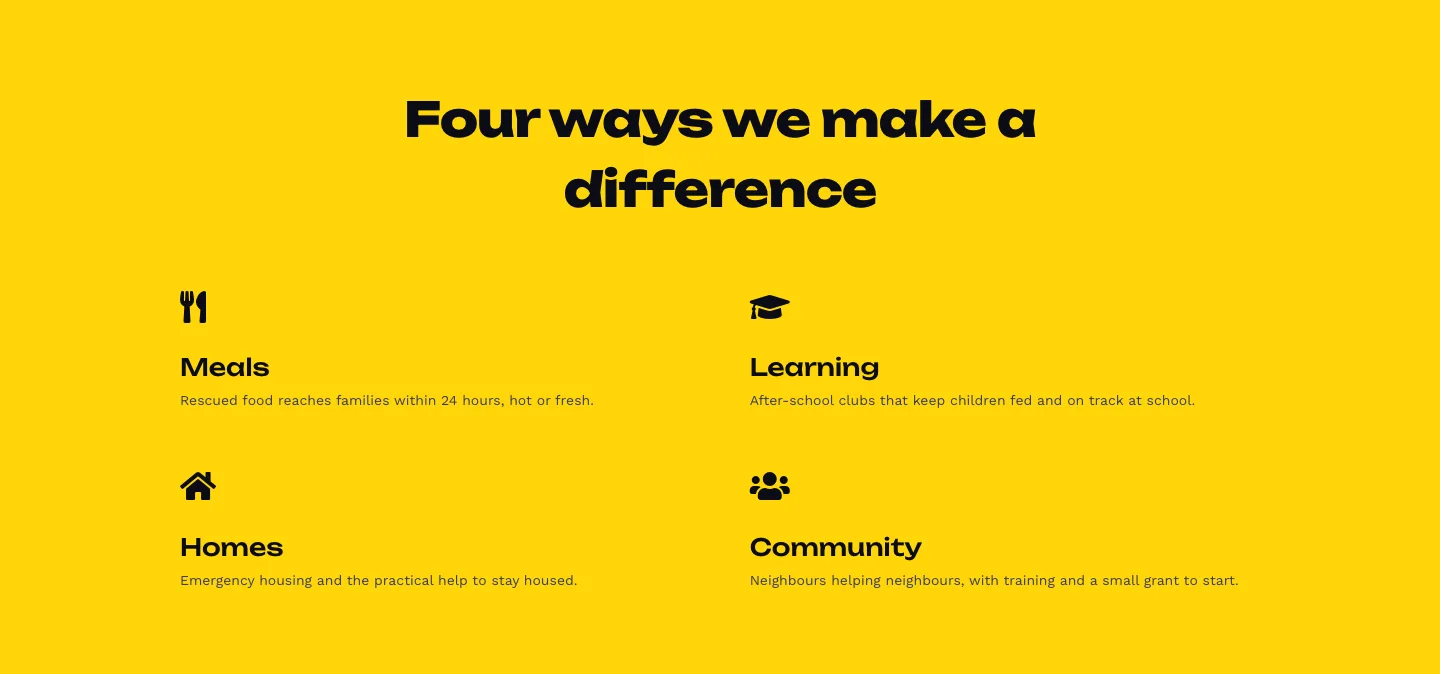
Bold Nonprofit Impact Features Layout for Divi 5: Four Icon Features
features · nonprofit · bold
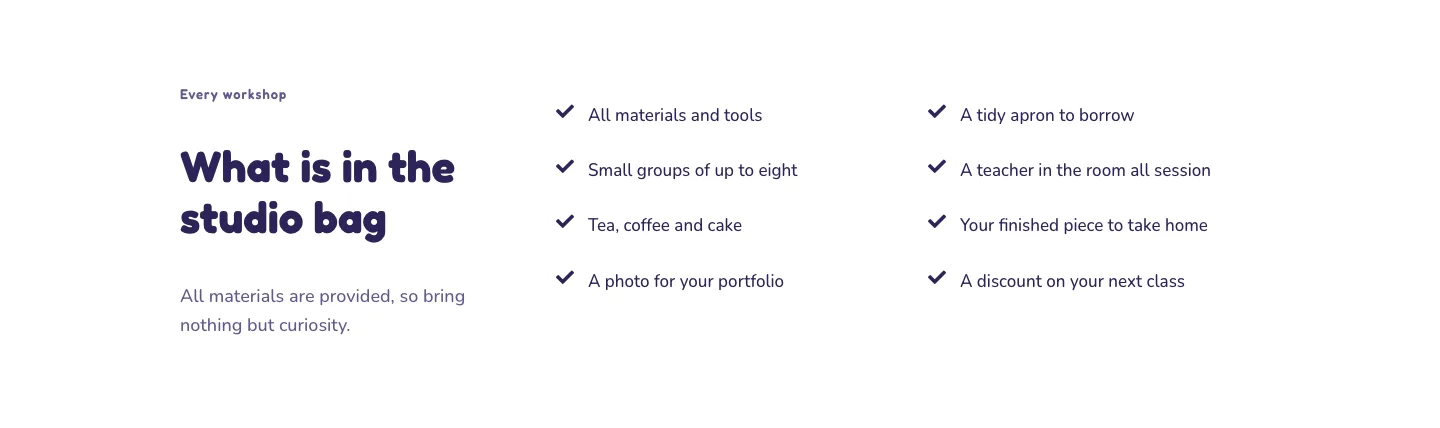
Playful Craft Workshop Features Layout for Divi 5: Two-Column Checklist
features · portfolio · playful
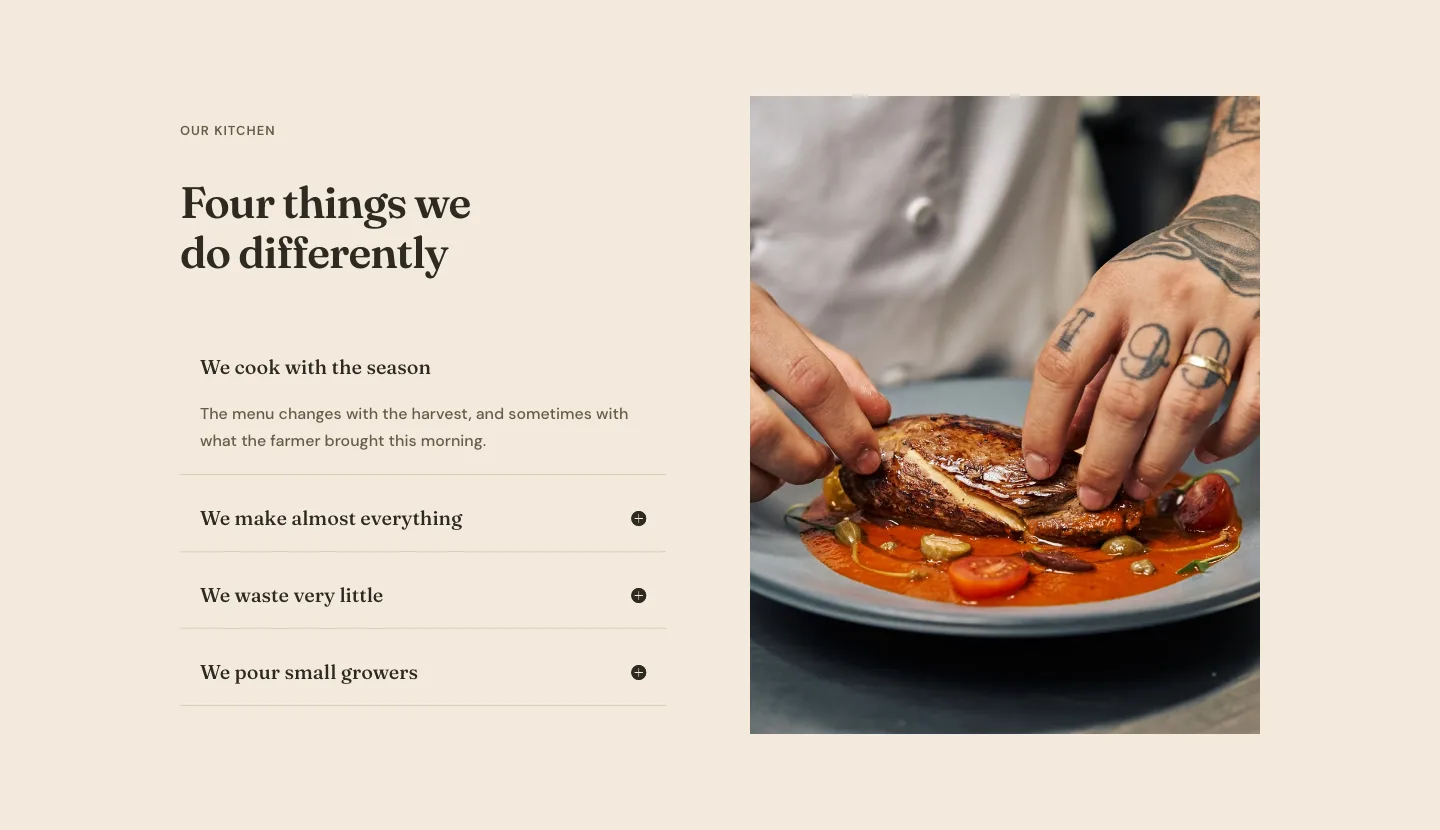
Organic Restaurant Kitchen Values Features Layout for Divi 5: Accordion with Image
features · restaurant · elegant
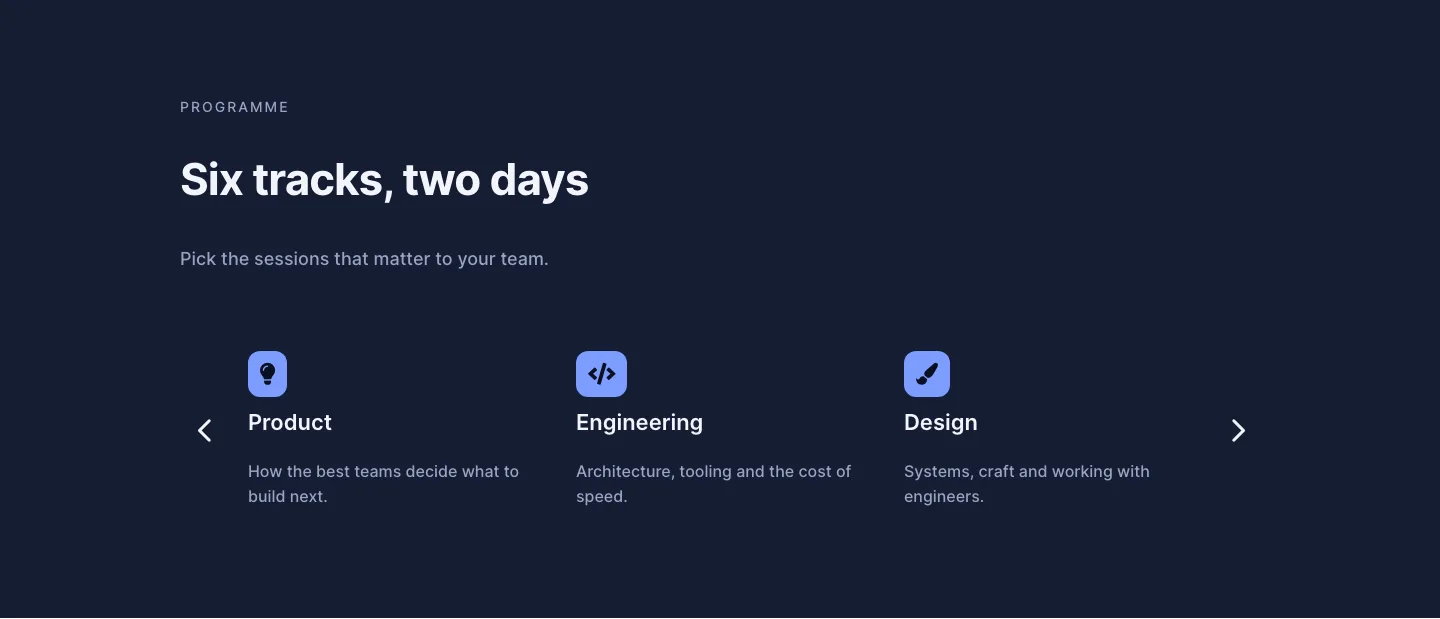
Dark Conference Tracks Features Layout for Divi 5: Carousel Cards
features · events · dark