
Editorial Nonprofit Donor Questions Features Layout for Divi 5: Accordion with Image
A minimal editorial Divi 5 features section pairing a donor FAQ accordion with a full-height image. Answers the four questions donors ask first — fund allocation, monthly giving, tax relief, and impact reporting.
Rate this element
Download this section, free
- Divi 5 JSON, imports in seconds
- Commercial license included
- No account needed
Click to view the full page
Overview
The layout places a single section on a warm cream ground (#faf7f2) with generous vertical rhythm: 120 px of padding on desktop, stepping down to 80 px on tablet and 56 px on mobile. Inside, a two-column row (50/50 split) uses Divi's alignItems: center to keep the accordion column and the image column vertically centered against each other regardless of which side grows taller, giving the composition a stable, magazine-quality feel at any viewport width.
The left column opens with a small-caps eyebrow heading (Source Sans 3 at 13 px, 600 weight, 2 px letter-spacing, warm gray #6b645a) that labels the section before the reader reaches the main headline. That headline is set in Playfair Display at 44 px with text-wrap: balance and a −1 px letter-spacing correction, keeping the serif's optical weight tight at display size. Beneath it, a Divi Accordion module holds four disclosure items separated by a single 1 px warm-stone bottom border (#e3dccf) with no outer shadow or corner radius — a deliberate editorial restraint. The first item opens by default so visitors get an immediate answer without needing to click. Accordion titles use Playfair Display h3 at 20 px; body copy drops to Source Sans 3 at 16 px with a 1.7 em line-height that keeps even longer donor answers comfortable to scan on screen.
The right column fills its half with a portrait-format (4:5) Divi Image module set to object-fit cover, filling the column edge-to-edge and scaling cleanly at every intermediate breakpoint without letterboxing or blank space. On mobile, the row switches to flexDirection: column, the left column gains 32 px of bottom padding to create visual separation, and both columns expand to full 24/24 width so the accordion reads first and the image follows as contextual support rather than decoration.
The palette is deliberately restrained: warm cream for the ground, near-black #1c1a17 for headings and toggle icons, muted #6b645a for body copy and subtext, and a single stone-tone border (#e3dccf) dividing the accordion items. No competing accent color appears anywhere in the section, which keeps a prospective donor's attention on the four questions and their honest answers.
What’s inside
- Two-column row (50/50 split) with vertical center-alignment and an automatic column-stack on mobile via `flexDirection: column`
- Divi Heading module configured as an uppercase 13 px eyebrow (Source Sans 3, weight 600, 2 px letter-spacing) for section labeling
- Divi Heading module for the H2 display headline in Playfair Display at 44 px desktop / 36 px tablet / 30 px mobile with `text-wrap: balance`
- Divi Accordion module with 4 disclosure items, the first open by default, accordion titles as H3 in Playfair Display at 20 px (18 px on phone)
- Accordion items separated by a single 1 px warm-stone bottom border (`#e3dccf`) with no outer borders, no box shadows, and no border radius
- Divi Image module in a 4:5 portrait aspect ratio with object-fit cover and full-width scaling across all breakpoints
- Three-breakpoint section padding (120 px / 80 px / 56 px) for consistent whitespace density across device sizes
- Coordinated two-font system: Playfair Display for all display and accordion title text, Source Sans 3 for eyebrow and body copy
Who it’s for
This section suits registered charities and nonprofit organizations that need to pre-answer donor objections on a fundraising or campaign page. Community foundations, faith-based organizations, international development NGOs, local social enterprises, and membership-based advocacy groups all face the same challenge: building trust before a visitor decides to give. It also fits educational funds, arts nonprofits with grant-funded programs, and healthcare charities running annual-giving appeals. The editorial typographic treatment is best matched to organizations whose brand leans toward transparency and credibility rather than high-energy urgency.
Customization tips
Palette changes are efficient because the section background (#faf7f2) and both accordion toggle backgrounds share the same value, so one update propagates throughout the section. The border color (#e3dccf) and body text color (#6b645a) sit on the same warm tonal scale, so shift them together to maintain harmony. For accordion answers, aim for under 40 words per item; longer answers push the left column taller than the portrait image and break the vertical center-alignment on desktop. The image module expects a 4:5 portrait crop, so prepare your photo at that ratio before importing; landscape crops will be aggressively trimmed top and bottom by object-fit cover. Team portraits, programme scenes, and volunteer action shots all work well at this ratio. Keep the eyebrow text to 3-6 words since it is an H4 label, not a sentence. The H2 headline is set with text-wrap: balance, which Divi 5 preserves natively, so a two-line headline will self-adjust its line break.
How to install this layout
- Download the layout JSON file from this page.
- Open the target page in the Divi 5 builder.
- Open the portability panel (up/down arrows icon) and choose the Import tab.
- Upload the JSON. Tick “replace existing content” only for full-page imports.
- Check the page at desktop and mobile widths, then swap in your copy and images.
Full walkthrough with troubleshooting: How to Import a Divi 5 Layout.
Questions about Editorial Nonprofit Donor Questions Features Layout for Divi 5: Accordion with Image
How many accordion items does this layout ship with, and can I add more?
It includes four items, with the first open by default. You can add more using Divi's standard accordion-item block. Keep in mind that beyond roughly five or six items the left column will overtop the portrait image on desktop, breaking the vertical center-alignment. If you need more items, consider increasing the image height or switching to a full-width single-column layout instead.
What happens to the two-column layout on mobile?
The row collapses to a single-column stack. The accordion column appears first and gains 32 px of bottom padding to separate it visually from the image below. Both columns expand to full width, so the layout reads as a clean vertical flow with no overlap or cropping.
Which font families does this layout use, and do I need to load them separately?
The section uses Playfair Display for the headline and accordion titles, and Source Sans 3 for the eyebrow, body copy, and accordion answers. Both are Google Fonts. Add them in Divi's global theme options so they load site-wide rather than only within this section.
What image dimensions work best in the right column?
The image module is fixed at a 4:5 portrait aspect ratio with object-fit cover. Supply a source image at least 800 px wide and cropped to portrait or square before importing. Landscape photos will lose significant content at the top and bottom because object-fit cover fills the frame from center.
What should I edit first after importing the layout?
Replace the four accordion item titles and answers with your organization's real content, then swap the placeholder image for your own. After that, update the H2 headline to reflect your specific campaign or page context. The eyebrow and palette can stay as-is until you are ready to match your brand colors.
Which Divi version does this layout need?
Divi 5. The layout is generated natively for Divi 5 and validated against its real module structure before publication, so it imports clean into the current builder.
Can I use this layout on client websites?
Yes. Every download includes a commercial license covering unlimited sites you own or build for clients. Only reselling or redistributing the layout file itself is prohibited.
More feature grids
Browse all feature grids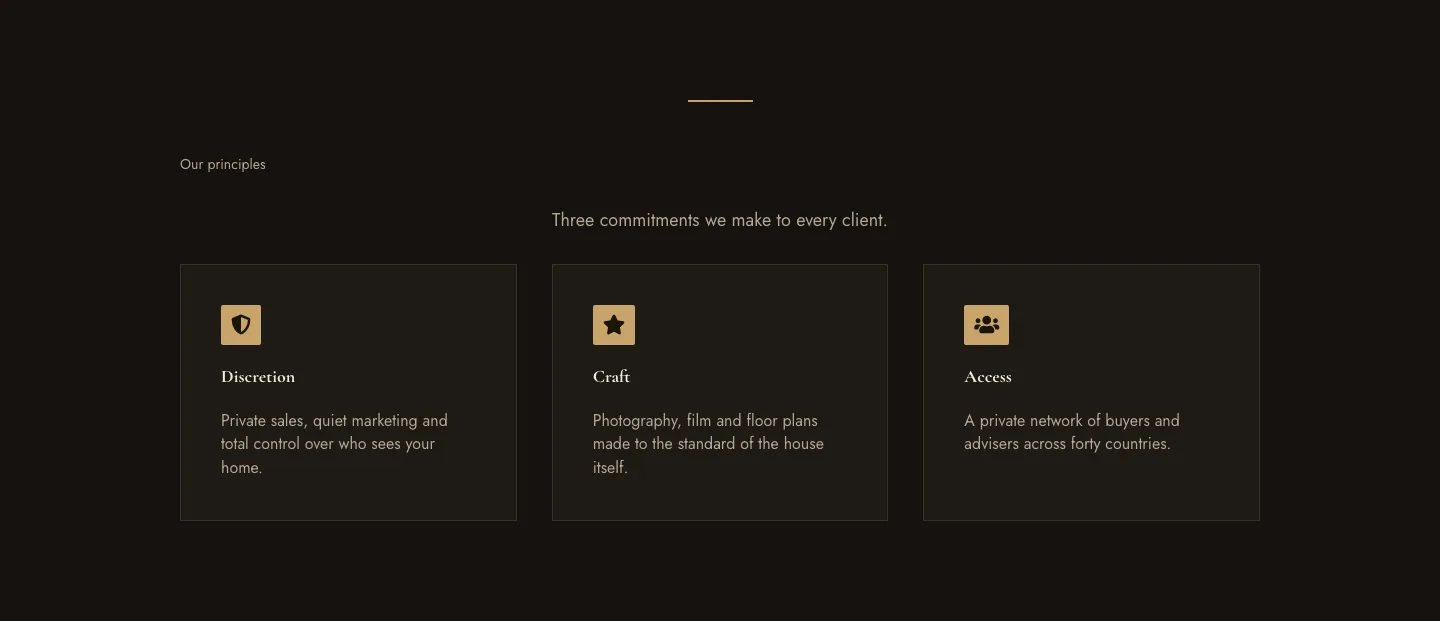
Luxe Private Estates Principles Features Layout for Divi 5: Three Icon Values
features · real_estate · elegant
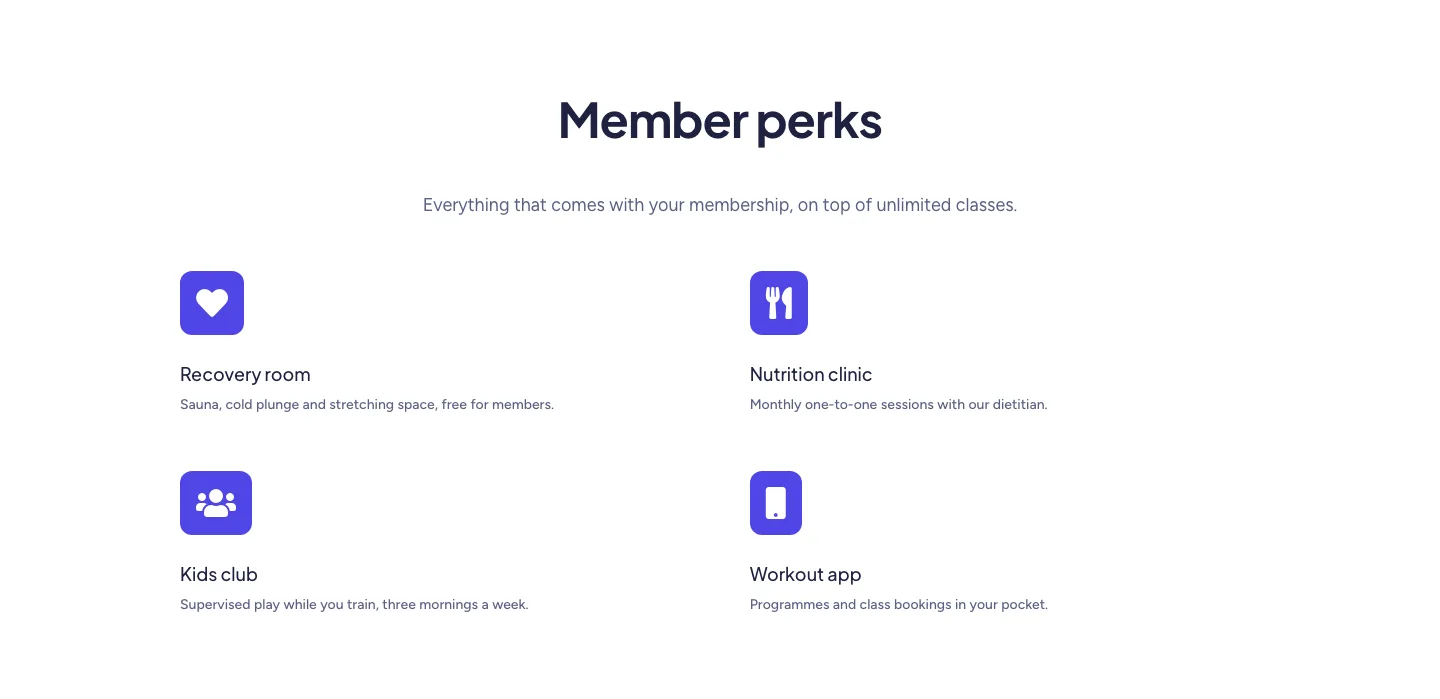
Soft Fitness Member Perks Features Layout for Divi 5: Four Icon Blurbs
features · fitness · minimal
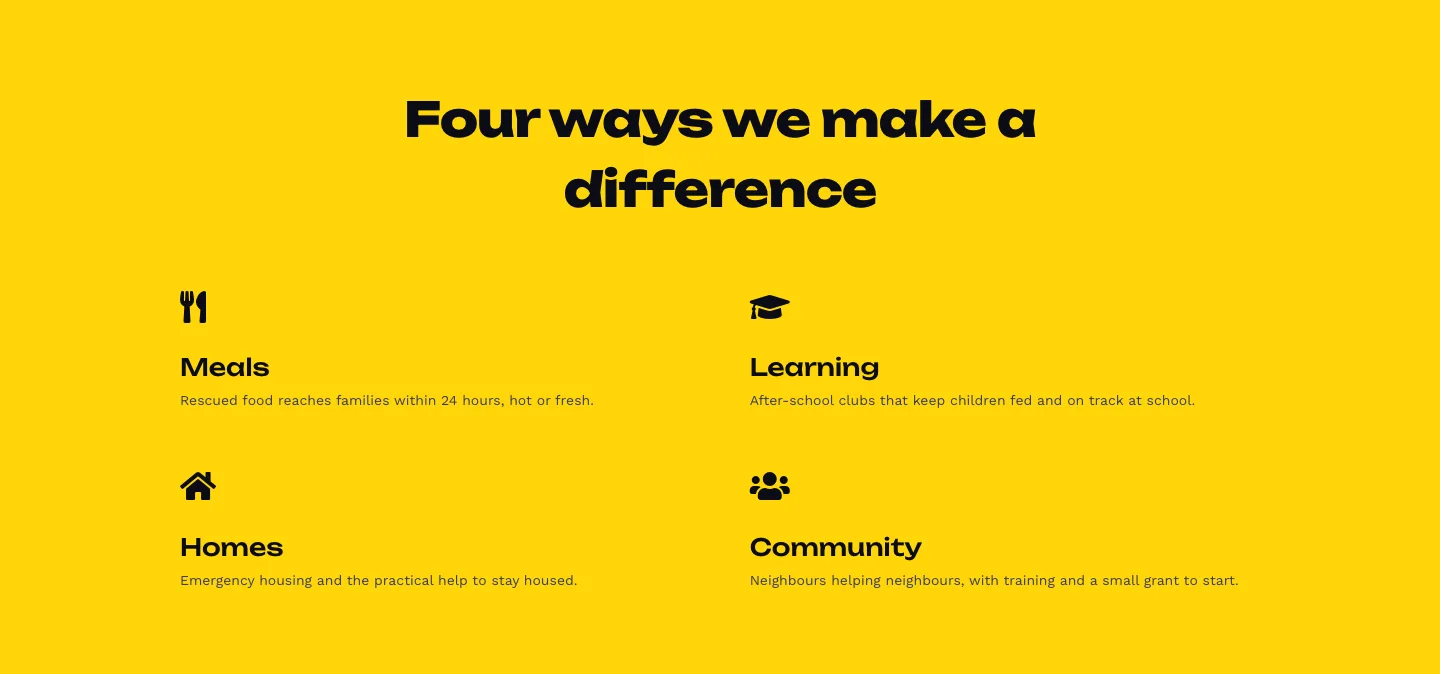
Bold Nonprofit Impact Features Layout for Divi 5: Four Icon Features
features · nonprofit · bold
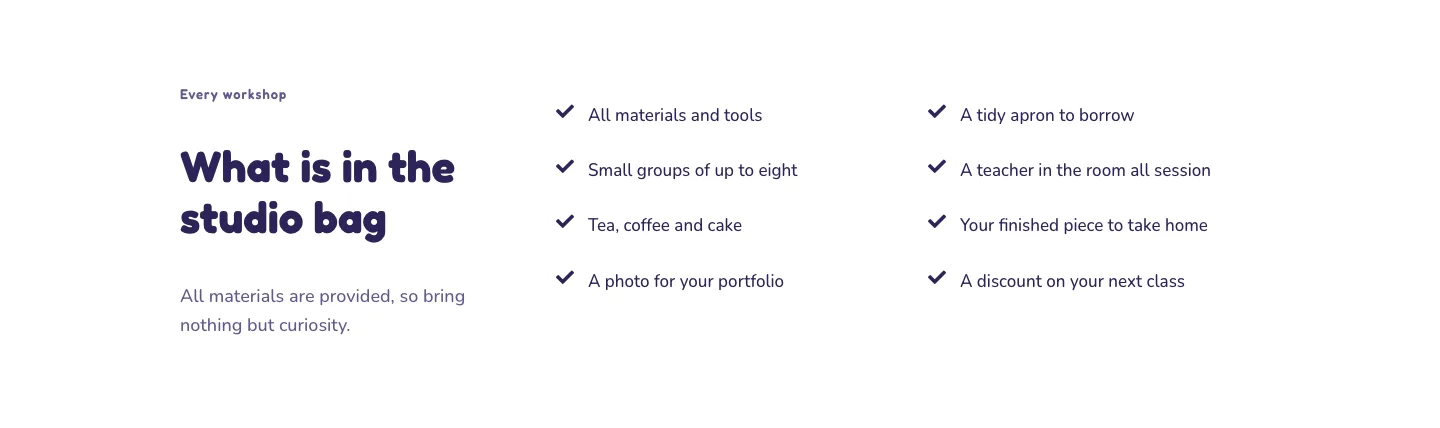
Playful Craft Workshop Features Layout for Divi 5: Two-Column Checklist
features · portfolio · playful
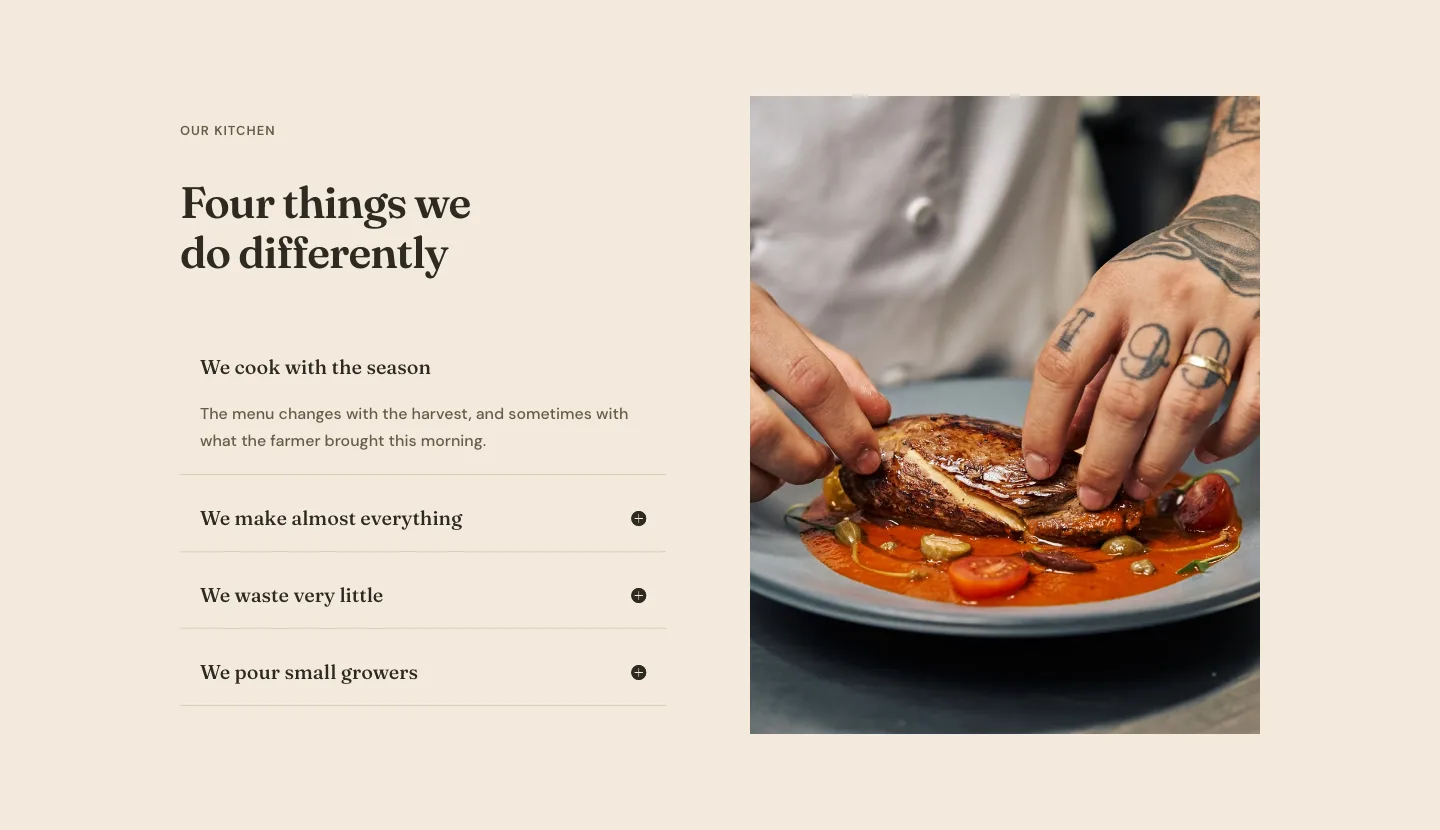
Organic Restaurant Kitchen Values Features Layout for Divi 5: Accordion with Image
features · restaurant · elegant
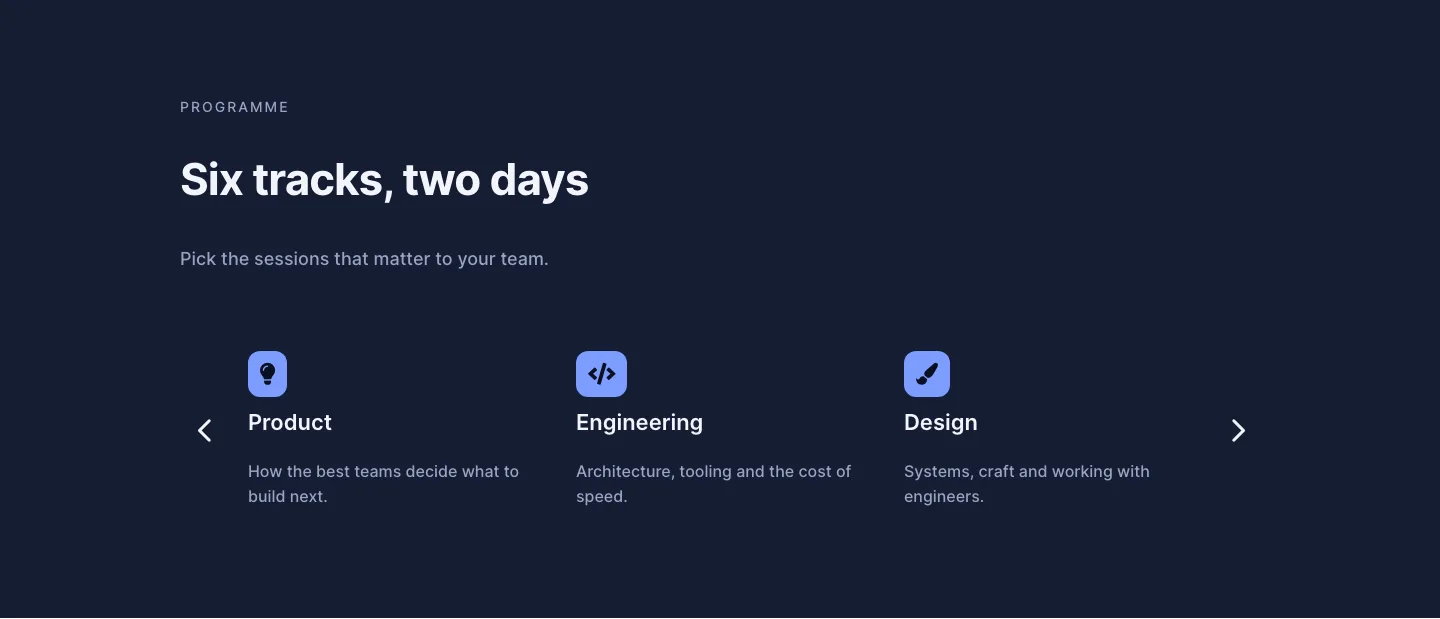
Dark Conference Tracks Features Layout for Divi 5: Carousel Cards
features · events · dark