
Luxe Boutique Ecommerce Features Layout for Divi 5: Three Zigzag Rows
A dark, elegant Divi 5 features section with three zigzag image-text rows. Built for luxury boutique ecommerce stores selling fragrance, leather goods, and jewellery.
Rate this element
Download this section, free
- Divi 5 JSON, imports in seconds
- Commercial license included
- No account needed
Click to view the full page
Overview
This section opens with a centered eyebrow-and-headline block set against a deep espresso background (#16120e), with 160px vertical padding on desktop tapering to 72px on mobile. The eyebrow uses Jost at 14px with 3px letter-spacing in uppercase warm taupe (#b3a794), while the H2 headline switches to Cormorant Garamond at 44px, weight 300, in off-white linen (#f3ece0) — a classic serif-over-sans pairing that signals luxury without shouting. The subheading paragraph sits in a constrained 640px group, centered, creating a tight editorial column before the zigzag rows begin.
Below the header, three equal-weight feature rows alternate image and copy in a true zigzag: row 1 has the image left, copy right; row 2 flips to copy left, image right (with a phone-order override that pulls the image above the text on small screens regardless of desktop order); row 3 returns to image left. Each row uses flexbox with alignItems: center so the copy and image always sit optically mid-aligned regardless of which side runs taller. The images are locked to a 4:3 aspect ratio with objectFit: cover, so product photography never distorts when you swap sources.
Each copy block follows a strict three-tier hierarchy: a numbered counter in Jost at 13px uppercase taupe (01, 02, 03), an H3 feature title in Cormorant Garamond at 32px linen, and a single descriptive sentence in Jost 18px at 1.6em line-height. Every text group is width-capped at 520px (container) and 480px (body copy) with left alignment, preventing runaway line lengths on wide viewports. A standalone underlined text link in linen closes each block, acting as a soft category CTA without a hard button.
On mobile, every two-column row collapses to a single full-width column via flex-direction override, with 8px top padding reintroduced on the copy column to breathe after the image. Section padding steps down responsively at tablet (112px) and phone (72px). The result is a section that reads as editorialorial on all screen sizes — not a layout that degrades gracefully, but one designed in three separate breakpoint passes from the start.
What’s inside
- Deep espresso section background (`#16120e`) with three-tier responsive vertical padding (160px / 112px / 72px)
- Centered intro block: Jost eyebrow + Cormorant Garamond H2 at 44px with `textWrap: balance`, constrained to 720px max-width
- Three alternating zigzag rows using native Divi 5 flexbox rows with `alignItems: center` and per-row image/copy reversal
- Three 4:3 aspect-ratio Image modules with `objectFit: cover` — swappable without layout breakage
- Per-feature copy groups: numbered counter H4, H3 title at 32px Cormorant Garamond, body paragraph at 18px Jost, and an underlined text CTA link
- Phone-order override on row 2's image column (`order: -1`) to maintain visual consistency across all three rows on mobile
- Two-font system throughout: Jost (sans, UI/supporting text) and Cormorant Garamond (serif, display/headlines) with coordinated taupe and linen color roles
Who it’s for
This layout is built for luxury and boutique ecommerce brands that sell physical goods with a craft or provenance story — independent fragrance houses, leather goods studios, jewellery makers, skincare brands, artisan food producers, and high-end fashion boutiques. It works equally well for multi-category stores that want to spotlight three distinct product lines within one section, and for agencies building branded Divi 5 sites for clients in the premium retail space. The numbered feature structure also suits service businesses with a defined three-step process or philosophy.
Customization tips
The two-font system is the fastest lever: swap Cormorant Garamond for any elegant serif (Playfair Display, EB Garamond, Libre Baskerville) and Jost for any geometric sans (DM Sans, Inter, Outfit) directly in each heading and text module's font settings. The palette lives in three values -- #16120e (background), #f3ece0 (primary text), #b3a794 (supporting text) -- update those across the section and the entire look shifts. For the images, keep the 4:3 crop and aim for consistent lighting tone across all three; dark or moody photography reinforces the palette while bright lifestyle shots will fight it. Keep H3 titles to two to five words so they hold the weight Cormorant Garamond needs to look right at 32px. Body copy works best at one to two short sentences -- the layout is not built for long paragraphs. Each CTA link is plain text with an underline, so no button padding to adjust; change the anchor text and the href in the Text module.
How to install this layout
- Download the layout JSON file from this page.
- Open the target page in the Divi 5 builder.
- Open the portability panel (up/down arrows icon) and choose the Import tab.
- Upload the JSON. Tick “replace existing content” only for full-page imports.
- Check the page at desktop and mobile widths, then swap in your copy and images.
Full walkthrough with troubleshooting: How to Import a Divi 5 Layout.
Questions about Luxe Boutique Ecommerce Features Layout for Divi 5: Three Zigzag Rows
How does the image order flip on mobile for row 2?
Row 2's image column has a Divi 5 `order: -1` override applied at the phone breakpoint. This pulls it above the copy column regardless of its DOM position, so all three rows read image-first on small screens without you needing to duplicate any content.
What aspect ratio should my product photos be?
All three Image modules are set to a 4:3 ratio with `objectFit: cover`. Shoot or crop your photos to 4:3 (e.g. 1600x1200px) before uploading -- the module will crop anything taller or wider to fill the frame, so center your subject and avoid important details near the edges.
Which Divi 5 modules does this section use?
Section, Row, Column, Heading, Text, Image, and Group. No third-party modules or plugins are required -- everything is native to Divi 5.
Can I add a fourth zigzag row?
Yes. Duplicate one of the existing rows, update the counter number (04), headline, body copy, CTA link, and image source. The alternating image position is controlled by which column comes first in the row -- copy-left rows have the text column first in the DOM, image-right rows have the image column first. Match the pattern of the row you duplicate.
The fonts Cormorant Garamond and Jost -- do I need to load them separately?
No. Both are Google Fonts and Divi 5 loads them automatically when you import the layout, as long as your site has Google Fonts enabled in Divi's theme options.
What should I edit first after importing?
Start with the three images -- placeholder product photography is the quickest thing to make the section feel generic. Then update the H3 titles and body sentences to your actual product or brand pillars. Change the CTA link text and URLs last, once you know where each category page lives.
Which Divi version does this layout need?
Divi 5. The layout is generated natively for Divi 5 and validated against its real module structure before publication, so it imports clean into the current builder.
Can I use this layout on client websites?
Yes. Every download includes a commercial license covering unlimited sites you own or build for clients. Only reselling or redistributing the layout file itself is prohibited.
More feature grids
Browse all feature grids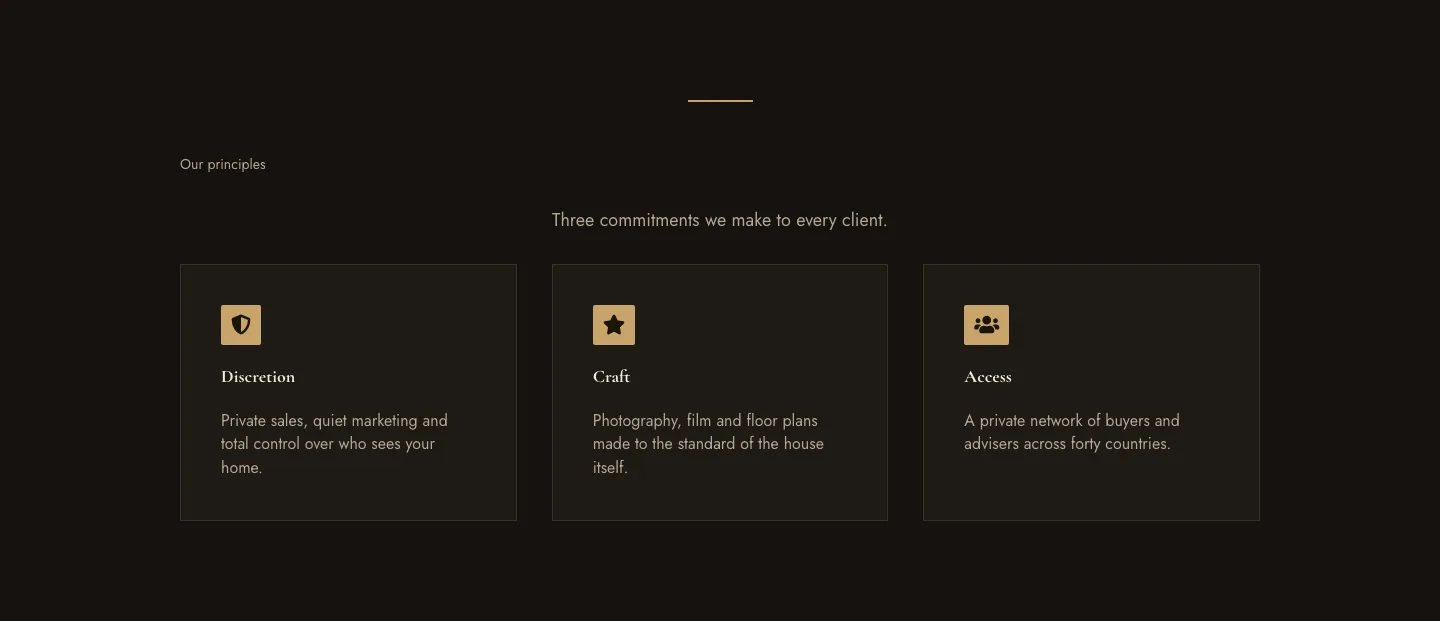
Luxe Private Estates Principles Features Layout for Divi 5: Three Icon Values
features · real_estate · elegant
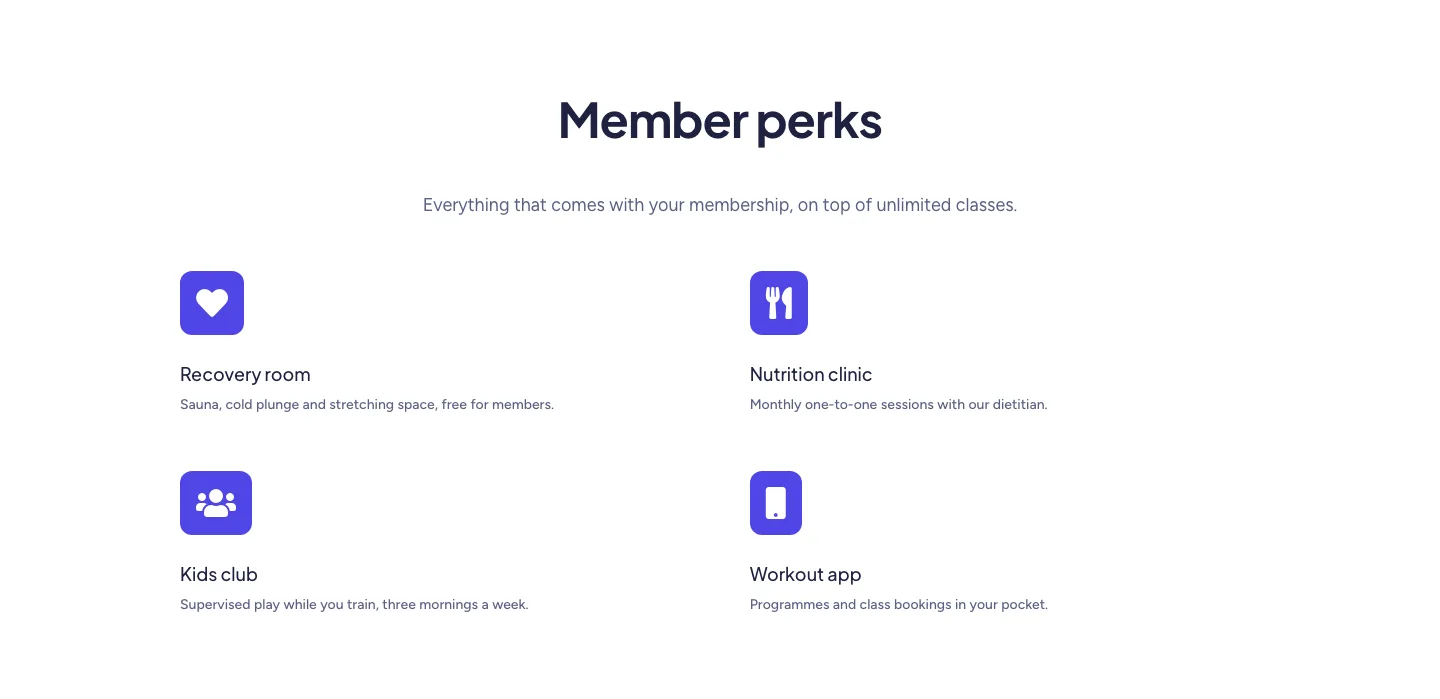
Soft Fitness Member Perks Features Layout for Divi 5: Four Icon Blurbs
features · fitness · minimal
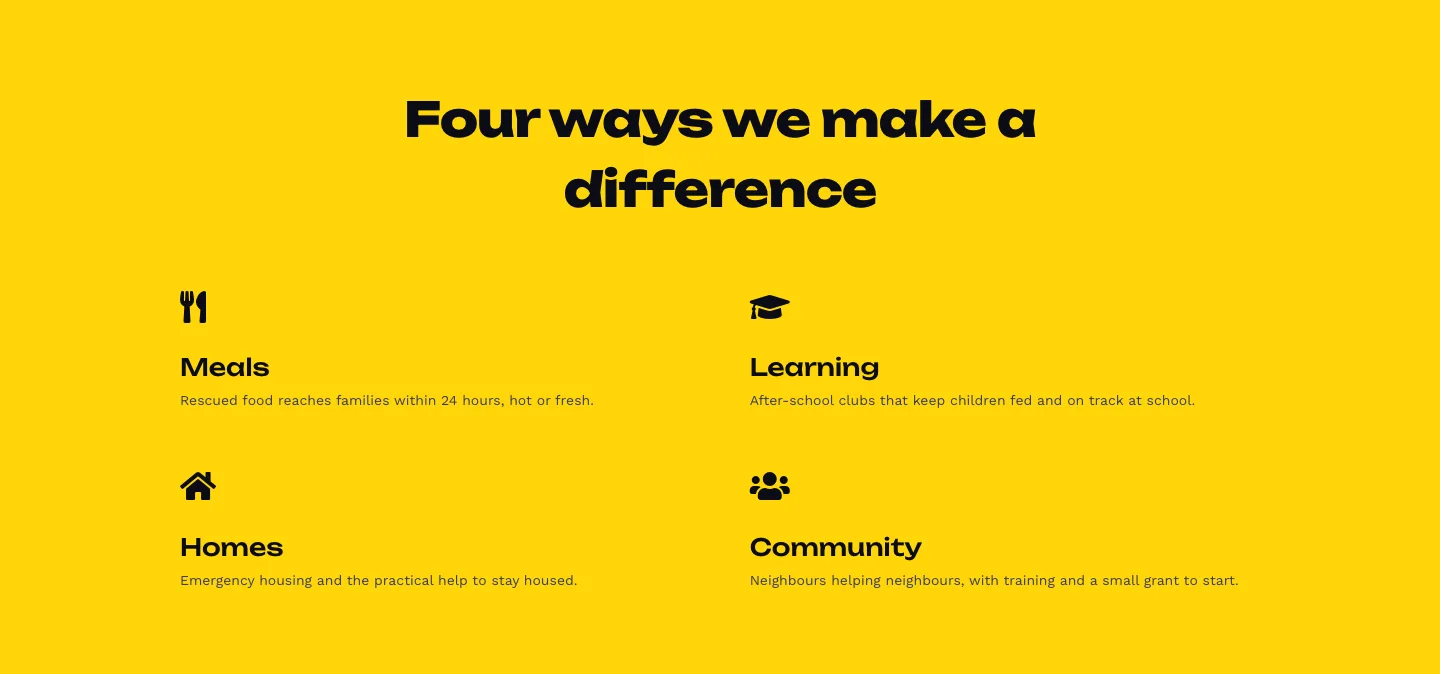
Bold Nonprofit Impact Features Layout for Divi 5: Four Icon Features
features · nonprofit · bold
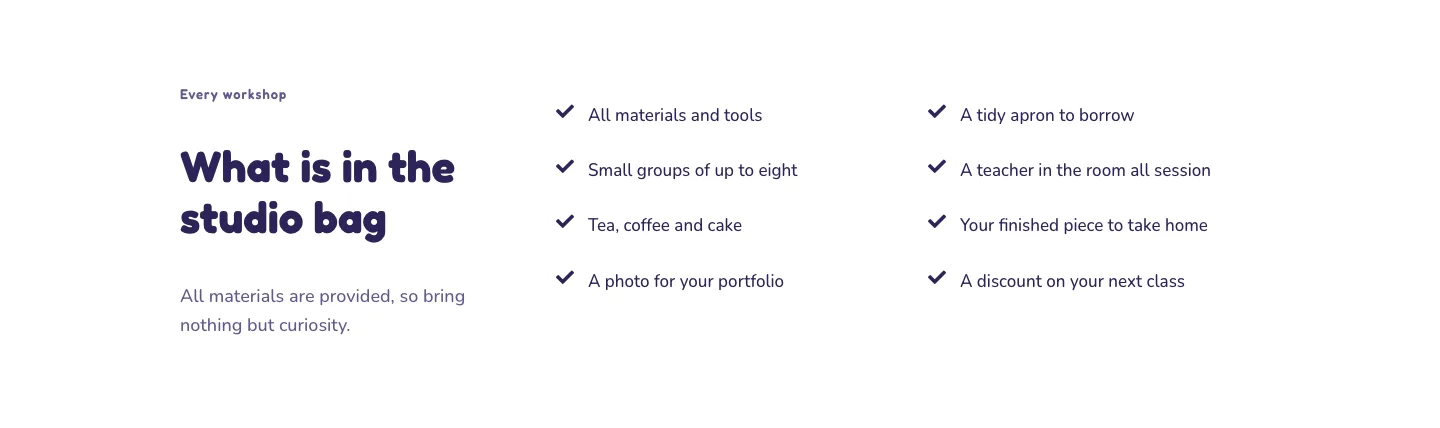
Playful Craft Workshop Features Layout for Divi 5: Two-Column Checklist
features · portfolio · playful
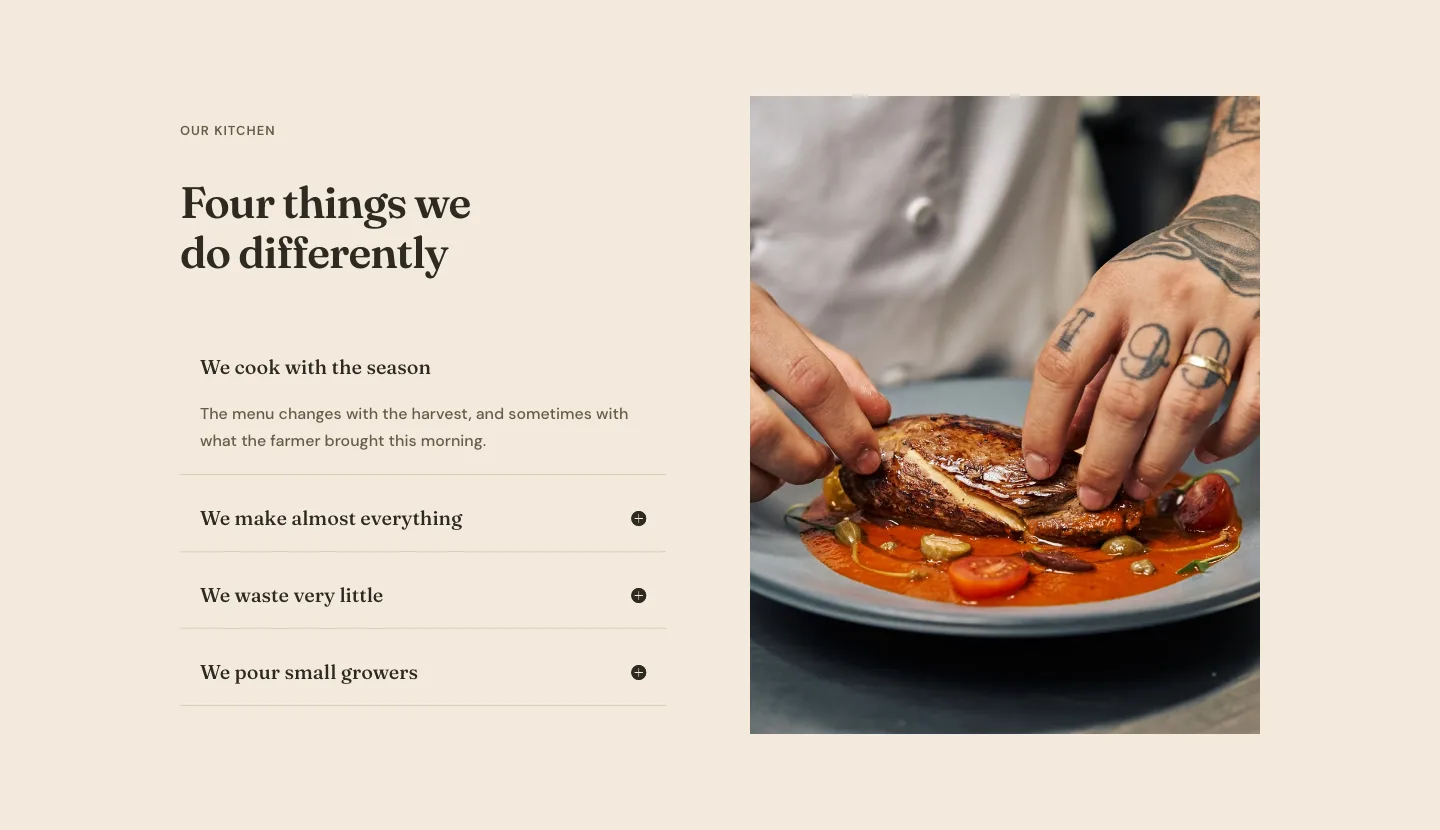
Organic Restaurant Kitchen Values Features Layout for Divi 5: Accordion with Image
features · restaurant · elegant
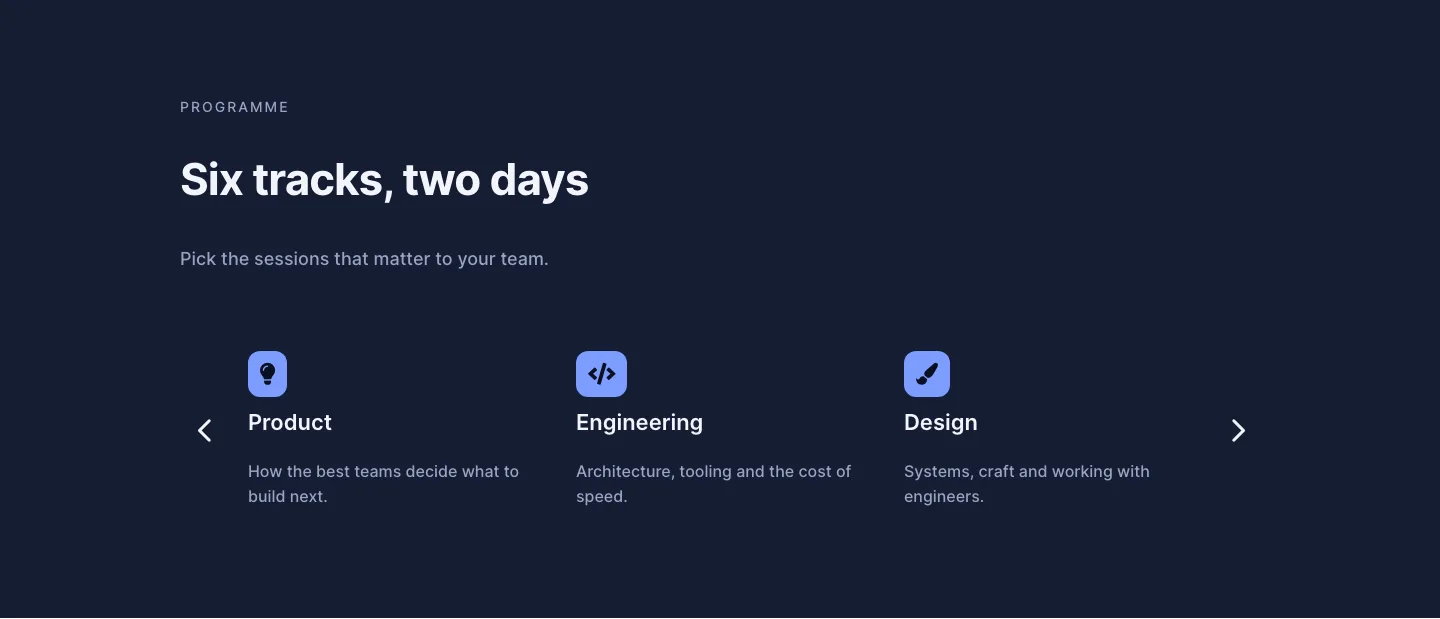
Dark Conference Tracks Features Layout for Divi 5: Carousel Cards
features · events · dark