
Brutalist Agency Services Features Layout for Divi 5: Icon List with Dividers
Bold brutalist Divi 5 features section listing agency services with icon-divider rows. Brand identity, websites, campaigns, film and retainers, plainly presented.
Rate this element
Download this section, free
- Divi 5 JSON, imports in seconds
- Commercial license included
- No account needed
Click to view the full page
Overview
This features section earns the "brutalist" label through deliberate restraint rather than decoration. The section sits on a flat #ffffff background with 64px vertical padding on desktop, tightening to 32px on mobile, giving the content room to breathe without softening the visual punch. At the top, a centered group constrains the header block to 880px max-width, pairing an uppercase Space Mono h4 eyebrow in muted #4a4a4a (14px, 2px letter-spacing) against a left-aligned Archivo h2 that runs at 44px, 900 weight, -1px letter-spacing, and text-wrap: balance — a headline engineered to hit hard at every line break.
Below the headline, a 4px solid black divider drawn by a native Divi Divider module draws a hard rule across the full content width before the list begins. Each of the five service rows is a flex Group: a 24px Font Awesome icon on the left, then a column group that grows to fill remaining space, holding an Archivo h3 at 20px/700 weight and a Public Sans body text at 16px/1.6em line-height in #4a4a4a. Between every row, a 2px black Divider module repeats the same stroke — thinner than the opener so hierarchy reads instantly. Row padding is 24px top and bottom on desktop, dropping to 18px on mobile.
The five services covered are Brand identity, Websites, Campaigns, Film, and Retainers. The copy is intentionally short: each description is a single sentence, kept under 12 words. This is a structural choice, not laziness. Short copy forces each service to stand on its name, and the uniform row height created by brief descriptions keeps the list grid-like and scannable even before a visitor reads a word.
On mobile, the single-column row layout is declared via flexDirection: column at the phone breakpoint, so each service block stacks cleanly. The headline drops from 44px to 30px, and the section padding halves to 32px. No layout elements shift or reorder: the icon stays left, the copy group stays right, the dividers persist. The result is a section that looks as considered at 375px as it does at 1440px.
What’s inside
- One Divi Section with a single full-width Row and Column, containing all content in nested Group modules — no sidebar columns or multi-column splits
- Header block: Space Mono uppercase eyebrow (h4) + Archivo Black 44px headline (h2) with text-wrap balance, each in its own max-width-constrained Group
- 4px solid black opening Divider module establishing the primary rule before the list
- Five service rows built as flex Groups: left-aligned 24px Font Awesome icon paired with a column Group holding an Archivo h3 title and Public Sans body text
- 2px solid black Divider module between every service row for strict horizontal rhythm
- Responsive type scale: headline steps 44px → 36px → 30px; service titles step 20px → 19px on phone; section padding steps 64px → 48px → 32px
- No imagery — the design relies entirely on typography, iconography, and ruled lines, making it fast-loading and easy to maintain
Who it’s for
This layout is a direct fit for creative and digital agencies that want their services page to communicate confidence without decorative crutches. It works equally well for branding studios, independent consultancies, film production companies, and growth marketing shops. The plain-language service names and single-sentence descriptions model a tone that translates to law firms, architecture practices, and any professional service business tired of accordion menus and icon-grid widgets. If your positioning is "we do fewer things better," this list format makes that argument before a visitor finishes scrolling.
Customization tips
Swap the section background to #000000 and flip all text and icon colors to #ffffff for an immediate dark variant — the Divider modules stay black, so only text and icon color nodes need touching. The eyebrow and headline fonts (Space Mono and Archivo) are Google Fonts; replacing them with your brand typefaces requires changing the family value in two Heading modules. Keep service titles under 20 characters and descriptions under 15 words to preserve the single-line title height that makes the rows feel uniform. If you need more than seven services the 2px dividers compress gracefully, but below five the section feels sparse — consider adding a short second sentence to each description to maintain visual mass. Icons are Font Awesome 6 solids; swap the unicode value in each Icon module to match your own service vocabulary.
How to install this layout
- Download the layout JSON file from this page.
- Open the target page in the Divi 5 builder.
- Open the portability panel (up/down arrows icon) and choose the Import tab.
- Upload the JSON. Tick “replace existing content” only for full-page imports.
- Check the page at desktop and mobile widths, then swap in your copy and images.
Full walkthrough with troubleshooting: How to Import a Divi 5 Layout.
Questions about Brutalist Agency Services Features Layout for Divi 5: Icon List with Dividers
How many service rows can I add before the layout breaks?
The list is built from repeating Group + Divider pairs, so you can add or remove rows freely. Practically, five to eight rows works best — beyond that the section gets long enough that visitors may not reach your CTA below it.
Which Divi 5 modules are used in this layout?
Section, Row, Column, Group, Heading, Text, Icon, and Divider — all core Divi 5 modules, no third-party extensions required.
Does the layout use any images or background photos?
No. The design is entirely typographic with Font Awesome icons and ruled lines. There are no image slots to fill, which also means no CLS or lazy-load issues on first paint.
What happens to the icon-text rows on small screens?
Each row stays as a horizontal flex pair (icon left, text right) down to phone breakpoints. The column gap narrows from 24px to 16px and row padding drops from 24px to 18px, but the layout does not stack the icon above the text.
Can I change the divider color without affecting the headline fonts?
Yes. Each Divider module has its own line color property independent of any text settings. Change the `color` value inside the Divider's advanced line options; the heading and body colors are set separately in their respective font decoration nodes.
Which Divi version does this layout need?
Divi 5. The layout is generated natively for Divi 5 and validated against its real module structure before publication, so it imports clean into the current builder.
Can I use this layout on client websites?
Yes. Every download includes a commercial license covering unlimited sites you own or build for clients. Only reselling or redistributing the layout file itself is prohibited.
More feature grids
Browse all feature grids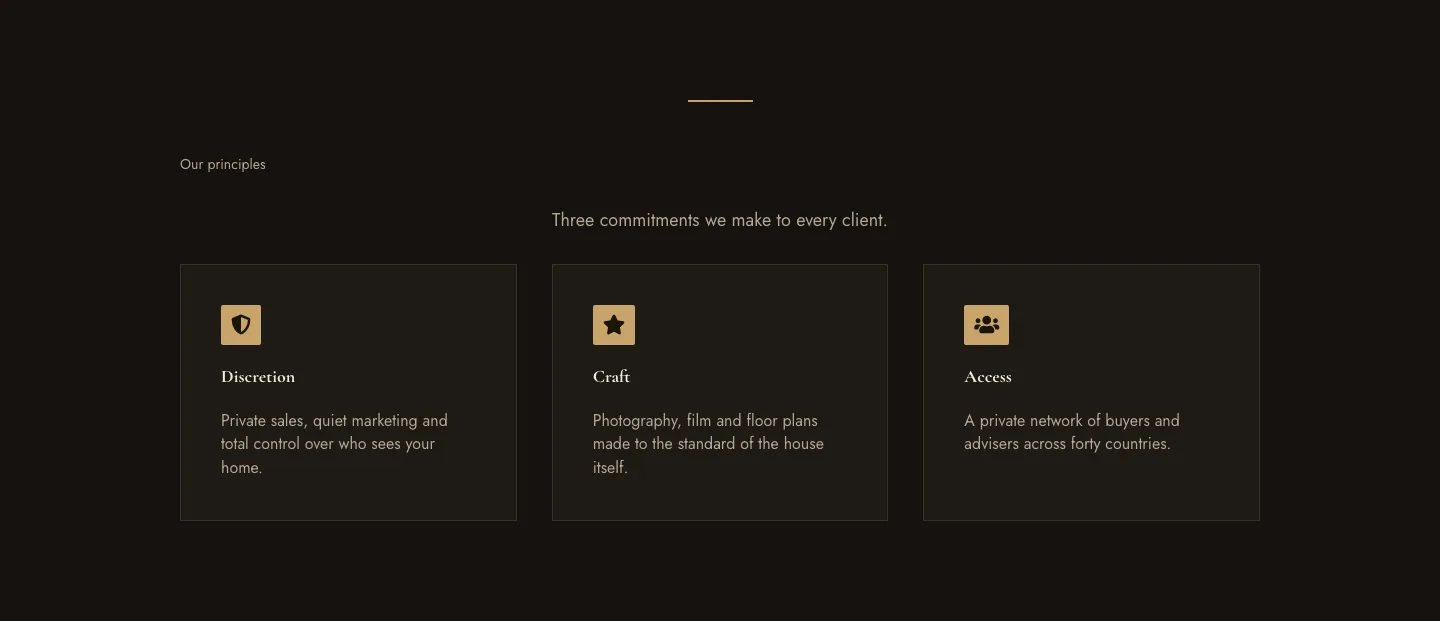
Luxe Private Estates Principles Features Layout for Divi 5: Three Icon Values
features · real_estate · elegant
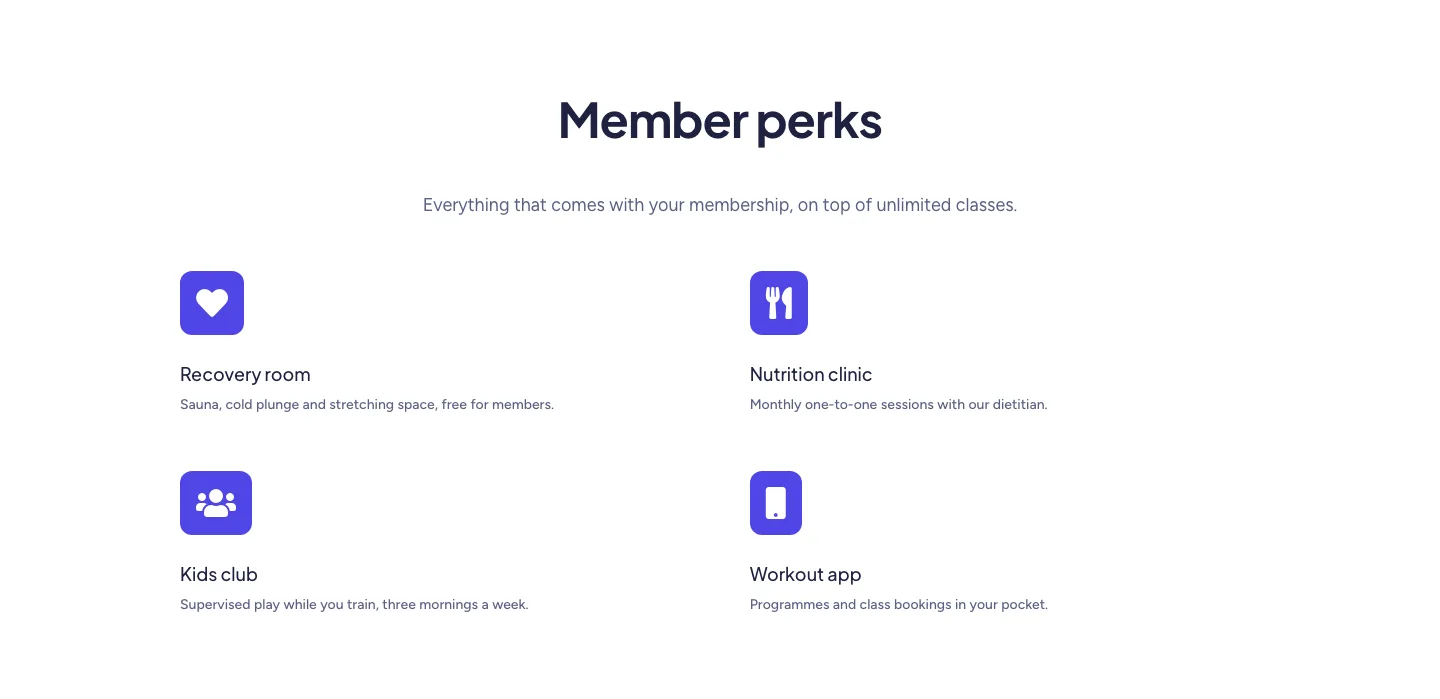
Soft Fitness Member Perks Features Layout for Divi 5: Four Icon Blurbs
features · fitness · minimal
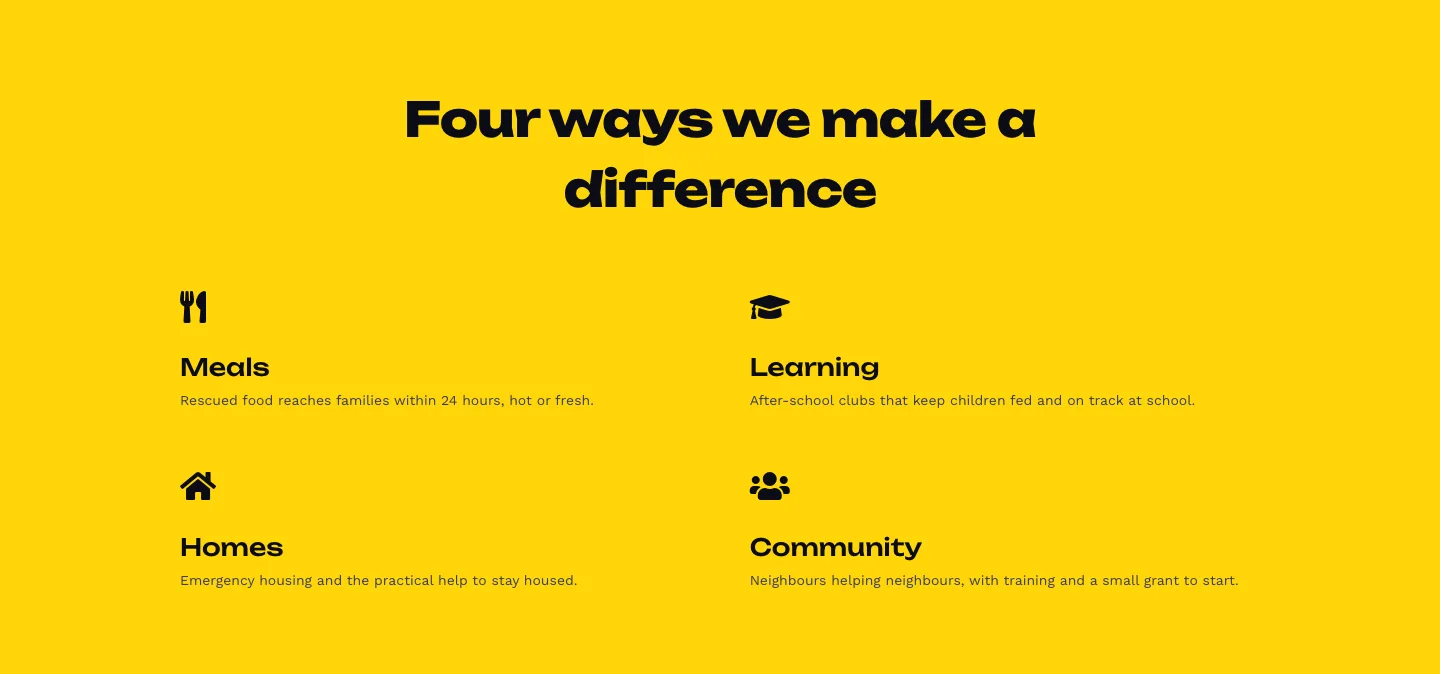
Bold Nonprofit Impact Features Layout for Divi 5: Four Icon Features
features · nonprofit · bold
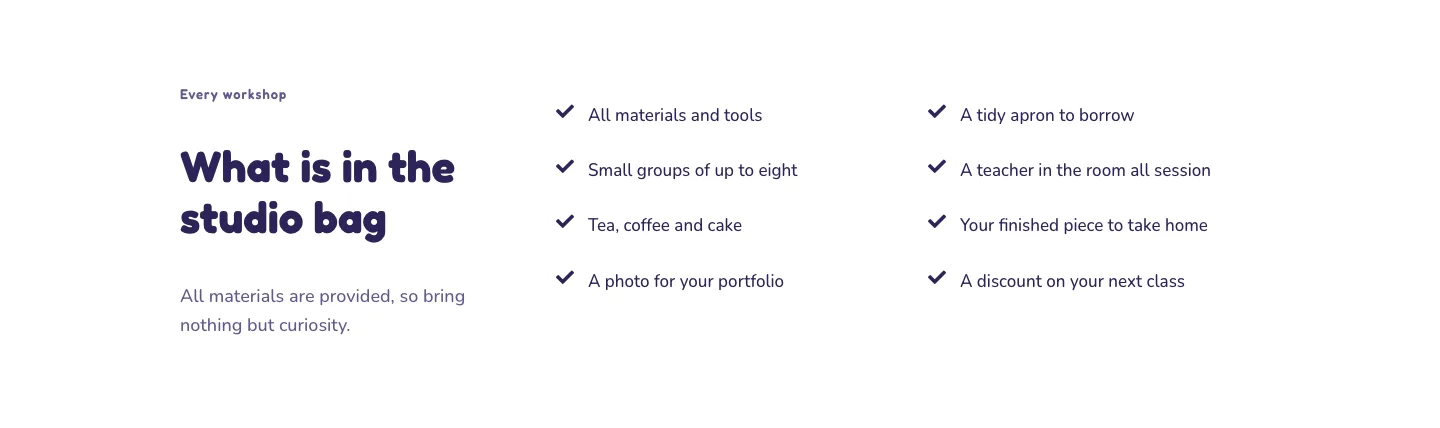
Playful Craft Workshop Features Layout for Divi 5: Two-Column Checklist
features · portfolio · playful
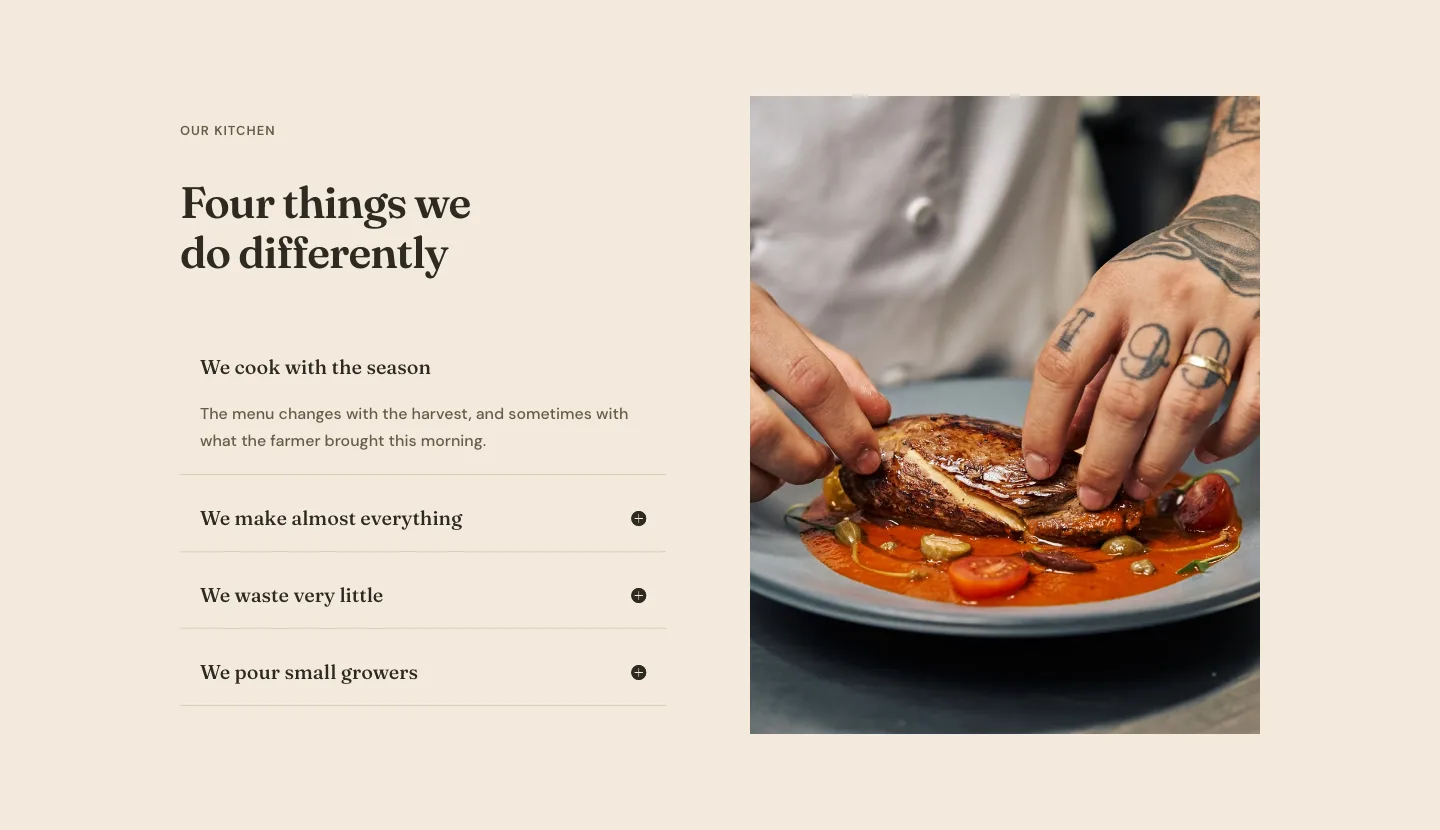
Organic Restaurant Kitchen Values Features Layout for Divi 5: Accordion with Image
features · restaurant · elegant
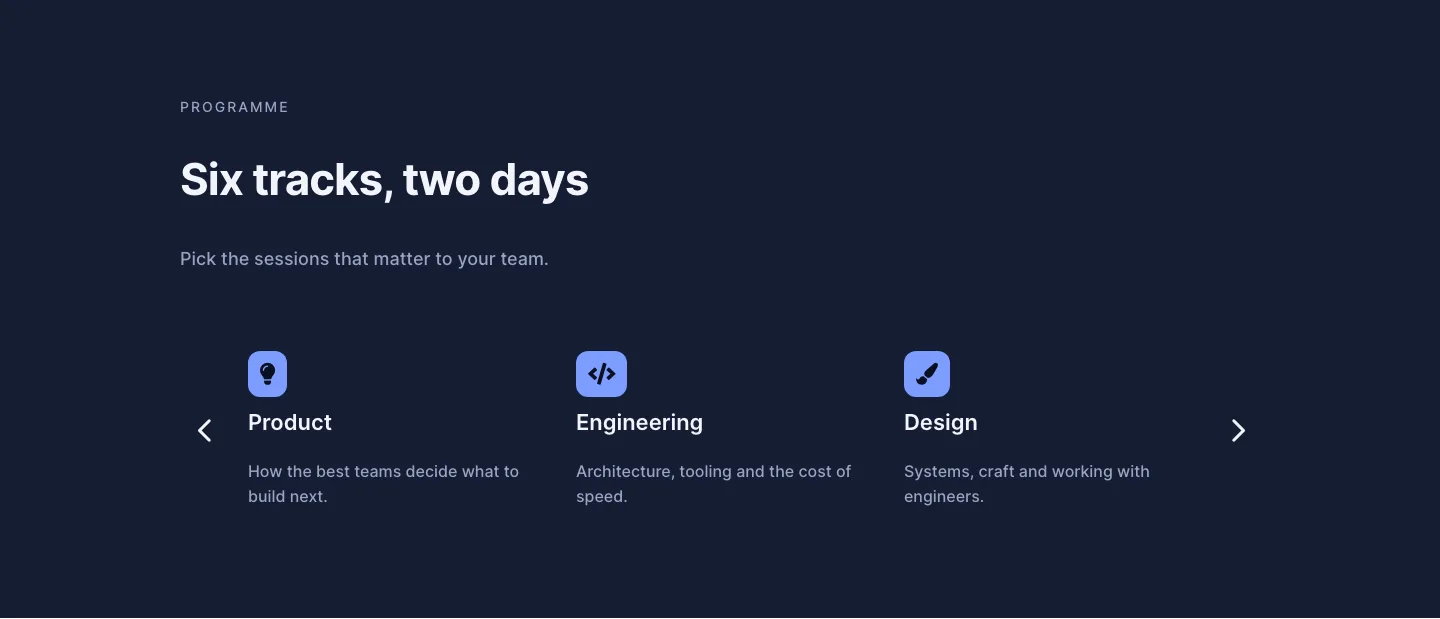
Dark Conference Tracks Features Layout for Divi 5: Carousel Cards
features · events · dark