
Bella Nota: Elegant Restaurant Home Page for Divi 5
Warm, wood-fired Italian trattoria landing page for Divi 5. Elegant Playfair Display type, terracotta palette, hero, menu, testimonials, and reservation CTA.
Rate this element
Download this section, free
- Divi 5 JSON, imports in seconds
- Commercial license included
- No account needed
Click to view the full page
Overview
Bella Nota is built around one idea: an Italian dinner should feel unhurried, and the page should too. The hero sets that tone with a 3/5–2/5 split (an uppercase eyebrow ("A neighborhood trattoria since 2014"), a 64px Playfair Display headline, a short welcome paragraph capped at 560px for comfortable line lengths, and a pill-shaped terracotta Reserve button) balanced against a single rounded portrait photo that floats on a deep, soft shadow. Generous 140px section padding on desktop gives everything room to breathe, stepping down to 90px on tablet and 70px on phone so the rhythm survives smaller screens.
The palette does quiet work throughout. Warm cream backgrounds (#FBF5EC through #FBF6EF) run edge to edge so the white cards (feature blurbs, dish cards, testimonials) read as plates on a linen tablecloth. A single terracotta accent (#B4472E) is reserved for icons, eyebrows, and both Reserve buttons, which keeps the call to action unmistakable without shouting. Typography pairs Playfair Display headings with Inter and Outfit body text, the classic serif-plus-sans combination for upscale hospitality.
Below the hero, the page walks a visitor through a full evening: three hover-lifting blurb cards on why to dine, an "experience" section describing the room, a menu showcase mixing two large dish cards with a three-across row (burrata, the dining room itself, tiramisù), and three testimonial cards from regulars. Every row is set to collapse to a single column on phone, and headline sizes are tuned per breakpoint (64→48→38px in the hero), so the mobile page stacks cleanly instead of shrinking awkwardly.
What’s inside
- Two-column hero (3/5–2/5 flex row) with uppercase eyebrow, 64px Playfair Display headline, welcome copy, pill-shaped Reserve CTA, and an hours/address line
- Rounded hero portrait image (18px radius) with a large soft box shadow for depth against the cream background
- Three Blurb modules in white cards with 56px terracotta icons, 20px radius, and a hover lift (-6px translate plus deepened shadow)
- "An evening at Bella Nota" section with an #experience anchor ID and three Icon + Heading + Text cards on Outfit body type
- Menu showcase: two large image-topped dish cards (Tagliatelle, Osso Buco) plus a three-card row (Burrata, Dining Room, Tiramisù), all with descriptive image alt text
- Three native Divi Testimonial modules with portraits, author roles, bordered white cards, and hover shadow lift
- Two Reserve a Table buttons wired to a #reserve anchor so you can point them at your booking section or widget
- Per-breakpoint spacing and type: desktop/tablet/phone padding set on every section, hero headline scaling 64→48→38px, and all rows collapsing to single column on phone
Who it’s for
This layout was written for a sit-down Italian restaurant (trattoria, osteria, wine bar with a kitchen) but the structure fits any reservation-driven restaurant where atmosphere sells the table: French bistros, farm-to-table spots, tapas bars, steakhouses. The hero leads with story rather than a menu PDF, the dish cards showcase four or five signature plates instead of a full menu, and the testimonials speak to regulars and anniversaries. A rhythm that suits neighborhood restaurants building repeat business more than fast-casual or delivery-first concepts. It also works well for agencies producing restaurant sites on Divi: the warm palette, serif/sans pairing, and card system are easy to rebrand per client without touching the underlying structure.
Customization tips
Start with the palette: the terracotta accent (#B4472E) appears on both buttons, all icons, and every eyebrow label, so swapping it via Find & Replace or a preset recolors the whole page consistently. The cream section backgrounds vary slightly (#FBF5EC–#FBF6EF); keep them within a few points of each other if you change them, or the sections will band visibly. Replace the Pexels food photography with your own shots: the hero portrait is set at roughly a 9:11 vertical ratio (900×1100), while the dish cards use standard landscape crops; matching those ratios avoids layout shifts. Keep the hero headline under about eight words so the 64px Playfair Display doesn't wrap to three lines, and keep dish descriptions to two or three sentences so the card row bottoms stay aligned. Finally, point the two #reserve anchor buttons at your actual booking flow (an OpenTable embed, a contact form section, or an external link) and update the hours/address line under the hero CTA.
How to install this layout
- Download the layout JSON file from this page.
- Open the target page in the Divi 5 builder.
- Open the portability panel (up/down arrows icon) and choose the Import tab.
- Upload the JSON. Tick “replace existing content” only for full-page imports.
- Check the page at desktop and mobile widths, then swap in your copy and images.
Full walkthrough with troubleshooting: How to Import a Divi 5 Layout.
Questions about Bella Nota: Elegant Restaurant Home Page for Divi 5
Which Divi modules does this layout use?
Standard native modules only: Heading, Text, Button, Image, Blurb, Icon, and Testimonial, arranged in flex-based sections, rows, and columns. There are no third-party modules, no code modules, and no shortcodes. Everything is editable in the Divi 5 visual builder.
How does the page behave on mobile?
Every row has an explicit phone stacking rule (single-column flex direction with full-width columns), section padding steps down from 140px to 70px, and the hero headline scales from 64px to 38px. The hero image drops below the text, and the card grids stack vertically with consistent 28–32px gaps.
Are the photos and testimonial portraits included?
The layout ships with Pexels food and interior photography (hot-linked, with descriptive alt text already written) and placeholder avatars from pravatar.cc in the testimonials. Both are stand-ins, plan to replace them with your own dish photos and real guest portraits before launch.
Where do the Reserve a Table buttons go?
Both buttons link to a #reserve anchor. Out of the box that anchor has no target, so your first wiring job is pointing them at your reservation system: add the ID to a booking form section, or swap the link for OpenTable, Resy, or a phone number.
What should I edit first?
Work top-down: hero headline and welcome paragraph, then the hours/address line, then the four dish cards (names, descriptions, photos), then the testimonials. The eyebrow labels and section headings are written as a template, swap 'North Beach' and 'Bay Street' references for your own neighborhood.
Which fonts does it use, and can I change them?
Headings are Playfair Display (weights 600–700) and body copy is Inter in the hero with Outfit in later sections. All are Google Fonts set at the module level, so you can restyle globally with Divi presets: if you swap the serif, keep the tight line-heights (1.05–1.25em) in mind, as some serifs need more room.
Which Divi version does this layout need?
Divi 5. The layout is generated natively for Divi 5 and validated against its real module structure before publication, so it imports clean into the current builder.
Can I use this layout on client websites?
Yes. Every download includes a commercial license covering unlimited sites you own or build for clients. Only reselling or redistributing the layout file itself is prohibited.
Included in these packs

More full landing pages
Browse all full landing pages
Brightwell Family Dental: Minimal Medical Landing Page for Divi 5
full_landing · medical · minimal

Aurelia Smile Studio: Bold Medical Landing Page for Divi 5
full_landing · medical · bold

Caldwell & Pierce: Corporate Legal Landing Page for Divi 5
full_landing · legal · corporate
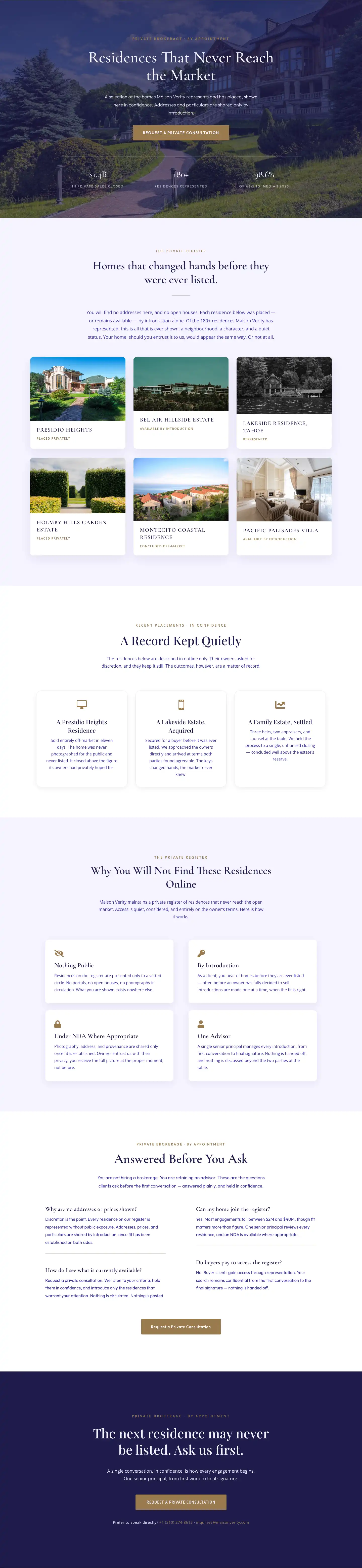
Maison Verity: Elegant Real Estate Residences Page for Divi 5
full_landing · real_estate · elegant
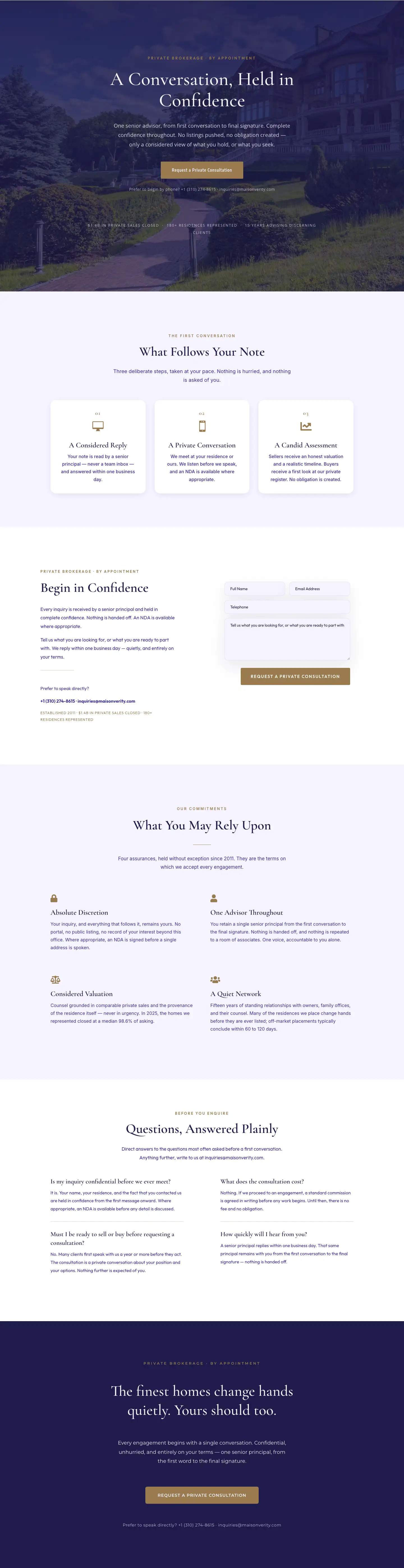
Maison Verity: Elegant Real Estate Private Consultation Page for Divi 5
full_landing · real_estate · elegant
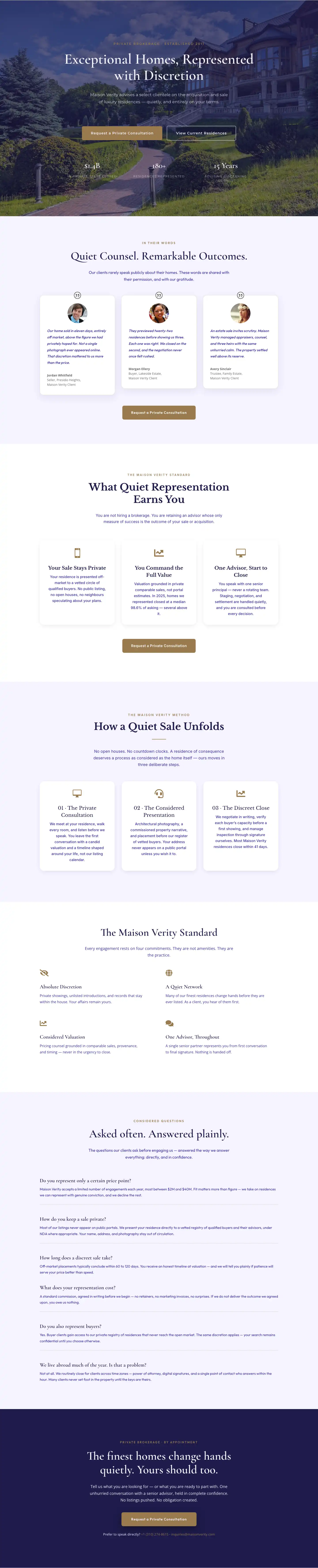
Elegant Luxury Real Estate Landing Page: Divi 5 Layout
full_landing · real_estate · elegant