
Aurelia Smile Studio: Bold Medical Landing Page for Divi 5
A dark-luxury cosmetic dentistry landing page in Divi 5: hero, services, method, artist bio, testimonials, FAQ, and consultation CTA for high-end smile studios.
Rate this element
Download this section, free
- Divi 5 JSON, imports in seconds
- Commercial license included
- No account needed
Click to view the full page
Overview
Aurelia Smile Studio is a full landing page built for a bold, dark-luxury cosmetic dentistry brand. The composition opens with a two-column hero on a near-black #14110F field: a Playfair Display headline at 72px sits beside a portrait-orientation Pexels image (1000×1250) with a soft 40px shadow, framed by a Beverly Hills eyebrow in warm gold #C6A15B and a three-column value strip (Digital · Hand-Crafted · Private). Primary and outline buttons pair up in a 460px column so the CTA never crowds the phone number.
The page then breathes into a cream #F7F2EA "quiet commitments" grid (four card columns in white with 1px gold borders and a subtle preset-2 shadow) before returning to black for the six-service atelier grid (Veneers, Complete Smile Makeover, Whitening, Bonding, Invisalign, Implant Aesthetics). Each service card uses a 36px gold icon, a Playfair heading, and a hover translate-Y of -6px so the interaction feels tactile without being loud.
Structurally the layout alternates dark and cream sections at 140px top/bottom padding (100px tablet, 64–72px phone) to create a slow, editorial rhythm. Content ladders through hero → four commitments → six services → three-panel Aurelia experience → three-step method → doctor bio with three blurbs → six-question FAQ split across two columns → three testimonial cards with rounded avatars → a split contact CTA with hours, address and a background-image quote panel. On phone, every row collapses to flexDirection: column, headings step down (72→40px hero, 56→32px section H2s), and the hero image drops below the copy with auto margins so the eye still lands on the CTA first.
What’s inside
- Full-page composition: hero, commitments grid, six-service atelier, three-panel experience, three-step method, doctor bio, six-question FAQ, three testimonial cards, and a split contact/CTA section
- Two-column hero with 72px Playfair headline, eyebrow label, dual CTA row (solid gold + outline phone button), three-column value strip, and a portrait image with a 40px soft shadow
- Six-column dark service grid using real Divi Icon and Font Awesome glyphs, hover translate-Y interaction, and rounded 20px cards on `#2A2320`
- Three-step "Aurelia Method" row with numbered eyebrows, 44px icons, and matching hover lift for a considered process story
- Author bio section with a centered intro and three Divi Blurb modules (icon + heading + body) presented as elevated cream cards
- Two-column FAQ with 6 gold-hairline dividers between questions: no accordion JS required, so it renders instantly on mobile
- Testimonial row with three white cards containing italic Playfair pull quotes, gold em-dash separators, and 64px circular avatars with name + treatment label
- Split contact CTA: dark left column with eyebrow, headline, body, gold button, hairline divider, address/phone/email and hours; right column is a 640px image tile with dark gradient overlay and an italic pull quote
Who it’s for
Purpose-built for high-end cosmetic and aesthetic dental practices: veneer studios, smile-design specialists, and boutique cosmetic clinics that market to affluent, deliberate patients. The dark palette, Playfair/Cormorant typography and "by-appointment" language read naturally for Beverly Hills, Manhattan, or London-style concierge practices. It also transfers cleanly to adjacent luxury-medical categories: aesthetic dermatology, med-spas, plastic surgery consultations, orthodontics, and hair-restoration studios. Agencies building landing pages for private-pay providers, digital smile design franchises, or premium wellness brands can rewrite copy and swap imagery without touching the underlying structure. It's not the right fit for insurance-first family practices or pediatric brands: the tone is intentionally quiet, editorial, and mature.
Customization tips
Palette lives in five hex values that repeat throughout the JSON: #14110F (near-black surfaces), #2A2320 (card backgrounds), #F7F2EA (cream sections), #F5F0E8/#C9C1B5 (headline and body on dark), and the accent #C6A15B. Find-and-replace those in the export to shift the whole brand: try emerald #1F3A34 + brass, or ivory + rose. Copy limits from the working design: hero H1 ≤ ~60 characters (72→40px phone), section H2s ≤ ~40 characters, service card blurbs ~180 characters, FAQ answers ~350 characters. Hero image is portrait 1000×1250 (roughly 4:5); the split-CTA hero image and the two full-column experience images render at 940×650 (roughly 3:2, minHeight: 360–640px). Keep replacements at those aspect ratios so the golden ratios of the composition survive. Testimonial avatars are 64px circles, square source images crop cleanly. Swap the Divi and Font Awesome service icons via the module preset without touching structure.
How to install this layout
- Download the layout JSON file from this page.
- Open the target page in the Divi 5 builder.
- Open the portability panel (up/down arrows icon) and choose the Import tab.
- Upload the JSON. Tick “replace existing content” only for full-page imports.
- Check the page at desktop and mobile widths, then swap in your copy and images.
Full walkthrough with troubleshooting: How to Import a Divi 5 Layout.
Questions about Aurelia Smile Studio: Bold Medical Landing Page for Divi 5
Which sections and modules are included in the page?
A hero (two columns with a portrait image), a four-card "quiet commitments" grid on cream, a six-service atelier grid on black, a three-panel alternating experience section, a three-step "Aurelia Method" row with icons, a doctor bio with three Divi Blurb modules, a two-column six-question FAQ using dividers, a three-card testimonial row with circular avatars, and a split contact/CTA with address, hours and a background-image quote panel.
How does it behave on tablet and phone?
Every row collapses to `flexDirection: column` on phone, hero H1 steps 72 → 54 → 40px, section H2s step 56 → 42 → 34px, and section padding drops from 140px → 90–100px → 64–72px top/bottom. The hero image reflows below the copy with auto side margins so the CTA still leads. The FAQ's two columns stack, and service/testimonial cards go full-width.
Where does the imagery come from and can I swap it?
Five Pexels URLs are used: a portrait hero, two full-column experience images, a background image on the split-CTA quote panel, plus three testimonial avatars from i.pravatar.cc. Replace them with your own veneer photography and real patient portraits before you go live: the placeholders exist to hold aspect ratios (portrait 4:5 for the hero, ~3:2 for the wide images).
What should I edit first after importing?
Change the studio name, the phone number in the two `tel:` buttons, the address block and email in the contact section, and the six service card blurbs to match your actual treatment menu. Then swap the doctor name in the bio intro (currently the placeholder `[Dr. Amara Léveque, DDS, AAACD]`) and rewrite the three testimonials with real patient quotes.
Are the icons real Divi/Font Awesome or placeholders?
Real. The service grid uses Divi's built-in Icon module (`type: divi` for the tooth-style glyph and `type: fa` for star, lightbulb, wrench, moon and tooth Font Awesome 900-weight icons). The three-step method uses two Divi glyphs and one Font Awesome glyph. All are editable through the standard Icon picker, no external icon font needed.
Which Divi version does this layout need?
Divi 5. The layout is generated natively for Divi 5 and validated against its real module structure before publication, so it imports clean into the current builder.
Can I use this layout on client websites?
Yes. Every download includes a commercial license covering unlimited sites you own or build for clients. Only reselling or redistributing the layout file itself is prohibited.
More full landing pages
Browse all full landing pages
Brightwell Family Dental: Minimal Medical Landing Page for Divi 5
full_landing · medical · minimal

Caldwell & Pierce: Corporate Legal Landing Page for Divi 5
full_landing · legal · corporate
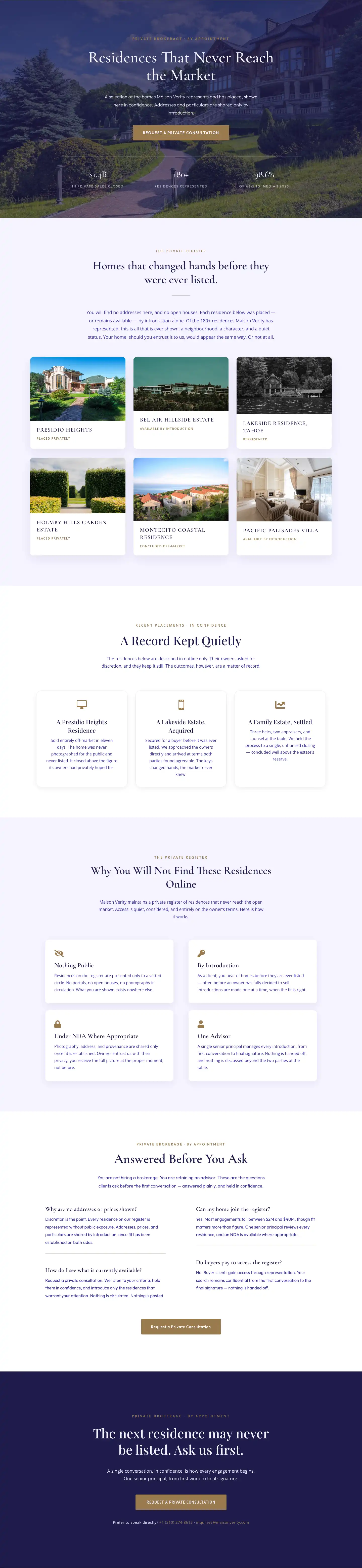
Maison Verity: Elegant Real Estate Residences Page for Divi 5
full_landing · real_estate · elegant
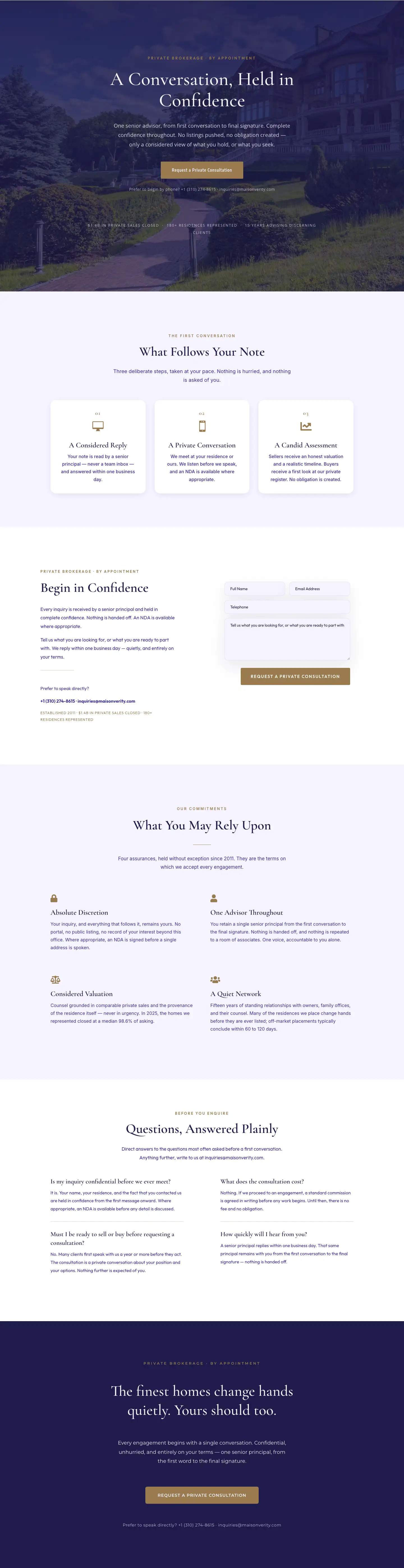
Maison Verity: Elegant Real Estate Private Consultation Page for Divi 5
full_landing · real_estate · elegant
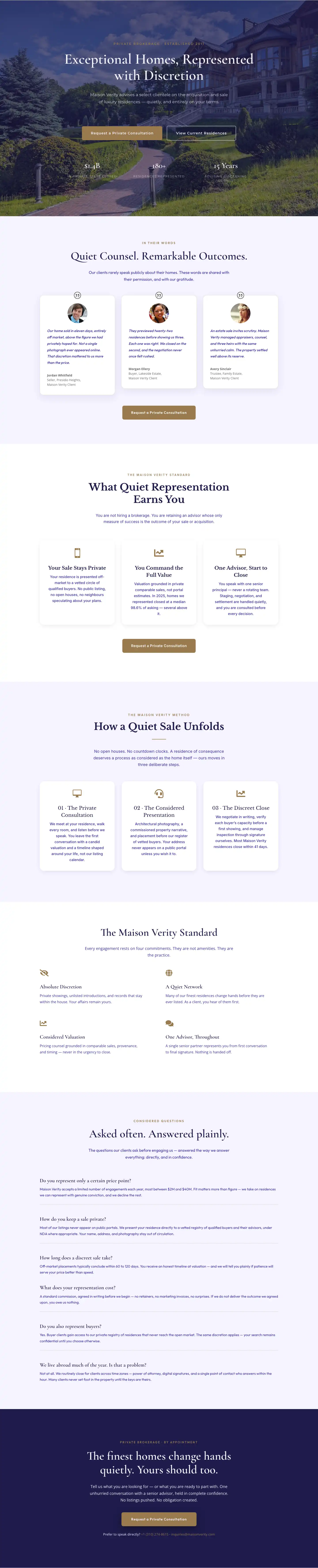
Elegant Luxury Real Estate Landing Page: Divi 5 Layout
full_landing · real_estate · elegant

Meridian Imaging: Minimal Medical Landing Page for Divi 5
full_landing · medical · minimal