
Bella Nota: Elegant Restaurant Menu Page for Divi 5
A refined, warm-toned Divi 5 landing page for restaurants and trattorias: hero with reservation CTA, kitchen story, signature dishes, menu highlights, FAQ, and closing booking section.
Rate this element
Download this section, free
- Divi 5 JSON, imports in seconds
- Commercial license included
- No account needed
Click to view the full page
Overview
Bella Nota is a full restaurant landing page built around a warm cream-and-terracotta palette. Four near-white section backgrounds (#FAF3EA through #FBF6EF) shift almost imperceptibly from block to block, so the page reads as one continuous linen surface while the terracotta accent (#B4472E) does all the pointing: eyebrows, icons, prices, and both pill-shaped Reserve a Table buttons use it, and nothing else does. Headlines are set in Playfair Display at 64px in the hero and 52px for section titles, paired with Inter body copy at 16–19px on a 1.65–1.75 line height, which is where the "elegant" feel actually comes from: high-contrast serif display over quiet sans body.
The hero is a 3/5–2/5 split inside a 1240px row (copy and CTA on the left, a 28px-radius photo on the right) with a 72px column gap and generous 140px vertical padding that compresses to 90px on tablet and 70px on phone. Below it, the page alternates centered intros (eyebrow, H2, one short paragraph, capped at 760–820px) with card grids: three icon-led story cards, three blurb-based menu cards with prices, a three-up dish gallery plus a two-up feature row, and a stacked FAQ of white cards with 1px borders and soft shadows.
Every card row is a flex layout with explicit column and row gaps (28–32px), stretch alignment so cards equalize height, and a phone breakpoint that flips to a single column at full width. Headings step down per breakpoint (64→48→38, 52→40→32/34), so the type scale never overwhelms a phone screen. Menu cards also carry hover states (a -6px lift with a deepened shadow) which gives the dish grid a tactile quality without any custom code.
What’s inside
- Split hero (3/5–2/5) with eyebrow, 64px Playfair Display headline, intro paragraph, pill CTA button, and an hours/address line
- Three icon-led story cards (Icon + Heading + Text modules) on white with 18px radius, hairline terracotta borders, and hover shadows
- Menu section built from three Blurb modules with FontAwesome/Divi icons, dish descriptions, and Playfair-set price texts ($18/$26/$12)
- Five-card dish gallery: a three-up row plus a two-up feature row, each card an Image + category label + Heading + Text stack with alt text in place
- FAQ section of four white text-module cards (H3 + answer) with 14px radius, 1px #EFE4D5 borders, and preset shadows
- Two Reserve a Table buttons with fully rounded 999px corners, hover background shift, and terracotta glow shadows
- Card hover interactions defined in the layout: -6px translate lift and deepened box shadows on the menu grid
- Responsive values set at all three breakpoints: section padding 140→90→70px, headline sizes stepped down, every row stacking to one column on phone
Who it’s for
This layout fits any restaurant that trades on craft and provenance: trattorias, bistros, farm-to-table kitchens, wine bars, and neighborhood fine-casual spots. The structure (story cards about how the food is made, a short priced menu, a dish gallery, and a practical FAQ (dietary options, corkage, allergies)) mirrors how independent restaurants actually sell themselves online. It also adapts well to bakeries, cafés, or supper clubs; the terracotta-and-cream palette leans Mediterranean but isn't locked to Italian food. It's less suited to fast-food chains or delivery-first brands, which need ordering integrations and a punchier, photo-dominant hierarchy rather than this editorial, reservation-driven flow.
Customization tips
Start with the accent: #B4472E appears on every eyebrow, icon, price, and button, so a single find-and-replace to your brand color restyles the whole page. Swap the four cream section backgrounds only if you change temperature (cool grays want a cooler accent). Keep the hero headline under ~60 characters so the 64px Playfair setting holds two to three lines; the section H2s work best at 4–7 words. Dish descriptions run 25–40 words each, stay in that range or the equal-height cards develop uneven whitespace. Replace the Pexels photos with your own food photography at roughly 3:2 landscape (the layout requests 940×650); the card columns crop via hidden overflow, so tight, well-lit close-ups work better than wide room shots. Update the hours/address line under the hero button and the phone number in the FAQ intro first. They're easy to miss.
How to install this layout
- Download the layout JSON file from this page.
- Open the target page in the Divi 5 builder.
- Open the portability panel (up/down arrows icon) and choose the Import tab.
- Upload the JSON. Tick “replace existing content” only for full-page imports.
- Check the page at desktop and mobile widths, then swap in your copy and images.
Full walkthrough with troubleshooting: How to Import a Divi 5 Layout.
Questions about Bella Nota: Elegant Restaurant Menu Page for Divi 5
Which Divi modules does this layout use?
Only core Divi 5 modules: Heading, Text, Button, Image, Icon, and Blurb, arranged in flex rows and styled columns. There are no third-party modules, no code modules, and no custom CSS: every border radius, shadow, and hover lift is set through module options.
Are the food photos included?
The layout ships with hotlinked Pexels stock photos (with alt text already written) so it renders complete out of the box. They're placeholders, replace them with your own dishes at a similar 3:2 landscape ratio for the card crops to hold.
How does the page behave on mobile?
Every row has explicit phone values: the hero, card grids, and feature rows all stack to a single full-width column, headline sizes step down (64→38px in the hero, 52→32–36px on section titles), and section padding compresses from 140px to 70px so the page doesn't feel hollow on small screens.
Is the menu section a real pricing table?
No. It's built from Blurb modules with separate price Text modules, which is deliberate. Restaurant menus change; editing a blurb's title, description, and a one-line price is faster than maintaining a pricing-table module, and each card can be duplicated to extend the menu.
What should I edit first?
The restaurant-specific facts: the hero's hours/address line, the '(415) 555-0148' number in the FAQ intro, the FAQ answers themselves (corkage fees, dietary policies), and the menu prices. The demo copy is written as a real San Francisco trattoria, so anything you leave in place will read as fact.
Do the buttons link anywhere?
Both Reserve a Table buttons are unlinked in the download. Point them at your reservation platform (OpenTable, Resy, Tock) or a contact anchor: since both share the same style, updating the link on each takes seconds.
Which Divi version does this layout need?
Divi 5. The layout is generated natively for Divi 5 and validated against its real module structure before publication, so it imports clean into the current builder.
Can I use this layout on client websites?
Yes. Every download includes a commercial license covering unlimited sites you own or build for clients. Only reselling or redistributing the layout file itself is prohibited.
Included in these packs

More full landing pages
Browse all full landing pages
Brightwell Family Dental: Minimal Medical Landing Page for Divi 5
full_landing · medical · minimal

Aurelia Smile Studio: Bold Medical Landing Page for Divi 5
full_landing · medical · bold

Caldwell & Pierce: Corporate Legal Landing Page for Divi 5
full_landing · legal · corporate
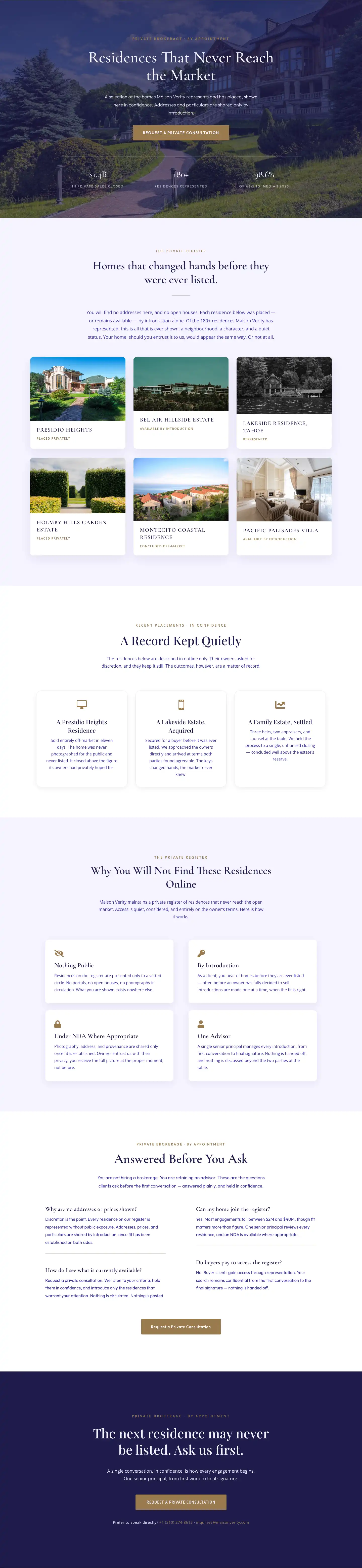
Maison Verity: Elegant Real Estate Residences Page for Divi 5
full_landing · real_estate · elegant
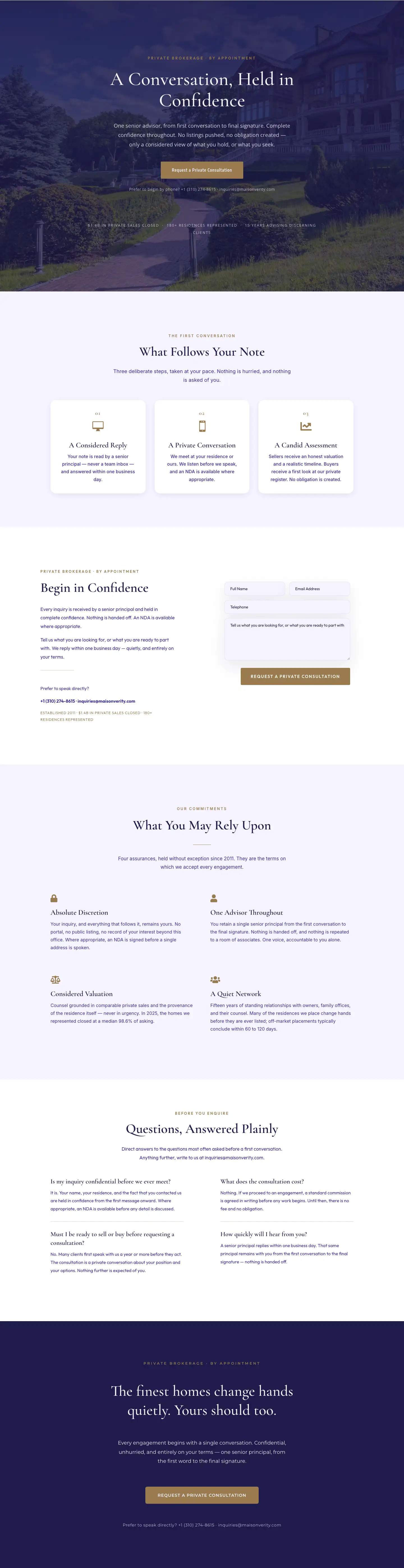
Maison Verity: Elegant Real Estate Private Consultation Page for Divi 5
full_landing · real_estate · elegant
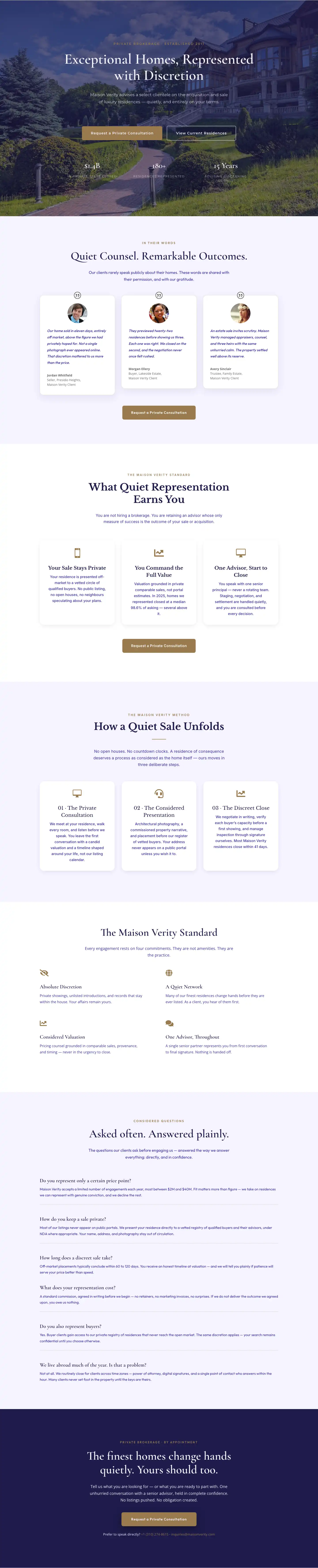
Elegant Luxury Real Estate Landing Page: Divi 5 Layout
full_landing · real_estate · elegant