
Bella Nota: Elegant Restaurant Reservations Page for Divi 5
Elegant Divi 5 restaurant landing page for a North Beach Italian trattoria. Hero, reservations FAQ, contact form, and evocative CTA: warm, refined, ready to customize.
Rate this element
Download this section, free
- Divi 5 JSON, imports in seconds
- Commercial license included
- No account needed
Click to view the full page
Overview
Bella Nota is a complete, four-section reservations page for a restaurant, built entirely from native Divi 5 modules. It opens with a full-bleed hero: a dark espresso section (#1a0f0a) with a food photo behind a 90-degree gradient overlay, split into a 3/5–2/5 row. The left column stacks a terracotta uppercase eyebrow, a 64px Playfair Display headline, a short Outfit-set intro capped at 540px wide, a boxed-shadow "Reserve a Table" button, and a small hours line. A clean size ladder from 14px kicker to 64px display type that establishes hierarchy immediately. The right column holds a rounded photo card with a deep preset shadow so it floats off the dark background.
The middle of the page does the real conversion work. A warm cream section (#FBF6F0) presents six "house policies" as white cards in three two-up rows (booking lead time, group size, walk-ins, cancellations, deposits, parking), each with an 18px radius, a hairline #EFE4D6 border, generous 36px padding, and a terracotta-tinted hover shadow. Below it, the booking section pairs a contact-details card (address, phone, email, hours in a two-column grid) with a working Divi Contact Form styled to match: cream field backgrounds, 10px radii, and a pill-shaped terracotta submit button.
The palette is disciplined throughout: two dark cocoa anchors at top and bottom, cream in between, and a single terracotta accent (#B4472E) reserved for eyebrows, links, and buttons. So every call to action reads instantly. Section padding steps down responsively (140px → 96px → 72px in the hero), headings scale from 64px to 38px on phones, and every multi-column row collapses to a single stacked column at the phone breakpoint, so nothing squeezes side by side on small screens. A final dark CTA section with an italic Playfair headline and an anchor-linked button closes the loop back to the reservation form.
What’s inside
- Four native Divi 5 sections: dark image hero, six-card FAQ/policies grid, contact details + reservation form, and a closing dark CTA
- Working Divi Contact Form with six pre-configured fields (name, email, phone, party size, preferred date & time, and special requests) in a half/half/full column arrangement
- 3/5–2/5 hero row with vertically centered content, a 540px-capped intro paragraph, and a rounded, drop-shadowed photo column
- Six white FAQ cards with 18px radii, hairline borders, and terracotta hover shadows, arranged in three two-up rows that stack on phones
- Contact-details card with a two-column grid covering address, phone, email, and opening hours
- Consistent terracotta (#B4472E) button system (rounded rectangle in the hero, pill-shaped on the form and CTA) with hover color shifts and colored glow shadows
- Responsive type scale defined per breakpoint: hero heading 64/48/38px, section headings 56/44/34px, with matching padding reductions
- Closing CTA button anchor-linked to #reserve so visitors jump straight back to the booking form
Who it’s for
This layout fits restaurants whose booking flow is the whole point of the site: independent Italian and Mediterranean spots, chef-driven bistros, wine bars, tasting-menu rooms, and supper clubs. The house-policies card grid is the tell. It's built for places that need to communicate walk-in rules, deposits, cancellation windows, and group limits before the phone rings. It also adapts well to private-dining venues, seasonal pop-ups, and café-to-dinner conversions. Agencies building sites for hospitality clients get a genuinely reusable skeleton: swap the copy, photos, and palette, and the same structure serves a steakhouse or a ramen counter. It's less suited to multi-location chains or delivery-first concepts, which need menus and ordering integrations rather than a single reservations narrative.
Customization tips
Start with the copy: the hero eyebrow, headline, and the six FAQ card answers carry all the personality, and every claim in them (hours, phone, fees) should match your restaurant. Keep the hero headline under about ten words: at 64px, longer lines wrap awkwardly on tablets. The contact-details grid is one Text module containing inline-styled HTML, so edit it in the module's text/code view rather than the visual editor, and update the phone number in all three places it appears. Set the Contact Form's receiver email first, it ships pointing at a placeholder address. The palette swaps cleanly because terracotta #B4472E is the only accent: change it plus the two dark section backgrounds (#1a0f0a, #2A1810) and the page rebrands. Replace both background photos and the hero image with your own: landscape shots around 940×650 or larger work best; the hero portrait image is capped at 460px wide, so anything roughly 3:4 crops well.
How to install this layout
- Download the layout JSON file from this page.
- Open the target page in the Divi 5 builder.
- Open the portability panel (up/down arrows icon) and choose the Import tab.
- Upload the JSON. Tick “replace existing content” only for full-page imports.
- Check the page at desktop and mobile widths, then swap in your copy and images.
Full walkthrough with troubleshooting: How to Import a Divi 5 Layout.
Questions about Bella Nota: Elegant Restaurant Reservations Page for Divi 5
Does the reservation form actually work?
Yes. It's the native Divi 5 Contact Form module with six fields already configured (name, email, phone, party size, date & time, special requests). It emails submissions to the address you set in the module's receiver field, so update that first. Note it sends reservation requests rather than confirming live availability; if you use OpenTable, Resy, or Tock, point the "Reserve a Table" buttons at your booking link instead and keep the form for private-dining inquiries.
How does the layout behave on mobile?
Every breakpoint is explicitly styled, not just inherited. The hero's two columns stack into a single column on phones, the FAQ card pairs collapse to one card per row, section padding steps down (140px desktop to 72px phone in the hero), and headings scale from 64px to 38px. The form's half-width fields remain usable at phone widths.
Are the photos included with the download?
The layout references food photography from Pexels (a dark dining scene in the hero, a plated dish in the side column, and a kitchen shot behind the final CTA). They load from Pexels URLs, so the page renders immediately: but you should replace them with your own restaurant's photos, both for authenticity and so you're not depending on external image hosting.
What should I edit first?
Three things in order: the Contact Form's receiver email (it ships with a placeholder), the phone number and hours (they appear in the hero, the FAQ section, the contact card, and the closing CTA), and the six FAQ answers, which contain specific policies (deposit amounts, cancellation windows, parking details) written for the demo restaurant.
Which fonts does it use?
Playfair Display for all display headings (including the italic variant on the closing CTA) with Outfit for body copy, eyebrows, and buttons; the final CTA section uses Inter for its supporting text. All are free Google Fonts that Divi loads automatically: swapping them is a per-module font change, with the heading/body pairing doing most of the elegant feel.
Can I remove sections I don't need?
Yes, cleanly. The four sections are self-contained, deleting the FAQ grid or the closing CTA won't break anything else. The one dependency to know about: the final CTA's button links to the #reserve anchor, so if you remove the booking section, retarget that button to your external reservation link or delete the CTA too.
Which Divi version does this layout need?
Divi 5. The layout is generated natively for Divi 5 and validated against its real module structure before publication, so it imports clean into the current builder.
Can I use this layout on client websites?
Yes. Every download includes a commercial license covering unlimited sites you own or build for clients. Only reselling or redistributing the layout file itself is prohibited.
Included in these packs

More full landing pages
Browse all full landing pages
Brightwell Family Dental: Minimal Medical Landing Page for Divi 5
full_landing · medical · minimal

Aurelia Smile Studio: Bold Medical Landing Page for Divi 5
full_landing · medical · bold

Caldwell & Pierce: Corporate Legal Landing Page for Divi 5
full_landing · legal · corporate
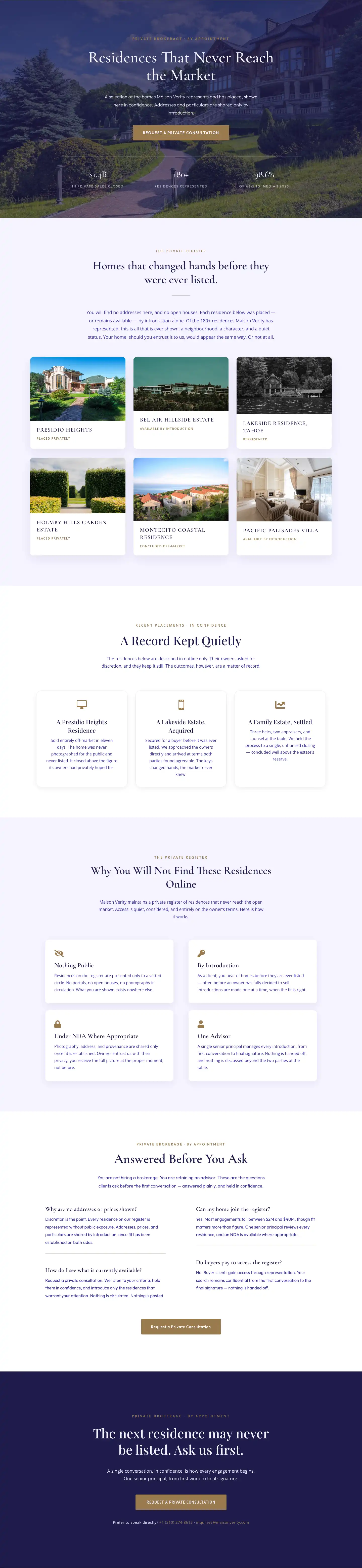
Maison Verity: Elegant Real Estate Residences Page for Divi 5
full_landing · real_estate · elegant
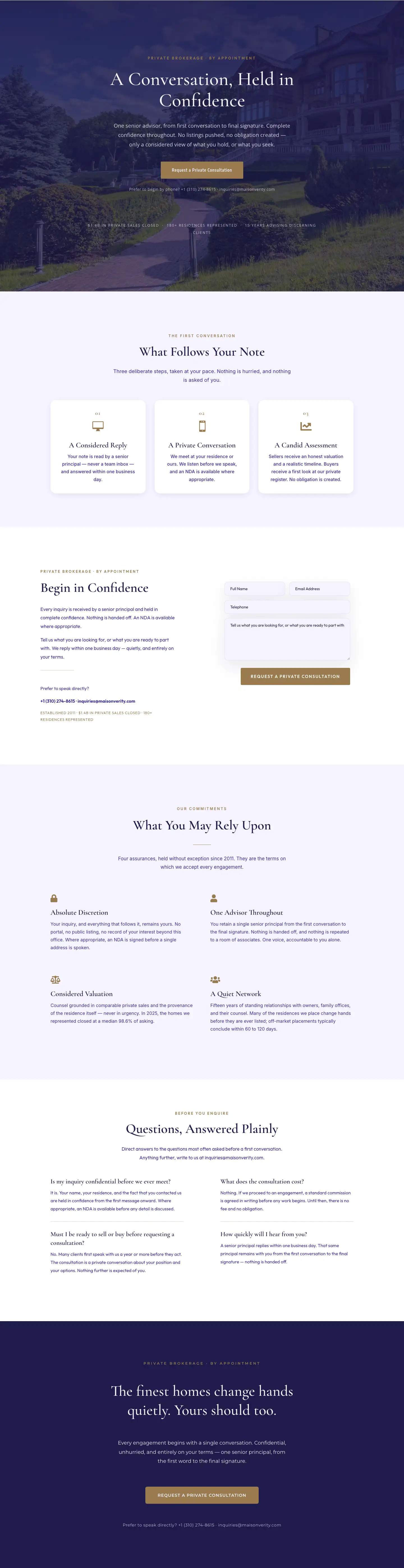
Maison Verity: Elegant Real Estate Private Consultation Page for Divi 5
full_landing · real_estate · elegant
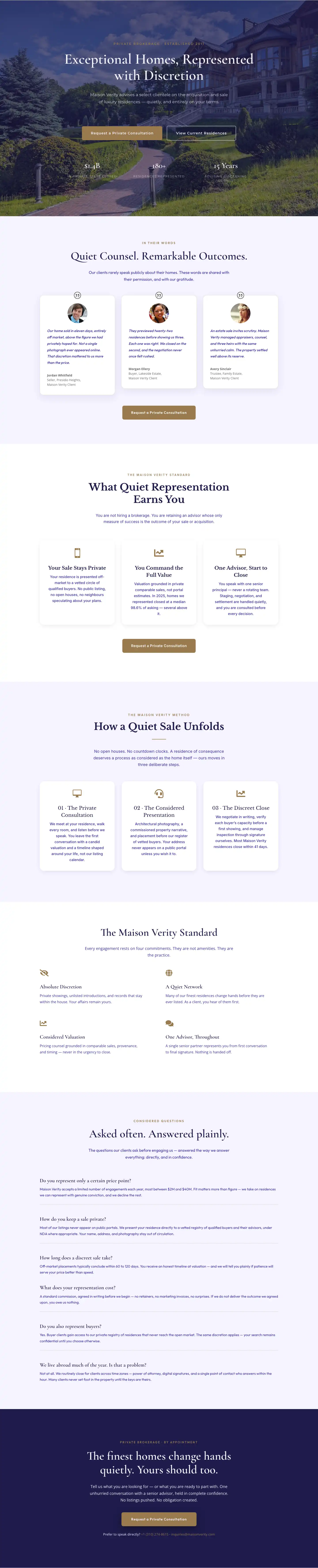
Elegant Luxury Real Estate Landing Page: Divi 5 Layout
full_landing · real_estate · elegant