
Brutalist Design Tool Pricing Table for Divi 5: Three-Plan Comparison
Compare three bold agency pricing plans in this brutalist Divi 5 layout. Feature-by-feature grid with sharp typography, high-contrast cells, and a standout CTA button.
Rate this element
Download this section, free
- Divi 5 JSON, imports in seconds
- Commercial license included
- No account needed
Click to view the full page
Overview
The comparison grid is a single divi/group module configured as CSS grid with four equal columns, a black (#000000) group background, and both column and row gaps set to 1px. The black background bleeding through those gaps is what creates the dividing lines between columns and rows; there are no borders, no custom HTML, and no table elements anywhere in the layout. Each of the 24 cells inside the grid is its own nested divi/group with an explicit background color: the Free and Team columns use the warm parchment (#e8e4da) that matches the section background, while every cell in the Pro column is set to white (#ffffff). That single background-color difference, applied cell by cell across every row, produces a column-highlight effect without any overlay module, ribbon, or badge on top.
The heading block above the grid is stacked in three distinct typographic registers. A Space Mono eyebrow at 13px, 700 weight, 2px letter-spacing, and uppercase sets a mechanical, grid-tool tone before the h2 lands. The h2 uses Archivo Black at 44px with -1px letter-spacing, uppercase, and text-wrap: balance, scaling to 36px on tablet and 30px on phone. A Public Sans body text module at 18px and 1.6em line-height carries the subheading copy underneath. The heading group is capped at 720px max-width and aligned left, keeping the text ragged-right rather than centered, which reinforces the utilitarian, tool-product character of the section. The outer content group uses a wider 1080px max-width that constrains the grid itself.
Inside the grid, feature availability is expressed in two ways. Included features use a divi/icon module with the Font Awesome solid checkmark (unicode f00c, 16px, black, center-aligned). Missing features use a divi/text module containing a plain mdash character in #4a4a4a gray, visually lighter than the black row labels. The one exception is the version history row, which replaces both icons and dashes with plain text values: 7 days, 30 days, and Forever, giving that row a quantitative reading that checkmarks alone cannot carry. The five feature rows escalate from universal access (unlimited drafts, all three plans) through shared features (version history, shared libraries in Pro and Team) to Team-exclusive capabilities (branching and review, admin controls), so the columns of dashes in Free and Pro build the upgrade argument visually.
The CTA button at the bottom is a standard divi/button module set in Public Sans, uppercase, 700 weight, with an orange-red fill (#ff3b00), a 4px solid black border, and strictly 0px border-radius on every corner. On hover, the background switches to black and the label switches to orange-red, a direct inversion with no transition fade. Responsive behavior operates at three independent levels: section padding steps from 64px to 48px to 32px, the h2 font size scales at each breakpoint, and cell horizontal padding compresses from 16px to 6px on phone, allowing the four-column structure to stay intact on narrow screens without collapsing to a stacked layout.
What’s inside
- Four-column CSS grid built from a single `divi/group` with 1px black gaps as structural dividers — no custom CSS, no HTML table elements, no shortcodes
- Five feature rows comparing Free ($0), Pro ($12), and Team ($30) across unlimited drafts, version history, shared libraries, branching and review, and admin controls
- Font Awesome solid checkmark icons (16px, black, center-aligned) for included features, with mdash text modules in `#4a4a4a` for unavailable tiers
- Pro column highlighted via white (`#ffffff`) cell backgrounds across all rows, contrasting against the parchment (`#e8e4da`) used throughout Free and Team columns
- Three-font typographic stack: Space Mono eyebrow (13px, uppercase, 2px letter-spacing), Archivo Black h2 (44px, -1px tracking), and Public Sans for all grid content and the CTA button
- Orange-red CTA button (`#ff3b00`) with 4px solid black border, 0px radius on all corners, and a full background-and-label color inversion on hover
- Three-breakpoint responsive scaling: section padding (64px / 48px / 32px), h2 font size (44px / 36px / 30px), and cell horizontal padding (16px to 6px on phone)
Who it’s for
This layout is the right fit for SaaS products, design tools, developer platforms, and project management apps that need a pricing section with a direct, undecorated visual language. It also works well for agencies building landing pages for tool-category clients: file-sharing platforms, creative software subscriptions, or any B2B product where the buyer is a professional who reads the feature matrix before deciding. The brutalist aesthetic suits tech-forward brands that want to signal transparency and rigor rather than the softened gradients of a typical conversion-optimized pricing page.
Customization tips
The fastest change is the column highlight: to promote a different tier, swap its cell backgrounds from parchment (#e8e4da) to white (#ffffff) and revert the current Pro column cells back to parchment. The #ff3b00 orange-red is the section's only warm accent; replace it in the button's background color field and its hover text color field simultaneously to keep the inversion effect intact. For fonts, Archivo and Public Sans are Google Fonts, so swapping them in the heading and text module font fields carries the change through all grid cells without editing them individually. Keep feature label text to two or three words per row — the 16px cell padding (6px on phone) leaves little room for line wrapping inside the grid. Prices and tier names are plain divi/text modules and edit directly in the Visual Builder. To add a sixth feature row, duplicate a complete set of four adjacent group cells from an existing row and paste them inside the parent grid group.
How to install this layout
- Download the layout JSON file from this page.
- Open the target page in the Divi 5 builder.
- Open the portability panel (up/down arrows icon) and choose the Import tab.
- Upload the JSON. Tick “replace existing content” only for full-page imports.
- Check the page at desktop and mobile widths, then swap in your copy and images.
Full walkthrough with troubleshooting: How to Import a Divi 5 Layout.
Questions about Brutalist Design Tool Pricing Table for Divi 5: Three-Plan Comparison
Does the four-column grid collapse on mobile, or does it stay side by side?
The grid stays four columns on phone. The outer row switches to flexDirection column and section padding drops to 32px, but the grid's column structure is maintained. Cell horizontal padding compresses from 16px to 6px on phone, which recovers enough width to keep all four columns readable. If feature labels wrap on very narrow screens, shortening them to two words resolves it.
What Divi 5 modules make up the comparison grid?
The grid is a `divi/group` set to CSS grid. Each cell is a nested `divi/group` containing either a `divi/text` module (for labels, prices, tier names, and dash values) or a `divi/icon` module (for checkmarks). There are no custom HTML modules, no shortcodes, and no table elements. The header row has four group cells; each of the five feature rows adds four more, for 24 group modules total inside the parent grid group.
Which features are exclusive to the Team plan in the default layout?
Two rows are Team-only: branching and review, and admin controls. Both Free and Pro show a dash for those rows. Shared libraries and version history are available from Pro upward. All three plans include unlimited drafts. You can reorder or relabel any row by editing the text content directly in the Visual Builder without touching the grid structure.
How is the 'Most popular' label positioned above the Pro tier name?
The Pro header cell is a `divi/group` set to flexDirection column with a 2px row gap. Inside it, three `divi/text` modules stack vertically: the 'Most popular' label at 12px, the 'Pro' tier name at 14px bold, and the '$12' price at 13px. Changing or hiding the label is a direct text edit in that cell, with no effect on the grid layout.
The button has sharp corners. What happens if I add a border-radius to match my brand?
The 0px radius is intentional to the brutalist read. The 4px solid black border amplifies any rounding, so even a small value noticeably softens the section. A 2-4px radius is workable if your brand requires it. Values above 8px will start to conflict visually with the grid's hard-edged cell lines.
Can I change the pricing values and tier names without breaking the grid?
Yes. Every price and tier name is a plain `divi/text` module with no binding to the grid structure. Edit them directly in the Visual Builder. The layout is driven entirely by the group background colors and the CSS grid configuration on the parent group, so text edits carry no layout risk.
Which Divi version does this layout need?
Divi 5. The layout is generated natively for Divi 5 and validated against its real module structure before publication, so it imports clean into the current builder.
Can I use this layout on client websites?
Yes. Every download includes a commercial license covering unlimited sites you own or build for clients. Only reselling or redistributing the layout file itself is prohibited.
More pricing tables
Browse all pricing tables
Organic Farm Share Pricing Table for Divi 5: Three-Box Comparison
pricing · restaurant · minimal

Bold Gym Chain Pricing Table for Divi 5: Three Access Levels
pricing · fitness · bold

Dark Webinar Platform Pricing Table for Divi 5: Three-Plan Comparison
pricing · events · dark

Soft HR Software Pricing Table for Divi 5: Three-Plan Comparison
pricing · saas · minimal

Luxe Wealth Advisory Pricing Table for Divi 5: Three Service Levels
pricing · agency · elegant
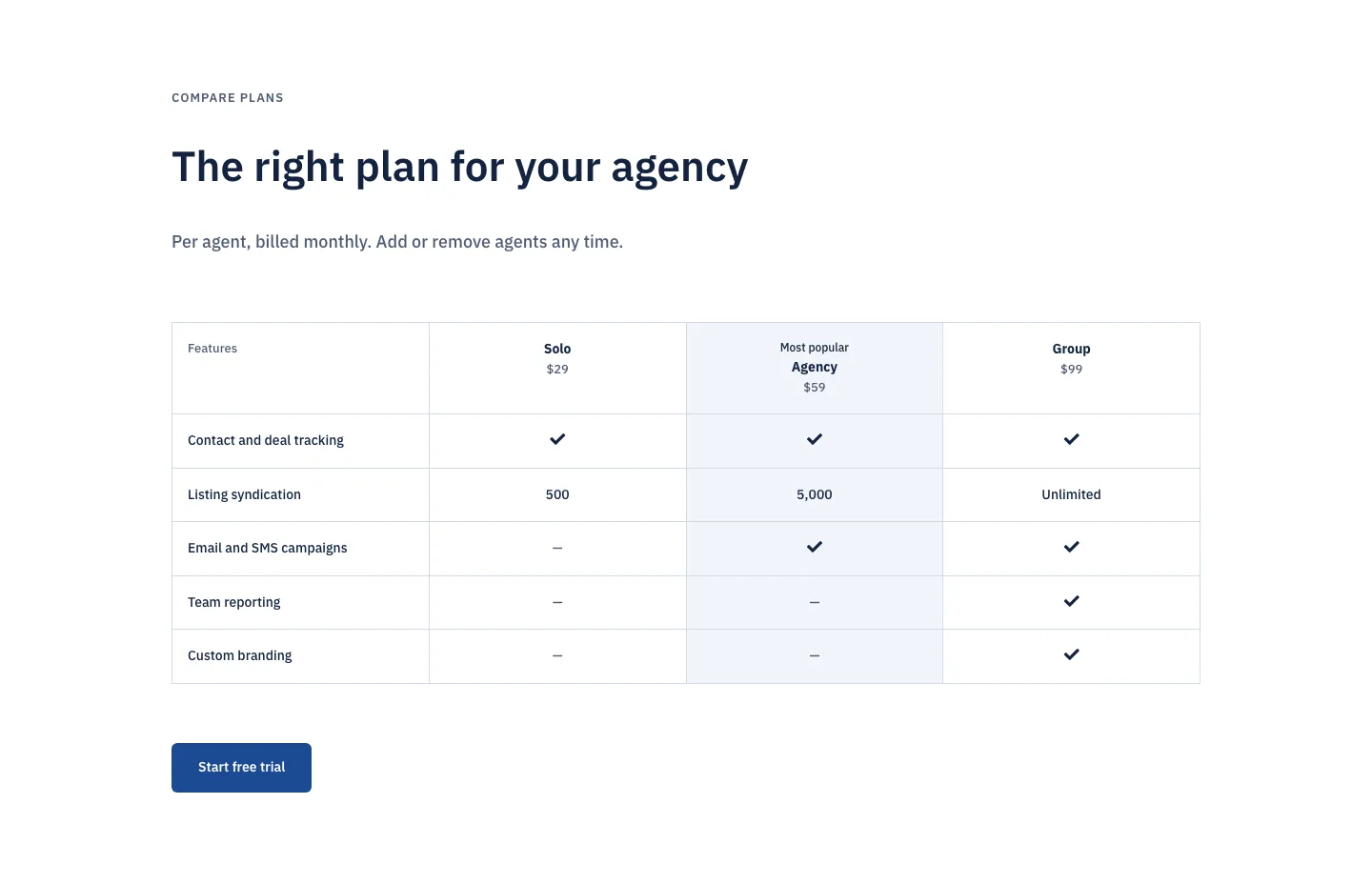
Corporate Real Estate CRM Pricing Table for Divi 5: Three-Plan Comparison
pricing · real_estate · corporate