
Luxe Wealth Advisory Pricing Table for Divi 5: Three Service Levels
A dark, luxury pricing section for wealth management agencies. Three AUM-based service tiers (Foundation, Private, Family Office) with a minimal grid comparison table. Built for Divi 5.
Rate this element
Download this section, free
- Divi 5 JSON, imports in seconds
- Commercial license included
- No account needed
Click to view the full page
Overview
This pricing section is built around a CSS grid comparison table rather than the card columns common to most pricing layouts. The outer section sits on a near-black background (#16120e) with 160px vertical padding on desktop, stepping down to 112px on tablet and 72px on mobile, giving the content room to breathe without wasting space on smaller screens. The header block is intentionally left-aligned and constrained: the eyebrow label in Jost at 13px with 3px letter-spacing and a warm parchment tone (#b3a794), the H2 in Cormorant Garamond at 44px weight 300 with textWrap: balance for clean line breaks, and a short body line capped at 640px max-width. This typographic hierarchy signals category then proposition then detail, which is the correct reading order for a high-trust financial context.
The table itself is a Divi Group module configured as a four-column CSS grid with 1px gaps rendered in #3a3127, a dark warm brown that reads as a refined rule rather than a hard border. Alternating rows use two background values (#16120e and #1f1a15) to subtly stripe the grid without introducing color noise. The "Private" tier column uses the slightly lighter #1f1a15 background to lift it from the baseline, functioning as a soft highlight that signals the recommended tier without resorting to a badge or colored border. The "Most chosen" label above the tier name reinforces this quietly.
Feature availability is communicated through two signals: a FontAwesome check icon () at 16px in cream (#f3ece0) for included features, and an em dash in the muted parchment tone (#b3a794) for unavailable ones. This approach keeps the grid visually clean, avoiding colored chips or heavy iconography that would break the restrained aesthetic. The CTA at the bottom is a full-width button in gold (#c8a46a) with 2px letter-spacing and a dark label, padded at 16px vertical and 40px horizontal, with a 2px border radius, sitting just above the section floor.
On mobile, the row module switches to flexDirection: column so the full-width layout stacks naturally. Grid cell padding reduces from 18px to 14px vertically and from 16px to 6px horizontally, keeping cells compact without crowding the text. Font sizes step down at breakpoints (H2 goes 44 > 36 > 30px), and all body copy holds at 12px on phone to maintain legibility within the compressed grid columns.
What’s inside
- Three-tier CSS grid comparison table built from nested Divi Group modules with 1px warm-brown gap lines as column dividers
- Two-font typographic pairing: Cormorant Garamond H2 (weight 300, 44px) for the headline and Jost for all table labels, body copy, and the CTA button
- Alternating row backgrounds (`#16120e` / `#1f1a15`) for scannable row striping with no added color
- FontAwesome check icons (16px, cream) and styled em dashes for inclusion/exclusion states across six feature rows
- Soft tier highlight via a slightly lighter column background on the "Private" (middle) tier, with a "Most chosen" text label
- Gold CTA button (`#c8a46a`) with uppercase Jost, 2px letter-spacing, and square-ish 2px radius matching the restrained aesthetic
- Responsive padding cascade: section steps 160px > 112px > 72px; grid cells step 18px > 14px vertically and collapse horizontal padding to 6px on phone
Who it’s for
This layout is the right choice for wealth managers, RIAs, private banks, family office firms, and boutique financial planning practices that need to communicate tiered AUM-based fee structures clearly and without visual noise. It also works for high-end professional services firms (estate planning attorneys, tax advisory practices, multi-family offices) that present service levels with a mix of included features and tier-specific exclusions. The dark, editorial palette positions the firm as established and deliberate, not promotional.
Customization tips
The entire palette is set through six hex values in the module properties. Swap #16120e and #1f1a15 for any two near-identical dark tones (navy pair, deep slate pair) to shift the mood without restructuring the grid. The gold #c8a46a button and #b3a794 muted text are the two accent values to update together for brand coherence.
The grid is set to four columns: one for feature labels and three for tiers. Adding a fourth tier requires duplicating one column group and adjusting gridColumnCount to 5. Keep feature label text under 28 characters to avoid wrapping on tablet. The H2 has textWrap: balance active, so up to two lines reads cleanly; beyond 60 characters it may wrap to three on mobile. The body copy line beneath the headline is intentionally one sentence; the layout has no visual slot for a second paragraph there.
How to install this layout
- Download the layout JSON file from this page.
- Open the target page in the Divi 5 builder.
- Open the portability panel (up/down arrows icon) and choose the Import tab.
- Upload the JSON. Tick “replace existing content” only for full-page imports.
- Check the page at desktop and mobile widths, then swap in your copy and images.
Full walkthrough with troubleshooting: How to Import a Divi 5 Layout.
Questions about Luxe Wealth Advisory Pricing Table for Divi 5: Three Service Levels
How does the table column layout behave on phones?
The row module uses `flexDirection: column` on phone breakpoints, so the four-column grid stacks into a single vertical flow. Each cell reduces horizontal padding to 6px, which keeps content readable but means the table reads as a list rather than a side-by-side comparison on small screens. If side-by-side comparison on mobile matters for your use case, you would need to add a horizontal scroll wrapper or restructure to a card-per-tier layout.
Which modules make up the comparison grid?
The grid is a single Divi Group module set to CSS grid display with `gridColumnCount: 4` and `columnGap: 1px`. Each cell is its own nested Group module. Feature label cells contain a Text module; check and dash cells contain either an Icon module (FontAwesome `f00c`) or a Text module with an `—` entity. There is no custom pricing table or WooCommerce module involved.
Can I add more feature rows without breaking the grid?
Yes. The grid uses implicit row creation, so duplicating a full set of four cell Groups (one label + three tier cells) automatically adds a new row. Keep the background alternation pattern consistent: `#16120e` for odd rows and `#1f1a15` for the highlighted Private tier column cells.
What should I edit first after importing?
Start with the tier names and fee percentages in the header cells of each tier column, then work through the feature rows updating label text and swapping icons for dashes (or vice versa) to match your actual service inclusions. Change the CTA button text and link last, since those are visible immediately and easy to overlook before publishing.
Does the layout include any imagery or background photos?
No. The section uses a flat solid background (`#16120e`) with no images, gradients, or video. All visual weight comes from typography, spacing, and the gold accent. This is an intentional design choice for the financial services context, and it also means there are no images to replace or optimize on import.
How is the recommended tier highlighted without a colored border?
The Private (middle) tier column cells use background `#1f1a15` instead of the base `#16120e`, a difference of roughly 5 lightness points. Combined with the "Most chosen" text label in the header cell, this creates a soft lift that reads as a recommendation without breaking the monochromatic palette.
Which Divi version does this layout need?
Divi 5. The layout is generated natively for Divi 5 and validated against its real module structure before publication, so it imports clean into the current builder.
Can I use this layout on client websites?
Yes. Every download includes a commercial license covering unlimited sites you own or build for clients. Only reselling or redistributing the layout file itself is prohibited.
More pricing tables
Browse all pricing tables
Organic Farm Share Pricing Table for Divi 5: Three-Box Comparison
pricing · restaurant · minimal

Bold Gym Chain Pricing Table for Divi 5: Three Access Levels
pricing · fitness · bold

Dark Webinar Platform Pricing Table for Divi 5: Three-Plan Comparison
pricing · events · dark

Soft HR Software Pricing Table for Divi 5: Three-Plan Comparison
pricing · saas · minimal

Brutalist Design Tool Pricing Table for Divi 5: Three-Plan Comparison
pricing · agency · bold
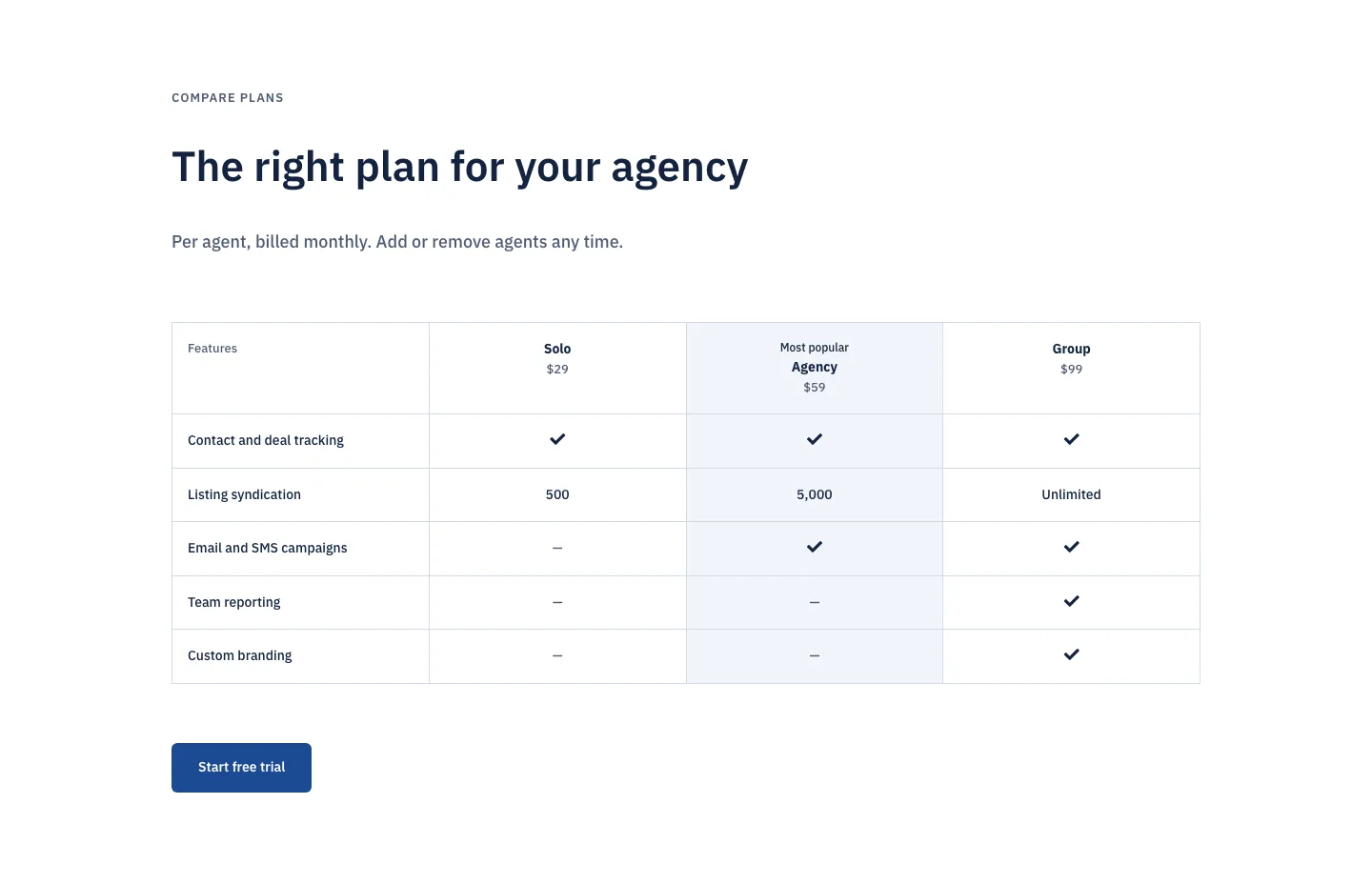
Corporate Real Estate CRM Pricing Table for Divi 5: Three-Plan Comparison
pricing · real_estate · corporate