
Ember & Steel: Bold Steakhouse Landing Page for Divi 5
A cinematic, fire-and-steel Divi 5 landing page for chef's-counter steakhouses. Hero, story, six-course menu, gallery, testimonials, and reservation CTA. All pre-built.
Rate this element
Download this section, free
- Divi 5 JSON, imports in seconds
- Commercial license included
- No account needed
Click to view the full page
Overview
The page opens with a full-bleed hero that stacks over a hardwood-fire photograph darkened by a top-to-bottom gradient from rgba(10,10,10,0.55) down to rgba(10,10,10,0.92), so the copy sits legibly on any image you swap in. An uppercase Inter eyebrow ("Established 2014 · San Francisco") sits above a giant Playfair Display headline set to 6vw on desktop and explicitly clamped to 52px on tablet and 40px on phone, with a supporting paragraph capped at 640px and a single ember-orange CTA button. The palette is disciplined: near-black #0a0a0a background, bone #F5F1EA type, muted #D9D4CC body copy, and one saturated accent (#C2410C) used only on the eyebrow, the button, the icons, the section numerals, and the price tags.
Below the fold, a centered Playfair 56px headline introduces a three-up feature grid where each column is its own #141414 card with a hairline border, 20px radius, deep drop shadow, and a -6px hover lift. Each card leads with a 48px Font Awesome or Divi icon in the accent color, a 24px Outfit heading, and short body copy: a clean, symmetrical read on desktop that stacks vertically on phone via flexDirection: column. The narrative continues in a two-row numbered process (steps 01–03 then 04–05) built from divi/text + divi/heading pairs inside the same dark-card treatment, so the visual rhythm holds through the middle of the page.
Further down, a three-column menu grid uses divi/blurb modules for course cards with centered icons, dish names, descriptions, and prices, then an editorial section pairs two large Pexels shots with intro copy and a three-up "Day 45 / The Sear / Six Courses" strip that reinforces the story. Every section shares the same #0a0a0a background and generous 120px vertical padding (80px on phone), so the whole page reads as one continuous, cinematic scroll rather than a stack of unrelated blocks.
What’s inside
- Full-bleed hero over a Pexels fire photograph with a two-stop dark gradient overlay, Playfair Display headline sized in `vw` with explicit 52px tablet / 40px phone overrides, uppercase Inter eyebrow, orange CTA, and a small hours + address + phone line.
- Three-column feature card row built from divi/heading, divi/text, and divi/icon modules: `#141414` cards with a 20px radius, hairline `rgba(255,255,255,0.06)` border, preset-3 drop shadow, and a `-6px` hover translate.
- Five-step numbered process across two rows (01–03 as thirds, 04–05 as halves): Playfair display numerals in ember-orange lead each card, with a 22–24px heading and a short body paragraph underneath.
- Three-column menu grid using divi/blurb modules for course cards: centered icon, dish name, description, and a bold `#C2410C` price row.
- Two-column image + caption pair (`The Fire` and `The Counter`) using divi/image modules with 6px radius and preset-2 drop shadow, followed by a three-up gallery strip with small uppercase orange sub-captions.
- Repeated primary CTAs ("Reserve a Counter Seat") in the hero and after the feature grid, both pointing at `#reserve` so a single anchor drives the whole page.
- Consistent dark palette (`#0a0a0a` / `#141414` / `#F5F1EA` / `#C2410C`) and 120px vertical section padding (80px on phone) enforced on every section for a single cinematic scroll.
- Fully responsive by default: every multi-column row is set to wrap on tablet and switch to `flexDirection: column` on phone, and hero padding drops from `12vw` to 100px to 80px across breakpoints.
Who it’s for
Ember & Steel is built for restaurants that lead with fire, meat, and story: chef's-counter steakhouses, dry-age concept rooms, hearth-cooked tasting menus, live-fire grills, whisky-and-steak concepts, and small-format reservation-only kitchens. The heavy black + ember-orange palette and Playfair Display type read as evening-only and expensive, so it suits venues where the check average and the experience justify a landing page that opens with a photograph of coals rather than a menu list. It also adapts cleanly to any single-focus food business that sells atmosphere and craft over convenience: barbecue joints, robata bars, tomahawk-and-tallow spots, hardwood pizza rooms, and heritage butcher-restaurants that want a landing page as considered as their food.
Customization tips
Swap the single accent color first: every eyebrow, button, icon, numeral, price, and border tint is the same #C2410C, so a single find-replace changes the entire visual language (deep burgundy, brass gold, and blood orange all work with the dark base). Keep the hero headline to two or three short words on separate rhythmic beats, the 6vw sizing punishes long strings on phones. Eyebrows and small-caps lines look best under about 40 characters, and feature-card headings should stay on one or two lines (24–32 characters). Replace the hero background image with a 1600×1000 or larger landscape shot at roughly 16:10 or 3:2, and use ~940×650 landscape shots for the two-up gallery images so the 6px radius and shadow read cleanly. Menu blurbs are sized for one short paragraph plus a price, three to five lines of description max. If you drop the menu section, the numbered process row above it is strong enough to stand alone.
How to install this layout
- Download the layout JSON file from this page.
- Open the target page in the Divi 5 builder.
- Open the portability panel (up/down arrows icon) and choose the Import tab.
- Upload the JSON. Tick “replace existing content” only for full-page imports.
- Check the page at desktop and mobile widths, then swap in your copy and images.
Full walkthrough with troubleshooting: How to Import a Divi 5 Layout.
Questions about Ember & Steel: Bold Steakhouse Landing Page for Divi 5
Does the layout use real Divi 5 modules or HTML shortcodes?
Every block is a native Divi 5 module: divi/section, divi/row, divi/column, divi/heading, divi/text, divi/button, divi/icon, divi/blurb, and divi/image. There are no third-party plugins and no HTML shortcodes, so nothing will orphan when you edit it in the Visual Builder.
How does the hero behave on mobile?
The hero headline is set to `6vw` on desktop and explicitly overridden to 52px on tablet and 40px on phone, and the section padding steps from `12vw` down to 100px and then 80px across the same breakpoints. The eyebrow, headline, subhead, button, and hours line all stay center-aligned in a single column.
What imagery does it ship with?
The hero background and the four gallery photographs pull from Pexels URLs embedded in the JSON. They are placeholders, swap them for your own restaurant photography before going live. The feature and menu cards use icon modules (Font Awesome + Divi icon sets) rather than photos, so those rows work without any imagery at all.
What should I edit first after importing?
Start with the four above-the-fold elements: the eyebrow ("Established 2014 · San Francisco"), the hero headline, the CTA button label + link, and the small hours/phone line. Then rewrite the three feature-card headings, the five numbered process steps, and finally the three course cards and their prices.
Can I remove the menu section without breaking the layout?
Yes. Each section is a self-contained divi/section wrapper with its own padding and background, so you can delete the menu grid, the image gallery, or the numbered process independently. The hero, feature row, and reservation CTA are enough to stand as a shorter one-scroll page.
Which Divi version does this layout need?
Divi 5. The layout is generated natively for Divi 5 and validated against its real module structure before publication, so it imports clean into the current builder.
Can I use this layout on client websites?
Yes. Every download includes a commercial license covering unlimited sites you own or build for clients. Only reselling or redistributing the layout file itself is prohibited.
More full landing pages
Browse all full landing pages
Brightwell Family Dental: Minimal Medical Landing Page for Divi 5
full_landing · medical · minimal

Aurelia Smile Studio: Bold Medical Landing Page for Divi 5
full_landing · medical · bold

Caldwell & Pierce: Corporate Legal Landing Page for Divi 5
full_landing · legal · corporate
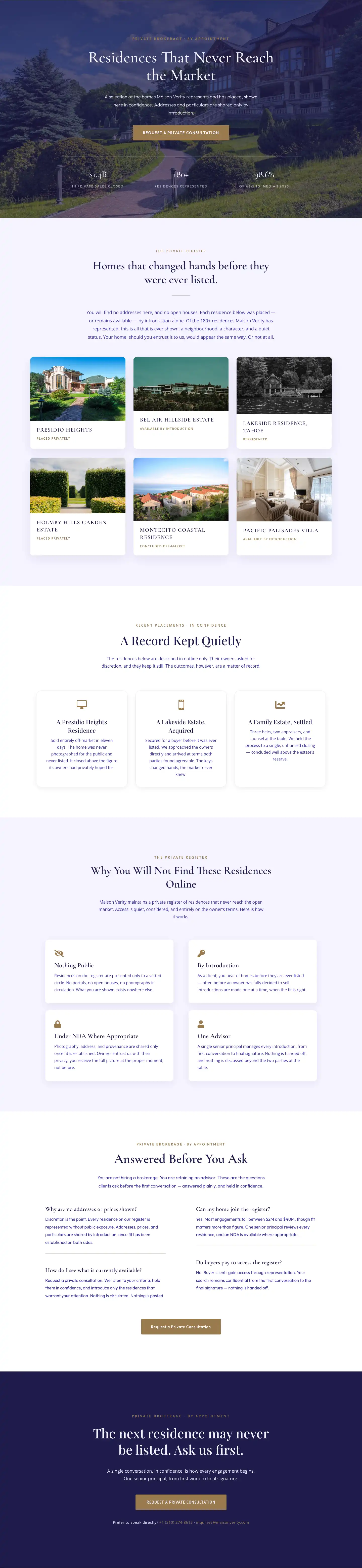
Maison Verity: Elegant Real Estate Residences Page for Divi 5
full_landing · real_estate · elegant
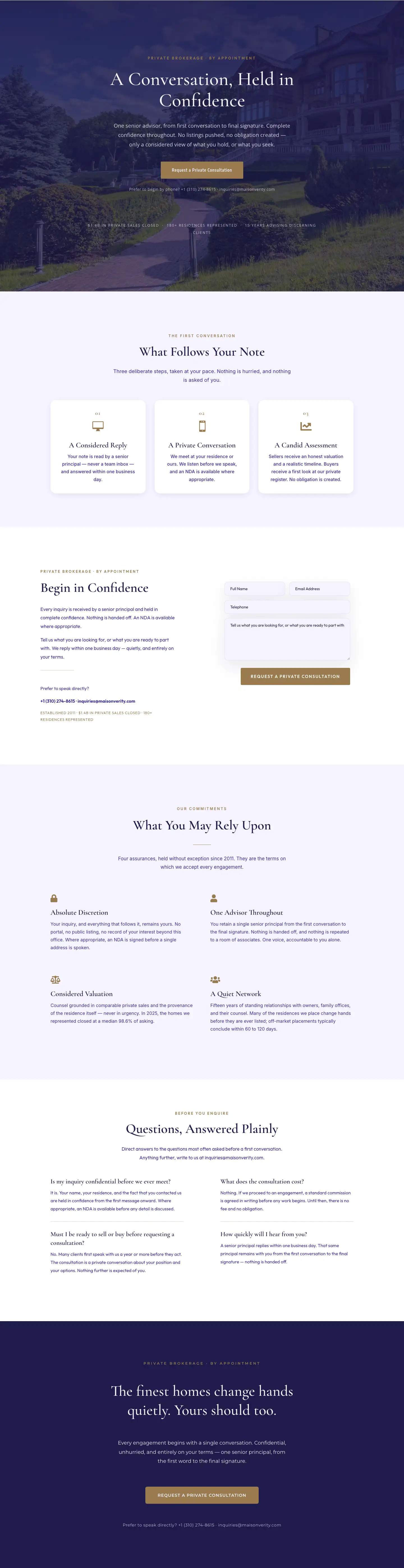
Maison Verity: Elegant Real Estate Private Consultation Page for Divi 5
full_landing · real_estate · elegant
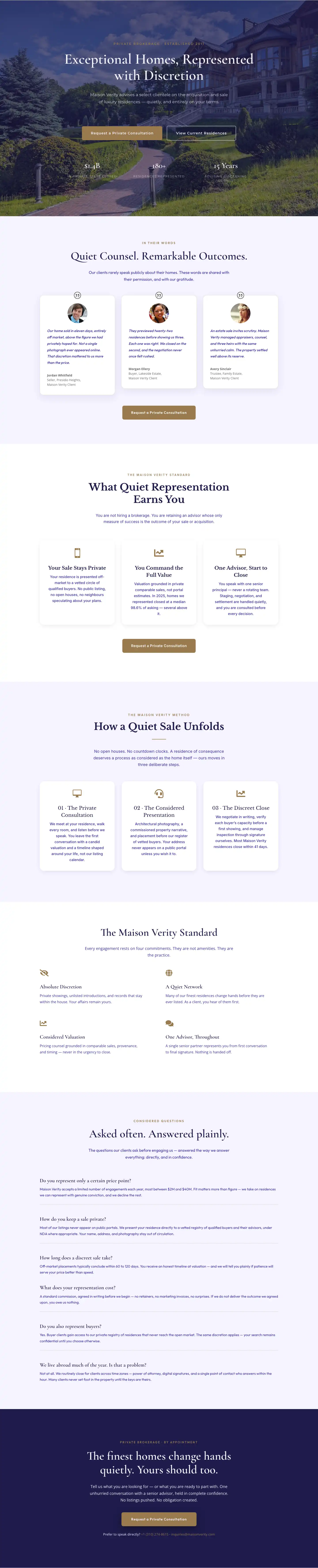
Elegant Luxury Real Estate Landing Page: Divi 5 Layout
full_landing · real_estate · elegant