
Playful Real Estate Testimonial Section for Divi 5
A warm, playful Divi 5 testimonials layout for real estate agents: featured client quote with portrait, sunny peach palette, and rounded card styling.
Rate this element
Download this section, free
- Divi 5 JSON, imports in seconds
- Commercial license included
- No account needed
Click to view the full page
Overview
The section sits on a warm cream field (#fff4ec) with generous 110px/120px vertical padding on desktop that tightens to 72px on phone. Structure is deliberately small: a single centered row capped at 960px holds one column that stacks a bold H2, a supporting subhead, and one featured testimonial card. The heading, "Happy keys. Happier humans.": runs 52px Outfit 800 with -1px tracking, then eases to 40px on tablet and 32px on phone so the punchline never wraps awkwardly. Below it, an Outfit 19px subhead in the darker peach tone (#7a4a2a) is capped at 640px so the eye lands on the quote without wandering across the full row width.
The testimonial card carries the design's weight. It's an 820px-wide white-to-peach 135° gradient (#ffffff → #ffe6d2), wrapped in a soft #ffd9b8 hairline border with 28px rounded corners. A tinted box shadow (rgba(255,107,26,0.18) at 24px vertical and 60px blur) lifts the card off the cream ground without going harsh. Divi's native Testimonial module handles the portrait, the author name, the job title, and a company line that doubles as a milestone ("Closed in 38 days"). The left-edge quote bar is set to #ff6b1a, the same orange accent that reappears in the shadow, so the module reads playful without a single decorative shape.
Mobile behavior is wired in from the start. Section padding drops to 72px, card padding tightens to 36px top/bottom and 28px sides, the quote body text scales from 22px to 18px, and the row switches to column flex-direction so the portrait and quote stack cleanly on narrow screens. Card overflow stays visible so the orange-tinted shadow bleeds beyond the corners exactly as intended.
What’s inside
- Divi Section with cream (#fff4ec) background and 110px/120px vertical padding on desktop
- Centered row locked at 960px max-width with a single 4_4 column, padding zeroed so spacing is owned by the section
- Divi Heading (H2): Outfit 800 at 52px / 40px / 32px across desktop, tablet and phone with -1px letter-spacing
- Divi Text subhead in Outfit 19px (#7a4a2a), centered, capped at 640px for a tight readable measure
- Divi Testimonial module carrying portrait, author, job title, and a company line repurposed as a milestone
- White-to-peach 135° gradient card at 820px max-width with 28px radius and a 1px #ffd9b8 hairline border
- Orange (#ff6b1a) quote bar accent paired with a matching orange-tinted (rgba(255,107,26,0.18)) box shadow
- Responsive typography and padding overrides on tablet and phone, including row flex-direction: column on mobile
Who it’s for
This fits real estate agents, boutique brokerages, buyer's agents, mortgage brokers, home stagers, property managers and moving companies. Anyone who wants to lead with one strong voice instead of a wall of stars. It's especially good for first-time-buyer specialists, luxury agents introducing a new client, or an agency landing page where a single hero quote does the emotional lifting. Interior designers, real estate coaches, and title or escrow services can drop it in unchanged when they want a warm, human tone. The single-quote format works best when your best story genuinely outshines the rest; if you have dozens of short blurbs, a grid-style testimonials section will serve you better than this one.
Customization tips
Palette moves fastest through a Divi preset: swap the cream (#fff4ec), the peach gradient stop (#ffe6d2), the orange accent (#ff6b1a), and the brown text tones (#3a1a05 body, #7a4a2a subhead) and the whole section rebalances in one edit. Keep the heading to five words or fewer so the -1px tracking still reads as playful: the subhead performs best at one sentence under 120 characters, and the quote body handles up to about 60 words before the card starts to feel dense. Portrait: replace the pravatar URL with a square client headshot at 300×300px minimum; the module auto-crops to a circle, so frame around the face. If you're dropping this into a longer page, trim section top/bottom padding to 80/90px so it doesn't over-breathe next to denser sections. Outfit is the only typeface, replace it once and both modules follow.
How to install this layout
- Download the layout JSON file from this page.
- Open the target page in the Divi 5 builder.
- Open the portability panel (up/down arrows icon) and choose the Import tab.
- Upload the JSON. Tick “replace existing content” only for full-page imports.
- Check the page at desktop and mobile widths, then swap in your copy and images.
Full walkthrough with troubleshooting: How to Import a Divi 5 Layout.
Questions about Playful Real Estate Testimonial Section for Divi 5
There's only one testimonial in this section, how do I add more?
Duplicate the Testimonial module inside the column and Divi will stack them vertically with the card styling (gradient, border, shadow, radius) copied intact. For a side-by-side row, change the row's column structure from 4_4 to three 1_3 columns and drop one Testimonial into each. The mobile flex-direction: column setting already handles the stack on phone.
The portrait uses a pravatar placeholder. What image should I use in production?
Any square photo at 300×300px or larger. The Testimonial module crops to a circle, so plan the crop around the face rather than the shoulders. Use a real client headshot before going live, leaving the pravatar URL in place will render a stranger's stock face.
Where do I change the orange quote accent color?
The left border color lives on the Testimonial module under Design → Border → Left Color (currently #ff6b1a). The matching shadow tint sits on the same module under Design → Box Shadow → Shadow Color. Update both together so the accent stays coherent.
Will the card break on narrow phones?
No, mobile styles are already wired in. Card padding tightens to 36px top/bottom and 28px sides, quote body drops from 22px to 18px, and the row switches to column flex-direction. Overflow stays visible so the tinted shadow still bleeds past the corners.
What should I edit first?
Replace the heading, the subhead, and the quote body with your own client story, then swap the portrait, author name, and job title. Don't skip the company field. It's being used as a proof point ("Closed in 38 days"), so treat it that way instead of pasting a brokerage name there.
Which Divi version does this layout need?
Divi 5. The layout is generated natively for Divi 5 and validated against its real module structure before publication, so it imports clean into the current builder.
Can I use this layout on client websites?
Yes. Every download includes a commercial license covering unlimited sites you own or build for clients. Only reselling or redistributing the layout file itself is prohibited.
More testimonials
Browse all testimonials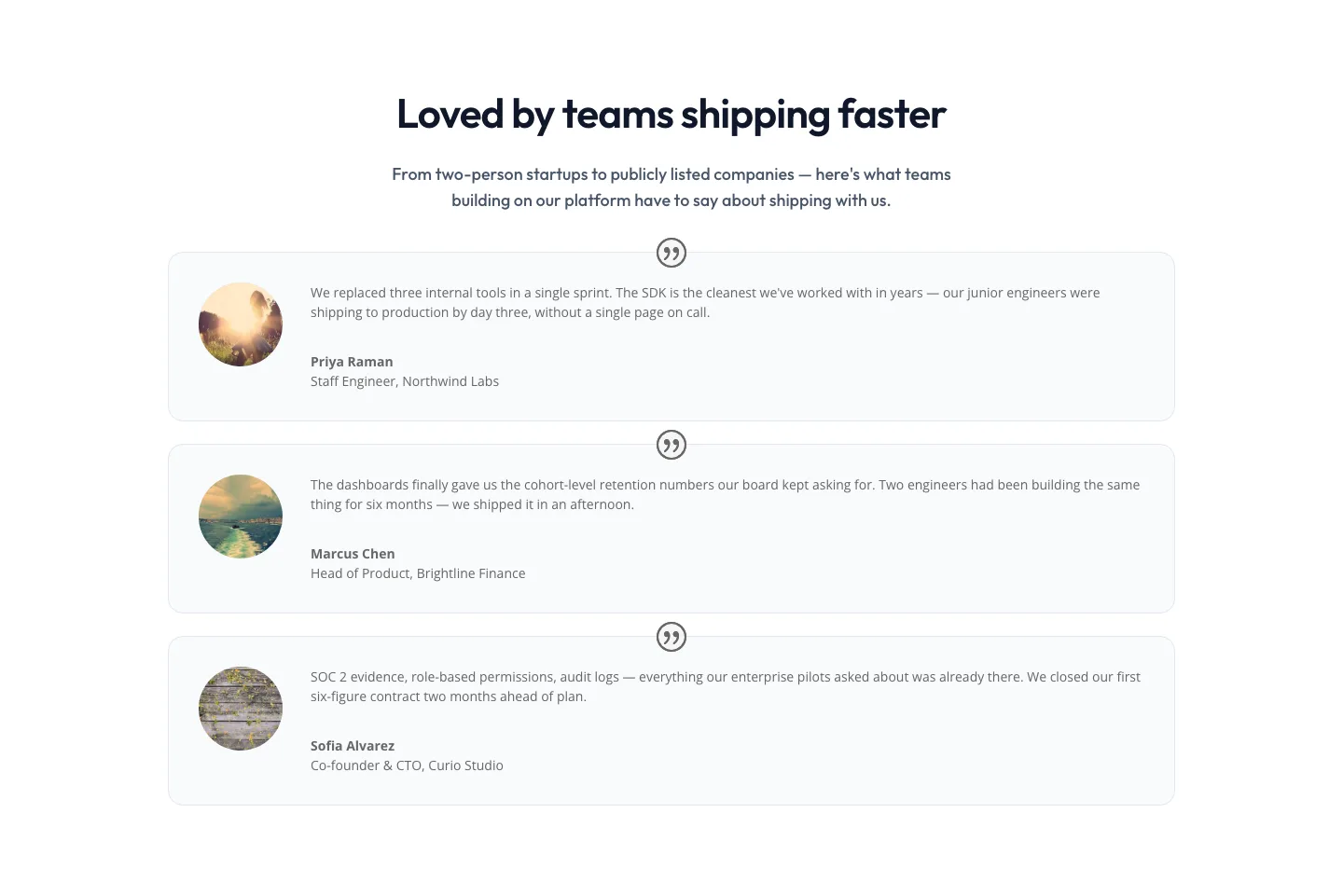
Minimal SaaS Testimonials Section: Three-Column Customer Quotes
testimonials · saas · minimal
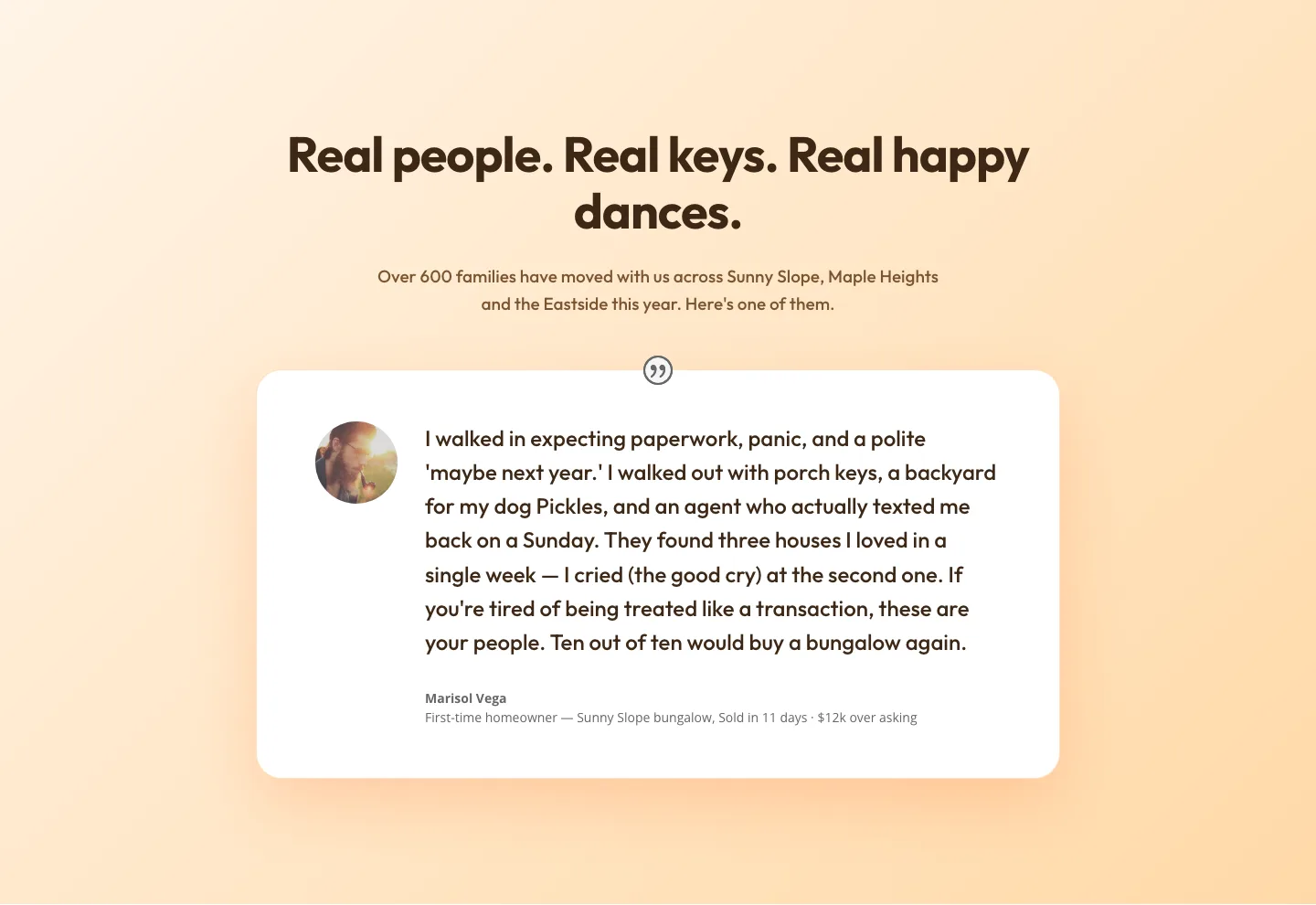
Playful Real Estate Testimonials Section: Warm Client Story Block | Divi 5 Layout
testimonials · real_estate · playful
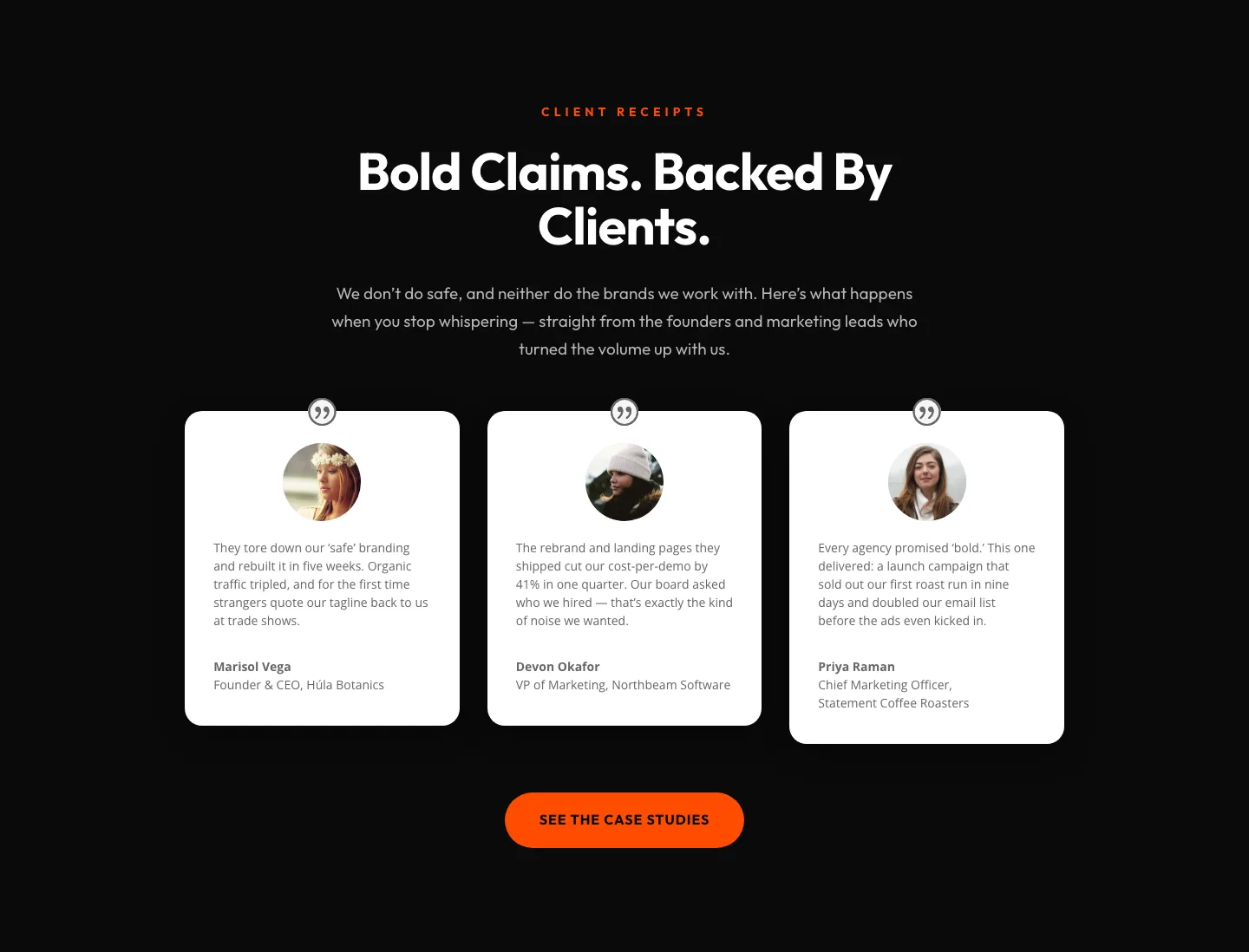
Bold Agency Testimonials Section: Dark Divi 5 Layout with Client Proof Cards
testimonials · agency · bold
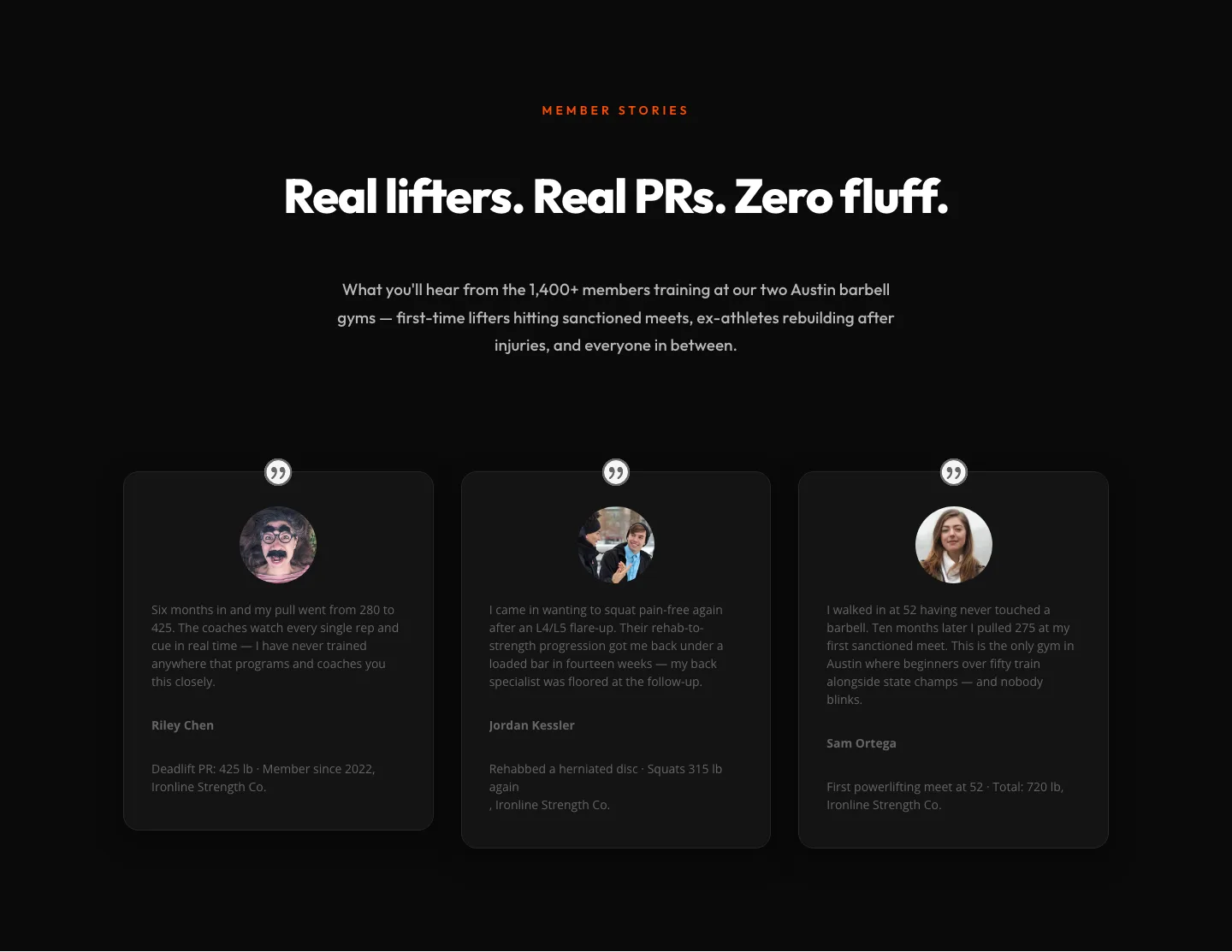
Bold Fitness Testimonials Section for Divi 5: Gym & Barbell Club
testimonials · fitness · bold
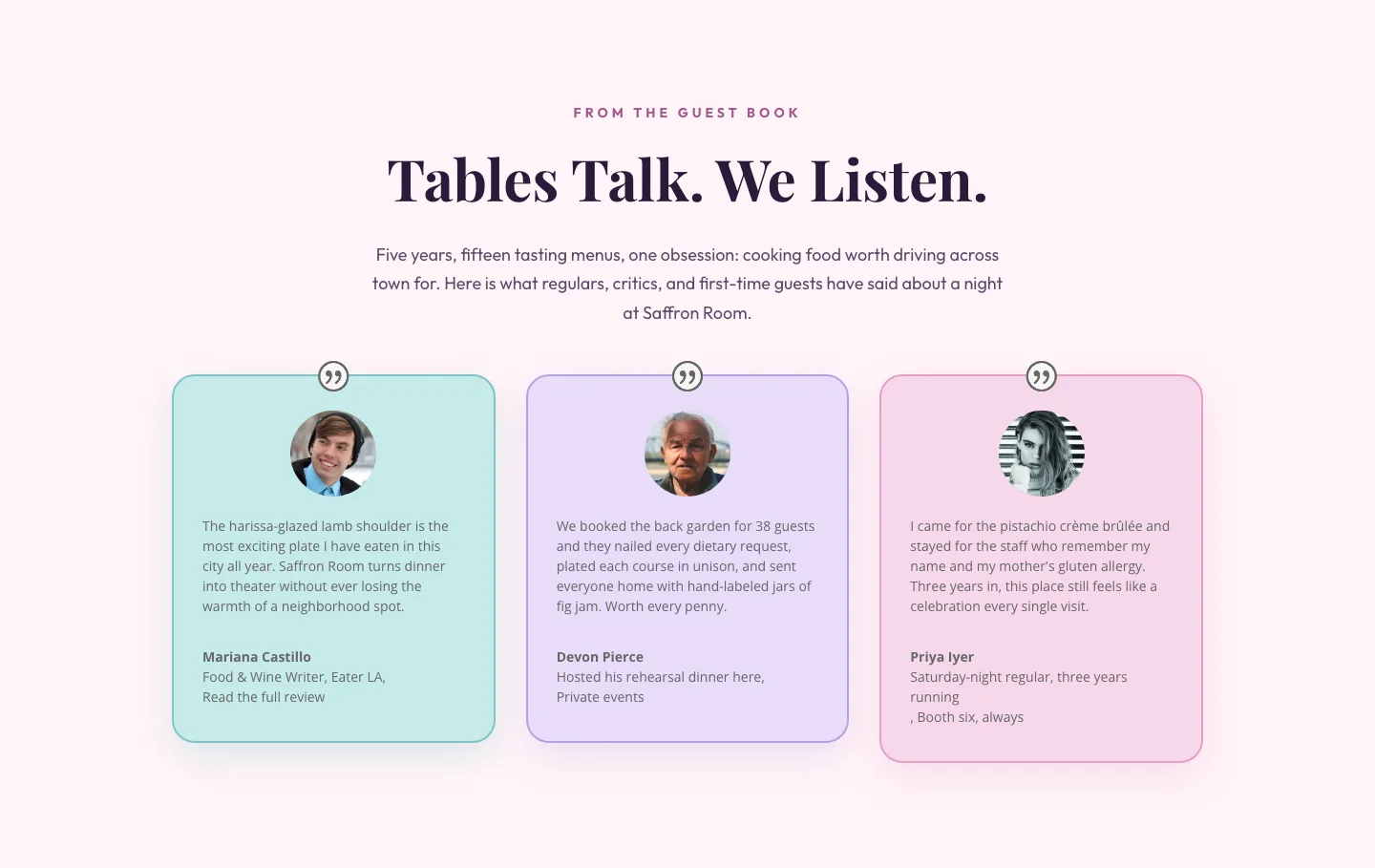
Tables Talk. We Listen.: Bold Restaurant Testimonials Layout for Divi 5
testimonials · restaurant · bold
Bold Fitness Testimonials Section: Divi 5 Gym Member Stories Layout
testimonials · fitness · bold