
Bella Nota: Elegant Restaurant About Page for Divi 5
A warm, elegant Divi 5 restaurant landing page for neighborhood trattorias: hero story, house-rules features, chef bios, testimonials, and a reservation CTA.
Rate this element
Download this section, free
- Divi 5 JSON, imports in seconds
- Commercial license included
- No account needed
Click to view the full page
Overview
Bella Nota is a five-section about page built around a single idea: let warm neutrals carry the room and reserve one saturated color for action. Every section background sits in a narrow band of creams (#FBF6F0 through #FBF3EA), so the terracotta #B4472E only ever appears on eyebrows, icons, and the pill-shaped "Reserve a Table" buttons. Your eye lands on the reservation CTA because nothing else competes for that hue. Type does the rest of the hierarchy work: Playfair Display serif headings scale from 56px in the closing CTA down through 46px section titles to 24–26px card headings, while Outfit handles body copy at 16–18px with generous 1.7em line heights.
The opening section uses a 3/5–2/5 split: story copy and CTA on the left, a rounded, drop-shadowed photo on the right, vertically centered with a 64px column gap. From there the page alternates rhythm: a three-card values row (white cards on cream, 1px terracotta-tinted borders, hover lift shadows), a three-person team grid with icon accents, three Testimonial modules with portraits, and a closing reservation panel, a near-opaque cream card floating over a photo with a 135° gradient overlay, holding hours, phone, and address.
Spacing is deliberate and synced per breakpoint: 110–140px section padding on desktop steps down to 80–100px on tablet and 64–80px on phone, so the airy feel survives on small screens without wasting scroll. On mobile every multi-column row stacks to a single column via explicit phone flex-direction overrides, headings drop to 32–34px, and the two-column intro places copy above the image.
What’s inside
- Five complete sections: split intro with owner's letter, values trio, team grid, testimonials, and reservation CTA
- 3/5–2/5 flex intro row with vertically centered columns and a rounded, box-shadowed feature image
- Three white value cards with Font Awesome icons, 18px rounded corners, and hover-elevated shadows
- Three-person team grid with icon accents, uppercase role labels, and hover translate lift
- Three native Divi Testimonial modules with portraits, author roles, and bordered card styling
- Closing CTA section: background photo with 135° gradient overlay behind a 96%-opacity content card listing hours, phone, and address
- Two pill-radius Reserve buttons with tinted terracotta glow shadows and hover states
- Per-breakpoint padding and font sizes set explicitly for desktop, tablet, and phone on every section
Who it’s for
This layout was written for a neighborhood Italian trattoria, and it fits any independent restaurant where the story is the sell: family-run bistros, farm-to-table kitchens, wine bars, cafés, and bakeries. The structure (owner's letter, values, faces of the team, guest quotes, reservation details) is the classic about-page arc for hospitality, so it also adapts cleanly to boutique hotels, B&Bs, caterers, and private chefs. If your business trades on warmth and repeat customers rather than volume, the copy scaffolding here already speaks that language. It's less suited to fast-casual or delivery-first concepts, where a menu-and-order page should lead instead.
Customization tips
Start with the two brand anchors: the terracotta accent (#B4472E) and its hover shade (#8F361F–#8F3722) appear on every eyebrow, icon, button, and shadow tint. Swap those consistently and the whole page rebrands. The cream backgrounds vary slightly per section (#FBF6F0, #FBF6EF, #FBF3EA); keep that subtle variation if you replace them, since it separates sections without hard borders. The intro photo is portrait-leaning (roughly 940×650 source shown at 2/5 width), any 3:4 to 4:5 crop works. The CTA background photo needs to read through a 72–85% opacity gradient, so choose something textural, not detailed. Keep the main headline under ~50 characters so the 54px Playfair Display line doesn't wrap to three lines, value-card copy to 2–3 sentences, and testimonial quotes to 40–55 words so the three cards stay level. Replace the pravatar placeholder portraits with real headshots: square crops, since the Testimonial module renders them as circles.
How to install this layout
- Download the layout JSON file from this page.
- Open the target page in the Divi 5 builder.
- Open the portability panel (up/down arrows icon) and choose the Import tab.
- Upload the JSON. Tick “replace existing content” only for full-page imports.
- Check the page at desktop and mobile widths, then swap in your copy and images.
Full walkthrough with troubleshooting: How to Import a Divi 5 Layout.
Questions about Bella Nota: Elegant Restaurant About Page for Divi 5
Which Divi modules does this layout use?
Only native Divi 5 modules: Heading, Text, Button, Image, Icon, and Testimonial, arranged in flex rows and styled columns. No third-party plugins, no code modules. Everything is editable through the visual builder.
How does the layout behave on mobile?
Every multi-column row carries an explicit phone override that stacks it to a single column, headings step down from 54–56px to 32–34px, and section padding compresses from 120–140px to 64–80px. The intro's image drops below the text on tablet and phone.
Are the photos and portraits included?
The layout references Pexels stock photos and placeholder avatar images so it renders complete on import. Swap in your own restaurant photography and real team headshots, the image slots keep their rounded corners and shadows automatically.
What should I edit first?
The story copy in the intro section and the closing CTA card: the founding year, street names, hours, phone, and email are all placeholder specifics written for a fictional San Francisco trattoria. Then update the three testimonials and team names before touching any styling.
Do the Reserve a Table buttons link anywhere?
They point to a #reserve anchor as a placeholder. Point them at your booking system (OpenTable, Resy, a contact form) or an on-page reservation section. Both buttons share the same pill styling so they stay consistent.
Can I use this as a full homepage instead of an about page?
Yes. It's a complete standalone page with an intro, values, team, social proof, and a strong closing CTA. It has no menu section, so pair it with a menu page or add a Divi menu/pricing section if it's serving as your homepage.
Which Divi version does this layout need?
Divi 5. The layout is generated natively for Divi 5 and validated against its real module structure before publication, so it imports clean into the current builder.
Can I use this layout on client websites?
Yes. Every download includes a commercial license covering unlimited sites you own or build for clients. Only reselling or redistributing the layout file itself is prohibited.
Included in these packs

More full landing pages
Browse all full landing pages
Brightwell Family Dental: Minimal Medical Landing Page for Divi 5
full_landing · medical · minimal

Aurelia Smile Studio: Bold Medical Landing Page for Divi 5
full_landing · medical · bold

Caldwell & Pierce: Corporate Legal Landing Page for Divi 5
full_landing · legal · corporate
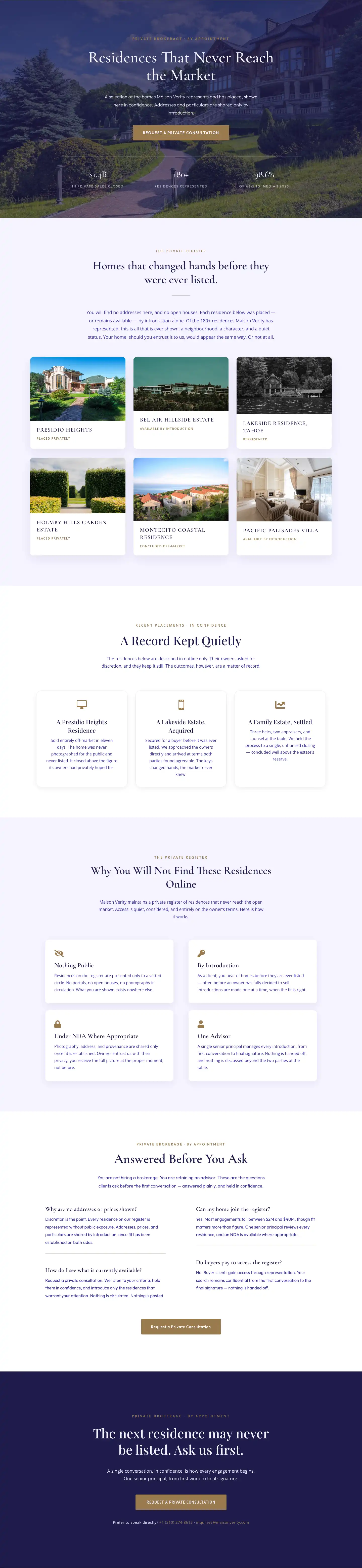
Maison Verity: Elegant Real Estate Residences Page for Divi 5
full_landing · real_estate · elegant
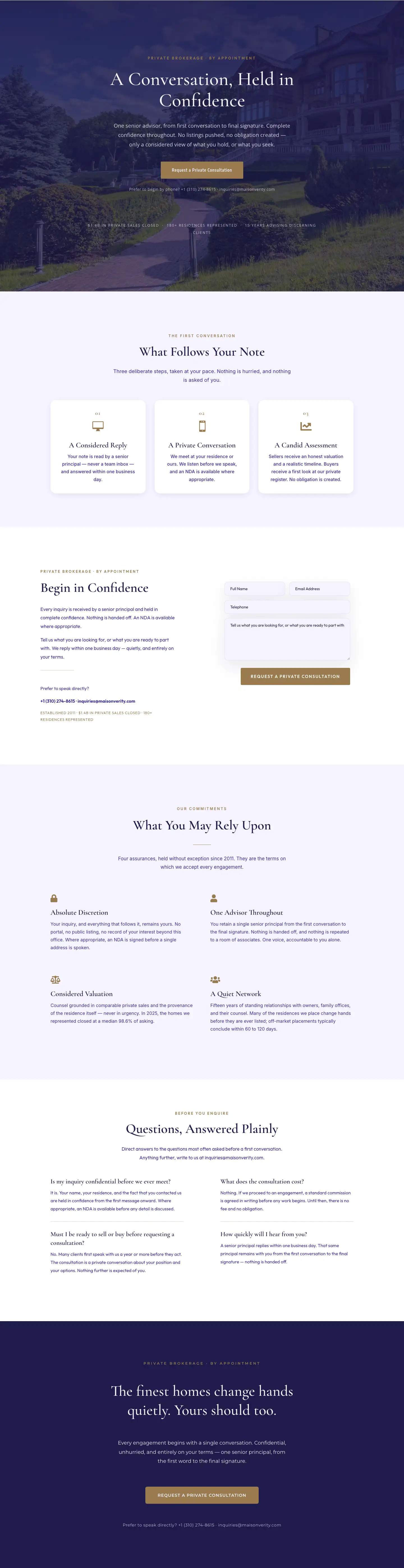
Maison Verity: Elegant Real Estate Private Consultation Page for Divi 5
full_landing · real_estate · elegant
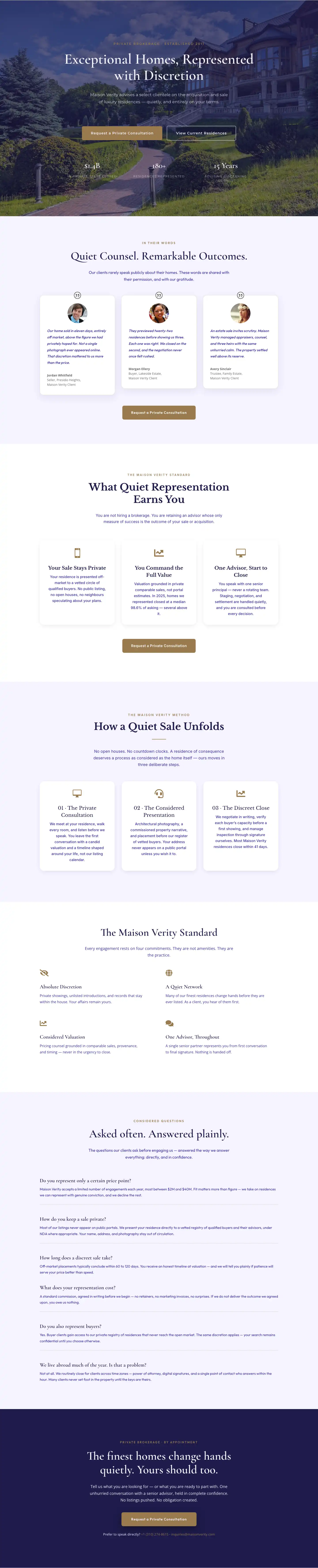
Elegant Luxury Real Estate Landing Page: Divi 5 Layout
full_landing · real_estate · elegant