
Bella Nota: Elegant Restaurant Gallery Page for Divi 5
An elegant Divi 5 restaurant landing page for trattorias and fine dining. Candlelit hero, menu highlights, guest testimonials, and reservation CTA. Ready to customize.
Rate this element
Download this section, free
- Divi 5 JSON, imports in seconds
- Commercial license included
- No account needed
Click to view the full page
Overview
Bella Nota is a five-section restaurant landing page built around one idea: let the evening breathe. The hero opens on a full-bleed photo over a deep espresso base (#2A1810) with a 55–85% gradient overlay, so the cream Playfair Display headline (64px on desktop, stepping to 48px on tablet and 38px on phone) stays readable no matter what image you drop in behind it. The two-column hero pairs the pitch and reservation button with a tall portrait image on the right, and generous 140px vertical padding gives the whole thing an unhurried, white-tablecloth pace.
From there the page shifts to warm cream backgrounds (#FBF6EF through #F8F1E7) and lets the terracotta accent (#B4472E) do all the pointing: eyebrows, buttons, quote marks, and avatar rings all share the same hue, so the eye follows one color from top to bottom. The gallery section stacks a 2-up row of large interior shots over a 3-up row of detail shots, each with 18px rounded corners and a soft shadow that lifts on hover. The menu section uses six white cards in two 3-column rows (image, uppercase category label, Playfair dish name, short description), a structure that reads as a curated tasting menu rather than an exhaustive list.
Testimonials get the same card treatment with an oversized 72px quotation mark as the visual anchor, and the page closes with a split image-and-text CTA that repeats the "Reserve a Table" button a third time. On phones, every flex row collapses to a single column and section padding tightens from 120px to 64–80px, so the page keeps its rhythm without the dead space.
What’s inside
- Full-bleed hero with photo background, adjustable gradient overlay, and a two-column layout that stacks cleanly on tablet and phone
- Photo gallery built from a 2-up row plus a 3-up row of image modules, each with 18px radius, overflow clipping, and hover-lift shadows
- Six-dish menu grid: white cards with image, terracotta category eyebrow, Playfair Display dish name, and description text
- Two testimonial cards with oversized quote-mark headings, circular avatar images with terracotta borders, and 300ms hover transitions
- Split image/text closing CTA section with pill-shaped reservation button
- Three "Reserve a Table" buttons placed at hero, mid-page, and footer CTA. All styled from the same terracotta palette
- Typography system of Playfair Display headings with Inter and Outfit body text, with per-breakpoint font sizes already set
- Built entirely from native Divi 5 modules: section, row, column, heading, text, image, and button. No code modules or third-party plugins
Who it’s for
Bella Nota fits restaurants that sell atmosphere as much as food: trattorias, bistros, wine bars, and neighborhood fine-dining rooms where the goal of the page is a reservation, not online ordering. The six-card menu grid works best for a short signature menu or chef's highlights rather than a full multi-page menu, so it suits chef-driven spots over diners with forty items. Beyond restaurants, the structure adapts well to any hospitality business built on warmth and imagery: a boutique inn, a supper club, a private-events venue, or a catering studio. If your brand photography is dark, candlelit, and food-forward, this layout was designed around exactly that.
Customization tips
Start with the three "Reserve a Table" buttons: point them at your booking system (OpenTable, Resy, or a #reserve anchor) before anything else. The palette is easy to re-skin because the accent color #B4472E appears consistently across eyebrows, buttons, quote marks, and avatar borders; find-and-replace it with your brand color and the page stays coherent. Keep the hero headline under about 50 characters so the 64px Playfair Display type doesn't wrap past three lines on desktop. The hero portrait image is sized for a roughly 5:6 vertical crop (max-width 560px), while gallery and menu-card images read best as landscape shots around 3:2. Menu descriptions run two to three short sentences, longer copy will make the three cards in each row uneven. Finally, replace the two placeholder avatar images in the testimonial cards with real guest or staff photos; they're generic placeholders and should never ship as-is.
How to install this layout
- Download the layout JSON file from this page.
- Open the target page in the Divi 5 builder.
- Open the portability panel (up/down arrows icon) and choose the Import tab.
- Upload the JSON. Tick “replace existing content” only for full-page imports.
- Check the page at desktop and mobile widths, then swap in your copy and images.
Full walkthrough with troubleshooting: How to Import a Divi 5 Layout.
Questions about Bella Nota: Elegant Restaurant Gallery Page for Divi 5
Which Divi modules does this layout use?
Only native Divi 5 modules: sections, rows, columns, headings, text, images, and buttons. There are no code modules, no shortcodes, and no third-party plugins required, so everything is editable directly in the visual builder.
How does the page behave on mobile?
Every multi-column row has flex settings that collapse it to a single column on phone, and key type sizes step down per breakpoint: the hero heading goes 64px → 48px → 38px, and section padding tightens from 120–140px to 64–80px. You shouldn't need to touch responsive settings unless you change the structure.
Are the photos included with the download?
The layout references stock photography hot-linked from Pexels, plus placeholder avatars in the testimonial section. They're fine for previewing, but you should replace them with your own uploaded images before launch. Both for branding and so you're not depending on external image URLs.
What should I edit first after importing?
The reservation buttons (all three currently point to a #reserve placeholder), then the restaurant name, address, phone number, and opening hours, which appear in the hero and again below the gallery. After that, swap the six menu cards for your own dishes.
Can I add more dishes to the menu section?
Yes: each dish is a self-contained column (image, label, heading, description) inside a three-column flex row. Duplicate an existing column to keep the card styling, and add rows in multiples of three to keep the grid balanced on desktop.
The layout mentions Playfair Display and Inter, do I need to install fonts?
No. Playfair Display, Inter, and Outfit are all Google Fonts that Divi loads automatically when the layout is imported. If you swap them for brand fonts, update the heading modules first since the serif carries most of the page's character.
Which Divi version does this layout need?
Divi 5. The layout is generated natively for Divi 5 and validated against its real module structure before publication, so it imports clean into the current builder.
Can I use this layout on client websites?
Yes. Every download includes a commercial license covering unlimited sites you own or build for clients. Only reselling or redistributing the layout file itself is prohibited.
Included in these packs

More full landing pages
Browse all full landing pages
Brightwell Family Dental: Minimal Medical Landing Page for Divi 5
full_landing · medical · minimal

Aurelia Smile Studio: Bold Medical Landing Page for Divi 5
full_landing · medical · bold

Caldwell & Pierce: Corporate Legal Landing Page for Divi 5
full_landing · legal · corporate
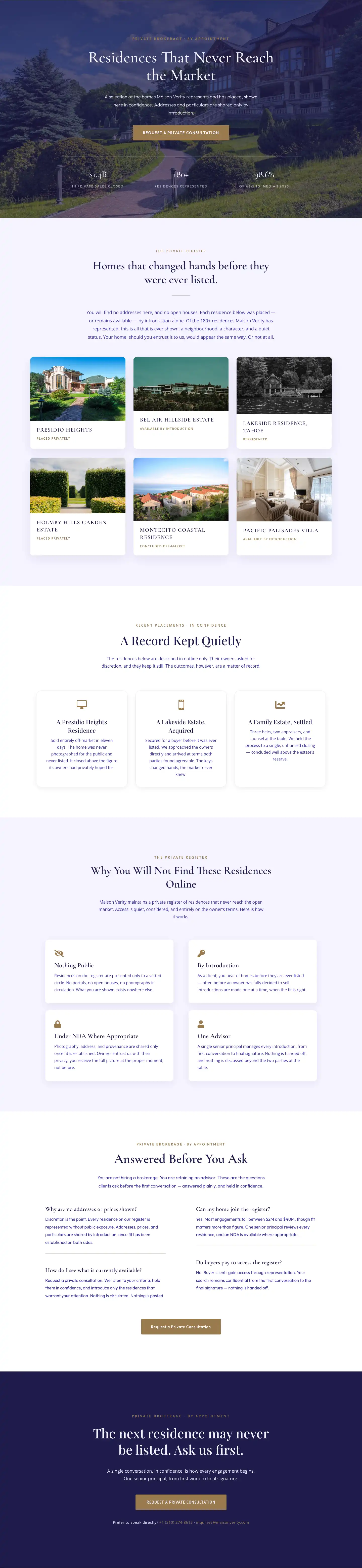
Maison Verity: Elegant Real Estate Residences Page for Divi 5
full_landing · real_estate · elegant
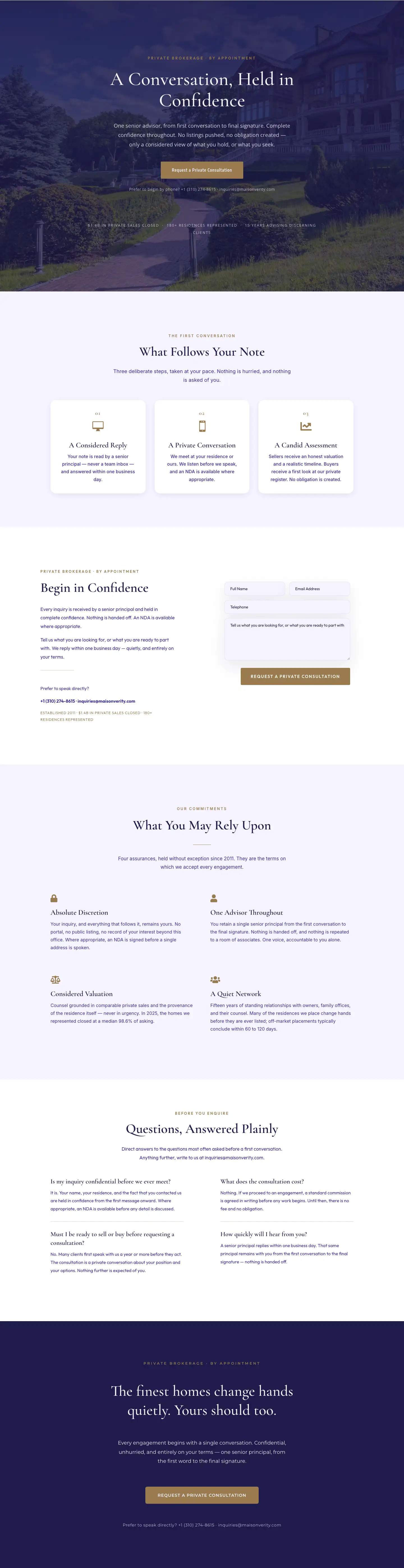
Maison Verity: Elegant Real Estate Private Consultation Page for Divi 5
full_landing · real_estate · elegant
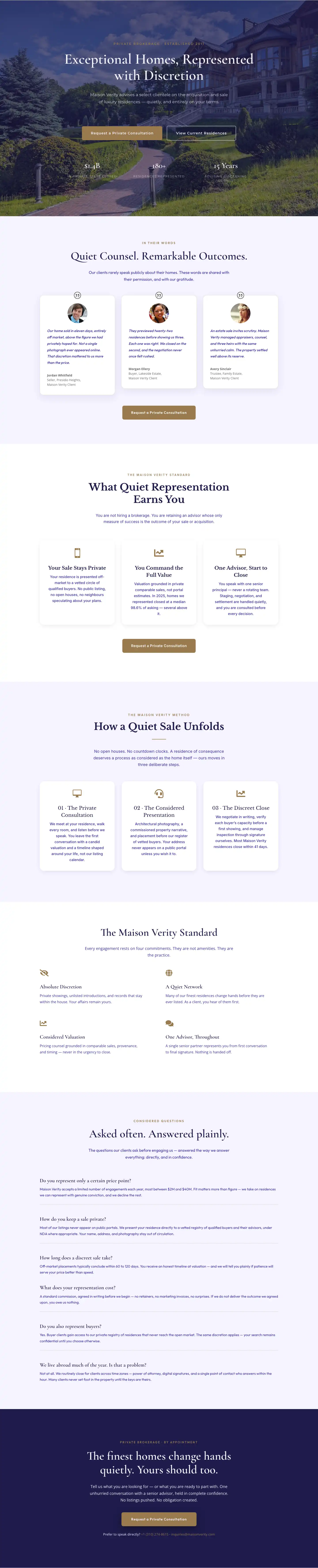
Elegant Luxury Real Estate Landing Page: Divi 5 Layout
full_landing · real_estate · elegant