
Blackline Studio: Bold Agency Services Page for Series A–C Startups
A bold, dark Divi 5 agency services page template for brand studios serving Series A–C startups. Includes hero, services, process, deliverables, pricing tiers, and CTA sections.
Rate this element
Download this section, free
- Divi 5 JSON, imports in seconds
- Commercial license included
- No account needed
Click to view the full page
Overview
Blackline Studio is a full-page agency template built for studios pitching Series A–C startups. The hero row uses a 3/5 + 2/5 split (an uppercase red eyebrow (#ff3b1f), a 72px Outfit display headline with -2px tracking, a 20px body paragraph at 72% white, and a red pill button) paired with a portrait image that carries a soft orange glow shadow (rgba(255,59,31,0.28)) and 24px rounded corners. The entire page runs on a #0a0a0a canvas with off-white body copy, so the single red accent does all the visual work.
Under the hero, three capability cards sit in a 1/3 × 1/3 × 1/3 grid: subtle white overlays at 4% opacity, 1px hairline borders, 20px radius, and a hover state that lifts each card 6px and deepens the drop shadow. Below that, a four-column process rail numbers each phase 01→04 in oversized red display type, with Divi and Font Awesome blurb icons anchoring the titles; the final phase ("Launch & handoff") gets a red-tinted background to signal completion. The deliverables and pricing sections switch to darker #141414 cards, and the middle pricing tier is lifted -12px with a 2px red border and orange glow shadow to mark it as the featured plan. Checkmark feature lists finish each pricing card.
Vertical rhythm is generous (140px section padding on desktop, 90px on tablet, 72px on mobile) and every headline steps down responsively (72→52→38 for the hero, 56→42→34 for the section titles) so the type never crushes on a phone. Rows collapse to a single column at the phone breakpoint via explicit flexDirection: column overrides, cards stack cleanly, and the pill button, checkmark lists, and blurb icons all keep their proportions. Nothing is CSS-glued together: this is standard native Divi 5 module output, exported clean.
What’s inside
- Split-column hero row with red eyebrow, 72px Outfit headline, 20px body, pill CTA button, and a portrait Image module with orange glow shadow
- "Three capabilities" section: centered header block plus three hoverable Icon-and-Text cards using Divi and Font Awesome glyphs at 44px
- Four-column numbered process rail (01–04) built from Blurb modules, with the final "Launch & handoff" card highlighted in a red-tinted background
- Deliverables section: three darker #141414 cards with numbered eyebrows, H3 titles, and bold "Why it matters" callout paragraphs
- Three-tier pricing row with a featured middle plan (2px red border, -12px translate lift, and red glow shadow) plus checkmark feature lists in each column
- Consistent Outfit + Inter type system with tight -1.5px to -2px letter-spacing on the largest display headings
- Contact CTA row with an inline mailto link styled in the accent red
- Full three-breakpoint responsive tuning: section padding, headline sizes, column stacking, and row wrapping all defined for desktop, tablet, and phone
Who it’s for
Independent brand and design studios pitching venture-backed startups; growth agencies, product-marketing consultancies, and fractional CMO practices selling six-figure engagements; positioning consultants and messaging strategists who need a page that reads as senior; developer studios and Next.js implementation shops targeting Series A–C teams. It also translates well to any premium B2B service brand (architects, executive search firms, corporate law boutiques, private wealth advisors, high-end video production houses) where a dark, editorial aesthetic signals selectivity and craft. If your average deal is $25k+ and you compete on positioning rather than price, the visual weight and long-form deliverable copy give you room to argue for it.
Customization tips
Every accent lives on #ff3b1f: swap that hex globally to change the eyebrow, button fill, icon color, pricing border, and glow shadow in one pass. Keep the background near-black (#0a0a0a) for contrast; if you shift lighter, drop body copy opacity from 72% to around 60% to avoid glare. Headline length matters: the hero H1 is tuned for 8–10 words at 72px, anything longer wraps to four lines on desktop. Capability card body copy reads best at 30–45 words; process blurbs at 35–55 words. The hero portrait uses a 1200×1400 crop (roughly 6:7), anything squarer will unbalance the 3/5-2/5 split. Icons are 44px in the capability grid and 48px in the process rail; swap them from the built-in Divi and Font Awesome libraries without touching CSS. To drop the third pricing tier, delete the last column. The middle card's -12px translate keeps it visually featured either way.
How to install this layout
- Download the layout JSON file from this page.
- Open the target page in the Divi 5 builder.
- Open the portability panel (up/down arrows icon) and choose the Import tab.
- Upload the JSON. Tick “replace existing content” only for full-page imports.
- Check the page at desktop and mobile widths, then swap in your copy and images.
Full walkthrough with troubleshooting: How to Import a Divi 5 Layout.
Questions about Blackline Studio: Bold Agency Services Page for Series A–C Startups
How does this layout behave on tablet and phone?
Section padding drops from 140px to 90px on tablet and 72px on phone. The hero H1 steps from 72px to 52px to 38px, section titles from 56px to 42px to 34px. The three-column capability grid wraps at tablet, and every multi-column row has an explicit `flexDirection: column` override at the phone breakpoint so cards stack cleanly.
Which Divi 5 modules are actually used?
Section, Row, Column, Heading, Text, Button, Image, Icon, and Blurb. Nothing else. No third-party child modules, no shortcodes, no custom PHP. Pasting the JSON into a fresh Divi 5 install works with zero dependency setup.
Where do the icons come from?
The capability cards and process rail mix Font Awesome Solid (900 weight) and the built-in Divi icon set. Every one is a native Divi Icon module or a Blurb icon, so you can swap them from the standard icon picker without opening a stylesheet.
Is the hero image included in the download?
No, the hero references a Pexels placeholder URL. Swap it for your own portrait, team photo, or product hero at roughly 1200×1400 (6:7). The 24px border radius and orange glow shadow live on the Image module itself, so any replacement picks them up automatically.
What should I edit first to make it my own?
Global find/replace the accent `#ff3b1f`, rewrite the hero eyebrow and H1, and update the three capability card titles + body copy. Those three passes alone re-brand the top 60% of the page. The four process-phase blurbs and the three pricing tier titles, prices, and check-lists are the natural second pass.
Can I remove the middle featured pricing tier without breaking the layout?
Yes. The featured styling (2px red border, -12px vertical translate, red glow shadow, brighter `#1a1a1a` background) lives entirely on that middle column. Delete it and the remaining two 1/3 columns will center themselves inside the row without adjustment.
Which Divi version does this layout need?
Divi 5. The layout is generated natively for Divi 5 and validated against its real module structure before publication, so it imports clean into the current builder.
Can I use this layout on client websites?
Yes. Every download includes a commercial license covering unlimited sites you own or build for clients. Only reselling or redistributing the layout file itself is prohibited.
Included in these packs

More full landing pages
Browse all full landing pages
Brightwell Family Dental: Minimal Medical Landing Page for Divi 5
full_landing · medical · minimal

Aurelia Smile Studio: Bold Medical Landing Page for Divi 5
full_landing · medical · bold

Caldwell & Pierce: Corporate Legal Landing Page for Divi 5
full_landing · legal · corporate
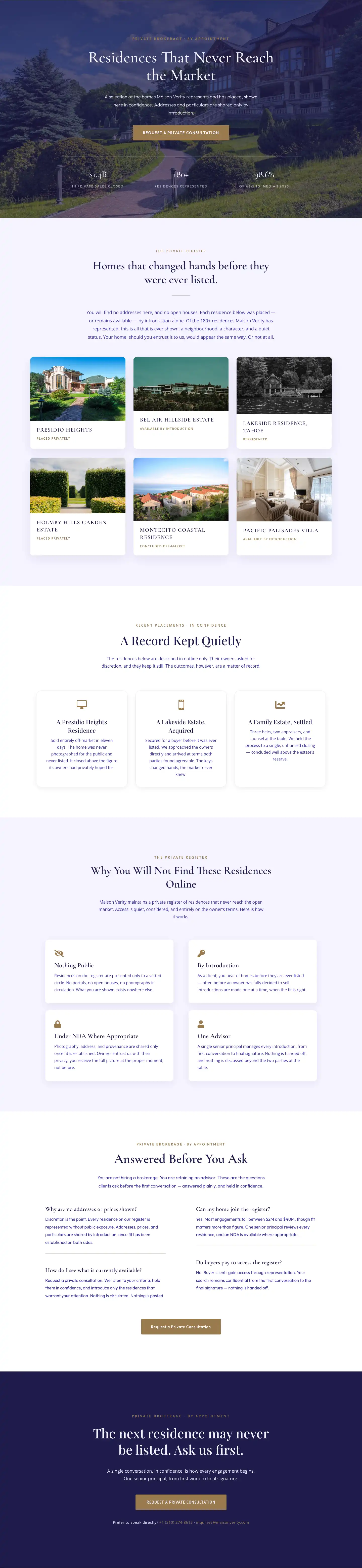
Maison Verity: Elegant Real Estate Residences Page for Divi 5
full_landing · real_estate · elegant
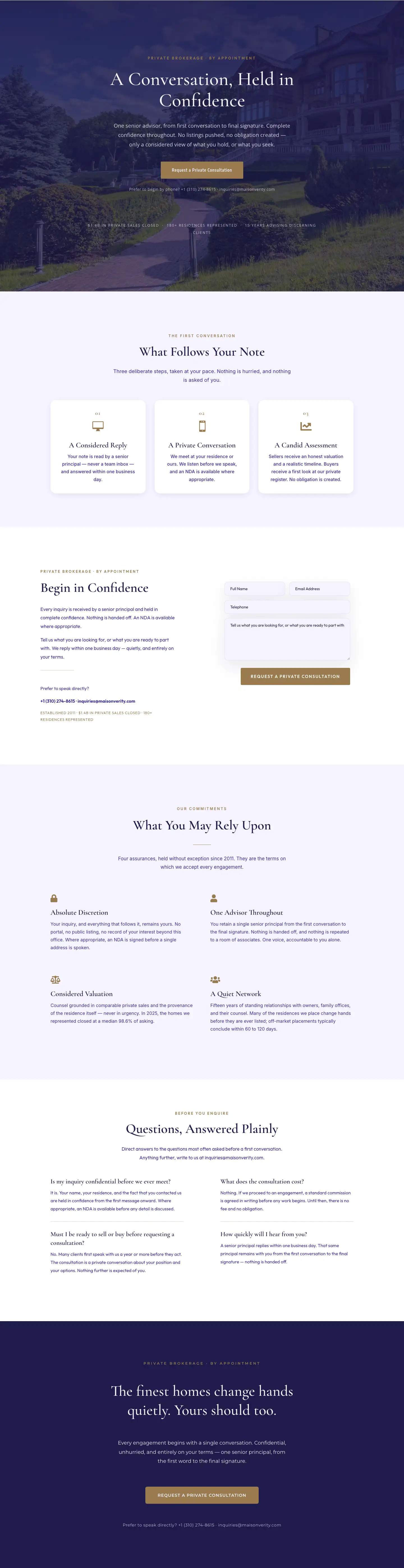
Maison Verity: Elegant Real Estate Private Consultation Page for Divi 5
full_landing · real_estate · elegant
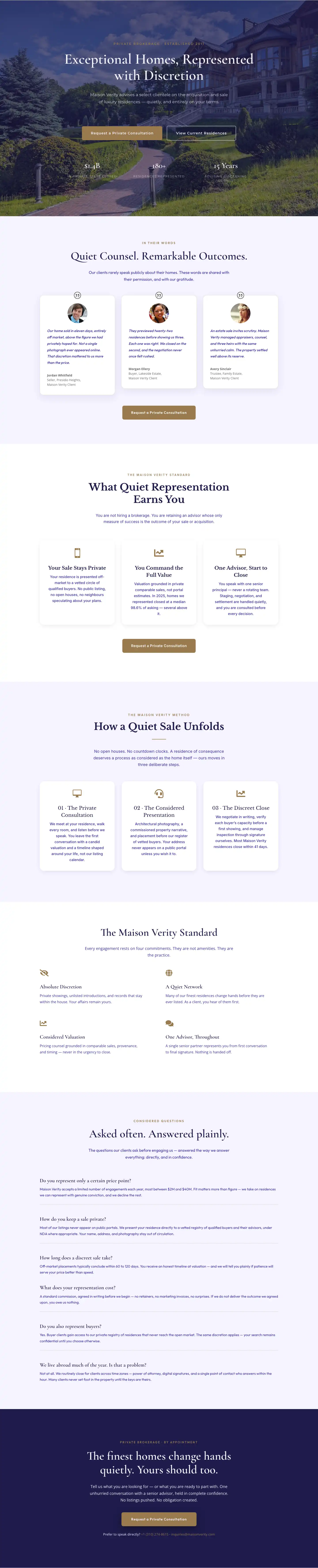
Elegant Luxury Real Estate Landing Page: Divi 5 Layout
full_landing · real_estate · elegant